tetris jetpackcompose game
1.0.0

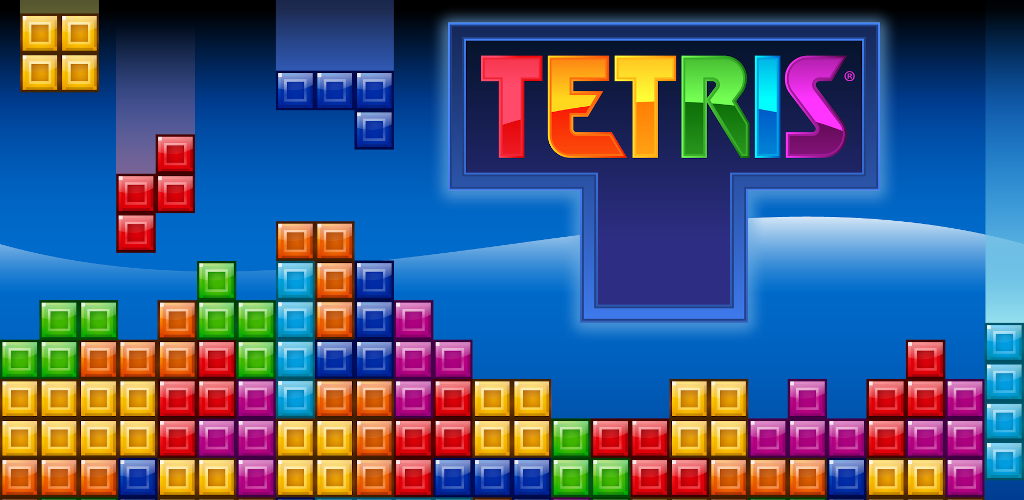
build.gradle中所需的庫組成: implementation " androidx.compose.ui:ui:1.x.x "
implementation " androidx.compose.material:material:1.x.x "
implementation " androidx.compose.ui:ui-tooling:1.x.x "
implementation " androidx.lifecycle:lifecycle-runtime-ktx:2.x.x " 網格設置:定義代表俄羅斯俄羅斯板的網格。使用2D數組或列表來跟踪遊戲狀態(例如,填充,空,塊顏色)。
val grid = Array ( 20 ) { Array ( 10 ) { 0 } } // 20 rows, 10 columnstetrimino形狀:使用2D數組創建不同的塊形(L,T,I,O等)。每個塊都可以具有旋轉狀態,這些狀態隨著玩家旋轉零件而更新。
 val blockI = arrayOf(
    arrayOf( 1 , 1 , 1 , 1 ),
    arrayOf( 0 , 0 , 0 , 0 )
)rememberCoroutineScope LaunchedEffect來創建一個控制遊戲狀態(塊移動,旋轉,碰撞檢測等)的遊戲循環。 LaunchedEffect ( Unit ) {
while ( true ) {
delay( 500L ) // Control block speed
moveBlockDown()
}
}Canvas或Box組合渲染俄羅斯方塊網格。網格上的每個街區都可以是彩色正方形。 Canvas (modifier = Modifier .size( 300 .dp)) {
for (row in grid) {
for (cell in row) {
if (cell != 0 ) {
drawRect(color = Color . Blue , size = Size ( 30f , 30f ))
}
}
}
}Modifier.pointerInput或通過映射到箭頭鍵之類的硬件按鈕來處理用戶輸入(左,右,向下,旋轉)。 Modifier .pointerInput( Unit ) {
detectTapGestures(onDoubleTap = { rotateBlock() })
} fun clearLines () {
for (i in grid.indices) {
if (grid[i].all { it != 0 }) {
grid.removeAt(i)
grid.add( 0 , Array ( 10 ) { 0 })
}
}
}Text組合顯示分數。 remember and MutableState來管理遊戲狀態(當前塊位置,網格,得分)。 var score by remember { mutableStateOf( 0 ) }Modifier.size()使用柔性尺寸,以確保遊戲在不同屏幕尺寸的情況下看起來不錯。額外的文章





