XcodesApp
v2.4.1 - Now with 101% more login

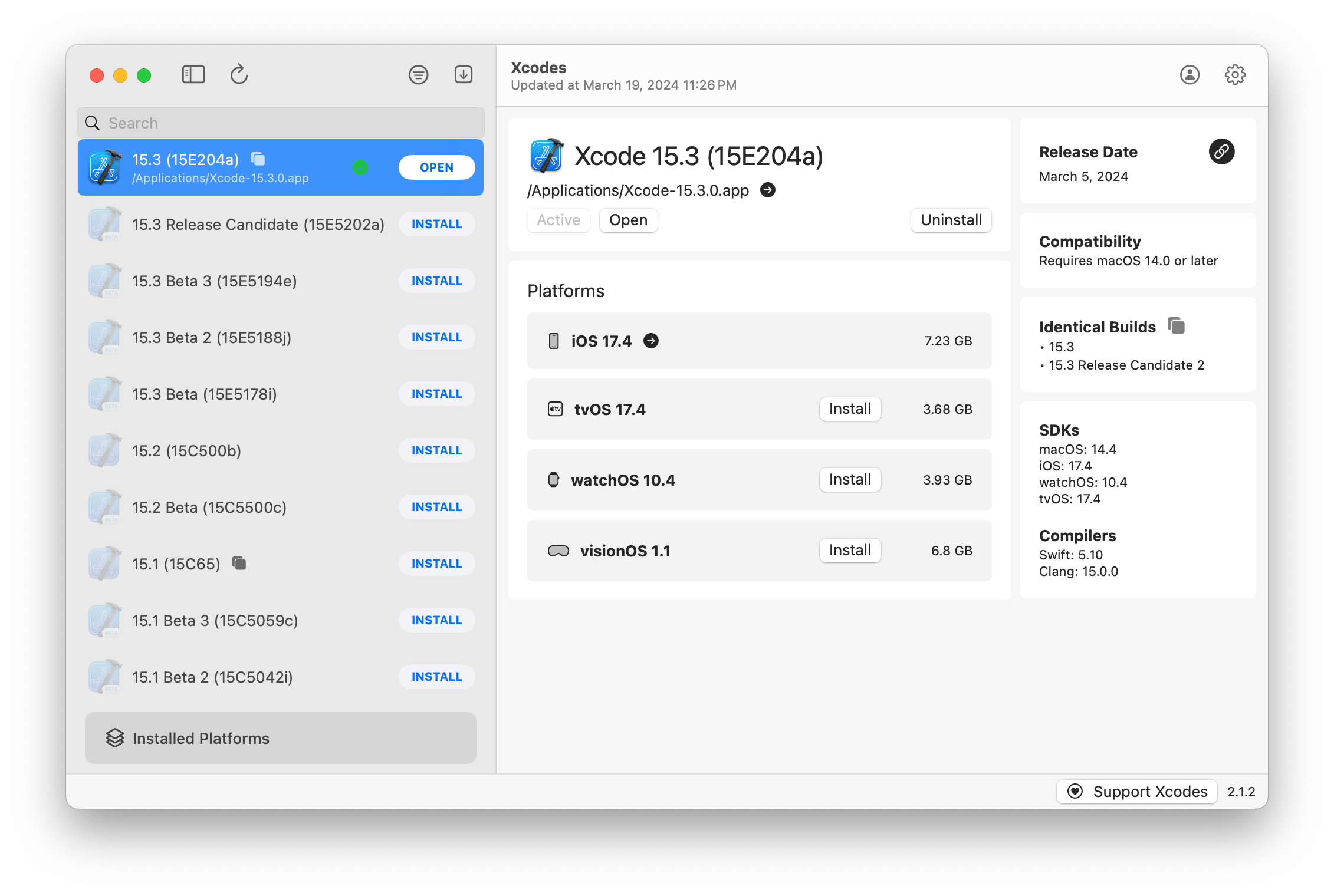
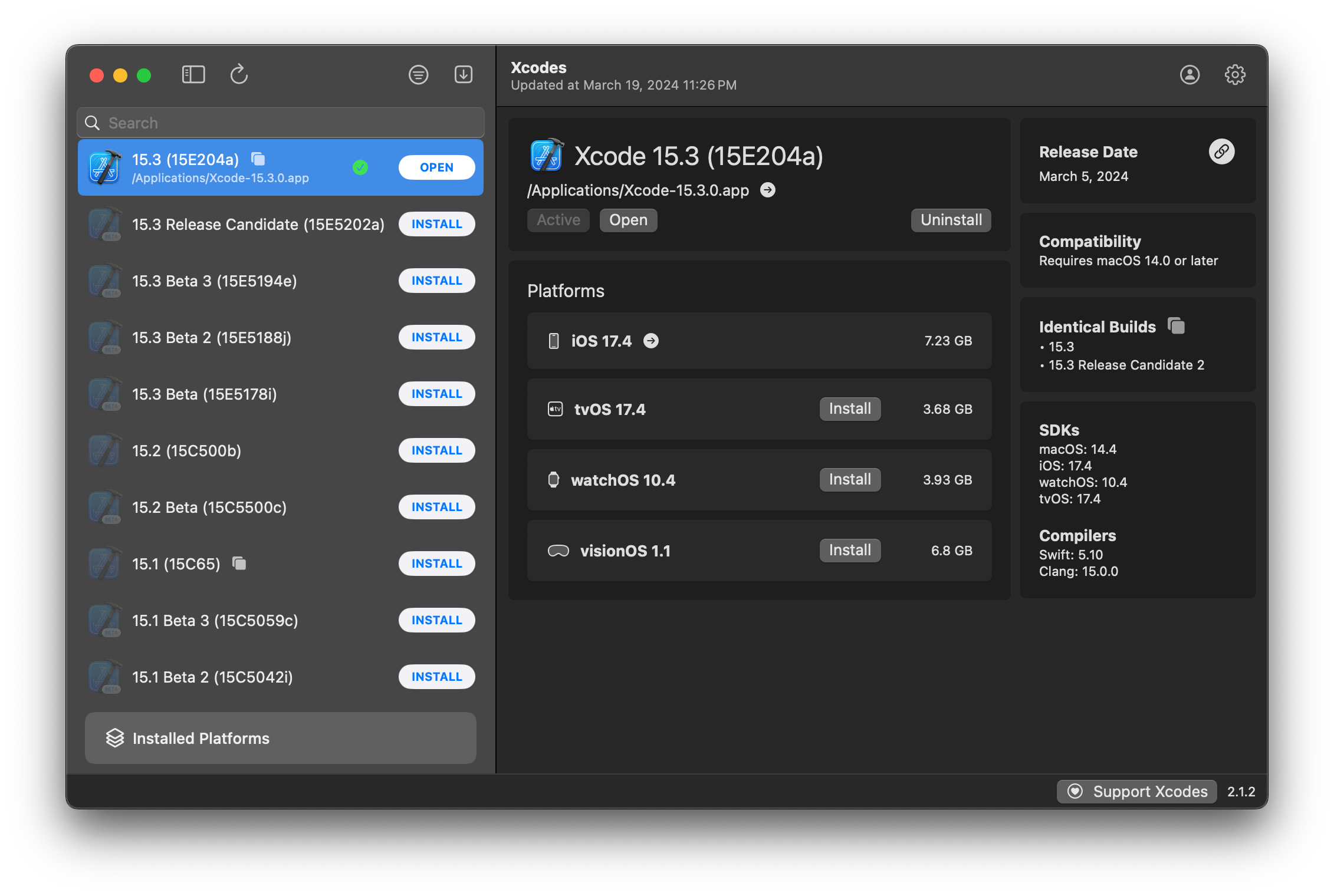
XCODESAPP sekarang menjadi bagian dari XcodesOrg - Baca lebih lanjut di sini
aria2 , yang menggunakan hingga 16 koneksi untuk mengunduh 3-5x lebih cepat dari URLSESSION.xcode-select .Catatan: iOS 18+, TVOS 18+, WatchOS 11+, Visionos 2+ mensyaratkan bahwa Xcode 16.1 Beta 3+ diinstal dan aktif.
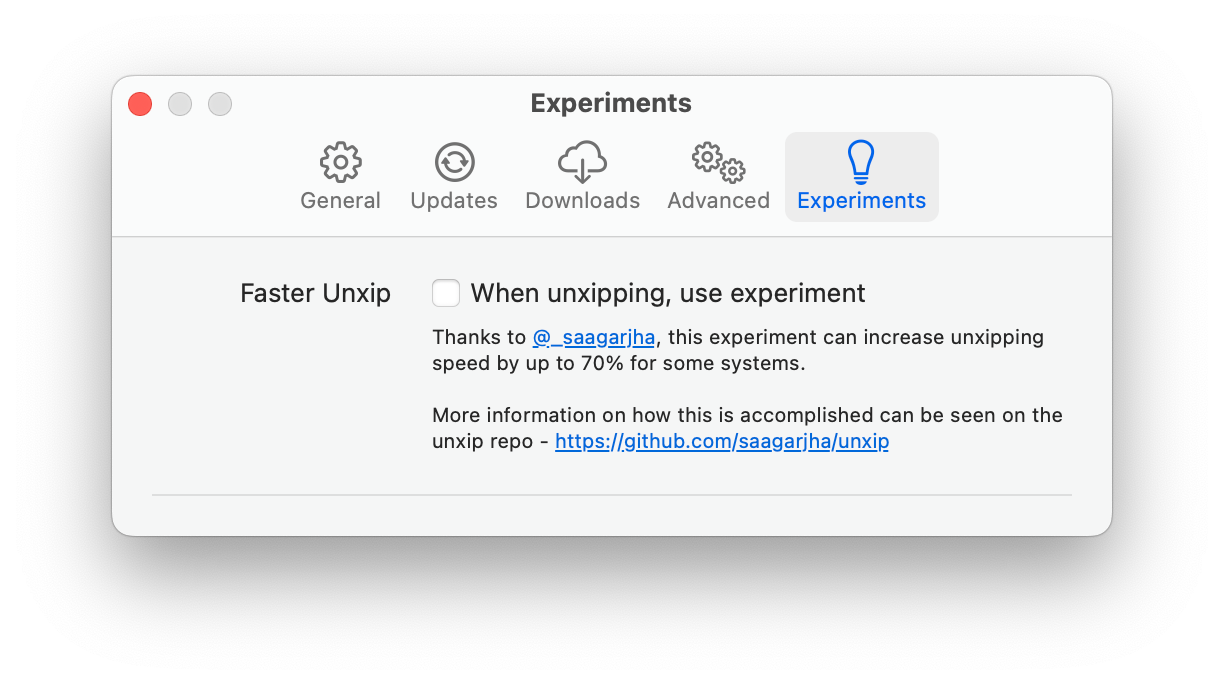
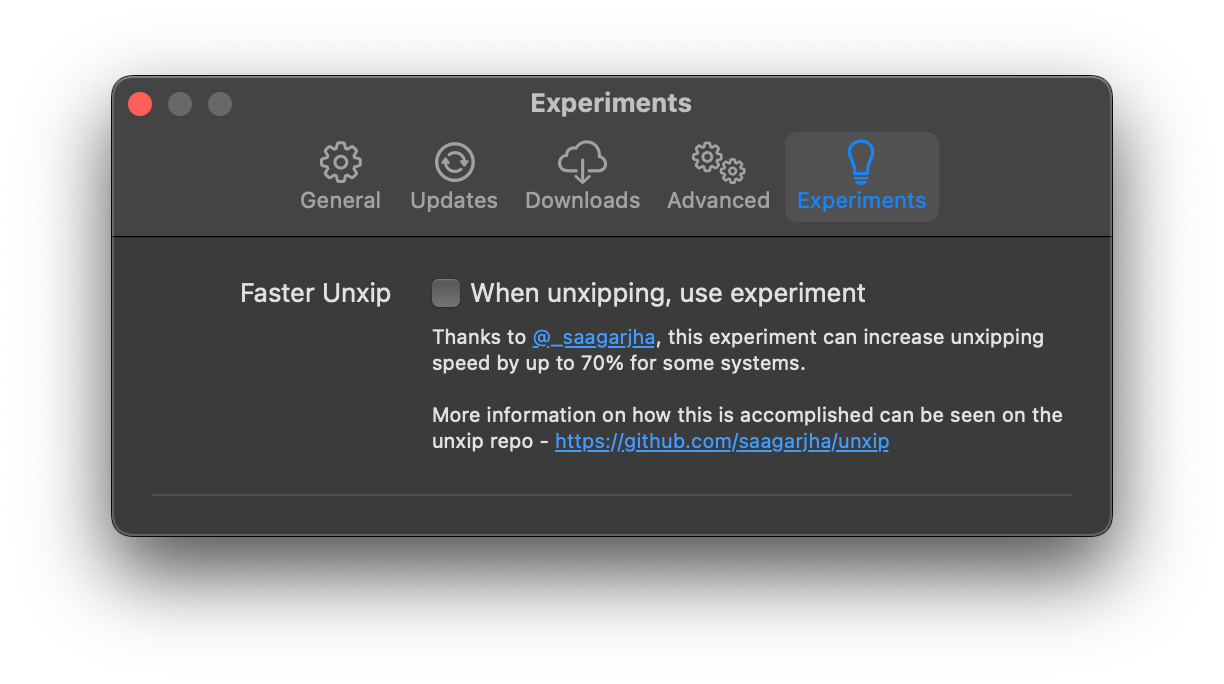
Xcodes mendukung lokalisasi dalam beberapa bahasa.
Bahasa -bahasa berikut didukung karena pengguna komunitas berikut!
| Prancis ?? | @dompepin | Italia ?? | Gualtierofrigerio |
| Spanyol ??? | @CESARTRU88 | Korea ?? | @Ryan-son |
| Rusia ?? | @alexmazlov | Turki ?? | @egesucu |
| Hindi ?? | @Kgurpreet | Tersedepkan Cina ?? | @megabitsenmzq |
| Finlandia ?? | @marcusziade | Tiongkok-Tradisional ?? | @itszero |
| Ukranian ?? | @gelosi | Jepang ?? | @tatsuz0u |
| Jerman ?? | @drct | Belanda ?? | @jfversluis |
| Portugis Brasil ?? | @brunomunizaf | Polandia ?? | @jakex7 |
| Catalan | @Ferranabello | Orang yunani ?? | @alladinian |
Ingin menambahkan lebih banyak bahasa? Cukup buat PR dengan file string yang diperbarui.
V1.x - Membutuhkan MacOS 11 atau V2.X yang lebih baru - Membutuhkan MacOS 13
Pengembang yang ditandatangani ID dan pembuatan rilis notaris tersedia di Homebrew. Ini tidak memerlukan Xcode untuk sudah diinstal untuk digunakan.
brew install --cask xcodesXcodes.app yang unzip ke direktori /Applications Anda Xcodes.app dan CLI diperbarui, dikelola dengan kontributor seperti Anda. Bahkan perpustakaan dan alat open source datang dengan pengeluaran. Jika Anda ingin mendukung XCODES atau menyumbang untuk pengembangan dan pemeliharaan alat, itu akan sangat dihargai. Sama sekali tidak ada kewajiban!
Anda akan membutuhkan MacOS 13.5 Ventura dan Xcode 15 untuk membangun dan menjalankan xcodes.app.
Unxip dan aria2 harus dikompilasi sebagai biner universal
 # compile for Intel
 swiftc -parse-as-library -O -target x86_64-apple-macos11 unxip.swift
# compile for M1
 swiftc -parse-as-library -O -target arm64-apple-macos11 unxip.swift

# combine for universal binary
 lipo -create -output unxip unxip_intel unxip_m1
# check it
 lipo -archs unxip
Keputusan desain penting dicatat dalam keputusan.md. Aliran otentikasi Apple dijelaskan dalam Apple.Paw, yang akan memungkinkan Anda bermain dengan titik akhir API yang terlibat menggunakan aplikasi PAW.
xcode-install dan Fastlane/Spaceship keduanya layak mendapat kredit karena mencari tahu bagian-bagian sulit dari apa yang memungkinkan hal ini.
Ikuti langkah -langkah di bawah ini untuk membangun dan merilis versi baru Xcodes.app. Untuk salah satu langkah git, Anda dapat menggunakan alat pilihan Anda, tetapi silakan tanda tangani tag.
 # Update the version number in Xcode and commit the change, if necessary

# Question: Did anything in XPCHelper change?
# - com.xcodesorg.xcodesapp.Helper folder and HelperXPCShared
# - if so, bump the version number in com.xcodesorg.xcodesapp.Helper target.
# Note: you do not have to bump the version number if nothing has changed.
# Note2: If you do bump the version, the end user, must re-install the XPCHelper and give permission again.

# Increment the build number
scripts/increment_build_number.sh

# Commit the change
git add Xcodes/Resources/Info.plist
git commit -asm " Increment build number "

# Tag the latest commit
# Replace $VERSION and $BUILD below with the latest real values
git tag -asm " v $VERSIONb$BUILD " " v $VERSIONb$BUILD "

# Push to origin
git push --follow-tags

# Build the app
# Make sure you have the Xcode Selected you want to build with
scripts/package_release.sh

# Notarize the app
# Do this from the Product directory so the app is zipped without being nested inside Product
# Create a app specific password on appleid.apple.com if you haven't already
# xcrun notarytool store-credentials "AC_PASSWORD"
#              --apple-id "[email protected]"
#              --team-id "teamid"
#               --password "app specific password"

pushd Product
../scripts/notarize.sh Xcodes.zip < MYORG >

# Sign the .zip for Sparkle, note the signature in the output for later
# If you're warned about the signing key not being found, see the Xcodes 1Password vault for the key and installation instructions.
../scripts/sign_update Xcodes.zip
popd

# Go to https://github.com/XcodesOrg/XcodesApp/releases
# If there are uncategorized PRs, add the appropriate label and run the Release Drafter action manually
# Edit the latest draft release
# Set its tag to the tag you just pushed
# Set its title to a string with the format "$VERSION ($BUILD)"
# Polish the draft release notes, if necessary
# Add the signature to the bottom of the release notes in a comment, like:
< ! -- sparkle:edSignature= $SIGNATURE -- >
# Attach the zip that was created in the Product directory to the release
# Publish the release

shasum -a 256 xcodes.zip
# Update the [Homebrew Cask](https://github.com/XcodesOrg/homebrew-cask/blob/master/Casks/x/xcodes.rb). Matt Kiazyk - Twitter
Twitter | GitHub | Mastadon |





