XcodesApp
v2.4.1 - Now with 101% more login

XcodesApp هو الآن جزء من XcodesOrg - اقرأ المزيد هنا
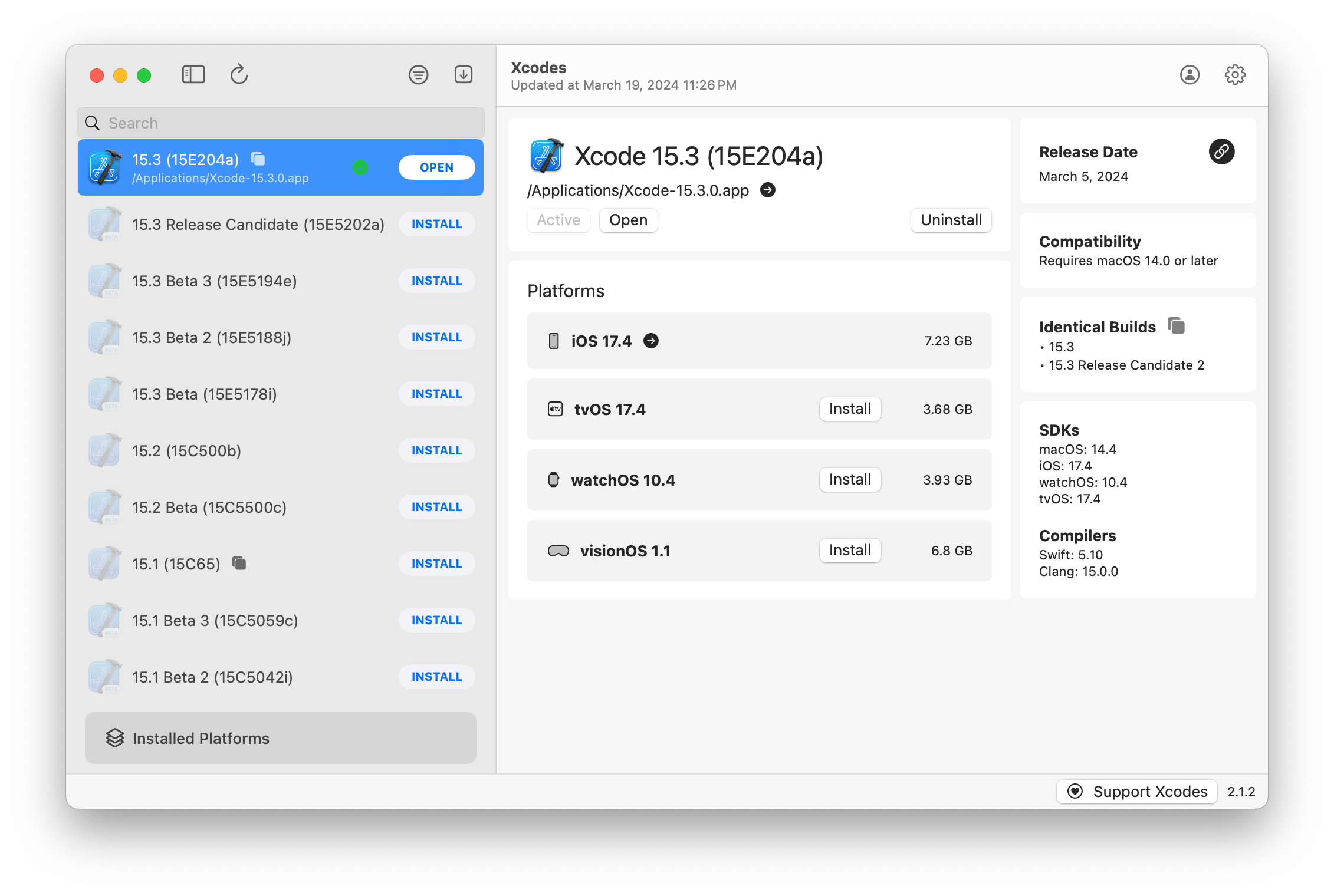
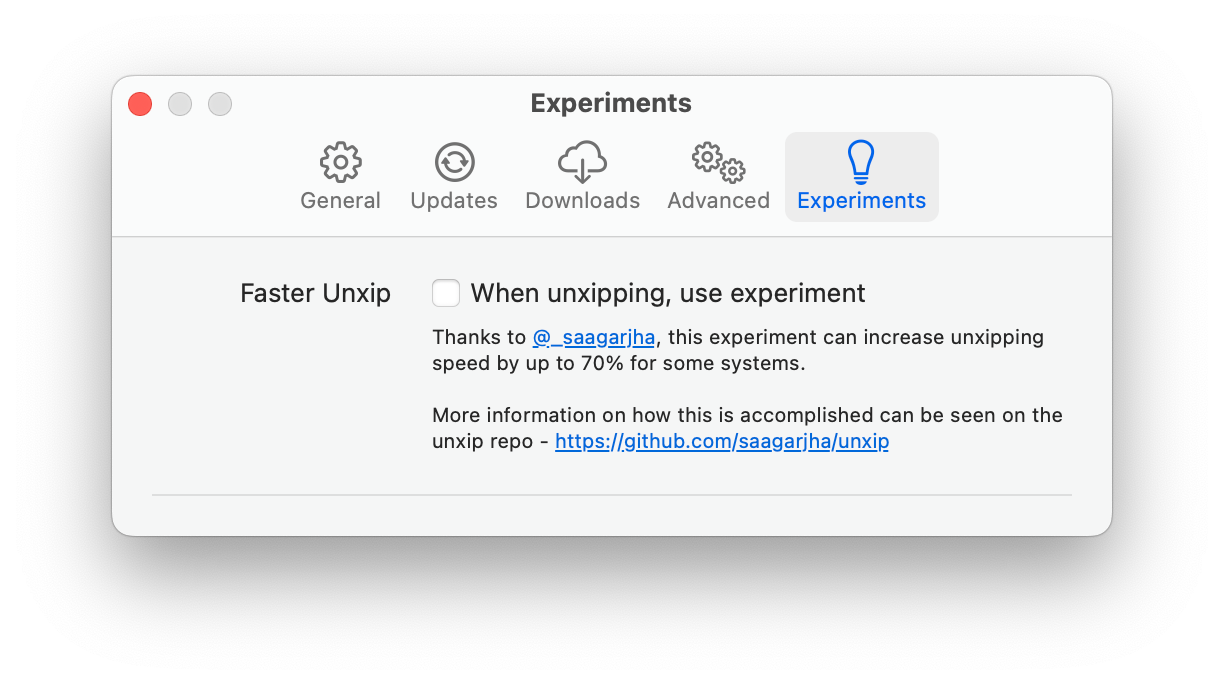
aria2 ، والذي يستخدم ما يصل إلى 16 اتصالًا لتنزيل 3-5x أسرع من URLSession.xcode-select .ملاحظة: يتطلب IOS 18+ ، TVOS 18+ ، Watchos 11+ ، VisionOS 2+ أن يتم تثبيت Xcode 16.1 Beta 3+.
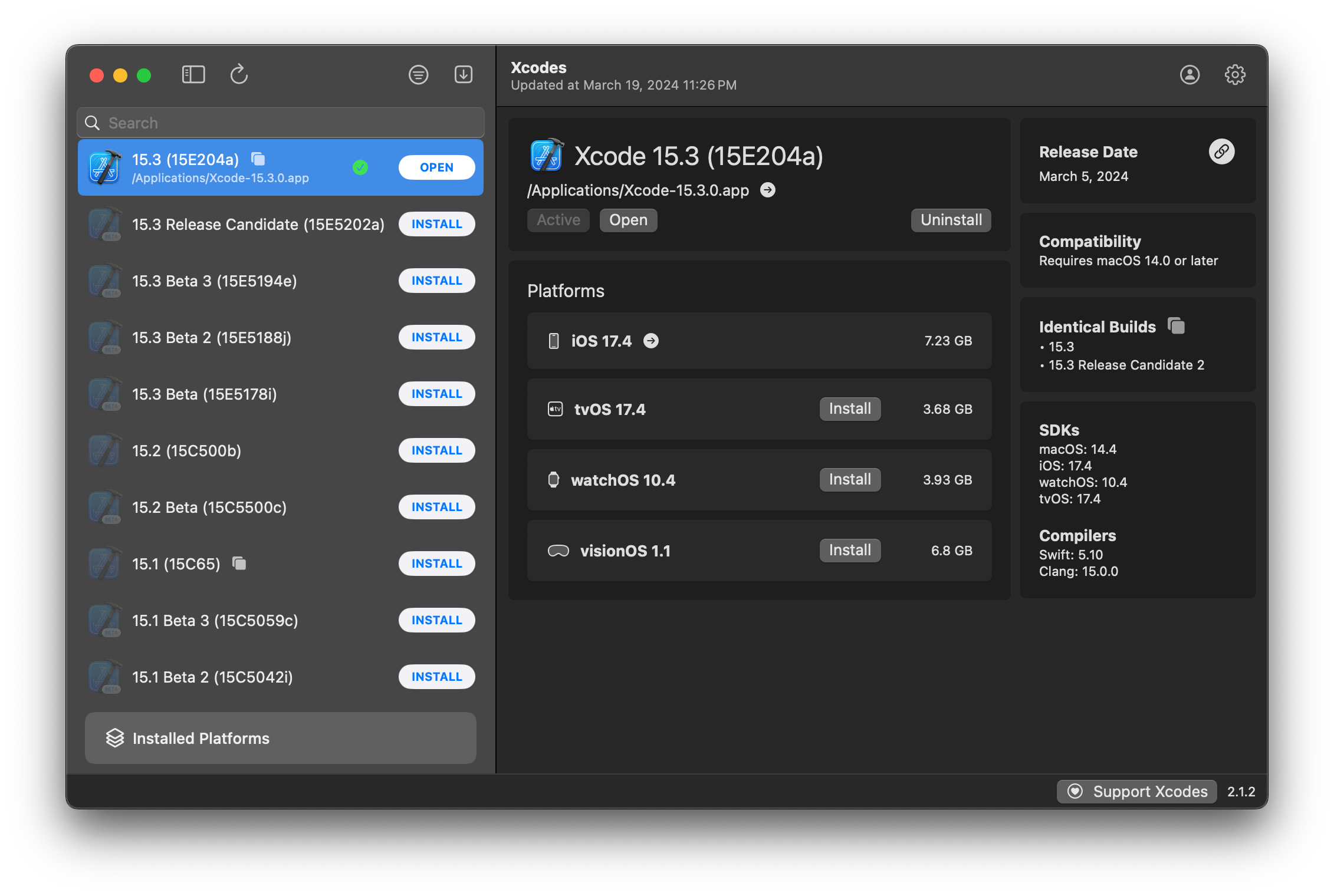
Xcodes يدعم التوطين بعدة لغات.
يتم دعم اللغات التالية بسبب مستخدمي المجتمع التاليين!
| فرنسي ؟؟ | dompepin | إيطالي ؟؟ | Gualtierofrigerio |
| الإسبانية ؟؟؟ | @cesartru88 | كوري ؟؟ | @Ryan-Son |
| الروسية ؟؟ | alexmazlov | تركي ؟؟ | @egesucu |
| الهندية ؟؟ | kgurpreet | الصينية المقاس ؟؟ | megabitsenmzq |
| الفنلندية ؟؟ | marcusziade | التقليدية الصينية ؟؟ | itszero |
| الأوكراني ؟؟ | gelosi | اليابانية ؟؟ | @tatsuz0u |
| الألمانية ؟؟ | drct | هولندي ؟؟ | jfversluis |
| البرتغالية البرازيلية ؟؟ | brunomunizaf | البولندية ؟؟ | @jakex7 |
| كاتالونية | ferranabello | اليونانية ؟؟ | aldinian |
تريد إضافة المزيد من اللغات؟ ما عليك سوى إنشاء PR مع ملف السلاسل المحدثة.
v1.x - يتطلب MacOS 11 أو أحدث v2.x - يتطلب macos 13
تتوفر بنيات الإصدار الموقعة والموثوقة للمطور على Homebrew. هذه لا تتطلب تثبيت Xcode بالفعل من أجل الاستخدام.
brew install --cask xcodesXcodes.app غير المصدفة إلى دليل /Applications يتم تحديث Xcodes.App و CLI ، مع الحفاظ على المساهمين مثلك. حتى المكتبات والأدوات مفتوحة المصدر تأتي مع نفقات. إذا كنت ترغب في دعم Xcodes أو التبرع لتطوير وصيانة الأداة ، فسيكون ذلك موضع تقدير كبير. لا يوجد أي التزام على الإطلاق!
ستحتاج إلى MacOS 13.5 Ventura و Xcode 15 من أجل إنشاء وتشغيل Xcodes.app.
يجب تجميع Unxip و aria2 باعتباره ثنائي عالمي
 # compile for Intel
 swiftc -parse-as-library -O -target x86_64-apple-macos11 unxip.swift
# compile for M1
 swiftc -parse-as-library -O -target arm64-apple-macos11 unxip.swift

# combine for universal binary
 lipo -create -output unxip unxip_intel unxip_m1
# check it
 lipo -archs unxip
يتم تسجيل قرارات التصميم الملحوظة في القرارات. تم وصف تدفق مصادقة Apple في Apple.paw ، مما سيتيح لك اللعب مع نقاط نهاية API التي تشارك في استخدام تطبيق PAW.
يستحق كل من xcode-install و Fastlane/Spacesip الفضل في اكتشاف الأجزاء الصعبة مما يجعل هذا ممكنًا.
اتبع الخطوات أدناه لإنشاء وإصدار إصدار جديد من Xcodes.App. بالنسبة لأي من خطوات GIT ، يمكنك استخدام الأداة المفضلة لديك ، ولكن يرجى توقيع العلامة.
 # Update the version number in Xcode and commit the change, if necessary

# Question: Did anything in XPCHelper change?
# - com.xcodesorg.xcodesapp.Helper folder and HelperXPCShared
# - if so, bump the version number in com.xcodesorg.xcodesapp.Helper target.
# Note: you do not have to bump the version number if nothing has changed.
# Note2: If you do bump the version, the end user, must re-install the XPCHelper and give permission again.

# Increment the build number
scripts/increment_build_number.sh

# Commit the change
git add Xcodes/Resources/Info.plist
git commit -asm " Increment build number "

# Tag the latest commit
# Replace $VERSION and $BUILD below with the latest real values
git tag -asm " v $VERSIONb$BUILD " " v $VERSIONb$BUILD "

# Push to origin
git push --follow-tags

# Build the app
# Make sure you have the Xcode Selected you want to build with
scripts/package_release.sh

# Notarize the app
# Do this from the Product directory so the app is zipped without being nested inside Product
# Create a app specific password on appleid.apple.com if you haven't already
# xcrun notarytool store-credentials "AC_PASSWORD"
#              --apple-id "[email protected]"
#              --team-id "teamid"
#               --password "app specific password"

pushd Product
../scripts/notarize.sh Xcodes.zip < MYORG >

# Sign the .zip for Sparkle, note the signature in the output for later
# If you're warned about the signing key not being found, see the Xcodes 1Password vault for the key and installation instructions.
../scripts/sign_update Xcodes.zip
popd

# Go to https://github.com/XcodesOrg/XcodesApp/releases
# If there are uncategorized PRs, add the appropriate label and run the Release Drafter action manually
# Edit the latest draft release
# Set its tag to the tag you just pushed
# Set its title to a string with the format "$VERSION ($BUILD)"
# Polish the draft release notes, if necessary
# Add the signature to the bottom of the release notes in a comment, like:
< ! -- sparkle:edSignature= $SIGNATURE -- >
# Attach the zip that was created in the Product directory to the release
# Publish the release

shasum -a 256 xcodes.zip
# Update the [Homebrew Cask](https://github.com/XcodesOrg/homebrew-cask/blob/master/Casks/x/xcodes.rb). مات كيوزيك - تويتر
تويتر | جيثب | Mastadon |





