minigpt4.cpp
v1.0.0

การอนุมานของ minigpt4 ใน C/C ++ บริสุทธิ์
เป้าหมายหลักของ minigpt4.cpp คือการเรียกใช้ minigpt4 โดยใช้ปริมาณ 4 บิตด้วยการใช้ไลบรารี GGML
ข้อกำหนด : Git
git clone --recursive https://github.com/Maknee/minigpt4.cpp
cd minigpt4.cpp ไปที่การเผยแพร่และแยกไฟล์ไลบรารี minigpt4 ลงในไดเรกทอรีที่เก็บ
ข้อกำหนด : CMake, Visual Studio และ Git
 cmake .
cmake --build . --config Release
ควรสร้าง binReleaseminigpt4.dll
ข้อกำหนด : CMake (Ubuntu: sudo apt install cmake )
cmake .
cmake --build . --config Release
minigpt4.so ดังนั้นควรสร้าง
ข้อกำหนด : CMake (MacOS: brew install cmake )
cmake .
cmake --build . --config Release
ควรสร้าง minigpt4.dylib
หมายเหตุ: หากคุณสร้างด้วย OpenCV (อนุญาตให้ใช้คุณสมบัติเช่นการโหลดและการประมวลผลภาพล่วงหน้าภายในห้องสมุดเอง) ให้ตั้งค่า MINIGPT4_BUILD_WITH_OPENCV เป็น ON ใน CMakeLists.txt หรือสร้างด้วย -DMINIGPT4_BUILD_WITH_OPENCV=ON เป็นพารามิเตอร์ของ CMake CLI
รุ่นก่อนการศึกษามีให้บริการบนใบหน้ากอด ~ 7b หรือ 13b
แนะนำสำหรับผลลัพธ์ที่เชื่อถือได้ แต่ความเร็วการอนุมานช้า: minigpt4-13b-f16.bin
ข้อกำหนด : Python 3.x และ Pytorch
โคลนที่เก็บ minigpt-4 และดำเนินการตั้งค่า
 cd minigpt4
git clone https://github.com/Vision-CAIR/MiniGPT-4.git
cd MiniGPT-4
conda env create -f environment.yml
conda activate minigpt4
ดาวน์โหลดจุดตรวจสอบ Pretrained ในที่เก็บ MinIGPT-4 ภายใต้ Checkpoint Aligned with Vicuna 7B หรือ Checkpoint Aligned with Vicuna 13B หรือดาวน์โหลดจาก HuggingFace Link สำหรับ 7B หรือ 13B
แปลงน้ำหนักรุ่นเป็นรูปแบบ GGML
รุ่น 7b
 cd minigpt4
python convert.py C:pretrained_minigpt4_7b.pth --ftype=f16
รุ่น 13b
 cd minigpt4
python convert.py C:pretrained_minigpt4.pth --ftype=f16
รุ่น 7b
python convert.py ~ /Downloads/pretrained_minigpt4_7b.pth --outtype f16รุ่น 13b
python convert.py ~ /Downloads/pretrained_minigpt4.pth --outtype f16 ควรสร้าง minigpt4-7B-f16.bin หรือ minigpt4-13B-f16.bin
มีรุ่นก่อนที่จะมีอยู่บนใบหน้ากอด
แนะนำสำหรับผลลัพธ์ที่เชื่อถือได้และความเร็วการอนุมานที่เหมาะสม: GGML-Vicuna-13b-v0-q5_k.bin
ข้อกำหนด : Python 3.x และ Pytorch
ทำตามคำแนะนำจาก MinIGPT4 เพื่อรับโมเดล Vicuna-V0
จากนั้น clone llama.cpp
git clone https://github.com/ggerganov/llama.cpp
cd llama.cpp
cmake .
cmake --build . --config Release
แปลงโมเดลเป็น GGML
python convert.py < path-to-model >ปริมาณแบบจำลอง
python quanitize < path-to-model > < output-model > Q4_1 ทดสอบว่า MinIGPT4 ทำงานได้โดยโทรไปที่สิ่งต่อไปนี้หรือไม่แทนที่ minigpt4-13B-f16.bin และ ggml-vicuna-13B-v0-q5_k.bin กับรุ่นของคุณ
 cd minigpt4
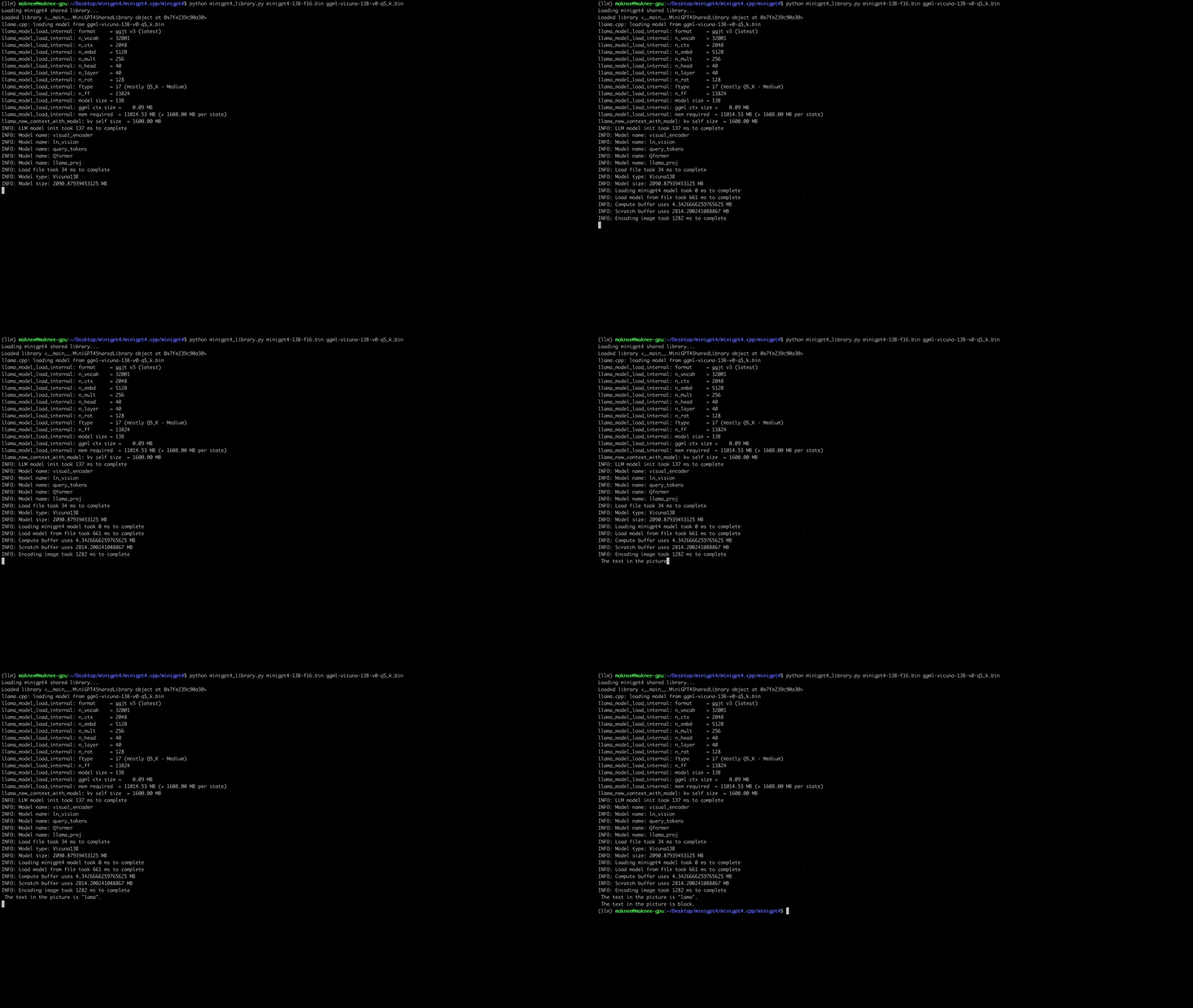
python minigpt4_library.py minigpt4-13B-f16.bin ggml-vicuna-13B-v0-q5_k.binติดตั้งข้อกำหนดสำหรับ webui
pip install -r requirements.txt จากนั้นเรียกใช้ webui แทนที่ minigpt4-13B-f16.bin และ ggml-vicuna-13B-v0-q5_k.bin กับรุ่นของคุณ
python webui.py minigpt4-13B-f16.bin ggml-vicuna-13B-v0-q5_k.binเอาต์พุตควรมีสิ่งต่อไปนี้:
Running on local URL:  http://127.0.0.1:7860

To create a public link, set ` share=True ` in `launch () ` .
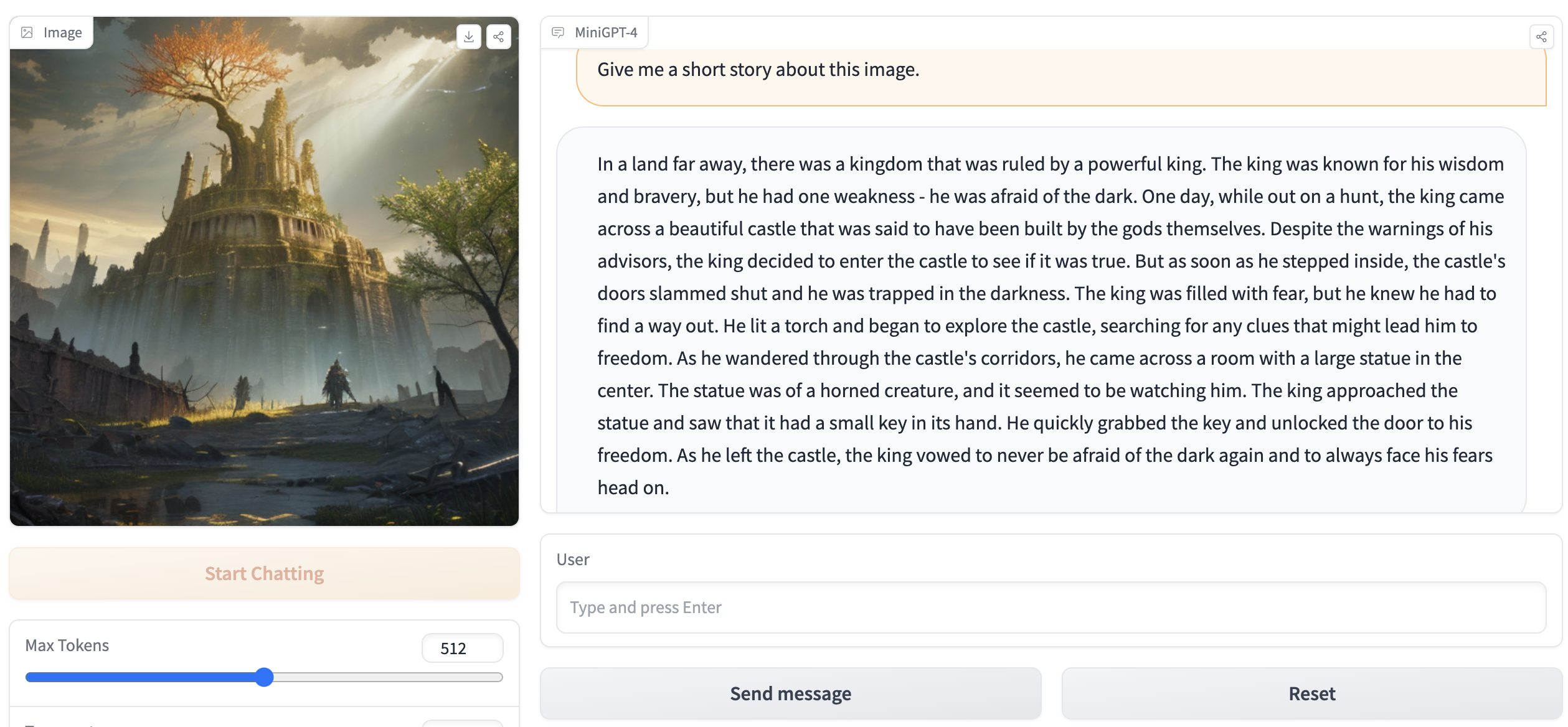
ไปที่ http://127.0.0.1:7860 ในเบราว์เซอร์ของคุณและคุณควรจะโต้ตอบกับ WebUI







