logScreen
1.0.0

難以搜索日誌?
logscreen簡化了過程。管道日誌,在Web應用中可視化 - 很容易!
該工具完全是通過Chatgpt生成的,因此也證明瞭如何通過與GPT進行協作重申的有用產品。
安裝後,您可以使用LogScreen在瀏覽器中查看命令輸出:
command | npx logscreen用要執行的實際命令替換command 。 LogScreen將啟動本地服務器並在默認Web瀏覽器中打開日誌。
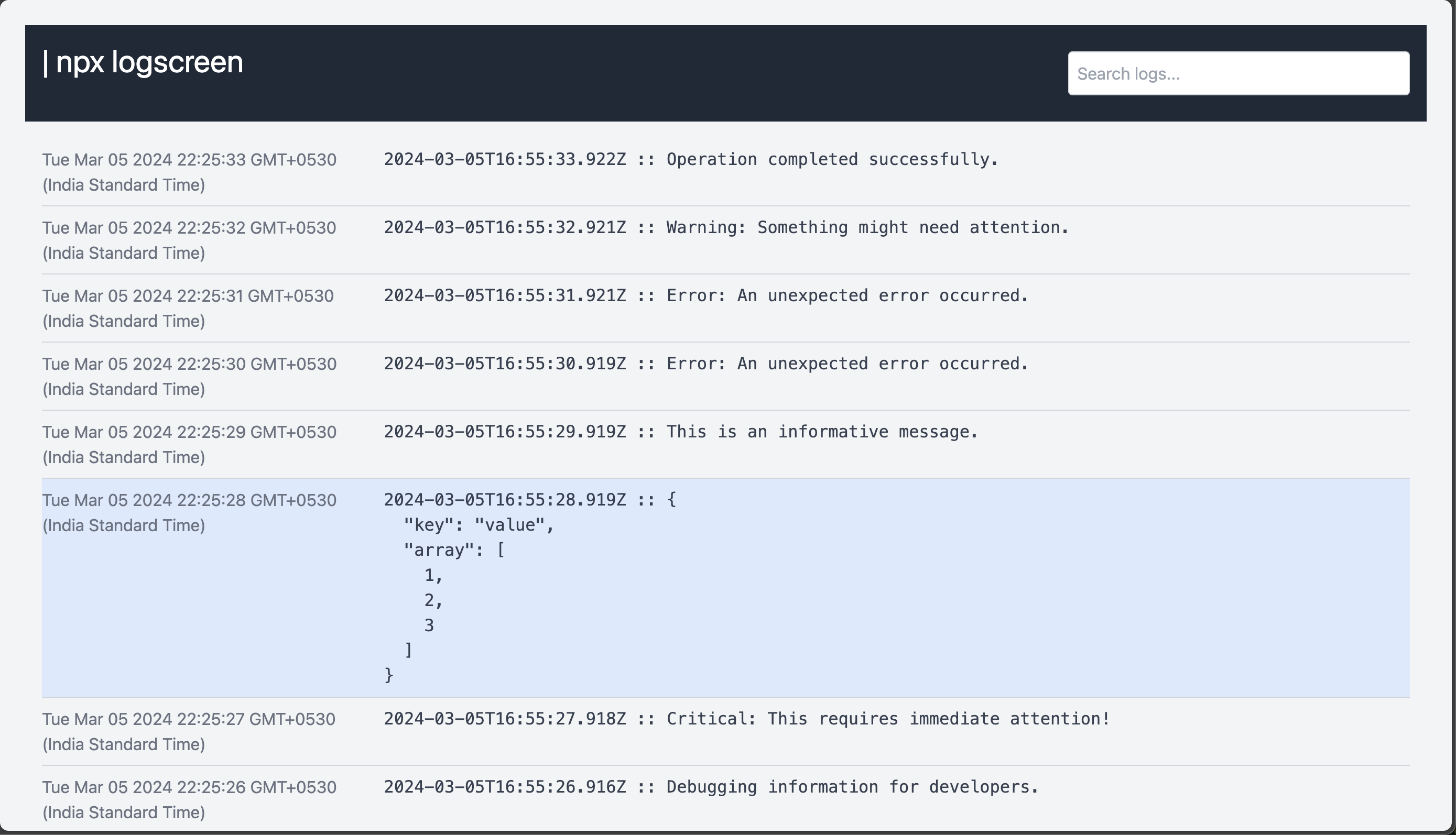
這裡有一些例子:
docker-compose up | npx logscreen該示例將日誌從Docker組成的服務中輸送到日誌屏幕中,從而提供了更可讀和交互式的日誌視圖。
npm start | npx logscreen如果您的NODE.JS項目帶有“ NPM Start”腳本,則可以使用LogScreen在應用程序運行時監視和導航瀏覽日誌。
tail -f /var/log/syslog | npx logscreen對於Linux用戶,您可以將Logscreen與`tail`命令''一起使用,以跟隨並可視化系統日誌中的實時更新。
ssh user@remote-server ' tail -f /path/to/logs ' | npx logscreenSSH使用日誌屏幕實時進入遠程服務器,並使用LogScreen實時診斷生產服務器上的問題。
tail -f /var/log/nginx/access.log | npx logscreenTAIL NGINX訪問日誌以觀察傳入的請求,響應代碼和其他相關信息。
tail -f /var/log/apache2/error.log | npx logscreen監視Apache錯誤日誌以識別Web服務器的問題。
使用日誌屏幕來監視Google雲功能的日誌,從而深入了解功能執行,錯誤和整體性能。
gcloud functions logs read < function-name > | npx logscreenkubectl logs -f < pod-name > | npx logscreenaws logs tail /aws/lambda/ < function-name > | npx logscreenssh -i < private-key.pem > ec2-user@ < instance-ip > ' tail -f /var/log/<your-log-file> ' | npx logscreen與Heroku Postgres數據庫上的數據庫查詢有關的尾日誌,以進行性能分析和優化。
heroku pg:psql --app < your-app-name > -c " tail -f /var/log/postgresql/postgresql.log " | npx logscreen用您的特定用例替換上述命令,以利用日誌屏幕基於網絡的日誌查看器的好處。
端口:默認情況下,LogScreen使用端口3000。您可以使用-p或--port選項指定其他端口:
command | npx logscreen --port 8080






