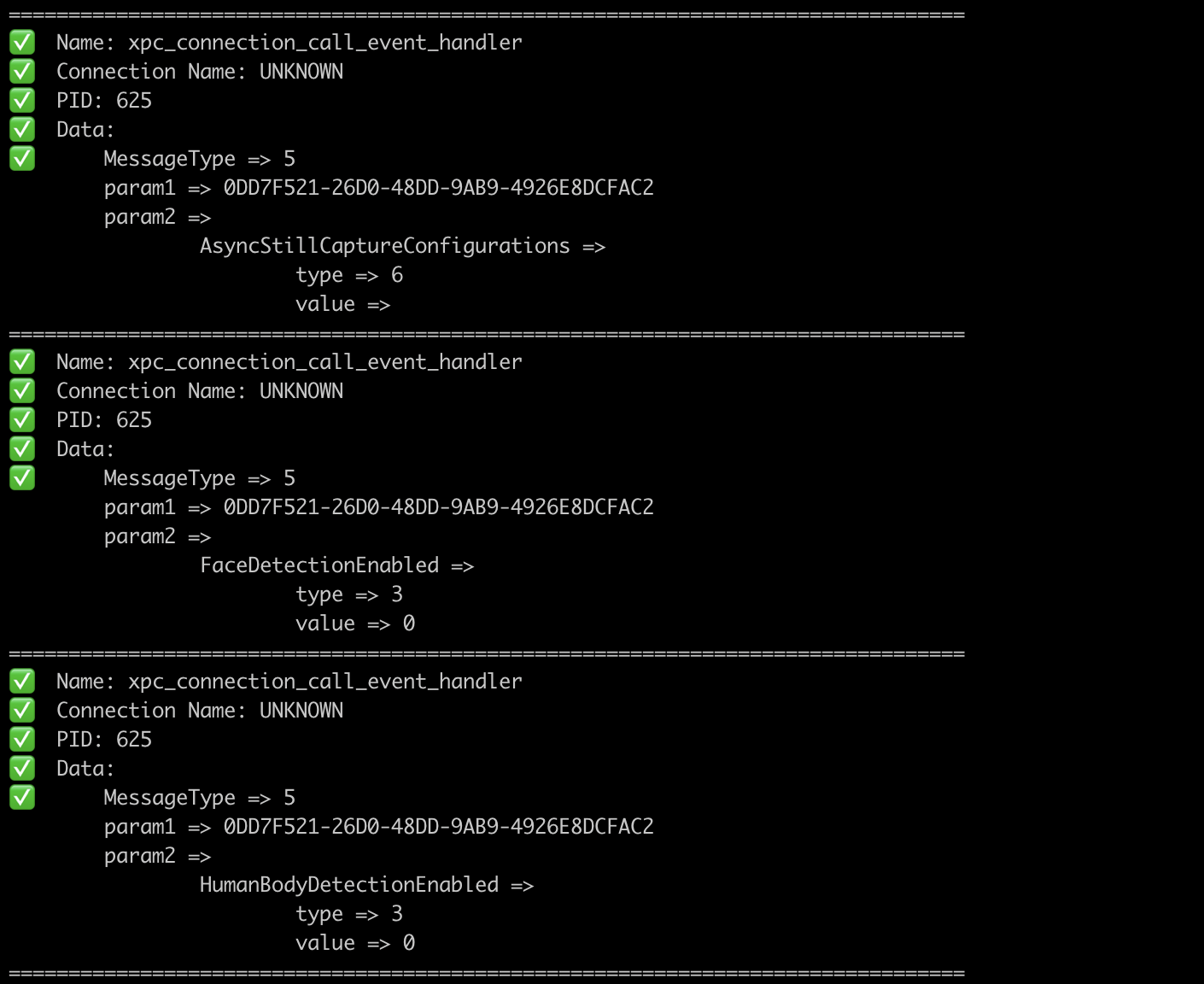
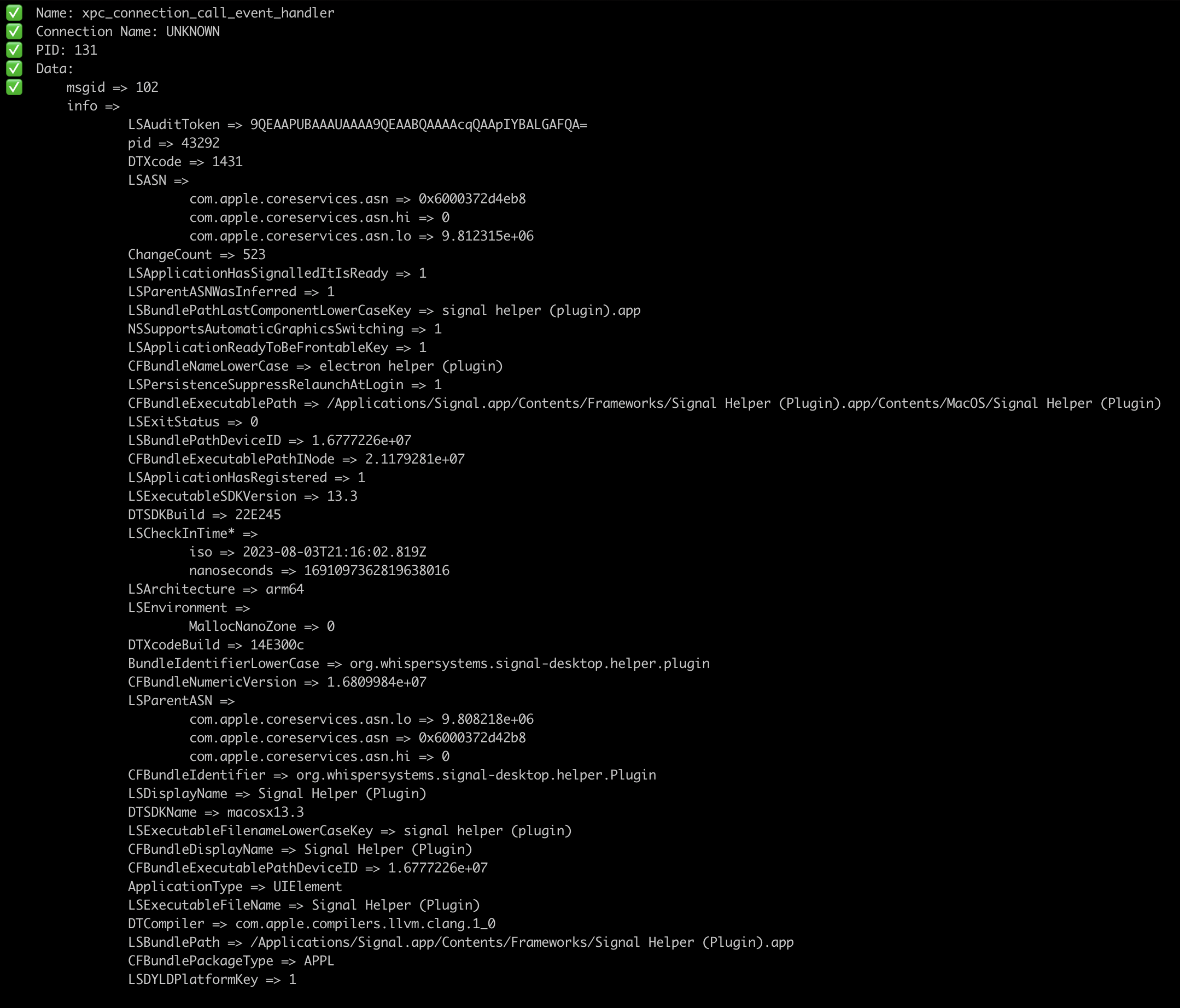
gxpc
v1.16.0

受XPCSPY工具啟發的工具,可監視XPC流量。
GXPC遞歸解析xpc_object_t的類型,並將數據刪除為GO類型。
從此處下載MacOS(X86_64或ARM64)的預製二進製文件之一,或者如下所述手動進行。
go install github.com/ReverseApple/gxpc@latestXPC sniffer
Usage:
gxpc [spawn_args] [flags]
Flags:
-b, --blacklist strings blacklist connection by name
--blacklistp strings blacklist connection by PID
-f, --file string spawn the file
-h, --help help for gxpc
-i, --id string connect to device with ID
-l, --list list available devices
-n, --name string process name
-o, --output string save output to this file
-p, --pid int PID of wanted process (default -1)
-r, --remote string connect to device at IP address
-w, --whitelist strings whitelist connection by name
--whitelistp strings whitelist connection by PID如果您不通過-i標誌,則默認設備為USB。
如果要產生文件/二進製文件,請傳遞-f指向您要產生的文件/二進製文件以及參數。
gxpc -i local -f /bin/cat /tmp/somefile沒有特定的旗幟的二進制標誌gxpc -i local -f /path/to/binary -- -a -b "TEST" - 帶有一些特定的標誌此外,您可以在連接名稱或PID上過濾,如果通過兩個過濾器(名稱和PID),則只需命名。 --whitelist和--whitelistp以及--blacklist和--blacklistp接受列表,例如--blacklistp "89,32,41"它將將端口89、32和41列為端口。