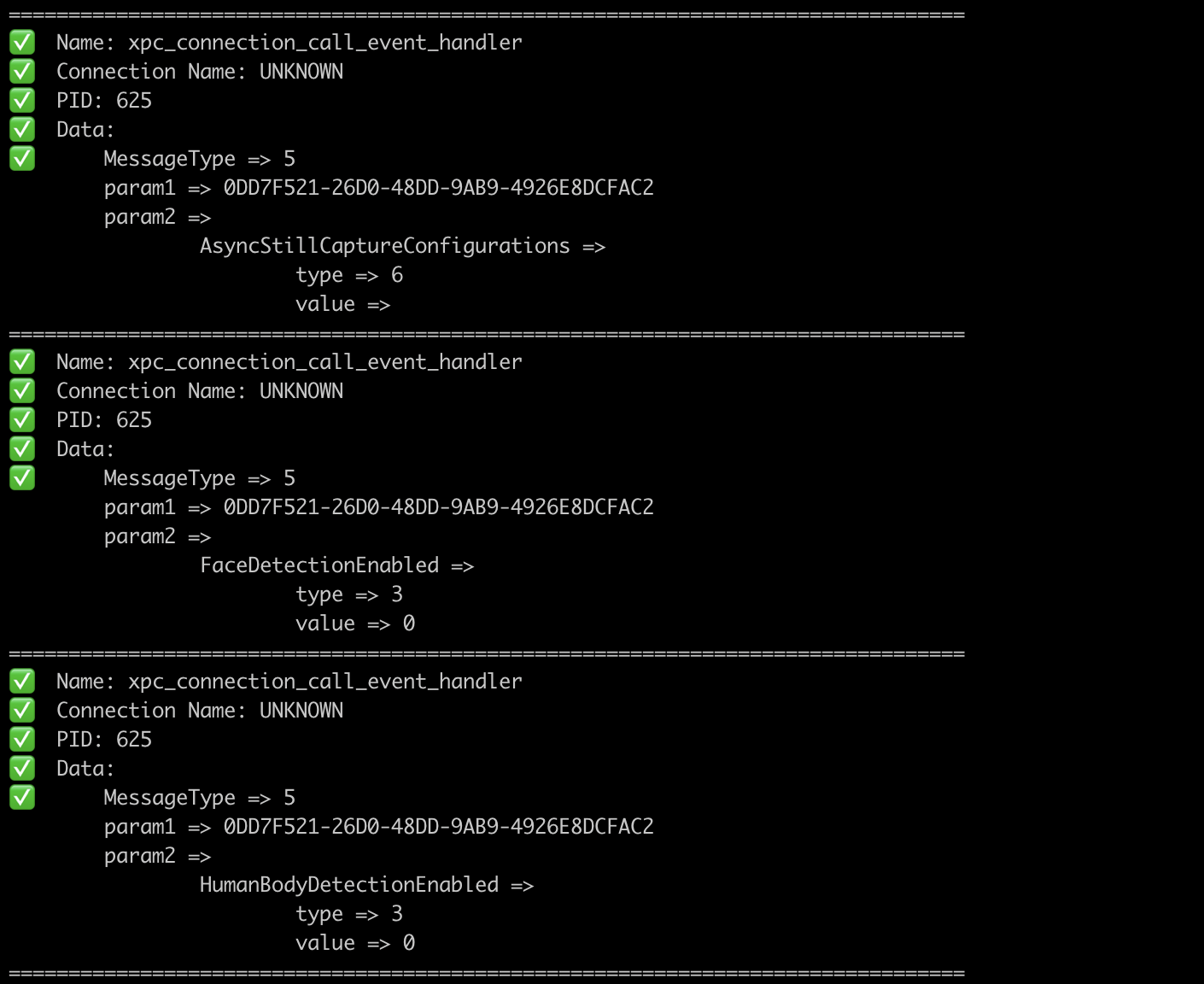
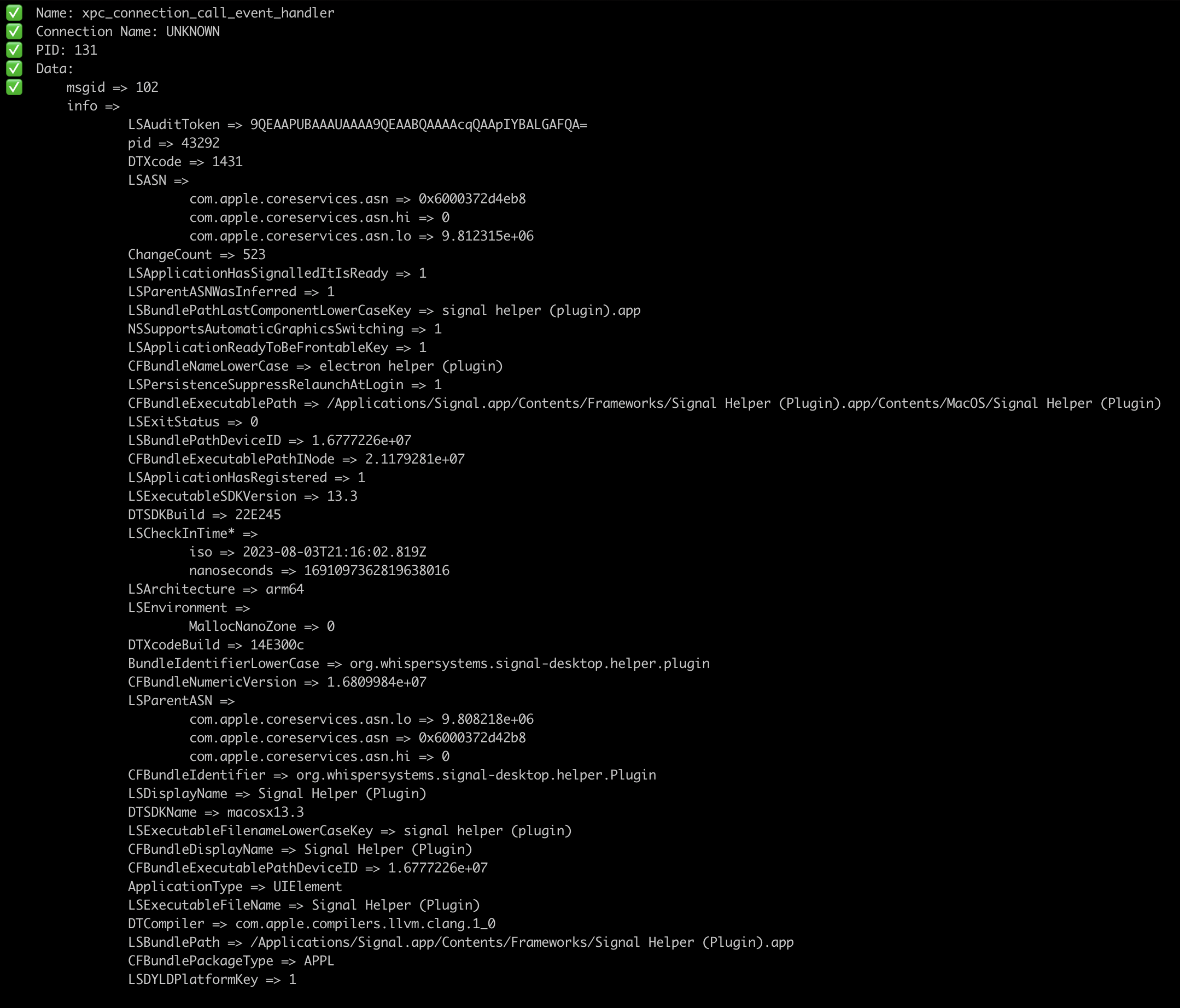
gxpc
v1.16.0

XPCSPy 도구에서 영감을 얻은 도구 XPC 트래픽을 모니터링합니다.
GXPC는 xpc_object_t 유형을 재귀 적으로 구문 분석 할뿐만 아니라 GO 유형으로 데이터를 다시 구분하지 않습니다.
여기에서 MACOS (x86_64 또는 ARM64) 용 미리 빌드 바이너리 중 하나를 다운로드하거나 아래에 설명 된대로 수동으로 수행하십시오.
go install github.com/ReverseApple/gxpc@latestXPC sniffer
Usage:
gxpc [spawn_args] [flags]
Flags:
-b, --blacklist strings blacklist connection by name
--blacklistp strings blacklist connection by PID
-f, --file string spawn the file
-h, --help help for gxpc
-i, --id string connect to device with ID
-l, --list list available devices
-n, --name string process name
-o, --output string save output to this file
-p, --pid int PID of wanted process (default -1)
-r, --remote string connect to device at IP address
-w, --whitelist strings whitelist connection by name
--whitelistp strings whitelist connection by PID -i 플래그를 통과하지 않으면 기본 장치는 USB입니다.
파일/바이너리를 스폰하려면 인수와 함께 스폰하려는 파일/바이너리를 가리키는 -f 전달하십시오.
gxpc -i local -f /bin/cat /tmp/somefile 스폰 된 바이너리에 대한 특정 플래그없이gxpc -i local -f /path/to/binary -- -a -b "TEST" -스폰 된 바이너리에 특정 플래그가 있습니다. 또한 연결 이름 또는 PID를 필터링 할 수 있습니다. 두 필터 (이름 및 PID)를 모두 전달하면 이름 만 사용됩니다. --whitelist 및 --whitelistp 와 함께 --blacklist 및 --blacklistp 는 포트 89, 32 및 41을 블랙리스트하는 --blacklistp "89,32,41" 과 같은 목록을 수락합니다.