gxpc
v1.16.0

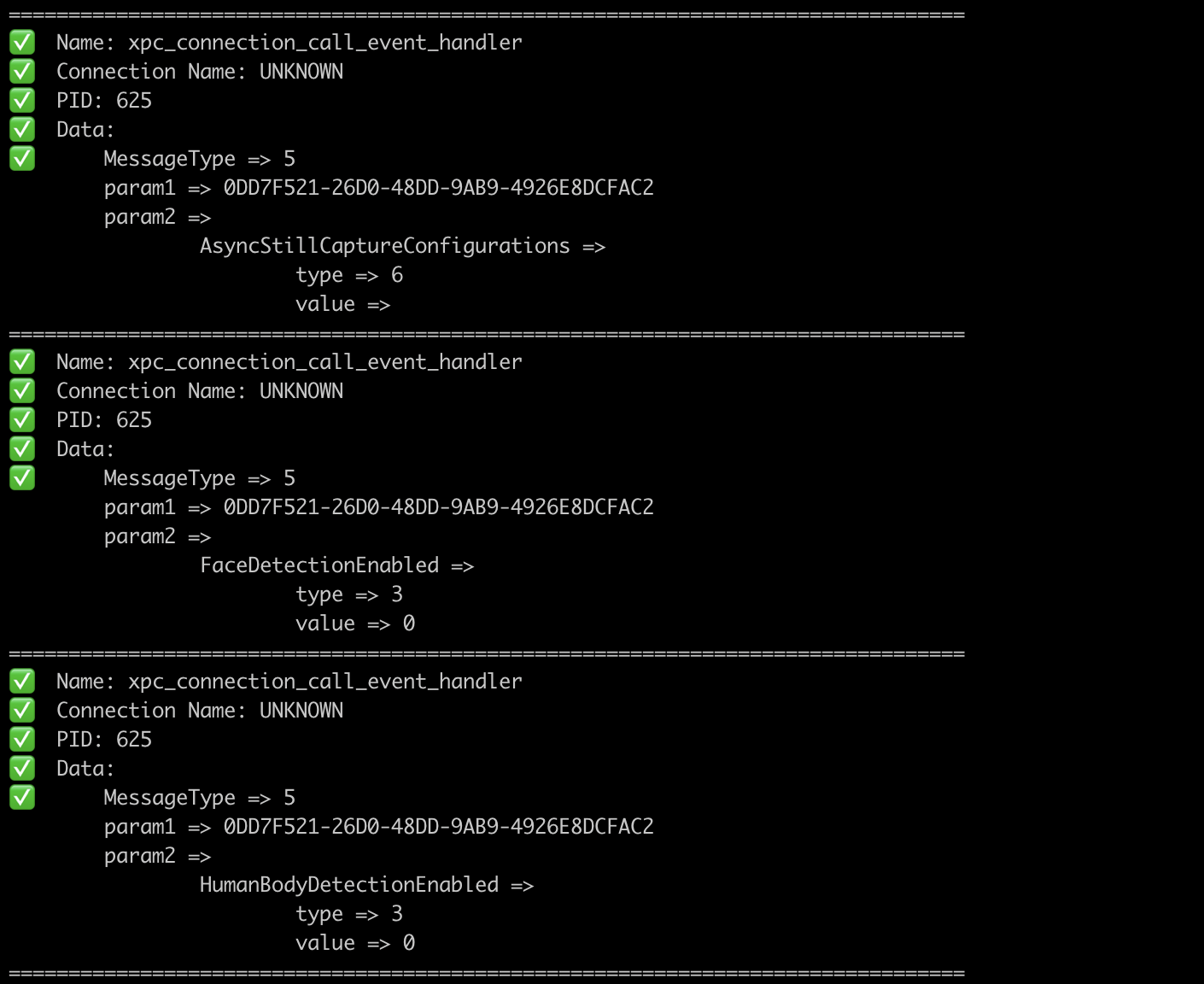
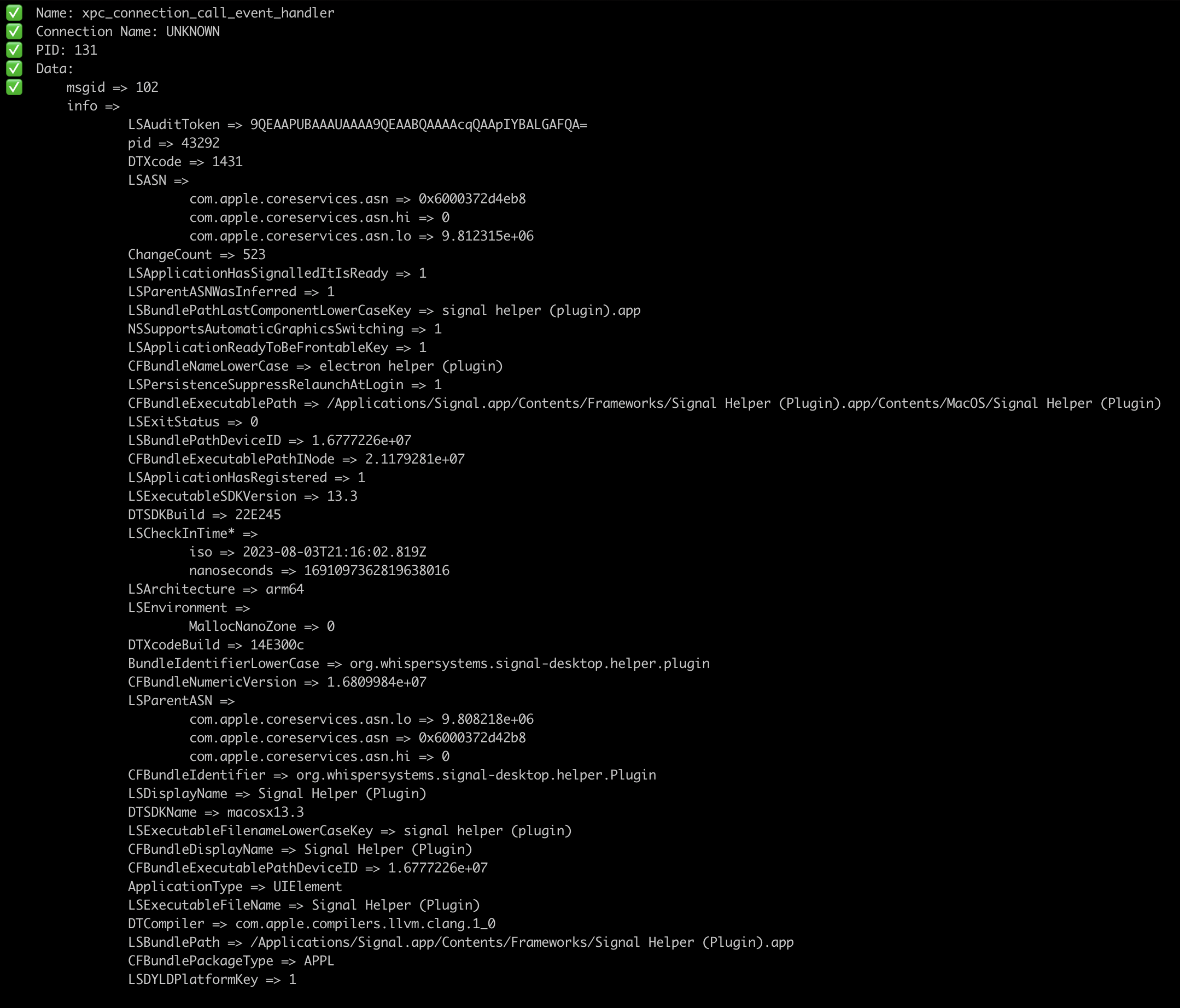
เครื่องมือที่ได้รับแรงบันดาลใจจากเครื่องมือ XPCSPY เพื่อตรวจสอบการรับส่งข้อมูล XPC
GXPC แยกวิเคราะห์ประเภทของ xpc_object_t รวมถึงการปิดกั้นข้อมูลกลับเป็นประเภท GO
ดาวน์โหลดหนึ่งในไบนารี prebuilt สำหรับ macOS (x86_64 หรือ ARM64) จากที่นี่หรือทำด้วยตนเองตามที่อธิบายไว้ด้านล่าง
go install github.com/ReverseApple/gxpc@latestXPC sniffer
Usage:
gxpc [spawn_args] [flags]
Flags:
-b, --blacklist strings blacklist connection by name
--blacklistp strings blacklist connection by PID
-f, --file string spawn the file
-h, --help help for gxpc
-i, --id string connect to device with ID
-l, --list list available devices
-n, --name string process name
-o, --output string save output to this file
-p, --pid int PID of wanted process (default -1)
-r, --remote string connect to device at IP address
-w, --whitelist strings whitelist connection by name
--whitelistp strings whitelist connection by PID หากคุณไม่ผ่านธง -i อุปกรณ์เริ่มต้นคือ USB
หากคุณต้องการวางไข่ไฟล์/ไบนารีให้ส่ง -f ที่ชี้ไปที่ไฟล์/ไบนารีที่คุณต้องการวางไข่พร้อมกับอาร์กิวเมนต์
gxpc -i local -f /bin/cat /tmp/somefile -ไม่มีธงที่เฉพาะเจาะจงกับไบนารีที่วางไข่gxpc -i local -f /path/to/binary -- -a -b "TEST" -ด้วยธงที่เฉพาะเจาะจงไปยังไบนารีที่วางไข่ นอกจากนี้คุณสามารถกรองชื่อการเชื่อมต่อหรือ PIDs หากคุณผ่านทั้งตัวกรอง (ชื่อและ PID) จะใช้ชื่อเท่านั้น --whitelist และ --whitelistp พร้อมกับ --blacklist และ --blacklistp ยอมรับรายการเช่น --blacklistp "89,32,41" ซึ่งจะขึ้นบัญชีดำพอร์ต 89, 32 และ 41