zsh_codex
1.0.0

命令行中的AI。
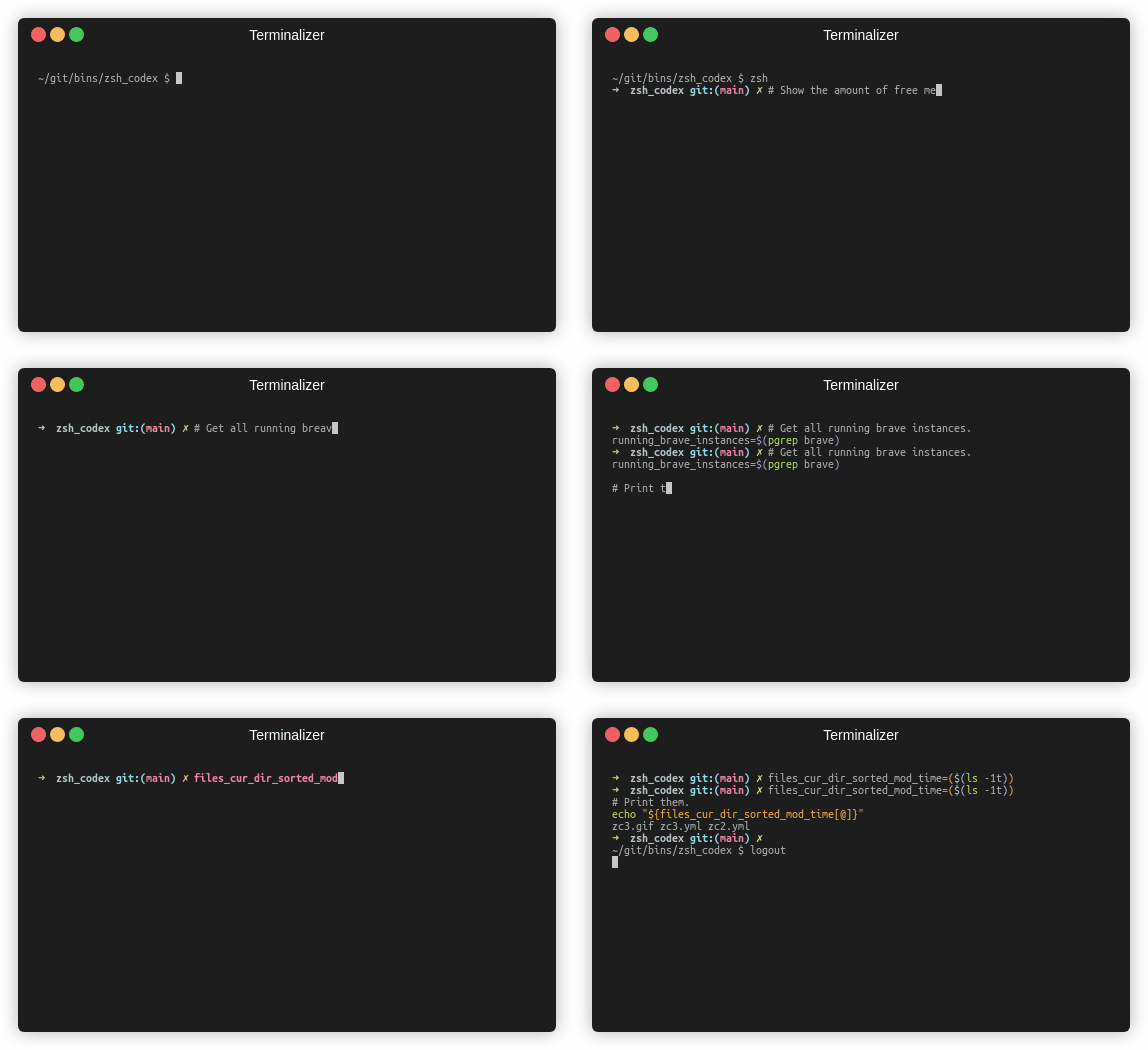
您只需要编写评论或变量名称,AI将编写相应的代码。
这是一个ZSH插件,使您可以在命令行中使用AI驱动的代码完成。现在,它支持OpenAI的法典和Google的生成AI(Gemini)。 Openai Codex是AI,也可以为GitHub Copilot提供动力,而Gemini是Google的高级语言模型。
pip3 install openai或者
pip3 install google-generativeai或者
pip3 install boto3git clone https://github.com/tom-doerr/zsh_codex.git ~ /.oh-my-zsh/custom/plugins/zsh_codex .zshrc文件中。使用oh-my-zsh:
    plugins=(zsh_codex)
    bindkey ' ^X ' create_completion
没有OH-MY-ZSH:
    # in your/custom/path you need to have a "plugins" folder and in there you clone the repository as zsh_codex
    export ZSH_CUSTOM= " your/custom/path "
    source " $ZSH_CUSTOM /plugins/zsh_codex/zsh_codex.plugin.zsh "
bindkey ' ^X ' create_completion~/.config中创建一个名为zsh_codex.ini的文件。例子: ; Primary service configuration
; Set 'service' to match one of the defined sections below.
[service]
service = groq_service
; Example configuration for a self-hosted Ollama service.
[my_ollama]
api_type = openai
api_key = dummy_key
model = llama3.1
base_url = http://localhost:11434/v1
; OpenAI service configuration
; Provide the 'api_key' and specify a 'model' if needed.
[openai_service]
api_type = openai
api_key = <openai_apikey>
; Groq service configuration
; Provide the 'api_key'.
[groq_service]
api_type = groq
api_key = <groq_apikey>
model = gemma2-9b-it
; Mistral service configuration
; Provide the 'api_key'.
[mistral_service]
api_type = mistral
api_key = <mistral_apikey>
model = mistral-small-latest在此配置文件中,您可以使用自己的配置来定义多个服务。 api_type的所需和可选参数在services/sevices.py中指定。选择在[service]部分中使用的服务。
zsh ,开始使用^X完成输入并完成它!ZSH_CODEX_PYTHON设置为python可执行文件,其中安装了openai或google-generativeai 。例如,对于miniconda ,您可以使用: export ZSH_CODEX_PYTHON= " $HOME /miniconda3/bin/python " zsh-syntax-highlighting: unhandled ZLE widget 'create_completion'
zsh-syntax-highlighting: (This is sometimes caused by doing `bindkey <keys> create_completion` without creating the 'create_completion' widget with `zle -N` or `zle -C`.)
添加行
zle -N create_completion
在调用bindkey之前,但是加载插件( plugins=(zsh_codex) )之前。
fatal: destination path '~.oh-my-zsh/custom/plugins'
尝试再次下载ZSH插件。
git clone https://github.com/tom-doerr/zsh_codex.git ~/.oh-my-zsh/custom/plugins/zsh_codex
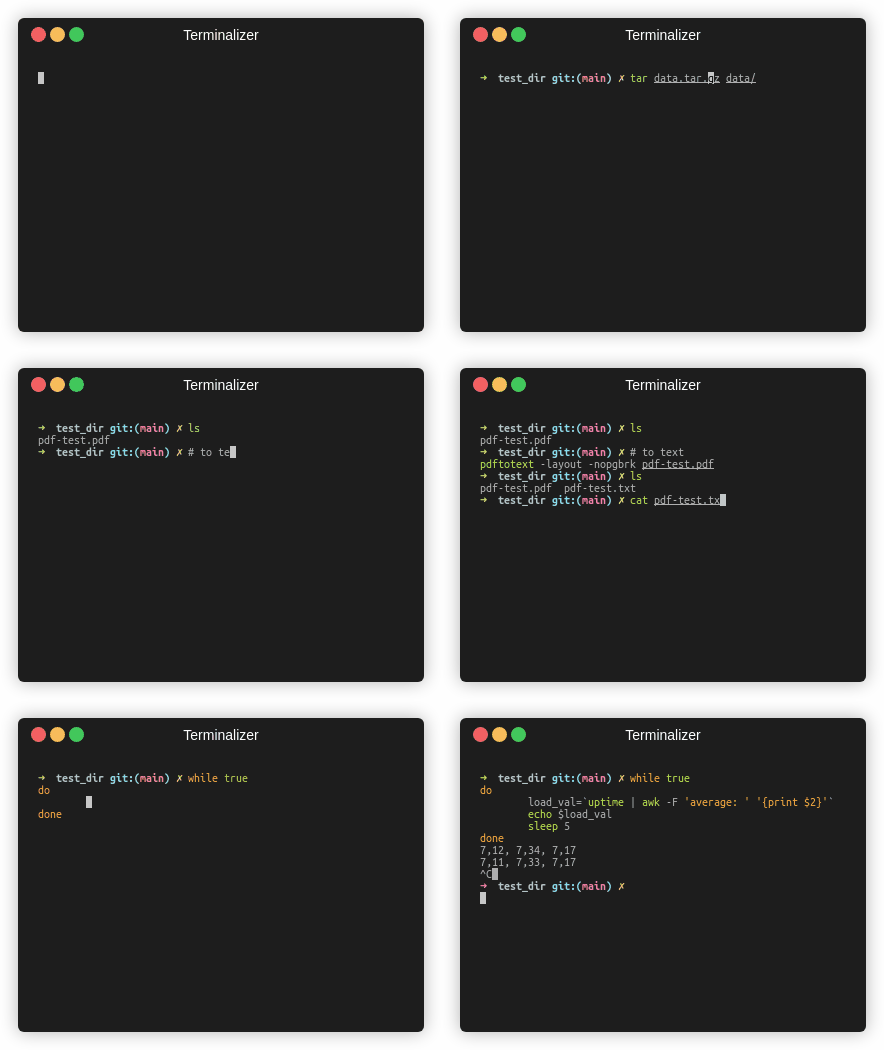
鱼版
交通统计





