zsh_codex
1.0.0

AI ในบรรทัดคำสั่ง
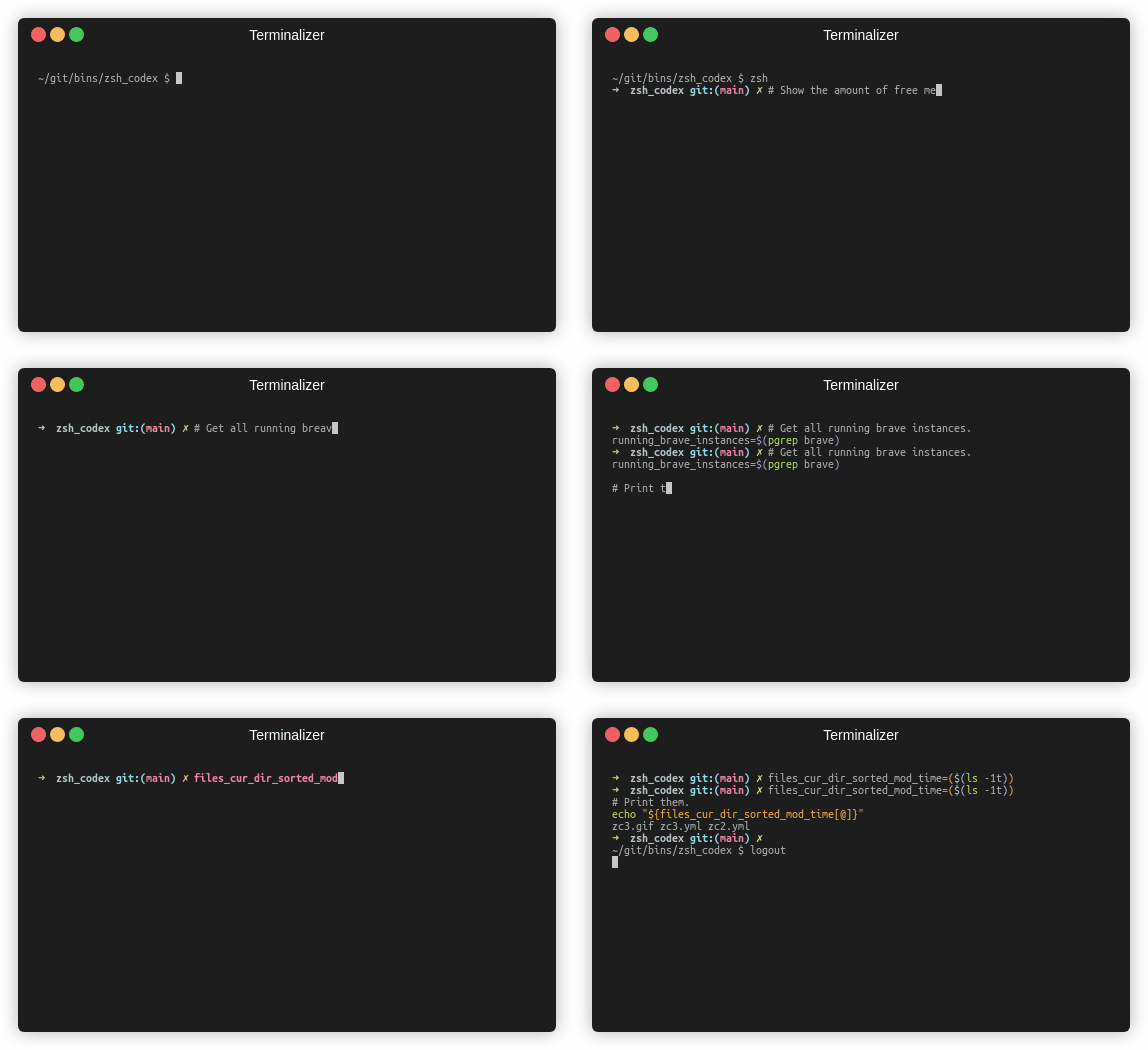
คุณเพียงแค่ต้องเขียนความคิดเห็นหรือชื่อตัวแปรและ AI จะเขียนรหัสที่เกี่ยวข้อง
นี่คือปลั๊กอิน ZSH ที่ช่วยให้คุณสามารถใช้รหัส AI Powered เสร็จสมบูรณ์ในบรรทัดคำสั่ง ตอนนี้รองรับทั้ง Codex ของ OpenAI และ Generative AI (Gemini) ของ OpenAI Openai Codex เป็น AI ที่ให้อำนาจ GitHub Copilot ในขณะที่ Gemini เป็นรูปแบบภาษาขั้นสูงของ Google
pip3 install openaiหรือ
pip3 install google-generativeaiหรือ
pip3 install boto3git clone https://github.com/tom-doerr/zsh_codex.git ~ /.oh-my-zsh/custom/plugins/zsh_codex .zshrc ของคุณใช้ OH-MY-ZSH:
    plugins=(zsh_codex)
    bindkey ' ^X ' create_completion
ไม่มี Oh-My-Zsh:
    # in your/custom/path you need to have a "plugins" folder and in there you clone the repository as zsh_codex
    export ZSH_CUSTOM= " your/custom/path "
    source " $ZSH_CUSTOM /plugins/zsh_codex/zsh_codex.plugin.zsh "
bindkey ' ^X ' create_completionzsh_codex.ini ใน ~/.config ตัวอย่าง: ; Primary service configuration
; Set 'service' to match one of the defined sections below.
[service]
service = groq_service
; Example configuration for a self-hosted Ollama service.
[my_ollama]
api_type = openai
api_key = dummy_key
model = llama3.1
base_url = http://localhost:11434/v1
; OpenAI service configuration
; Provide the 'api_key' and specify a 'model' if needed.
[openai_service]
api_type = openai
api_key = <openai_apikey>
; Groq service configuration
; Provide the 'api_key'.
[groq_service]
api_type = groq
api_key = <groq_apikey>
model = gemma2-9b-it
; Mistral service configuration
; Provide the 'api_key'.
[mistral_service]
api_type = mistral
api_key = <mistral_apikey>
model = mistral-small-latest ในไฟล์การกำหนดค่านี้คุณสามารถกำหนดบริการหลายบริการด้วยการกำหนดค่าของตนเอง พารามิเตอร์ที่ต้องการและเป็นตัวเลือกของ api_type ถูกระบุไว้ใน services/sevices.py เลือกบริการที่จะใช้ในส่วน [service]
zsh เริ่มพิมพ์และทำให้เสร็จโดยใช้ ^X !ZSH_CODEX_PYTHON เป็น Python Conecutable ที่ติดตั้ง openai หรือ google-generativeai เช่นสำหรับ miniconda คุณสามารถใช้: export ZSH_CODEX_PYTHON= " $HOME /miniconda3/bin/python " zsh-syntax-highlighting: unhandled ZLE widget 'create_completion'
zsh-syntax-highlighting: (This is sometimes caused by doing `bindkey <keys> create_completion` without creating the 'create_completion' widget with `zle -N` or `zle -C`.)
เพิ่มบรรทัด
zle -N create_completion
ก่อนที่คุณจะเรียก bindkey แต่หลังจากโหลดปลั๊กอิน ( plugins=(zsh_codex) )
fatal: destination path '~.oh-my-zsh/custom/plugins'
ลองดาวน์โหลดปลั๊กอิน ZSH อีกครั้ง
git clone https://github.com/tom-doerr/zsh_codex.git ~/.oh-my-zsh/custom/plugins/zsh_codex
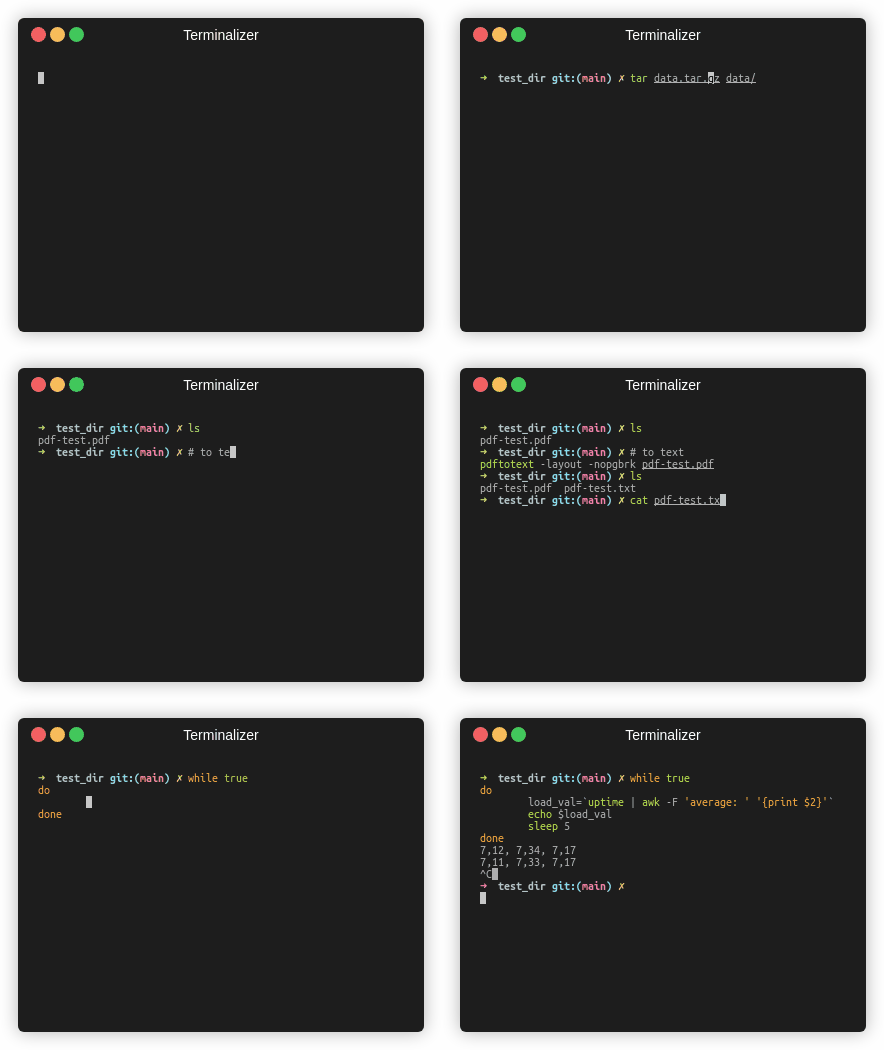
เวอร์ชันปลา
สถิติการจราจร





