zsh_codex
1.0.0

AI di baris perintah.
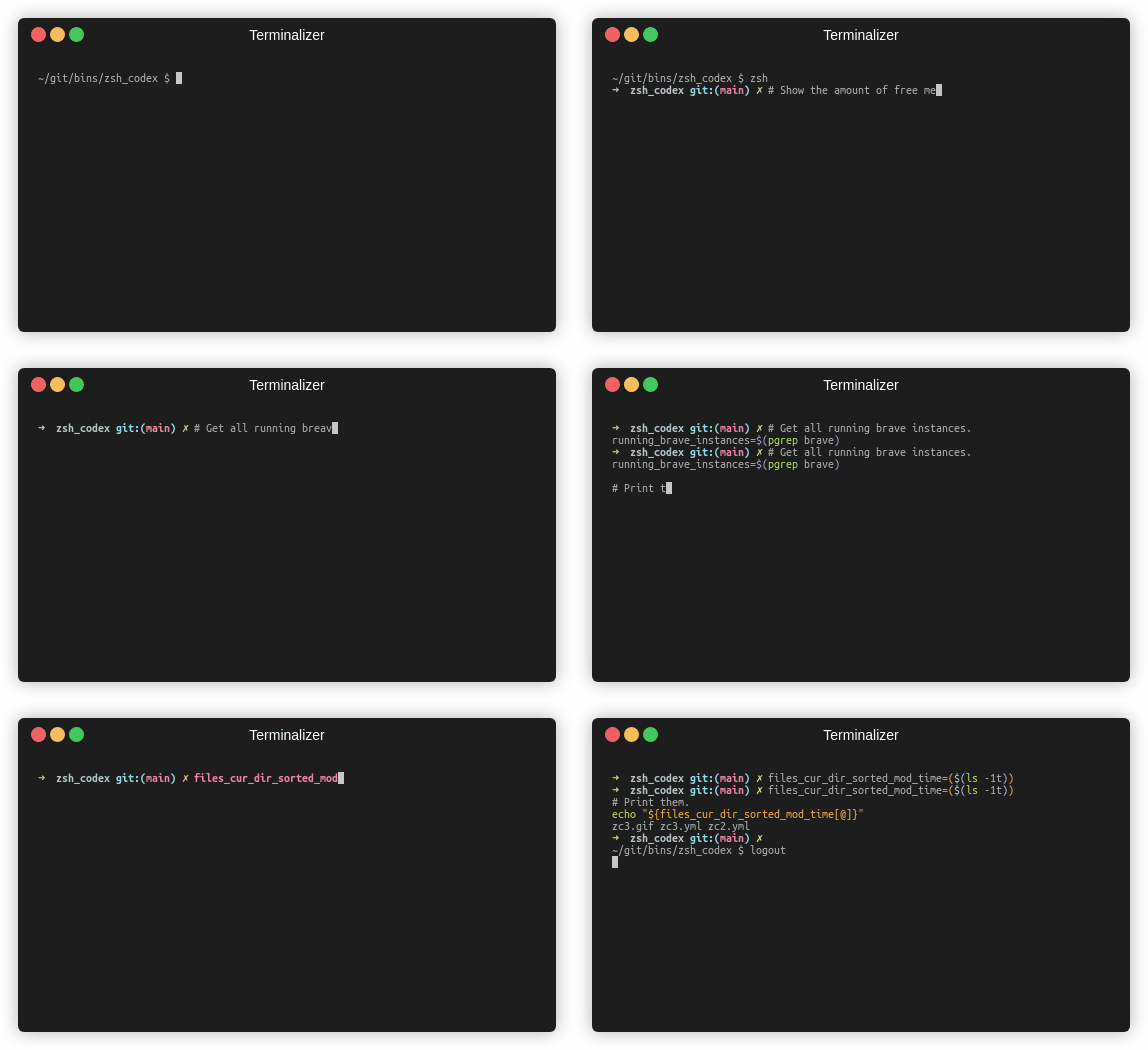
Anda hanya perlu menulis komentar atau nama variabel dan AI akan menulis kode yang sesuai.
Ini adalah plugin ZSH yang memungkinkan Anda menggunakan penyelesaian kode bertenaga AI di baris perintah. Sekarang mendukung Codex Openai dan AI generatif Google (Gemini). Openai Codex adalah AI yang juga memberi kekuatan pada gitub kopilot, sedangkan Gemini adalah model bahasa canggih Google.
pip3 install openaiatau
pip3 install google-generativeaiatau
pip3 install boto3git clone https://github.com/tom-doerr/zsh_codex.git ~ /.oh-my-zsh/custom/plugins/zsh_codex .zshrc Anda.Menggunakan Oh-My-Zsh:
    plugins=(zsh_codex)
    bindkey ' ^X ' create_completion
Tanpa oh-my-zsh:
    # in your/custom/path you need to have a "plugins" folder and in there you clone the repository as zsh_codex
    export ZSH_CUSTOM= " your/custom/path "
    source " $ZSH_CUSTOM /plugins/zsh_codex/zsh_codex.plugin.zsh "
bindkey ' ^X ' create_completionzsh_codex.ini di ~/.config . Contoh: ; Primary service configuration
; Set 'service' to match one of the defined sections below.
[service]
service = groq_service
; Example configuration for a self-hosted Ollama service.
[my_ollama]
api_type = openai
api_key = dummy_key
model = llama3.1
base_url = http://localhost:11434/v1
; OpenAI service configuration
; Provide the 'api_key' and specify a 'model' if needed.
[openai_service]
api_type = openai
api_key = <openai_apikey>
; Groq service configuration
; Provide the 'api_key'.
[groq_service]
api_type = groq
api_key = <groq_apikey>
model = gemma2-9b-it
; Mistral service configuration
; Provide the 'api_key'.
[mistral_service]
api_type = mistral
api_key = <mistral_apikey>
model = mistral-small-latest Dalam file konfigurasi ini, Anda dapat mendefinisikan beberapa layanan dengan konfigurasi mereka sendiri. Parameter yang diperlukan dan opsional dari api_type ditentukan dalam services/sevices.py . Pilih layanan mana yang akan digunakan di bagian [service] .
zsh , mulailah mengetik dan lengkapi menggunakan ^X !ZSH_CODEX_PYTHON ke Python yang dapat dieksekusi di mana openai atau google-generativeai diinstal. misalnya untuk miniconda yang dapat Anda gunakan: export ZSH_CODEX_PYTHON= " $HOME /miniconda3/bin/python " zsh-syntax-highlighting: unhandled ZLE widget 'create_completion'
zsh-syntax-highlighting: (This is sometimes caused by doing `bindkey <keys> create_completion` without creating the 'create_completion' widget with `zle -N` or `zle -C`.)
Tambahkan garis
zle -N create_completion
Sebelum Anda memanggil bindkey tetapi setelah memuat plugin ( plugins=(zsh_codex) ).
fatal: destination path '~.oh-my-zsh/custom/plugins'
Coba unduh plugin ZSH lagi.
git clone https://github.com/tom-doerr/zsh_codex.git ~/.oh-my-zsh/custom/plugins/zsh_codex
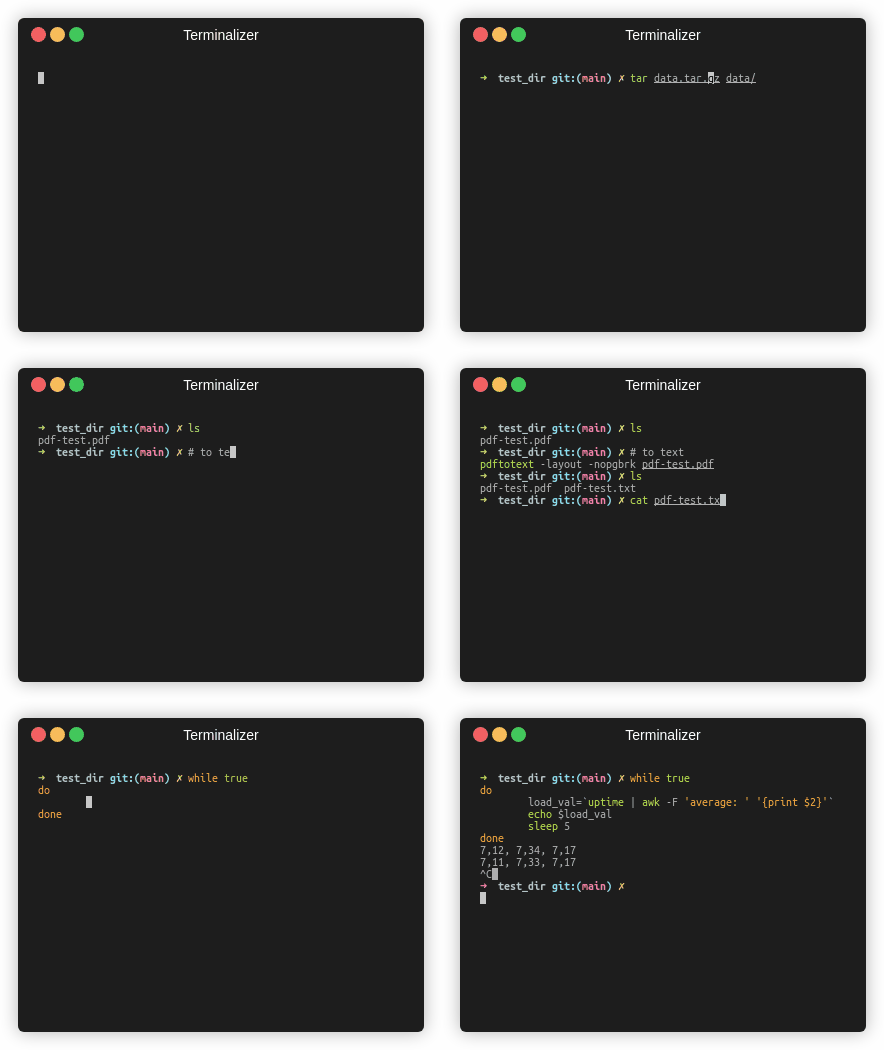
Versi Ikan
Statistik lalu lintas





