zsh_codex
1.0.0

Ai en la línea de comando.
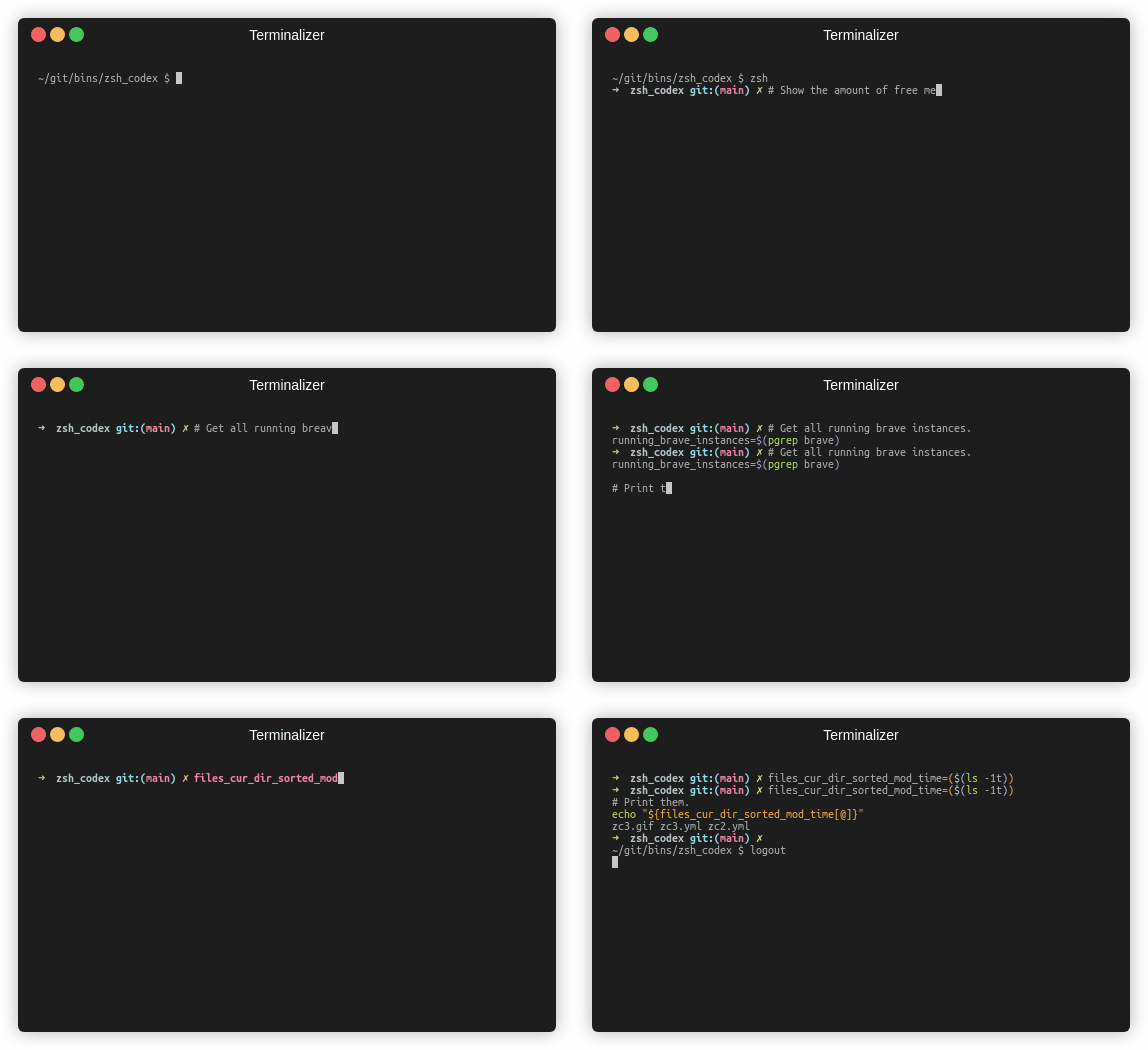
Solo necesita escribir un comentario o nombre de variable y la IA escribirá el código correspondiente.
Este es un complemento ZSH que le permite usar la finalización del código alimentado por AI en la línea de comandos. Ahora es compatible con el Codex de OpenAI y la IA generativa de Google (Gemini). Operai Codex es la IA que también impulsa el copiloto de GitHub, mientras que Gemini es el modelo de idioma avanzado de Google.
pip3 install openaio
pip3 install google-generativeaio
pip3 install boto3git clone https://github.com/tom-doerr/zsh_codex.git ~ /.oh-my-zsh/custom/plugins/zsh_codex .zshrc .Usando Oh-My-Zsh:
    plugins=(zsh_codex)
    bindkey ' ^X ' create_completion
Sin Oh-My-Zsh:
    # in your/custom/path you need to have a "plugins" folder and in there you clone the repository as zsh_codex
    export ZSH_CUSTOM= " your/custom/path "
    source " $ZSH_CUSTOM /plugins/zsh_codex/zsh_codex.plugin.zsh "
bindkey ' ^X ' create_completionzsh_codex.ini en ~/.config . Ejemplo: ; Primary service configuration
; Set 'service' to match one of the defined sections below.
[service]
service = groq_service
; Example configuration for a self-hosted Ollama service.
[my_ollama]
api_type = openai
api_key = dummy_key
model = llama3.1
base_url = http://localhost:11434/v1
; OpenAI service configuration
; Provide the 'api_key' and specify a 'model' if needed.
[openai_service]
api_type = openai
api_key = <openai_apikey>
; Groq service configuration
; Provide the 'api_key'.
[groq_service]
api_type = groq
api_key = <groq_apikey>
model = gemma2-9b-it
; Mistral service configuration
; Provide the 'api_key'.
[mistral_service]
api_type = mistral
api_key = <mistral_apikey>
model = mistral-small-latest En este archivo de configuración, puede definir múltiples servicios con sus propias configuraciones. Los parámetros requeridos y opcionales del api_type se especifican en services/sevices.py . Elija qué servicio usar en la sección [service] .
zsh , comience a escribir y complete con ^X !ZSH_CODEX_PYTHON en el ejecutable de Python donde se instala openai o google-generativeai . por ejemplo, para miniconda , puedes usar: export ZSH_CODEX_PYTHON= " $HOME /miniconda3/bin/python " zsh-syntax-highlighting: unhandled ZLE widget 'create_completion'
zsh-syntax-highlighting: (This is sometimes caused by doing `bindkey <keys> create_completion` without creating the 'create_completion' widget with `zle -N` or `zle -C`.)
Agregar la línea
zle -N create_completion
Antes de llamar bindkey pero después de cargar el complemento ( plugins=(zsh_codex) ).
fatal: destination path '~.oh-my-zsh/custom/plugins'
Intente descargar el complemento ZSH nuevamente.
git clone https://github.com/tom-doerr/zsh_codex.git ~/.oh-my-zsh/custom/plugins/zsh_codex
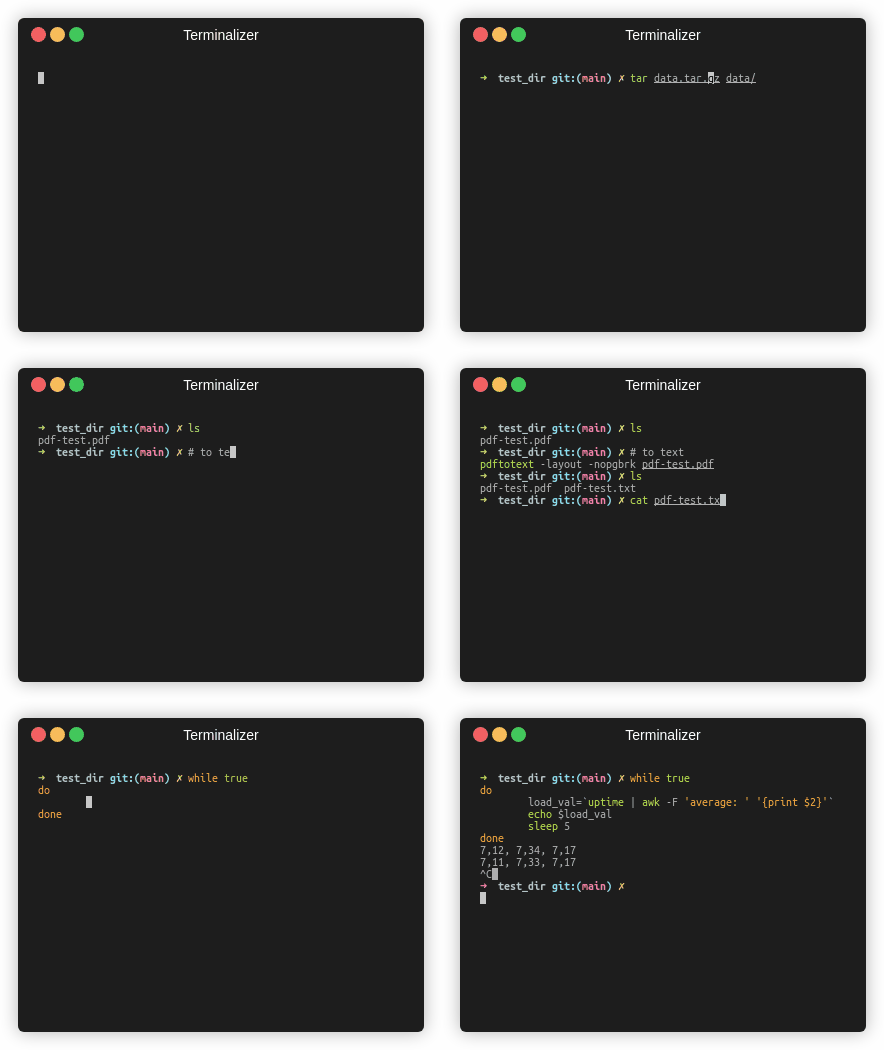
Versión de pescado
Estadísticas de tráfico





