zsh_codex
1.0.0

명령 줄에서 AI.
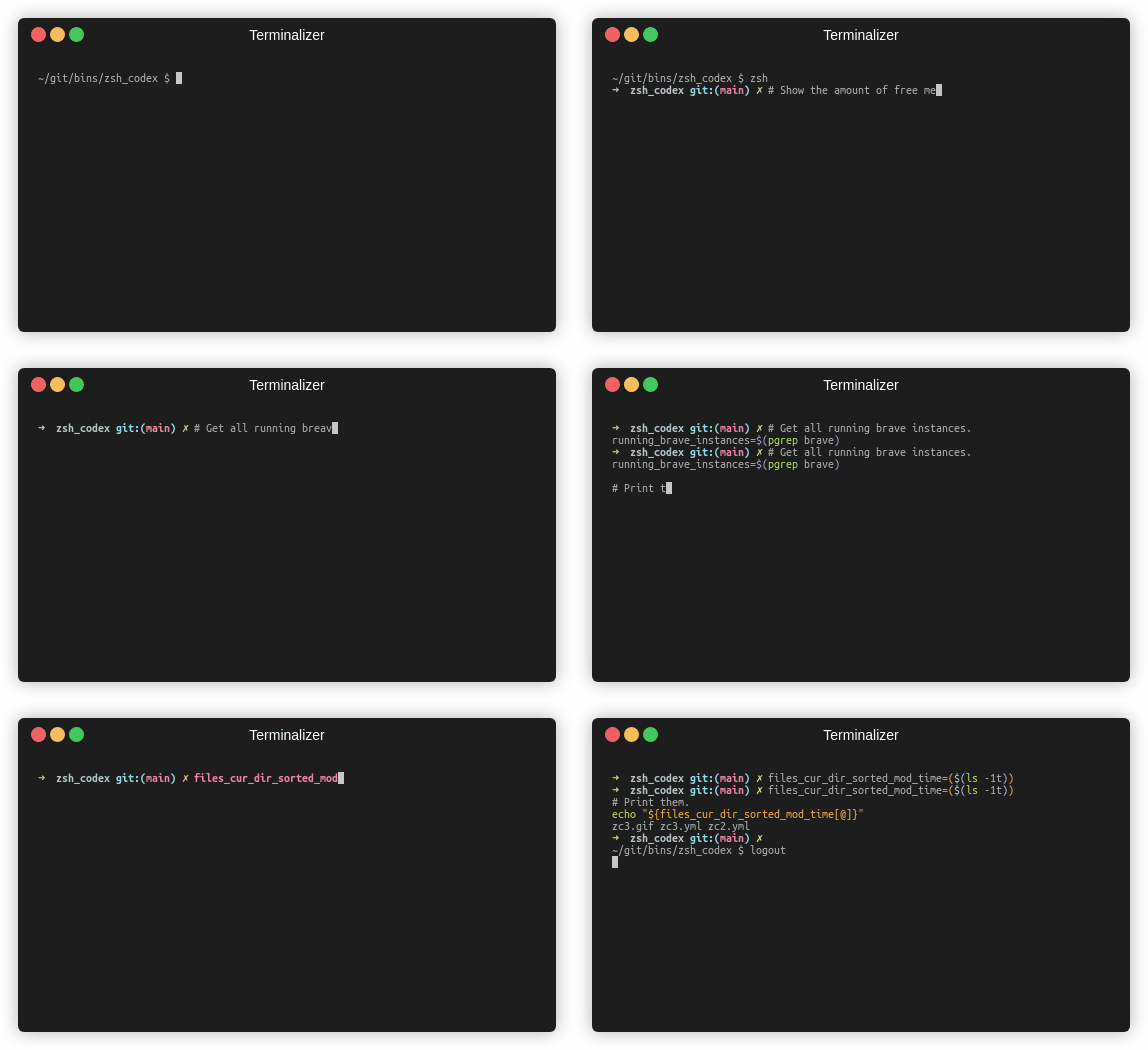
주석 또는 변수 이름 만 작성하면 AI가 해당 코드를 작성합니다.
명령 줄에서 AI 전원 코드 완료를 사용할 수있는 ZSH 플러그인입니다. 이제 OpenAi의 Codex와 Google의 생성 AI (Gemini)를 모두 지원합니다. OpenAi Codex는 Github Copilot에도 전원을 공급하는 AI이며 Gemini는 Google의 고급 언어 모델입니다.
pip3 install openai또는
pip3 install google-generativeai또는
pip3 install boto3git clone https://github.com/tom-doerr/zsh_codex.git ~ /.oh-my-zsh/custom/plugins/zsh_codex .zshrc file.OH-MY-ZSH 사용 :
    plugins=(zsh_codex)
    bindkey ' ^X ' create_completion
oh-my-zsh없이 :
    # in your/custom/path you need to have a "plugins" folder and in there you clone the repository as zsh_codex
    export ZSH_CUSTOM= " your/custom/path "
    source " $ZSH_CUSTOM /plugins/zsh_codex/zsh_codex.plugin.zsh "
bindkey ' ^X ' create_completionzsh_codex.ini in ~/.config . 예: ; Primary service configuration
; Set 'service' to match one of the defined sections below.
[service]
service = groq_service
; Example configuration for a self-hosted Ollama service.
[my_ollama]
api_type = openai
api_key = dummy_key
model = llama3.1
base_url = http://localhost:11434/v1
; OpenAI service configuration
; Provide the 'api_key' and specify a 'model' if needed.
[openai_service]
api_type = openai
api_key = <openai_apikey>
; Groq service configuration
; Provide the 'api_key'.
[groq_service]
api_type = groq
api_key = <groq_apikey>
model = gemma2-9b-it
; Mistral service configuration
; Provide the 'api_key'.
[mistral_service]
api_type = mistral
api_key = <mistral_apikey>
model = mistral-small-latest 이 구성 파일에서는 자체 구성으로 여러 서비스를 정의 할 수 있습니다. The required and optional parameters of the api_type are specified in services/sevices.py . Choose which service to use in the [service] section.
zsh , start typing and complete it using ^X !ZSH_CODEX_PYTHON to python executable where openai or google-generativeai is installed. eg for miniconda you can use: export ZSH_CODEX_PYTHON= " $HOME /miniconda3/bin/python " zsh-syntax-highlighting: unhandled ZLE widget 'create_completion'
zsh-syntax-highlighting: (This is sometimes caused by doing `bindkey <keys> create_completion` without creating the 'create_completion' widget with `zle -N` or `zle -C`.)
라인을 추가하십시오
zle -N create_completion
before you call bindkey but after loading the plugin ( plugins=(zsh_codex) ).
fatal: destination path '~.oh-my-zsh/custom/plugins'
Zsh 플러그인을 다시 다운로드하십시오.
git clone https://github.com/tom-doerr/zsh_codex.git ~/.oh-my-zsh/custom/plugins/zsh_codex
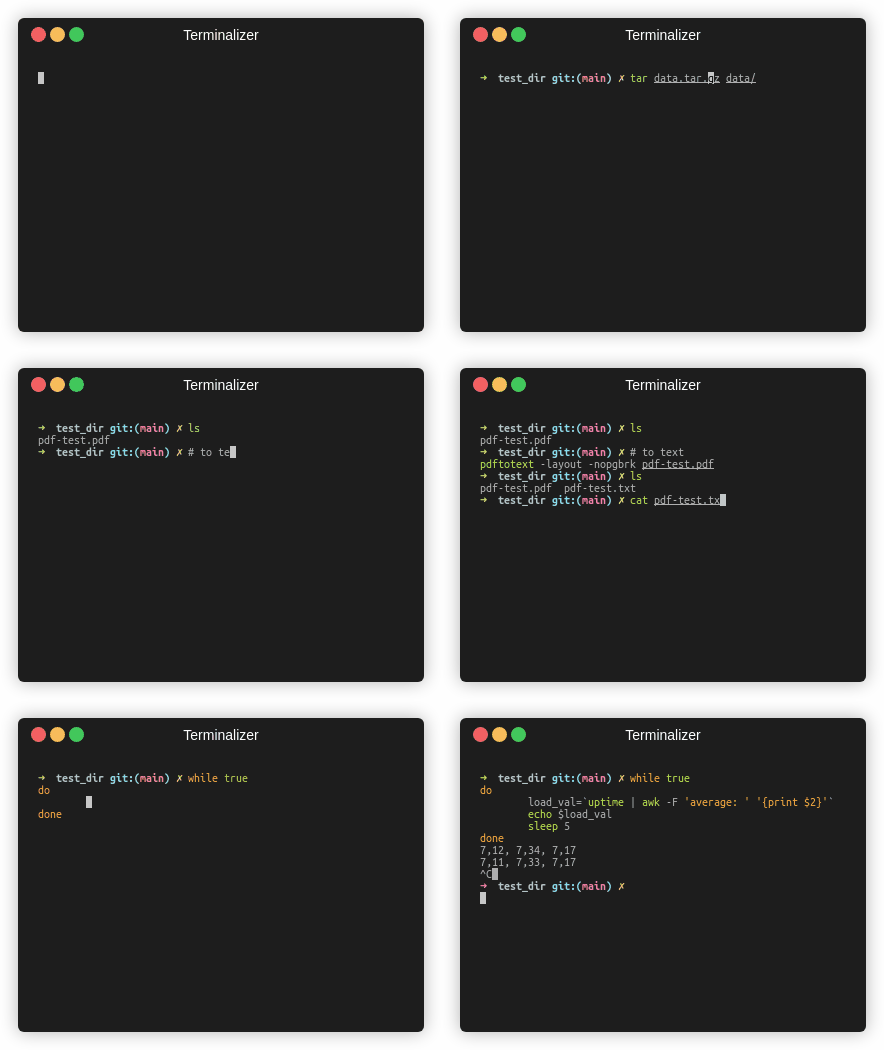
물고기 버전
트래픽 통계





