zsh_codex
1.0.0

ИИ в командной строке.
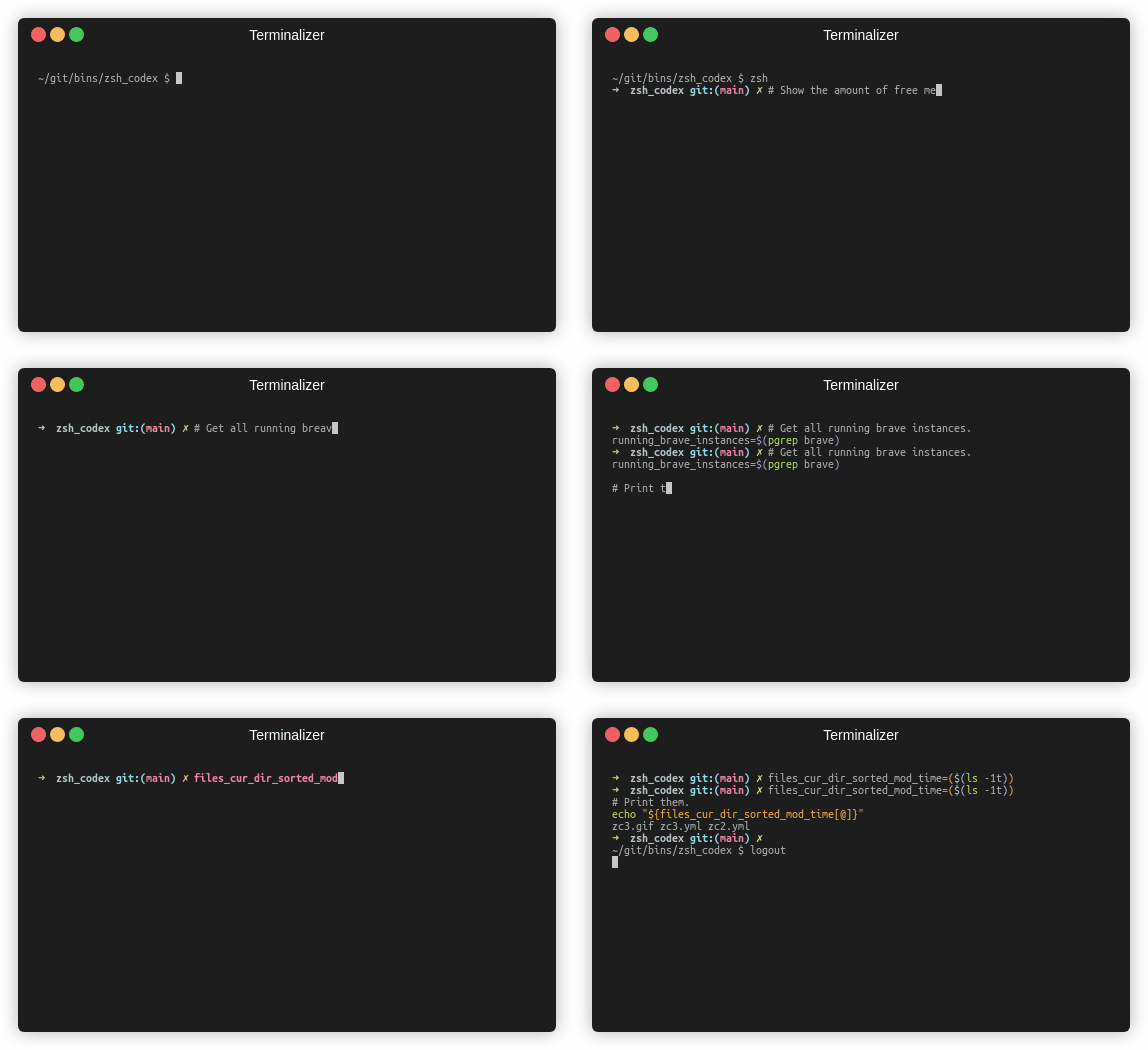
Вам просто нужно написать комментарий или имя переменной, а ИИ напишет соответствующий код.
Это плагин ZSH, который позволяет использовать завершение кода, включенного в систему, в командной строке. Теперь он поддерживает как Codex Openai, так и Google Generative AI (Gemini). Openai Codex - это ИИ, который также поддерживает Copilot Github, в то время как Gemini является расширенным языковым моделью Google.
pip3 install openaiили
pip3 install google-generativeaiили
pip3 install boto3git clone https://github.com/tom-doerr/zsh_codex.git ~ /.oh-my-zsh/custom/plugins/zsh_codex .zshrc .Используя OH-MY-ZSH:
    plugins=(zsh_codex)
    bindkey ' ^X ' create_completion
Без OH-MY-ZSH:
    # in your/custom/path you need to have a "plugins" folder and in there you clone the repository as zsh_codex
    export ZSH_CUSTOM= " your/custom/path "
    source " $ZSH_CUSTOM /plugins/zsh_codex/zsh_codex.plugin.zsh "
bindkey ' ^X ' create_completionzsh_codex.ini в ~/.config . Пример: ; Primary service configuration
; Set 'service' to match one of the defined sections below.
[service]
service = groq_service
; Example configuration for a self-hosted Ollama service.
[my_ollama]
api_type = openai
api_key = dummy_key
model = llama3.1
base_url = http://localhost:11434/v1
; OpenAI service configuration
; Provide the 'api_key' and specify a 'model' if needed.
[openai_service]
api_type = openai
api_key = <openai_apikey>
; Groq service configuration
; Provide the 'api_key'.
[groq_service]
api_type = groq
api_key = <groq_apikey>
model = gemma2-9b-it
; Mistral service configuration
; Provide the 'api_key'.
[mistral_service]
api_type = mistral
api_key = <mistral_apikey>
model = mistral-small-latest В этом файле конфигурации вы можете определить несколько служб с помощью их собственных конфигураций. Требуемые и дополнительные параметры api_type указаны в services/sevices.py . Выберите, какую услугу использовать в разделе [service] .
zsh , начните печатать и завершить его, используя ^X !ZSH_CODEX_PYTHON на Python Executiveabable, где установлен openai или google-generativeai . Например, для miniconda вы можете использовать: export ZSH_CODEX_PYTHON= " $HOME /miniconda3/bin/python " zsh-syntax-highlighting: unhandled ZLE widget 'create_completion'
zsh-syntax-highlighting: (This is sometimes caused by doing `bindkey <keys> create_completion` without creating the 'create_completion' widget with `zle -N` or `zle -C`.)
Добавить линию
zle -N create_completion
Перед вызовом bindkey , но после загрузки плагина ( plugins=(zsh_codex) ).
fatal: destination path '~.oh-my-zsh/custom/plugins'
Попробуйте снова скачать плагин ZSH.
git clone https://github.com/tom-doerr/zsh_codex.git ~/.oh-my-zsh/custom/plugins/zsh_codex
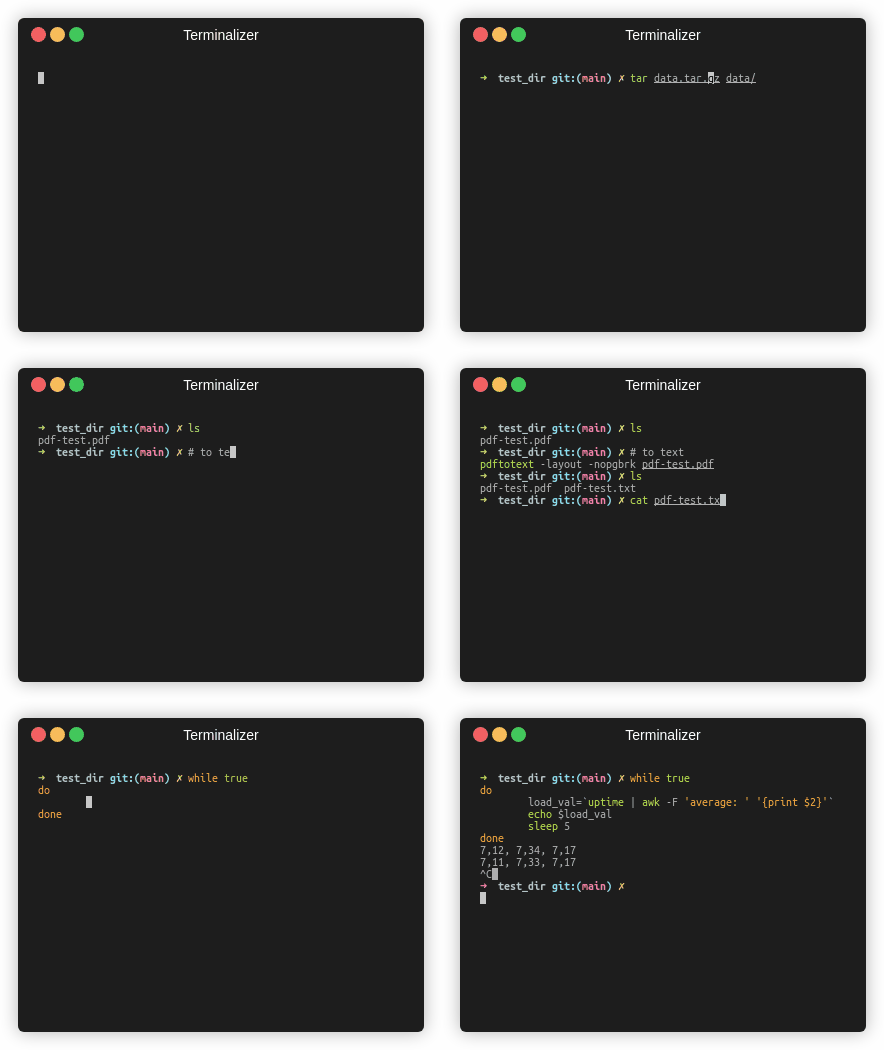
Рыбная версия
Статистика трафика





