zsh_codex
1.0.0

KI in der Befehlszeile.
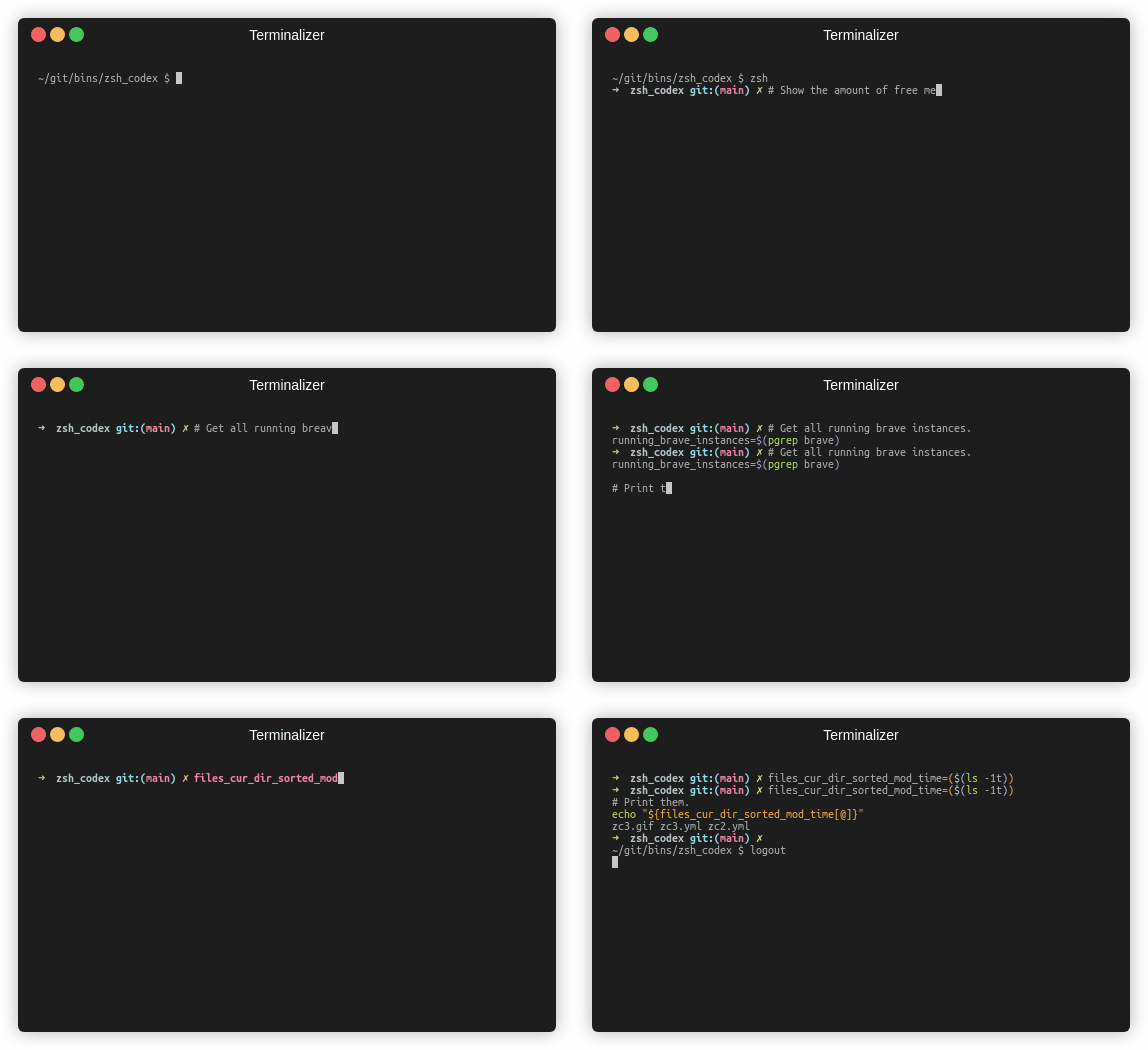
Sie müssen nur einen Kommentar oder einen variablen Namen schreiben und die KI schreibt den entsprechenden Code.
Dies ist ein ZSH -Plugin, mit dem Sie in der Befehlszeile die Abschluss von AI -betriebenen Code verwenden können. Es unterstützt jetzt sowohl OpenAIs Codex als auch Googles generative KI (Gemini). OpenAI Codex ist die KI, die auch Github Copilot versorgt, während Gemini das erweiterte Sprachmodell von Google ist.
pip3 install openaioder
pip3 install google-generativeaioder
pip3 install boto3git clone https://github.com/tom-doerr/zsh_codex.git ~ /.oh-my-zsh/custom/plugins/zsh_codex .zshrc -Datei Folgendes hinzu.Verwenden von oh-my-zsh:
    plugins=(zsh_codex)
    bindkey ' ^X ' create_completion
Ohne oh-my-zsh:
    # in your/custom/path you need to have a "plugins" folder and in there you clone the repository as zsh_codex
    export ZSH_CUSTOM= " your/custom/path "
    source " $ZSH_CUSTOM /plugins/zsh_codex/zsh_codex.plugin.zsh "
bindkey ' ^X ' create_completionzsh_codex.ini in ~/.config . Beispiel: ; Primary service configuration
; Set 'service' to match one of the defined sections below.
[service]
service = groq_service
; Example configuration for a self-hosted Ollama service.
[my_ollama]
api_type = openai
api_key = dummy_key
model = llama3.1
base_url = http://localhost:11434/v1
; OpenAI service configuration
; Provide the 'api_key' and specify a 'model' if needed.
[openai_service]
api_type = openai
api_key = <openai_apikey>
; Groq service configuration
; Provide the 'api_key'.
[groq_service]
api_type = groq
api_key = <groq_apikey>
model = gemma2-9b-it
; Mistral service configuration
; Provide the 'api_key'.
[mistral_service]
api_type = mistral
api_key = <mistral_apikey>
model = mistral-small-latest In dieser Konfigurationsdatei können Sie mehrere Dienste mit eigenen Konfigurationen definieren. Die erforderlichen und optionalen Parameter des api_type sind in services/sevices.py angegeben. Wählen Sie im Abschnitt [service] aus, welcher Dienst verwendet werden soll.
zsh aus, tippen und vervollständigen Sie es mit ^X !ZSH_CODEX_PYTHON auf python ausführbare Datei festlegen, bei der openai oder google-generativeai installiert ist. zB für miniconda können Sie verwenden: export ZSH_CODEX_PYTHON= " $HOME /miniconda3/bin/python " zsh-syntax-highlighting: unhandled ZLE widget 'create_completion'
zsh-syntax-highlighting: (This is sometimes caused by doing `bindkey <keys> create_completion` without creating the 'create_completion' widget with `zle -N` or `zle -C`.)
Fügen Sie die Zeile hinzu
zle -N create_completion
Bevor Sie bindkey aufrufen, aber nach dem Laden des Plugins ( plugins=(zsh_codex) ).
fatal: destination path '~.oh-my-zsh/custom/plugins'
Versuchen Sie, das ZSH -Plugin erneut herunterzuladen.
git clone https://github.com/tom-doerr/zsh_codex.git ~/.oh-my-zsh/custom/plugins/zsh_codex
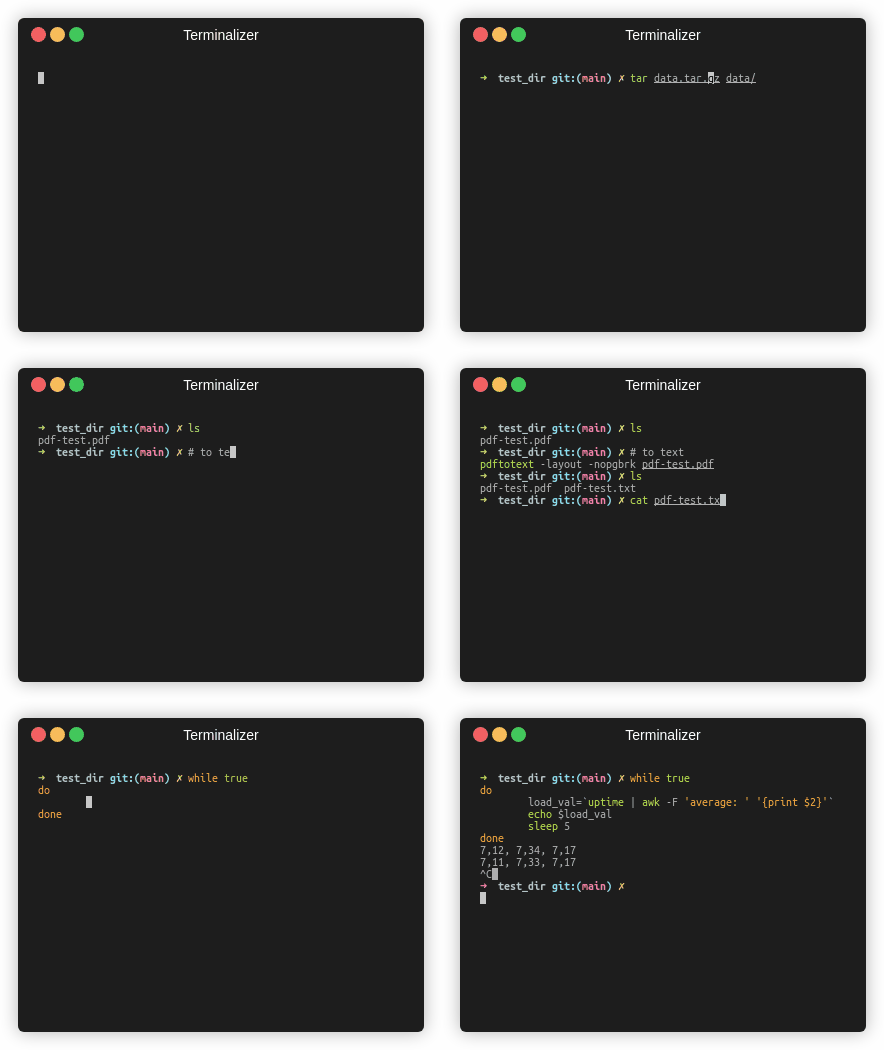
Fischversion
Verkehrsstatistik





