zsh_codex
1.0.0

AI dans la ligne de commande.
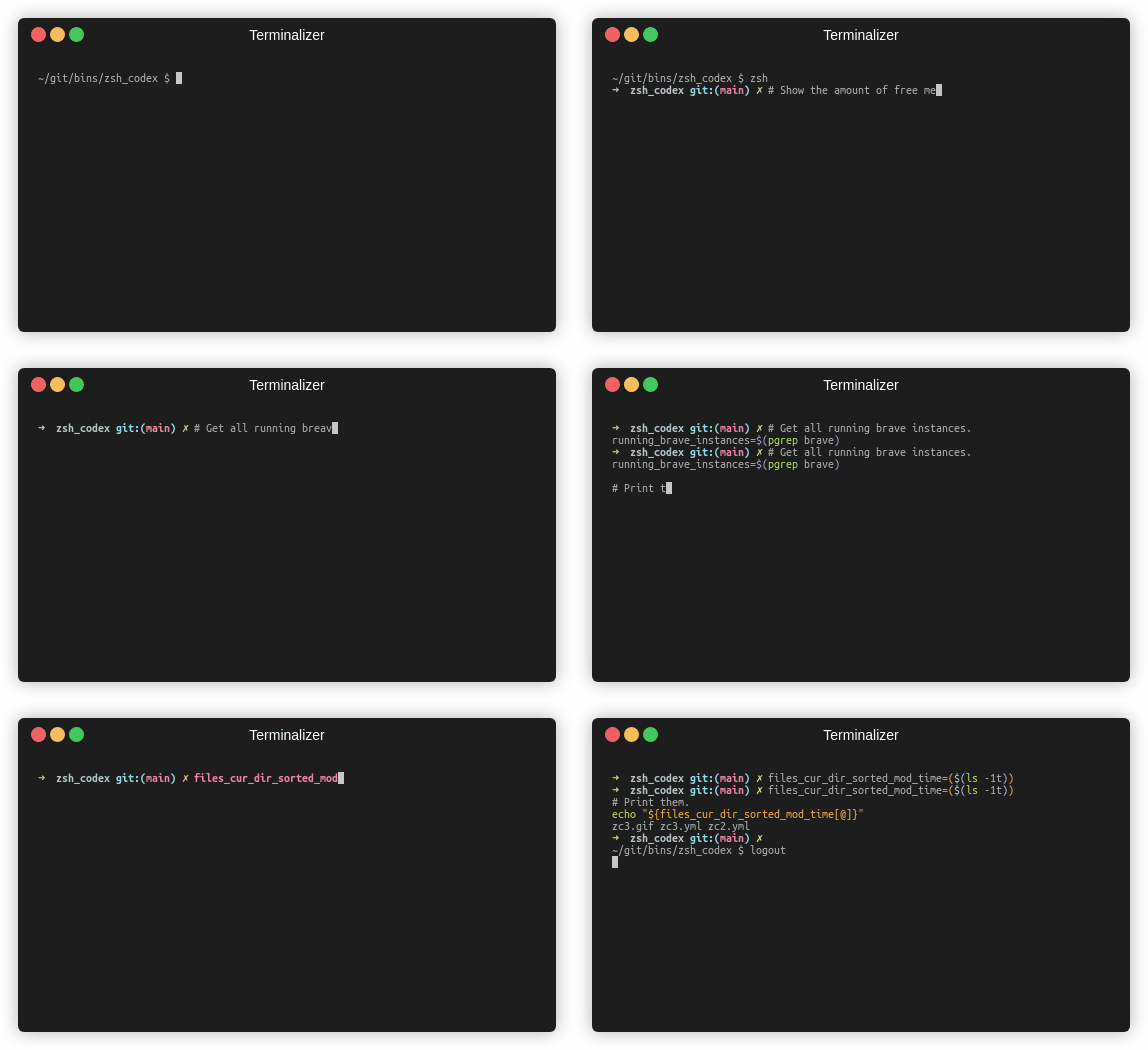
Il vous suffit d'écrire un nom de commentaire ou de variable et l'IA écrira le code correspondant.
Il s'agit d'un plugin ZSH qui vous permet d'utiliser l'achèvement du code alimenté par AI dans la ligne de commande. Il prend désormais en charge le codex d'OpenAI et l'IA génératif de Google (Gemini). OpenAI Codex est l'IA qui alimente également le copilote GitHub, tandis que Gemini est le modèle de langue avancée de Google.
pip3 install openaiou
pip3 install google-generativeaiou
pip3 install boto3git clone https://github.com/tom-doerr/zsh_codex.git ~ /.oh-my-zsh/custom/plugins/zsh_codex .zshrc .En utilisant oh-my-zsh:
    plugins=(zsh_codex)
    bindkey ' ^X ' create_completion
Sans Oh-My-Zsh:
    # in your/custom/path you need to have a "plugins" folder and in there you clone the repository as zsh_codex
    export ZSH_CUSTOM= " your/custom/path "
    source " $ZSH_CUSTOM /plugins/zsh_codex/zsh_codex.plugin.zsh "
bindkey ' ^X ' create_completionzsh_codex.ini dans ~/.config . Exemple: ; Primary service configuration
; Set 'service' to match one of the defined sections below.
[service]
service = groq_service
; Example configuration for a self-hosted Ollama service.
[my_ollama]
api_type = openai
api_key = dummy_key
model = llama3.1
base_url = http://localhost:11434/v1
; OpenAI service configuration
; Provide the 'api_key' and specify a 'model' if needed.
[openai_service]
api_type = openai
api_key = <openai_apikey>
; Groq service configuration
; Provide the 'api_key'.
[groq_service]
api_type = groq
api_key = <groq_apikey>
model = gemma2-9b-it
; Mistral service configuration
; Provide the 'api_key'.
[mistral_service]
api_type = mistral
api_key = <mistral_apikey>
model = mistral-small-latest Dans ce fichier de configuration, vous pouvez définir plusieurs services avec leurs propres configurations. Les paramètres requis et facultatifs de l' api_type sont spécifiés dans services/sevices.py . Choisissez le service à utiliser dans la section [service] .
zsh , commencez à taper et complétez-le en utilisant ^X !ZSH_CODEX_PYTHON sur Python Exécutable lorsqu'il est installé openai ou google-generativeai . par exemple pour miniconda que vous pouvez utiliser: export ZSH_CODEX_PYTHON= " $HOME /miniconda3/bin/python " zsh-syntax-highlighting: unhandled ZLE widget 'create_completion'
zsh-syntax-highlighting: (This is sometimes caused by doing `bindkey <keys> create_completion` without creating the 'create_completion' widget with `zle -N` or `zle -C`.)
Ajouter la ligne
zle -N create_completion
Avant d'appeler bindkey mais après le chargement du plugin ( plugins=(zsh_codex) ).
fatal: destination path '~.oh-my-zsh/custom/plugins'
Essayez de télécharger à nouveau le plugin ZSH.
git clone https://github.com/tom-doerr/zsh_codex.git ~/.oh-my-zsh/custom/plugins/zsh_codex
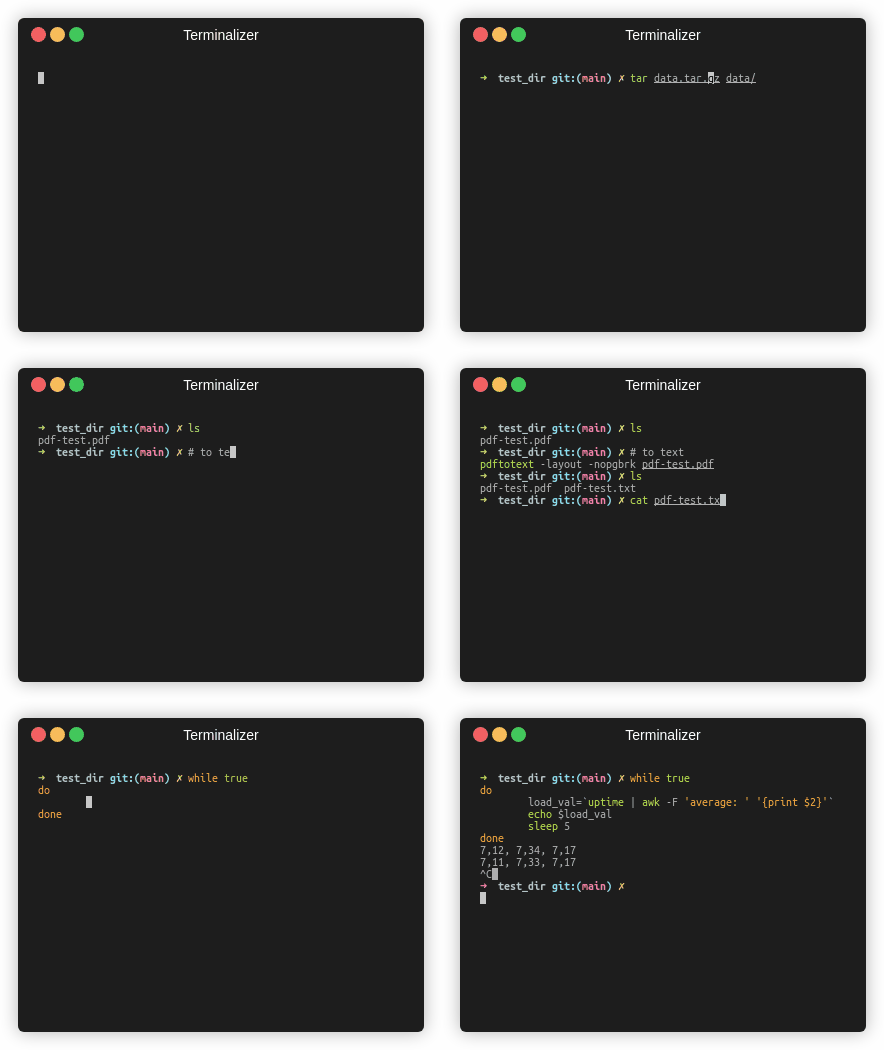
Version de poisson
Statistiques de la circulation





