zsh_codex
1.0.0

AI na linha de comando.
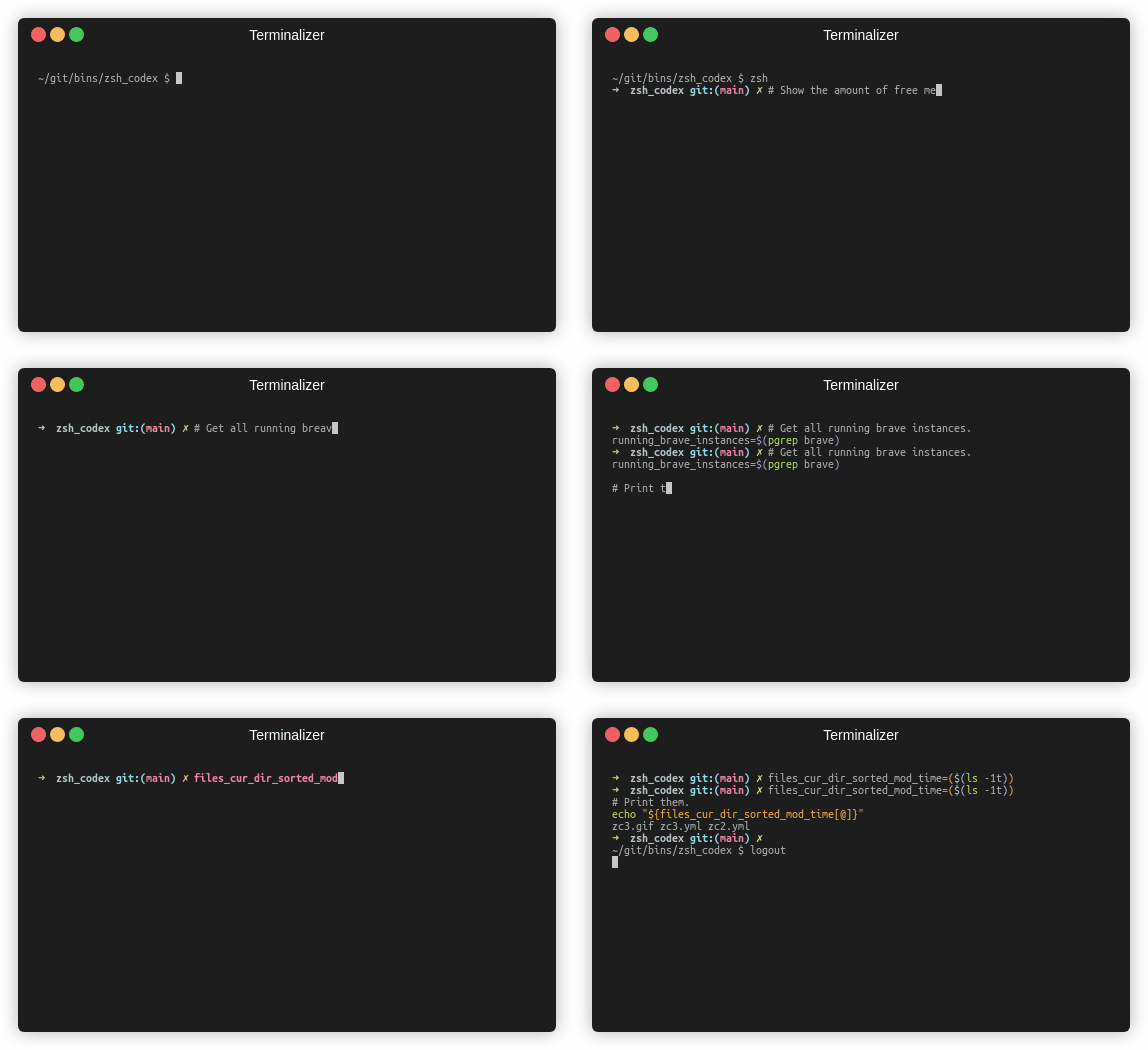
Você só precisa escrever um nome de comentário ou variável e a IA escreverá o código correspondente.
Este é um plug -in ZSH que permite usar a conclusão de código alimentada por IA na linha de comando. Agora ele suporta o Codex do OpenAI e a AI generativa do Google (Gêmeos). O Openai Codex é a IA que também alimenta o Github Copilot, enquanto Gemini é o modelo de linguagem avançada do Google.
pip3 install openaiou
pip3 install google-generativeaiou
pip3 install boto3git clone https://github.com/tom-doerr/zsh_codex.git ~ /.oh-my-zsh/custom/plugins/zsh_codex .zshrc .Usando oh-my-zsh:
    plugins=(zsh_codex)
    bindkey ' ^X ' create_completion
Sem oh-my-zsh:
    # in your/custom/path you need to have a "plugins" folder and in there you clone the repository as zsh_codex
    export ZSH_CUSTOM= " your/custom/path "
    source " $ZSH_CUSTOM /plugins/zsh_codex/zsh_codex.plugin.zsh "
bindkey ' ^X ' create_completionzsh_codex.ini em ~/.config . Exemplo: ; Primary service configuration
; Set 'service' to match one of the defined sections below.
[service]
service = groq_service
; Example configuration for a self-hosted Ollama service.
[my_ollama]
api_type = openai
api_key = dummy_key
model = llama3.1
base_url = http://localhost:11434/v1
; OpenAI service configuration
; Provide the 'api_key' and specify a 'model' if needed.
[openai_service]
api_type = openai
api_key = <openai_apikey>
; Groq service configuration
; Provide the 'api_key'.
[groq_service]
api_type = groq
api_key = <groq_apikey>
model = gemma2-9b-it
; Mistral service configuration
; Provide the 'api_key'.
[mistral_service]
api_type = mistral
api_key = <mistral_apikey>
model = mistral-small-latest Neste arquivo de configuração, você pode definir vários serviços com suas próprias configurações. Os parâmetros necessários e opcionais do api_type são especificados em services/sevices.py . Escolha qual serviço usar na seção [service] .
zsh , comece a digitar e complete -o usando ^X !ZSH_CODEX_PYTHON como executável em Python, onde openai ou google-generativeai está instalado. por exemplo, para miniconda que você pode usar: export ZSH_CODEX_PYTHON= " $HOME /miniconda3/bin/python " zsh-syntax-highlighting: unhandled ZLE widget 'create_completion'
zsh-syntax-highlighting: (This is sometimes caused by doing `bindkey <keys> create_completion` without creating the 'create_completion' widget with `zle -N` or `zle -C`.)
Adicione a linha
zle -N create_completion
Antes de ligar para bindkey , mas depois de carregar o plug -in ( plugins=(zsh_codex) ).
fatal: destination path '~.oh-my-zsh/custom/plugins'
Tente baixar o plug -in do ZSH novamente.
git clone https://github.com/tom-doerr/zsh_codex.git ~/.oh-my-zsh/custom/plugins/zsh_codex
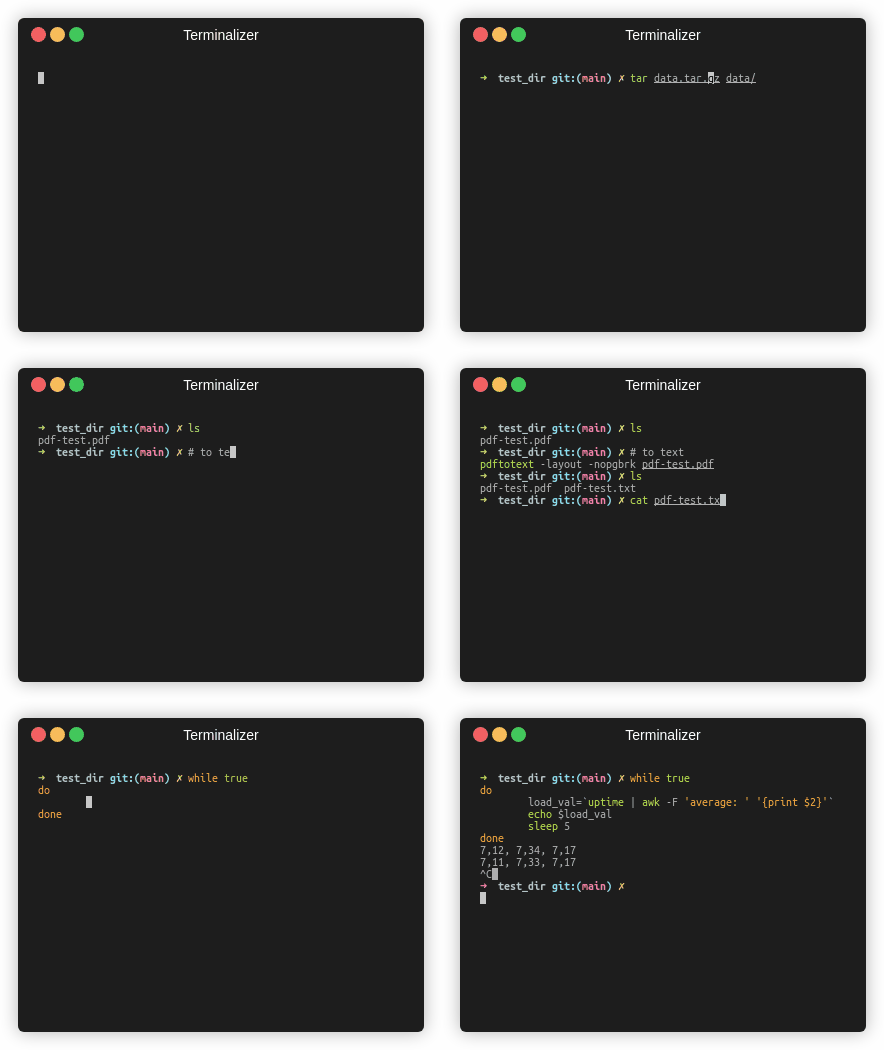
Versão do peixe
Estatísticas de tráfego





