
Google recently launched an innovative feature called Data Science Assistant, which is based on its advanced Gemini technology that automatically generates a complete working notebook through user's natural language description. The introduction of this technology not only greatly improves the efficiency of data analysis, but also allows developers to focus more on data insights rather than tedious code writing and setting up work.
Google Colab, as a free cloud-based Jupyter Notebook environment, allows users to write and run Python code directly in their browser. It provides free access to Google Cloud GPUs and TPUs, making it more efficient to run complex AI models while simplifying the process of team collaboration. Last December, Google showed some testers the capabilities of the Data Science Assistant for the first time, and user feedback showed that the tool significantly improved their productivity and helped them discover key insights in their data faster.
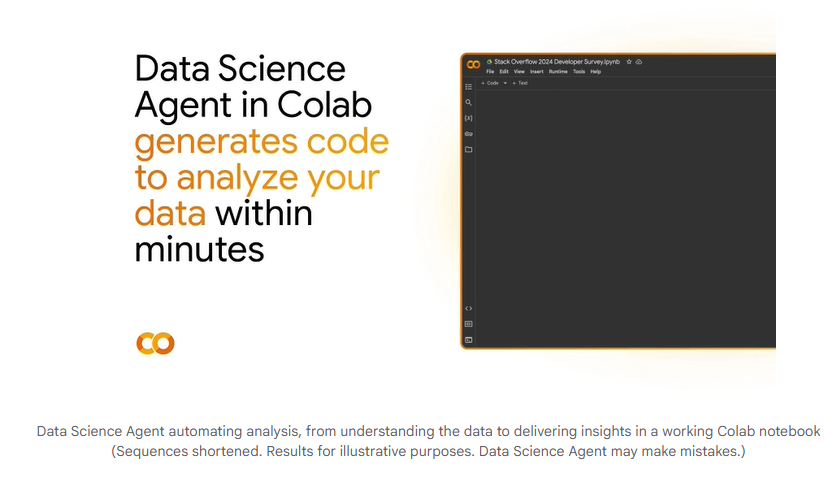
Today, Google has expanded the capabilities of the Data Science Assistant to all Colab users over the age of 18 and supports more countries and languages. This move not only further deepens the partnership with the university, but also saves research laboratories a lot of time in data processing and analysis. The steps to using the Data Science Assistant are simple: the user simply opens a blank Colab notebook, uploads the data file, and then describes the analytics targets in the Gemini sidebar, such as "Visual Trends" or "Build Predictive Models." The Data Science Assistant will then automatically generate the corresponding code and analysis results to form a complete executable notebook.
In addition to automatically generating notebooks, Data Science Assistant has other significant advantages. Users can easily modify and extend the generated code as needed, using Colab’s standard sharing capabilities to collaborate with team members, saving a lot of time and focusing on mining data insights. In addition, in HuggingFace's multi-step reasoning benchmark test, Data Science Assistant achieved a fourth-place finish, surpassing the smart assistants of many competitors.
Google encourages users to actively try this new feature by simply uploading data and describing the analysis target in the Gemini sidebar. Users can also further experience the power of the Data Science Assistant through data sets on Kaggle or Data Commons.
Official website introduction:
https://developers.googleblog.com/en/data-science-agent-in-colab-with-gemini/?linkId=13237992