HiOllama
1.0.0

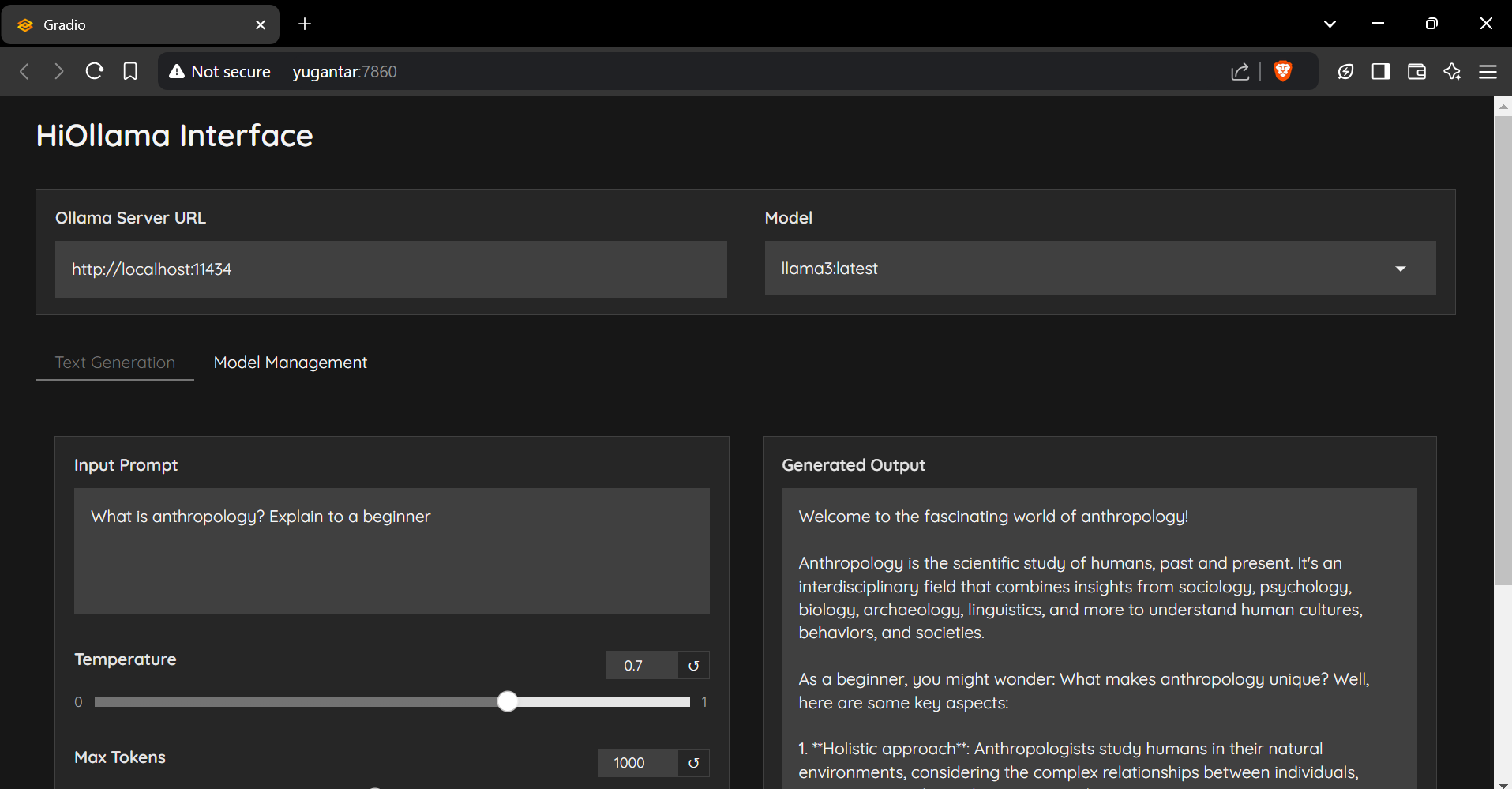
Python 및 Gradio로 제작 된 Ollama 모델과 상호 작용하기위한 매끄럽고 사용자 친화적 인 인터페이스.
git clone https://github.com/smaranjitghose/HiOllama.git
cd HiOllama # Windows
python -m venv env
. e nv S cripts a ctivate
# Linux/Mac
python3 -m venv env
source env/bin/activatepip install -r requirements.txt # Linux/Mac
curl -fsSL https://ollama.ai/install.sh | sh
# For Windows, install WSL2 first, then run the above command ollama servepython main.py http://localhost:7860
기본 설정은 main.py 에서 수정할 수 있습니다.
 DEFAULT_OLLAMA_URL = "http://localhost:11434"
DEFAULT_MODEL_NAME = "llama3" 연결 오류
ollama serve )모델을 찾을 수 없습니다
ollama pull model_nameollama list포트 충돌
main.py 의 포트 변경 : app . launch ( server_port = 7860 ) # Change to another port 기부금을 환영합니다! 풀 요청을 제출하십시오.
git checkout -b feature/AmazingFeature )git commit -m 'Add some AmazingFeature' )git push origin feature/AmazingFeature이 프로젝트는 MIT 라이센스에 따라 라이센스가 부여됩니다. 자세한 내용은 라이센스 파일을 참조하십시오.
smaranjit ghose가 ❤️로 제작했습니다





