HiOllama
1.0.0

واجهة أنيقة وسهلة الاستخدام للتفاعل مع نماذج Ollama ، التي تم تصميمها مع Python و Gradio.
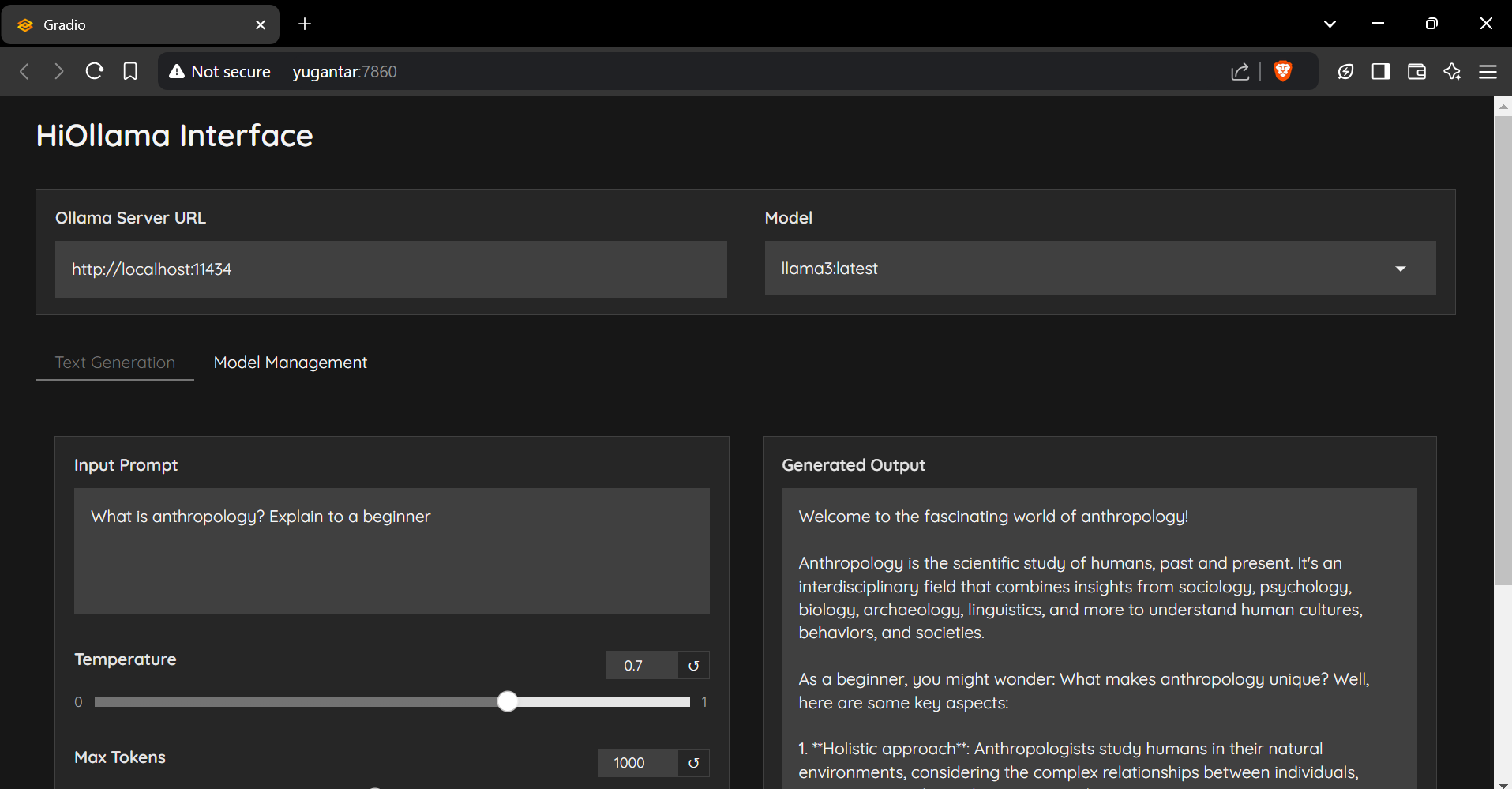
git clone https://github.com/smaranjitghose/HiOllama.git
cd HiOllama # Windows
python -m venv env
. e nv S cripts a ctivate
# Linux/Mac
python3 -m venv env
source env/bin/activatepip install -r requirements.txt # Linux/Mac
curl -fsSL https://ollama.ai/install.sh | sh
# For Windows, install WSL2 first, then run the above command ollama servepython main.py http://localhost:7860
يمكن تعديل الإعدادات الافتراضية في main.py :
 DEFAULT_OLLAMA_URL = "http://localhost:11434"
DEFAULT_MODEL_NAME = "llama3" خطأ الاتصال
ollama serve )النموذج غير موجود
ollama pull model_nameollama listصراع الميناء
main.py : app . launch ( server_port = 7860 ) # Change to another port المساهمات مرحب بها! لا تتردد في تقديم طلب سحب.
git checkout -b feature/AmazingFeature )git commit -m 'Add some AmazingFeature' )git push origin feature/AmazingFeature )تم ترخيص هذا المشروع بموجب ترخيص معهد ماساتشوستس للتكنولوجيا - راجع ملف الترخيص للحصول على التفاصيل.
مصنوع من ❤ بواسطة Smaranjit Ghose





