HiOllama
1.0.0

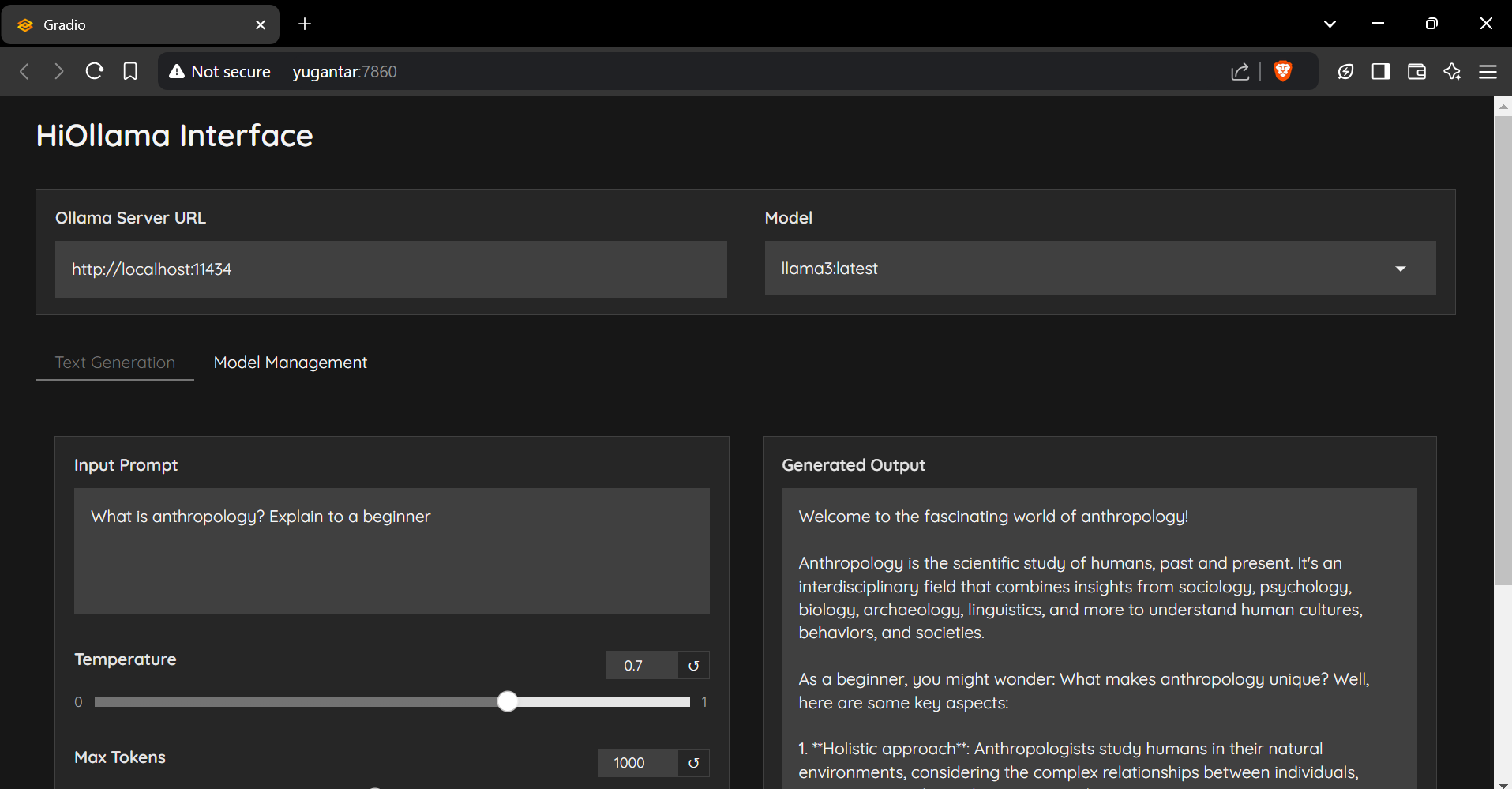
A sleek and user-friendly interface for interacting with Ollama models, built with Python and Gradio.
git clone https://github.com/smaranjitghose/HiOllama.git
cd HiOllama# Windows
python -m venv env
.envScriptsactivate
# Linux/Mac
python3 -m venv env
source env/bin/activatepip install -r requirements.txt# Linux/Mac
curl -fsSL https://ollama.ai/install.sh | sh
# For Windows, install WSL2 first, then run the above commandollama servepython main.pyhttp://localhost:7860
Default settings can be modified in main.py:
DEFAULT_OLLAMA_URL = "http://localhost:11434"
DEFAULT_MODEL_NAME = "llama3"Connection Error
ollama serve)Model Not Found
ollama pull model_name
ollama list
Port Conflict
main.py:
app.launch(server_port=7860) # Change to another portContributions are welcome! Please feel free to submit a Pull Request.
git checkout -b feature/AmazingFeature)git commit -m 'Add some AmazingFeature')git push origin feature/AmazingFeature)This project is licensed under the MIT License - see the LICENSE file for details.
Made with ❤️ by Smaranjit Ghose





