Chenyme AAVT
v0.9.0


Note
? If this project is helpful to you, remember Star? Support it~
Recommended to use the Large model for a better experience when recognizing! Since I am preparing for the exam, the update speed will slow down. Thanks for understanding!
Installation Tutorial | ❓FAQ | Telegram Group
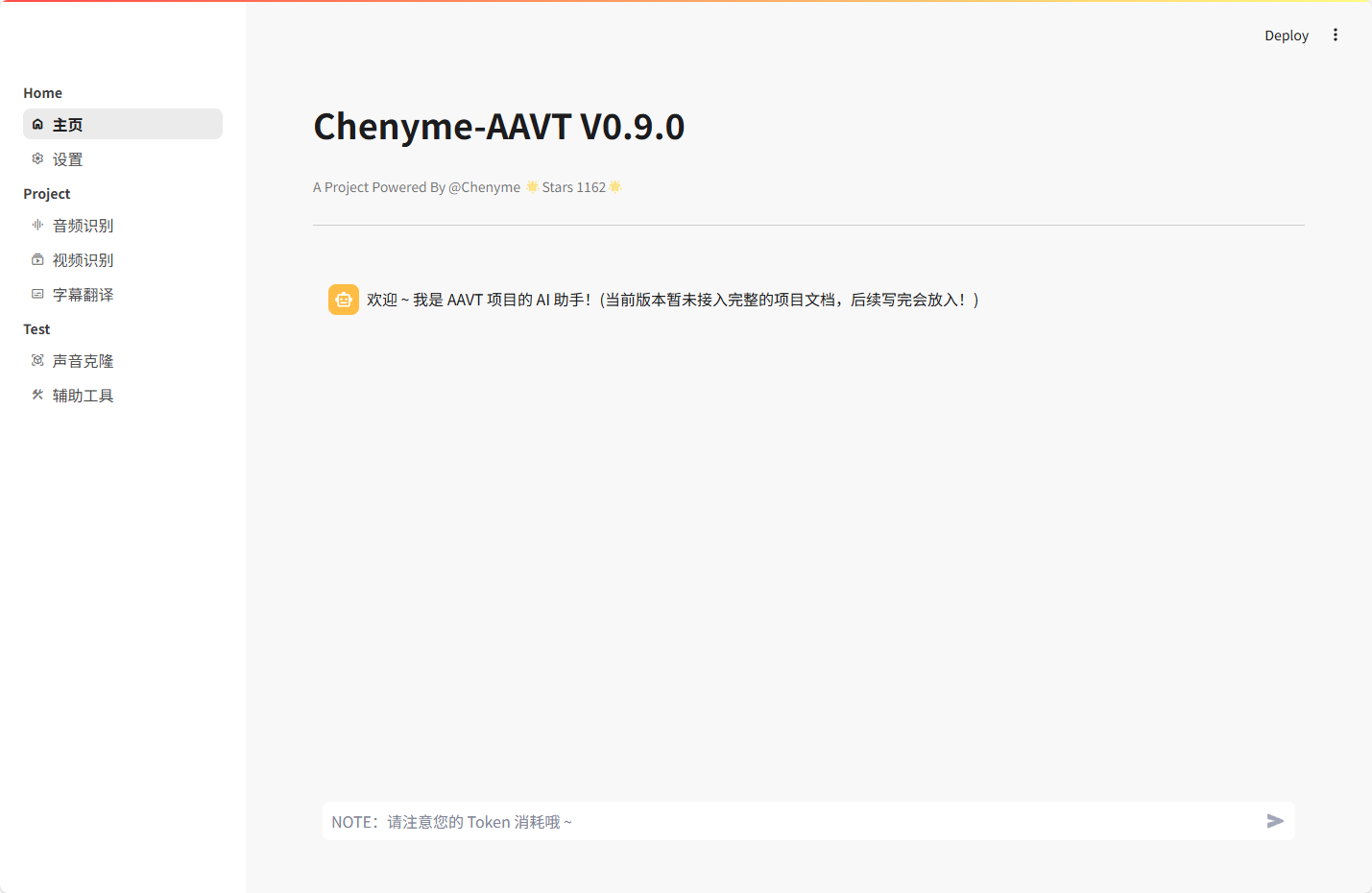
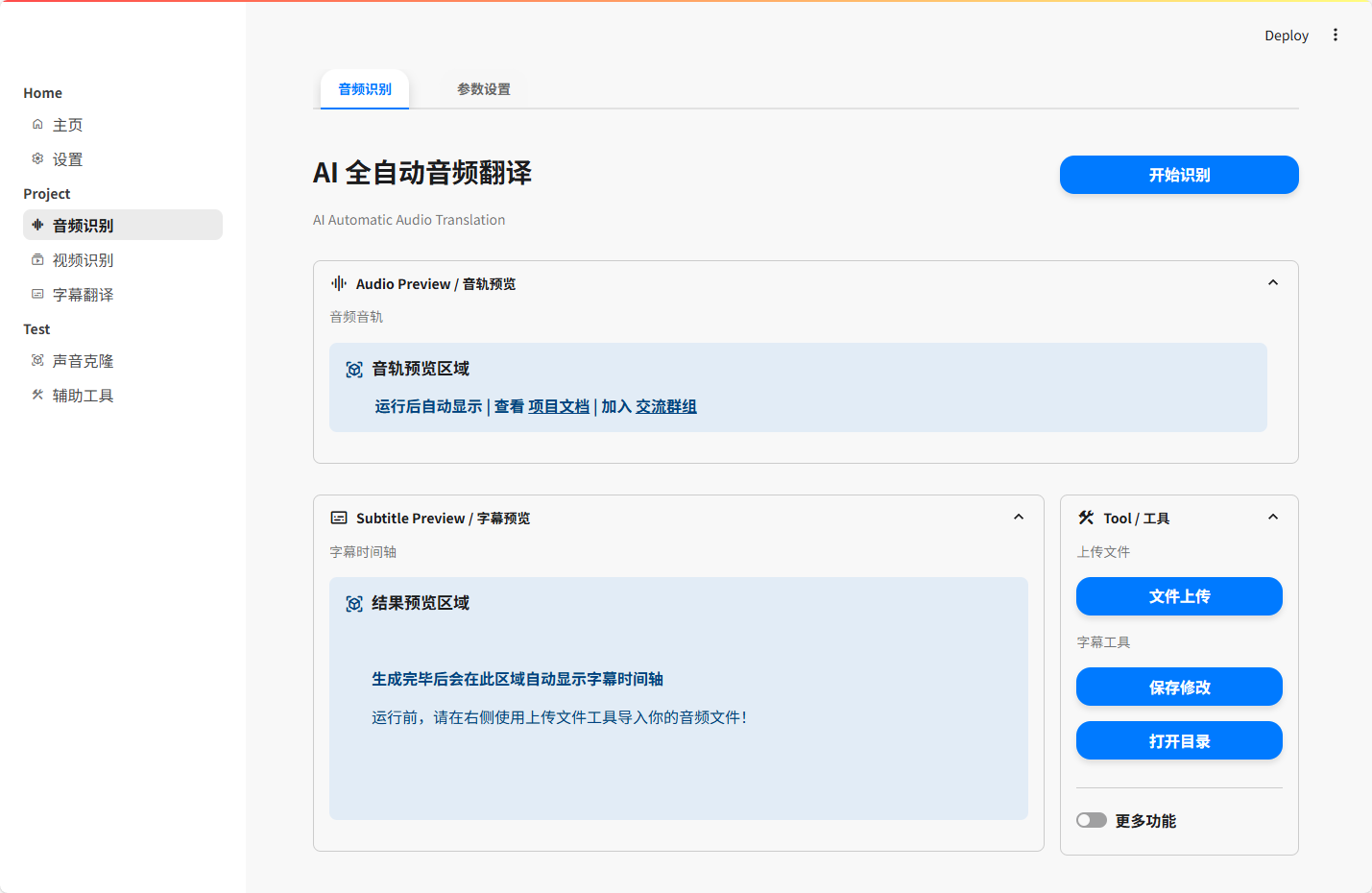
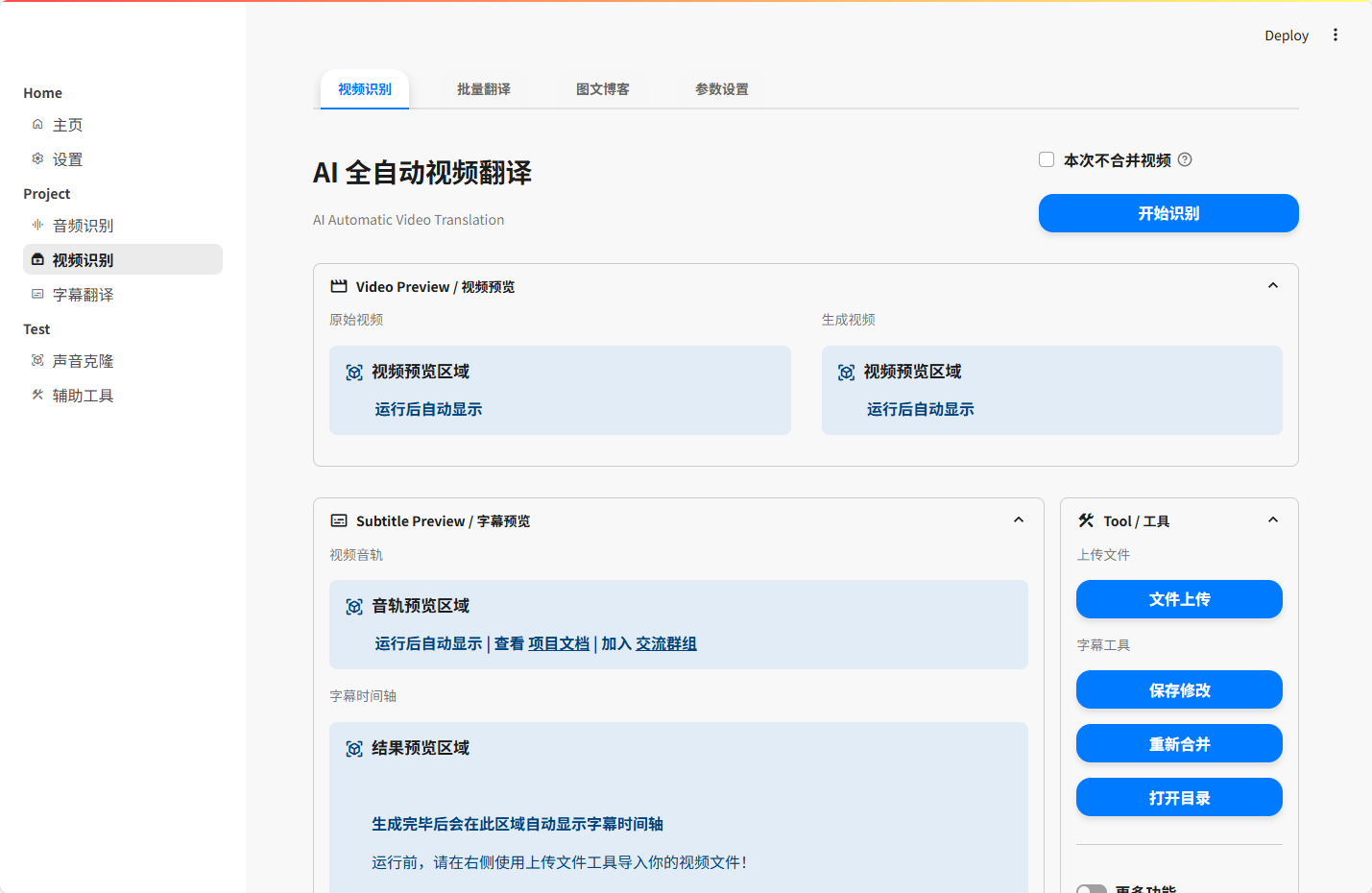
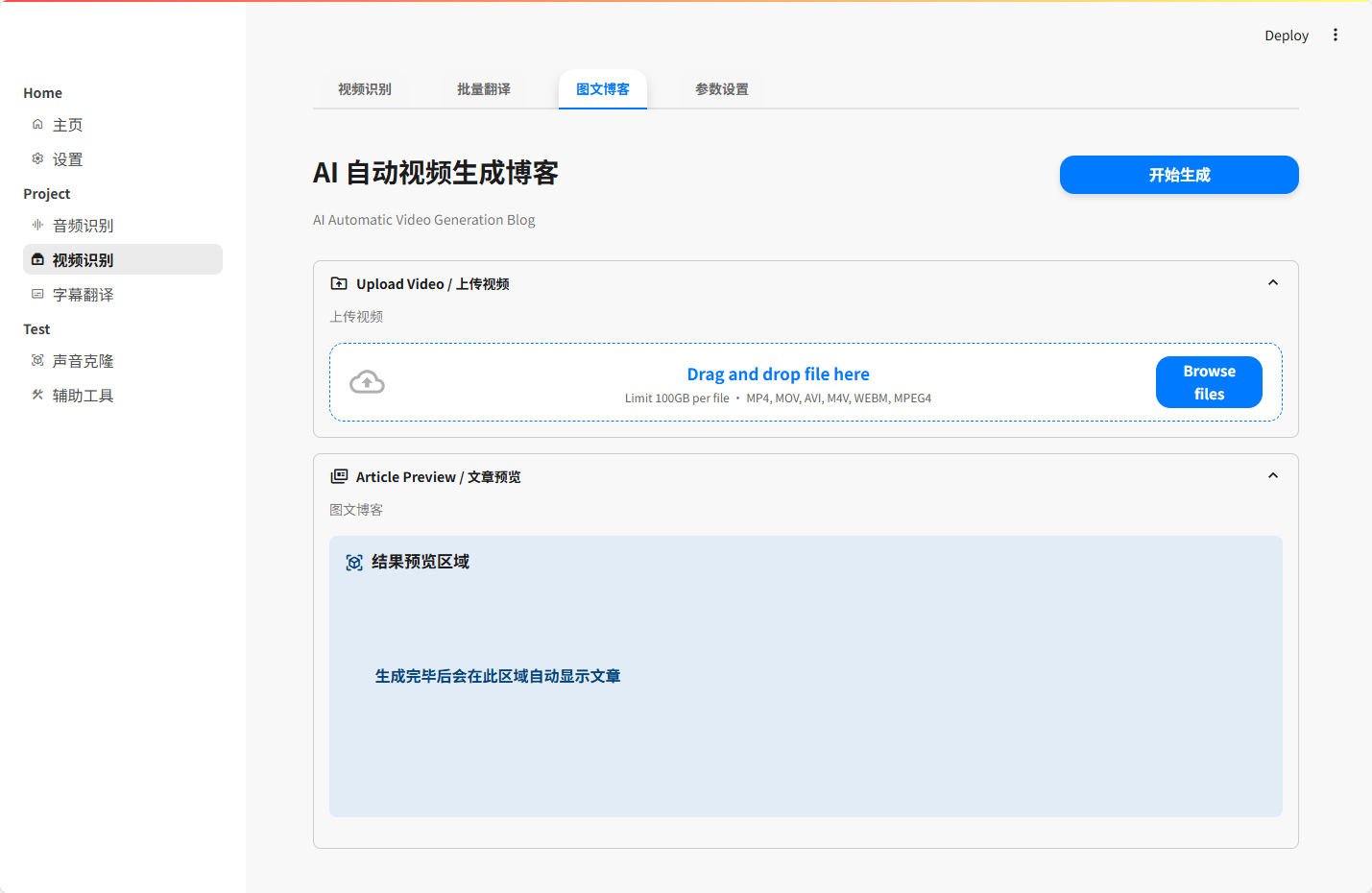
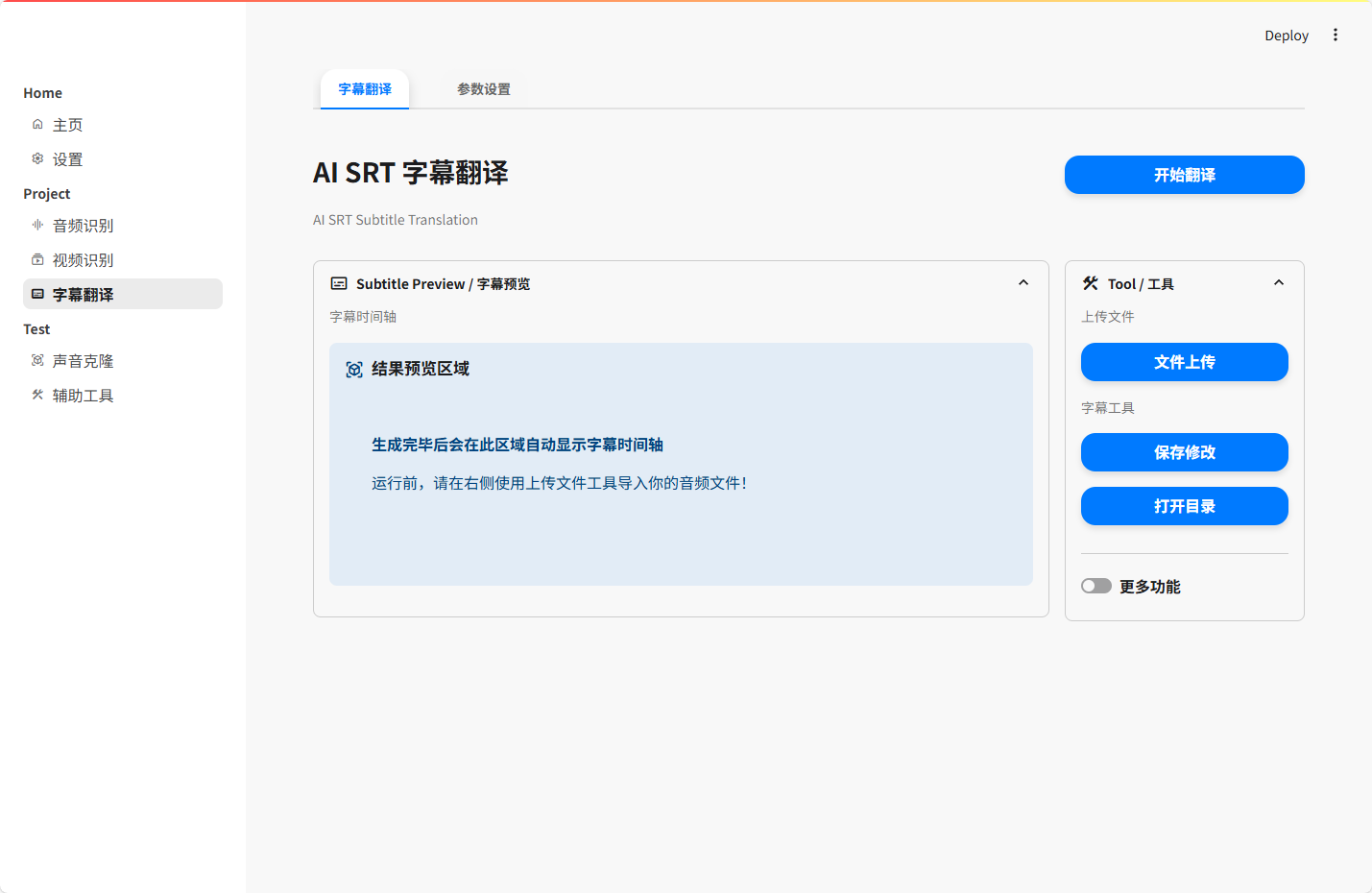
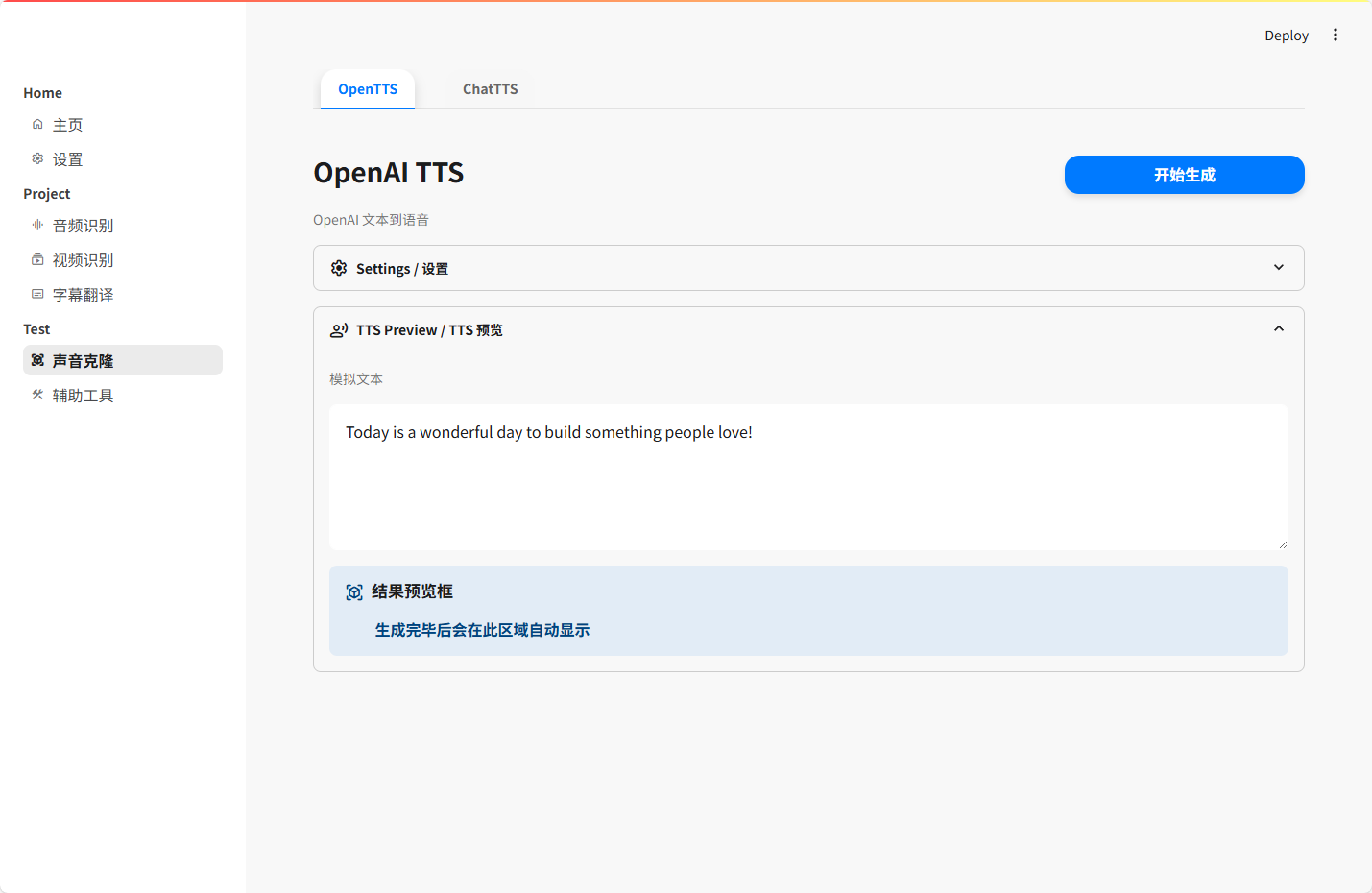
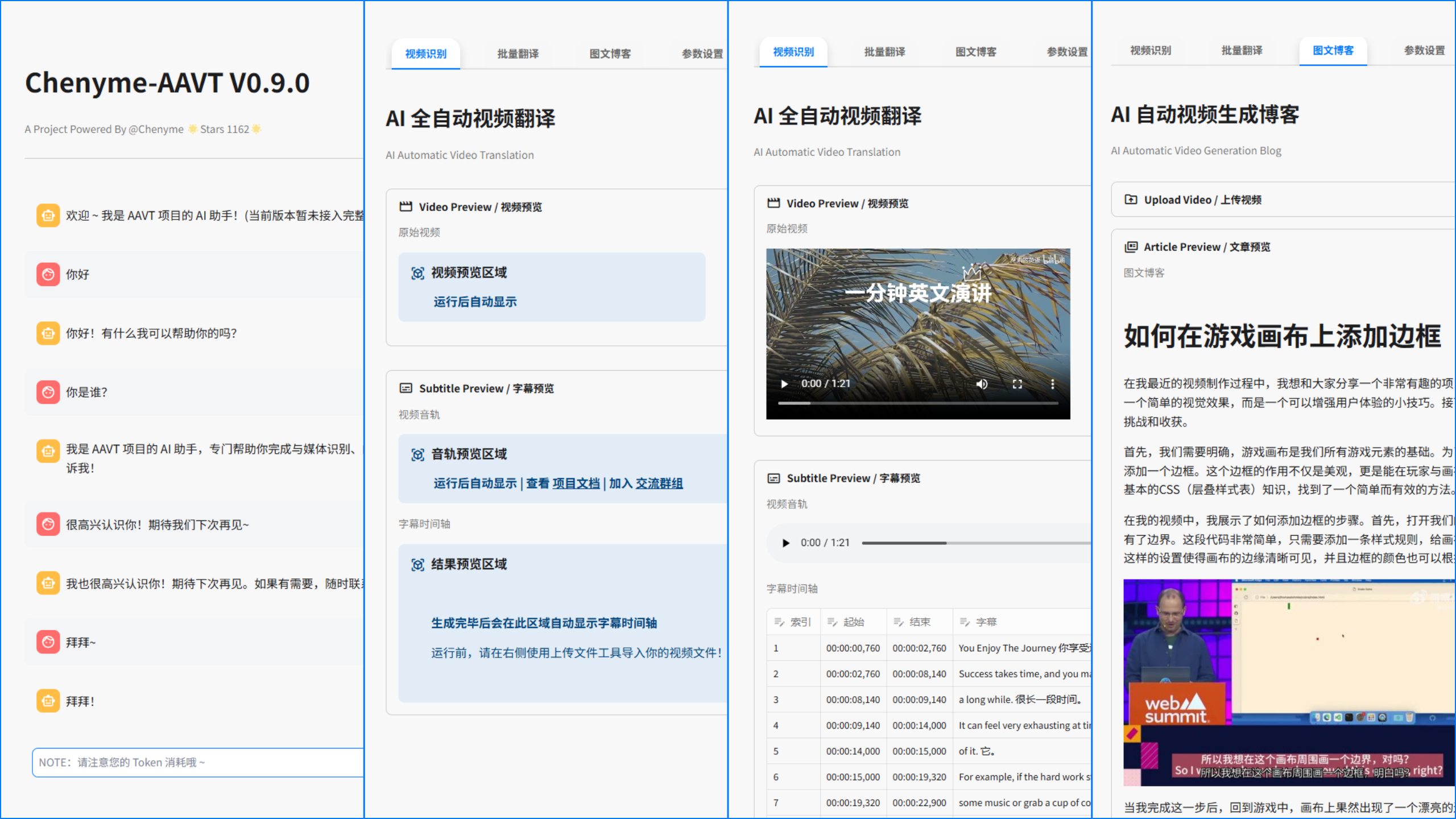
Chenyme-AAVT fully automatic video translation project is committed to providing a simple, efficient and free automated media recognition and translation process, helping you quickly complete various functions such as the recognition, translation and processing of audio and video subtitles. Of course, the project is not only to help you identify and translate sounds, but also to automatically generate marketing graphics and texts and translate subtitles separately. In the future, we will continue to add more interesting tools based on existing basic functions, such as real-time recognition, lip correction, sound cloning, tone identification, etc. Please stay tuned!
Basic functions currently supported, not all functions:
Warning
The following solution can be effectively solved after verification by myself. Please give it to Star !
fbgemm.dll is missing. This is a pytorch error in the mkl file building of win. The official has corrected it in the 2.4.1 beta version. Please reinstall.bat after encountering it, and select Repair version (2.4.1) in the menu bar to correct it cudnn_ops_infer64_8.dll is missing, causing GPU activation to fail. Please go to Releases to download the CUDA_dll.zip compression package to decompress to the CUDA directory C:Program FilesNVIDIA GPU Computing ToolkitCUDAv12.4bin Fix Win version directly in the project Release, and bring the compiled FFMpeg
‼ ️ Please make sure the pre-environment is ready before continuing the following steps‼ ️ 1. Run the deployment script
- Go to the Release page to download the latest release of
Win(Win/Small)- Run
1_Install.bat, wait for the script to check, and after passing, select the version to install according to the prompts in the interface.2. Run the project web
- Run
2_WebUI.bat- Wait for the WebUI to automatically pull up, or enter the URL
localhost:8501- Project verification password
chenymeaavt(This is the protection function of the new version, which can be turned off)
brew in one click /bin/bash -c "$(curl -fsSL https://raw.githubusercontent.com/Homebrew/install/HEAD/install.sh)"
FFMpeg in one click brew install FFMpeg
‼ ️ Please make sure the pre-environment is ready before continuing the following steps‼ ️ 1. Installation project dependencies
- Go to the Release page to download the latest release of
Mac(Mac/Small)cd Chenyme-AAVT pip3 install -r requirements.txt2. Run the project web
streamlit run Chenyme-AAVT.py
- Wait for the WebUI to automatically pull up, or enter the URL
localhost:8501- Project verification password
chenymeaavt(This is the protection function of the new version, which can be turned off)
Thanks @Eisaichen for helping with this image
docker
docker pull chenyme/chenyme-aavt:latest
- After completion, enter
<您的服务器IP>:8501to access- Project verification password
chenymeaavt(This is the protection function of the new version, which can be turned off)
docker-compose
 git clone https://github.com/Chenyme/Chenyme-AAVT
cd Chenyme-AAVT
docker-compose up -d
- After completion, enter
<您的服务器IP>:8501to access- Project verification password
chenymeaavt(This is the protection function of the new version, which can be turned off)
This version is the Linux CUDA 12.1 Docker version of AAVT V0.8.6, and the latest version is V0.9.0
Thanks @dhlsam for providing this version
For specific usage methods, please refer to: issues/36
Thanks @Kirie233 for providing the Colab version
For specific usage methods, please refer to: AAVT.ipynb