numiner
1.0.0

安装•如何使用•工作表•贡献•许可证
这是一个Python库,可以创建MNIST,例如培训数据集,用于手写文本识别与研究
使用软件包管理器PIP安装Numiner。
$ pip install numiner使用Package Manager Pipenv安装Numiner。
$ pipenv install numiner使用软件包经理诗歌安装Numiner。
$ poetry add numiner通常,该软件包具有两种主要模式。一个是sheet ,另一个是letter 。
sheet - 将一个称为<source>的路径送到一个文件夹,该文件夹持有所有扫描的纸板图像或实际图像路径,并将已处理的图像保存在<result>路径中
$ numiner -s/--sheet < source > < result > letter - 将一个称为<source>的路径送到一个文件夹,该文件夹持有所有裁剪原始图像或实际图像路径,并将已处理的图像保存在<result>路径中
$ numiner -l/--letter < source > < result >另外,您可以通过提供json文件来覆盖默认的表标签:
$ numiner --labels path/to/labels.json -s path/to/source path/to/result可以肯定的是,您也可以这样做:
$ numiner --help

usage: numiner [-h] [-v] [-s < source > < result > ] [-l < source > < result > ] [-c < path > ]

optional arguments:
  -h, --help                    show this help message and exit
  -v, --version                 show program ' s version number and exit
  --clean <path>
  -s/--sheet <source> <result>  a path to a folder or file that ' s holding the < source >
                                sheet image(s) & a path to a folder where all < result >
                                images will be saved
  -l/--letter < source > < result > a path to a folder or a file that ' s holding the cropped
                                image(s) & a path to a folder where all <result> images
                                will be saved
  --labels <path>               a path to .json file that ' s holding top to bottom, left
                                to right labels of the sheet with their ids
$ numiner convert --help
usage: numiner convert [-h] -p < src > < dest > SIZE RATIO
positional arguments:
SIZE number of images that each class contains
RATIO test, train or percentage of the test data
in that case the rest of it will become
train data
optional arguments:
-h, --help show this help message and exit
-p < src > < dest > , --paths < src > < dest >
source and destination paths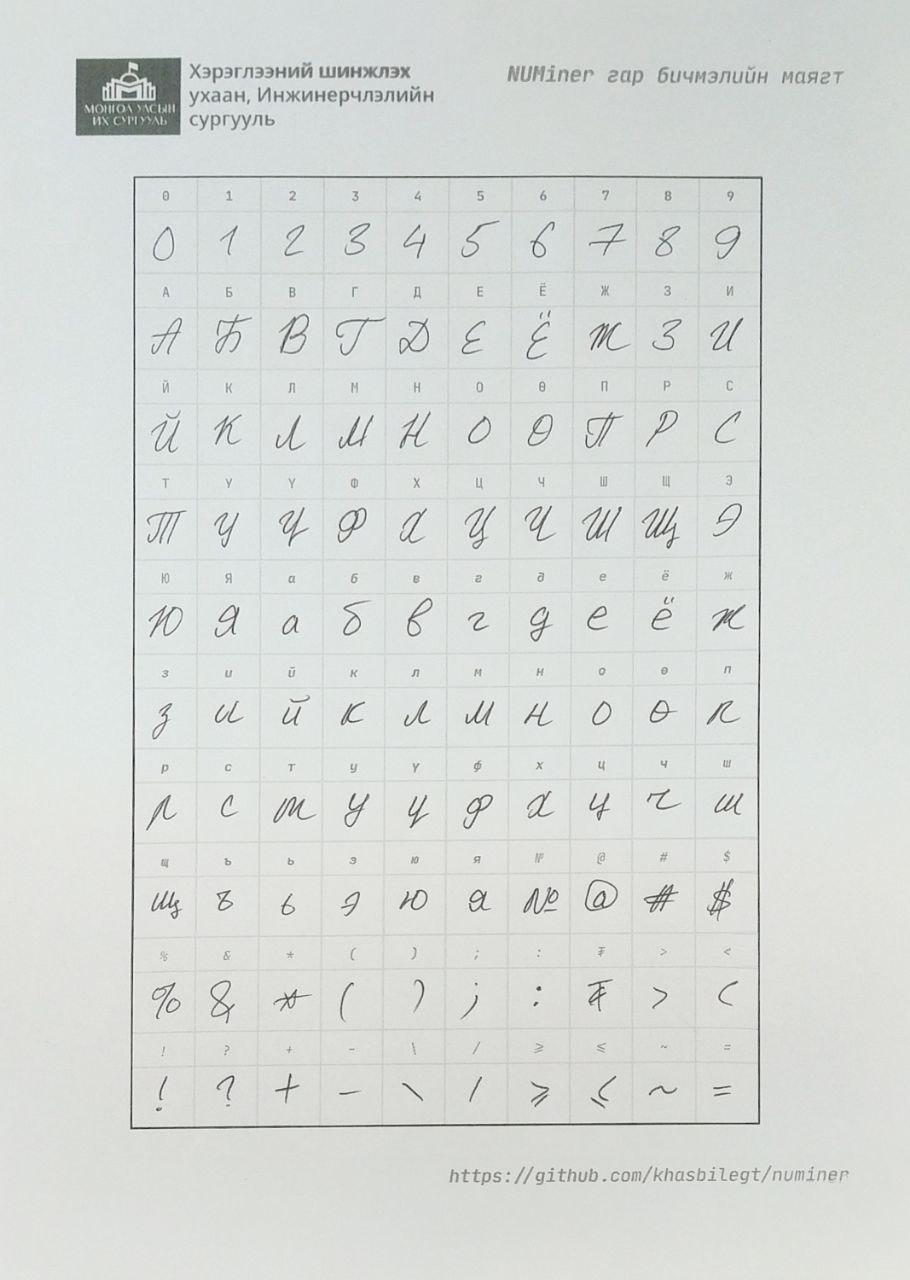
您还可以从这里获取空的表文件。
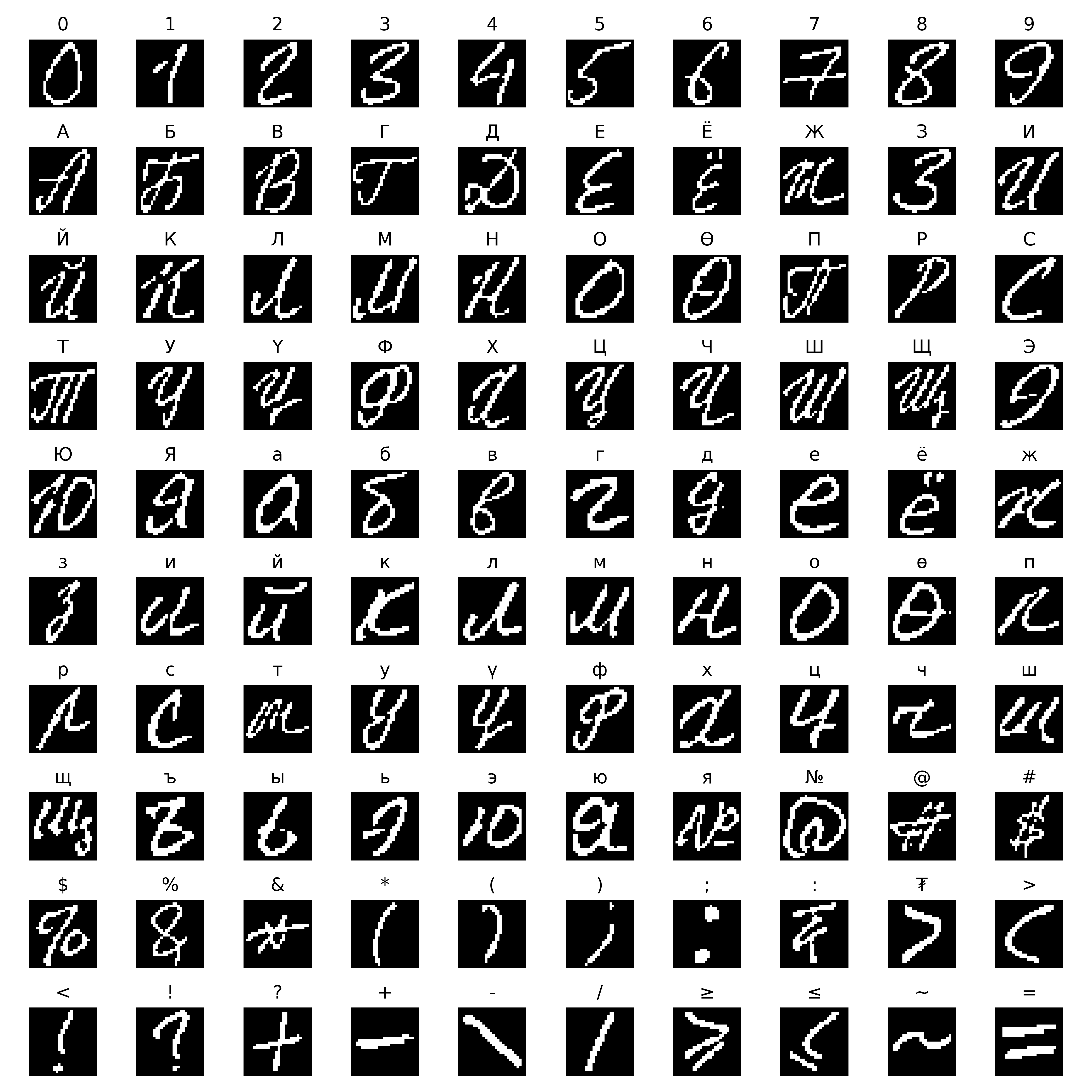
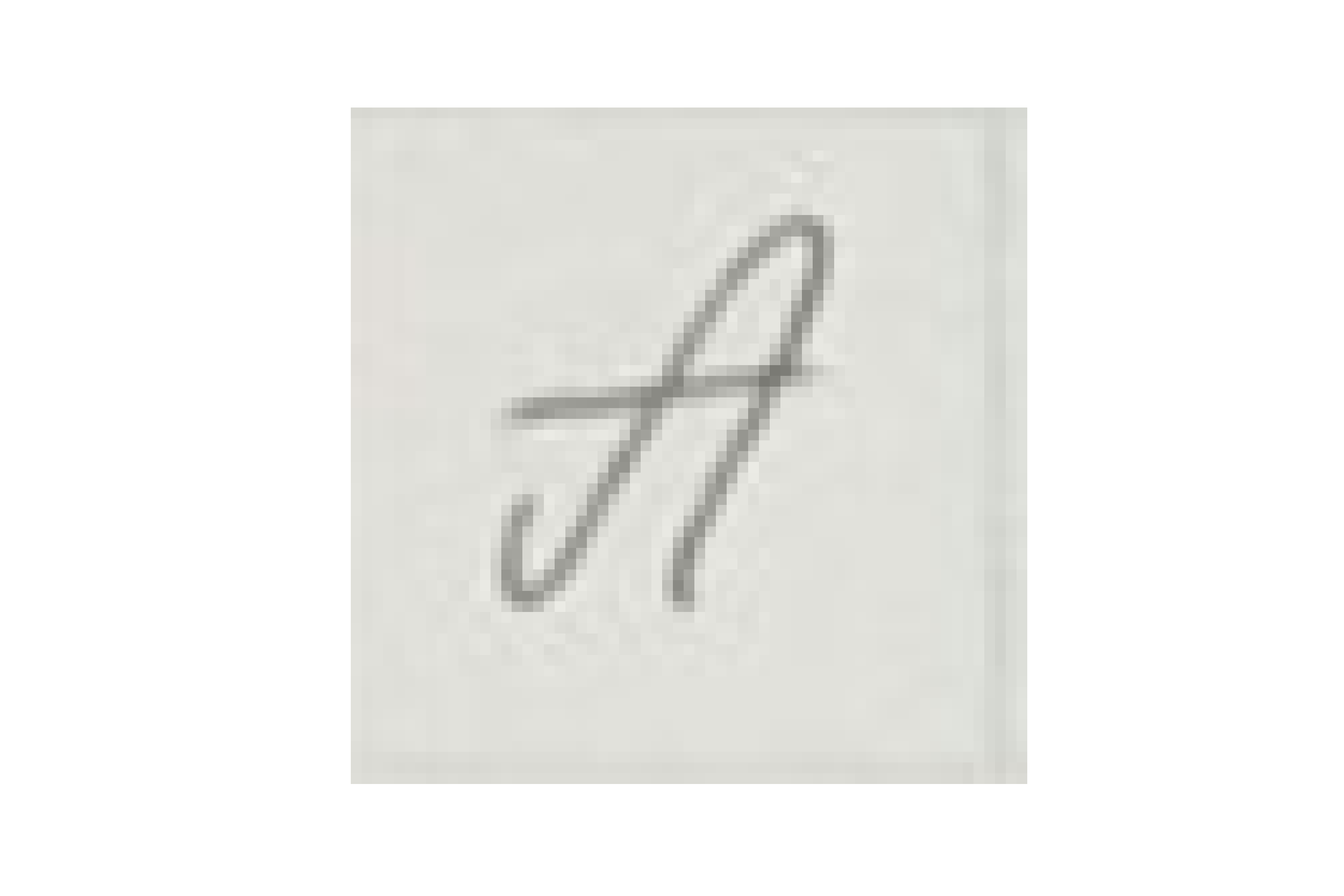
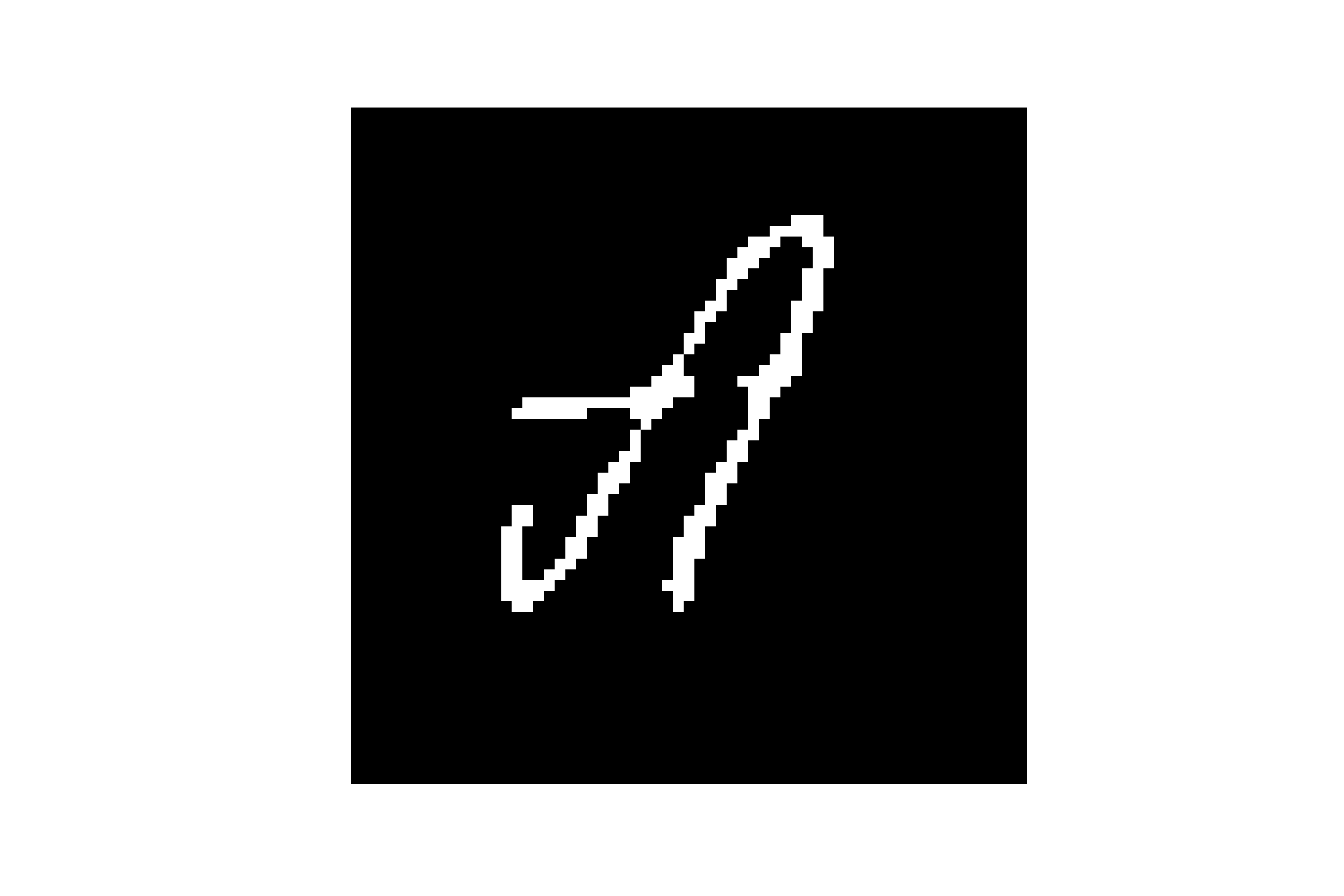
遵循Emnist首次从NIST SD图像创建数据集时使用的方法。
欢迎拉动请求。对于重大更改,请先开设一个问题,以讨论您想更改的内容。
请确保及时更新测试。
如果您想了解有关该项目如何实现的更多信息,则可以查看我的论文报告。
麻省理工学院







