numiner
1.0.0

التثبيت • كيفية الاستخدام • ورقة • المساهمة • الترخيص
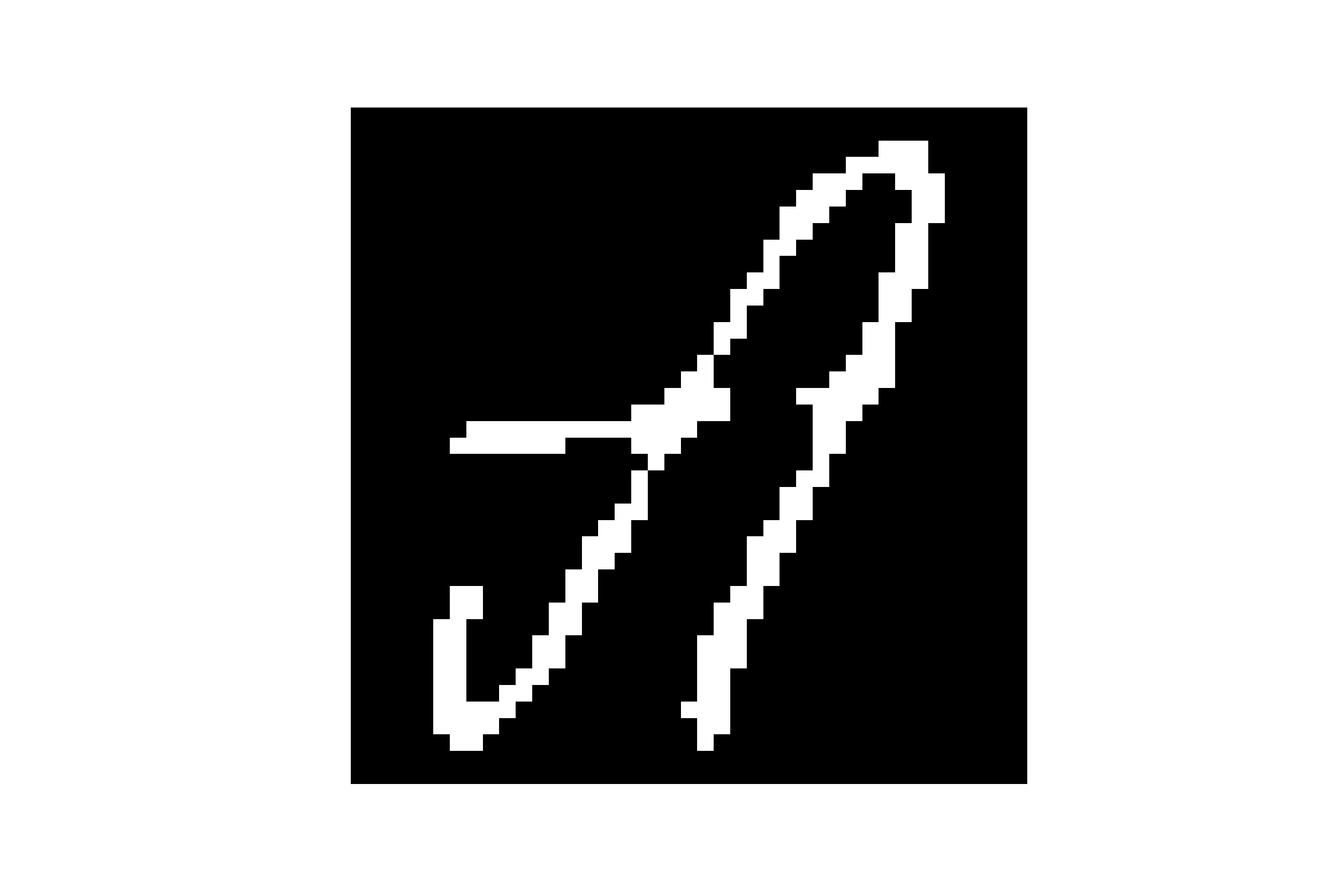
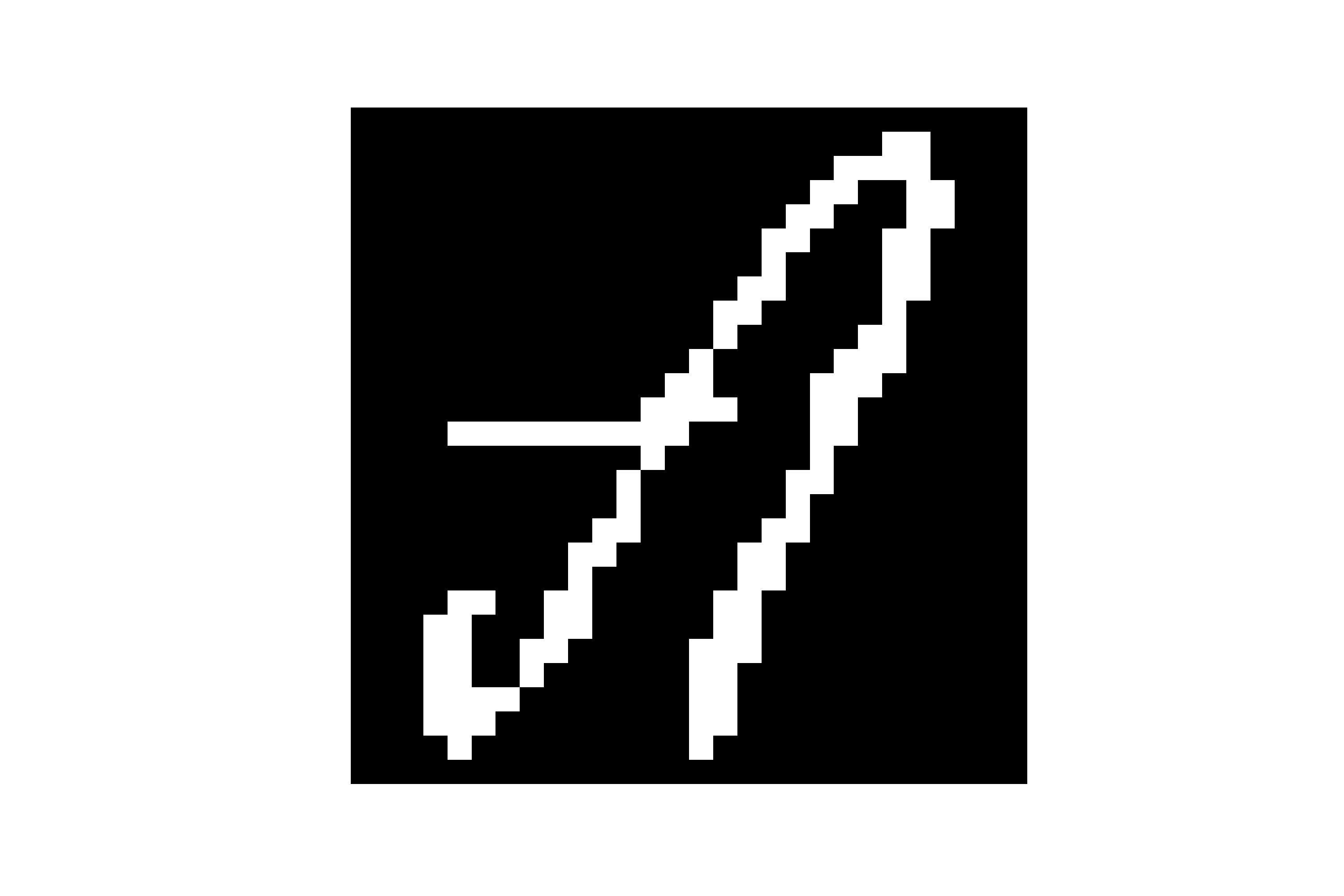
هذه مكتبة Python التي تنشئ Mnist مثل مجموعة بيانات التدريب للبحث المرتبط بالتعرف على النص
استخدم Package Manager PIP لتثبيت numiner.
$ pip install numinerاستخدم Package Manager Pipenv لتثبيت Numiner.
$ pipenv install numinerاستخدم شعر Package Manager لتثبيت Numiner.
$ poetry add numiner بشكل عام ، تحتوي الحزمة على وضعين رئيسيين. واحدة هي sheet وآخر هو letter .
sheet - تأخذ مسارًا يسمى <source> إلى مجلد يحمل جميع الصور الممسوحة ضوئيًا أو مسار صورة فعليًا ويحفظ الصور المعالجة في المسار <result>
$ numiner -s/--sheet < source > < result > letter - يأخذ مسارًا يسمى <source> إلى مجلد يحمل جميع الصور الخام المزروعة أو مسار الصورة الفعلي ويحفظ الصور المصنعة في المسار <result>
$ numiner -l/--letter < source > < result > كما يمكنك تجاوز ملصقات الورقة الافتراضية عن طريق إعطاء ملف json :
$ numiner --labels path/to/labels.json -s path/to/source path/to/resultبالتأكيد يمكنك أيضًا القيام بذلك:
$ numiner --help

usage: numiner [-h] [-v] [-s < source > < result > ] [-l < source > < result > ] [-c < path > ]

optional arguments:
  -h, --help                    show this help message and exit
  -v, --version                 show program ' s version number and exit
  --clean <path>
  -s/--sheet <source> <result>  a path to a folder or file that ' s holding the < source >
                                sheet image(s) & a path to a folder where all < result >
                                images will be saved
  -l/--letter < source > < result > a path to a folder or a file that ' s holding the cropped
                                image(s) & a path to a folder where all <result> images
                                will be saved
  --labels <path>               a path to .json file that ' s holding top to bottom, left
                                to right labels of the sheet with their ids
$ numiner convert --help
usage: numiner convert [-h] -p < src > < dest > SIZE RATIO
positional arguments:
SIZE number of images that each class contains
RATIO test, train or percentage of the test data
in that case the rest of it will become
train data
optional arguments:
-h, --help show this help message and exit
-p < src > < dest > , --paths < src > < dest >
source and destination paths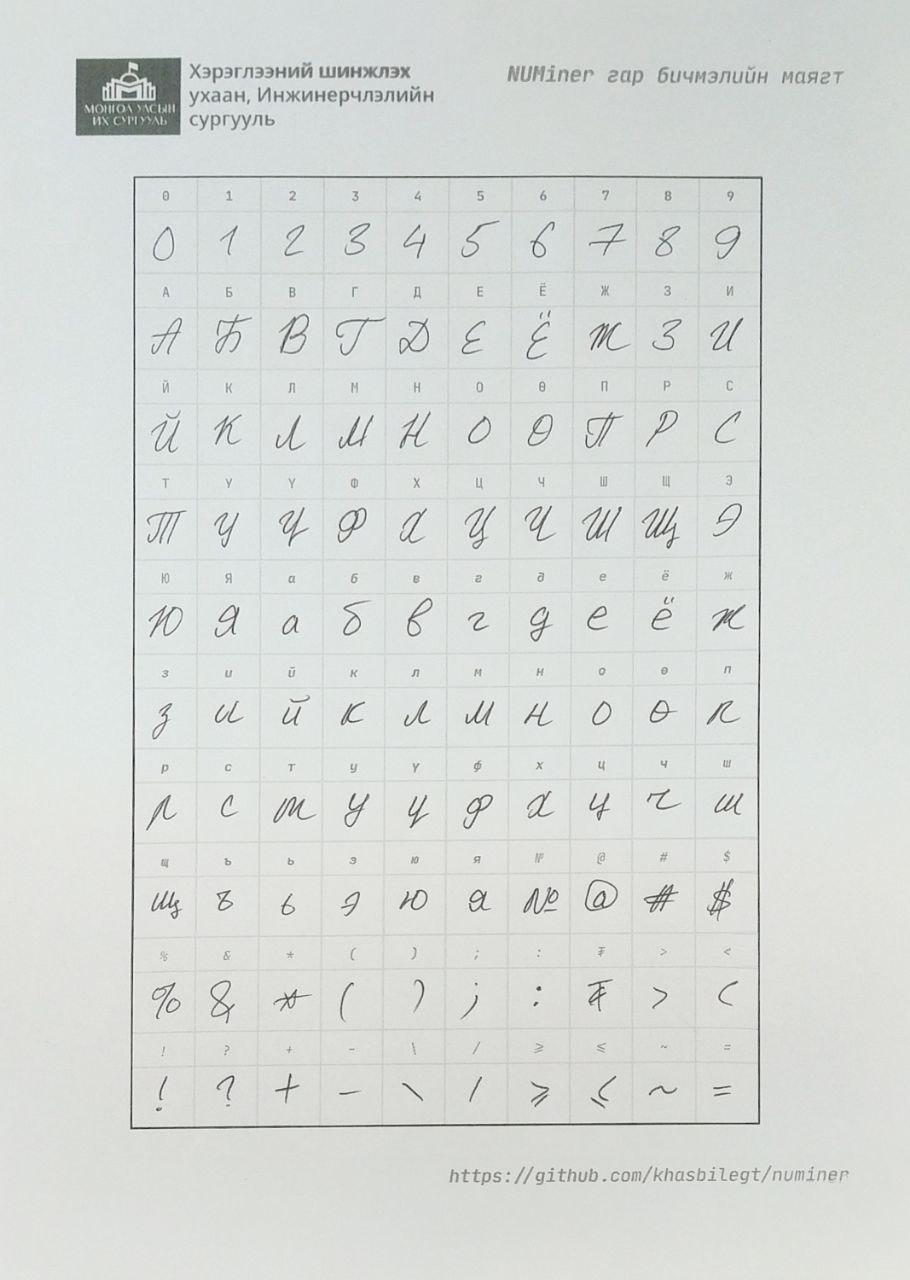
يمكنك أيضًا الحصول على ملف الورقة الفارغة من هنا.
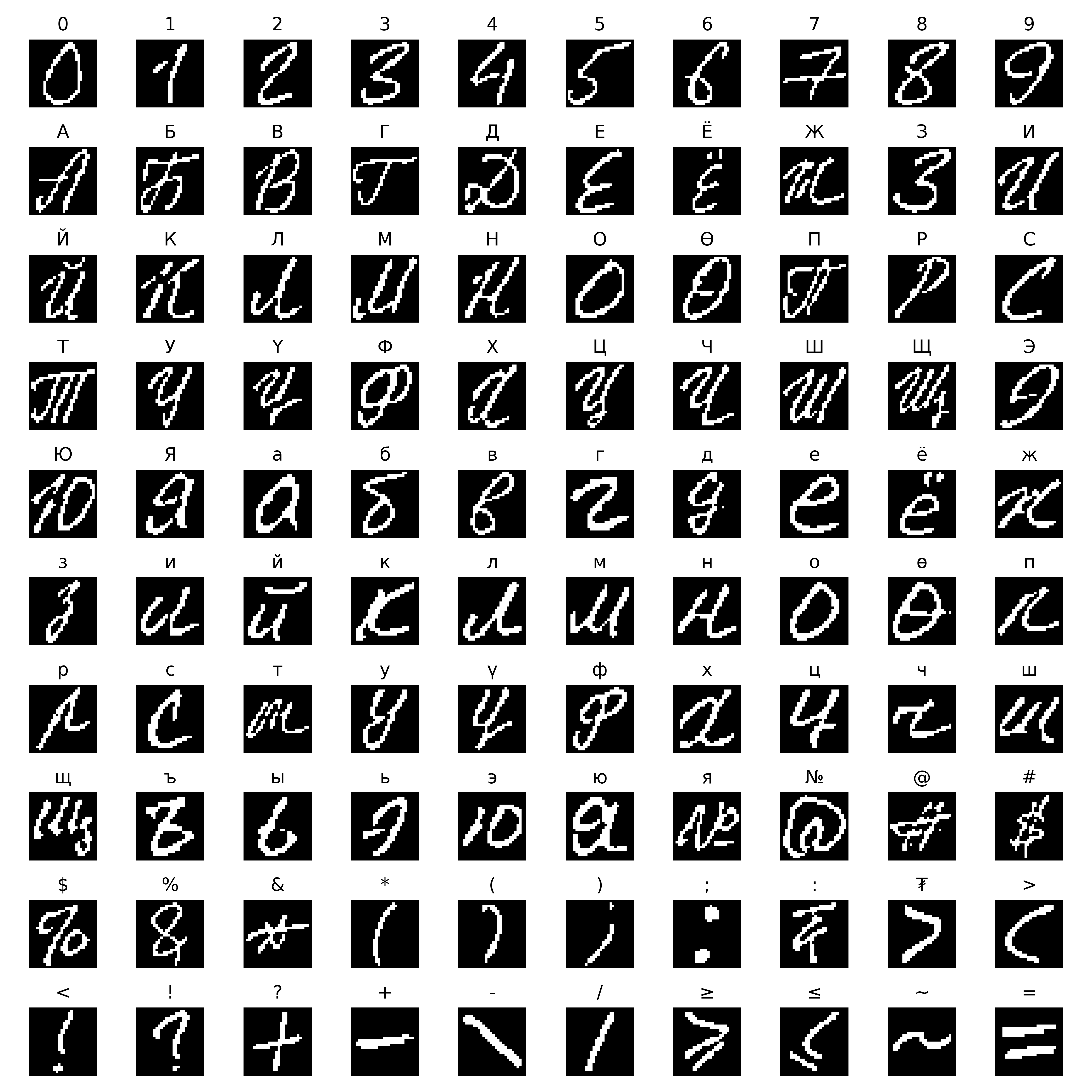
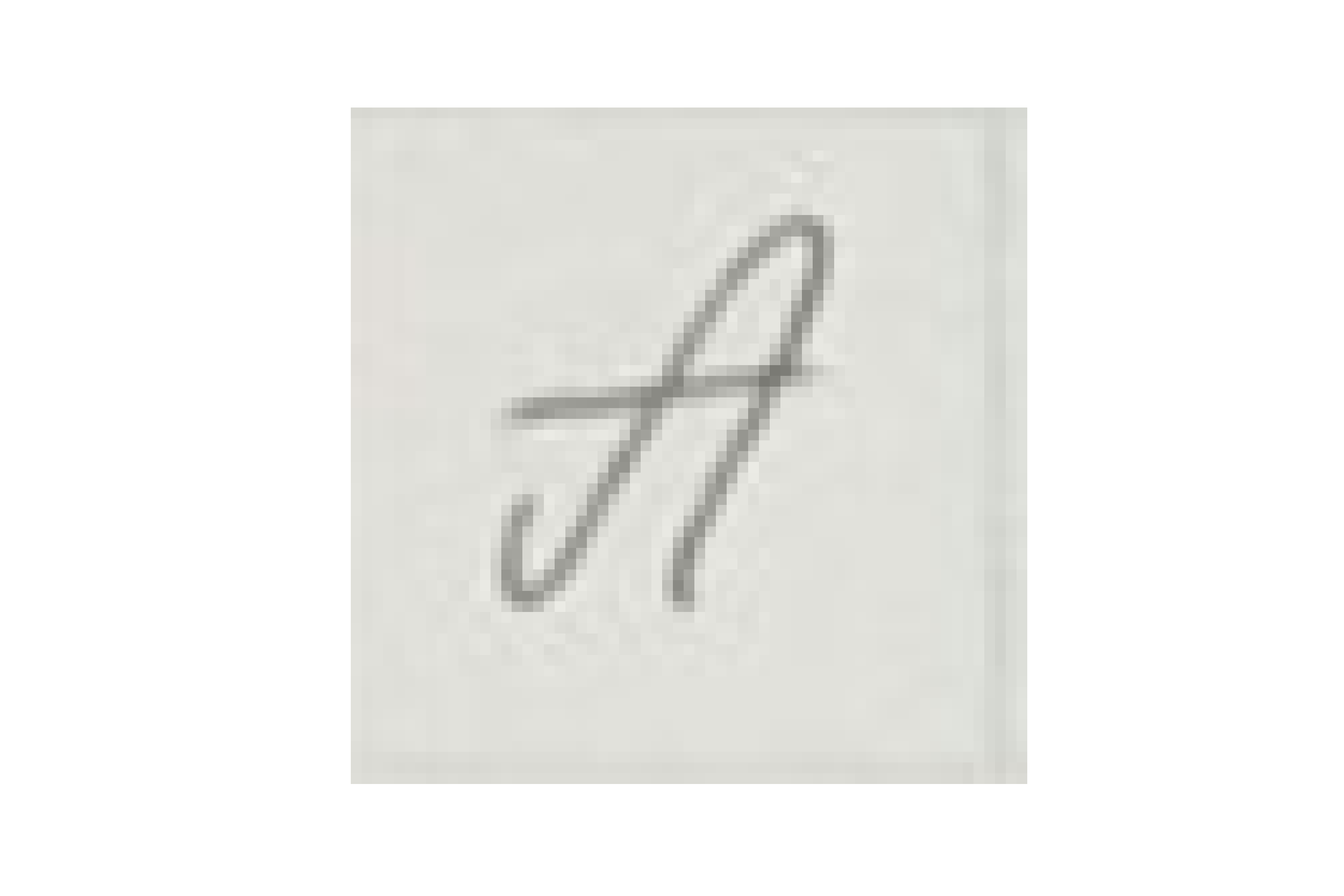
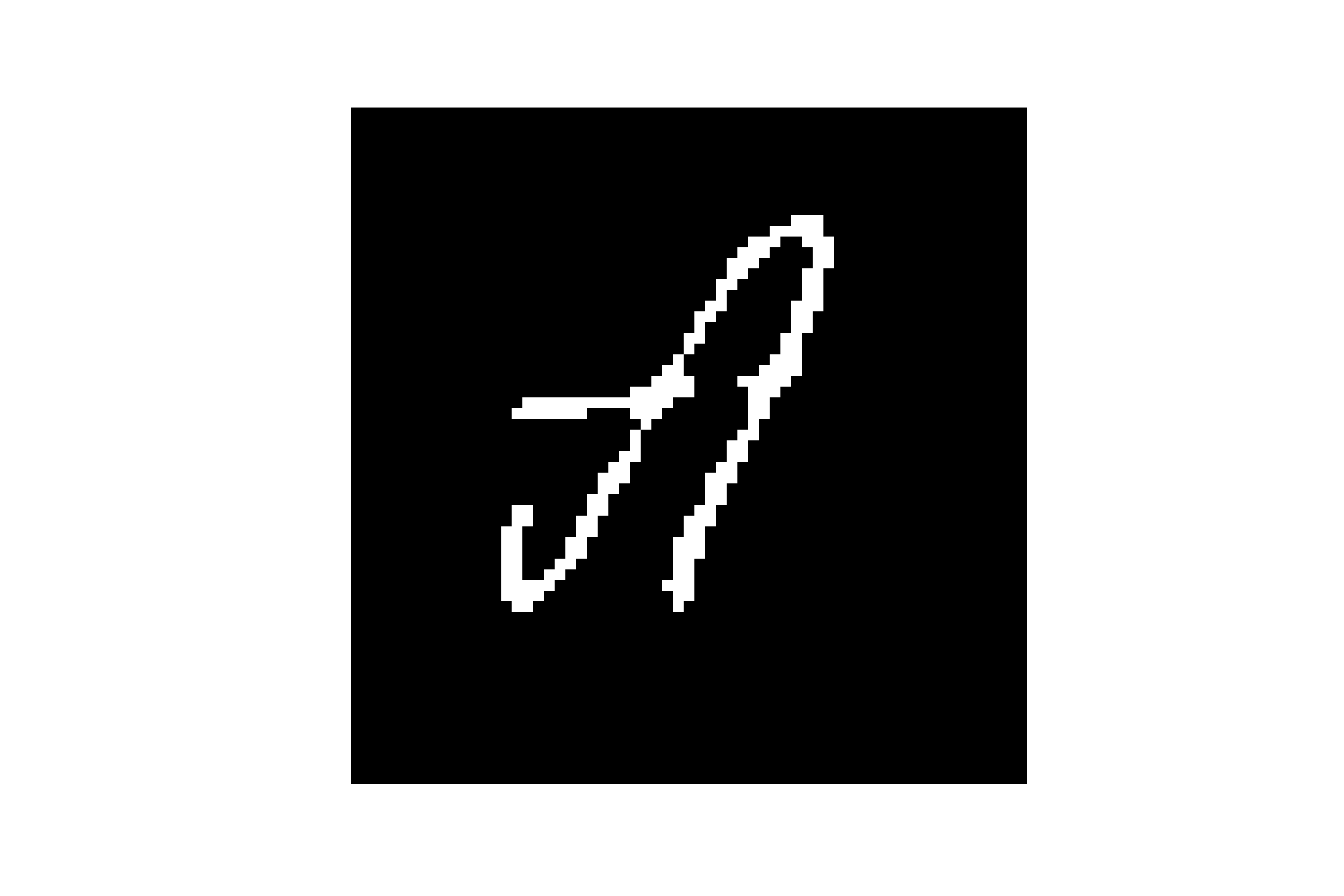
اتبع نفس النهج الذي استخدمه Emnist عندما كانوا يقومون أولاً بإنشاء مجموعة البيانات الخاصة بهم من صور NIST SD.
طلبات السحب موضع ترحيب. للتغييرات الرئيسية ، يرجى فتح مشكلة أولاً لمناقشة ما تريد تغييره.
يرجى التأكد من تحديث الاختبارات حسب الاقتضاء.
إذا كنت ترغب في قراءة المزيد حول كيفية ظهور هذا المشروع ، فيمكنك التحقق من تقرير أطروحتي.
معهد ماساتشوستس للتكنولوجيا







