netron
8.0.3

Netron เป็นผู้ชมเครือข่ายประสาทการเรียนรู้อย่างลึกซึ้งและรูปแบบการเรียนรู้ของเครื่อง
Netron รองรับ Onnx, Tensorflow Lite, Core ML, Keras, Caffe, Darknet, Pytorch, Tensorflow.js, Safetensors และ Numpy
Netron มีการสนับสนุนการทดลองสำหรับ Torchscript, TensorFlow, MXNET, OpenVino, RKNN, ML.NET, NCNN, MNN, Paddlepaddle, GGUF และ Scikit-Learn
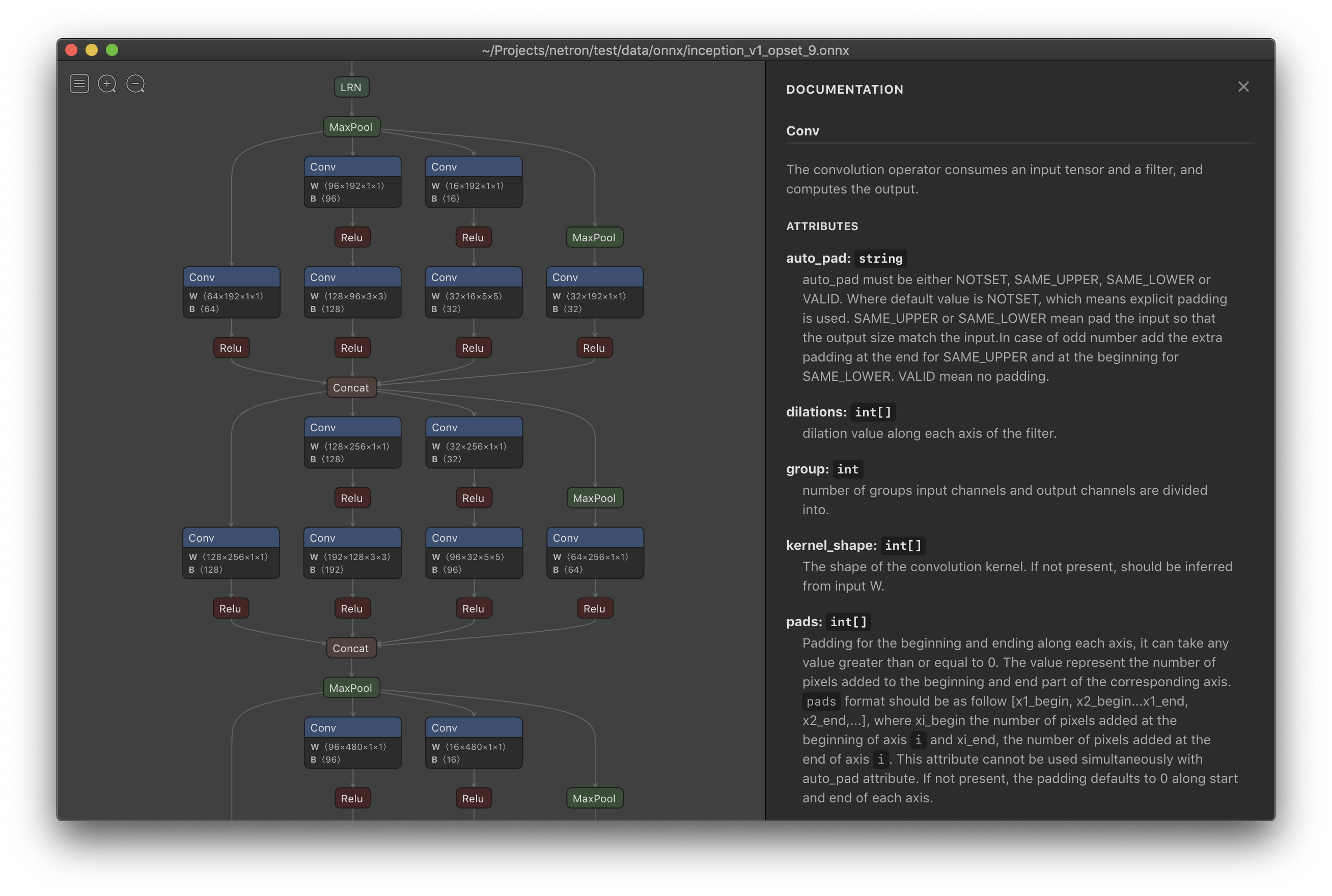
MacOS : ดาวน์โหลด ไฟล์ .dmg หรือเรียกใช้ brew install --cask netron
Linux : ดาวน์โหลด ไฟล์ .AppImage หรือ Run snap install netron
Windows : ดาวน์โหลด .exe installer หรือ Run winget install -s winget netron
เบราว์เซอร์ : เริ่ม รุ่นเบราว์เซอร์
Python : เรียกใช้ pip install netron และ netron [FILE] หรือ netron.start('[FILE]')
ตัวอย่างไฟล์ตัวอย่างที่จะดาวน์โหลดหรือเปิดโดยใช้เวอร์ชันเบราว์เซอร์:
onnx : Squeezenet [เปิด]
Tensorflow Lite : Yamnet [Open]
Tensorflow : Chessbot [เปิด]
Keras : Mobilenet [Open]
Torchscript : traced_online_pred_layer [เปิด]
Core ML : Exermote [Open]
Darknet : Yolo [Open]





