marlin config
2.10.7

Это инструмент справки, предназначенный для легкой конфигурации прошивки Marlin
Поддерживаемая ОС: Linux, Mac, Windows
В использованной документации проекта от Marlindocumentation
Мы предоставляем предварительно построенные двоичные файлы для MacOS, Linux 32/64 и Windows 32/64. Это последний выпуск.
После запуска появляется диалог файла и просит открыть любую пустую папку (затем будет клонировать последнюю версию Marlin из GitHub) или папку с репозиторием Marlin GIT
sudo npm -gi marlin-conf
Некоторые намеки на установку Windows
Предупреждение! Пожалуйста, установите 99-platformio-udev.rules и проверьте, что PID и VID вашей платы перечислены в правилах. https://raw.githubusercontent.com/platformio/platformio/develop/scripts/99-platformio-udev.rules
Открыть терминал в пустой папке или в папке с хранилищем Marlin и типом
mct и подтвердите действие
 usage: mct help|git|tree|conf|clone
You need to run it in Marlin git repository
commands:
    mct
        asks to 'clone' if current folder has no repository then run 'conf'
    mct conf
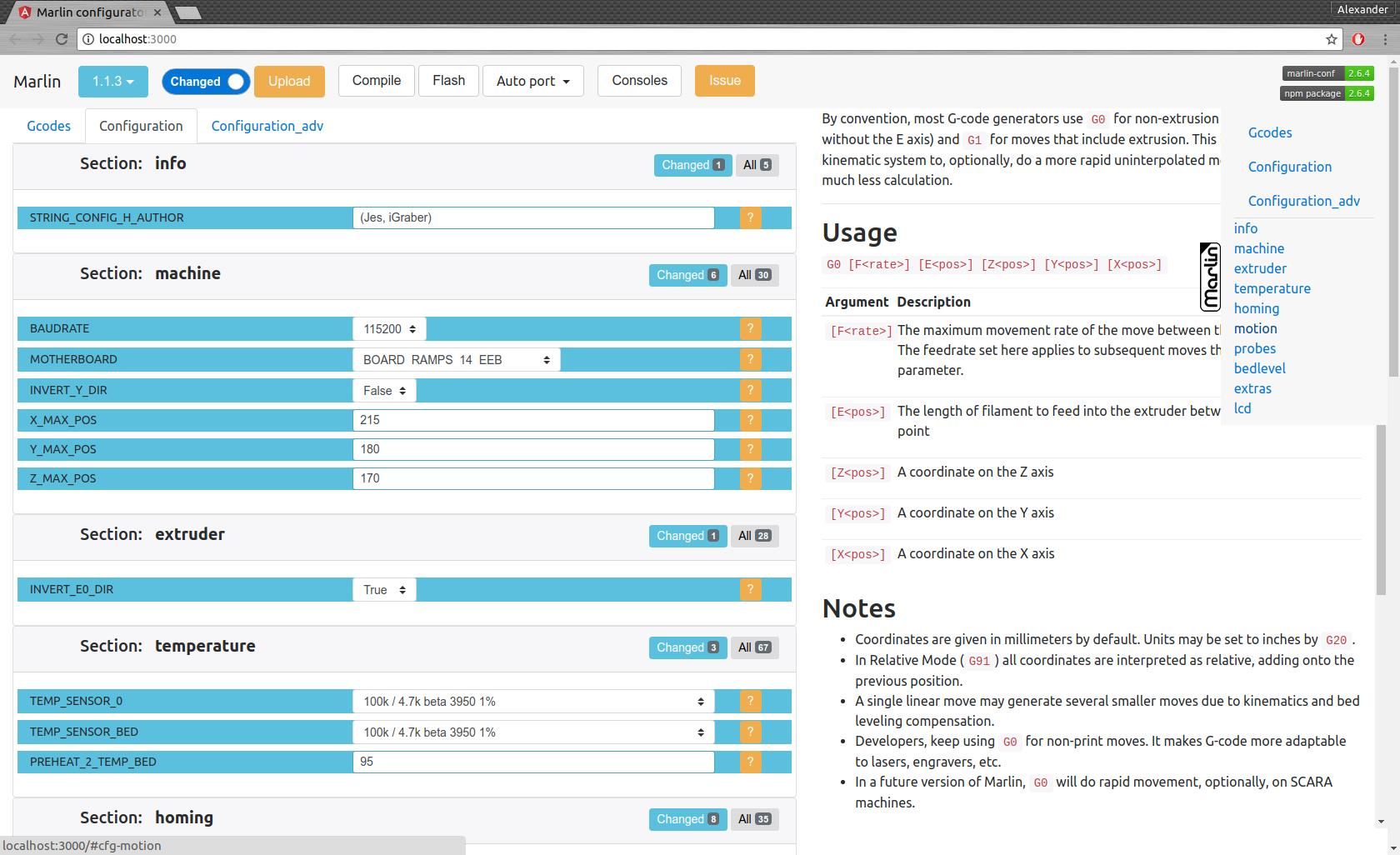
        open browser for interactive configuration
    mct clone
        clone current Marlin repository to current working directory
    mct git <git-tag> json|h|txt
        json: compare [gitroot]/Marlin/Configuration*.h files
              between git-tag files and files in folder then
              create .json files with your personal setting
        h:    extend [gitroot]/Marlin/Configuration*.h files
              from git-tag with .json files contained your personal setting
        txt:  like json but create txt files contained only changes
              for publication
    mct tree json|h|rm
      Each of these traverse [gitroot]/Marlin/example_configurations directory
        json: compare configurations with main files [gitroot]/Marlin/Configuration*.h
              and generate .json file with its differences for each
              and .not files for #defines which not present in base files
        h:    recreate .h files based on
              main files [gitroot]/Marlin/Configuration*.h and .json
        rm:   remove .json and .not files
Командный интерфейс:
Создание файла для публикации выпуска mct git 1.1.0-RC7 txt (сравните выпуск 1.1.0-RC7 с вашими текущими файлами в папке и создайте читаемый текстовый файл)
мигрировать конфигурацию:
mct git 1.1.0-RC7 json (сравните выпуск 1.1.0-RC7 с вашими текущими файлами в папке и Create .json)чем копировать файлы .json в другую папку или изменить филиал GIT
Восстановите свою конфигурацию
mct git 1.1.0-RC8 h (используйте 1.1.0-RC8 и добавьте сохранение в конфигурации .JSON)





