marlin config
2.10.7

هذه أداة مساعدة ، مخصصة لسهولة تكوين البرامج الثابتة مارلين
نظام التشغيل المدعوم: Linux ، Mac ، Windows
في المشروع مستخدمة من Marlindocumentation
نحن نقدم الثنائيات المسبقة لـ MacOS و Linux 32 /64 و Windows 32 /64. هذا هو الإصدار الأخير.
بعد الظهور ، يظهر مربع حوار ملف ويطلب فتح أي مجلد فارغ (ثم سيتم استنساخ الإصدار الأخير من مارلين من Github) أو مجلد مع مستودع مارلين جيت
sudo npm -gi marlin-conf
بعض التلميحات لتثبيت Windows
تحذير! يرجى تثبيت 99-platformio-udev.rules والتحقق من أن PID و VID الخاص بمجلسك مدرجون في القواعد. https://raw.githubusercontent.com/platformio/platformio/develop/scripts/99-platformio-udev.rules
فتح محطة في مجلد فارغ أو في مجلد مع مستودع مارلين ونوعه
mct وتأكيد الإجراء
 usage: mct help|git|tree|conf|clone
You need to run it in Marlin git repository
commands:
    mct
        asks to 'clone' if current folder has no repository then run 'conf'
    mct conf
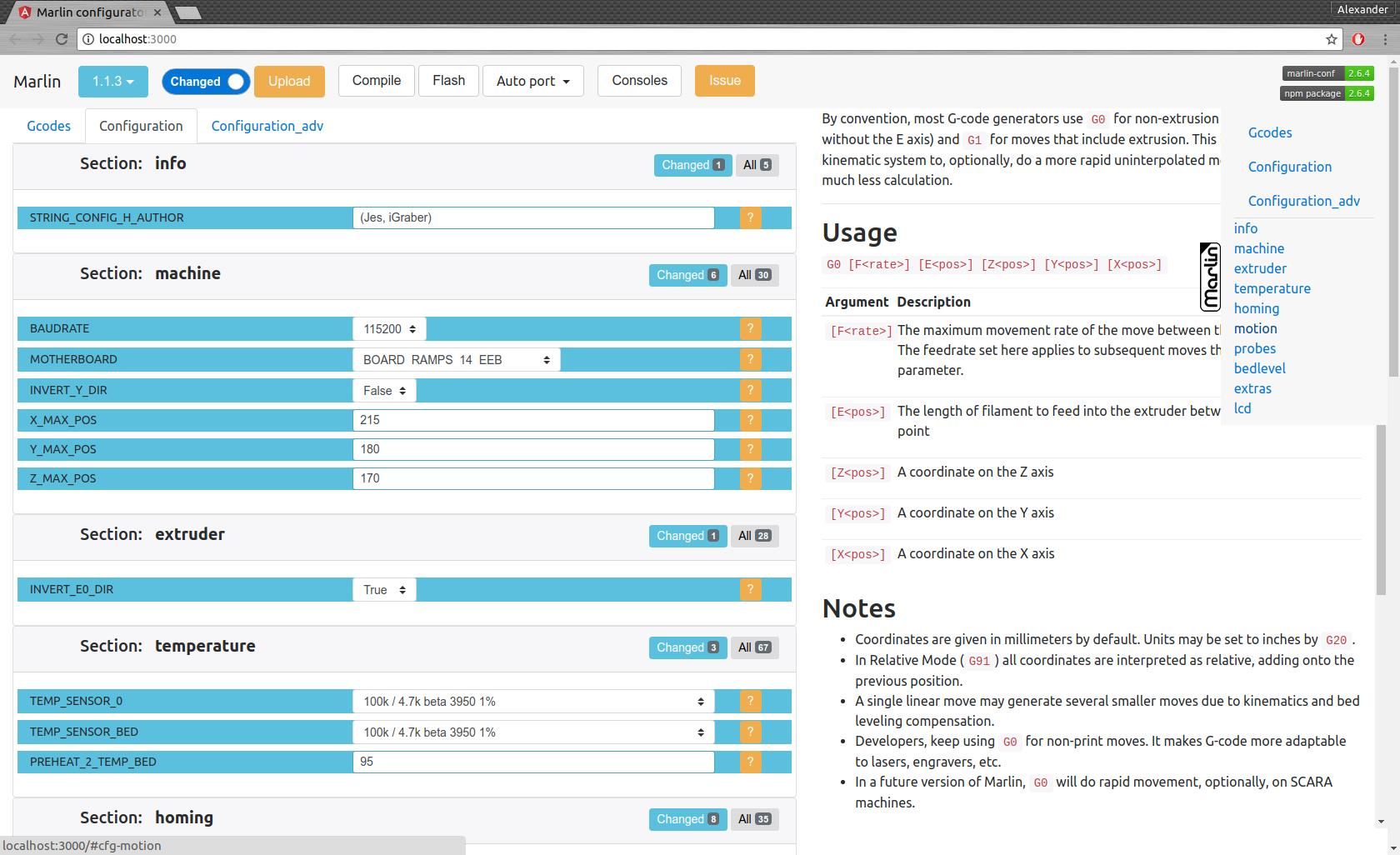
        open browser for interactive configuration
    mct clone
        clone current Marlin repository to current working directory
    mct git <git-tag> json|h|txt
        json: compare [gitroot]/Marlin/Configuration*.h files
              between git-tag files and files in folder then
              create .json files with your personal setting
        h:    extend [gitroot]/Marlin/Configuration*.h files
              from git-tag with .json files contained your personal setting
        txt:  like json but create txt files contained only changes
              for publication
    mct tree json|h|rm
      Each of these traverse [gitroot]/Marlin/example_configurations directory
        json: compare configurations with main files [gitroot]/Marlin/Configuration*.h
              and generate .json file with its differences for each
              and .not files for #defines which not present in base files
        h:    recreate .h files based on
              main files [gitroot]/Marlin/Configuration*.h and .json
        rm:   remove .json and .not files
واجهة الأوامر:
إنشاء ملف لعدد المنشور mct git 1.1.0-RC7 txt (قارن إصدار 1.1.0-RC7 مع ملفاتك الحالية في المجلد وإنشاء ملف نصي قابل للقراءة)
تكوين ترحيل:
mct git 1.1.0-RC7 json (قارن الإصدار 1.1.0-RC7 مع ملفاتك الحالية في المجلد وإنشاء .json)من ملفات. json إلى مجلد آخر أو تغيير فرع GIT
استرداد التكوين الخاص بك
mct git 1.1.0-RC8 h (استخدم الإصدار 1.1.0-RC8 وأضف تخزينك في تكوين .json)





