marlin config
2.10.7

Marlin 펌웨어를 쉽게 구성 할 수있는 도움말 도구입니다.
지원되는 OS : Linux, Mac, Windows
Project에서 Marlindocumentation의 문서를 사용했습니다
우리는 MacOS, Linux 32 / 64 및 Windows 32 / 64에 미리 빌드 바이너리를 제공합니다. 이것은 최신 릴리스입니다.
실행 후 파일 대화 상자가 나타나고 빈 폴더를 열도록 요청합니다 (그런 다음 Github에서 Marlin의 마지막 버전에 복제 할 것입니다) 또는 Marlin Git 저장소가있는 폴더
sudo npm -gi marlin-conf
Windows 설치에 대한 일부 힌트
경고! 99-platformio-udev.rules 설치하고 보드의 PID 및 VID가 규칙에 나열되어 있는지 확인하십시오. https://raw.githubusercontent.com/platformio/platformio/develop/scripts/99-platformio-udv.rules
빈 폴더 또는 말린 리포지토리 및 유형이있는 폴더에서 터미널을 열어
mct 및 조치를 확인하십시오
 usage: mct help|git|tree|conf|clone
You need to run it in Marlin git repository
commands:
    mct
        asks to 'clone' if current folder has no repository then run 'conf'
    mct conf
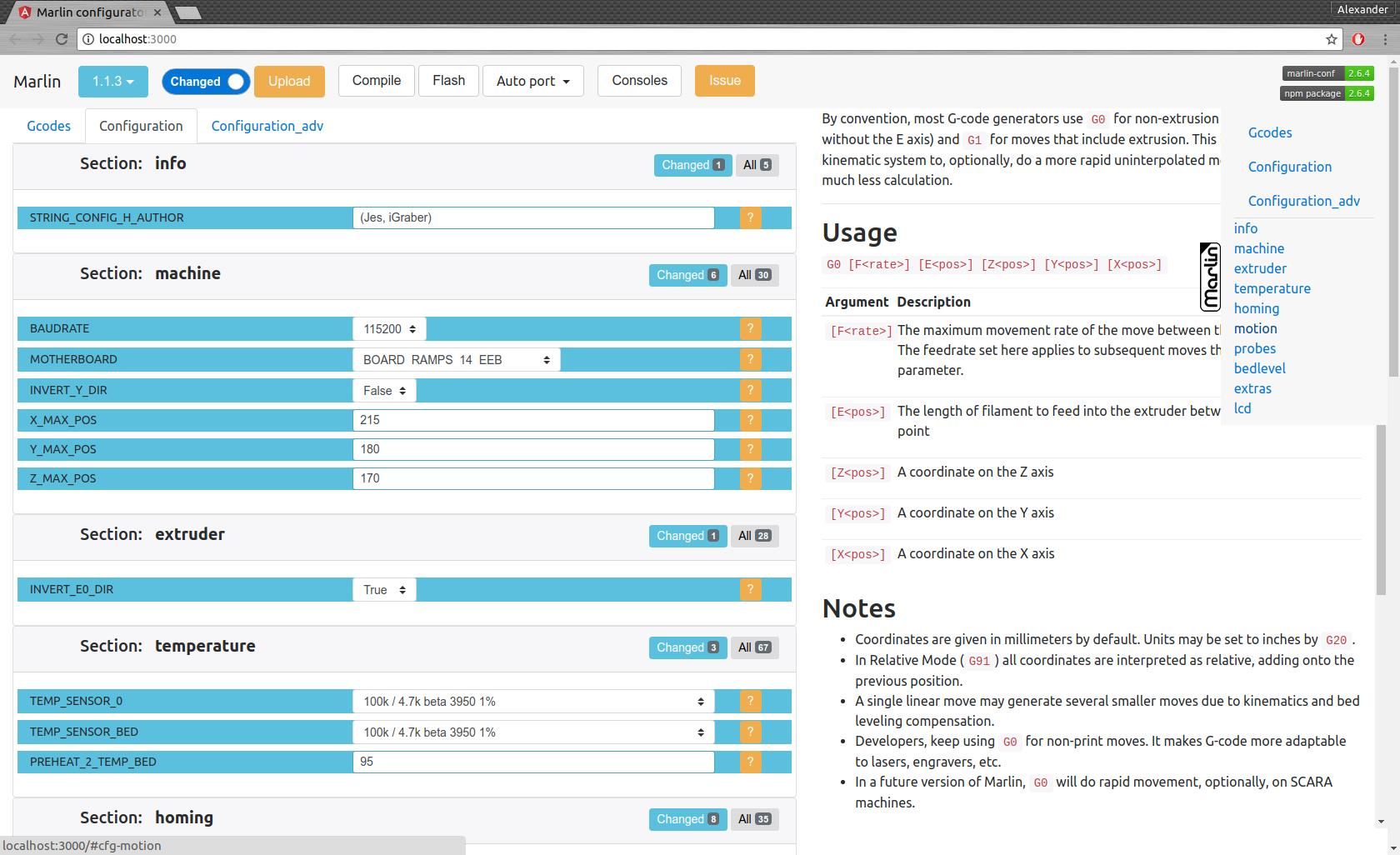
        open browser for interactive configuration
    mct clone
        clone current Marlin repository to current working directory
    mct git <git-tag> json|h|txt
        json: compare [gitroot]/Marlin/Configuration*.h files
              between git-tag files and files in folder then
              create .json files with your personal setting
        h:    extend [gitroot]/Marlin/Configuration*.h files
              from git-tag with .json files contained your personal setting
        txt:  like json but create txt files contained only changes
              for publication
    mct tree json|h|rm
      Each of these traverse [gitroot]/Marlin/example_configurations directory
        json: compare configurations with main files [gitroot]/Marlin/Configuration*.h
              and generate .json file with its differences for each
              and .not files for #defines which not present in base files
        h:    recreate .h files based on
              main files [gitroot]/Marlin/Configuration*.h and .json
        rm:   remove .json and .not files
명령 인터페이스 :
문제 게시 파일 작성 mct git 1.1.0-RC7 txt (1.1.0-RC7 릴리스 비교 폴더의 현재 파일과 비교하고 읽은 텍스트 파일 생성)
구성 마이그레이션 :
mct git 1.1.0-RC7 json (1.1.0-RC7 릴리스 비교 폴더의 현재 파일과 비교하고 .json을 생성)..json 파일을 다른 폴더로 복사하거나 git 브랜치를 변경하는 것보다
구성을 복구하십시오
mct git 1.1.0-RC8 h (1.1.0-RC8 릴리스를 사용하고 저장된 .json 구성에 추가)





