marlin config
2.10.7

Ini adalah alat bantuan, dimaksudkan untuk konfigurasi firmware marlin yang mudah
OS yang didukung: Linux, Mac, Windows
Dalam proyek bekas dokumentasi dari marlindocumentation
Kami menyediakan binari prebuilt untuk MacOS, Linux 32 /64 dan Windows 32 /64. Ini adalah rilis terbaru.
Setelah dijalankan muncul dialog file dan meminta untuk membuka folder kosong (maka akan mengkloning untuk versi terakhir marlin dari github) atau folder dengan repositori marlin git
sudo npm -gi marlin-conf
Beberapa petunjuk untuk instalasi windows
Peringatan! Harap instal 99-platformio-udev.rules dan periksa apakah PID dan vid dewan Anda terdaftar dalam aturan. https://raw.githubusercontent.com/platformio/platformio/develop/scripts/99-platformio-udev.rules
Buka terminal di folder kosong atau di folder dengan repositori marlin dan ketik
mct dan konfirmasi tindakan
 usage: mct help|git|tree|conf|clone
You need to run it in Marlin git repository
commands:
    mct
        asks to 'clone' if current folder has no repository then run 'conf'
    mct conf
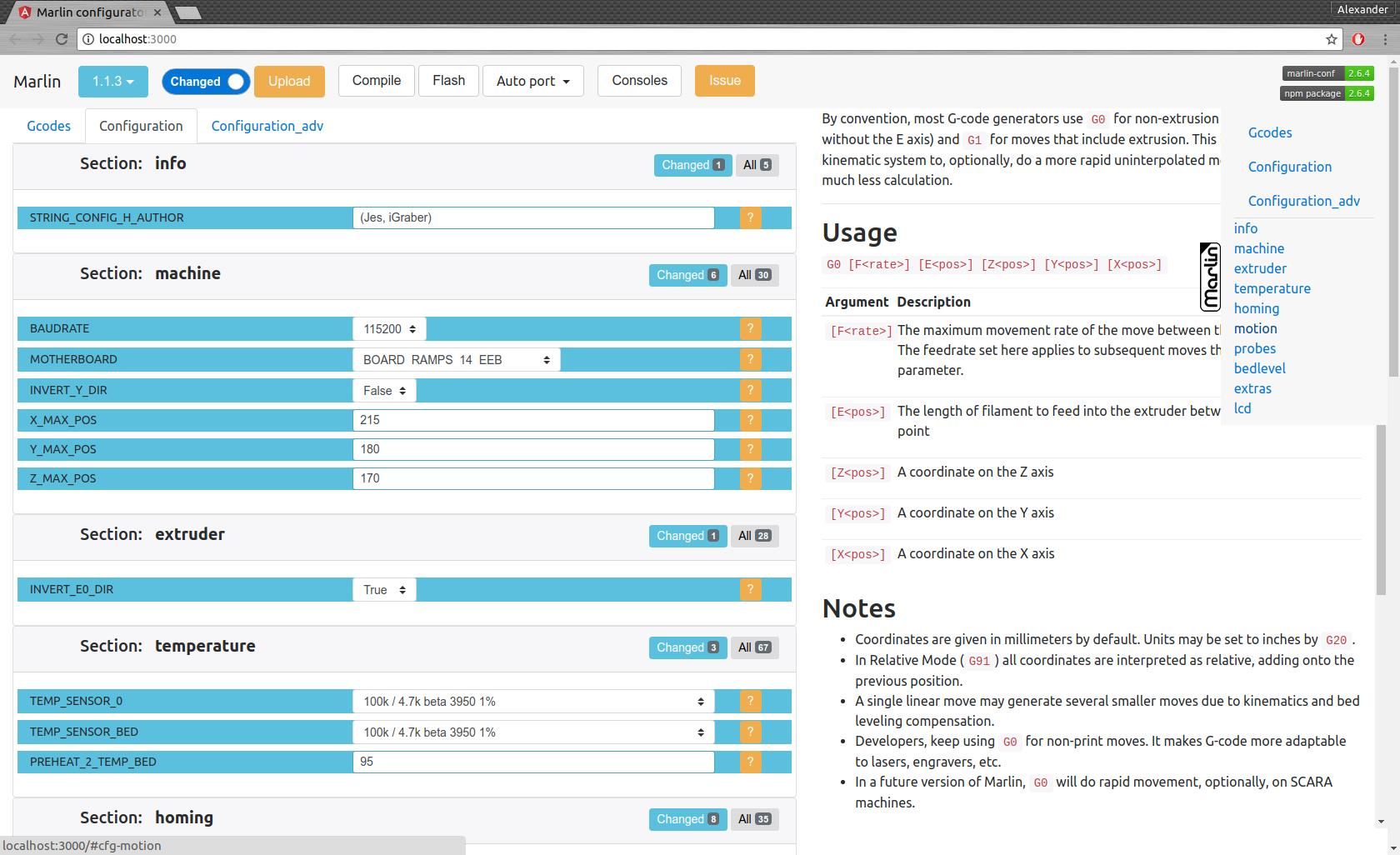
        open browser for interactive configuration
    mct clone
        clone current Marlin repository to current working directory
    mct git <git-tag> json|h|txt
        json: compare [gitroot]/Marlin/Configuration*.h files
              between git-tag files and files in folder then
              create .json files with your personal setting
        h:    extend [gitroot]/Marlin/Configuration*.h files
              from git-tag with .json files contained your personal setting
        txt:  like json but create txt files contained only changes
              for publication
    mct tree json|h|rm
      Each of these traverse [gitroot]/Marlin/example_configurations directory
        json: compare configurations with main files [gitroot]/Marlin/Configuration*.h
              and generate .json file with its differences for each
              and .not files for #defines which not present in base files
        h:    recreate .h files based on
              main files [gitroot]/Marlin/Configuration*.h and .json
        rm:   remove .json and .not files
Antarmuka perintah:
Membuat File untuk Publikasi Masalah mct git 1.1.0-RC7 txt (Bandingkan 1.1.0-RC7 Rilis dengan file Anda saat ini di folder dan buat file teks yang dapat dibaca)
Migrasi Konfigurasi:
mct git 1.1.0-RC7 json (Bandingkan 1.1.0-RC7 Rilis dengan file Anda saat ini di folder dan buat .json)Daripada menyalin file .json ke folder lain atau ubah cabang git
Pulihkan konfigurasi Anda
mct git 1.1.0-RC8 h (Gunakan 1.1.0-RC8 Rilis dan tambahkan Anda disimpan dalam konfigurasi .json)





