marlin config
2.10.7

Dies ist ein Hilfestool, der für eine einfache Konfiguration von Marlin Firmware vorgesehen ist
Unterstütztes Betriebssystem: Linux, Mac, Windows
In der Projekt verwendete Dokumentation aus Marlindokumentation
Wir bieten vorgebaute Binärdateien für MacOS, Linux 32/64 und Windows 32/64. Dies ist die neueste Version.
Nach dem Ausführen wird ein Dateidialog angezeigt und bittet, einen leeren Ordner (dann für die letzte Version von Marlin aus Github) oder einen Ordner mit dem Marlin Git -Repository zu öffnen.
sudo npm -gi marlin-conf
Einige Hinweise für die Windows-Installation
Warnung! Bitte installieren Sie 99-platformio-udev.rules und überprüfen Sie, ob die PID und das VID Ihres Boards in den Regeln aufgeführt sind. https://raw.githubuSercontent.com/platformio/platformio/develop/scripts/99-platformio-udev.rules
Öffnen Sie das Terminal in einem leeren Ordner oder in einem Ordner mit Marlin -Repository und Typ
mct und Bestätigung der Aktion
 usage: mct help|git|tree|conf|clone
You need to run it in Marlin git repository
commands:
    mct
        asks to 'clone' if current folder has no repository then run 'conf'
    mct conf
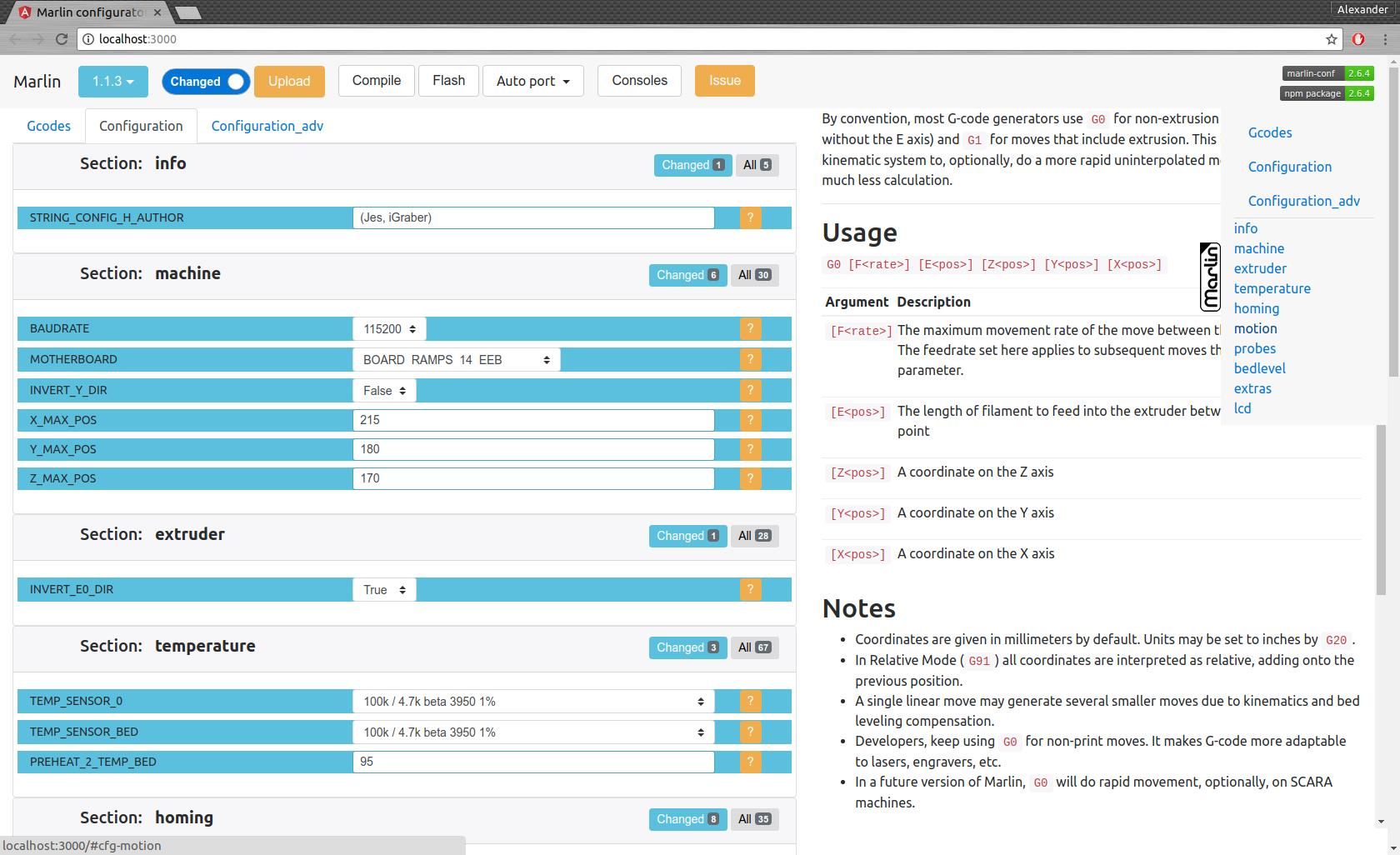
        open browser for interactive configuration
    mct clone
        clone current Marlin repository to current working directory
    mct git <git-tag> json|h|txt
        json: compare [gitroot]/Marlin/Configuration*.h files
              between git-tag files and files in folder then
              create .json files with your personal setting
        h:    extend [gitroot]/Marlin/Configuration*.h files
              from git-tag with .json files contained your personal setting
        txt:  like json but create txt files contained only changes
              for publication
    mct tree json|h|rm
      Each of these traverse [gitroot]/Marlin/example_configurations directory
        json: compare configurations with main files [gitroot]/Marlin/Configuration*.h
              and generate .json file with its differences for each
              and .not files for #defines which not present in base files
        h:    recreate .h files based on
              main files [gitroot]/Marlin/Configuration*.h and .json
        rm:   remove .json and .not files
Befehlsschnittstelle:
Datei für die Ausgabe von Publikation mct git 1.1.0-RC7 txt (Vergleichen Sie 1.1.0-RC7-Version mit Ihren aktuellen Dateien im Ordner und erstellen Sie eine lesbare Textdatei).
Konfiguration migrieren:
mct git 1.1.0-RC7 json (Vergleiche 1.1.0-RC7-Version mit Ihren aktuellen Dateien im Ordner und erstellen .json)als .json -Dateien in einen anderen Ordner kopieren oder die Git -Filiale ändern
Wiederherstellen Sie Ihre Konfiguration
mct git 1.1.0-RC8 h (Verwenden Sie 1.1.0-RC8-Version und fügen Sie Ihre gespeicherte in .json-Konfiguration hinzu)





