llama dfdx
1.0.0

يحتوي هذا الريبو على نموذج لغة Llama 7B الشهير ، الذي تم تنفيذه بالكامل في لغة برمجة الصدأ!
يستخدم DFDX الموترات وتسارع CUDA.
هذا يعمل Llama مباشرة في F16 ، مما يعني أنه لا يوجد تسارع للأجهزة على وحدة المعالجة المركزية. باستخدام CUDA ينصح بشدة.
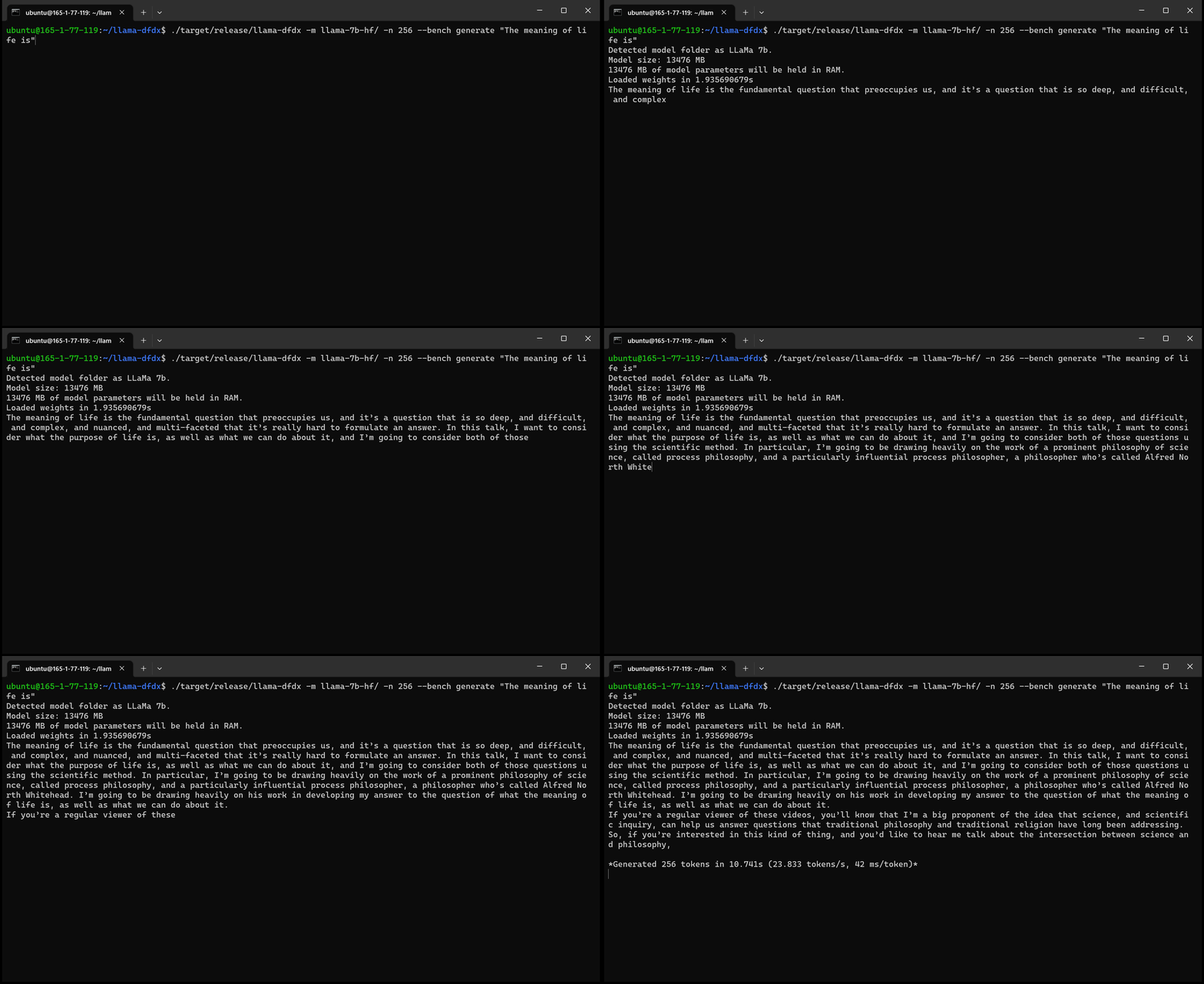
هنا هو نموذج 7B الذي يعمل على وحدة معالجة الرسومات A10:
sudo apt install git-lfsgit lfs install .git clone https://huggingface.co/decapoda-research/llama-7b-hfgit clone https://huggingface.co/decapoda-research/llama-13b-hfgit clone https://huggingface.co/decapoda-research/llama-65b-hfpython3.x -m venv <my_env_name> لإنشاء بيئة افتراضية Python ، حيث x هي إصدار Python المفضل لديكsource <my_env_name>binactivate (أو <my_env_name>Scriptsactivate إذا على Windows) لتنشيط البيئةpip install numpy torchpython convert.py لتحويل أوزان النموذج إلى تنسيق الصدأ المفهوم: أ. Llama 7B: python convert.py b. Llama 13b: python convert.py llama-13b-hf c. Llama 65b: python convert.py llama-65b-hf يمكنك تجميع أوامر الصدأ العادية:
مع كودا:
cargo build --release -F cudaبدون كودا:
cargo build --releaseمع args الافتراضي:
./target/release/llama-dfdx --model < model-dir > generate " <prompt> "
./target/release/llama-dfdx --model < model-dir > chat
./target/release/llama-dfdx --model < model-dir > file < path to prompt file >
لمعرفة الأوامر/args المخصصة التي يمكنك استخدامها:
./target/release/llama-dfdx --help






