100ms flutter
1.10.6


在https://dashboard.100ms.live/register上註冊,並訪問開發人員選項卡以訪問您的憑據。
在這裡熟悉令牌和安全性
完成Auth Token快速啟動指南中的步驟
通過pub.dev獲取HMSSDK。將hmssdk_flutter添加到您的pubspec.yaml。
請在此處參考完整的安裝指南。
完整的示例應用程序可在此處使用。
我們在示例應用程序readme中添加了有關不同功能,UI佈局,數據存儲等的說明和推薦使用指南。
要在系統上運行示例應用程序,請按照以下步驟進行操作 -
克隆100ms flutter github repo
在Project root中,Run flutter pub get構建顫動包裝
將目錄更改為example文件夾
現在,要運行該應用程序,只需執行flutter run命令即可在連接的設備或iOS模擬器或Android模擬器上運行該應用程序。
要在iOS設備(iPhone或iPad)上運行,請確保您在XCode簽名和功能部分中設置了正確的開發團隊。
默認示例應用程序使用提供商狀態管理庫。有關其他實施方式,請退房 -
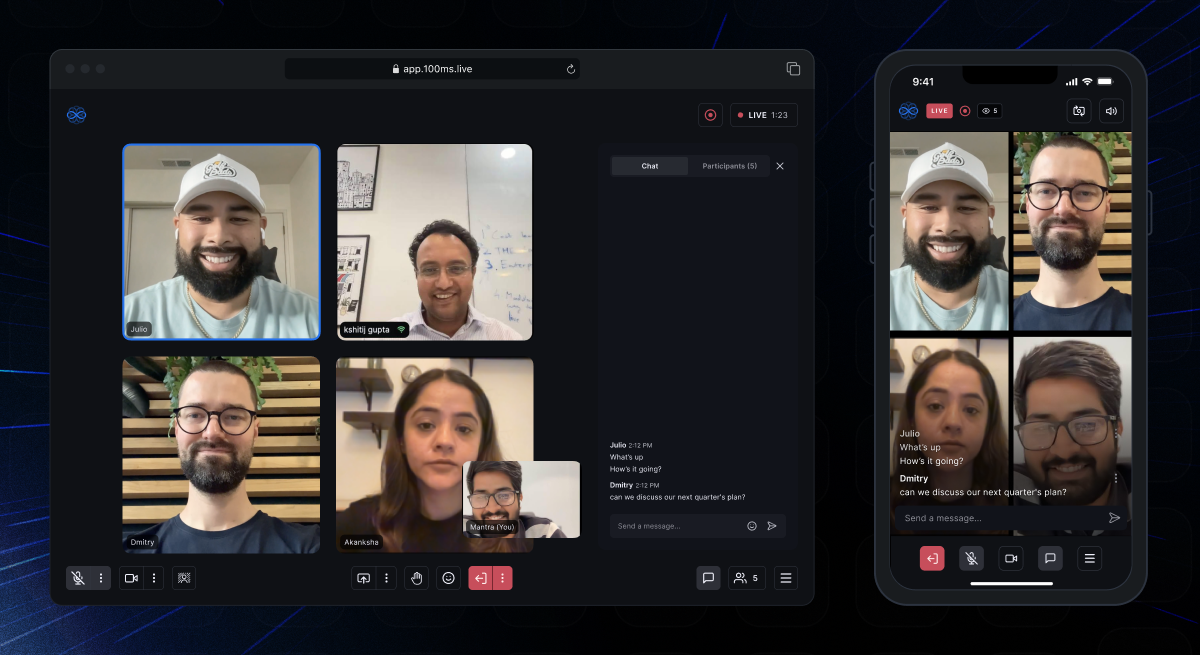 | 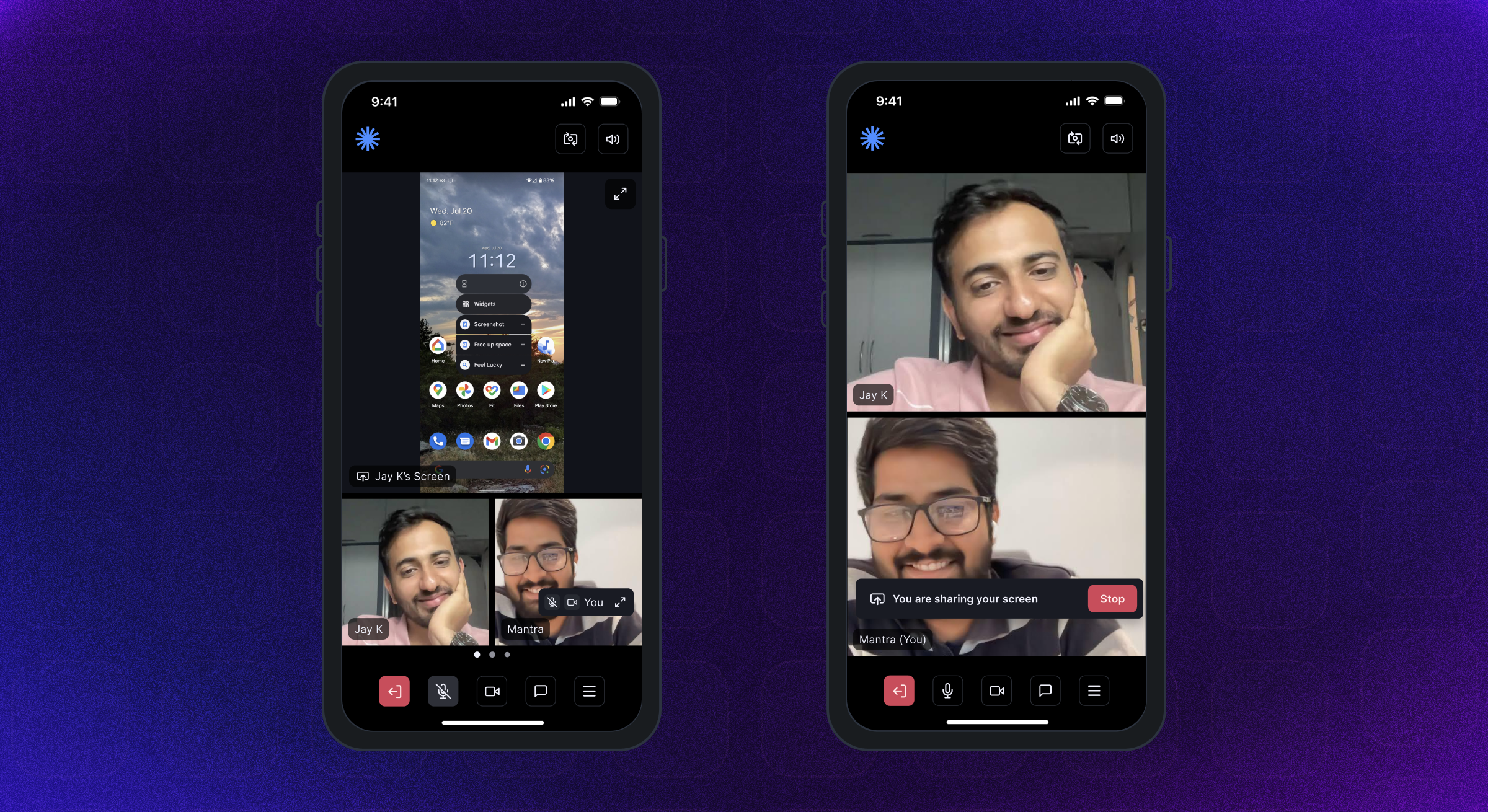 | 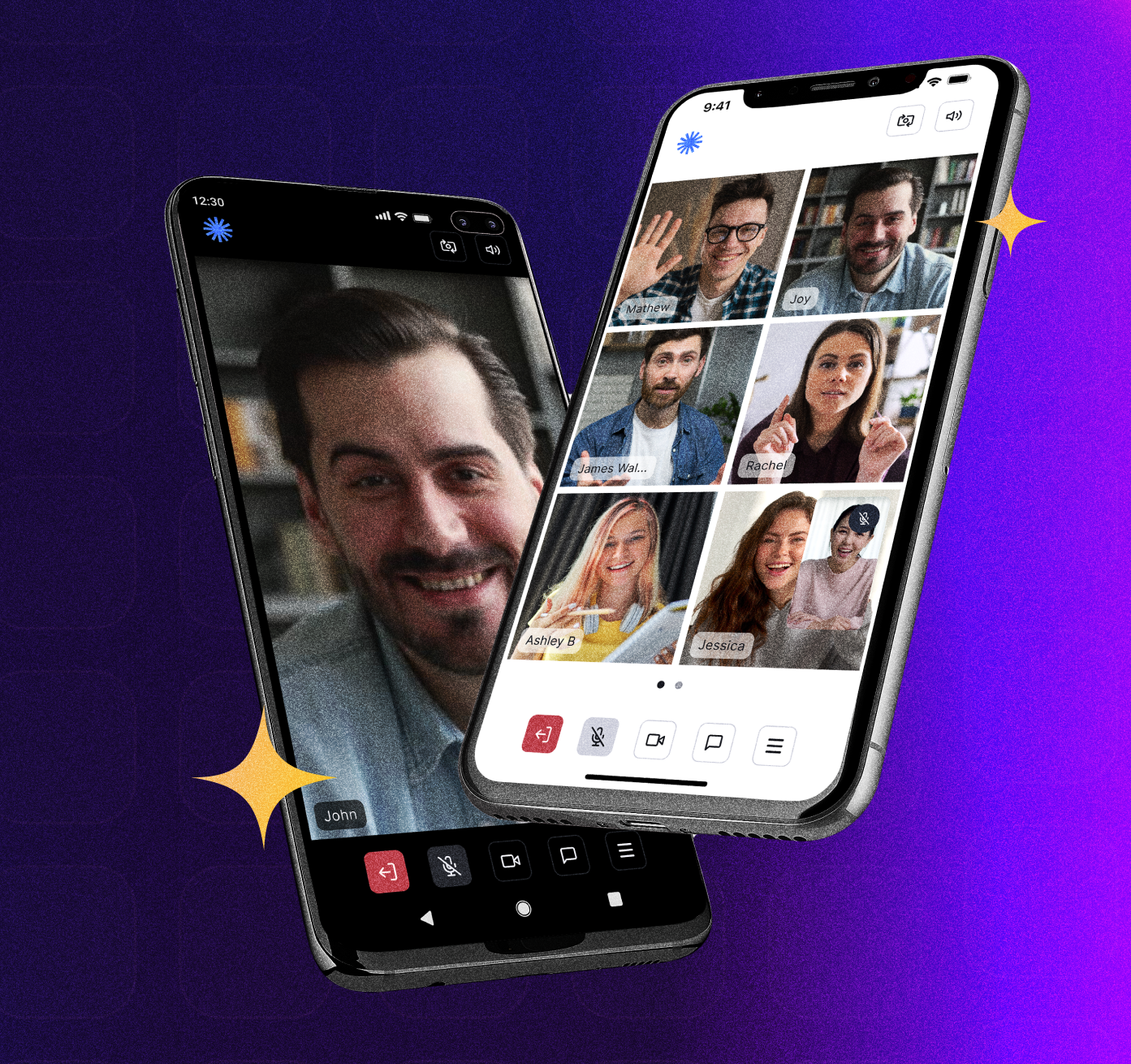 |
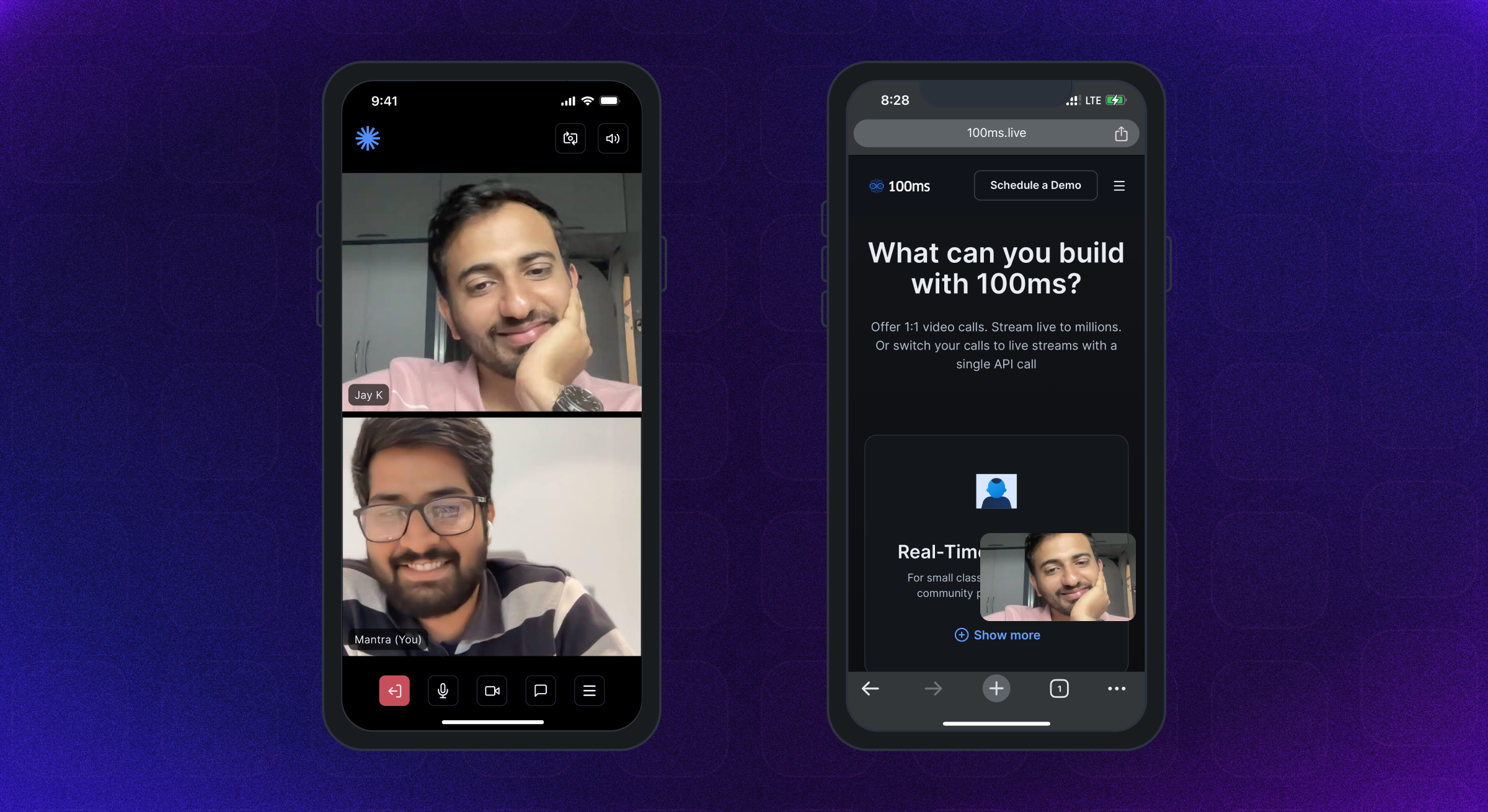 | 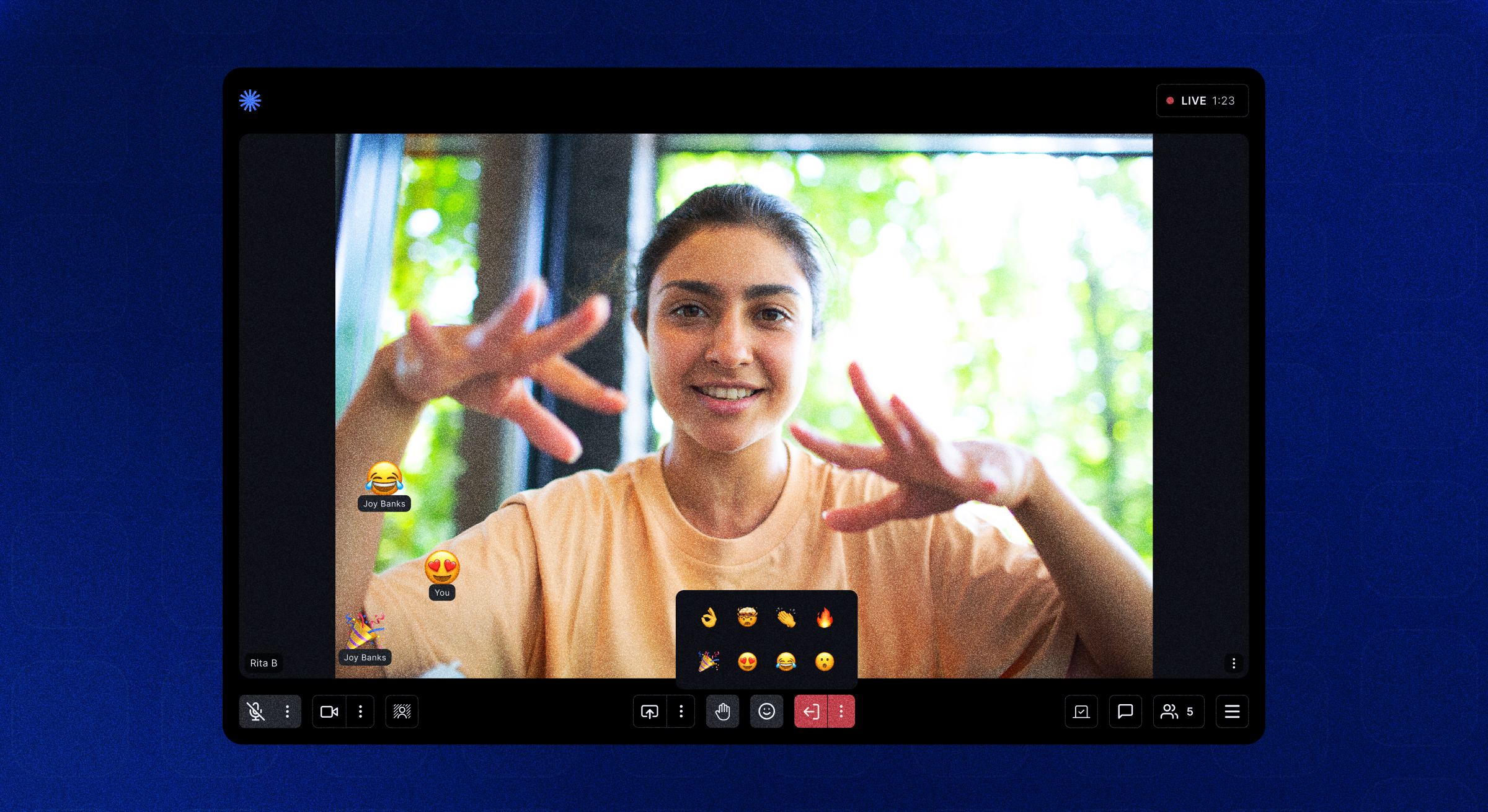 | 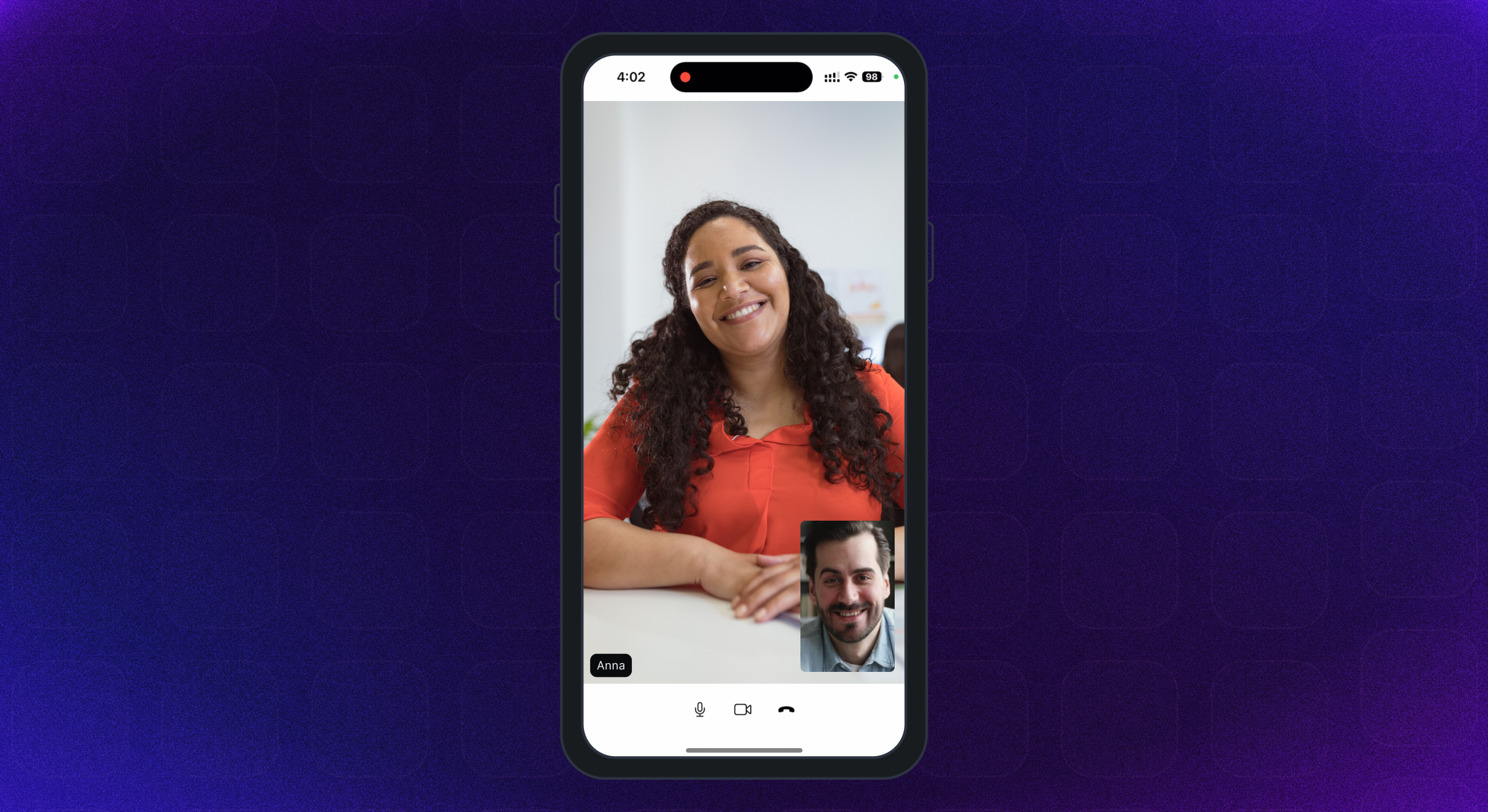 |
Android SDK支持Android API級別21及以上。它是為ARMEABI-V7A,ARM64-V8A,X86和X86_64架構建造的。建議使用運行Android OS 12或更高的設備。
支持具有iOS版本12或更高版本的iPhone&iPad。建議使用運行iOS 16或更高的設備。
完整的權限指南可在此處找到。
在Android的AndroidManifest.xml文件中添加以下權限 -
< uses-feature android : name = " android.hardware.camera " />

< uses-feature android : name = " android.hardware.camera.autofocus " />

< uses-permission android : name = " android.permission.CAMERA " />

< uses-permission android : name = " android.permission.CHANGE_NETWORK_STATE " />

< uses-permission android : name = " android.permission.MODIFY_AUDIO_SETTINGS " />

< uses-permission android : name = " android.permission.RECORD_AUDIO " />

< uses-permission android : name = " android.permission.INTERNET " />

< uses-permission android : name = " android.permission.ACCESS_NETWORK_STATE " />

< uses-permission android : name = " android.permission.FOREGROUND_SERVICE " />

< uses-permission android : name = " android.permission.BLUETOOTH " android : maxSdkVersion = " 30 " />

< uses-permission android : name = " android.permission.BLUETOOTH_CONNECT " />在iOS info.plist文件中添加以下權限
< key >NSMicrophoneUsageDescription</ key >
< string >{YourAppName} wants to use your microphone</ string >

< key >NSCameraUsageDescription</ key >
< string >{YourAppName} wants to use your camera</ string >

< key >NSLocalNetworkUsageDescription</ key >
< string >{YourAppName} App wants to use your local network</ string >Room房間是100ms SDK成功連接的基本對象。這包含對渲染現場A/V或實時流應用程序所需的所有內容的引用。
Peer等方是由100ms SDK返回的對象,其中包含有關用戶的所有信息 - 名稱,角色,視頻軌道等。
Track是從同伴的相機和麥克風捕獲的媒體(音頻/視頻)部分。會話中的同伴發布本地曲目,並訂閱其他同行的遠程軌道。
Role一個角色定義了誰可以同伴看到/聽到,他們發布視頻的質量,無論他們是否有權發布視頻/屏幕處理,靜音某人,改變某人的角色。
100ms SDK在用戶通過實現HMSUpdateListener加入後,向客戶應用程序提供了有關客戶應用程序的回調。這些更新可用於在屏幕上渲染視頻或顯示有關房間的其他信息。讓我們看一下流程圖。
 /// 100ms SDK provides callbacks to the client app about any change or update happening in the room after a user has joined by implementing HMSUpdateListener.
/// These updates can be used to render the video on the screen or to display other info regarding the room.
abstract class HMSUpdateListener {


  /// This will be called on a successful JOIN of the room by the user
  ///
  /// This is the point where applications can stop showing their loading state
  /// [room] : the room which was joined
  void onJoin ({ required HMSRoom room});


  /// This will be called whenever there is an update on an existing peer
  /// or a new peer got added/existing peer is removed.
  ///
  /// This callback can be used to keep a track of all the peers in the room
  /// [peer] : the peer who joined/left or was updated
  /// [update] : the triggered update type. Should be used to perform different UI Actions
  void onPeerUpdate ({ required HMSPeer peer, required HMSPeerUpdate update});


  /// This is called when there are updates on an existing track
  /// or a new track got added/existing track is removed
  ///
  /// This callback can be used to render the video on screen whenever a track gets added
  ///  [track] : the track which was added, removed or updated
  ///  [trackUpdate] : the triggered update type
  ///  [peer] : the peer for which track was added, removed or updated
  void onTrackUpdate ({ required HMSTrack track, required HMSTrackUpdate trackUpdate, required HMSPeer peer});


  /// This will be called when there is an error in the system
  /// and SDK has already retried to fix the error
  /// [error] : the error that occurred
  void onHMSError ({ required HMSException error});


  /// This is called when there is a new broadcast message from any other peer in the room
  ///
  /// This can be used to implement chat is the room
  /// [message] : the received broadcast message
  void onMessage ({ required HMSMessage message});


  /// This is called every 1 second with a list of active speakers
  ///
  /// ## A HMSSpeaker object contains -
  ///    - peerId: the peer identifier of HMSPeer who is speaking
  ///    - trackId: the track identifier of HMSTrack which is emitting audio
  ///    - audioLevel: a number within range 1-100 indicating the audio volume
  ///
  /// A peer who is not present in the list indicates that the peer is not speaking
  ///
  /// This can be used to highlight currently speaking peers in the room
  /// [speakers] the list of speakers
  void onUpdateSpeakers ({ required List < HMSSpeaker > updateSpeakers});


  /// This is called when there is a change in any property of the Room
  ///
  ///  [room] : the room which was joined
  ///  [update] : the triggered update type. Should be used to perform different UI Actions
  void onRoomUpdate ({ required HMSRoom room, required HMSRoomUpdate update});


  /// when network or some other error happens it will be called
  void onReconnecting ();


  /// when you are back in the room after reconnection
  void onReconnected ();


  /// This is called when someone asks for a change or role
  ///
  /// for eg. admin can ask a peer to become host from guest.
  /// this triggers this call on peer's app
  void onRoleChangeRequest ({ required HMSRoleChangeRequest roleChangeRequest});


  /// when someone requests for track change of yours be it video or audio this will be triggered
  /// [hmsTrackChangeRequest] request instance consisting of all the required info about track change
  void onChangeTrackStateRequest ({ required HMSTrackChangeRequest hmsTrackChangeRequest});


  /// when someone kicks you out or when someone ends the room at that time it is triggered
  /// [hmsPeerRemovedFromPeer] it consists of info about who removed you and why.
  void onRemovedFromRoom ({ required HMSPeerRemovedFromPeer hmsPeerRemovedFromPeer});


  /// whenever a new audio device is plugged in or audio output is changed we
  /// get the onAudioDeviceChanged update
  /// This callback is only fired on Android devices. On iOS, this callback will not be triggered.
  /// - Parameters:
  ///   - currentAudioDevice: Current audio output route
  ///   - availableAudioDevice: List of available audio output devices
  void onAudioDeviceChanged (
      { HMSAudioDevice ? currentAudioDevice,
      List < HMSAudioDevice > ? availableAudioDevice});


  /// Whenever a user joins a room [onSessionStoreAvailable] is fired to get an instance of [HMSSessionStore]
  /// which can be used to perform session metadata operations
  /// - Parameters:
  ///   - hmsSessionStore: An instance of HMSSessionStore which will be used to call session metadata methods
  void onSessionStoreAvailable (
      { HMSSessionStore ? hmsSessionStore});


  /// Upon joining a room with existing peers, onPeerListUpdated will be called with the list of peers present
  /// in the room instead of getting onPeerUpdate for each peer in the room.
  /// Subsequent peer joins/leaves would be notified via both onPeerUpdate and onPeerListUpdated
  void onPeerListUpdate (
      { required List < HMSPeer > addedPeers, required List < HMSPeer > removedPeers});
} 100ms SDK通過HMSUpdateListener中的回調發送了有關HMSPER,HMSTRACK,HMSROOM等任何更改的應用程序。
調用HMSUPDATELISTENER的方法,以通知房間中發生的更新,例如同行連接/離開,跟踪靜音/取消靜音等。
有關更新聽眾的更多信息,請參見此處。
以下是SDK發出的不同類型的更新類型 -
HMSPeerUpdate
  .peerJoined: A new peer joins the Room
  .peerLeft: An existing peer leaves the Room
  .roleUpdated: When a peer's Role has changed
  .metadataChanged: When a peer's metadata has changed
  .nameChanged: When a peer's name has changed


HMSTrackUpdate
  .trackAdded: A new track (audio or video) is added to the Room
  .trackRemoved: An existing track is removed from the Room
  .trackMuted: A track of a peer is muted
  .trackUnMuted: A muted track of a peer was unmuted
  .trackDegraded: When track is degraded due to bad network conditions
  .trackRestored: When a degraded track is restored when optimal network conditions are available again


HMSRoomUpdate
  .roomMuted: When room is muted to due external interruption like a Phone Call
  .roomUnmuted: When a muted room is unmuted when external interruption has ended
  .serverRecordingStateUpdated: When Server recording state is updated
  .browserRecordingStateUpdated: When Browser recording state is changed
  .rtmpStreamingStateUpdated: When RTMP is started or stopped
  .hlsStreamingStateUpdated: When HLS is started or stopped
.hlsRecordingStateUpdated: When HLS recording state is updated要在音頻或視頻通話中與其他人進行互動,用戶需要join room 。
要加入一個房間,您的應用應該有 -
要加入一個房間,我們需要一個身份驗證令牌,如上所述。有兩種獲得令牌的方法:
我們可以使用MEDER URL的室內代碼獲得身份驗證令牌。
讓我們從此URL中的https://public.app.100ms.live/meeting/xvm-wxwo-gbl URL中了解子域和代碼
publicxvm-wxwo-gbl現在,為了從滿足URL獲取房間代碼,我們可以編寫自己的邏輯或使用getCode方法
要生成令牌,我們將使用HMSSDK的getAuthTokenByRoomCode方法。此方法的roomCode是必需的參數, userId和endPoint作為可選參數。
調用
build方法後應調用此方法。
讓我們查看實現:
  //This returns an object of Future<dynamic> which can be either
  //of HMSException type or String? type based on whether
  //method execution is completed successfully or not

  dynamic authToken = await hmsSDK. getAuthTokenByRoomCode (roomCode : 'YOUR_ROOM_CODE' );

  if (authToken is String ){
    HMSConfig roomConfig = HMSConfig (
        authToken : authToken,
        userName : userName,
      );

    hmsSDK. join (config : roomConfig);
  }
  else if (authToken is HMSException ){
    // Handle the error
}要測試音頻/視頻功能,您需要連接到100ms的房間;請檢查以下步驟相同:
Video Conferencing Starter Kit來創建一個帶有默認模板的房間,以快速測試該應用程序。Room Id ,然後單擊右上角的Join Room按鈕。Auth Token for role ;您可以單擊“複製”圖標以復制身份驗證令牌。100ms儀表板的令牌僅用於測試目的,對於生產應用程序,您必須在自己的服務器上生成令牌。有關更多信息,請參閱身份驗證和令牌指南的管理令牌部分。
您還可以選擇在HMSSDK構造函數中傳遞這些字段 -
跟踪設置 - 例如使用HMSTrackSetting對象連接使用靜音音頻或視頻的房間。更多信息可在此處提供。
用戶元數據 - 可以使用HMSConfig對象的metadata傳遞與用戶相關的任何其他元數據。例如:應用程序端的用戶ID映射。更多信息可在此處提供。
有關加入房間的更多信息。
 // create a class that implements `HMSUpdateListener` and acts as a data source for our UI
class Meeting implements HMSUpdateListener {

    late HMSSDK hmsSDK;

    Meeting () {
        initHMSSDK ();
    }

    void initHMSSDK () async {
        hmsSDK = HMSSDK (); // create an instance of `HMSSDK` by invoking it's constructor
        await hmsSDK. build (); // ensure to await while invoking the `build` method
        hmsSDK. addUpdateListener ( this ); // `this` value corresponds to the instance implementing HMSUpdateListener
        HMSConfig config = HMSConfig (authToken : 'eyJH5c' , // client-side token generated from your token service
                                userName : 'John Appleseed' );
        hmsSDK. join (config : config); // Now, we are primed to join the room. All you have to do is call `join` by passing the `config` object.
    }

    ... // implement methods of HMSUpdateListener
}一切都歸結為此。到目前為止,所有設置都已經完成,以便我們可以在美麗的應用中顯示現場流式視頻。
100ms的Flutter軟件包提供了HMSVideoView小部件,該小部件在屏幕上呈現視頻。
我們只需要將視頻軌道對像傳遞到HMSVideoView即可開始自動渲染實時視頻流。
我們還可以選擇通過key , scaleType , mirror類的道具來自定義HMSVideoView小部件。
 HMSVideoView (
  track : videoTrack,
  key : Key (videoTrack.trackId),
),
有關顯示視頻的更多信息,請參見此處。
完成會議並想退出後,請在您創建以加入房間的HMSSDK實例上致電離開。
在致電休假之前,請刪除HMSUpdateListener實例為:
 // updateListener is the instance of class in which HMSUpdateListener is implemented
hmsSDK. removeUpdateListener (updateListener);要離開會議,請致電HMSSDK的leave方法,然後通過hmsActionResultListener參數,以在onSuccess Override方法中從SDK獲得成功回調。
您將需要在類中實現
HMSActionResultListener接口,以獲取onSuccess和onException回調。要知道如何實現HMSActionResultListener在此處檢查文檔
 class Meeting implements HMSActionResultListener {
//this is the instance of class implementing HMSActionResultListener
await hmsSDK. leave (hmsActionResultListener : this );

@override
  void onSuccess (
      { HMSActionResultListenerMethod methodType = HMSActionResultListenerMethod .unknown, Map < String , dynamic > ? arguments}) {
        switch (methodType) {
          case HMSActionResultListenerMethod .leave :
          // Room leaved successfully
          // Clear the local room state
          break ;
          ...
        }
      }
}
有關離開房間的更多信息。
HMSTrack是HMSSDK內部使用的所有軌道的超級類。它的層次結構看起來像這樣 -
 HMSTrack
    - AudioTrack
        - LocalAudioTrack
        - RemoteAudioTrack
    - VideoTrack
        - LocalVideoTrack
- RemoteVideoTrack HMSTRACK包含一個稱為源的字段,該字段表示軌道的來源。
Source可以具有以下值 -
regular的正常音頻或同伴發布的視頻screen處理軌道的屏幕軌道屏幕播放時,同行開始在房間裡廣播屏幕plugin要了解軌道的類型,請檢查將是枚舉值之一的類型值 - AUDIO或VIDEO
您可以將聊天或任何其他類型的消息從本地同行發送到房間中的所有遠程同行。
首先發送消息創建HMSMessage對象的實例。
添加要在HMSMessage的message屬性中發送的信息。
然後,在HMSSDK實例上使用sendBroadcastMessage函數進行廣播消息,用於組消息的sendGroupMessage和用於直接消息的sendDirectMessage 。
當您(本地對等)從其他人(任何遠程對等)接收消息時,調用了HMSUpdateListener的void onMessage({required HMSMessage message})功能。
有關聊天消息傳遞的更多信息,請參見此處。
 // onMessage is HMSUpdateListener method called when a new message is received
@override
void onMessage ({ required HMSMessage message}) {
  //Here we will receive messages sent by other peers
}


/// [message] : Message to be sent
/// [type] : Message type(More about this at the end)
/// [hmsActionResultListener] : instance of class implementing HMSActionResultListener
//Here this is an instance of class that implements HMSActionResultListener i.e. Meeting
hmsSDK. sendBroadcastMessage (
  message : message,
  type : type,
  hmsActionResultListener : this );


/// [message] : Message to be sent
/// [peerTo] : Peer to whom message needs to be sent
/// [type] : Message type(More about this at the end)
/// [hmsActionResultListener] : instance of class implementing HMSActionResultListener
//Here this is an instance of class that implements HMSActionResultListener i.e. Meeting
hmsSDK. sendDirectMessage (
  message : message,
  peerTo : peerTo,
  type : type,
  hmsActionResultListener : this );


/// [message] : Message to be sent
/// [hmsRolesTo] : Roles to which this message needs to be sent
/// [type] : Message type(More about this at the end)
/// [hmsActionResultListener] : instance of class implementing HMSActionResultListener
//Here this is an instance of class that implements HMSActionResultListener i.e. Meeting
hmsSDK. sendGroupMessage (
    message : message,
    hmsRolesTo : rolesToSendMessage,
    type : type,
    hmsActionResultListener : this );


@override
void onSuccess (
  { HMSActionResultListenerMethod methodType =
    HMSActionResultListenerMethod .unknown,
    Map < String , dynamic > ? arguments}) {

    switch (methodType) {

      case HMSActionResultListenerMethod .sendBroadcastMessage :
      //Broadcast Message sent successfully
      break ;

      case HMSActionResultListenerMethod .sendGroupMessage :
      //Group Message sent successfully
      break ;

      case HMSActionResultListenerMethod .sendDirectMessage :
      //Direct Message sent successfully
      break ;
      ...
    }
  }


@override
void onException (
  { HMSActionResultListenerMethod methodType =
    HMSActionResultListenerMethod .unknown,
    Map < String , dynamic > ? arguments,
    required HMSException hmsException}) {

    switch (methodType) {

      case HMSActionResultListenerMethod .sendBroadcastMessage :
      // Check the HMSException object for details about the error
      break ;

      case HMSActionResultListenerMethod .sendGroupMessage :
      // Check the HMSException object for details about the error
      break ;

      case HMSActionResultListenerMethod .sendDirectMessage :
      // Check the HMSException object for details about the error
      break ;
      ...
    }

  }
?預先構建的Quickstart指南可在此處找到。
請參閱此處可用的完整文檔指南。
? ♀️簽署此處可用的示例應用程序實現。
我們在示例應用程序readme中添加了有關不同功能,UI佈局,數據存儲等的說明和推薦使用指南。
100ms Flutter應用程序已在應用商店中發布,您可以在此處下載它們:
? iOS應用在Apple App Store上:https://apps.apple.com/app/100ms-live/id1576541989
? Google Play商店上的Android App:https://play.google.com/store/apps/details?id=live.hms.flutter







