100ms flutter
1.10.6


Regístrese en https://dashboard.100ms.live/register y visite la pestaña Developer para acceder a sus credenciales.
Familiarícese con Tokens & Security aquí
Complete los pasos en la guía de inicio rápido de token de autenticación
Obtenga el HMSSDK a través de Pub.dev. Agregue el hmssdk_flutter a su pubspec.yaml.
Consulte la guía de instalación completa aquí.
La aplicación de ejemplo completa está disponible aquí.
Hemos agregado explicaciones y una guía de uso recomendada para diferentes características, diseños de interfaz de usuario, almacén de datos, etc. En el ejemplo de lectura de aplicaciones.
Para ejecutar la aplicación de ejemplo en su sistema, siga estos pasos -
Clon the 100ms Flutter Github Repo
En Project Root, ejecute flutter pub get construir el paquete Flutter
Cambiar el directorio a la carpeta example
Ahora, para ejecutar la aplicación, simplemente ejecute el comando flutter run para ejecutar la aplicación en un dispositivo conectado, el simulador iOS o el emulador de Android.
Para ejecutar un dispositivo iOS (iPhone o iPad), asegúrese de haber establecido el equipo de desarrollo correcto en la sección de firmación y capacidades de Xcode.
La aplicación de ejemplo predeterminada utiliza la biblioteca de administración de estatal proveedor. Para otras implementaciones, consulte -
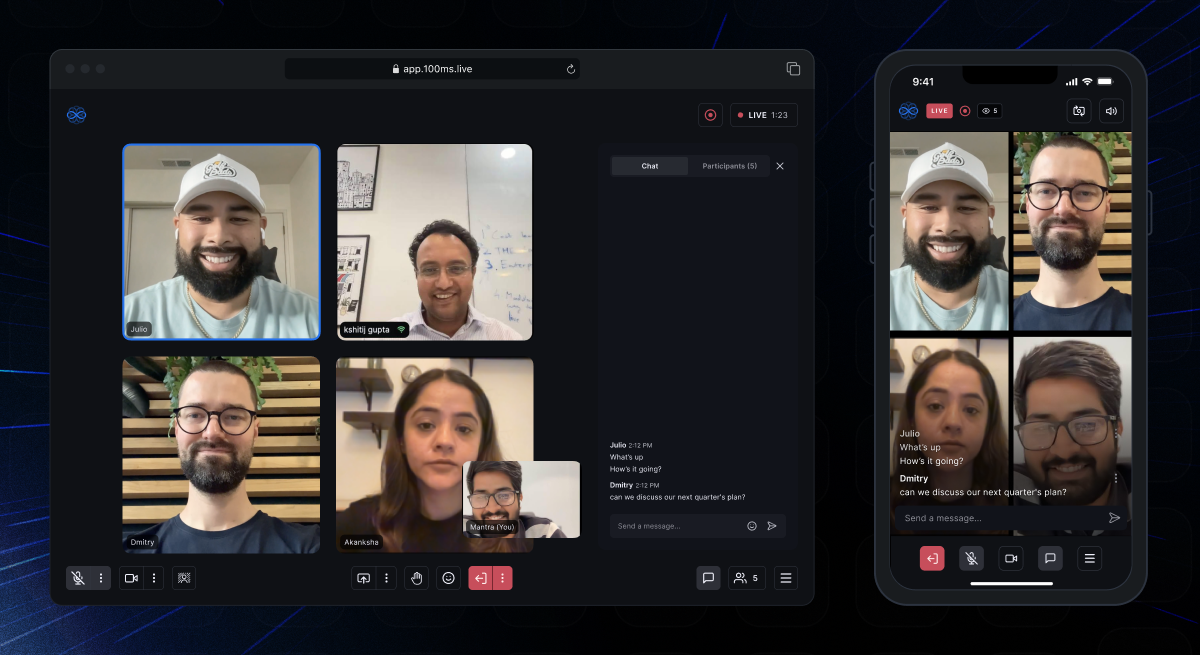 | 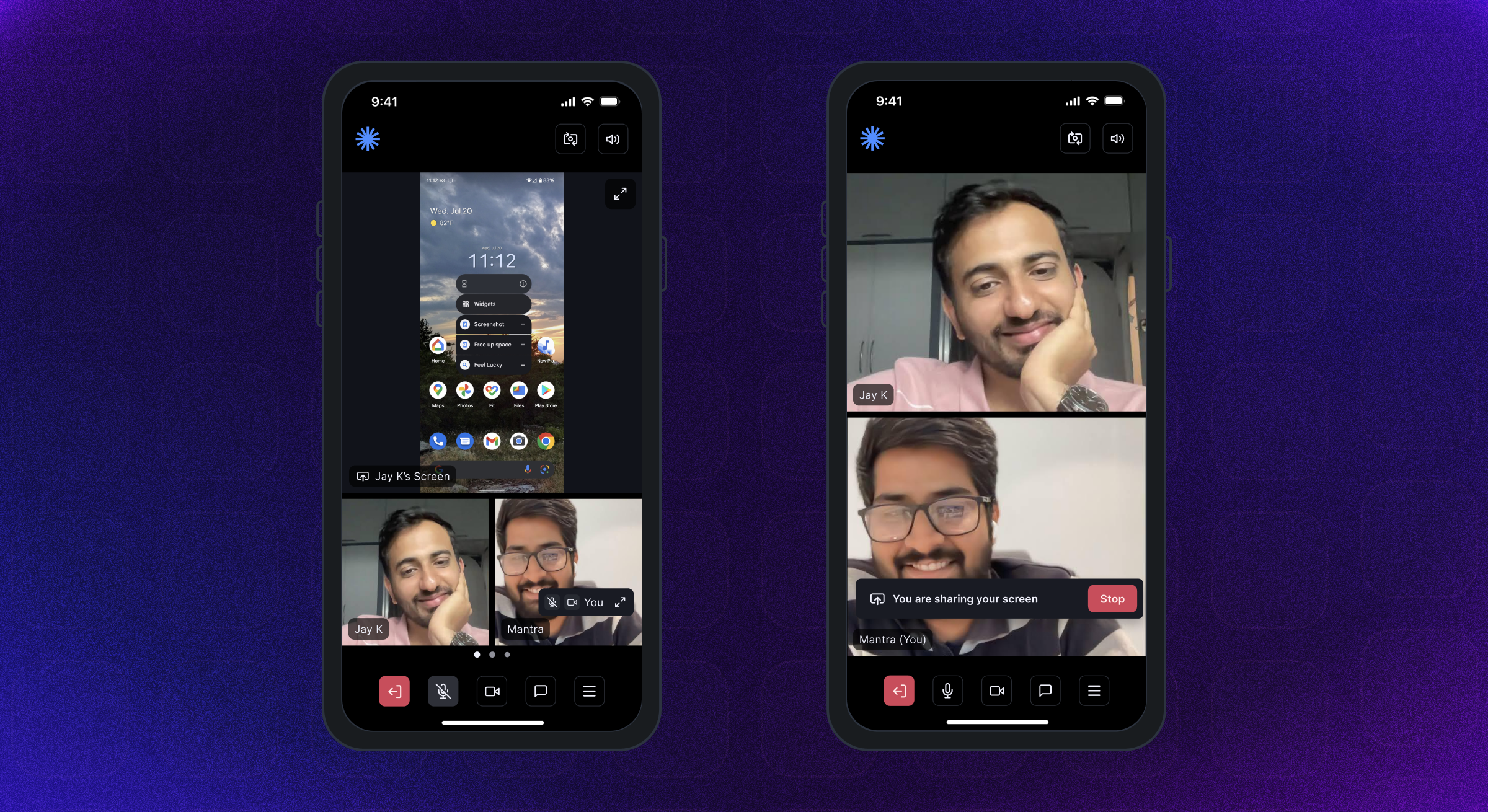 | 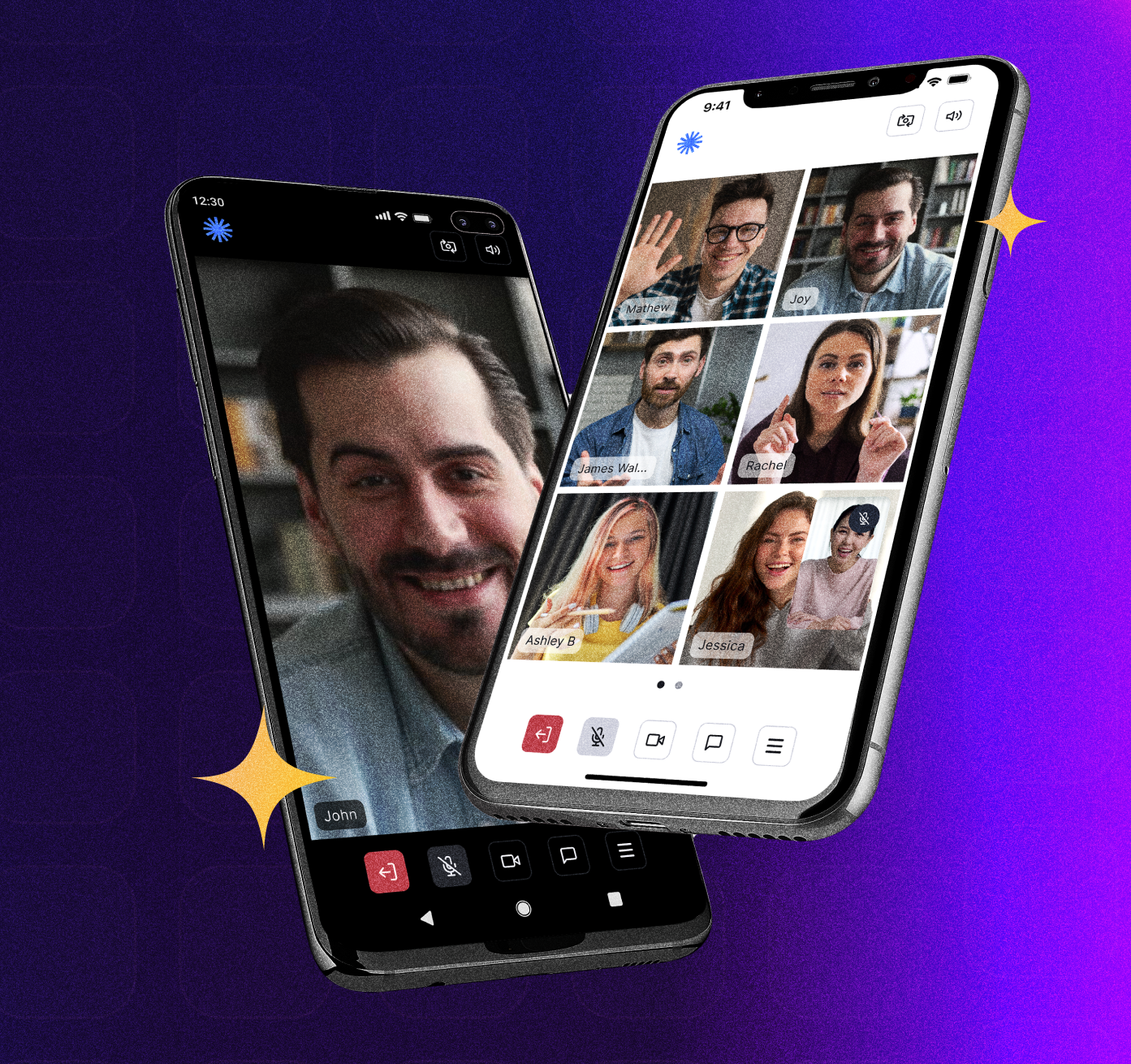 |
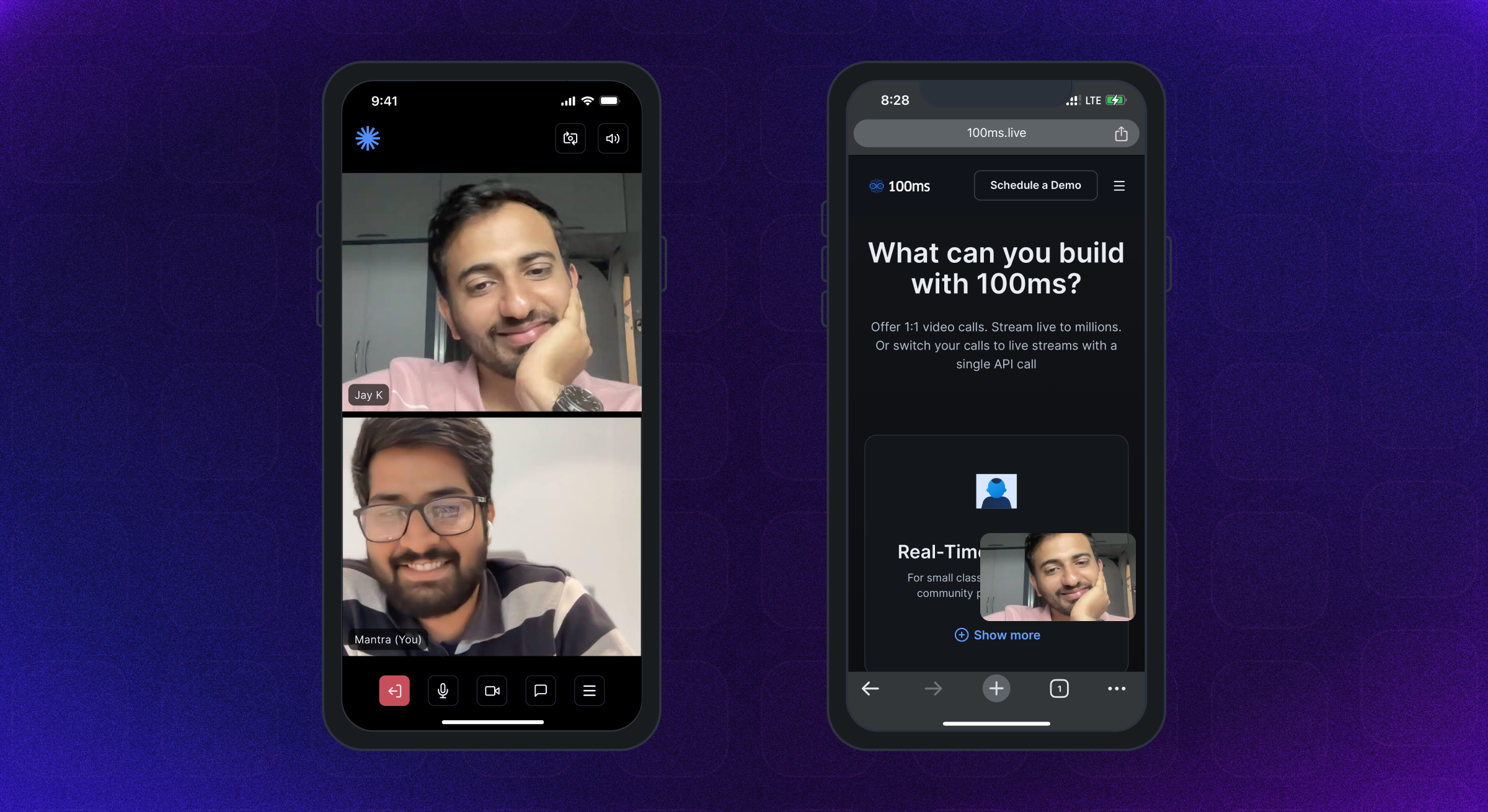 | 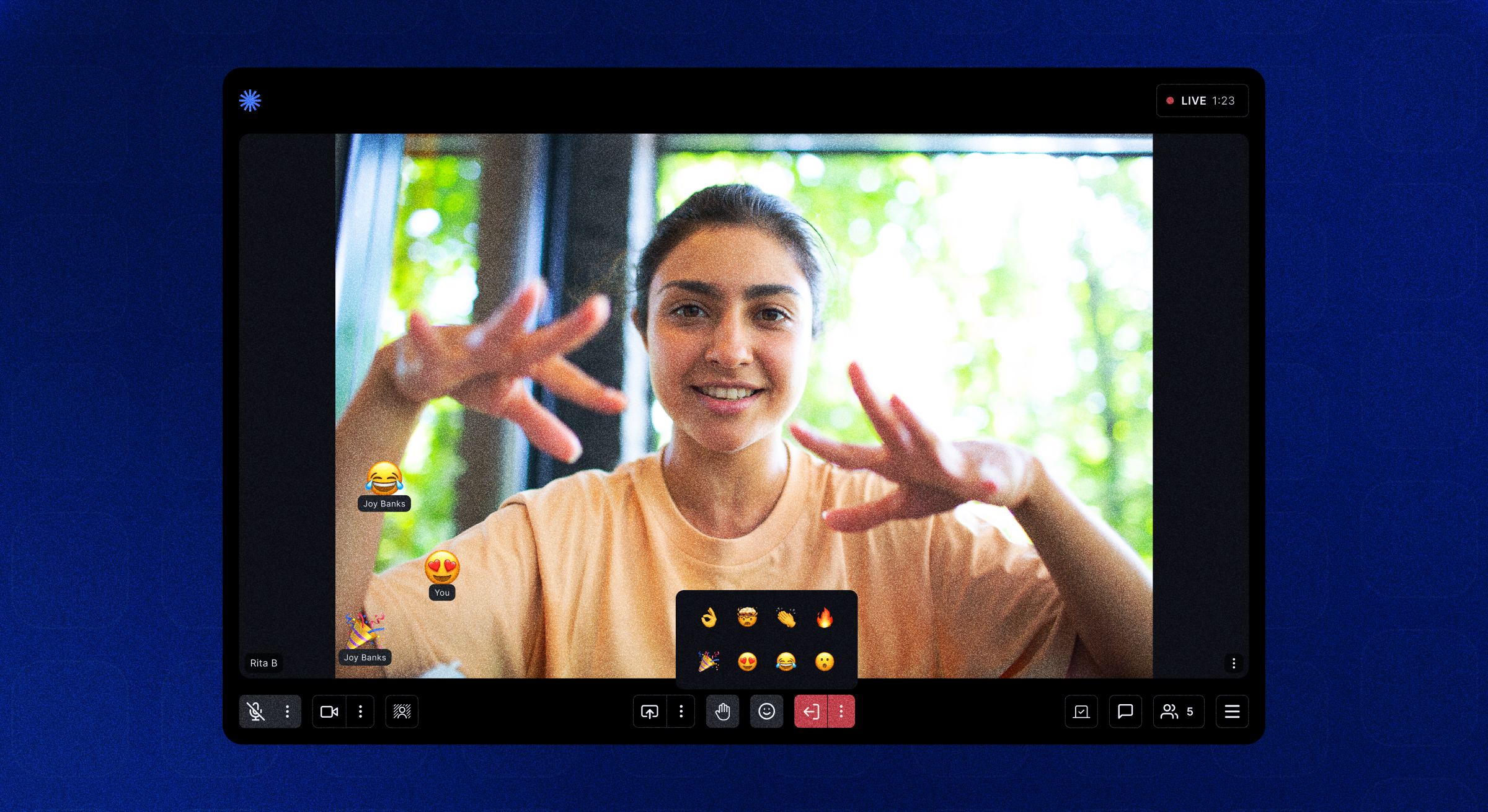 | 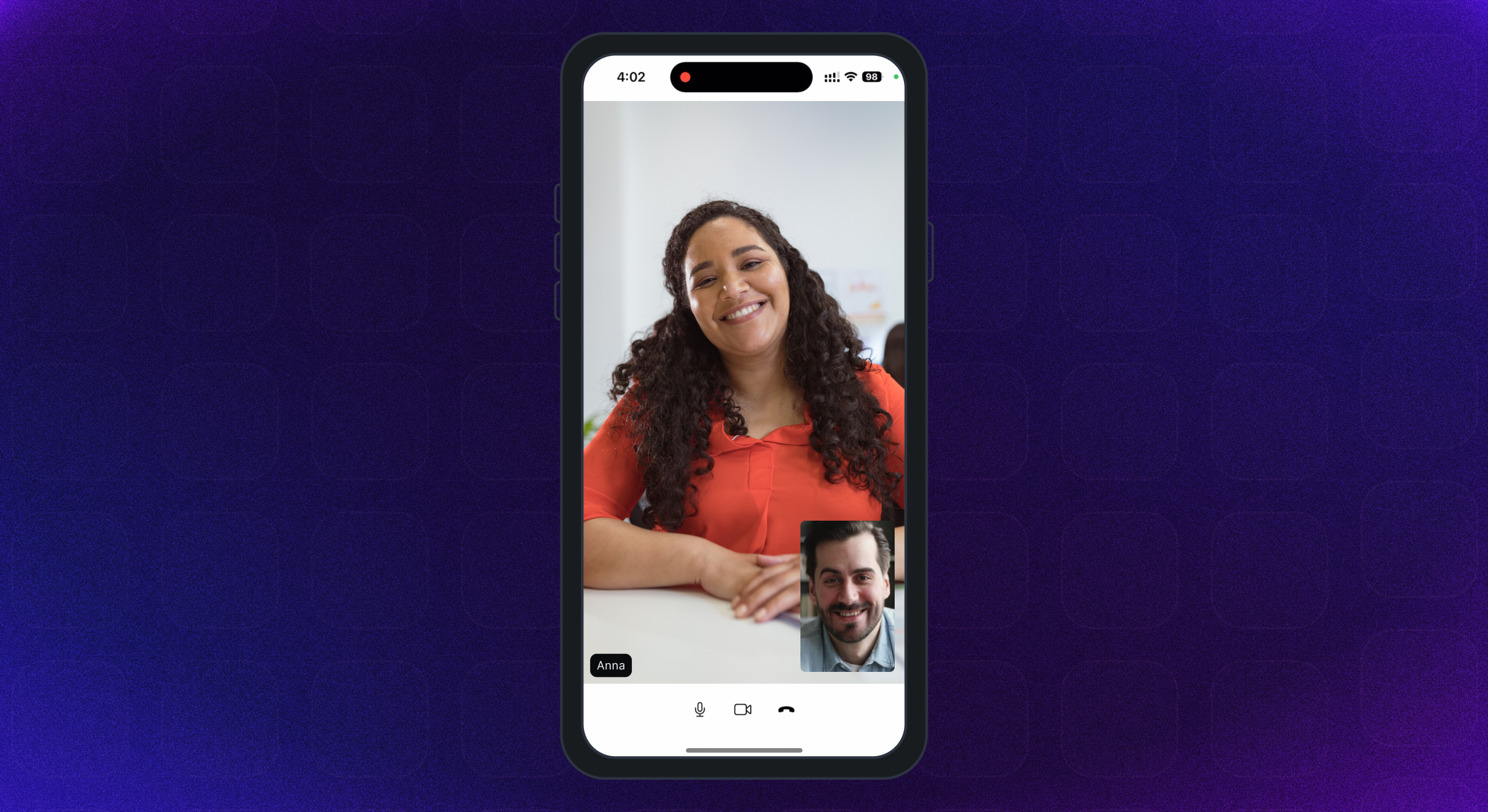 |
El SDK de Android admite Android API Nivel 21 y superior. Está construido para arquitecturas Armeabi-V7A, ARM64-V8A, X86 y X86_64. Los dispositivos que ejecutan Android OS 12 o superior se recomienda.
Se admiten iPhone y iPads con iOS versión 12 o superior. Se recomiendan dispositivos que ejecutan iOS 16 o superiores.
La guía completa de permisos está disponible aquí.
Agregue los siguientes permisos en el archivo AndroidManifest.xml de Android -
< uses-feature android : name = " android.hardware.camera " />

< uses-feature android : name = " android.hardware.camera.autofocus " />

< uses-permission android : name = " android.permission.CAMERA " />

< uses-permission android : name = " android.permission.CHANGE_NETWORK_STATE " />

< uses-permission android : name = " android.permission.MODIFY_AUDIO_SETTINGS " />

< uses-permission android : name = " android.permission.RECORD_AUDIO " />

< uses-permission android : name = " android.permission.INTERNET " />

< uses-permission android : name = " android.permission.ACCESS_NETWORK_STATE " />

< uses-permission android : name = " android.permission.FOREGROUND_SERVICE " />

< uses-permission android : name = " android.permission.BLUETOOTH " android : maxSdkVersion = " 30 " />

< uses-permission android : name = " android.permission.BLUETOOTH_CONNECT " />Agregue los siguientes permisos en el archivo IOS info.plist
< key >NSMicrophoneUsageDescription</ key >
< string >{YourAppName} wants to use your microphone</ string >

< key >NSCameraUsageDescription</ key >
< string >{YourAppName} wants to use your camera</ string >

< key >NSLocalNetworkUsageDescription</ key >
< string >{YourAppName} App wants to use your local network</ string > Room una habitación es el objeto básico que los SDK de 100 ms regresan en una conexión exitosa. Esto contiene referencias a pares, pistas y todo lo que necesita para representar una aplicación de transmisión en vivo de A/V o en vivo.
Peer A Peer es el objeto devuelto por 100 ms SDK que contiene toda la información sobre un usuario: nombre, rol, pista de video, etc.
Track A Track es un segmento de medios (audio/video) capturado por la cámara y el micrófono de la pareja. Los pares en una sesión publican pistas locales y suscriben pistas remotas de otros pares.
Role Un papel define quién puede un compañero ver/escuchar, la calidad en la que publican su video, si tienen permisos para publicar video/captura de pantalla, silenciar a alguien, cambiar el papel de alguien.
100MS SDK proporciona devoluciones de llamada a la aplicación del cliente sobre cualquier cambio o actualización que ocurra en la habitación después de que un usuario se haya unido implementando HMSUpdateListener . Estas actualizaciones se pueden usar para representar el video en la pantalla o para mostrar otra información sobre la habitación. Echemos un vistazo al diagrama de flujo.
 /// 100ms SDK provides callbacks to the client app about any change or update happening in the room after a user has joined by implementing HMSUpdateListener.
/// These updates can be used to render the video on the screen or to display other info regarding the room.
abstract class HMSUpdateListener {


  /// This will be called on a successful JOIN of the room by the user
  ///
  /// This is the point where applications can stop showing their loading state
  /// [room] : the room which was joined
  void onJoin ({ required HMSRoom room});


  /// This will be called whenever there is an update on an existing peer
  /// or a new peer got added/existing peer is removed.
  ///
  /// This callback can be used to keep a track of all the peers in the room
  /// [peer] : the peer who joined/left or was updated
  /// [update] : the triggered update type. Should be used to perform different UI Actions
  void onPeerUpdate ({ required HMSPeer peer, required HMSPeerUpdate update});


  /// This is called when there are updates on an existing track
  /// or a new track got added/existing track is removed
  ///
  /// This callback can be used to render the video on screen whenever a track gets added
  ///  [track] : the track which was added, removed or updated
  ///  [trackUpdate] : the triggered update type
  ///  [peer] : the peer for which track was added, removed or updated
  void onTrackUpdate ({ required HMSTrack track, required HMSTrackUpdate trackUpdate, required HMSPeer peer});


  /// This will be called when there is an error in the system
  /// and SDK has already retried to fix the error
  /// [error] : the error that occurred
  void onHMSError ({ required HMSException error});


  /// This is called when there is a new broadcast message from any other peer in the room
  ///
  /// This can be used to implement chat is the room
  /// [message] : the received broadcast message
  void onMessage ({ required HMSMessage message});


  /// This is called every 1 second with a list of active speakers
  ///
  /// ## A HMSSpeaker object contains -
  ///    - peerId: the peer identifier of HMSPeer who is speaking
  ///    - trackId: the track identifier of HMSTrack which is emitting audio
  ///    - audioLevel: a number within range 1-100 indicating the audio volume
  ///
  /// A peer who is not present in the list indicates that the peer is not speaking
  ///
  /// This can be used to highlight currently speaking peers in the room
  /// [speakers] the list of speakers
  void onUpdateSpeakers ({ required List < HMSSpeaker > updateSpeakers});


  /// This is called when there is a change in any property of the Room
  ///
  ///  [room] : the room which was joined
  ///  [update] : the triggered update type. Should be used to perform different UI Actions
  void onRoomUpdate ({ required HMSRoom room, required HMSRoomUpdate update});


  /// when network or some other error happens it will be called
  void onReconnecting ();


  /// when you are back in the room after reconnection
  void onReconnected ();


  /// This is called when someone asks for a change or role
  ///
  /// for eg. admin can ask a peer to become host from guest.
  /// this triggers this call on peer's app
  void onRoleChangeRequest ({ required HMSRoleChangeRequest roleChangeRequest});


  /// when someone requests for track change of yours be it video or audio this will be triggered
  /// [hmsTrackChangeRequest] request instance consisting of all the required info about track change
  void onChangeTrackStateRequest ({ required HMSTrackChangeRequest hmsTrackChangeRequest});


  /// when someone kicks you out or when someone ends the room at that time it is triggered
  /// [hmsPeerRemovedFromPeer] it consists of info about who removed you and why.
  void onRemovedFromRoom ({ required HMSPeerRemovedFromPeer hmsPeerRemovedFromPeer});


  /// whenever a new audio device is plugged in or audio output is changed we
  /// get the onAudioDeviceChanged update
  /// This callback is only fired on Android devices. On iOS, this callback will not be triggered.
  /// - Parameters:
  ///   - currentAudioDevice: Current audio output route
  ///   - availableAudioDevice: List of available audio output devices
  void onAudioDeviceChanged (
      { HMSAudioDevice ? currentAudioDevice,
      List < HMSAudioDevice > ? availableAudioDevice});


  /// Whenever a user joins a room [onSessionStoreAvailable] is fired to get an instance of [HMSSessionStore]
  /// which can be used to perform session metadata operations
  /// - Parameters:
  ///   - hmsSessionStore: An instance of HMSSessionStore which will be used to call session metadata methods
  void onSessionStoreAvailable (
      { HMSSessionStore ? hmsSessionStore});


  /// Upon joining a room with existing peers, onPeerListUpdated will be called with the list of peers present
  /// in the room instead of getting onPeerUpdate for each peer in the room.
  /// Subsequent peer joins/leaves would be notified via both onPeerUpdate and onPeerListUpdated
  void onPeerListUpdate (
      { required List < HMSPeer > addedPeers, required List < HMSPeer > removedPeers});
} El SDK de 100 ms envía actualizaciones a la aplicación sobre cualquier cambio en HMSPEER, HMSTRACK, HMSOOM, etc. a través de las devoluciones de llamada en HMSUpdateListener .
Los métodos de hmsupdateListener se invocan para notificar a las actualizaciones que ocurren en la habitación como un par de pares, rastrear mudo/desacuerdo, etc.
Más información sobre los oyentes de actualización está disponible aquí.
Los siguientes son los diferentes tipos de actualizaciones emitidas por el SDK -
HMSPeerUpdate
  .peerJoined: A new peer joins the Room
  .peerLeft: An existing peer leaves the Room
  .roleUpdated: When a peer's Role has changed
  .metadataChanged: When a peer's metadata has changed
  .nameChanged: When a peer's name has changed


HMSTrackUpdate
  .trackAdded: A new track (audio or video) is added to the Room
  .trackRemoved: An existing track is removed from the Room
  .trackMuted: A track of a peer is muted
  .trackUnMuted: A muted track of a peer was unmuted
  .trackDegraded: When track is degraded due to bad network conditions
  .trackRestored: When a degraded track is restored when optimal network conditions are available again


HMSRoomUpdate
  .roomMuted: When room is muted to due external interruption like a Phone Call
  .roomUnmuted: When a muted room is unmuted when external interruption has ended
  .serverRecordingStateUpdated: When Server recording state is updated
  .browserRecordingStateUpdated: When Browser recording state is changed
  .rtmpStreamingStateUpdated: When RTMP is started or stopped
  .hlsStreamingStateUpdated: When HLS is started or stopped
.hlsRecordingStateUpdated: When HLS recording state is updated Para unirse e interactuar con otros en audio o videollamadas, el usuario debe join a una room .
Para unirse a una habitación, su aplicación debería tener -
Para unirnos a una habitación, necesitamos un token de autenticación como se mencionó anteriormente. Hay dos métodos para obtener el token:
Podemos obtener el token de autenticación utilizando el código de habitación para cumplir con la URL.
Comprendamos el subdominio y el código de la URL de la muestra en esta URL: https://public.app.100ms.live/meeting/xvm-wxwo-gbl
publicxvm-wxwo-gbl Ahora para obtener el código de habitación de la URL de reunión, podemos escribir nuestra propia lógica o usar el método getCode desde aquí
Para generar token utilizaremos el método getAuthTokenByRoomCode de HMSSDK . Este método tiene roomCode como parámetro requerido, userId y endPoint como parámetro opcional.
Se debe llamar a este método después de llamar al método
build.
Vamos a ver la implementación:
  //This returns an object of Future<dynamic> which can be either
  //of HMSException type or String? type based on whether
  //method execution is completed successfully or not

  dynamic authToken = await hmsSDK. getAuthTokenByRoomCode (roomCode : 'YOUR_ROOM_CODE' );

  if (authToken is String ){
    HMSConfig roomConfig = HMSConfig (
        authToken : authToken,
        userName : userName,
      );

    hmsSDK. join (config : roomConfig);
  }
  else if (authToken is HMSException ){
    // Handle the error
}Para probar la funcionalidad de audio/video, debe conectarse a una habitación de 100 ms; Verifique los siguientes pasos para lo mismo:
Video Conferencing Starter Kit para crear una habitación con una plantilla predeterminada asignada para probar esta aplicación rápidamente.Room Id de la habitación que creó anteriormente y haga clic en el botón Join Room en la parte superior derecha.Auth Token for role ; Puede hacer clic en el icono 'Copiar' para copiar el token de autenticación.Token desde el tablero de 100 ms es solo para fines de prueba, para aplicaciones de producción debe generar tokens en su propio servidor. Consulte la sección Token de gestión en la Guía de autenticación y tokens para obtener más información.
También puede pasar opcionalmente estos campos en el constructor HMSSDK -
Configuración de pistas: como unir una habitación con audio o video apagados utilizando el objeto HMSTrackSetting . Aquí hay más información disponible.
Metadatos del usuario: esto se puede usar para pasar cualquier metadato adicional asociado con el usuario utilizando metadata del objeto HMSConfig . Para EG: mapeo de ID de usuario en el lado de la aplicación. Aquí hay más información disponible.
Más información sobre unirse a una habitación está disponible aquí.
 // create a class that implements `HMSUpdateListener` and acts as a data source for our UI
class Meeting implements HMSUpdateListener {

    late HMSSDK hmsSDK;

    Meeting () {
        initHMSSDK ();
    }

    void initHMSSDK () async {
        hmsSDK = HMSSDK (); // create an instance of `HMSSDK` by invoking it's constructor
        await hmsSDK. build (); // ensure to await while invoking the `build` method
        hmsSDK. addUpdateListener ( this ); // `this` value corresponds to the instance implementing HMSUpdateListener
        HMSConfig config = HMSConfig (authToken : 'eyJH5c' , // client-side token generated from your token service
                                userName : 'John Appleseed' );
        hmsSDK. join (config : config); // Now, we are primed to join the room. All you have to do is call `join` by passing the `config` object.
    }

    ... // implement methods of HMSUpdateListener
}Todo se reduce a esto. Toda la configuración hasta ahora se ha realizado para que podamos mostrar videos de transmisión en vivo en nuestra hermosa aplicación.
El paquete de Flutter 100MS proporciona el widget HMSVideoView que representa el video en la pantalla.
Simplemente tenemos que pasar un objeto de pista de video al HMSVideoView para comenzar la representación automática de la transmisión de video en vivo.
También podemos pasar opcionalmente accesorios como key , scaleType , mirror para personalizar el widget HMSVideoView .
 HMSVideoView (
  track : videoTrack,
  key : Key (videoTrack.trackId),
),
Más información sobre la visualización de un video está disponible aquí.
Una vez que haya terminado con la reunión y quiera salir, llame a licencia en la instancia de HMSSDK que creó para unirse a la sala.
Antes de llamar a la licencia, elimine la instancia HMSUpdateListener como:
 // updateListener is the instance of class in which HMSUpdateListener is implemented
hmsSDK. removeUpdateListener (updateListener);
Para dejar la reunión, llame al método leave de HMSSDK y pase el parámetro hmsActionResultListener para obtener una devolución de llamada de éxito de SDK en el método de anulación onSuccess de la siguiente manera.
Deberá implementar la interfaz
HMSActionResultListeneren una clase para obtener la devolución de llamadaonSuccessyonException. Para saber sobre cómo implementarHMSActionResultListener, consulte los documentos aquí
 class Meeting implements HMSActionResultListener {
//this is the instance of class implementing HMSActionResultListener
await hmsSDK. leave (hmsActionResultListener : this );

@override
  void onSuccess (
      { HMSActionResultListenerMethod methodType = HMSActionResultListenerMethod .unknown, Map < String , dynamic > ? arguments}) {
        switch (methodType) {
          case HMSActionResultListenerMethod .leave :
          // Room leaved successfully
          // Clear the local room state
          break ;
          ...
        }
      }
}
Más información sobre dejar una habitación está disponible aquí.
HMSTrack es la súper clase de todas las pistas que se usan dentro de HMSSDK . Su jerarquía se ve así -
 HMSTrack
    - AudioTrack
        - LocalAudioTrack
        - RemoteAudioTrack
    - VideoTrack
        - LocalVideoTrack
- RemoteVideoTrack Hmstrack contiene un campo llamado fuente que denota la fuente de la pista.
Source puede tener los siguientes valores -
regular para audio o video normal publicado por sus compañerosscreen para la pista de caprichos cuando un par comience a transmitir su pantalla en una habitaciónplugin para un complemento de audio o video personalizado que se utiliza en la habitación Para conocer el tipo de pista, verifique el valor de tipo que sería uno de los valores de enum: AUDIO o VIDEO
Puede enviar un chat o cualquier otro tipo de mensaje de un compañero local a todos los pares remotos en la habitación.
Para enviar un mensaje primero cree una instancia de objeto HMSMessage .
Agregue la información que se enviará en la propiedad message de HMSMessage .
Luego use la función sendBroadcastMessage en la instancia de HMSSDK para el mensaje de transmisión, sendGroupMessage para el mensaje de grupo y sendDirectMessage para un mensaje directo.
Cuando (el par local) recibe un mensaje de otros (cualquier par remoto), se invoca la función void onMessage({required HMSMessage message}) de HMSUpdateListener .
Más información sobre la mensajería de chat está disponible aquí.
 // onMessage is HMSUpdateListener method called when a new message is received
@override
void onMessage ({ required HMSMessage message}) {
  //Here we will receive messages sent by other peers
}


/// [message] : Message to be sent
/// [type] : Message type(More about this at the end)
/// [hmsActionResultListener] : instance of class implementing HMSActionResultListener
//Here this is an instance of class that implements HMSActionResultListener i.e. Meeting
hmsSDK. sendBroadcastMessage (
  message : message,
  type : type,
  hmsActionResultListener : this );


/// [message] : Message to be sent
/// [peerTo] : Peer to whom message needs to be sent
/// [type] : Message type(More about this at the end)
/// [hmsActionResultListener] : instance of class implementing HMSActionResultListener
//Here this is an instance of class that implements HMSActionResultListener i.e. Meeting
hmsSDK. sendDirectMessage (
  message : message,
  peerTo : peerTo,
  type : type,
  hmsActionResultListener : this );


/// [message] : Message to be sent
/// [hmsRolesTo] : Roles to which this message needs to be sent
/// [type] : Message type(More about this at the end)
/// [hmsActionResultListener] : instance of class implementing HMSActionResultListener
//Here this is an instance of class that implements HMSActionResultListener i.e. Meeting
hmsSDK. sendGroupMessage (
    message : message,
    hmsRolesTo : rolesToSendMessage,
    type : type,
    hmsActionResultListener : this );


@override
void onSuccess (
  { HMSActionResultListenerMethod methodType =
    HMSActionResultListenerMethod .unknown,
    Map < String , dynamic > ? arguments}) {

    switch (methodType) {

      case HMSActionResultListenerMethod .sendBroadcastMessage :
      //Broadcast Message sent successfully
      break ;

      case HMSActionResultListenerMethod .sendGroupMessage :
      //Group Message sent successfully
      break ;

      case HMSActionResultListenerMethod .sendDirectMessage :
      //Direct Message sent successfully
      break ;
      ...
    }
  }


@override
void onException (
  { HMSActionResultListenerMethod methodType =
    HMSActionResultListenerMethod .unknown,
    Map < String , dynamic > ? arguments,
    required HMSException hmsException}) {

    switch (methodType) {

      case HMSActionResultListenerMethod .sendBroadcastMessage :
      // Check the HMSException object for details about the error
      break ;

      case HMSActionResultListenerMethod .sendGroupMessage :
      // Check the HMSException object for details about the error
      break ;

      case HMSActionResultListenerMethod .sendDirectMessage :
      // Check the HMSException object for details about the error
      break ;
      ...
    }

  }
? La guía QuickStart prebuilt está disponible aquí.
Consulte la guía de documentación completa disponible aquí.
? ♀️ Consulta la implementación de la aplicación de ejemplo disponible aquí.
Hemos agregado explicaciones y una guía de uso recomendada para diferentes características, diseños de interfaz de usuario, almacén de datos, etc. En el ejemplo de lectura de aplicaciones.
Las aplicaciones de 100 ms Flutter se lanzan en las tiendas de aplicaciones, puede descargarlas aquí:
? Aplicación iOS en Apple App Store: https://apps.apple.com/app/100ms-live/id1576541989
? Aplicación de Android en Google Play Store: https://play.google.com/store/apps/details?id=live.hms.flutter







