100ms flutter
1.10.6


https://dashboard.100ms.live/registerにサインアップし、[開発者]タブにアクセスして資格情報にアクセスします。
ここでトークンとセキュリティに慣れてください
Auth Tokenクイックスタートガイドの手順を完了します
pub.dev経由でHMSSDKを入手してください。 hmssdk_flutterをpubspec.yamlに追加します。
ここで完全なインストールガイドを参照してください。
完全な特徴的なサンプルアプリはこちらから入手できます。
例のアプリREADMEに、さまざまな機能、UIレイアウト、データストアなどに関する説明と推奨使用ガイドを追加しました。
システムでサンプルアプリを実行するには、これらの手順に従います -
100msフラッターGithubリポジトリをクローンします
プロジェクトルートでは、Run flutter pub get
ディレクトリをexampleフォルダーに変更します
ここで、アプリを実行するには、 flutter runコマンドを実行して、接続されたデバイス、またはiOSシミュレーター、またはAndroidエミュレータでアプリを実行するだけです。
iOSデバイス(iPhoneまたはiPad)で実行するには、Xcode Signing&Capabilitiesセクションで正しい開発チームを設定していることを確認してください。
デフォルトの例アプリは、プロバイダー州管理ライブラリを使用します。他の実装については、チェックしてください -
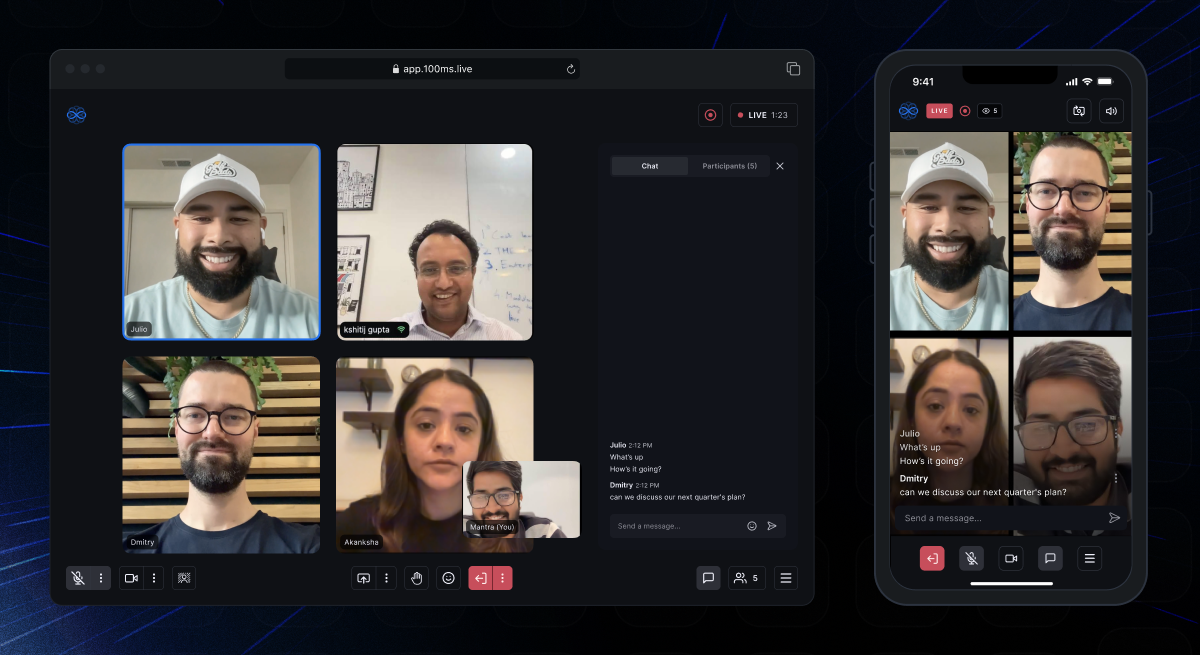 | 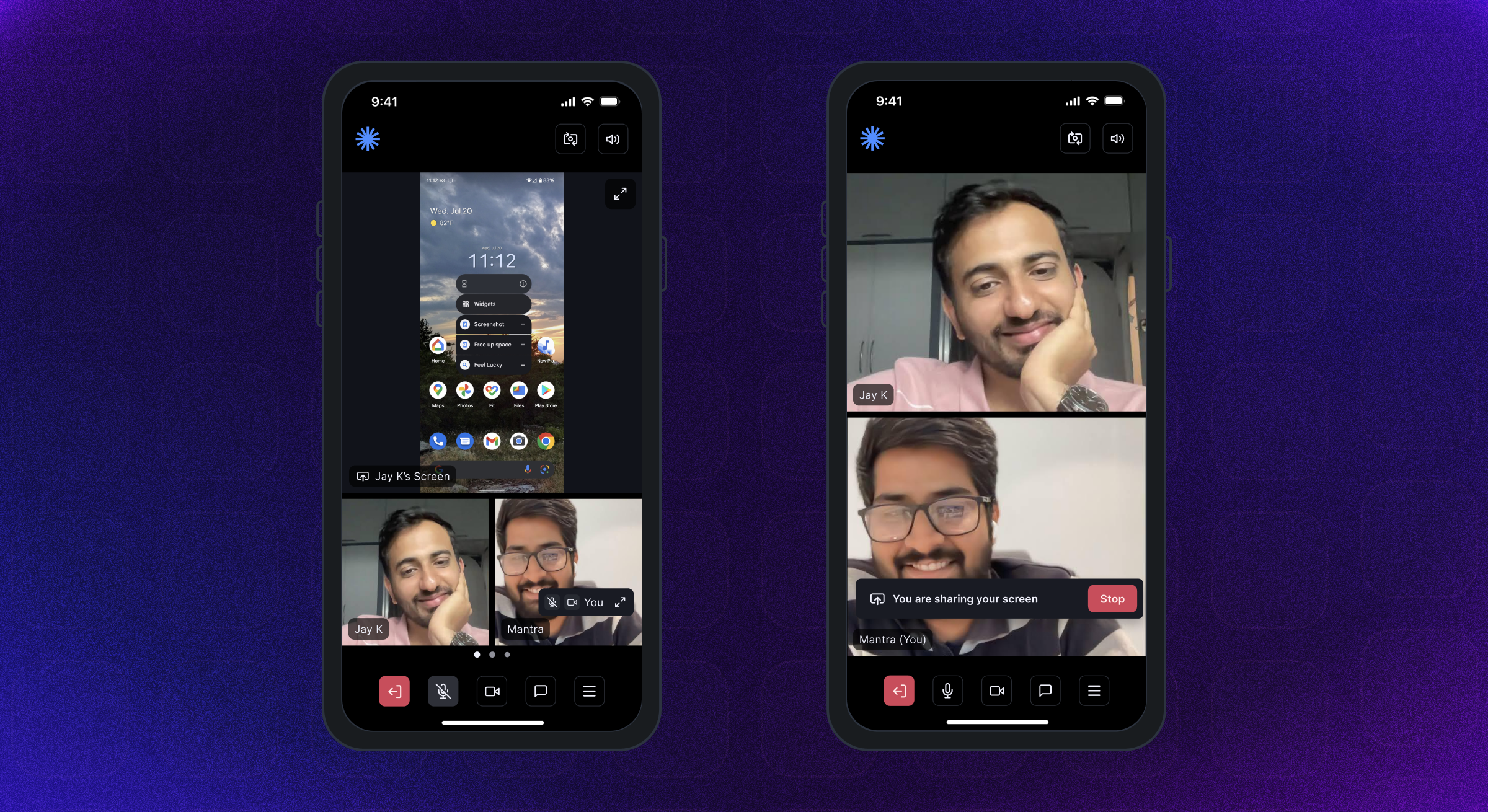 | 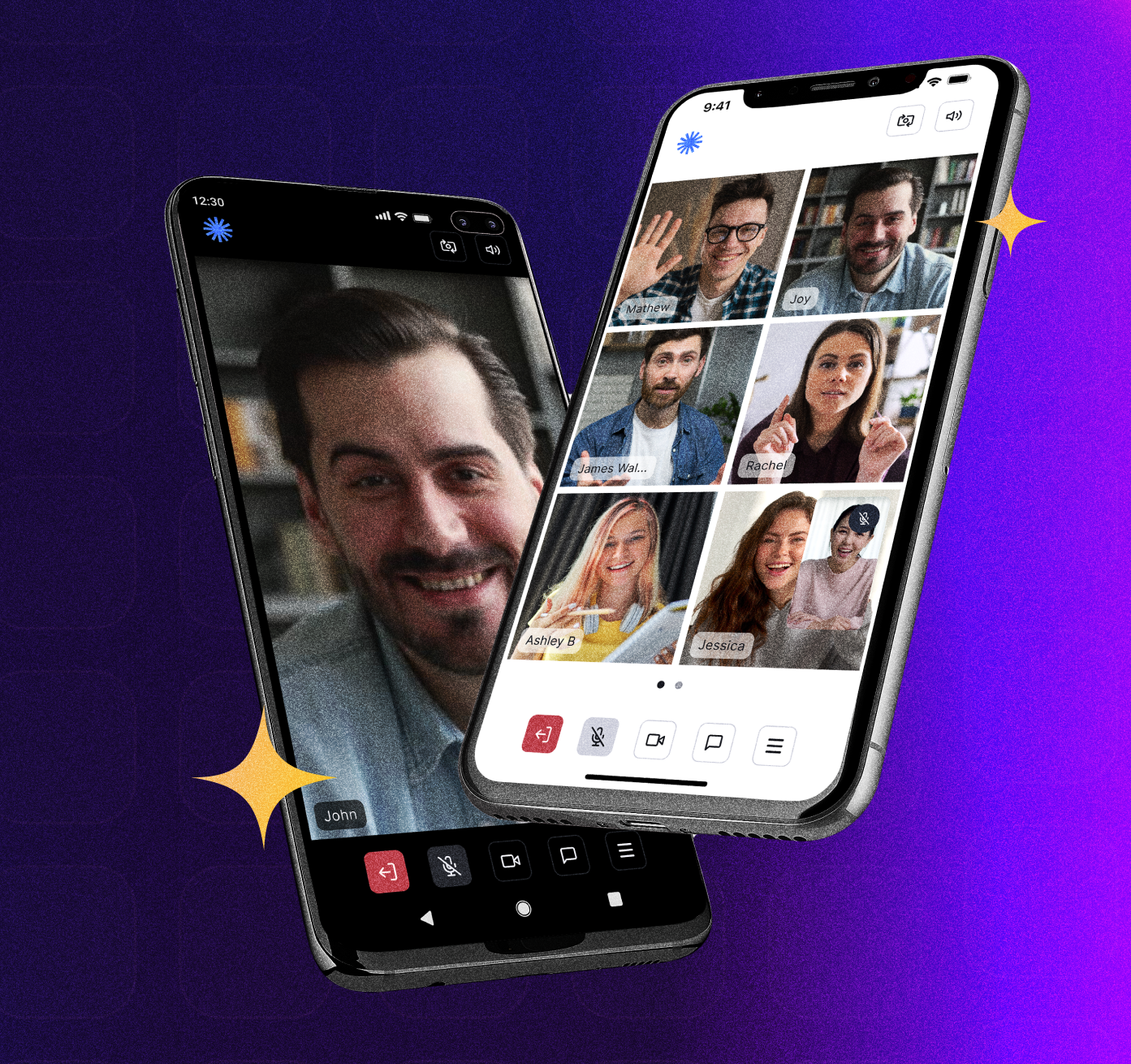 |
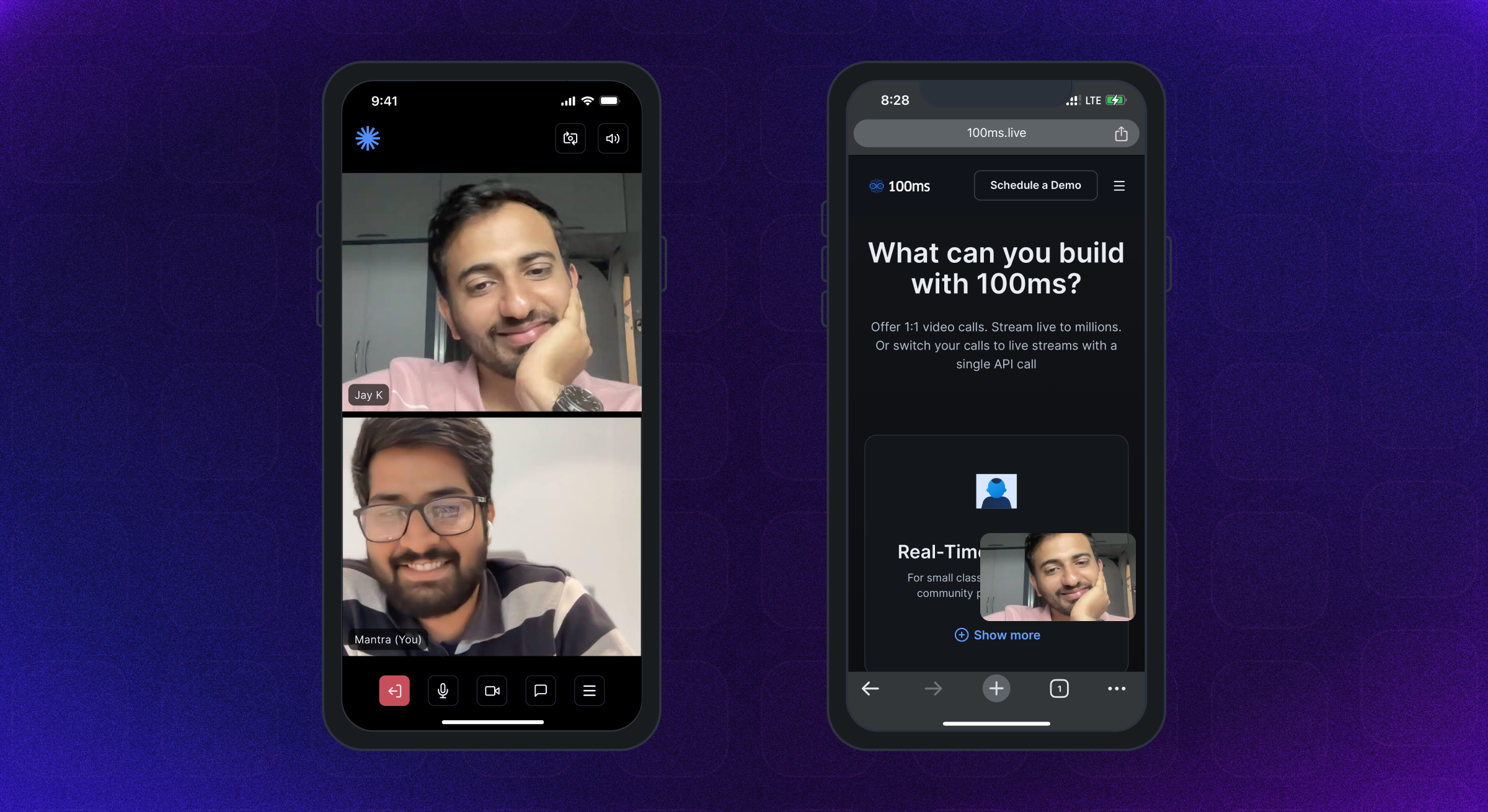 | 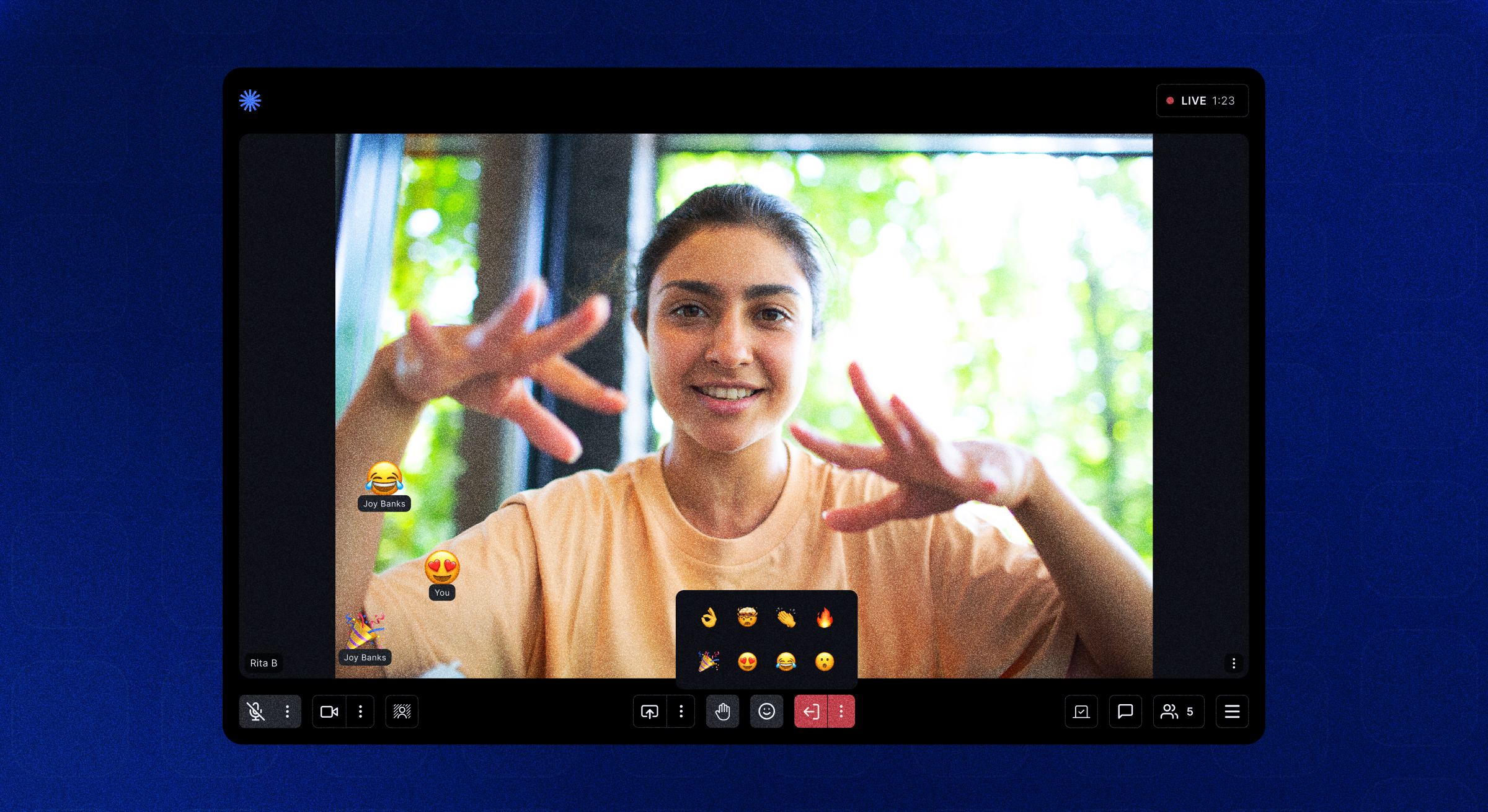 | 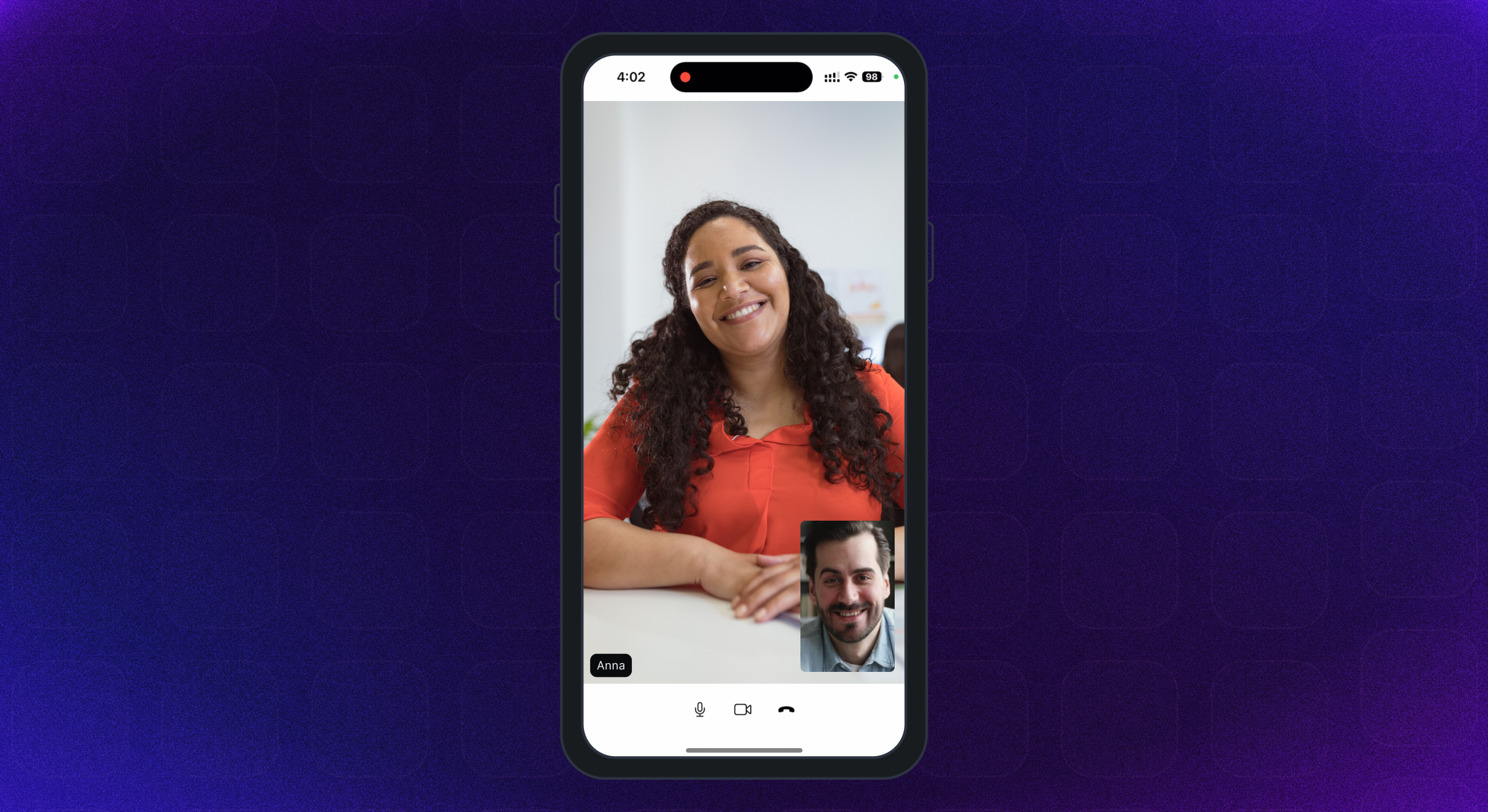 |
Android SDKは、Android APIレベル21以上をサポートしています。 Armeabi-V7a、ARM64-V8A、X86、およびX86_64アーキテクチャ用に構築されています。 Android OS 12以上を実行しているデバイスをお勧めします。
iOSバージョン12以上のiPhone&iPadはサポートされています。 iOS 16以上を実行しているデバイスが推奨されます。
Complete Permissions Guideはこちらから入手できます。
AndroidのAndroidManifest.xmlファイルに次のアクセス許可を追加します -
< uses-feature android : name = " android.hardware.camera " />

< uses-feature android : name = " android.hardware.camera.autofocus " />

< uses-permission android : name = " android.permission.CAMERA " />

< uses-permission android : name = " android.permission.CHANGE_NETWORK_STATE " />

< uses-permission android : name = " android.permission.MODIFY_AUDIO_SETTINGS " />

< uses-permission android : name = " android.permission.RECORD_AUDIO " />

< uses-permission android : name = " android.permission.INTERNET " />

< uses-permission android : name = " android.permission.ACCESS_NETWORK_STATE " />

< uses-permission android : name = " android.permission.FOREGROUND_SERVICE " />

< uses-permission android : name = " android.permission.BLUETOOTH " android : maxSdkVersion = " 30 " />

< uses-permission android : name = " android.permission.BLUETOOTH_CONNECT " />iOS info.plistファイルに次のアクセス許可を追加します
< key >NSMicrophoneUsageDescription</ key >
< string >{YourAppName} wants to use your microphone</ string >

< key >NSCameraUsageDescription</ key >
< string >{YourAppName} wants to use your camera</ string >

< key >NSLocalNetworkUsageDescription</ key >
< string >{YourAppName} App wants to use your local network</ string >Roomの部屋は、100msのSDKが接続を成功させることで戻ってくる基本的なオブジェクトです。これには、ピア、トラック、ライブA/Vまたはライブストリーミングアプリをレンダリングするために必要なすべてへの参照が含まれています。
Peer 、ユーザーに関するすべての情報を含む100ms SDKで返されるオブジェクトです - 名前、ロール、ビデオトラックなど。
Trackトラックは、ピアのカメラとマイクからキャプチャされたメディア(オーディオ/ビデオ)のセグメントです。セッションのピアは、ローカルトラックを公開し、他のピアからのリモートトラックを購読します。
Role Aは、ピアが見たり聞いたりすることができる人、ビデオを公開する品質、ビデオ/スクリーンシェアを公開したり、誰かをミュートしたり、誰かの役割を変えるかを定義します。
100MS SDKは、 HMSUpdateListenerを実装してユーザーが参加した後、部屋で行われている変更または更新について、クライアントアプリにコールバックを提供します。これらの更新は、画面上のビデオをレンダリングしたり、部屋に関する他の情報を表示したりするために使用できます。フローチャートを見てみましょう。
 /// 100ms SDK provides callbacks to the client app about any change or update happening in the room after a user has joined by implementing HMSUpdateListener.
/// These updates can be used to render the video on the screen or to display other info regarding the room.
abstract class HMSUpdateListener {


  /// This will be called on a successful JOIN of the room by the user
  ///
  /// This is the point where applications can stop showing their loading state
  /// [room] : the room which was joined
  void onJoin ({ required HMSRoom room});


  /// This will be called whenever there is an update on an existing peer
  /// or a new peer got added/existing peer is removed.
  ///
  /// This callback can be used to keep a track of all the peers in the room
  /// [peer] : the peer who joined/left or was updated
  /// [update] : the triggered update type. Should be used to perform different UI Actions
  void onPeerUpdate ({ required HMSPeer peer, required HMSPeerUpdate update});


  /// This is called when there are updates on an existing track
  /// or a new track got added/existing track is removed
  ///
  /// This callback can be used to render the video on screen whenever a track gets added
  ///  [track] : the track which was added, removed or updated
  ///  [trackUpdate] : the triggered update type
  ///  [peer] : the peer for which track was added, removed or updated
  void onTrackUpdate ({ required HMSTrack track, required HMSTrackUpdate trackUpdate, required HMSPeer peer});


  /// This will be called when there is an error in the system
  /// and SDK has already retried to fix the error
  /// [error] : the error that occurred
  void onHMSError ({ required HMSException error});


  /// This is called when there is a new broadcast message from any other peer in the room
  ///
  /// This can be used to implement chat is the room
  /// [message] : the received broadcast message
  void onMessage ({ required HMSMessage message});


  /// This is called every 1 second with a list of active speakers
  ///
  /// ## A HMSSpeaker object contains -
  ///    - peerId: the peer identifier of HMSPeer who is speaking
  ///    - trackId: the track identifier of HMSTrack which is emitting audio
  ///    - audioLevel: a number within range 1-100 indicating the audio volume
  ///
  /// A peer who is not present in the list indicates that the peer is not speaking
  ///
  /// This can be used to highlight currently speaking peers in the room
  /// [speakers] the list of speakers
  void onUpdateSpeakers ({ required List < HMSSpeaker > updateSpeakers});


  /// This is called when there is a change in any property of the Room
  ///
  ///  [room] : the room which was joined
  ///  [update] : the triggered update type. Should be used to perform different UI Actions
  void onRoomUpdate ({ required HMSRoom room, required HMSRoomUpdate update});


  /// when network or some other error happens it will be called
  void onReconnecting ();


  /// when you are back in the room after reconnection
  void onReconnected ();


  /// This is called when someone asks for a change or role
  ///
  /// for eg. admin can ask a peer to become host from guest.
  /// this triggers this call on peer's app
  void onRoleChangeRequest ({ required HMSRoleChangeRequest roleChangeRequest});


  /// when someone requests for track change of yours be it video or audio this will be triggered
  /// [hmsTrackChangeRequest] request instance consisting of all the required info about track change
  void onChangeTrackStateRequest ({ required HMSTrackChangeRequest hmsTrackChangeRequest});


  /// when someone kicks you out or when someone ends the room at that time it is triggered
  /// [hmsPeerRemovedFromPeer] it consists of info about who removed you and why.
  void onRemovedFromRoom ({ required HMSPeerRemovedFromPeer hmsPeerRemovedFromPeer});


  /// whenever a new audio device is plugged in or audio output is changed we
  /// get the onAudioDeviceChanged update
  /// This callback is only fired on Android devices. On iOS, this callback will not be triggered.
  /// - Parameters:
  ///   - currentAudioDevice: Current audio output route
  ///   - availableAudioDevice: List of available audio output devices
  void onAudioDeviceChanged (
      { HMSAudioDevice ? currentAudioDevice,
      List < HMSAudioDevice > ? availableAudioDevice});


  /// Whenever a user joins a room [onSessionStoreAvailable] is fired to get an instance of [HMSSessionStore]
  /// which can be used to perform session metadata operations
  /// - Parameters:
  ///   - hmsSessionStore: An instance of HMSSessionStore which will be used to call session metadata methods
  void onSessionStoreAvailable (
      { HMSSessionStore ? hmsSessionStore});


  /// Upon joining a room with existing peers, onPeerListUpdated will be called with the list of peers present
  /// in the room instead of getting onPeerUpdate for each peer in the room.
  /// Subsequent peer joins/leaves would be notified via both onPeerUpdate and onPeerListUpdated
  void onPeerListUpdate (
      { required List < HMSPeer > addedPeers, required List < HMSPeer > removedPeers});
} 100ms SDKは、HMSPeer、HMStrack、HMSRoomなどのCALLBACKSを介してHMSPEER、HMSTRACK、 HMSUpdateListenerなどの変更に関する更新をアプリケーションに送信します。
HMSUPDATELISTENERの方法は、部屋で発生しているアップデートをピア参加/休暇、トラックミュート/ミュートなどのように通知するために呼び出されます。
更新リスナーの詳細については、こちらをご覧ください。
以下は、SDKによって放出されるさまざまなタイプの更新です -
HMSPeerUpdate
  .peerJoined: A new peer joins the Room
  .peerLeft: An existing peer leaves the Room
  .roleUpdated: When a peer's Role has changed
  .metadataChanged: When a peer's metadata has changed
  .nameChanged: When a peer's name has changed


HMSTrackUpdate
  .trackAdded: A new track (audio or video) is added to the Room
  .trackRemoved: An existing track is removed from the Room
  .trackMuted: A track of a peer is muted
  .trackUnMuted: A muted track of a peer was unmuted
  .trackDegraded: When track is degraded due to bad network conditions
  .trackRestored: When a degraded track is restored when optimal network conditions are available again


HMSRoomUpdate
  .roomMuted: When room is muted to due external interruption like a Phone Call
  .roomUnmuted: When a muted room is unmuted when external interruption has ended
  .serverRecordingStateUpdated: When Server recording state is updated
  .browserRecordingStateUpdated: When Browser recording state is changed
  .rtmpStreamingStateUpdated: When RTMP is started or stopped
  .hlsStreamingStateUpdated: When HLS is started or stopped
.hlsRecordingStateUpdated: When HLS recording state is updatedオーディオまたはビデオ通話で他の人と参加してやり取りするには、ユーザーはroom join必要があります。
部屋に参加するには、アプリがあるはずです -
部屋に参加するには、上記のように認証トークンが必要です。トークンを取得する方法は2つあります。
URLの会議からルームコードを使用して認証トークンを取得できます。
このURLのサンプルURLのサブドメインとコードを理解しましょう: https://public.app.100ms.live/meeting/xvm-wxwo-gbl
publicていますxvm-wxwo-gblです次に、URLの会議からルームコードを取得するために、独自のロジックを書くか、ここからgetCodeメソッドを使用できます
トークンを生成するには、 HMSSDKのgetAuthTokenByRoomCodeメソッドを使用します。このメソッドには、必要なパラメーターとしてroomCode 、 userIdおよびendPointオプションパラメーターとして搭載されています。
この方法は、
buildメソッドを呼び出した後に呼び出す必要があります。
実装をチェックアウトしましょう。
  //This returns an object of Future<dynamic> which can be either
  //of HMSException type or String? type based on whether
  //method execution is completed successfully or not

  dynamic authToken = await hmsSDK. getAuthTokenByRoomCode (roomCode : 'YOUR_ROOM_CODE' );

  if (authToken is String ){
    HMSConfig roomConfig = HMSConfig (
        authToken : authToken,
        userName : userName,
      );

    hmsSDK. join (config : roomConfig);
  }
  else if (authToken is HMSException ){
    // Handle the error
}オーディオ/ビデオ機能をテストするには、100msの部屋に接続する必要があります。次の手順を確認してください。
Video Conferencing Starter Kitを使用して、このアプリをすばやくテストするためにデフォルトのテンプレートが割り当てられた部屋を作成します。Room Idをクリックし、右上のJoin Roomボタンをクリックします。Auth Token for roleを見つけることができます。 「コピー」アイコンをクリックして、認証トークンをコピーできます。100msのダッシュボードからのトークンは、テスト目的のみを目的としています。本番アプリケーションでは、独自のサーバーでトークンを生成する必要があります。詳細については、認証とトークンガイドの管理トークンセクションを参照してください。
また、オプションでこれらのフィールドをHMSSDKコンストラクターに渡すこともできます -
トラック設定 - HMSTrackSettingオブジェクトを使用して、ミュートオーディオまたはビデオで部屋に参加するなど。詳細については、こちらをご覧ください。
ユーザーメタデータ - これは、 HMSConfigオブジェクトのmetadataを使用してユーザーに関連付けられた追加のメタデータを渡すために使用できます。例:アプリケーション側でのユーザーIDマッピング。詳細については、こちらをご覧ください。
部屋への参加の詳細については、こちらをご覧ください。
 // create a class that implements `HMSUpdateListener` and acts as a data source for our UI
class Meeting implements HMSUpdateListener {

    late HMSSDK hmsSDK;

    Meeting () {
        initHMSSDK ();
    }

    void initHMSSDK () async {
        hmsSDK = HMSSDK (); // create an instance of `HMSSDK` by invoking it's constructor
        await hmsSDK. build (); // ensure to await while invoking the `build` method
        hmsSDK. addUpdateListener ( this ); // `this` value corresponds to the instance implementing HMSUpdateListener
        HMSConfig config = HMSConfig (authToken : 'eyJH5c' , // client-side token generated from your token service
                                userName : 'John Appleseed' );
        hmsSDK. join (config : config); // Now, we are primed to join the room. All you have to do is call `join` by passing the `config` object.
    }

    ... // implement methods of HMSUpdateListener
}それはすべてこれに帰着します。これまでのすべてのセットアップは、美しいアプリでライブストリーミングビデオを表示できるように行われています。
100MS Flutterパッケージは、画面上のビデオをレンダリングするHMSVideoViewウィジェットを提供します。
ライブビデオストリームの自動レンダリングを開始するには、ビデオトラックオブジェクトをHMSVideoViewに渡す必要があります。
また、 key 、 scaleType 、 mirror HMSVideoViewのプロップをオプションで渡すこともできます。
 HMSVideoView (
  track : videoTrack,
  key : Key (videoTrack.trackId),
),
ビデオの表示に関する詳細については、こちらをご覧ください。
会議を終えて終了したら、部屋に参加するために作成したHMSSDKインスタンスの休暇を呼び出します。
休暇を呼び出す前に、 HMSUpdateListenerインスタンスを次のように削除します。
 // updateListener is the instance of class in which HMSUpdateListener is implemented
hmsSDK. removeUpdateListener (updateListener);
会議を去るには、 HMSSDKのleave方法に電話して、 hmsActionResultListenerパラメーターを渡して、以下のようにonSuccess OverrideメソッドでSDKからの成功コールバックを取得します。
onSuccessとonExceptionコールバックを取得するには、クラスにHMSActionResultListenerインターフェイスを実装する必要があります。HMSActionResultListener実装する方法について知るには、こちらでドキュメントを確認してください
 class Meeting implements HMSActionResultListener {
//this is the instance of class implementing HMSActionResultListener
await hmsSDK. leave (hmsActionResultListener : this );

@override
  void onSuccess (
      { HMSActionResultListenerMethod methodType = HMSActionResultListenerMethod .unknown, Map < String , dynamic > ? arguments}) {
        switch (methodType) {
          case HMSActionResultListenerMethod .leave :
          // Room leaved successfully
          // Clear the local room state
          break ;
          ...
        }
      }
}
部屋を離れることの詳細については、こちらをご覧ください。
HMSTrack 、 HMSSDK内で使用されるすべてのトラックのスーパークラスです。その階層はこのように見えます -
 HMSTrack
    - AudioTrack
        - LocalAudioTrack
        - RemoteAudioTrack
    - VideoTrack
        - LocalVideoTrack
- RemoteVideoTrack HMStrackには、トラックのソースを示すソースと呼ばれるフィールドが含まれています。
Source次の値を持つことができます -
regularビデオscreenピアが部屋で画面を放送し始めたときpluginトラックのタイプを知るには、列挙値の1つになるタイプの値を確認します - AUDIOまたはVIDEO
チャットやその他の種類のメッセージを地元のピアから部屋のすべてのリモートピアに送信できます。
メッセージを送信するには、最初にHMSMessageオブジェクトのインスタンスを作成します。
HMSMessageのmessageプロパティに送信される情報を追加します。
次に、ブロードキャストメッセージのためにHMSSDKのインスタンスでsendBroadcastMessage関数を使用し、グループメッセージのsendGroupMessage 、および直接メッセージのsendDirectMessage使用します。
あなた(地元のピア)が他の人(任意のリモートピア)からメッセージを受け取ると、 HMSUpdateListenerのvoid onMessage({required HMSMessage message})関数が呼び出されます。
チャットメッセージングの詳細については、こちらをご覧ください。
 // onMessage is HMSUpdateListener method called when a new message is received
@override
void onMessage ({ required HMSMessage message}) {
  //Here we will receive messages sent by other peers
}


/// [message] : Message to be sent
/// [type] : Message type(More about this at the end)
/// [hmsActionResultListener] : instance of class implementing HMSActionResultListener
//Here this is an instance of class that implements HMSActionResultListener i.e. Meeting
hmsSDK. sendBroadcastMessage (
  message : message,
  type : type,
  hmsActionResultListener : this );


/// [message] : Message to be sent
/// [peerTo] : Peer to whom message needs to be sent
/// [type] : Message type(More about this at the end)
/// [hmsActionResultListener] : instance of class implementing HMSActionResultListener
//Here this is an instance of class that implements HMSActionResultListener i.e. Meeting
hmsSDK. sendDirectMessage (
  message : message,
  peerTo : peerTo,
  type : type,
  hmsActionResultListener : this );


/// [message] : Message to be sent
/// [hmsRolesTo] : Roles to which this message needs to be sent
/// [type] : Message type(More about this at the end)
/// [hmsActionResultListener] : instance of class implementing HMSActionResultListener
//Here this is an instance of class that implements HMSActionResultListener i.e. Meeting
hmsSDK. sendGroupMessage (
    message : message,
    hmsRolesTo : rolesToSendMessage,
    type : type,
    hmsActionResultListener : this );


@override
void onSuccess (
  { HMSActionResultListenerMethod methodType =
    HMSActionResultListenerMethod .unknown,
    Map < String , dynamic > ? arguments}) {

    switch (methodType) {

      case HMSActionResultListenerMethod .sendBroadcastMessage :
      //Broadcast Message sent successfully
      break ;

      case HMSActionResultListenerMethod .sendGroupMessage :
      //Group Message sent successfully
      break ;

      case HMSActionResultListenerMethod .sendDirectMessage :
      //Direct Message sent successfully
      break ;
      ...
    }
  }


@override
void onException (
  { HMSActionResultListenerMethod methodType =
    HMSActionResultListenerMethod .unknown,
    Map < String , dynamic > ? arguments,
    required HMSException hmsException}) {

    switch (methodType) {

      case HMSActionResultListenerMethod .sendBroadcastMessage :
      // Check the HMSException object for details about the error
      break ;

      case HMSActionResultListenerMethod .sendGroupMessage :
      // Check the HMSException object for details about the error
      break ;

      case HMSActionResultListenerMethod .sendDirectMessage :
      // Check the HMSException object for details about the error
      break ;
      ...
    }

  }
?事前に構築されたQuickStartガイドはこちらから入手できます。
ここで入手可能な完全なドキュメントガイドを参照してください。
?♀§アプリの実装の実装をチェックアウトしてください。
例のアプリREADMEに、さまざまな機能、UIレイアウト、データストアなどに関する説明と推奨使用ガイドを追加しました。
100msのフラッターアプリはアプリストアでリリースされます。ここからダウンロードできます。
? Apple App StoreのiOSアプリ:https://apps.apple.com/app/100ms-live/id1576541989
? Google PlayストアのAndroidアプリ:https://play.google.com/store/apps/details?id=live.hms.flutter







