100ms flutter
1.10.6


https://dashboard.100ms.live/register에 가입하고 개발자 탭을 방문하여 자격 증명에 액세스하십시오.
여기에서 토큰 및 보안에 익숙해 지십시오
Auth Token 빠른 시작 가이드의 단계를 완료하십시오
pub.dev를 통해 HMSSDK를 받으십시오. hmssdk_flutter pubspec.yaml에 추가하십시오.
여기에서 전체 설치 안내서를 참조하십시오.
전체 추천 예제 앱은 여기에서 사용할 수 있습니다.
App ReadMe의 예제에 다양한 기능, UI 레이아웃, 데이터 저장소 등에 대한 설명 및 권장 사용 안내서를 추가했습니다.
시스템에서 예제 앱을 실행하려면 다음 단계를 따르십시오.
100ms Flutter Github Repo를 복제하십시오
Project Root에서는 flutter pub get
디렉토리를 example 폴더로 변경하십시오
이제 앱을 실행하려면 flutter run 명령을 실행하여 연결된 장치 또는 iOS 시뮬레이터 또는 Android 에뮬레이터에서 앱을 실행하십시오.
iOS 장치 (iPhone 또는 iPad)에서 실행하려면 Xcode Signing & Capabilities Section에서 올바른 개발 팀을 설정했는지 확인하십시오.
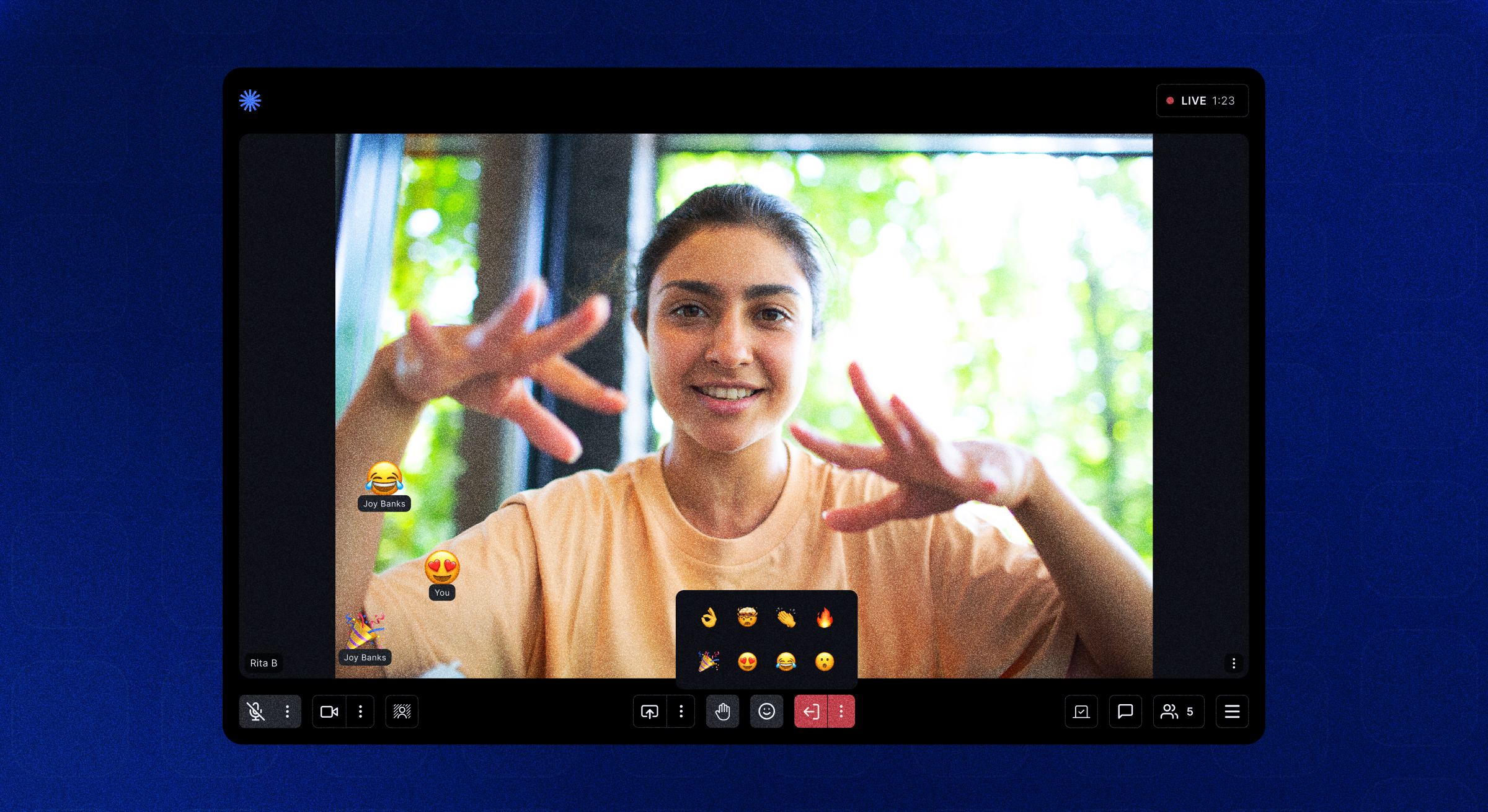
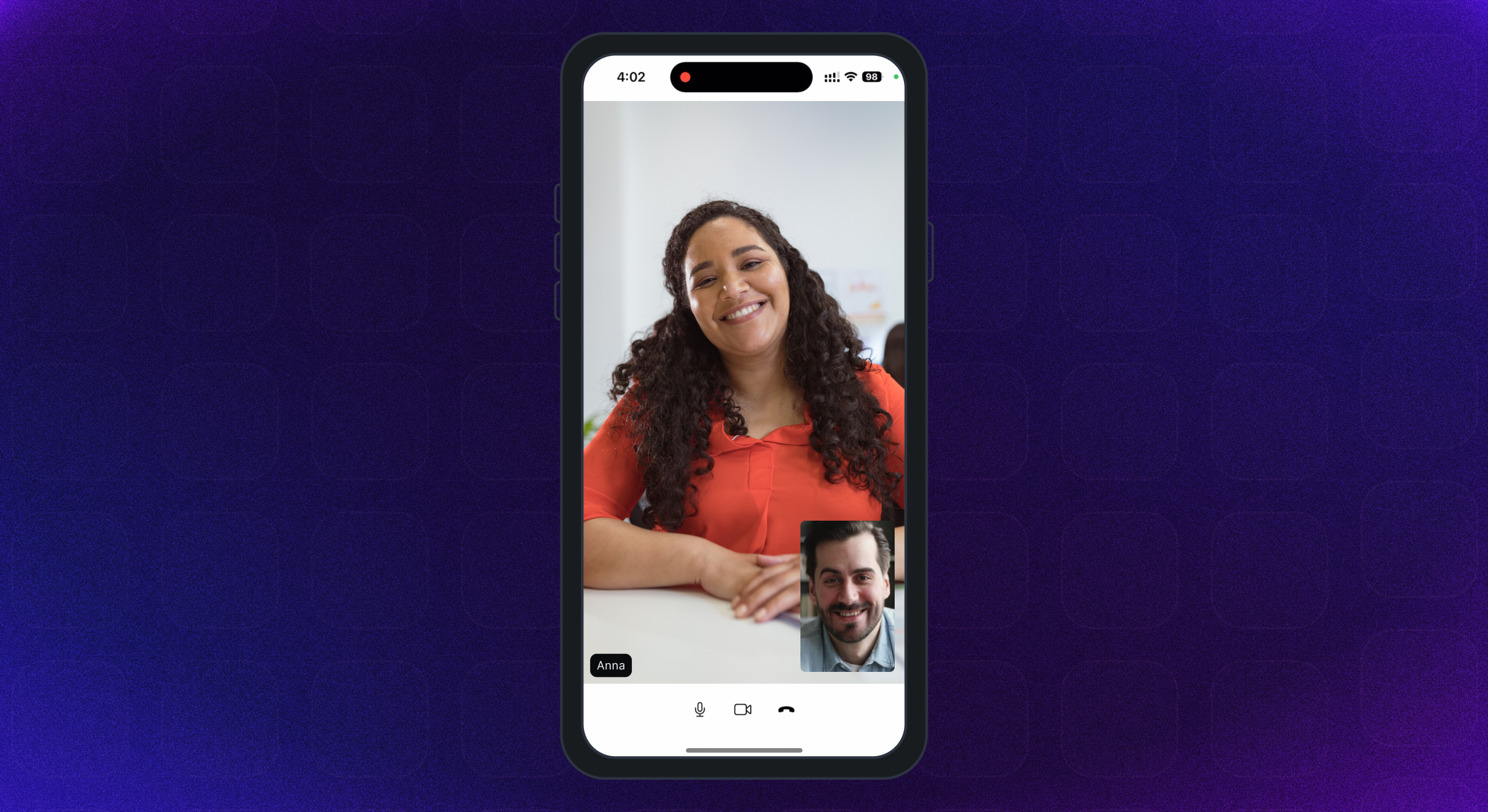
기본 예제 앱은 제공자 상태 관리 라이브러리를 사용합니다. 다른 구현은 확인하십시오 -
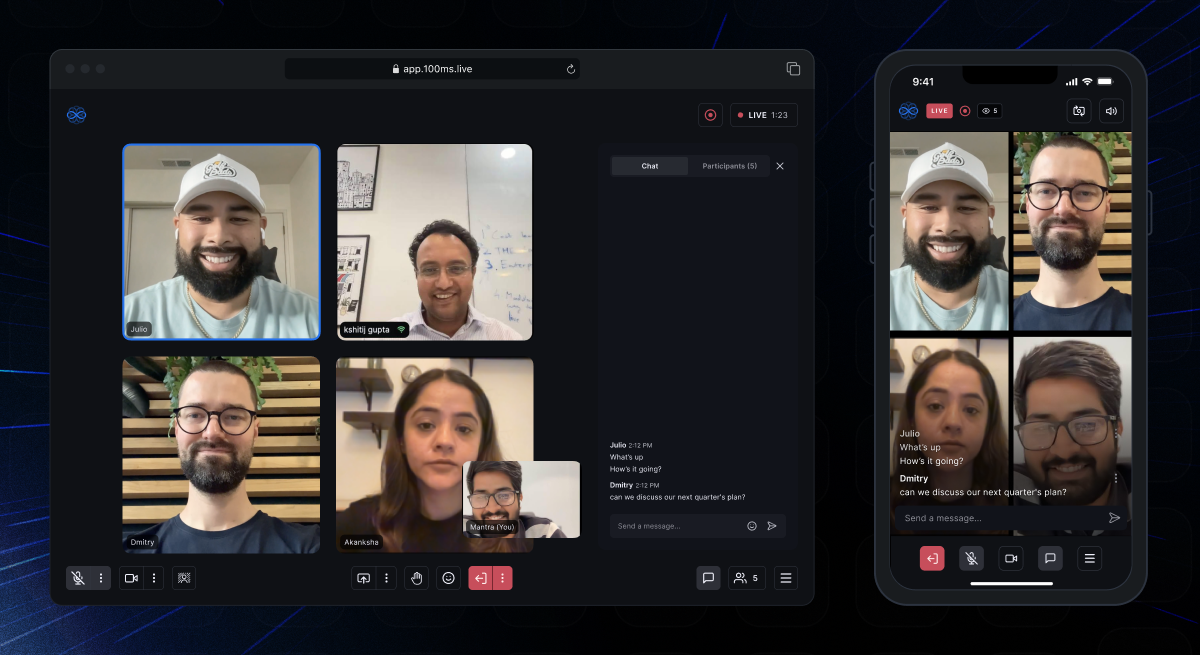 | 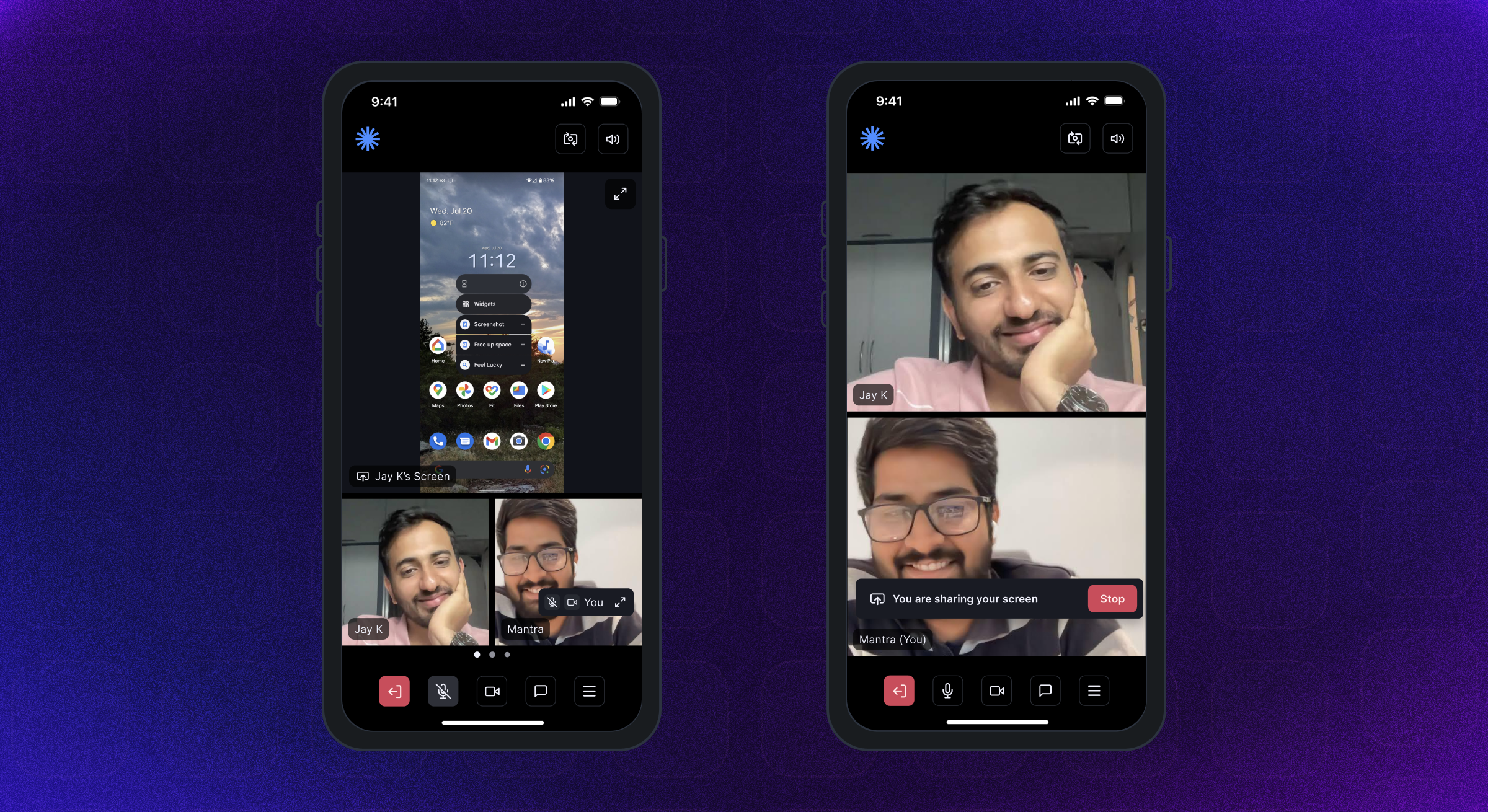 | 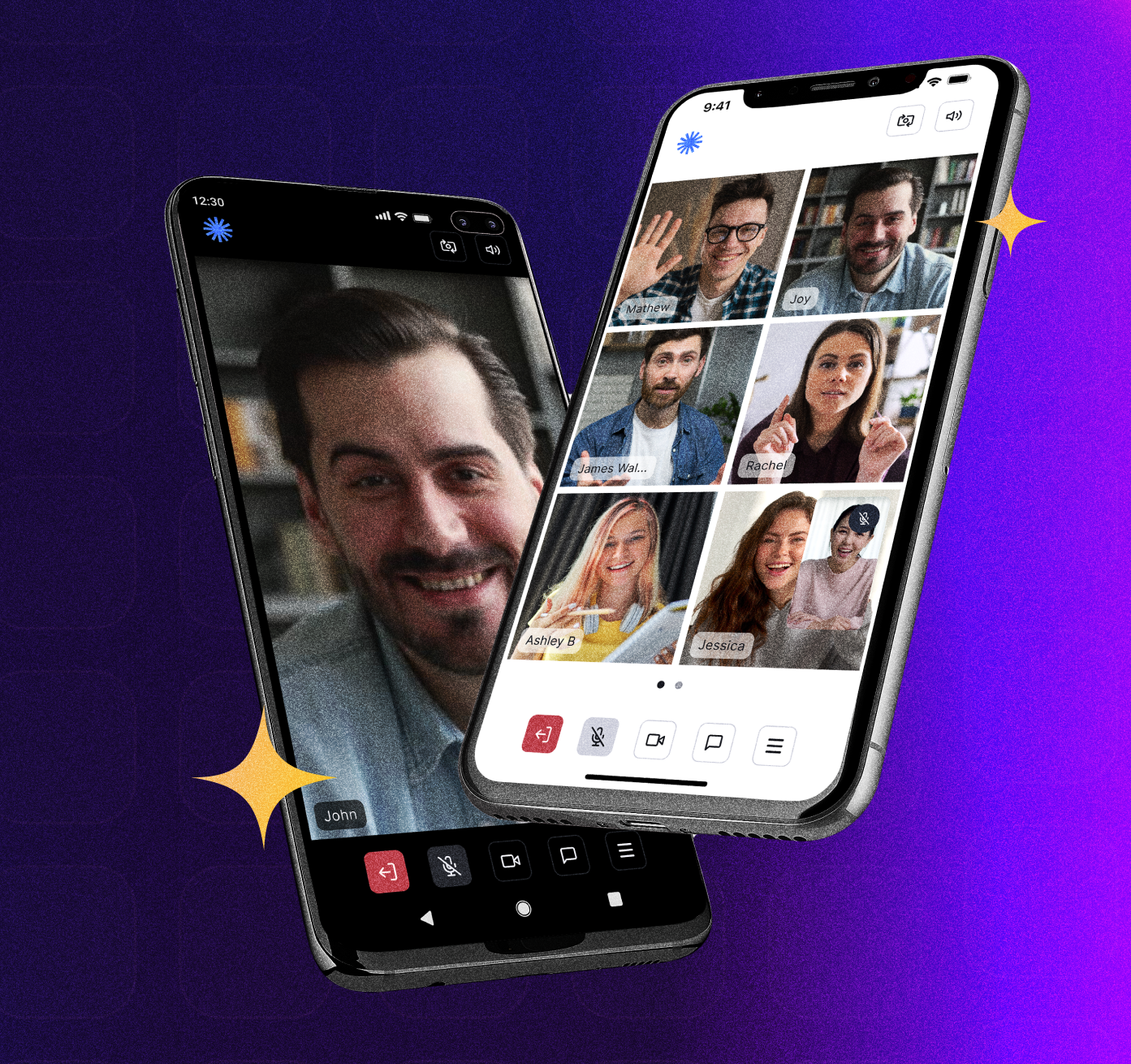 |
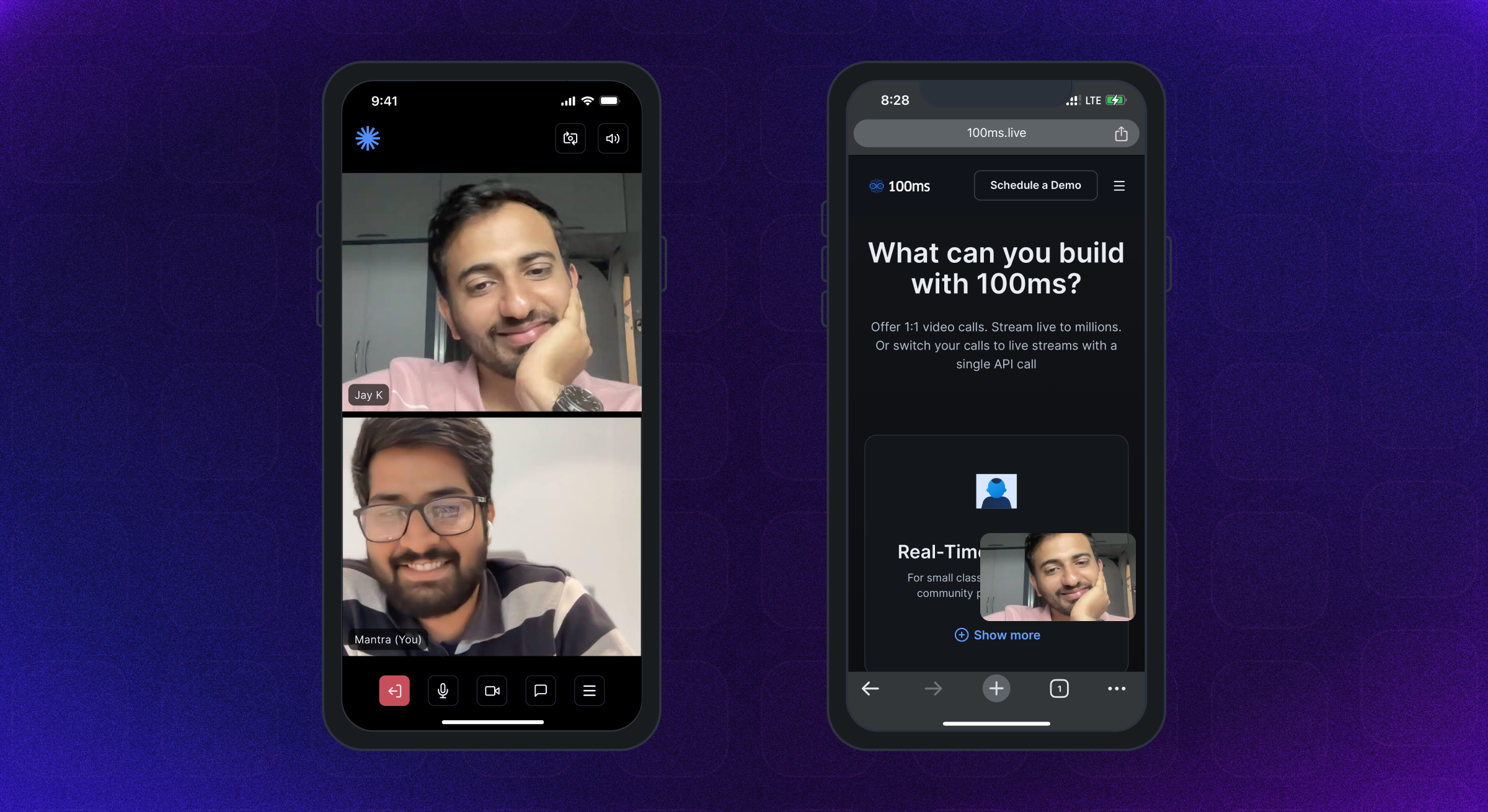 |  |  |
Android SDK는 Android API 레벨 21 이상을 지원합니다. Armeabi-V7a, ARM64-V8A, X86 및 X86_64 아키텍처 용으로 제작되었습니다. Android OS 12 이상을 실행하는 장치가 권장됩니다.
iOS 버전 12 이상의 iPhone 및 iPad가 지원됩니다. iOS 16 이상을 실행하는 장치가 권장됩니다.
완전한 권한 안내서는 여기에서 확인할 수 있습니다.
Android의 AndroidManifest.xml 파일에 다음 권한을 추가하십시오.
< uses-feature android : name = " android.hardware.camera " />

< uses-feature android : name = " android.hardware.camera.autofocus " />

< uses-permission android : name = " android.permission.CAMERA " />

< uses-permission android : name = " android.permission.CHANGE_NETWORK_STATE " />

< uses-permission android : name = " android.permission.MODIFY_AUDIO_SETTINGS " />

< uses-permission android : name = " android.permission.RECORD_AUDIO " />

< uses-permission android : name = " android.permission.INTERNET " />

< uses-permission android : name = " android.permission.ACCESS_NETWORK_STATE " />

< uses-permission android : name = " android.permission.FOREGROUND_SERVICE " />

< uses-permission android : name = " android.permission.BLUETOOTH " android : maxSdkVersion = " 30 " />

< uses-permission android : name = " android.permission.BLUETOOTH_CONNECT " />iOS info.plist 파일에 다음 권한을 추가하십시오
< key >NSMicrophoneUsageDescription</ key >
< string >{YourAppName} wants to use your microphone</ string >

< key >NSCameraUsageDescription</ key >
< string >{YourAppName} wants to use your camera</ string >

< key >NSLocalNetworkUsageDescription</ key >
< string >{YourAppName} App wants to use your local network</ string > Room 100ms SDK가 성공적인 연결시 반환하는 기본 객체입니다. 여기에는 동료, 트랙 및 라이브 A/V 또는 라이브 스트리밍 앱을 렌더링하는 데 필요한 모든 것을 포함합니다.
Peer 피어는 사용자에 대한 모든 정보 (이름, 역할, 비디오 트랙 등)가 포함 된 100ms SDK에 의해 반환 된 객체입니다.
Track 은 피어의 카메라와 마이크에서 캡처 한 미디어 (오디오/비디오) 세그먼트입니다. 세션의 동료는 로컬 트랙을 게시하고 다른 동료의 원격 트랙을 구독합니다.
Role 역할은 동료를보고 듣고 듣는 사람, 비디오를 게시 할 수있는 품질, 비디오/스크린 하락을 게시 할 권한이 있는지 여부에 관계없이 누군가의 역할을 변경합니다.
100ms SDK는 사용자가 HMSUpdateListener 구현 한 후 객실에서 발생하는 모든 변경 또는 업데이트에 대해 클라이언트 앱에 콜백을 제공합니다. 이 업데이트는 화면에서 비디오를 렌더링하거나 객실에 관한 다른 정보를 표시하는 데 사용될 수 있습니다. 흐름도를 살펴 보겠습니다.
 /// 100ms SDK provides callbacks to the client app about any change or update happening in the room after a user has joined by implementing HMSUpdateListener.
/// These updates can be used to render the video on the screen or to display other info regarding the room.
abstract class HMSUpdateListener {


  /// This will be called on a successful JOIN of the room by the user
  ///
  /// This is the point where applications can stop showing their loading state
  /// [room] : the room which was joined
  void onJoin ({ required HMSRoom room});


  /// This will be called whenever there is an update on an existing peer
  /// or a new peer got added/existing peer is removed.
  ///
  /// This callback can be used to keep a track of all the peers in the room
  /// [peer] : the peer who joined/left or was updated
  /// [update] : the triggered update type. Should be used to perform different UI Actions
  void onPeerUpdate ({ required HMSPeer peer, required HMSPeerUpdate update});


  /// This is called when there are updates on an existing track
  /// or a new track got added/existing track is removed
  ///
  /// This callback can be used to render the video on screen whenever a track gets added
  ///  [track] : the track which was added, removed or updated
  ///  [trackUpdate] : the triggered update type
  ///  [peer] : the peer for which track was added, removed or updated
  void onTrackUpdate ({ required HMSTrack track, required HMSTrackUpdate trackUpdate, required HMSPeer peer});


  /// This will be called when there is an error in the system
  /// and SDK has already retried to fix the error
  /// [error] : the error that occurred
  void onHMSError ({ required HMSException error});


  /// This is called when there is a new broadcast message from any other peer in the room
  ///
  /// This can be used to implement chat is the room
  /// [message] : the received broadcast message
  void onMessage ({ required HMSMessage message});


  /// This is called every 1 second with a list of active speakers
  ///
  /// ## A HMSSpeaker object contains -
  ///    - peerId: the peer identifier of HMSPeer who is speaking
  ///    - trackId: the track identifier of HMSTrack which is emitting audio
  ///    - audioLevel: a number within range 1-100 indicating the audio volume
  ///
  /// A peer who is not present in the list indicates that the peer is not speaking
  ///
  /// This can be used to highlight currently speaking peers in the room
  /// [speakers] the list of speakers
  void onUpdateSpeakers ({ required List < HMSSpeaker > updateSpeakers});


  /// This is called when there is a change in any property of the Room
  ///
  ///  [room] : the room which was joined
  ///  [update] : the triggered update type. Should be used to perform different UI Actions
  void onRoomUpdate ({ required HMSRoom room, required HMSRoomUpdate update});


  /// when network or some other error happens it will be called
  void onReconnecting ();


  /// when you are back in the room after reconnection
  void onReconnected ();


  /// This is called when someone asks for a change or role
  ///
  /// for eg. admin can ask a peer to become host from guest.
  /// this triggers this call on peer's app
  void onRoleChangeRequest ({ required HMSRoleChangeRequest roleChangeRequest});


  /// when someone requests for track change of yours be it video or audio this will be triggered
  /// [hmsTrackChangeRequest] request instance consisting of all the required info about track change
  void onChangeTrackStateRequest ({ required HMSTrackChangeRequest hmsTrackChangeRequest});


  /// when someone kicks you out or when someone ends the room at that time it is triggered
  /// [hmsPeerRemovedFromPeer] it consists of info about who removed you and why.
  void onRemovedFromRoom ({ required HMSPeerRemovedFromPeer hmsPeerRemovedFromPeer});


  /// whenever a new audio device is plugged in or audio output is changed we
  /// get the onAudioDeviceChanged update
  /// This callback is only fired on Android devices. On iOS, this callback will not be triggered.
  /// - Parameters:
  ///   - currentAudioDevice: Current audio output route
  ///   - availableAudioDevice: List of available audio output devices
  void onAudioDeviceChanged (
      { HMSAudioDevice ? currentAudioDevice,
      List < HMSAudioDevice > ? availableAudioDevice});


  /// Whenever a user joins a room [onSessionStoreAvailable] is fired to get an instance of [HMSSessionStore]
  /// which can be used to perform session metadata operations
  /// - Parameters:
  ///   - hmsSessionStore: An instance of HMSSessionStore which will be used to call session metadata methods
  void onSessionStoreAvailable (
      { HMSSessionStore ? hmsSessionStore});


  /// Upon joining a room with existing peers, onPeerListUpdated will be called with the list of peers present
  /// in the room instead of getting onPeerUpdate for each peer in the room.
  /// Subsequent peer joins/leaves would be notified via both onPeerUpdate and onPeerListUpdated
  void onPeerListUpdate (
      { required List < HMSPeer > addedPeers, required List < HMSPeer > removedPeers});
} 100ms SDK는 HMSPEER, HMSTRACK, HMSROOM 등의 모든 변경 사항에 대한 애플리케이션에 HMSUpdateListener 의 콜백을 통해 업데이트를 보냅니다.
hmsupdatelistener의 방법은 호출되어 피어 가입/휴가, 트랙 음소거/미분류 등과 같은 객실에서 발생하는 업데이트를 알리기 위해 호출됩니다.
업데이트 리스너에 대한 자세한 내용은 여기를 참조하십시오.
다음은 SDK가 방출하는 다양한 유형의 업데이트입니다.
HMSPeerUpdate
  .peerJoined: A new peer joins the Room
  .peerLeft: An existing peer leaves the Room
  .roleUpdated: When a peer's Role has changed
  .metadataChanged: When a peer's metadata has changed
  .nameChanged: When a peer's name has changed


HMSTrackUpdate
  .trackAdded: A new track (audio or video) is added to the Room
  .trackRemoved: An existing track is removed from the Room
  .trackMuted: A track of a peer is muted
  .trackUnMuted: A muted track of a peer was unmuted
  .trackDegraded: When track is degraded due to bad network conditions
  .trackRestored: When a degraded track is restored when optimal network conditions are available again


HMSRoomUpdate
  .roomMuted: When room is muted to due external interruption like a Phone Call
  .roomUnmuted: When a muted room is unmuted when external interruption has ended
  .serverRecordingStateUpdated: When Server recording state is updated
  .browserRecordingStateUpdated: When Browser recording state is changed
  .rtmpStreamingStateUpdated: When RTMP is started or stopped
  .hlsStreamingStateUpdated: When HLS is started or stopped
.hlsRecordingStateUpdated: When HLS recording state is updated 오디오 또는 화상 통화에서 다른 사람과 가입하고 상호 작용하려면 사용자가 room join 해야합니다.
방에 가입하려면 앱이 있어야합니다.
방에 가입하려면 위에서 언급 한대로 인증 토큰이 필요합니다. 토큰을 얻는 방법에는 두 가지가 있습니다.
URL 회의에서 룸 코드를 사용하여 인증 토큰을 얻을 수 있습니다.
이 URL의 샘플 URL의 하위 도메인과 코드를 이해해 봅시다 : https://public.app.100ms.live/meeting/xvm-wxwo-gbl
public 입니다xvm-wxwo-gbl 입니다 이제 URL을 만나는 룸 코드를 얻으려면 여기에서 우리 자신의 논리를 작성하거나 getCode 메소드를 사용할 수 있습니다.
토큰을 생성하기 위해 HMSSDK 의 getAuthTokenByRoomCode 메소드를 사용합니다. 이 방법에는 roomCode 필요한 매개 변수로, userId 및 endPoint 선택적 매개 변수로 있습니다.
이 방법은
build방법을 호출 한 후 호출해야합니다.
구현을 체크 아웃하겠습니다.
  //This returns an object of Future<dynamic> which can be either
  //of HMSException type or String? type based on whether
  //method execution is completed successfully or not

  dynamic authToken = await hmsSDK. getAuthTokenByRoomCode (roomCode : 'YOUR_ROOM_CODE' );

  if (authToken is String ){
    HMSConfig roomConfig = HMSConfig (
        authToken : authToken,
        userName : userName,
      );

    hmsSDK. join (config : roomConfig);
  }
  else if (authToken is HMSException ){
    // Handle the error
}오디오/비디오 기능을 테스트하려면 100ms 실에 연결해야합니다. 다음 단계를 확인하십시오.
Video Conferencing Starter Kit 사용하여 기본 템플릿이 할당 된 방을 만들어이 앱을 신속하게 테스트하십시오.Room Id 클릭 한 다음 오른쪽 상단의 Join Room 버튼을 클릭하십시오.Auth Token for role 찾을 수 있습니다. '사본'아이콘을 클릭하여 인증 토큰을 복사 할 수 있습니다.100ms 대시 보드의 토큰은 테스트 목적으로 만 사용되며 프로덕션 응용 프로그램의 경우 자신의 서버에서 토큰을 생성해야합니다. 자세한 내용은 인증 및 토큰 안내서의 관리 토큰 섹션을 참조하십시오.
선택적으로 HMSSDK 생성자에서 이러한 필드를 전달할 수도 있습니다.
트랙 설정 - HMSTrackSetting 객체를 사용하여 음소거 된 오디오 또는 비디오로 객실에 가입하는 것과 같은 트랙 설정. 자세한 내용은 여기에서 확인할 수 있습니다.
사용자 메타 데이터 - HMSConfig 객체의 metadata 사용하여 사용자와 관련된 추가 메타 데이터를 전달하는 데 사용할 수 있습니다. 예를 들어 : 응용 프로그램 측면에서 사용자 ID 매핑. 자세한 내용은 여기에서 확인할 수 있습니다.
객실 가입에 대한 자세한 내용은 여기를 참조하십시오.
 // create a class that implements `HMSUpdateListener` and acts as a data source for our UI
class Meeting implements HMSUpdateListener {

    late HMSSDK hmsSDK;

    Meeting () {
        initHMSSDK ();
    }

    void initHMSSDK () async {
        hmsSDK = HMSSDK (); // create an instance of `HMSSDK` by invoking it's constructor
        await hmsSDK. build (); // ensure to await while invoking the `build` method
        hmsSDK. addUpdateListener ( this ); // `this` value corresponds to the instance implementing HMSUpdateListener
        HMSConfig config = HMSConfig (authToken : 'eyJH5c' , // client-side token generated from your token service
                                userName : 'John Appleseed' );
        hmsSDK. join (config : config); // Now, we are primed to join the room. All you have to do is call `join` by passing the `config` object.
    }

    ... // implement methods of HMSUpdateListener
}그것은 모두 이것으로 내려집니다. 아름다운 앱에서 라이브 스트리밍 비디오를 보여줄 수 있도록 지금까지 모든 설정이 완료되었습니다.
100ms Flutter 패키지는 화면에서 비디오를 렌더링하는 HMSVideoView 위젯을 제공합니다.
라이브 비디오 스트림의 자동 렌더링을 시작하려면 비디오 트랙 객체를 HMSVideoView 에 전달해야합니다.
key , scaleType , mirror 와 같은 소품을 선택적으로 전달하여 HMSVideoView 위젯을 사용자 정의 할 수 있습니다.
 HMSVideoView (
  track : videoTrack,
  key : Key (videoTrack.trackId),
),
비디오 표시에 대한 자세한 내용은 여기를 참조하십시오.
회의를 마치고 종료하려면 객실에 가입하기 위해 만든 HMSSDK 인스턴스에서 휴가를 호출하십시오.
휴가를 전화하기 전에 HMSUpdateListener 인스턴스를 다음과 같이 제거하십시오.
 // updateListener is the instance of class in which HMSUpdateListener is implemented
hmsSDK. removeUpdateListener (updateListener);
회의를 떠나려면 HMSSDK 의 leave 방법에 전화하여 hmsActionResultListener 매개 변수를 통과하여 다음과 같이 onSuccess 재정의 메소드에서 SDK에서 성공 콜백을 얻습니다.
onSuccess및onException콜백을 얻으려면 클래스에서HMSActionResultListener인터페이스를 구현해야합니다.HMSActionResultListener구현하는 방법에 대해 알기 위해 여기에서 문서를 확인하십시오.
 class Meeting implements HMSActionResultListener {
//this is the instance of class implementing HMSActionResultListener
await hmsSDK. leave (hmsActionResultListener : this );

@override
  void onSuccess (
      { HMSActionResultListenerMethod methodType = HMSActionResultListenerMethod .unknown, Map < String , dynamic > ? arguments}) {
        switch (methodType) {
          case HMSActionResultListenerMethod .leave :
          // Room leaved successfully
          // Clear the local room state
          break ;
          ...
        }
      }
}
방을 떠나는 것에 대한 자세한 내용은 여기에서 확인할 수 있습니다.
HMSTrack 은 HMSSDK 내부에서 사용되는 모든 트랙의 슈퍼 클래스입니다. 계층 구조는 다음과 같습니다.
 HMSTrack
    - AudioTrack
        - LocalAudioTrack
        - RemoteAudioTrack
    - VideoTrack
        - LocalVideoTrack
- RemoteVideoTrack HMStrack에는 트랙의 소스를 나타내는 소스라는 필드가 포함되어 있습니다.
Source 다음 값을 가질 수 있습니다.
regularscreenplugin 트랙 유형을 알기 위해 열거 값 중 하나 인 유형의 값을 확인하십시오 - AUDIO 또는 VIDEO
지역 피어에서 방의 모든 원격 동료에게 채팅이나 다른 종류의 메시지를 보낼 수 있습니다.
메시지를 보내려면 먼저 HMSMessage 객체의 인스턴스를 만듭니다.
HMSMessage 의 message 속성에 전송 될 정보를 추가하십시오.
그런 다음 방송 메시지에 대한 HMSSDK 인스턴스에서 sendBroadcastMessage 함수를 사용하여 Group Message의 sendGroupMessage 및 Direct Message의 sendDirectMessage 사용하십시오.
귀하 (로컬 피어)가 다른 사람 (원격 피어)로부터 메시지를 받으면 HMSUpdateListener 의 void onMessage({required HMSMessage message}) 기능이 호출됩니다.
채팅 메시징에 대한 자세한 내용은 여기를 참조하십시오.
 // onMessage is HMSUpdateListener method called when a new message is received
@override
void onMessage ({ required HMSMessage message}) {
  //Here we will receive messages sent by other peers
}


/// [message] : Message to be sent
/// [type] : Message type(More about this at the end)
/// [hmsActionResultListener] : instance of class implementing HMSActionResultListener
//Here this is an instance of class that implements HMSActionResultListener i.e. Meeting
hmsSDK. sendBroadcastMessage (
  message : message,
  type : type,
  hmsActionResultListener : this );


/// [message] : Message to be sent
/// [peerTo] : Peer to whom message needs to be sent
/// [type] : Message type(More about this at the end)
/// [hmsActionResultListener] : instance of class implementing HMSActionResultListener
//Here this is an instance of class that implements HMSActionResultListener i.e. Meeting
hmsSDK. sendDirectMessage (
  message : message,
  peerTo : peerTo,
  type : type,
  hmsActionResultListener : this );


/// [message] : Message to be sent
/// [hmsRolesTo] : Roles to which this message needs to be sent
/// [type] : Message type(More about this at the end)
/// [hmsActionResultListener] : instance of class implementing HMSActionResultListener
//Here this is an instance of class that implements HMSActionResultListener i.e. Meeting
hmsSDK. sendGroupMessage (
    message : message,
    hmsRolesTo : rolesToSendMessage,
    type : type,
    hmsActionResultListener : this );


@override
void onSuccess (
  { HMSActionResultListenerMethod methodType =
    HMSActionResultListenerMethod .unknown,
    Map < String , dynamic > ? arguments}) {

    switch (methodType) {

      case HMSActionResultListenerMethod .sendBroadcastMessage :
      //Broadcast Message sent successfully
      break ;

      case HMSActionResultListenerMethod .sendGroupMessage :
      //Group Message sent successfully
      break ;

      case HMSActionResultListenerMethod .sendDirectMessage :
      //Direct Message sent successfully
      break ;
      ...
    }
  }


@override
void onException (
  { HMSActionResultListenerMethod methodType =
    HMSActionResultListenerMethod .unknown,
    Map < String , dynamic > ? arguments,
    required HMSException hmsException}) {

    switch (methodType) {

      case HMSActionResultListenerMethod .sendBroadcastMessage :
      // Check the HMSException object for details about the error
      break ;

      case HMSActionResultListenerMethod .sendGroupMessage :
      // Check the HMSException object for details about the error
      break ;

      case HMSActionResultListenerMethod .sendDirectMessage :
      // Check the HMSException object for details about the error
      break ;
      ...
    }

  }
? 사전 제작 된 QuickStart 안내서는 여기에서 확인할 수 있습니다.
여기에서 사용 가능한 전체 문서 안내서를 참조하십시오.
? example️ Checkout 예제 앱 구현을 여기에서 사용할 수 있습니다.
App ReadMe의 예제에 다양한 기능, UI 레이아웃, 데이터 저장소 등에 대한 설명 및 권장 사용 안내서를 추가했습니다.
100ms 플러터 앱은 앱 스토어에서 릴리스되므로 여기에서 다운로드 할 수 있습니다.
? Apple App Store의 iOS 앱 : https://apps.apple.com/app/100ms-live/id1576541989
? Google Play 스토어의 Android 앱 : https://play.google.com/store/apps/details?id=live.hms.flutter







