100ms flutter
1.10.6


Daftar di https://dashboard.100ms.live/register & kunjungi tab pengembang untuk mengakses kredensial Anda.
Biasakan dengan token & keamanan di sini
Lengkapi langkah -langkah di panduan start cepat token auth
Dapatkan HMSSDK melalui pub.dev. Tambahkan hmssdk_flutter ke pubspec.yaml Anda.
Rujuk panduan instalasi lengkap di sini.
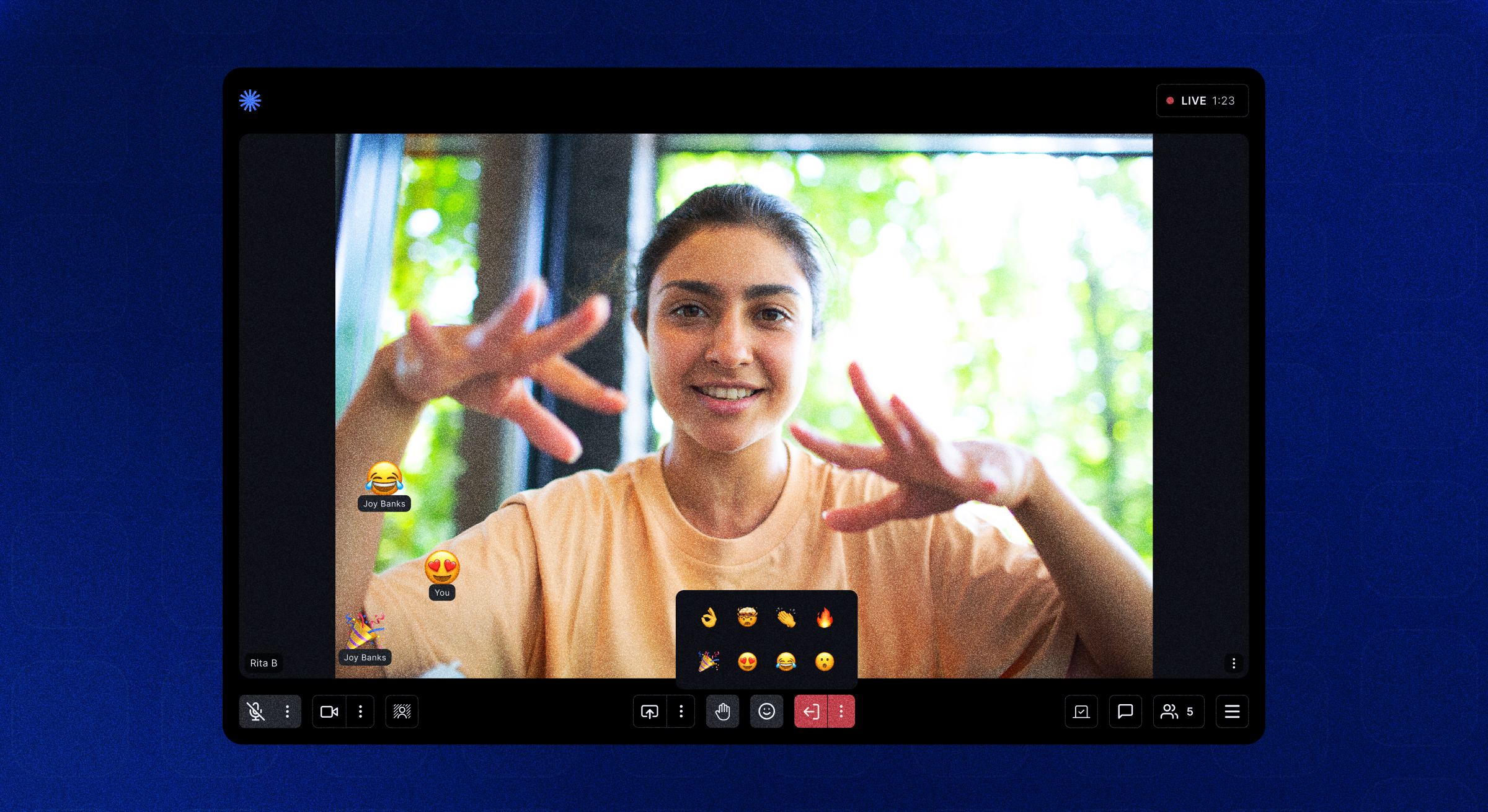
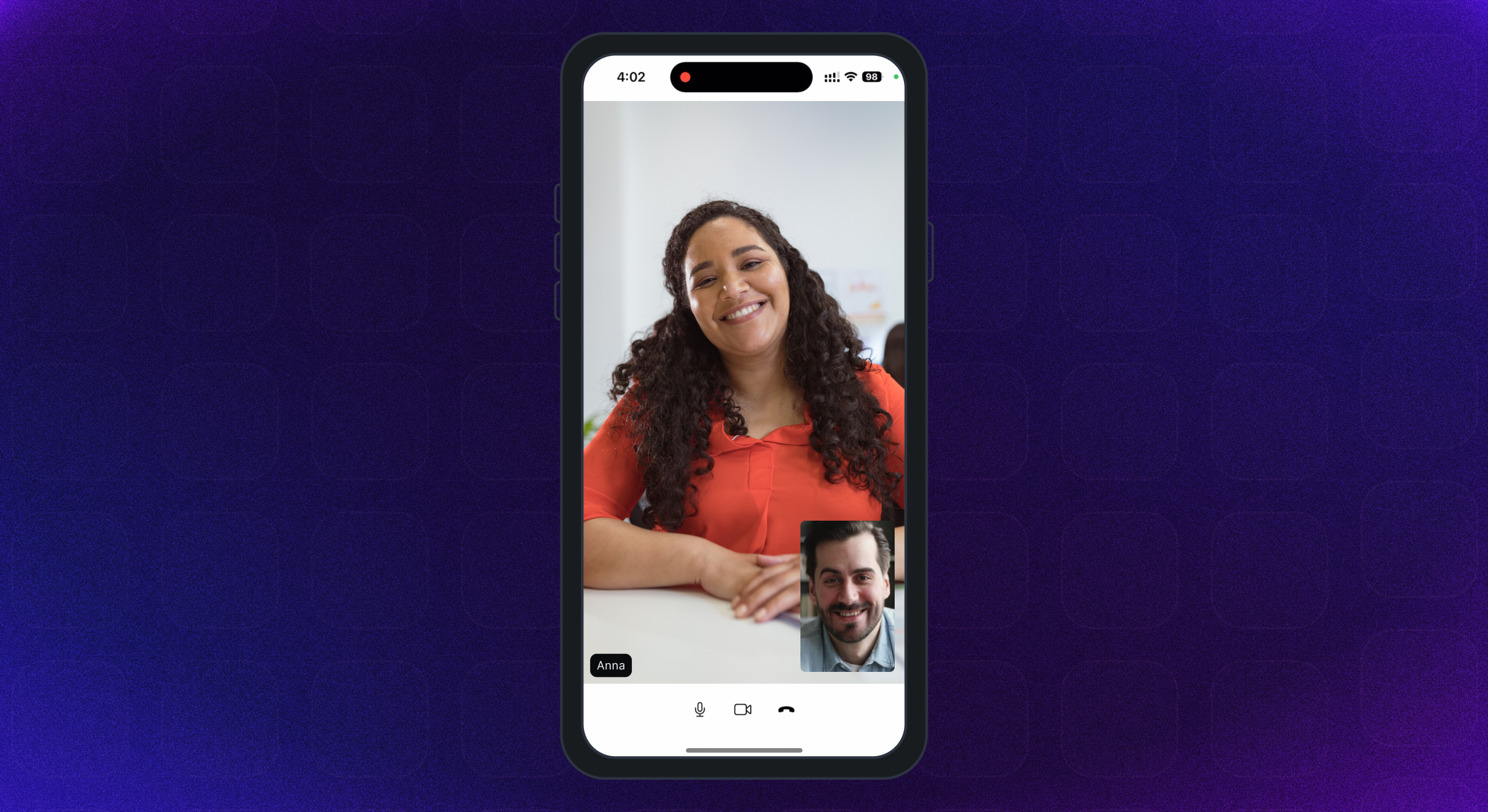
Aplikasi contoh fitur lengkap tersedia di sini.
Kami telah menambahkan penjelasan & panduan penggunaan yang disarankan untuk berbagai fitur, tata letak UI, penyimpanan data, dll dalam contoh aplikasi readme.
Untuk menjalankan aplikasi contoh pada sistem Anda, ikuti langkah -langkah ini -
Klone 100ms Flutter Github Repo
Di Root Proyek, Run flutter pub get Membangun Paket Flutter
Ubah Direktori ke Folder example
Sekarang, untuk menjalankan aplikasi, cukup jalankan perintah flutter run untuk menjalankan aplikasi pada perangkat yang terhubung, atau simulator iOS, atau emulator Android.
Untuk berjalan pada perangkat iOS (iPhone atau iPad), pastikan Anda telah mengatur tim pengembangan yang benar di bagian XCode Signing & kemampuan.
Aplikasi contoh default menggunakan Pustaka Manajemen Negara Penyedia. Untuk implementasi lain, silakan periksa -
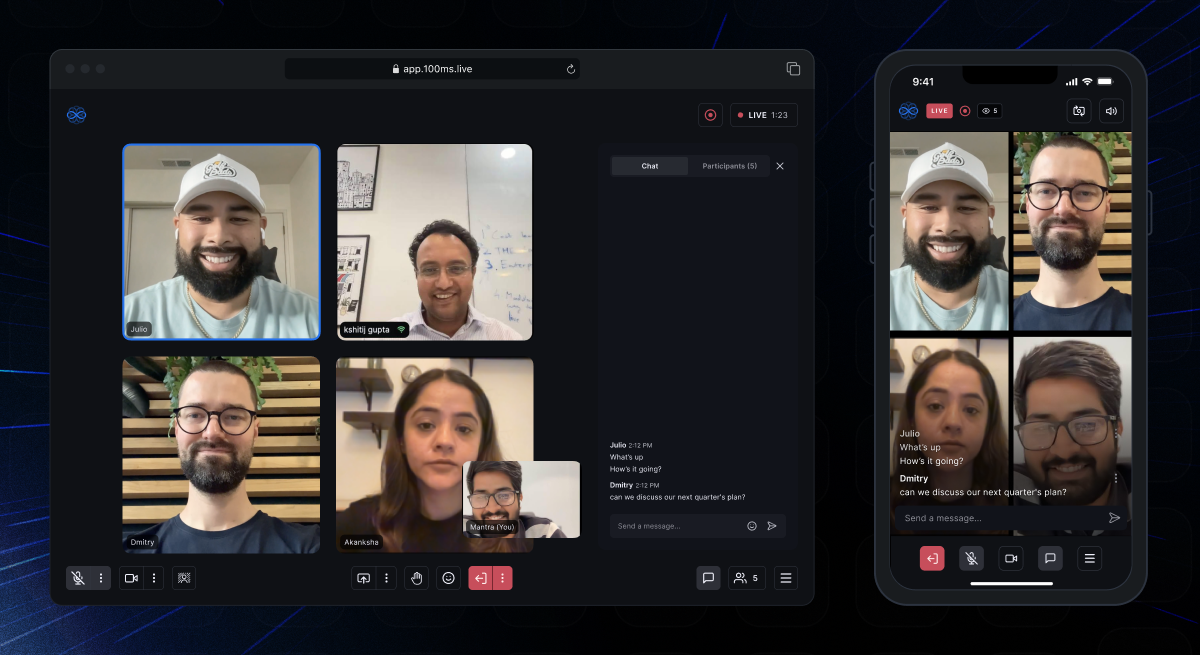 | 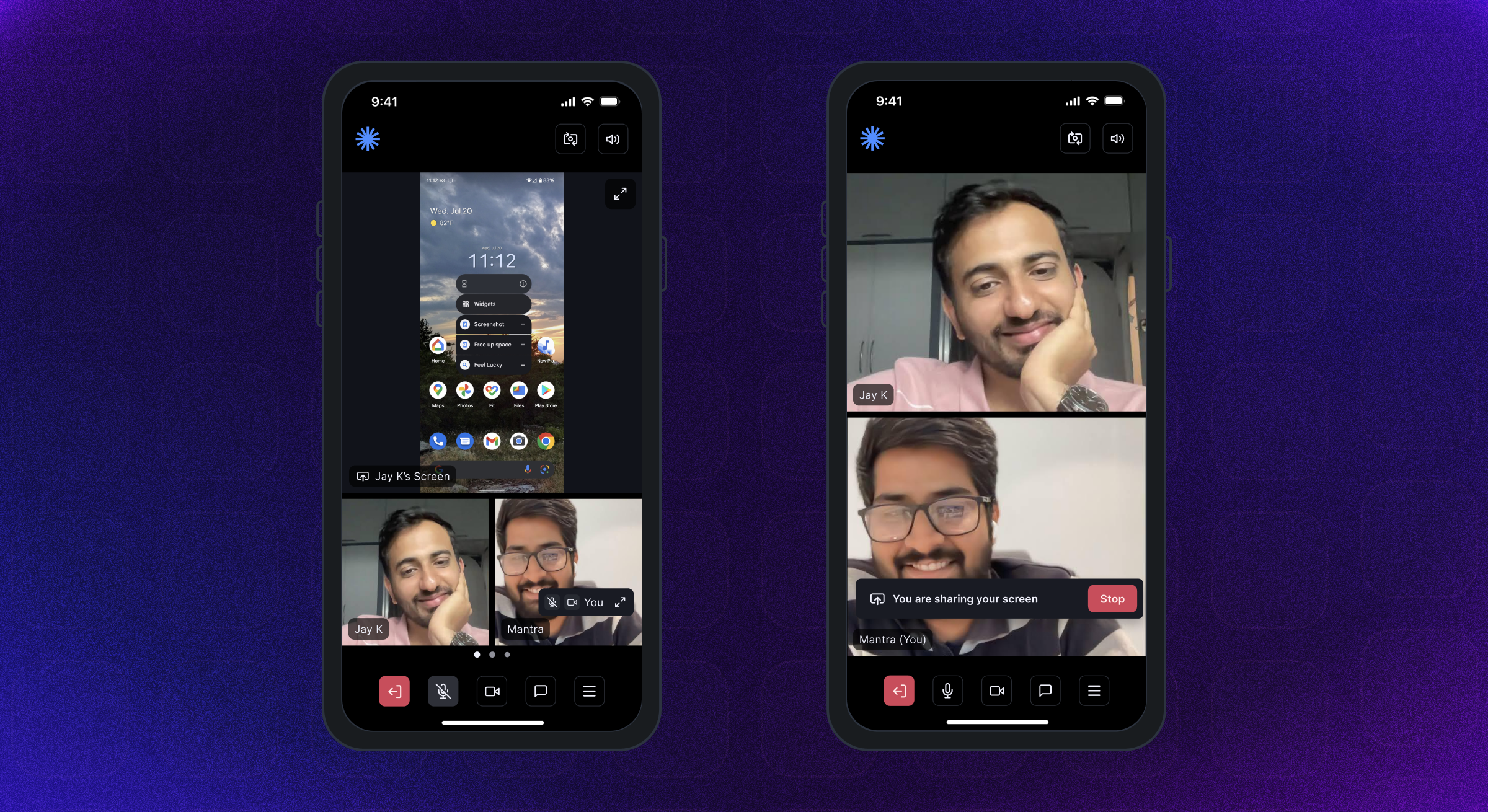 | 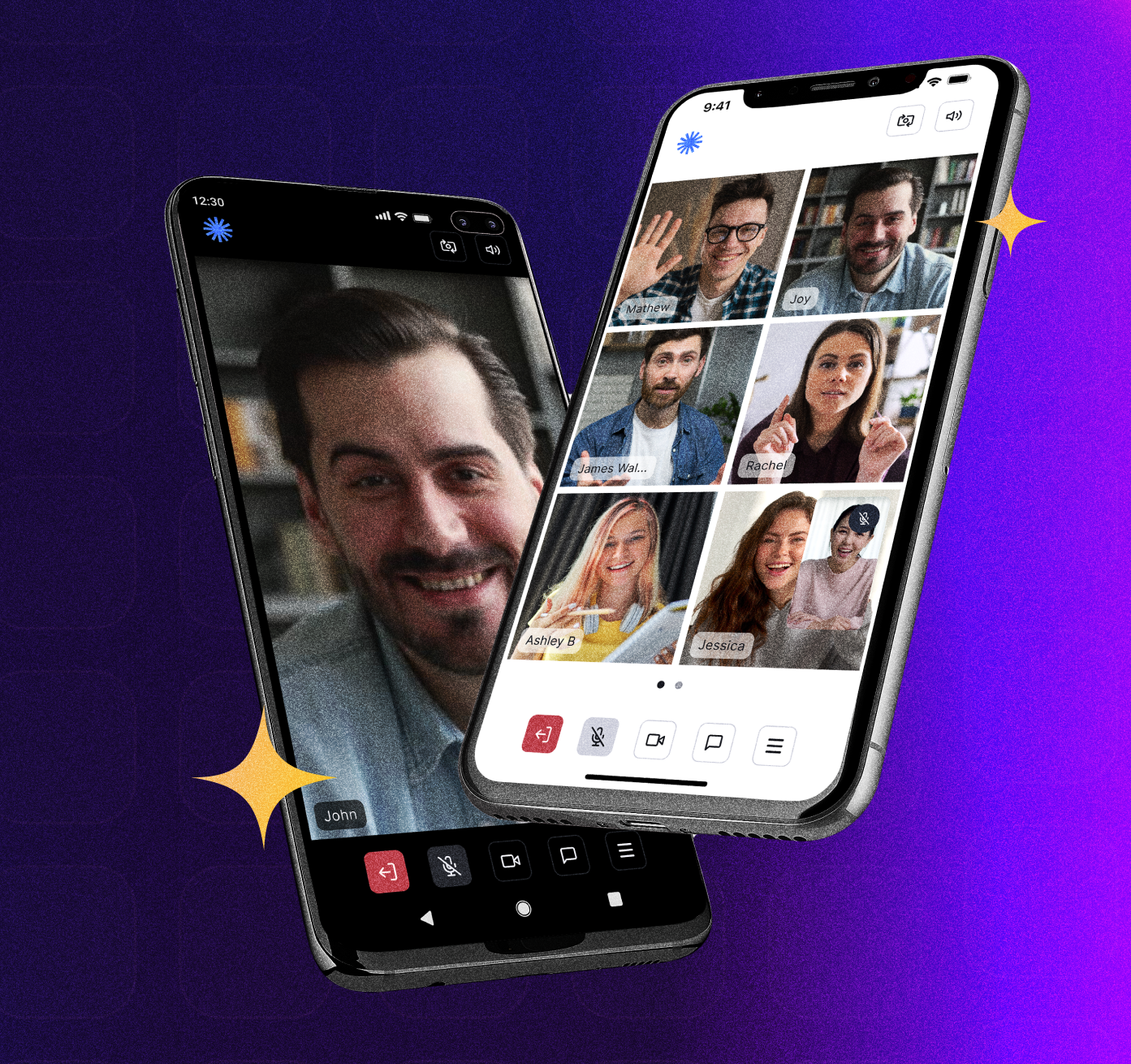 |
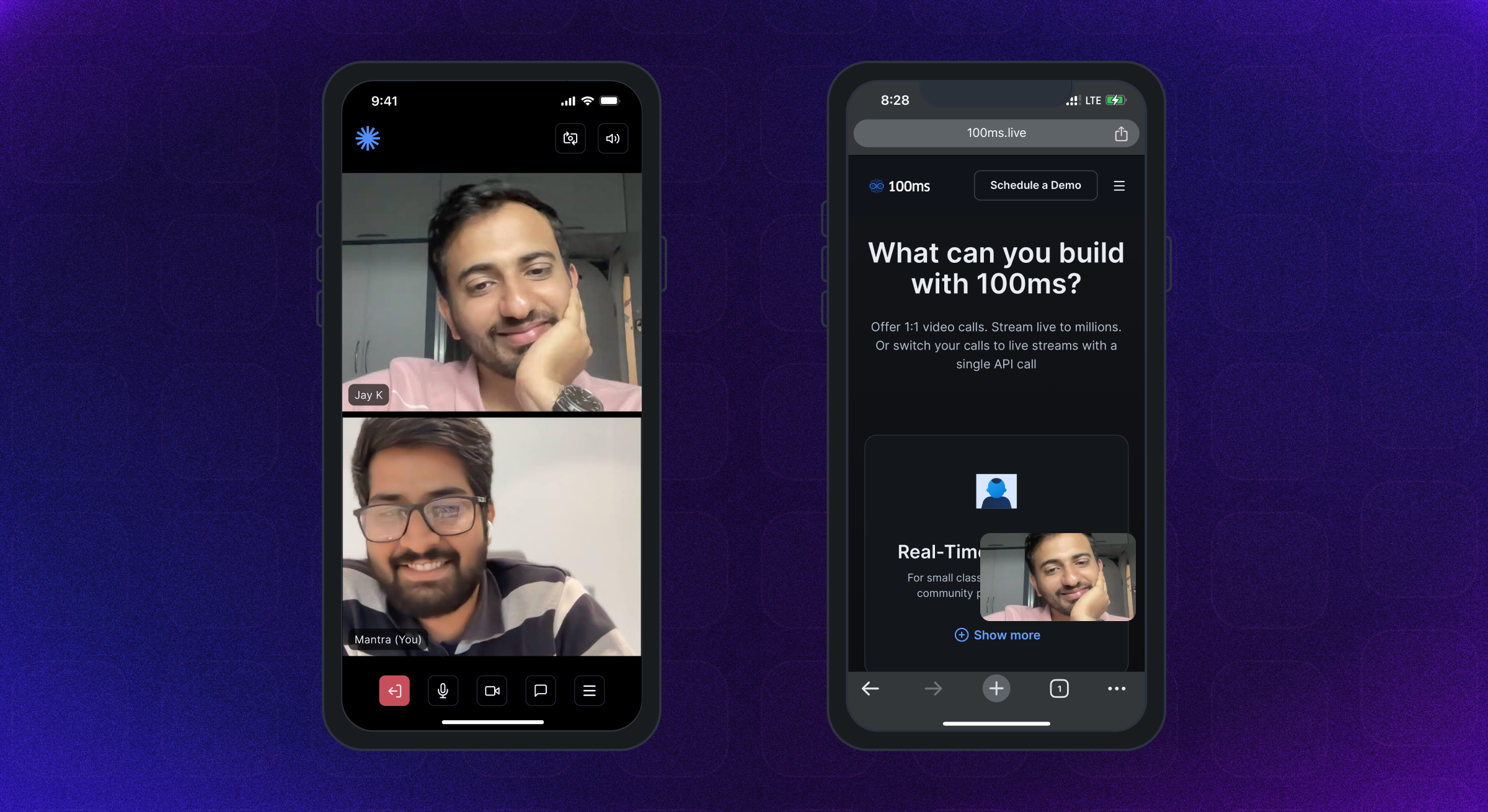 |  |  |
Android SDK mendukung Android API Level 21 ke atas. Ini dibangun untuk arsitektur Armeabi-V7A, ARM64-V8A, X86, dan X86_64. Perangkat yang menjalankan Android OS 12 atau lebih direkomendasikan.
iPhone & iPad dengan iOS versi 12 atau di atas didukung. Perangkat menjalankan iOS 16 atau lebih direkomendasikan.
Panduan Izin Lengkap tersedia di sini.
Tambahkan izin berikut dalam file Android AndroidManifest.xml -
< uses-feature android : name = " android.hardware.camera " />

< uses-feature android : name = " android.hardware.camera.autofocus " />

< uses-permission android : name = " android.permission.CAMERA " />

< uses-permission android : name = " android.permission.CHANGE_NETWORK_STATE " />

< uses-permission android : name = " android.permission.MODIFY_AUDIO_SETTINGS " />

< uses-permission android : name = " android.permission.RECORD_AUDIO " />

< uses-permission android : name = " android.permission.INTERNET " />

< uses-permission android : name = " android.permission.ACCESS_NETWORK_STATE " />

< uses-permission android : name = " android.permission.FOREGROUND_SERVICE " />

< uses-permission android : name = " android.permission.BLUETOOTH " android : maxSdkVersion = " 30 " />

< uses-permission android : name = " android.permission.BLUETOOTH_CONNECT " />Tambahkan Izin Berikut dalam File Info.plist iOS
< key >NSMicrophoneUsageDescription</ key >
< string >{YourAppName} wants to use your microphone</ string >

< key >NSCameraUsageDescription</ key >
< string >{YourAppName} wants to use your camera</ string >

< key >NSLocalNetworkUsageDescription</ key >
< string >{YourAppName} App wants to use your local network</ string > Room A Room adalah objek dasar yang 100ms SDK kembali pada koneksi yang berhasil. Ini berisi referensi untuk rekan, trek, dan semua yang Anda butuhkan untuk membuat aplikasi streaming A/V atau langsung langsung.
Peer a peer adalah objek yang dikembalikan oleh 100ms SDK yang berisi semua informasi tentang pengguna - nama, peran, trek video dll.
Track trek adalah segmen media (audio/video) yang ditangkap dari kamera dan mikrofon rekan. Peers dalam sesi menerbitkan trek lokal dan berlangganan trek jarak jauh dari rekan lain.
Role Peran mendefinisikan siapa yang dapat melihat/mendengar rekan, kualitas di mana mereka menerbitkan video mereka, apakah mereka memiliki izin untuk menerbitkan video/screenshare, membisukan seseorang, mengubah peran seseorang.
100ms SDK memberikan panggilan balik ke aplikasi klien tentang setiap perubahan atau pembaruan yang terjadi di ruangan setelah pengguna bergabung dengan menerapkan HMSUpdateListener . Pembaruan ini dapat digunakan untuk membuat video di layar atau untuk menampilkan info lain mengenai ruangan. Mari kita lihat diagram alur.
 /// 100ms SDK provides callbacks to the client app about any change or update happening in the room after a user has joined by implementing HMSUpdateListener.
/// These updates can be used to render the video on the screen or to display other info regarding the room.
abstract class HMSUpdateListener {


  /// This will be called on a successful JOIN of the room by the user
  ///
  /// This is the point where applications can stop showing their loading state
  /// [room] : the room which was joined
  void onJoin ({ required HMSRoom room});


  /// This will be called whenever there is an update on an existing peer
  /// or a new peer got added/existing peer is removed.
  ///
  /// This callback can be used to keep a track of all the peers in the room
  /// [peer] : the peer who joined/left or was updated
  /// [update] : the triggered update type. Should be used to perform different UI Actions
  void onPeerUpdate ({ required HMSPeer peer, required HMSPeerUpdate update});


  /// This is called when there are updates on an existing track
  /// or a new track got added/existing track is removed
  ///
  /// This callback can be used to render the video on screen whenever a track gets added
  ///  [track] : the track which was added, removed or updated
  ///  [trackUpdate] : the triggered update type
  ///  [peer] : the peer for which track was added, removed or updated
  void onTrackUpdate ({ required HMSTrack track, required HMSTrackUpdate trackUpdate, required HMSPeer peer});


  /// This will be called when there is an error in the system
  /// and SDK has already retried to fix the error
  /// [error] : the error that occurred
  void onHMSError ({ required HMSException error});


  /// This is called when there is a new broadcast message from any other peer in the room
  ///
  /// This can be used to implement chat is the room
  /// [message] : the received broadcast message
  void onMessage ({ required HMSMessage message});


  /// This is called every 1 second with a list of active speakers
  ///
  /// ## A HMSSpeaker object contains -
  ///    - peerId: the peer identifier of HMSPeer who is speaking
  ///    - trackId: the track identifier of HMSTrack which is emitting audio
  ///    - audioLevel: a number within range 1-100 indicating the audio volume
  ///
  /// A peer who is not present in the list indicates that the peer is not speaking
  ///
  /// This can be used to highlight currently speaking peers in the room
  /// [speakers] the list of speakers
  void onUpdateSpeakers ({ required List < HMSSpeaker > updateSpeakers});


  /// This is called when there is a change in any property of the Room
  ///
  ///  [room] : the room which was joined
  ///  [update] : the triggered update type. Should be used to perform different UI Actions
  void onRoomUpdate ({ required HMSRoom room, required HMSRoomUpdate update});


  /// when network or some other error happens it will be called
  void onReconnecting ();


  /// when you are back in the room after reconnection
  void onReconnected ();


  /// This is called when someone asks for a change or role
  ///
  /// for eg. admin can ask a peer to become host from guest.
  /// this triggers this call on peer's app
  void onRoleChangeRequest ({ required HMSRoleChangeRequest roleChangeRequest});


  /// when someone requests for track change of yours be it video or audio this will be triggered
  /// [hmsTrackChangeRequest] request instance consisting of all the required info about track change
  void onChangeTrackStateRequest ({ required HMSTrackChangeRequest hmsTrackChangeRequest});


  /// when someone kicks you out or when someone ends the room at that time it is triggered
  /// [hmsPeerRemovedFromPeer] it consists of info about who removed you and why.
  void onRemovedFromRoom ({ required HMSPeerRemovedFromPeer hmsPeerRemovedFromPeer});


  /// whenever a new audio device is plugged in or audio output is changed we
  /// get the onAudioDeviceChanged update
  /// This callback is only fired on Android devices. On iOS, this callback will not be triggered.
  /// - Parameters:
  ///   - currentAudioDevice: Current audio output route
  ///   - availableAudioDevice: List of available audio output devices
  void onAudioDeviceChanged (
      { HMSAudioDevice ? currentAudioDevice,
      List < HMSAudioDevice > ? availableAudioDevice});


  /// Whenever a user joins a room [onSessionStoreAvailable] is fired to get an instance of [HMSSessionStore]
  /// which can be used to perform session metadata operations
  /// - Parameters:
  ///   - hmsSessionStore: An instance of HMSSessionStore which will be used to call session metadata methods
  void onSessionStoreAvailable (
      { HMSSessionStore ? hmsSessionStore});


  /// Upon joining a room with existing peers, onPeerListUpdated will be called with the list of peers present
  /// in the room instead of getting onPeerUpdate for each peer in the room.
  /// Subsequent peer joins/leaves would be notified via both onPeerUpdate and onPeerListUpdated
  void onPeerListUpdate (
      { required List < HMSPeer > addedPeers, required List < HMSPeer > removedPeers});
} SDK 100ms mengirimkan pembaruan ke aplikasi tentang perubahan apa pun di HMSPeer, HMSTrack, HMSroom, dll melalui callbacks di HMSUpdateListener .
Metode HMSUPDATElistener dipanggil untuk memberi tahu pembaruan yang terjadi di ruangan seperti peer join/cuti, lacak bisu/lepas dll.
Informasi lebih lanjut tentang pembaruan pendengar tersedia di sini.
Berikut ini adalah berbagai jenis pembaruan yang dipancarkan oleh SDK -
HMSPeerUpdate
  .peerJoined: A new peer joins the Room
  .peerLeft: An existing peer leaves the Room
  .roleUpdated: When a peer's Role has changed
  .metadataChanged: When a peer's metadata has changed
  .nameChanged: When a peer's name has changed


HMSTrackUpdate
  .trackAdded: A new track (audio or video) is added to the Room
  .trackRemoved: An existing track is removed from the Room
  .trackMuted: A track of a peer is muted
  .trackUnMuted: A muted track of a peer was unmuted
  .trackDegraded: When track is degraded due to bad network conditions
  .trackRestored: When a degraded track is restored when optimal network conditions are available again


HMSRoomUpdate
  .roomMuted: When room is muted to due external interruption like a Phone Call
  .roomUnmuted: When a muted room is unmuted when external interruption has ended
  .serverRecordingStateUpdated: When Server recording state is updated
  .browserRecordingStateUpdated: When Browser recording state is changed
  .rtmpStreamingStateUpdated: When RTMP is started or stopped
  .hlsStreamingStateUpdated: When HLS is started or stopped
.hlsRecordingStateUpdated: When HLS recording state is updated Untuk bergabung dan berinteraksi dengan orang lain dalam panggilan audio atau video, pengguna perlu join sebuah room .
Untuk bergabung dengan ruangan, aplikasi Anda harus -
Untuk bergabung dengan ruangan, kami memerlukan token otentikasi seperti yang disebutkan di atas. Ada dua metode untuk mendapatkan token:
Kita bisa mendapatkan token otentikasi menggunakan kode kamar dari URL rapat.
Mari kita pahami subdomain dan kode dari URL sampel dalam url ini: https://public.app.100ms.live/meeting/xvm-wxwo-gbl
publicxvm-wxwo-gbl Sekarang untuk mendapatkan kode kamar dari URL rapat, kita bisa menulis logika kita sendiri atau menggunakan metode getCode dari sini
Untuk menghasilkan token, kami akan menggunakan metode getAuthTokenByRoomCode HMSSDK . Metode ini memiliki roomCode sebagai parameter yang diperlukan, userId & endPoint sebagai parameter opsional.
Metode ini harus dipanggil setelah memanggil metode
build.
Mari kita periksa implementasinya:
  //This returns an object of Future<dynamic> which can be either
  //of HMSException type or String? type based on whether
  //method execution is completed successfully or not

  dynamic authToken = await hmsSDK. getAuthTokenByRoomCode (roomCode : 'YOUR_ROOM_CODE' );

  if (authToken is String ){
    HMSConfig roomConfig = HMSConfig (
        authToken : authToken,
        userName : userName,
      );

    hmsSDK. join (config : roomConfig);
  }
  else if (authToken is HMSException ){
    // Handle the error
}Untuk menguji fungsionalitas audio/video, Anda harus terhubung ke kamar 100ms; Silakan periksa langkah -langkah berikut untuk hal yang sama:
Video Conferencing Starter Kit untuk membuat ruangan dengan templat default yang ditugaskan untuk menguji aplikasi ini dengan cepat.Room Id ruangan yang Anda buat di atas, dan klik tombol Join Room di kanan atas.Auth Token for role ; Anda dapat mengklik ikon 'Salin' untuk menyalin token otentikasi.Token dari dasbor 100ms hanya untuk tujuan pengujian, untuk aplikasi produksi Anda harus menghasilkan token di server Anda sendiri. Lihat bagian token manajemen dalam panduan otentikasi dan token untuk informasi lebih lanjut.
Anda juga dapat secara opsional melewati bidang -bidang ini di konstruktor HMSSDK -
Lacak Pengaturan - Seperti bergabung dengan ruangan dengan audio atau video yang diredam menggunakan objek HMSTrackSetting . Informasi lebih lanjut tersedia di sini.
Pengguna Metadata - Ini dapat digunakan untuk melewati metadata tambahan yang terkait dengan pengguna menggunakan metadata objek HMSConfig . Misalnya: Pemetaan User-ID di sisi aplikasi. Informasi lebih lanjut tersedia di sini.
Informasi lebih lanjut tentang bergabung dengan ruangan tersedia di sini.
 // create a class that implements `HMSUpdateListener` and acts as a data source for our UI
class Meeting implements HMSUpdateListener {

    late HMSSDK hmsSDK;

    Meeting () {
        initHMSSDK ();
    }

    void initHMSSDK () async {
        hmsSDK = HMSSDK (); // create an instance of `HMSSDK` by invoking it's constructor
        await hmsSDK. build (); // ensure to await while invoking the `build` method
        hmsSDK. addUpdateListener ( this ); // `this` value corresponds to the instance implementing HMSUpdateListener
        HMSConfig config = HMSConfig (authToken : 'eyJH5c' , // client-side token generated from your token service
                                userName : 'John Appleseed' );
        hmsSDK. join (config : config); // Now, we are primed to join the room. All you have to do is call `join` by passing the `config` object.
    }

    ... // implement methods of HMSUpdateListener
}Semuanya tergantung pada ini. Semua pengaturan sejauh ini telah dilakukan sehingga kami dapat menampilkan video streaming langsung di aplikasi kami yang indah.
Paket Flutter 100ms menyediakan widget HMSVideoView yang membuat video di layar.
Kami hanya perlu meneruskan objek trek video ke HMSVideoView untuk memulai rendering otomatis streaming video langsung.
Kami juga dapat secara opsional melewati alat peraga seperti key , scaleType , mirror untuk menyesuaikan widget HMSVideoView .
 HMSVideoView (
  track : videoTrack,
  key : Key (videoTrack.trackId),
),
Informasi lebih lanjut tentang menampilkan video tersedia di sini.
Setelah selesai dengan rapat dan ingin keluar, hubungi cuti pada instance HMSSDK yang Anda buat untuk bergabung dengan ruangan.
Sebelum menelepon cuti, hapus instance HMSUpdateListener sebagai:
 // updateListener is the instance of class in which HMSUpdateListener is implemented
hmsSDK. removeUpdateListener (updateListener);
Untuk meninggalkan rapat, hubungi metode leave HMSSDK dan lulus parameter hmsActionResultListener untuk mendapatkan panggilan balik keberhasilan dari SDK dalam metode onSuccess Override sebagai berikut.
Anda perlu mengimplementasikan antarmuka
HMSActionResultListenerdi kelas untuk mendapatkan callbackonSuccessdanonException. Untuk mengetahui cara mengimplementasikanHMSActionResultListener, periksa dokumen di sini
 class Meeting implements HMSActionResultListener {
//this is the instance of class implementing HMSActionResultListener
await hmsSDK. leave (hmsActionResultListener : this );

@override
  void onSuccess (
      { HMSActionResultListenerMethod methodType = HMSActionResultListenerMethod .unknown, Map < String , dynamic > ? arguments}) {
        switch (methodType) {
          case HMSActionResultListenerMethod .leave :
          // Room leaved successfully
          // Clear the local room state
          break ;
          ...
        }
      }
}
Informasi lebih lanjut tentang meninggalkan ruangan tersedia di sini.
HMSTrack adalah kelas super dari semua trek yang digunakan di dalam HMSSDK . Hirarki terlihat seperti ini -
 HMSTrack
    - AudioTrack
        - LocalAudioTrack
        - RemoteAudioTrack
    - VideoTrack
        - LocalVideoTrack
- RemoteVideoTrack HMSTRACK berisi bidang yang disebut sumber yang menunjukkan sumber trek.
Source dapat memiliki nilai -nilai berikut -
regular untuk audio atau video normal yang diterbitkan oleh rekanscreen untuk Lagu Screenshare Saat Peer mulai menyiarkan layar mereka di sebuah ruanganplugin untuk plugin audio atau video khusus yang digunakan di kamar Untuk mengetahui jenis trek, periksa nilai tipe yang akan menjadi salah satu nilai enum - AUDIO atau VIDEO
Anda dapat mengirim obrolan atau jenis pesan lainnya dari rekan setempat ke semua rekan jarak jauh di ruangan itu.
Untuk mengirim pesan terlebih dahulu, buat instance objek HMSMessage .
Tambahkan informasi yang akan dikirim dalam properti message HMSMessage .
Kemudian gunakan fungsi sendBroadcastMessage pada contoh HMSSDK untuk pesan siaran, sendGroupMessage untuk pesan grup dan sendDirectMessage untuk pesan langsung.
Ketika Anda (rekan setempat) menerima pesan dari orang lain (rekan jarak jauh apa pun), void onMessage({required HMSMessage message}) fungsi HMSUpdateListener dipanggil.
Informasi lebih lanjut tentang pesan obrolan tersedia di sini.
 // onMessage is HMSUpdateListener method called when a new message is received
@override
void onMessage ({ required HMSMessage message}) {
  //Here we will receive messages sent by other peers
}


/// [message] : Message to be sent
/// [type] : Message type(More about this at the end)
/// [hmsActionResultListener] : instance of class implementing HMSActionResultListener
//Here this is an instance of class that implements HMSActionResultListener i.e. Meeting
hmsSDK. sendBroadcastMessage (
  message : message,
  type : type,
  hmsActionResultListener : this );


/// [message] : Message to be sent
/// [peerTo] : Peer to whom message needs to be sent
/// [type] : Message type(More about this at the end)
/// [hmsActionResultListener] : instance of class implementing HMSActionResultListener
//Here this is an instance of class that implements HMSActionResultListener i.e. Meeting
hmsSDK. sendDirectMessage (
  message : message,
  peerTo : peerTo,
  type : type,
  hmsActionResultListener : this );


/// [message] : Message to be sent
/// [hmsRolesTo] : Roles to which this message needs to be sent
/// [type] : Message type(More about this at the end)
/// [hmsActionResultListener] : instance of class implementing HMSActionResultListener
//Here this is an instance of class that implements HMSActionResultListener i.e. Meeting
hmsSDK. sendGroupMessage (
    message : message,
    hmsRolesTo : rolesToSendMessage,
    type : type,
    hmsActionResultListener : this );


@override
void onSuccess (
  { HMSActionResultListenerMethod methodType =
    HMSActionResultListenerMethod .unknown,
    Map < String , dynamic > ? arguments}) {

    switch (methodType) {

      case HMSActionResultListenerMethod .sendBroadcastMessage :
      //Broadcast Message sent successfully
      break ;

      case HMSActionResultListenerMethod .sendGroupMessage :
      //Group Message sent successfully
      break ;

      case HMSActionResultListenerMethod .sendDirectMessage :
      //Direct Message sent successfully
      break ;
      ...
    }
  }


@override
void onException (
  { HMSActionResultListenerMethod methodType =
    HMSActionResultListenerMethod .unknown,
    Map < String , dynamic > ? arguments,
    required HMSException hmsException}) {

    switch (methodType) {

      case HMSActionResultListenerMethod .sendBroadcastMessage :
      // Check the HMSException object for details about the error
      break ;

      case HMSActionResultListenerMethod .sendGroupMessage :
      // Check the HMSException object for details about the error
      break ;

      case HMSActionResultListenerMethod .sendDirectMessage :
      // Check the HMSException object for details about the error
      break ;
      ...
    }

  }
? Panduan QuickStart Prebuilt tersedia di sini.
Rujuk panduan dokumentasi lengkap yang tersedia di sini.
? ♀️ Checkout contoh implementasi aplikasi yang tersedia di sini.
Kami telah menambahkan penjelasan & panduan penggunaan yang disarankan untuk berbagai fitur, tata letak UI, penyimpanan data, dll dalam contoh aplikasi readme.
Aplikasi flutter 100ms dirilis di toko aplikasi, Anda dapat mengunduhnya di sini:
? Aplikasi iOS di Apple App Store: https://apps.apple.com/app/100ms-live/id1576541989
? Aplikasi Android di Google Play Store: https://play.google.com/store/apps/details?id=live.hms.flutter







