NineAnimator
NineAnimator 1.2.7 Build 6 - April 25, 2021



一種簡單而優雅的方式,可以在您喜歡的動漫網站上觀看動漫。 NineAnimator是一款免費的開源動漫動漫觀看iOS和MACOS的應用程序。 GPLV3許可。
 Copyright © 2018-2020 Marcus Zhou. All rights reserved.

NineAnimator is free software: you can redistribute it and/or modify
it under the terms of the GNU General Public License as published by
the Free Software Foundation, either version 3 of the License, or
(at your option) any later version.

NineAnimator is distributed in the hope that it will be useful,
but WITHOUT ANY WARRANTY; without even the implied warranty of
MERCHANTABILITY or FITNESS FOR A PARTICULAR PURPOSE.  See the
GNU General Public License for more details.

You should have received a copy of the GNU General Public License
along with NineAnimator.  If not, see <http://www.gnu.org/licenses/>.
NineAnimator支持在Airplay(通過Apple的本地媒體播放器)和Chromecast/Google Cast設備上播放。但是,並非所有的蒸源都在Chromecast上支持。檢查視頻源以獲取詳細信息。
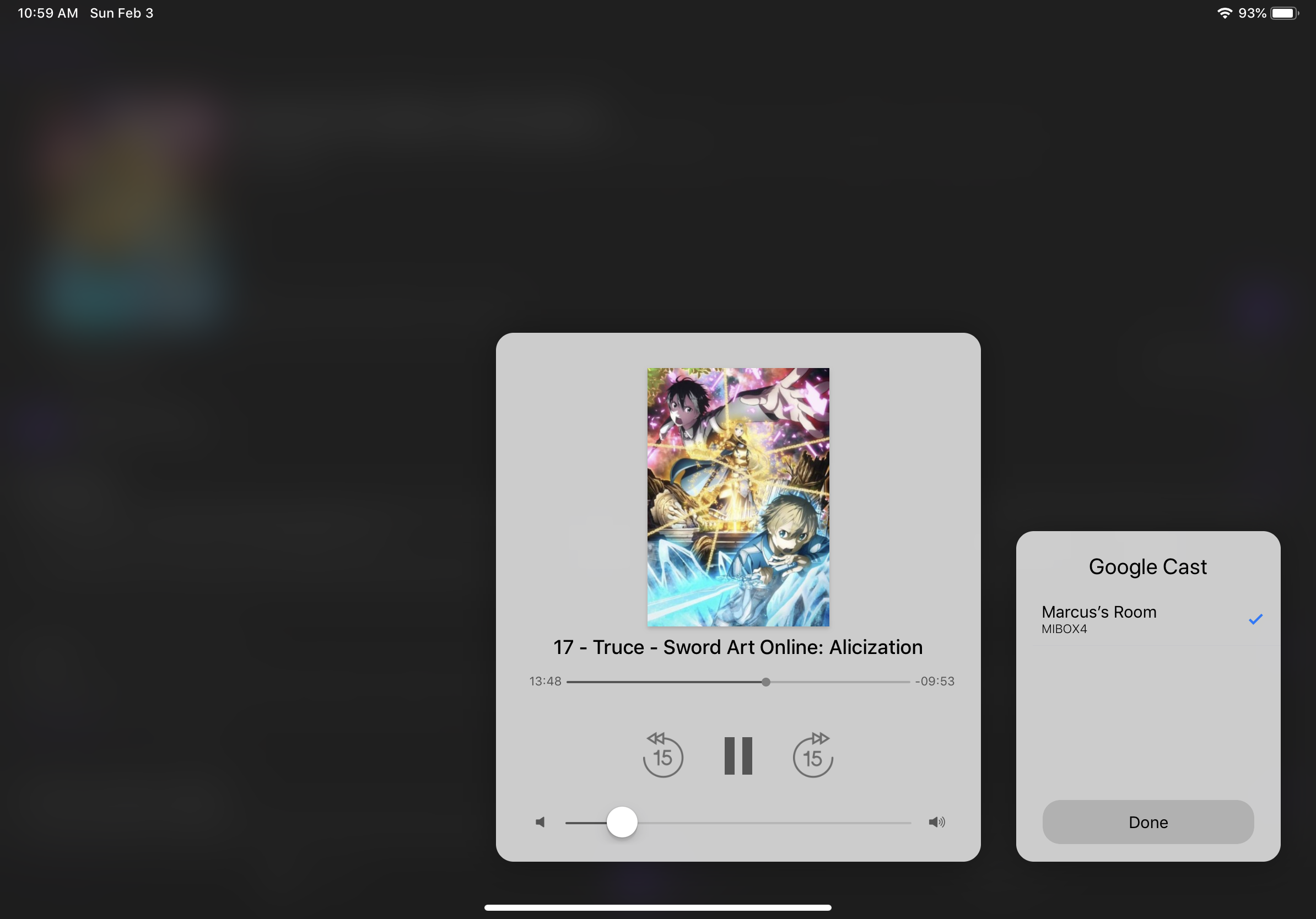
要在NineAnimator中使用Google Cast,請點擊導航欄上的Google Cast圖標。將彈出一個窗口以提示您選擇播放設備。連接設備後,單擊“完成”,然後從情節列表中選擇一個情節。該視頻將在Google Cast設備上自動播放。
播放開始後,播放控制接口將出現。您可以使用音量上/下按鈕來調整音量。
要與Google Cast設備斷開連接,請點擊導航欄上的Google Cast圖標,然後點擊已經連接的設備。
此功能僅在iPad,Mac和iOS 14+設備上支持。
一旦PIP準備就緒,圖片(PIP)圖標中的圖標將出現在播放器的左上角。您可以點擊此圖標以啟動PIP播放。要恢復全屏播放,請點擊PIP窗口上的還原按鈕。
Apple的背景應用程序刷新實現了Nineanimator中的動漫。 NineAnimator將積極調查可用的情節,並將其與本地緩存的情節進行比較。
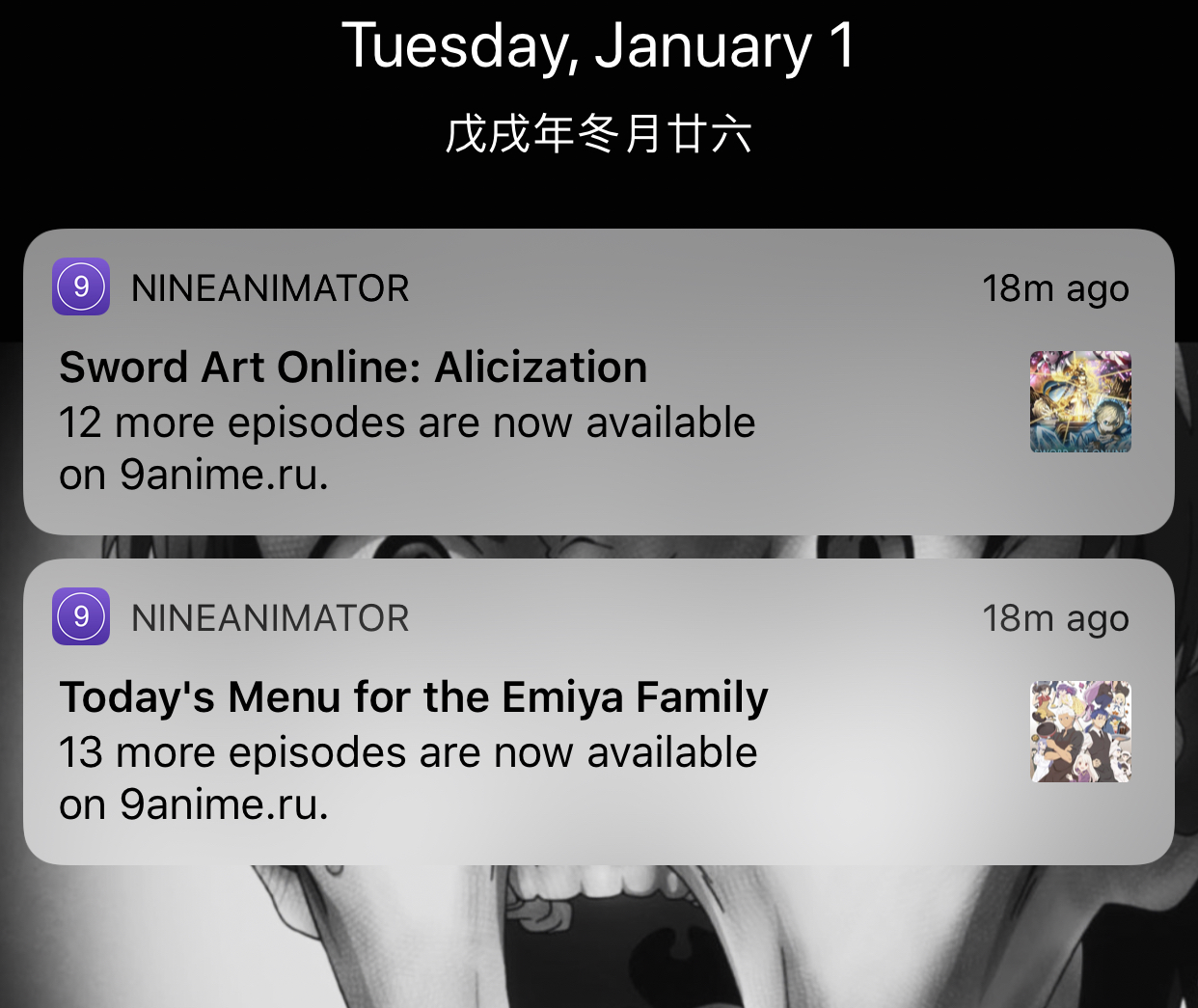
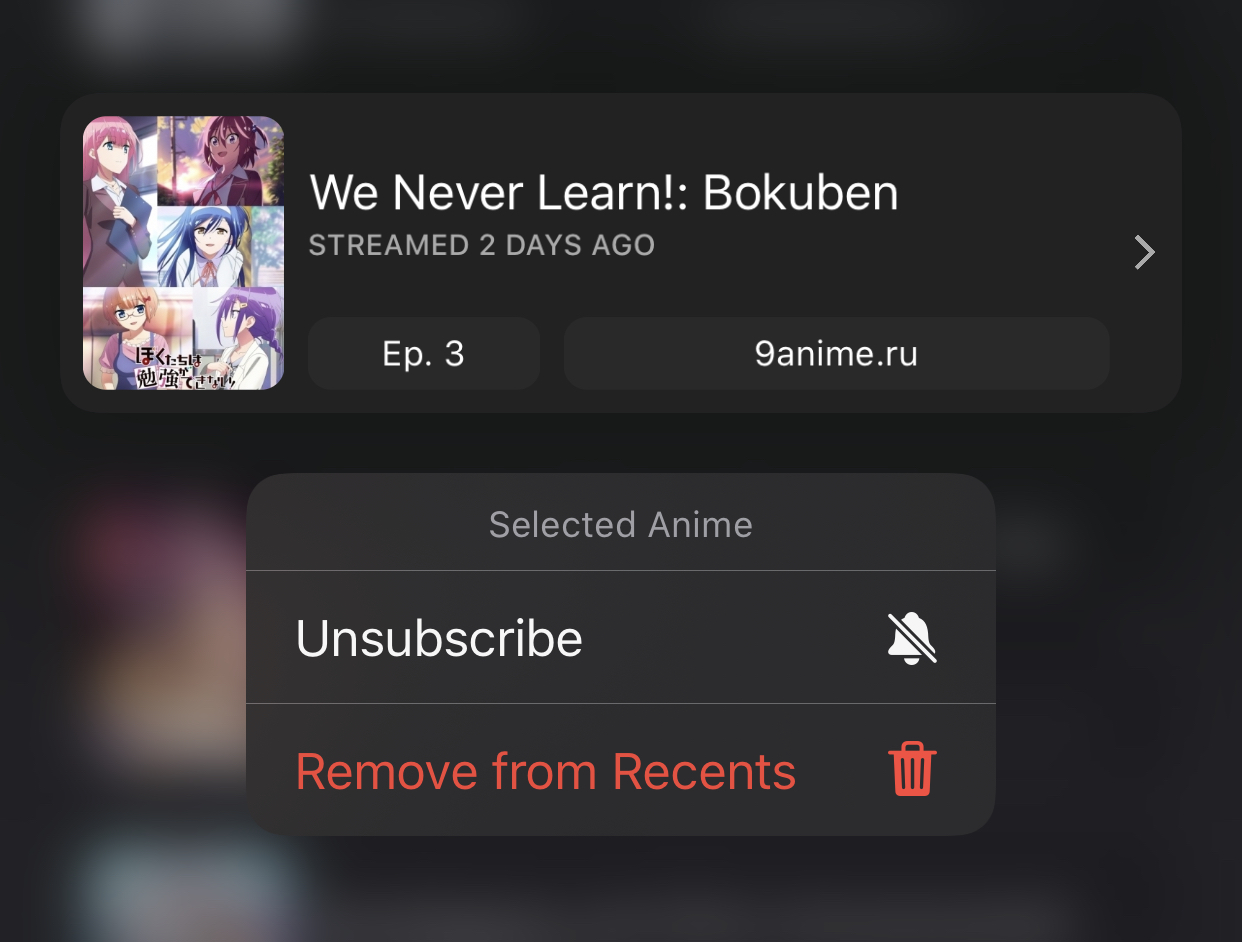
要訂閱動漫,請長時間按照庫的回收類別中的動漫。
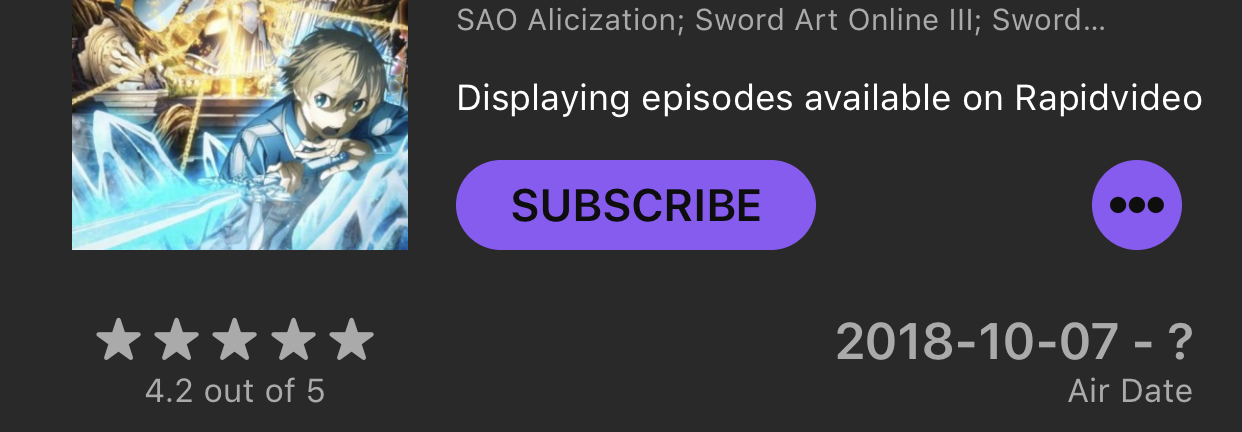
或者在查看任何動漫時只需點擊訂閱按鈕即可。
當播放開始和結束時,可以將NineAnimator配置為運行家庭場景。默認行為是僅在視頻在外部屏幕上播放時運行場景(例如Google Cast,Airplay)。但是,您可以在Settings - > Home面板中更改它。
Starts Playing場景Ends Playing場景將在視頻播放結束之前進行15秒鐘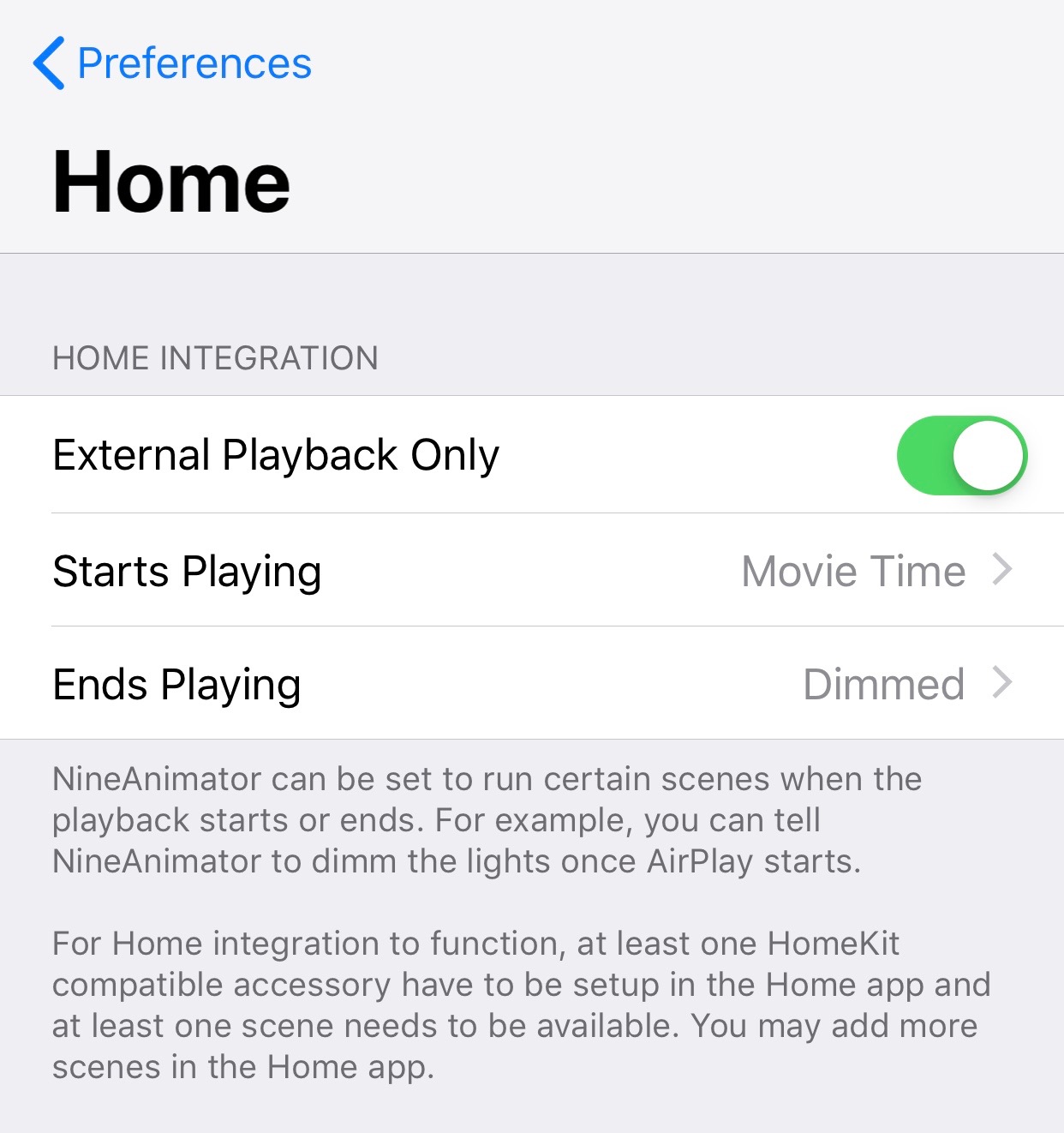
有關實施詳細信息,請參見Notifications和HomeController 。
Nineanimator支持蘋果的縮寫和Siri快捷方式。這使您在瀏覽和觀看動漫時可以看到在設備之間看到。
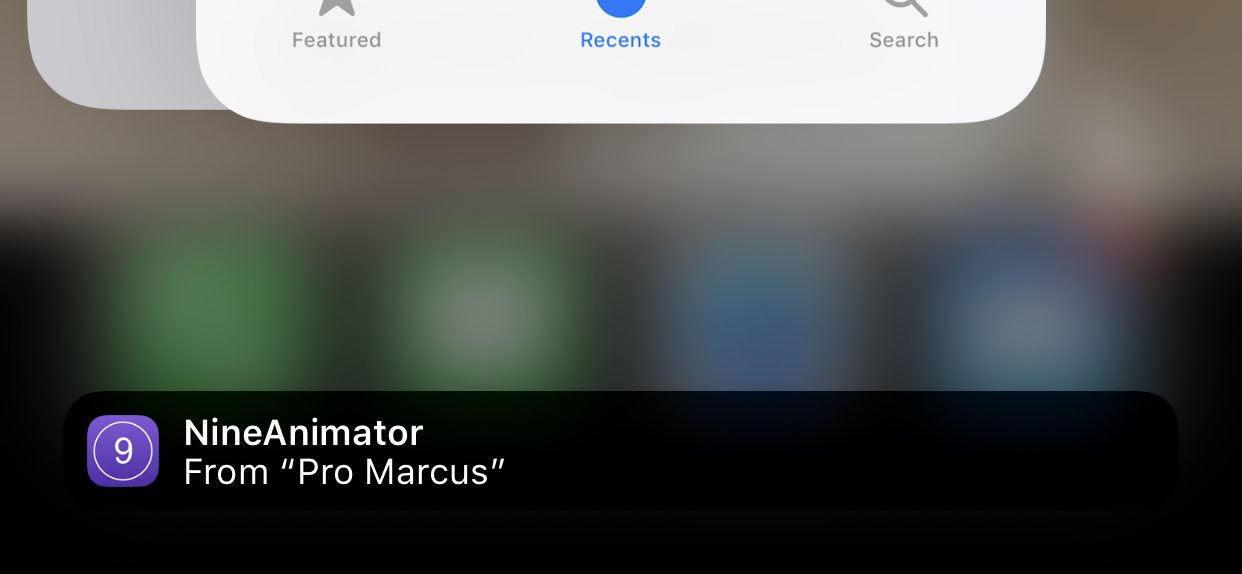
當您瀏覽動漫時,根據所使用的設備,NineAnimator圖標會顯示在碼頭(iPad)或其他設備的任務切換器上。您可以點擊圖標以繼續在新設備上瀏覽或觀看。
要添加Siri快捷方式,請導航到系統設置應用程序。在根菜單下找到NineAnimator,點擊Siri & Search ,然後點擊Shortcuts 。
Nineanimator可以下載以後的播放情節。點擊動漫瀏覽器中的雲圖標以啟動下載任務。下載的情節將出現在“ Recents”選項卡中。
Nineanimator下載和播放視頻的能力有一些局限性:
| 觀看接下來 | 圖書館 | 搜尋 |
|---|---|---|
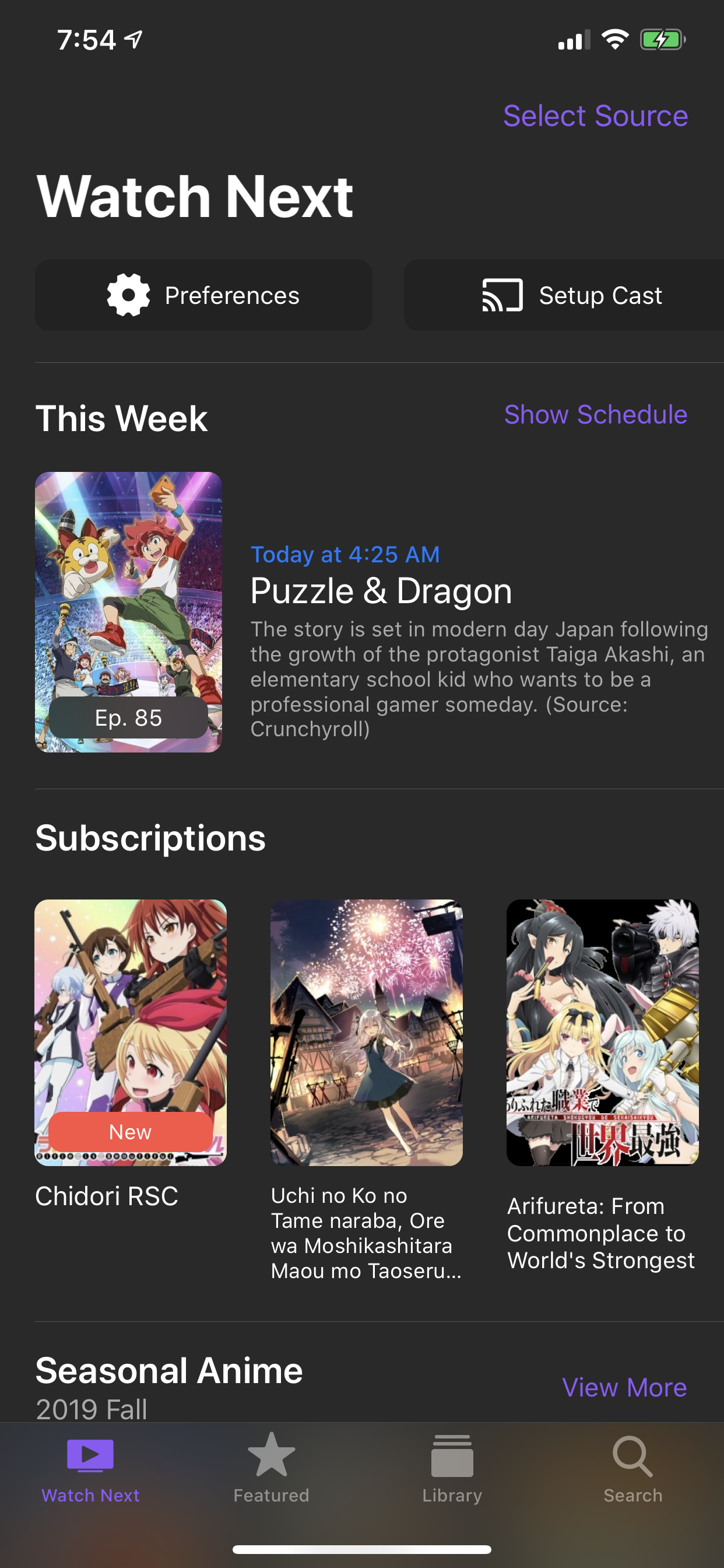 | 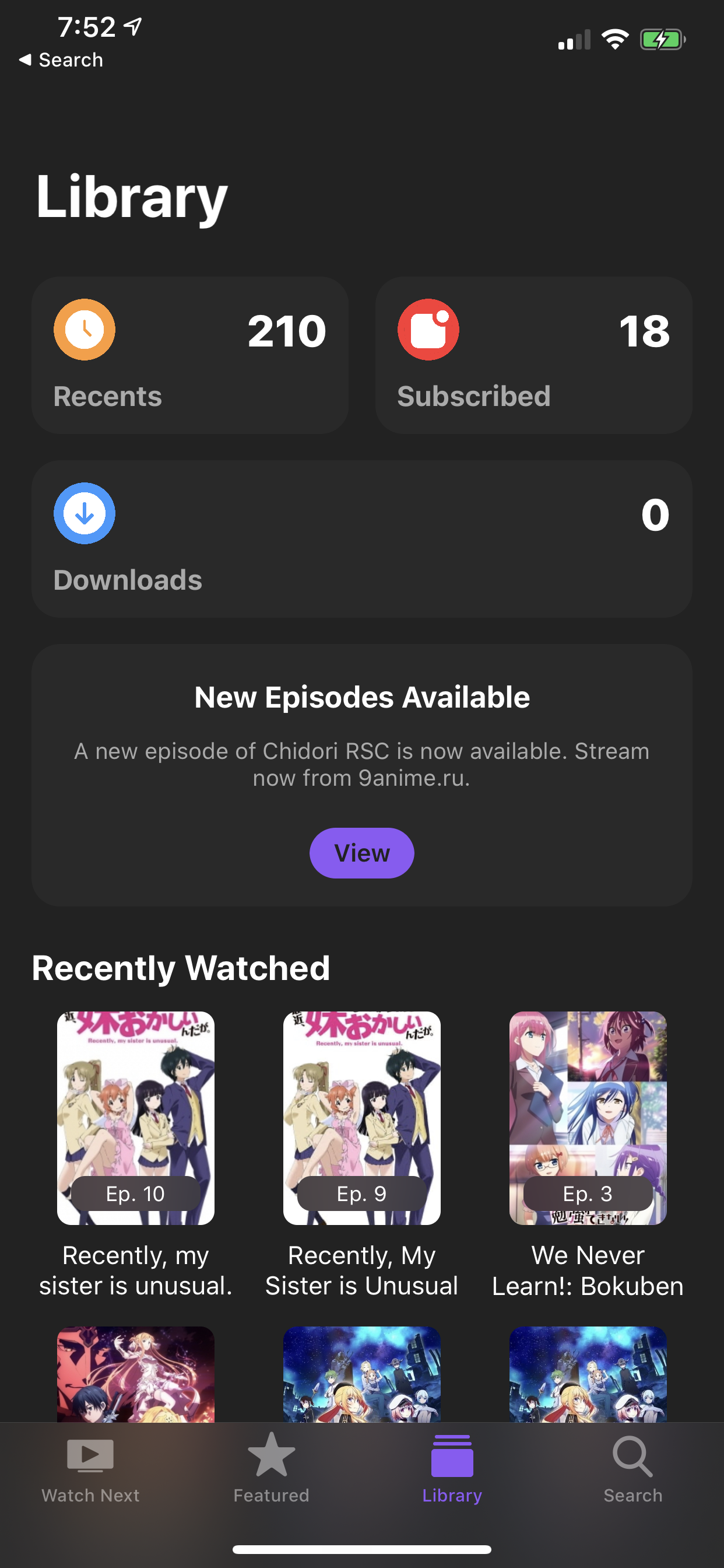 | 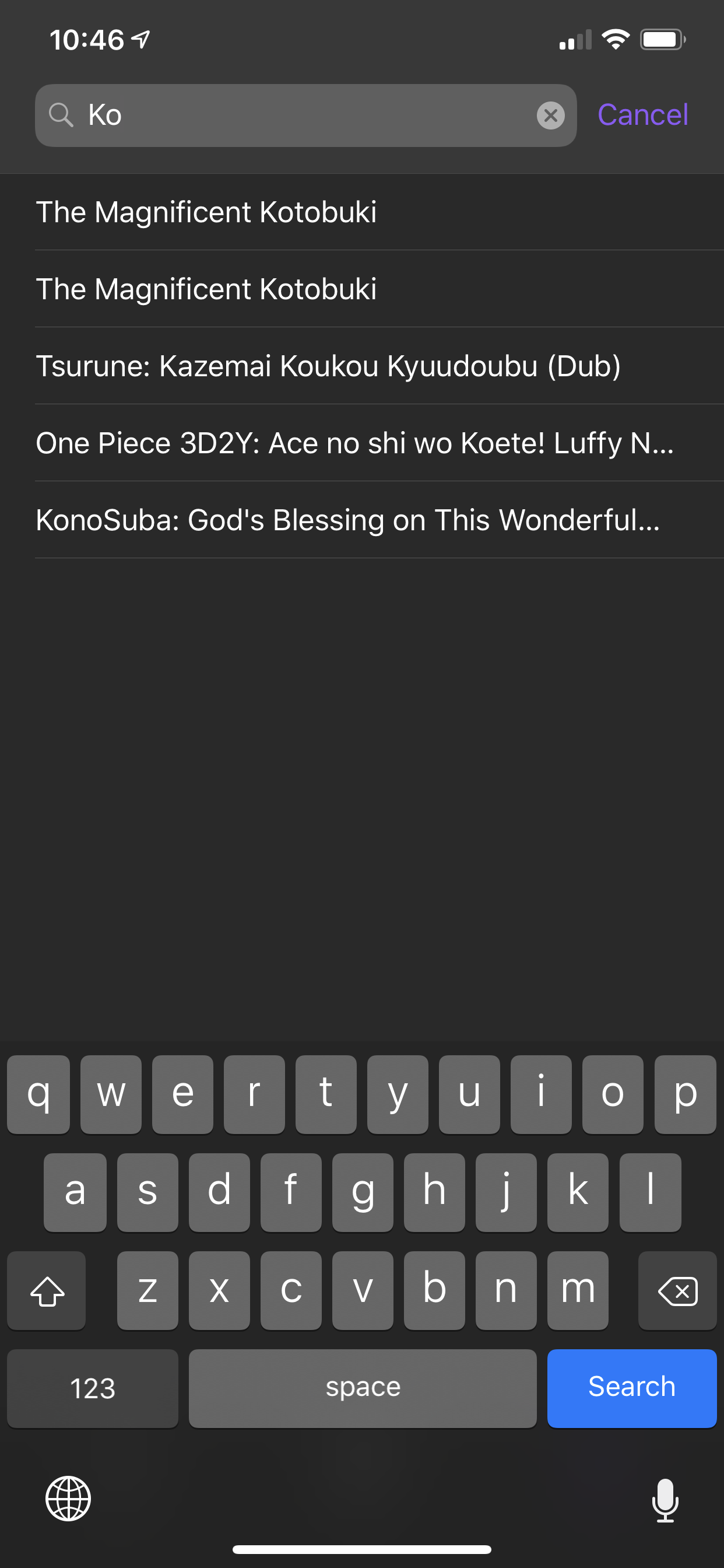 |
| 編輯列表 | 選擇情節 | 下載 |
|---|---|---|
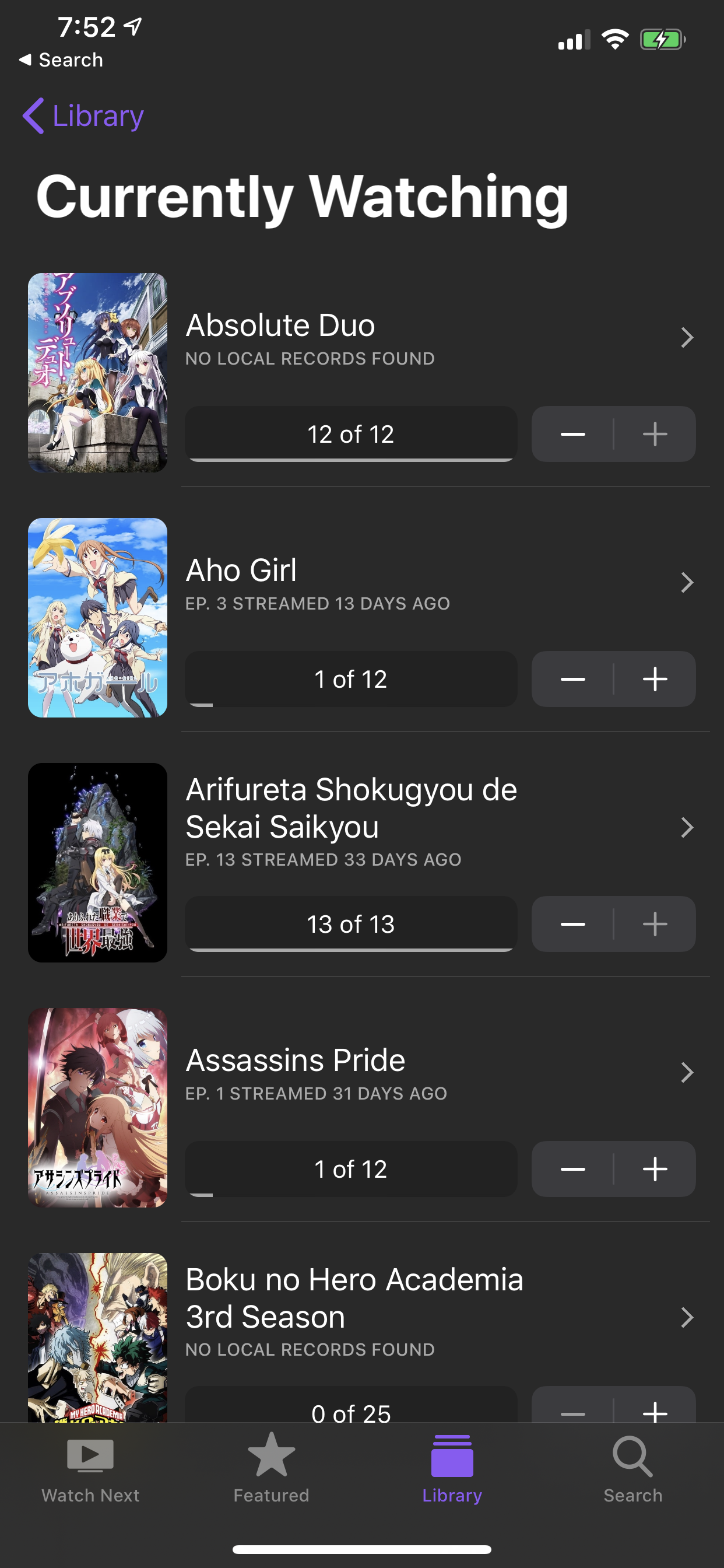 | 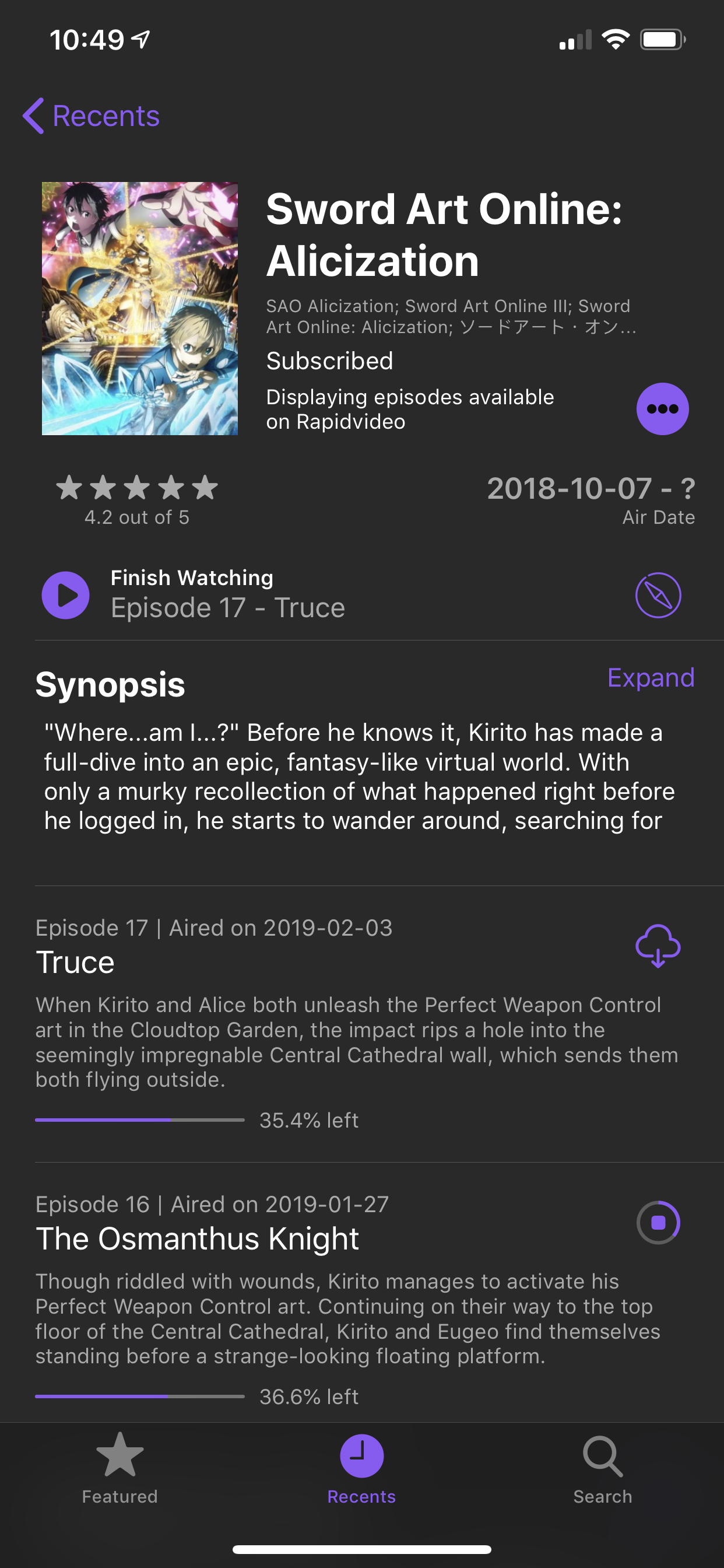 | 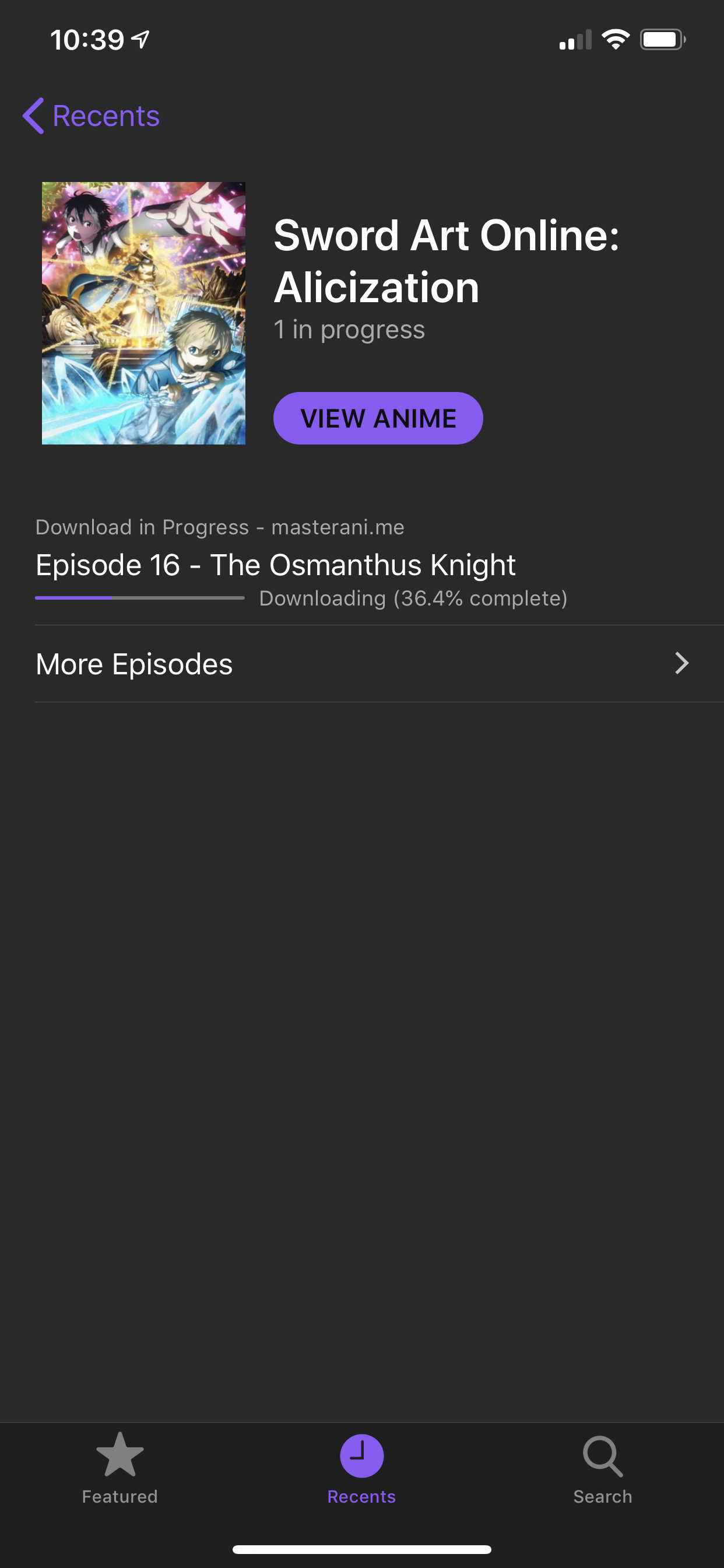 |
| 恢復動漫(iPad) | 圖片中的圖片(iPad) |
|---|---|
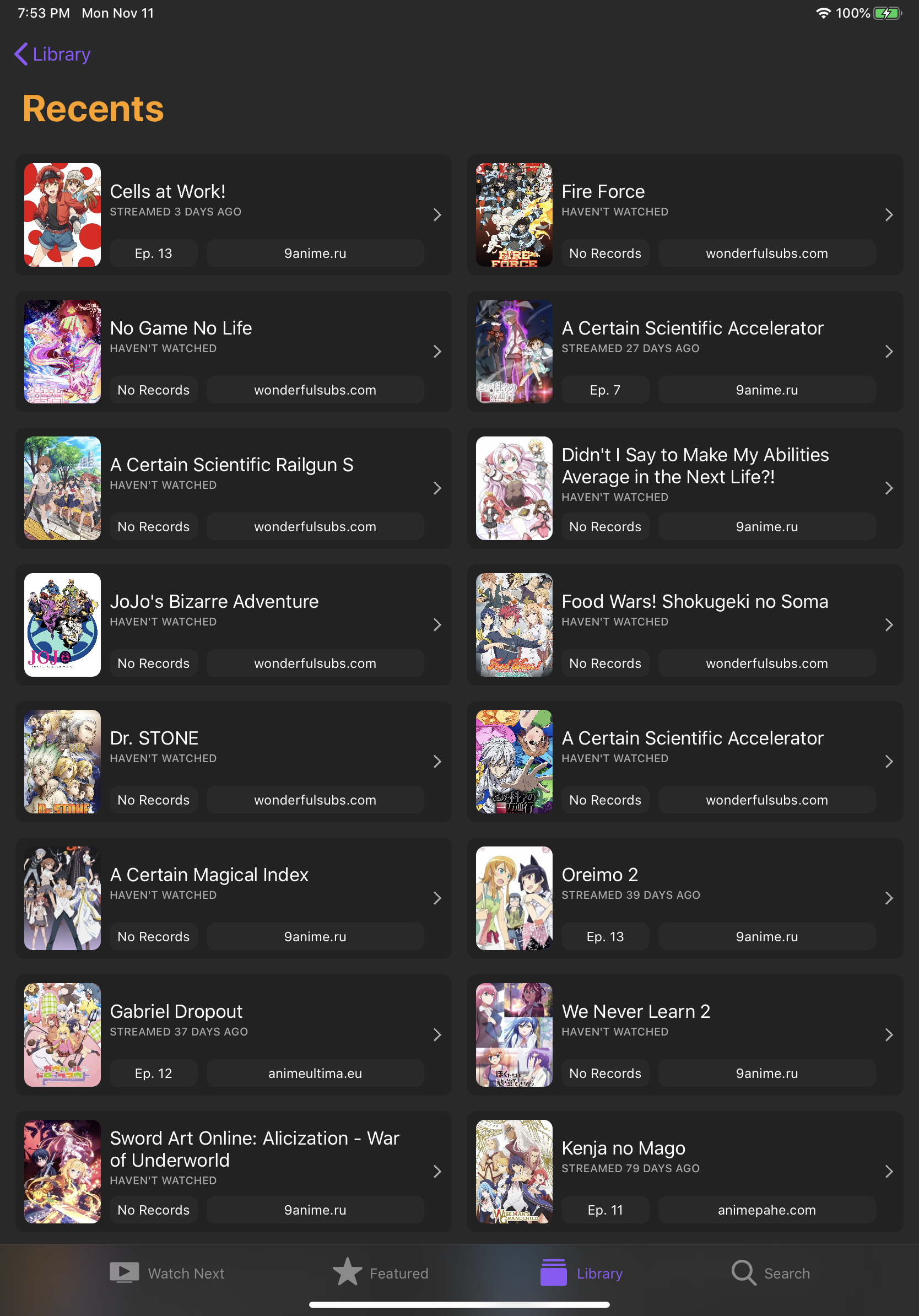 | 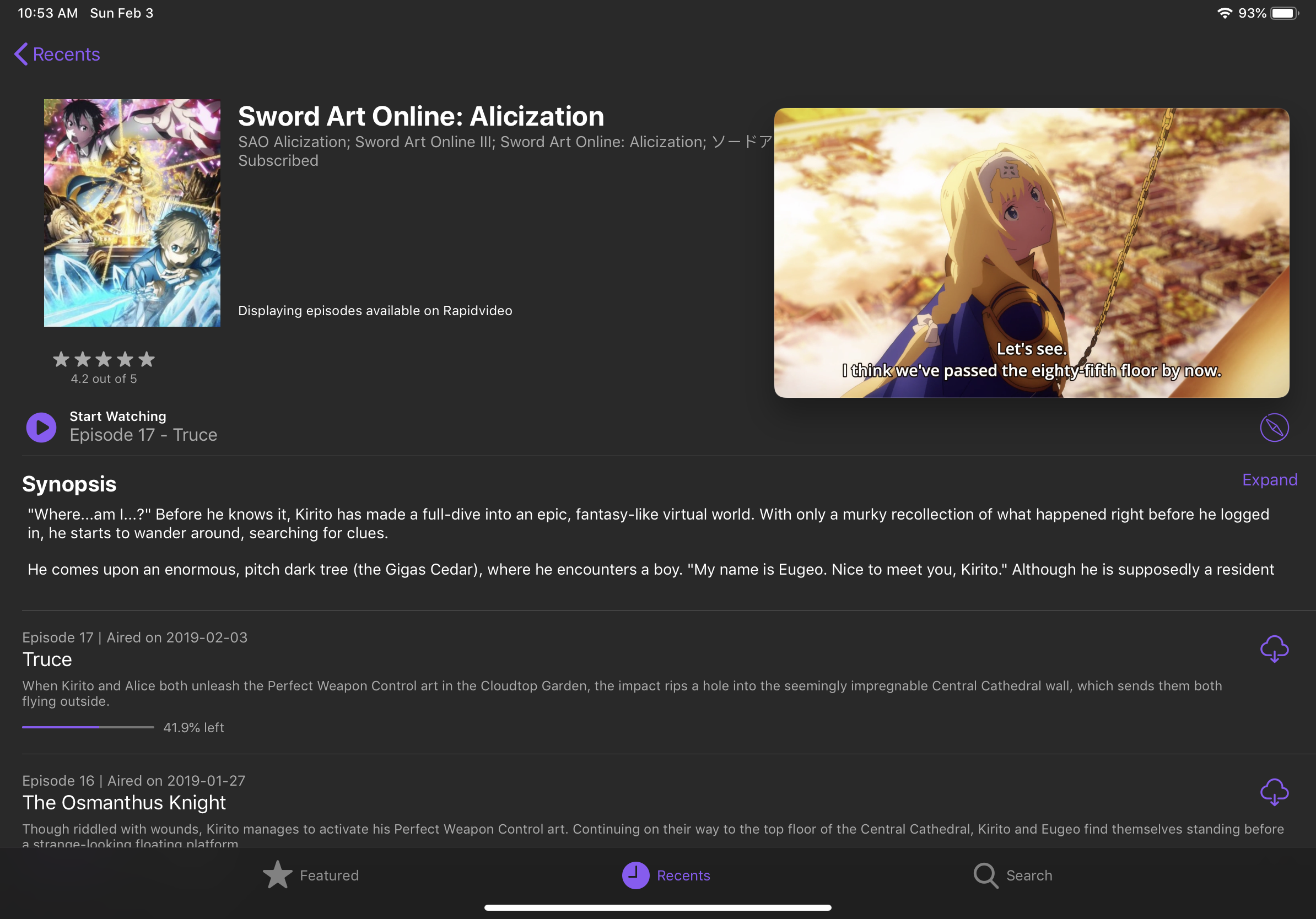 |
| 動漫信息 | 播出時間表(iPad) |
|---|---|
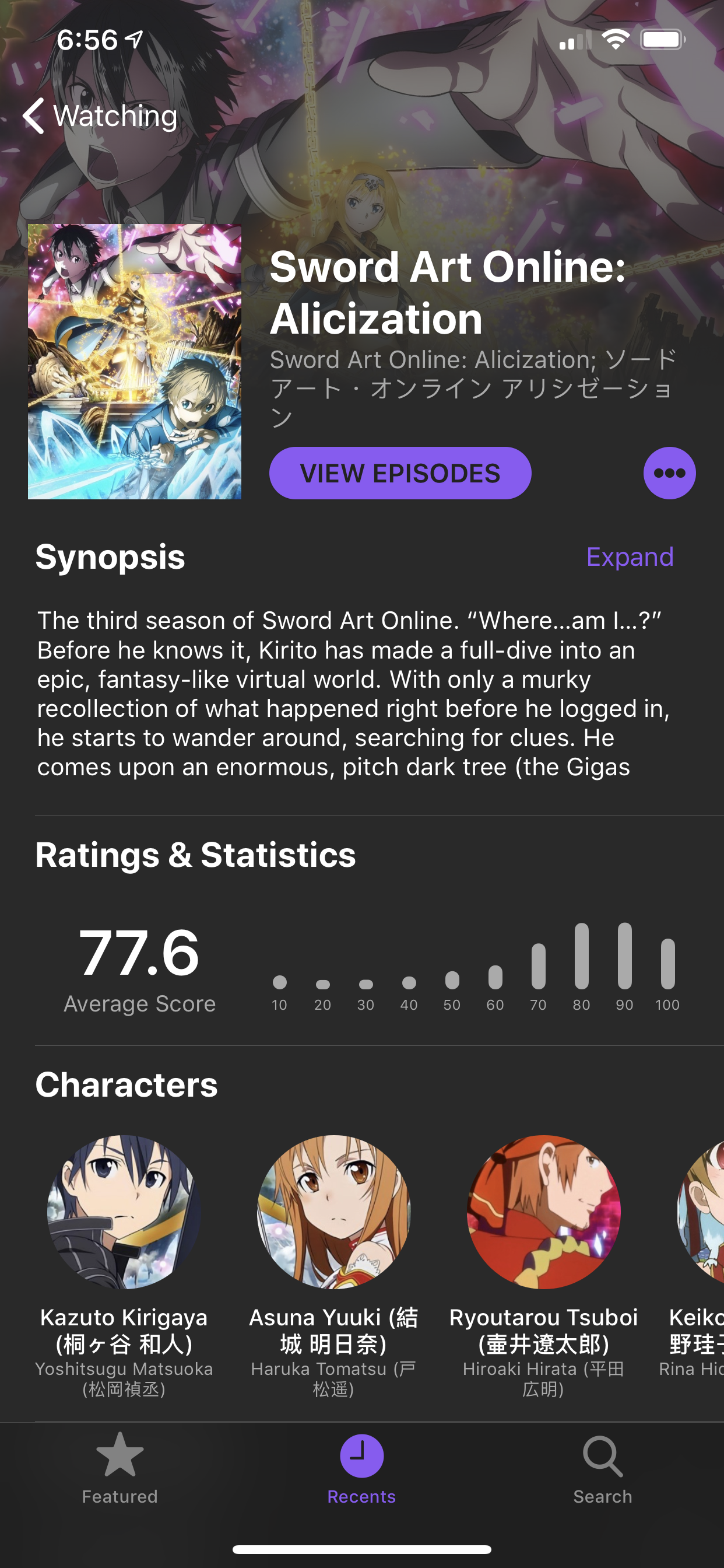 | 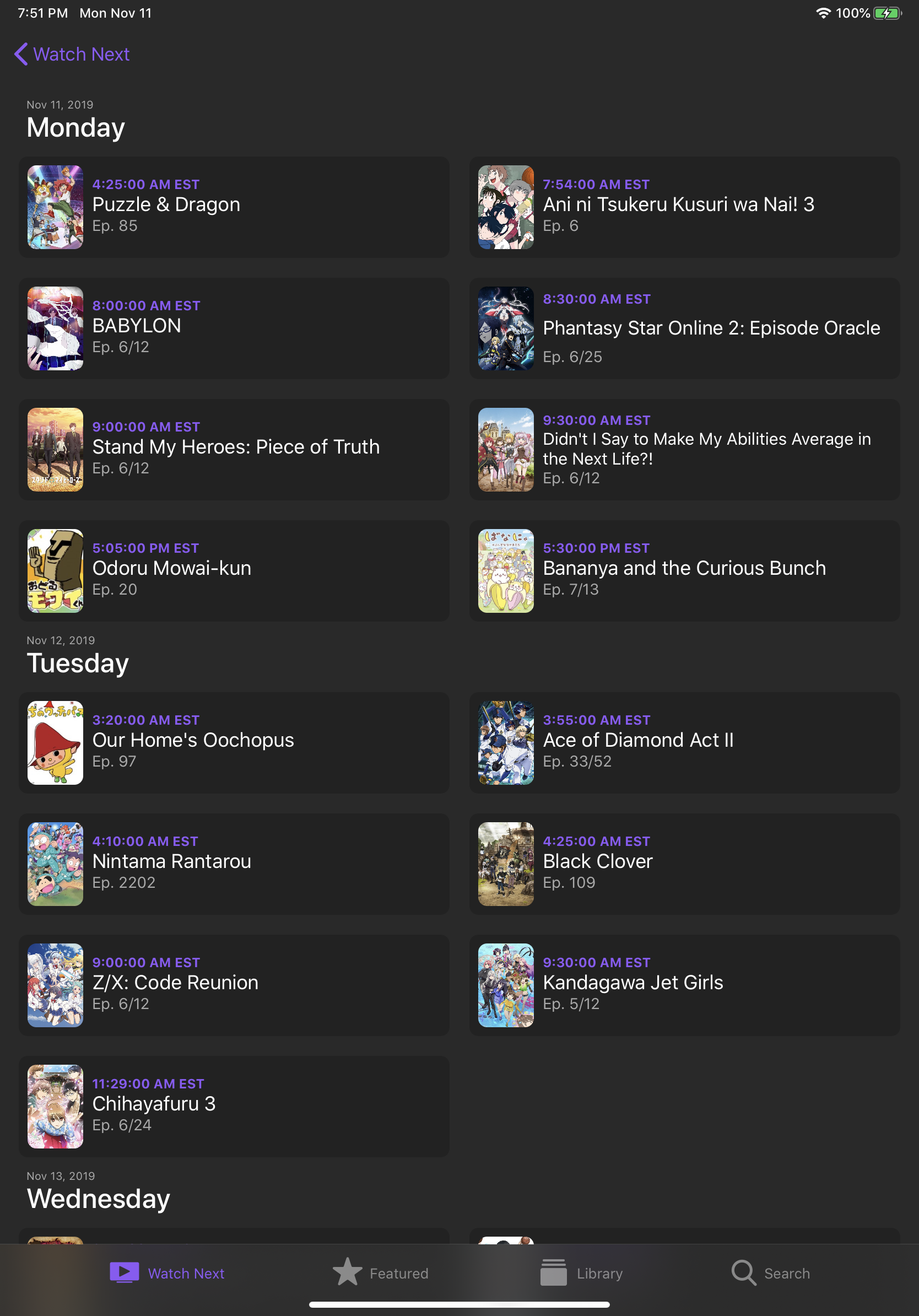 |
| 瀏覽情節(MACOS) |
|---|
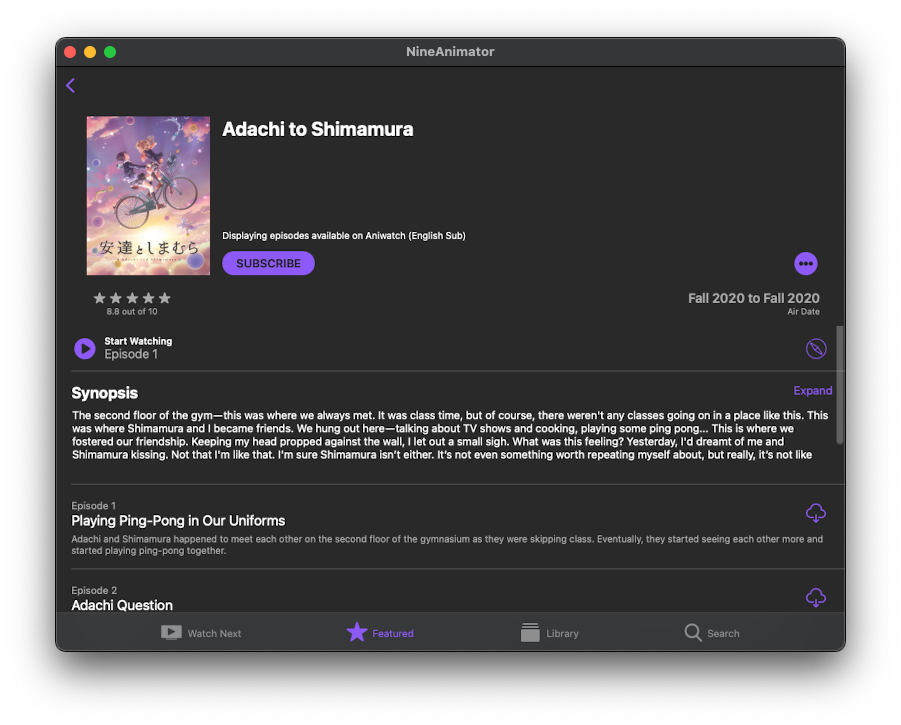 |
| 觀看接下來 | 圖書館 | 搜尋 |
|---|---|---|
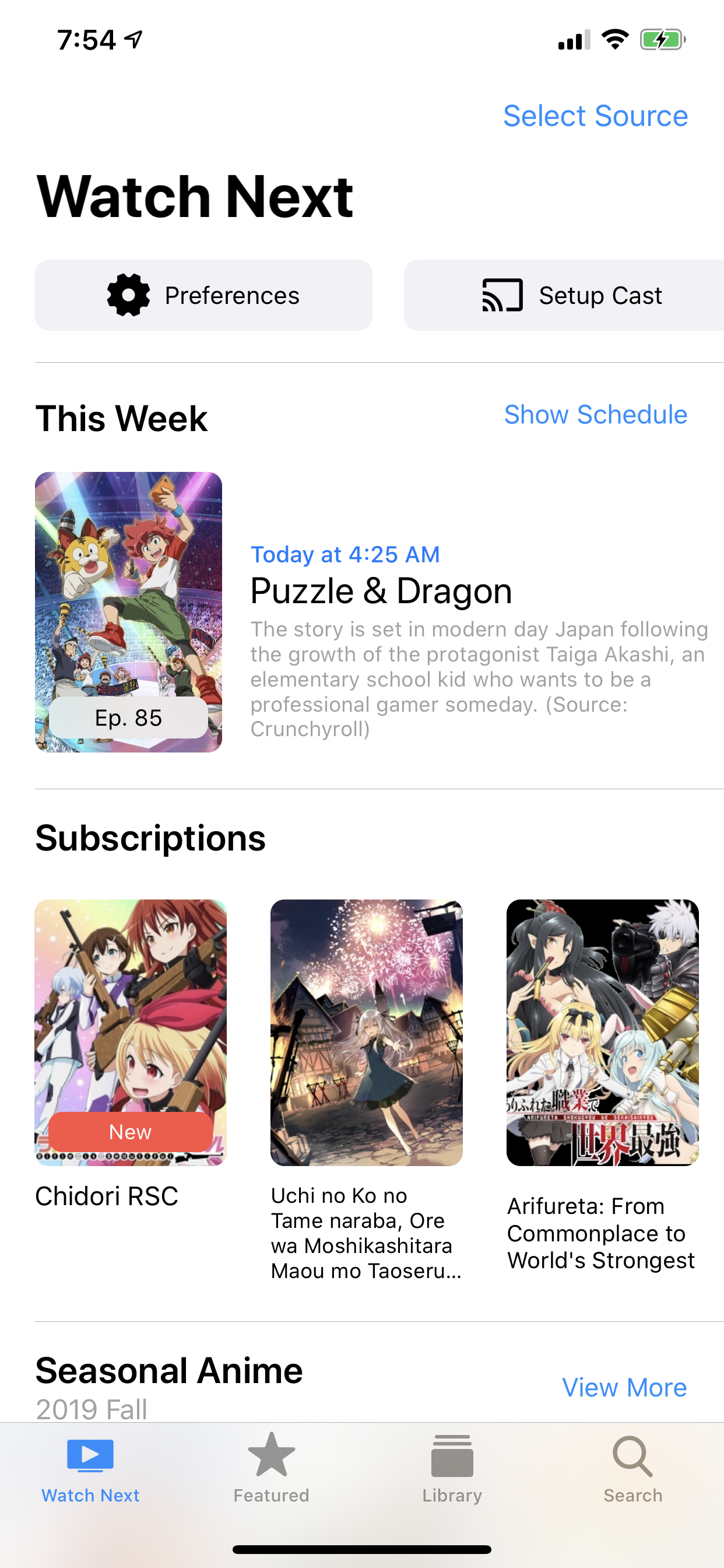 | 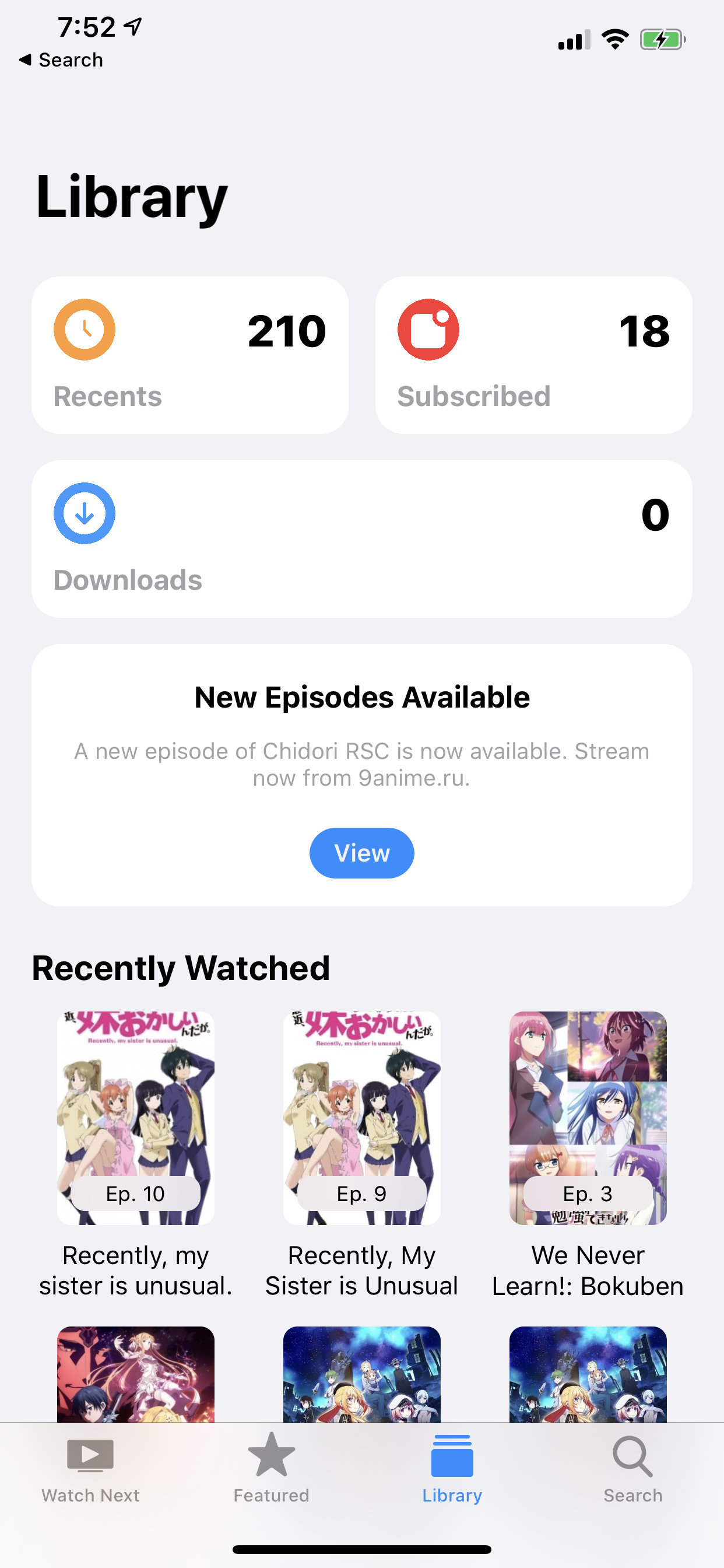 | 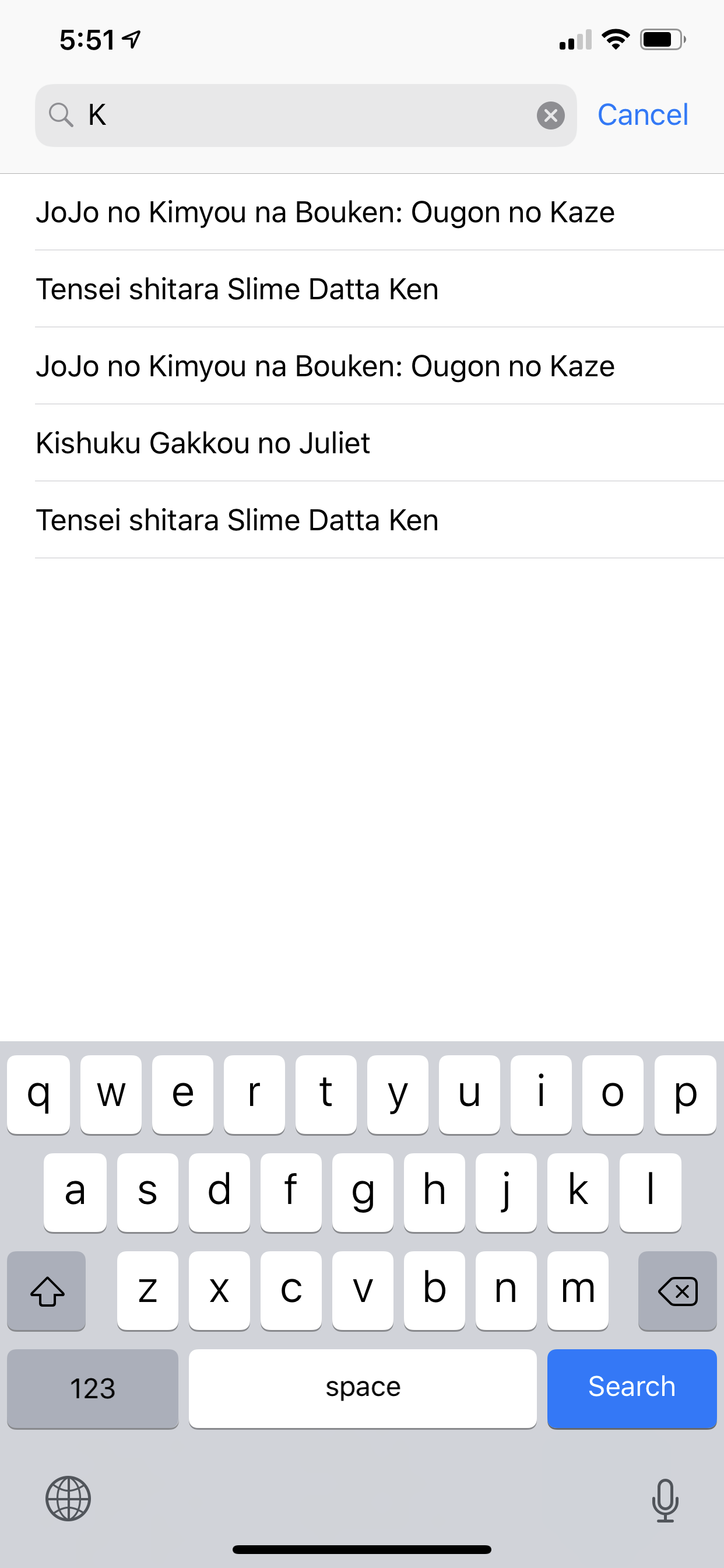 |
| 編輯列表 | 選擇情節 | 下載 |
|---|---|---|
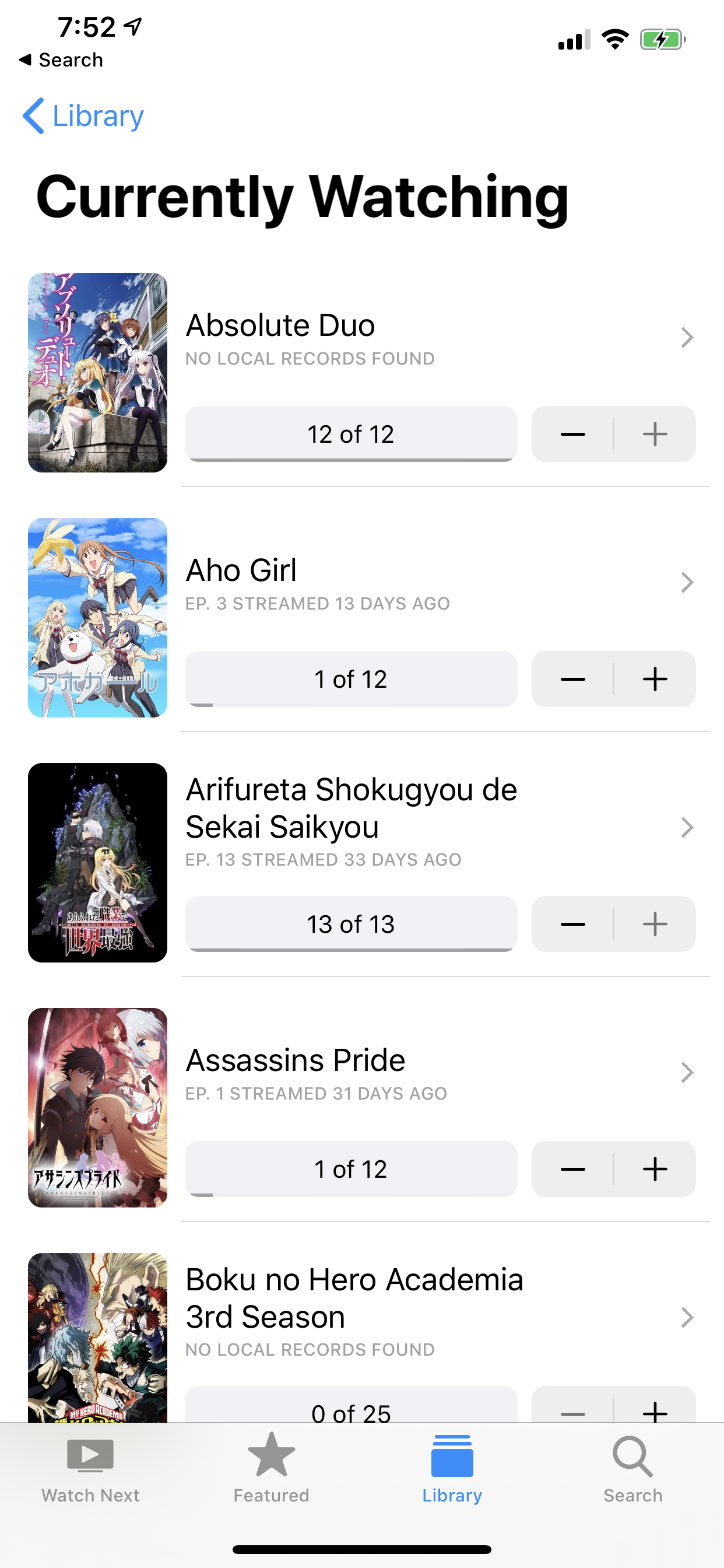 | 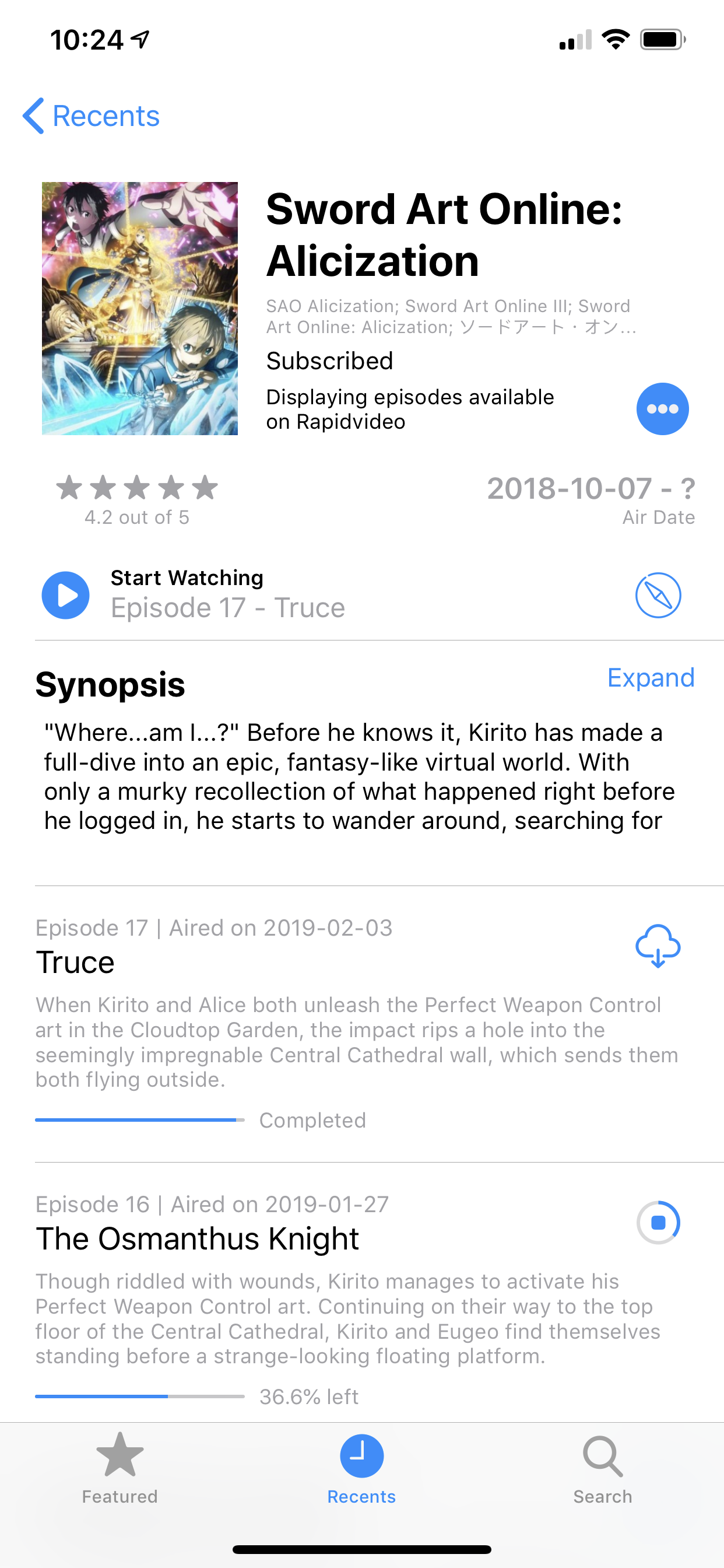 | 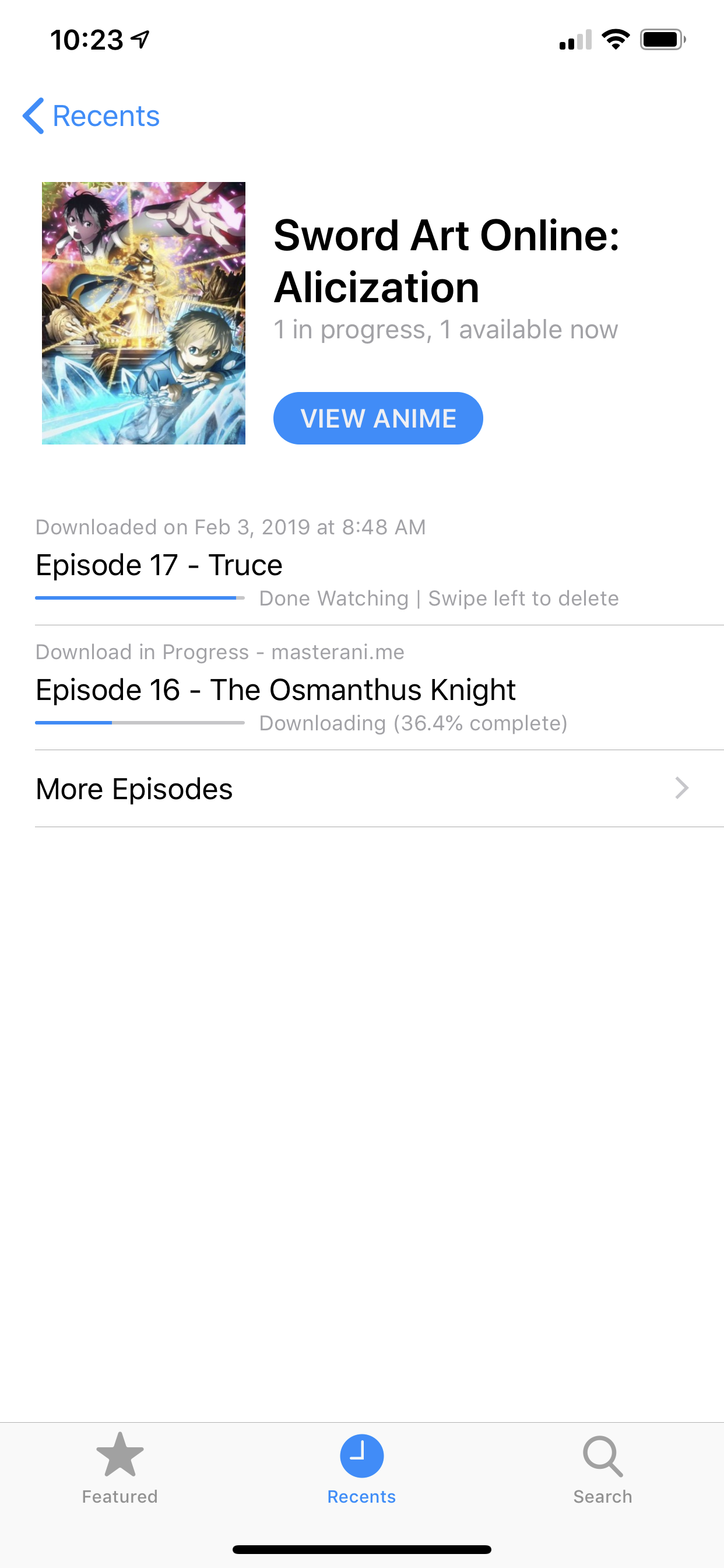 |
| 恢復動漫(iPad) | 圖片中的圖片(iPad) |
|---|---|
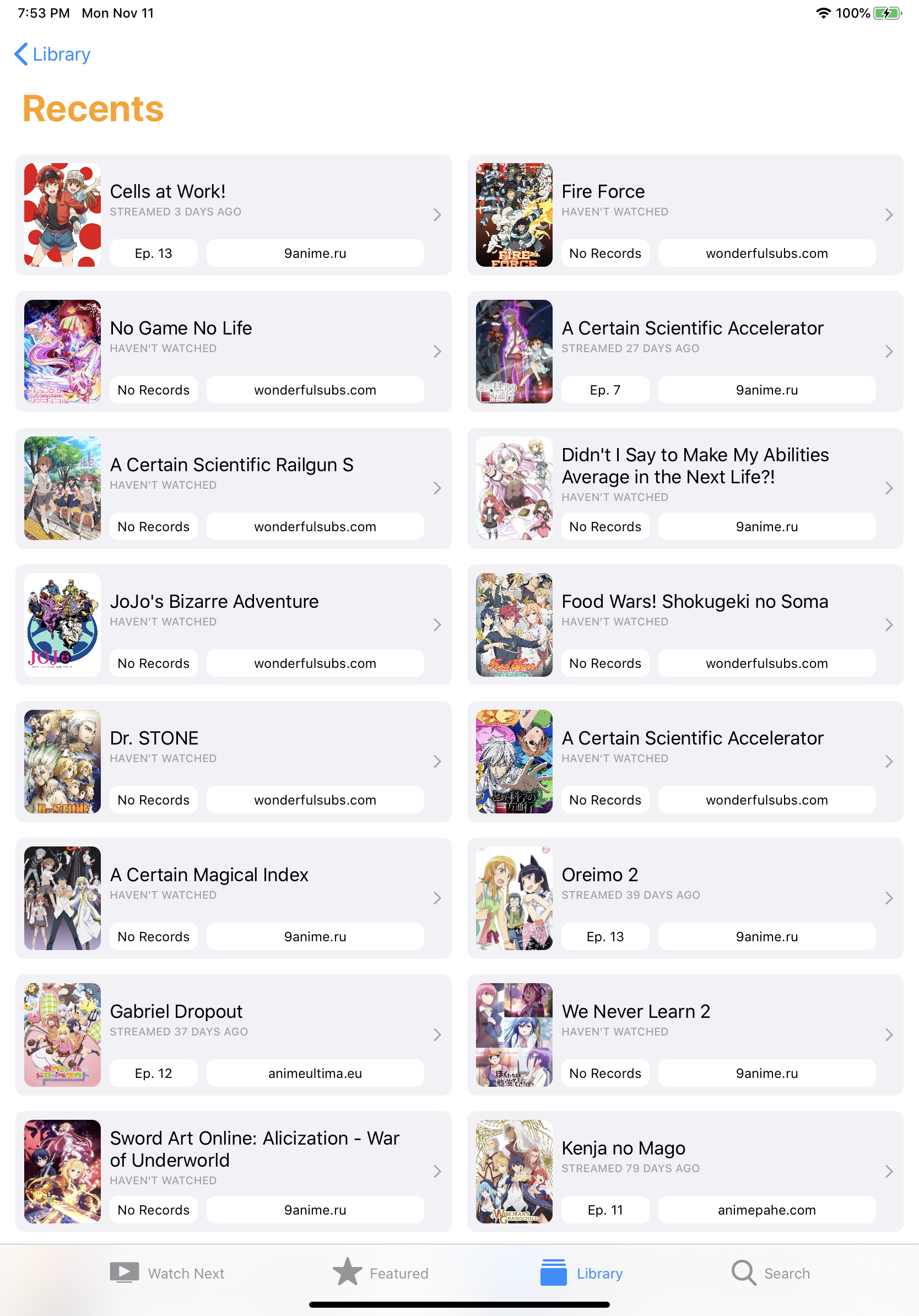 | 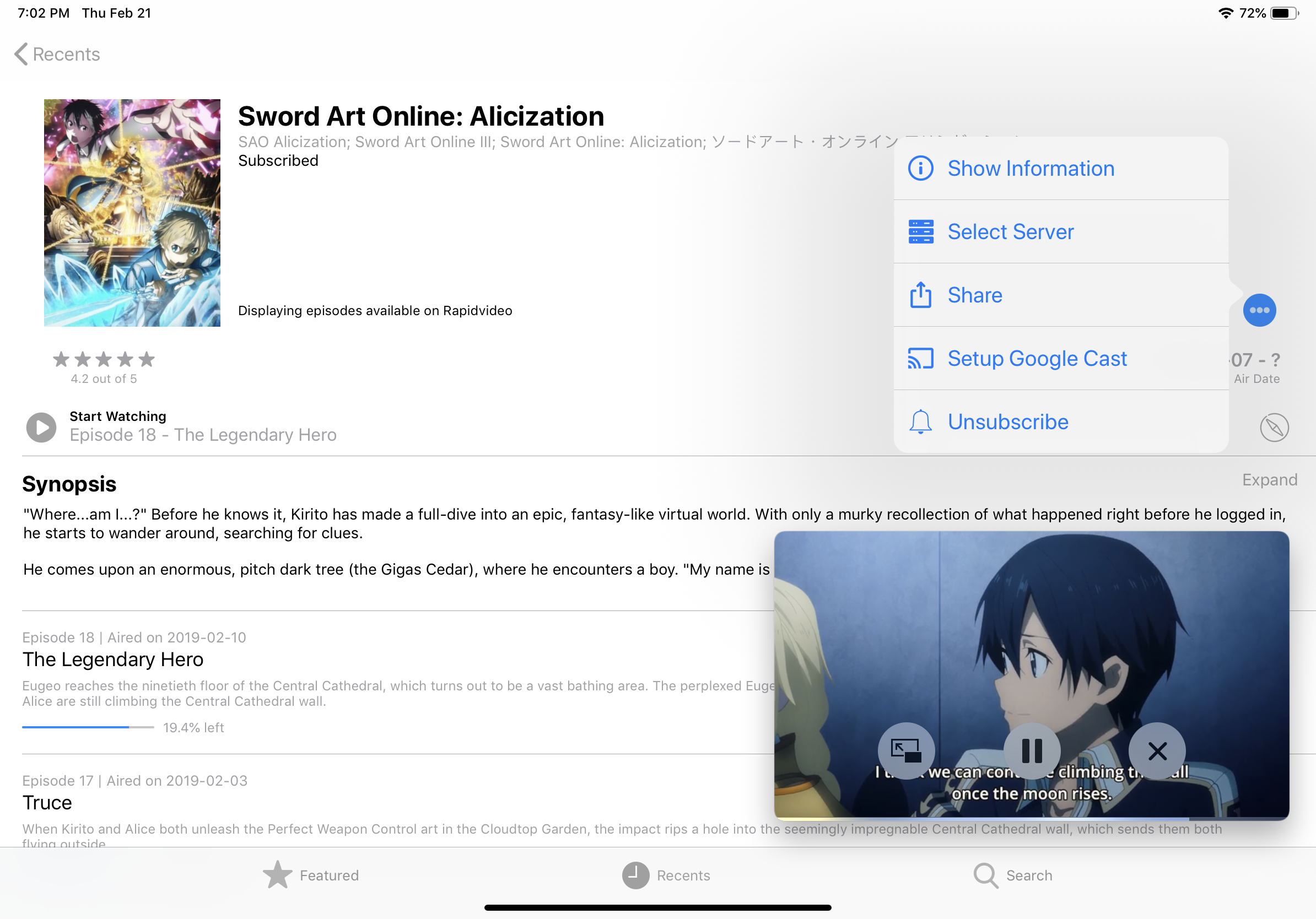 |
| 動漫信息 | 播出時間表(iPad) |
|---|---|
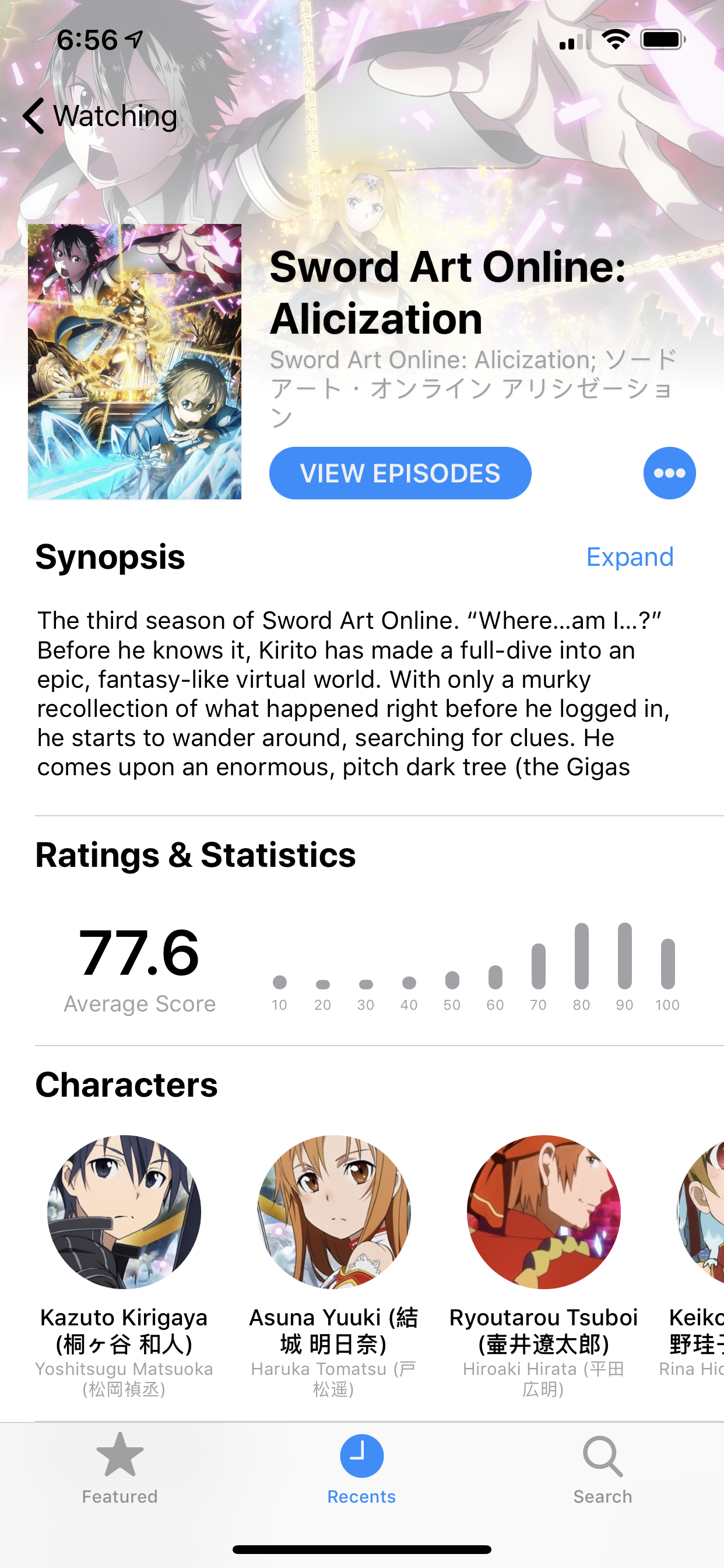 | 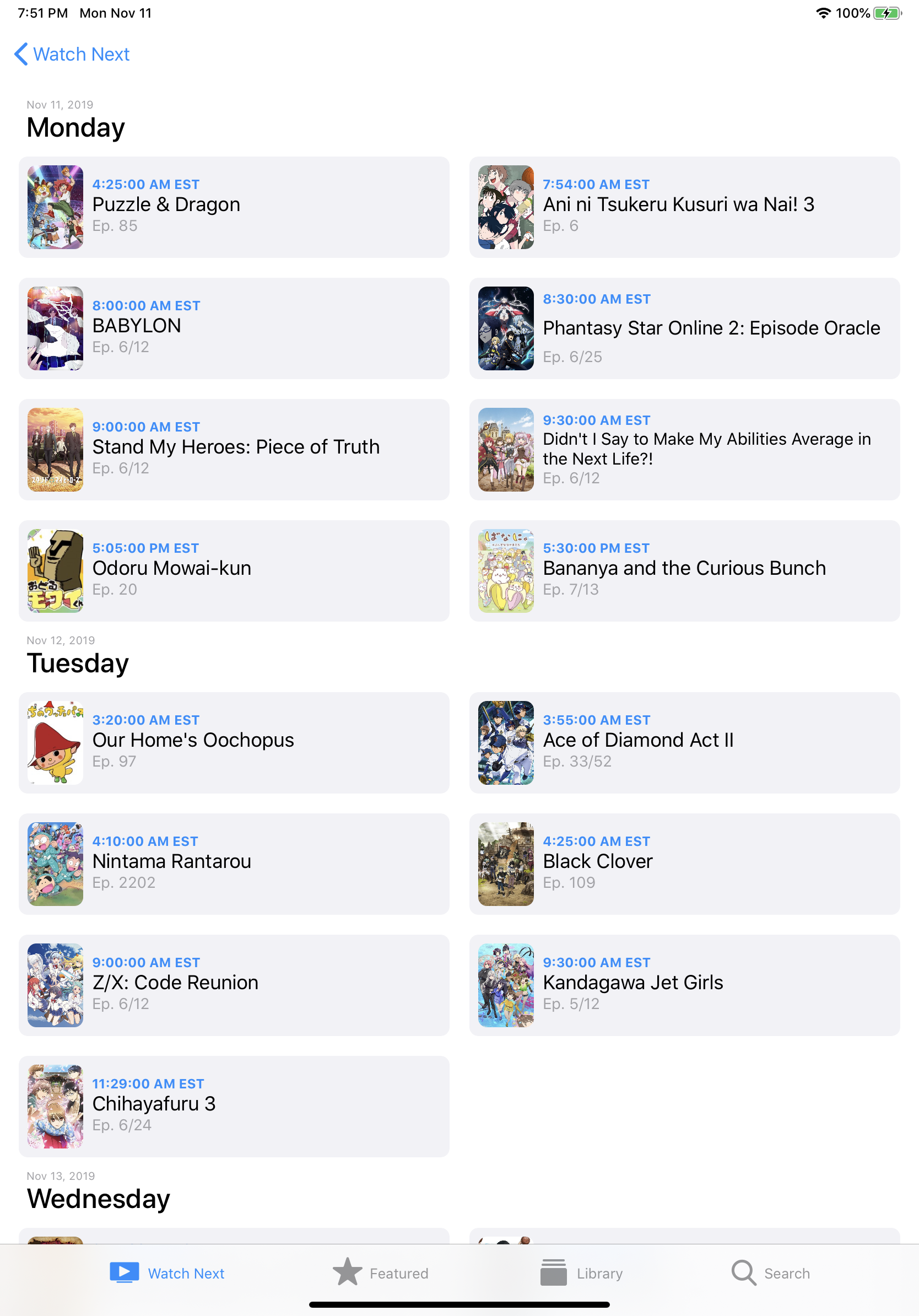 |
| 瀏覽情節(MACOS) |
|---|
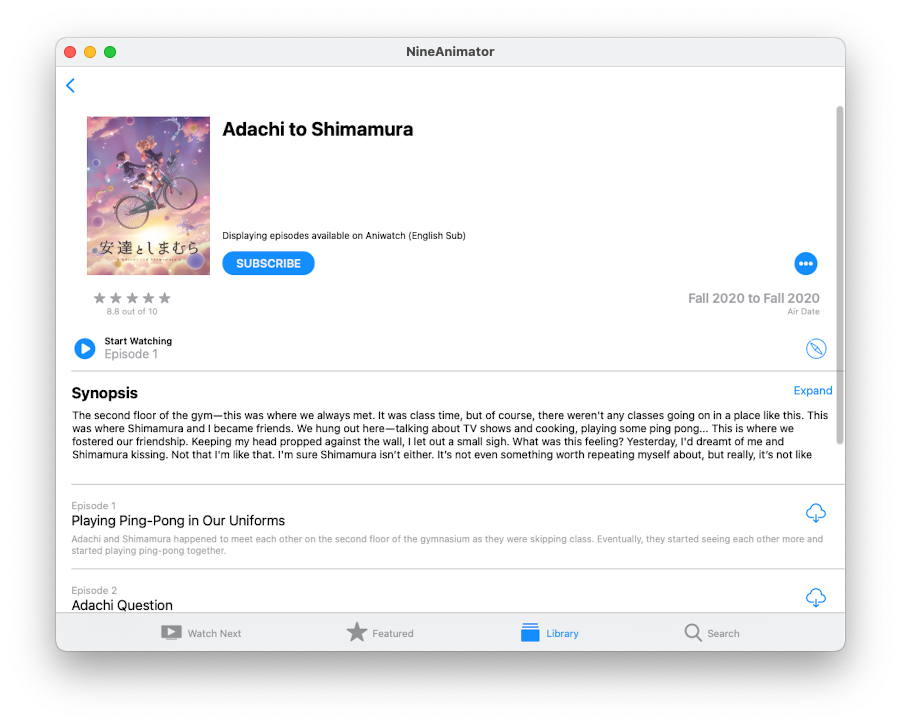 |
| 鑄造播放控制 | 鑄造播放控制(iPad) |
|---|---|
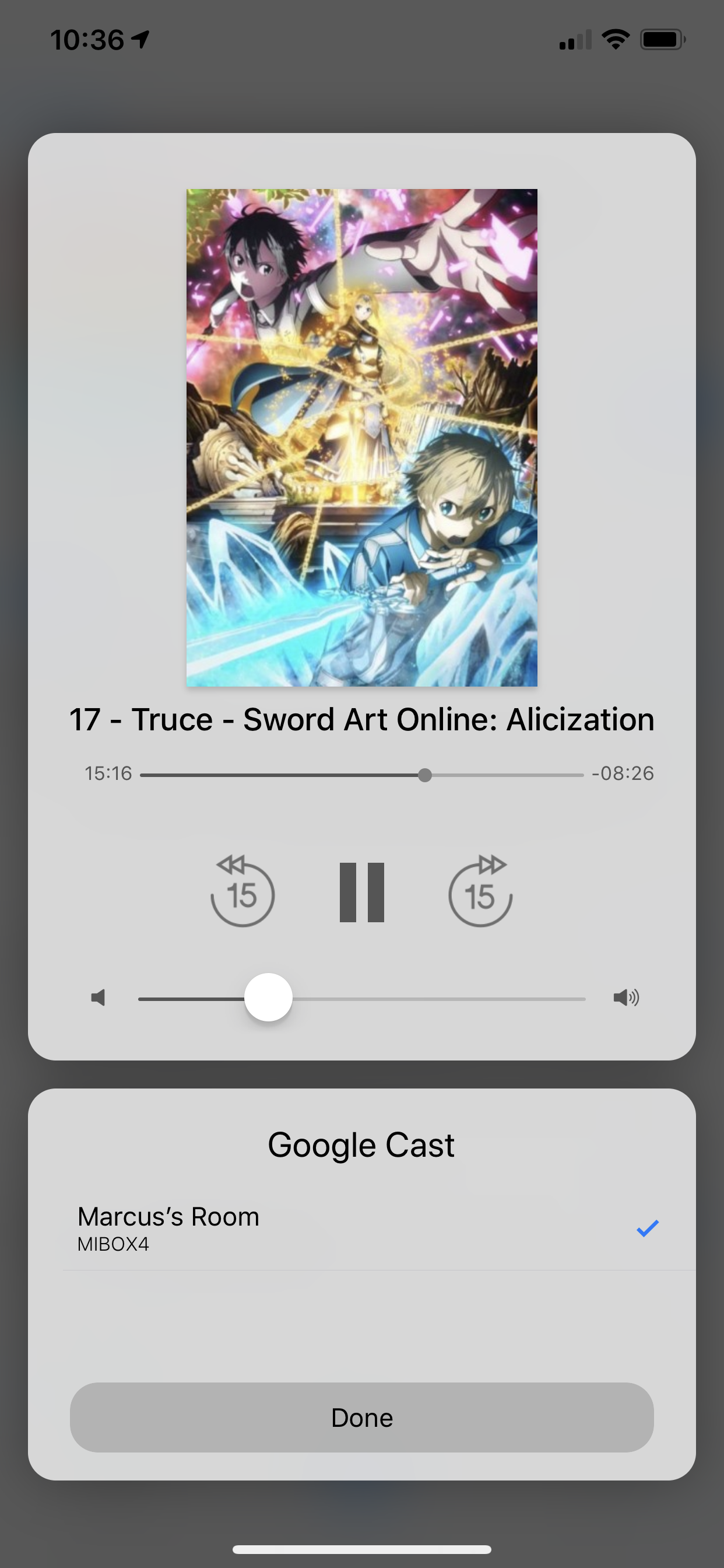 |  |





