EcommerceApp
1.0.0

URL:https://swapnilbamble1438.github.io/ecommerceapplication/
在日食
单击文件
选择导入
从git中选择项目(带有智能导入) - >接下来
选择克隆URI->接下来
在uri糊中此url:https://github.com/swapnilbamble1438/ecommerceapp.git->下一个
现在在当地目的地
继续 - >接下来
选择 - >搜索嵌套项目
然后选择 - >检测和配置项目本质选项
      Now only select EcommerceAppEcommerceApp
      -> Finish
如果一切顺利,项目将成功导入
现在等待几秒钟才能正确加载东西
现在打开项目>打开com.conn软件包>打开dbconnect.java文件。现在对此文件进行一些更改,更改数据库文件位置/(mydatabase.db)文件位置/更改“ conn”值,例如:
conn = drivermanager.getConnection(“ jdbc:sqlite:c:/users/swapnil/eclipse- workspace- workspace/在线电子购物/mydatabase.db”);
根据您的myDatabase.db文件位置更改“ conn”值/路径。
          mydatabase.db file will get just inside Project folder only,
          Open Project folder you will get mydatabase.db file present.
进行更改后,保存dbconnect.java文件。
右键单击项目>运行为>在服务器上运行>选择tomcat v8.0+>下一步>完成
现在,网站将开放,如果没有,请尝试在浏览器中手动打开它,键入url:http:// localhost:8082/ecommerceApp
注意:在URL中,根据您的服务器将端口放置。
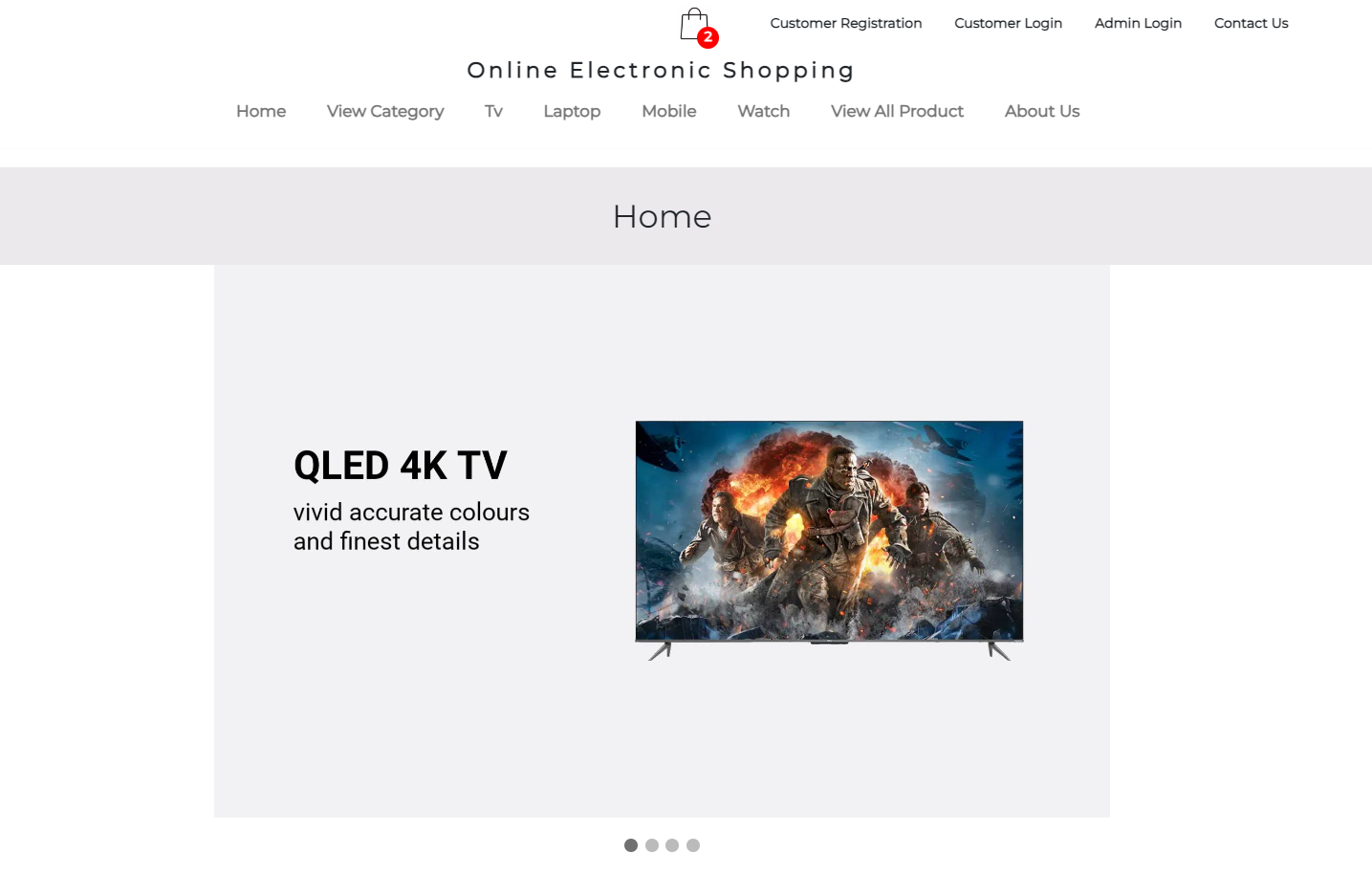
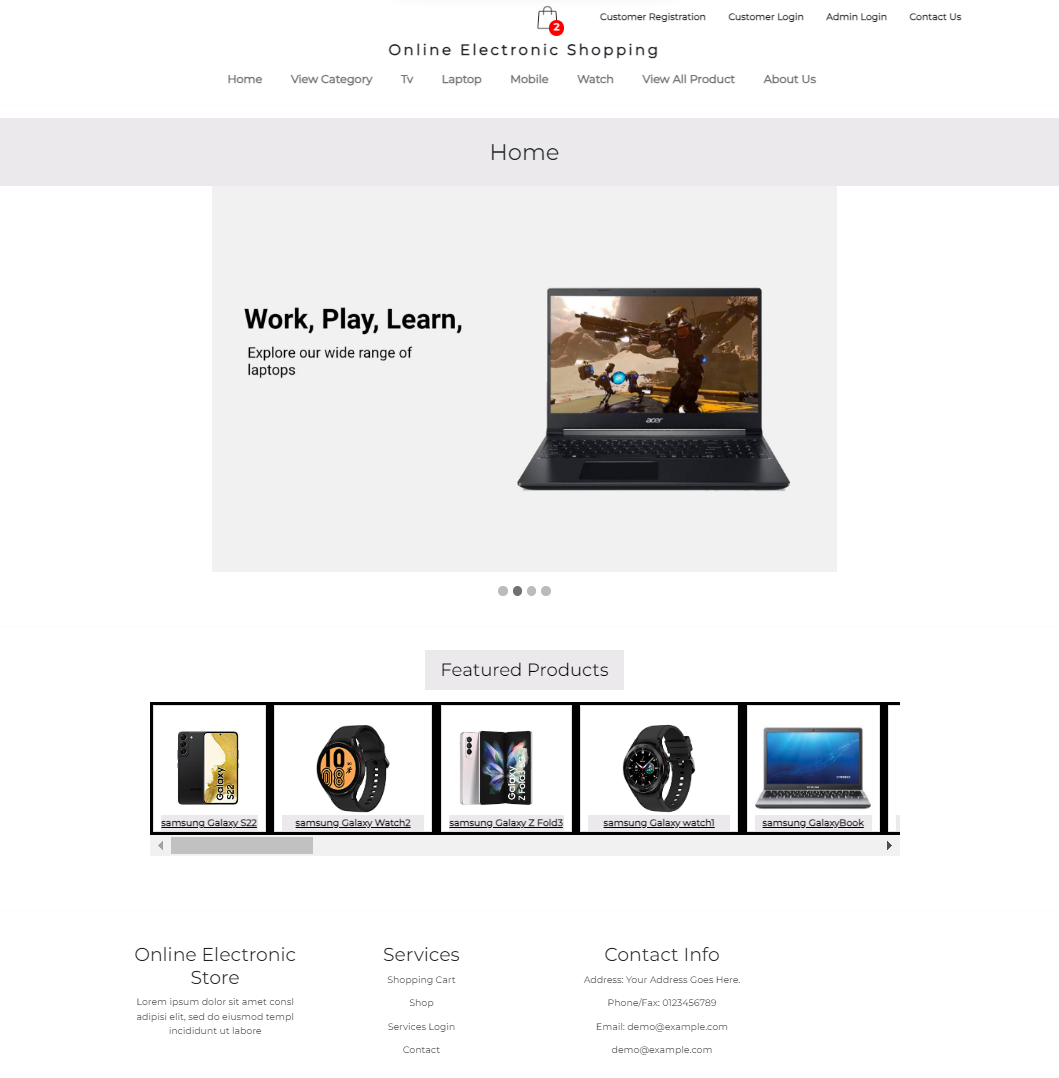
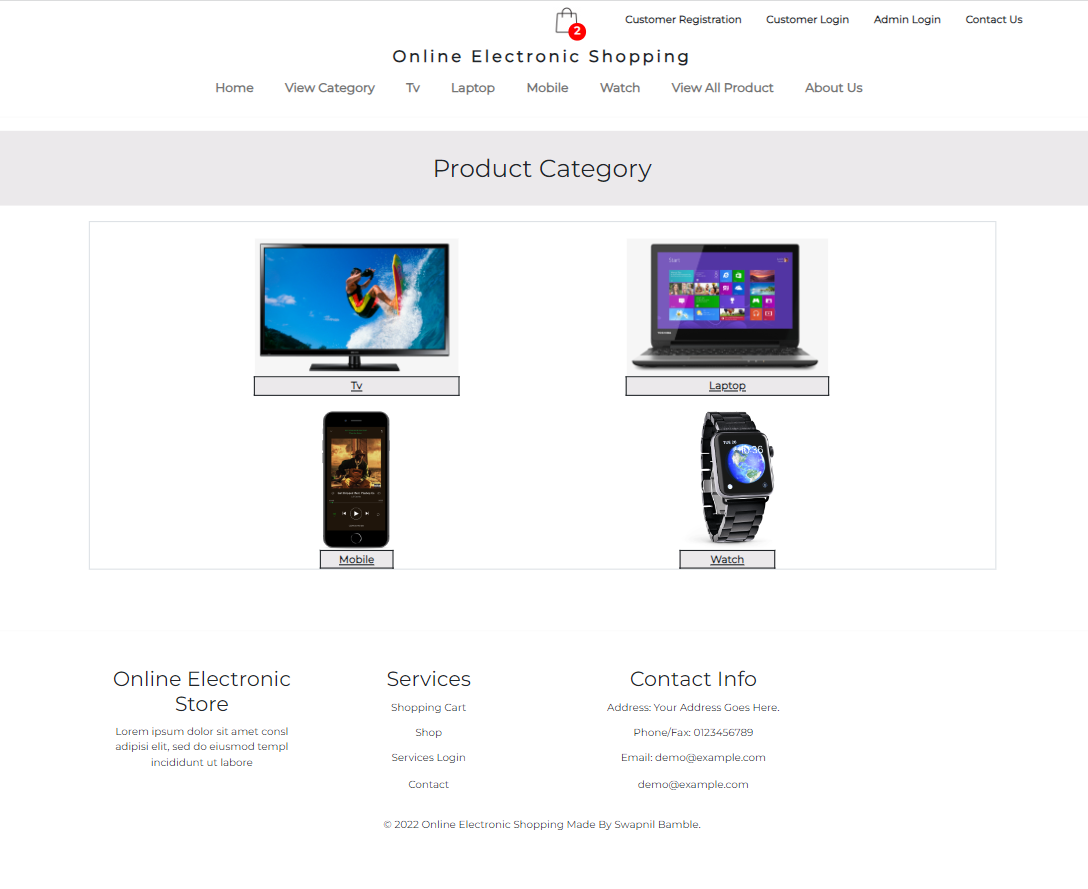
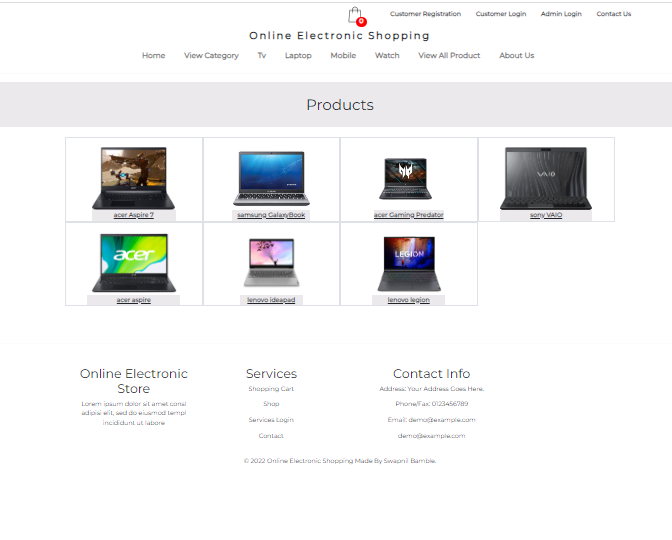
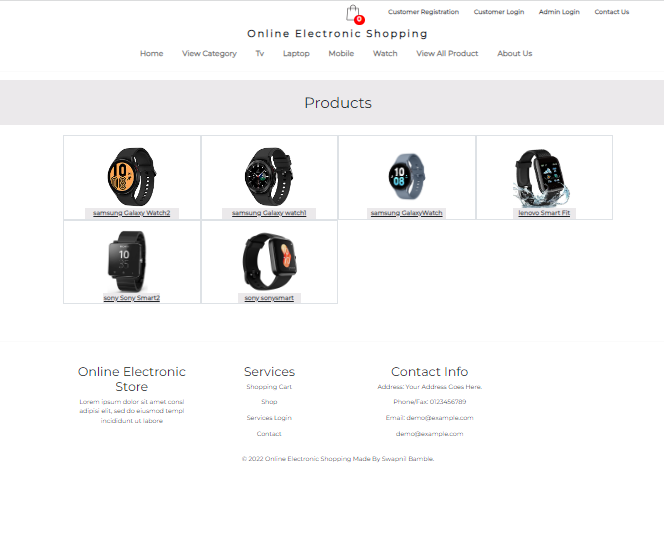
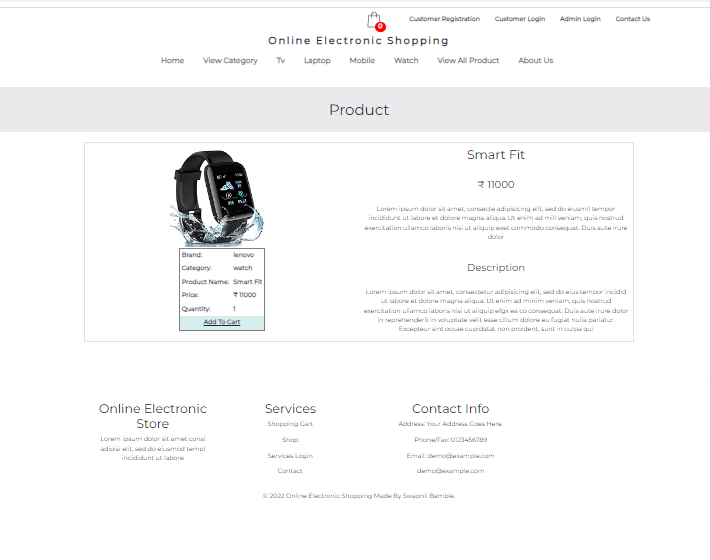
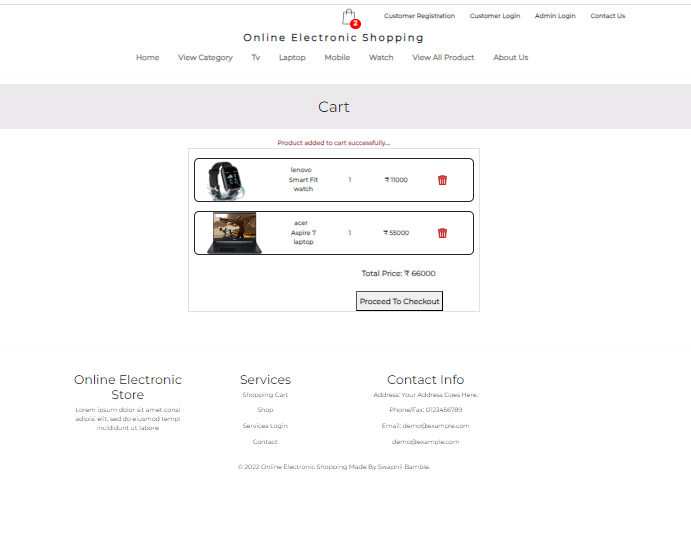
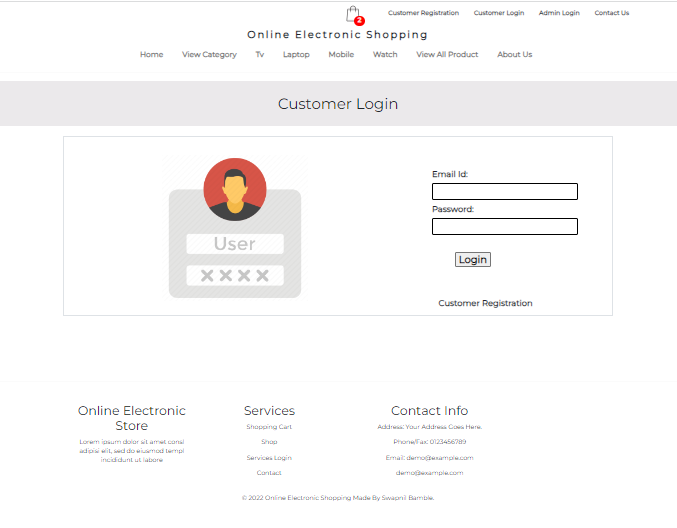
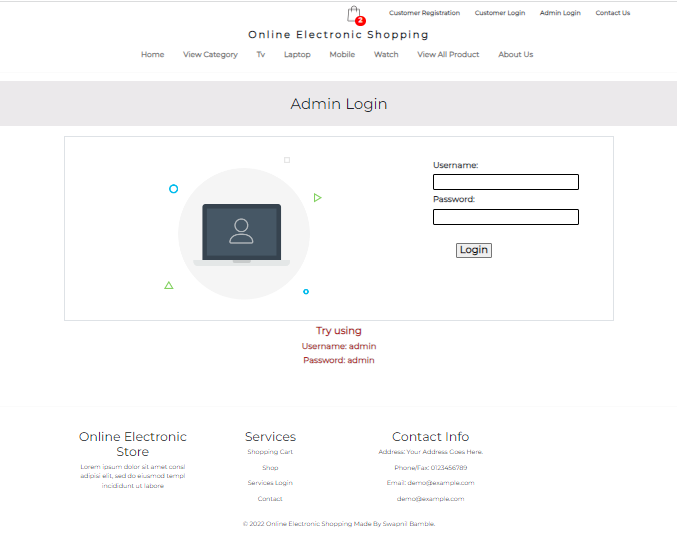

创建或选择数据库
使用该数据库
插入此查询:
创建表品牌(bid int默认为null,bname varchar(50)默认为null);
插入品牌价值(1,“三星”),(2,'Sony'),(3,'Lenovo'),(4,'acer'),(5,'onida');
Create Table Cart(名称Varchar(100)默认为NULL,BNAME VARCHAR(50)默认为NULL,CNAME VARCHAR(50)默认为NULL,PNAME VARCHAR(50)默认值null,pprice int默认null,pquantity int,pquantity int int default int default null,pimage varchar(pimage varchar(200)默认值null);
创建表类别(CID int默认null,cname varchar(50)默认为null);
插入类别值(1,'笔记本电脑'),(2,'tv'),(3,'Mobile'),(4,'Watch');
创建表Contactus(ID int而非null auto_increment,name varChar(100)默认为null,email_id varchar(100)默认为null,contact_no int int默认null,message varchar(8000)默认为null,primary键(id));
创建表客户(name varchar(100)默认为null,密码varchar(20)默认为null,email_id varchar(100)默认为null,contact_no int int default null);
创建表登录(用户名varchar(100)默认为null,密码varchar(100)默认为null);
插入登录值('admin','admin');
CREATE TABLE order_details ( Date varchar(100) DEFAULT NULL, Name varchar(100) DEFAULT NULL, bname varchar(50) DEFAULT NULL, cname varchar(50) DEFAULT NULL, pname varchar(50) DEFAULT NULL, pprice int DEFAULT NULL, pquantity int DEFAULT NULL, pimage varchar(200) DEFAULT NULL );
创建表订单(order_id int not null auto_increment,customer_name varchar(100)默认为null,customer_city varchar(45)默认值null,date varchar(100)默认值null,total_price int default int默认null,status varchar(45)
创建表产品(pid int not null auto_increment,pname varchar(50)默认null,pprice int默认null,pquantity int int默认null,pimage varchar(200)默认null,bid int int default null,cid int null,cid int int default nult null,primary键(pid));
插入产品值(5,'Sonysmart',50000,1,'Sonywatch.webp',2,4),(6,'Galaxybook',45000,1,'samsunglaptop.jpg',1,1),(7,','smarttv',28000,1,'oniDatv.jpg'onidatv.jpg',5,5,2) ile.webp',3,3),(9,'aspire',52000,1,'acerlaptop.jpg',4,1),(10,'braviass',52,1,sonytv .jpg',2,2),(11,'GalaxyWatch',22000,1,'galaxywatch.webp',1,4),(14,'kdl',45000,1,'sony kdl.jpg',2,2),(15,'series a7',21000,1,'acer series a7.jpg',4,2),(17,'leo',31000,1,'onida leo.jpg',5,2),(18,'crystal',42000,1,'samsung crystal.webp',1,2),(19,'Aspire 7',55000,1,'acer aspire7.jpg',4,1),(20,'ideapad',37000,1,'lenovo ideapad.jpg',3,1),(21,'legion',51000,1,'lenovo legion.jpg',3,1),(22,'Galaxy Z Fold3',66000,1,'Galaxy z fold3.jpg',1,3),(23,'Galaxy S22',55000,1,'Samsung Galaxy S22.webp',1,3),(24,'Xperia 1v',56000,1,'Sony Xperia Xperia Xperia Xperia 1v.jpg',2,3) a850.jpg',3,3),(27,'Galaxy watch1',8000,1,'galaxy watch.jpg',1,4),(28,'Galaxy Watch2',95000,1,'galaxy watch4.jpg',1,4),(29,'Smart Fit',11000,1,'smart fit.jpg',3,4),(30,'Sony Smart2',12000,1,'Sony Smart2.Webp',2,4),(31,'Gaming Predator',120000,1,'Acer Predator.jpg',4,1),(32,'液体',16000,1,'Acer Liquid.jpg',JPG',4,3),4,3) qled.webp',1,2),(34,'vaio',53000,1,'sony vaio.jpg',2,1),(35,'Xperia Z',32000,1,'Sonyxperiaz.png',2,3);
创建视图viewlist为选择brand 。 bname作为bname , category 。 cname作为cname , product 。 pname作为pname , product 。 pprice作为pprice , product 。 pquantity作为pquantity , product 。 pimage as pimage category pimage cid (( brand加入product )上(( brand = product )))将category加入bid ( product = bid cid ));
将视图mobile设置为选择brand 。 bname作为bname , category 。 cname作为cname , product 。 pname作为pname , product 。 pprice作为pprice , product 。 pquantity作为pquantity , product 。 pimage as cid category pimage from((( brand加入product ((( brand bid = product )))在(( product = cid ))上加入category ))其中( category = 3 cid bid
创建视图笔记本laptop作为选择brand 。 bname作为bname , category 。 cname作为cname , product 。 pname作为pname , product 。 pprice作为pprice , product 。 pquantity作为pquantity , product 。 pimage as pimage as pimage ((( brand加入product上((( brand bid = product )))在(( product = cid cid )上加入category ))其中bid category category = 1 cid ;
将tv视为选择brand 。 bname作为bname , category 。 cname作为cname , product 。 pname作为pname , product 。 pprice作为pprice , product 。 pquantity作为pquantity , product 。 pimage as pimage category pimage ((( brand加入product on(( brand = product ))) cid在(( product = bid cid )上加入category bid )其中( cid category = 2);
创建watch作为选择brand 。 bname作为bname , category 。 cname作为cname , product 。 pname作为pname , product 。 pprice作为pprice , product 。 pquantity作为pquantity , product 。从(( brand加入product category的pimage为pimage ((( brand bid product )))在(( product = cid cid )上加入category ))其中( category = 4 cid bid
创建table usermaster(name varchar(100)默认为空,密码varchar(20)默认为null);
插入usermaster值('admin','admin');
在日食
打开项目>打开com.conn软件包> open dbconnect.java文件。现在在此文件中进行一些更改,更改“ conn”值,例如
conn = drivermanager.getConnection(“ jdbc:sqlite:c:/users/swapnil/eclipse- workspace- workspace/在线电子购物/mydatabase.db”);
将其更改为
conn = drivermanager.getConnection(“ jdbc:mysql:// localhost:3306/databasename”,“ root”,“ root”);
注意:根据您的数据库名称和密码放置地址。
保存文件
现在尝试运行项目,并检查更改是否完成。







