hexabyte
v0.8.7


Современный, надежный и расширяемый шестнадцатеричный редактор командной линии.
Примечание. Чтобы уменьшить количество зависимостей основного редактора. Встроенные плагины были перемещены в отдельные пакеты. Это Hexabyte_extended_info и Hexabyte_Entropy.
 ~ /$ pip install hexabyte
... ~ /$ hexabyte --help
usage: hexabyte [-h] [-c CONFIG_FILEPATH] [-s] [files ...]
Hexabyte can operate in three distinct modes. Single file mode opens a single file with a single editor. Split screen mode opens a single file with a split screen view. Diff
mode opens two files side by side.
positional arguments:
files Specify 1 or 2 filenames
options:
-h, --help show this help message and exit
-c CONFIG_FILEPATH, --config CONFIG_FILEPATH
Specify config location. Default: ~ /.config/hexabyte/config.toml
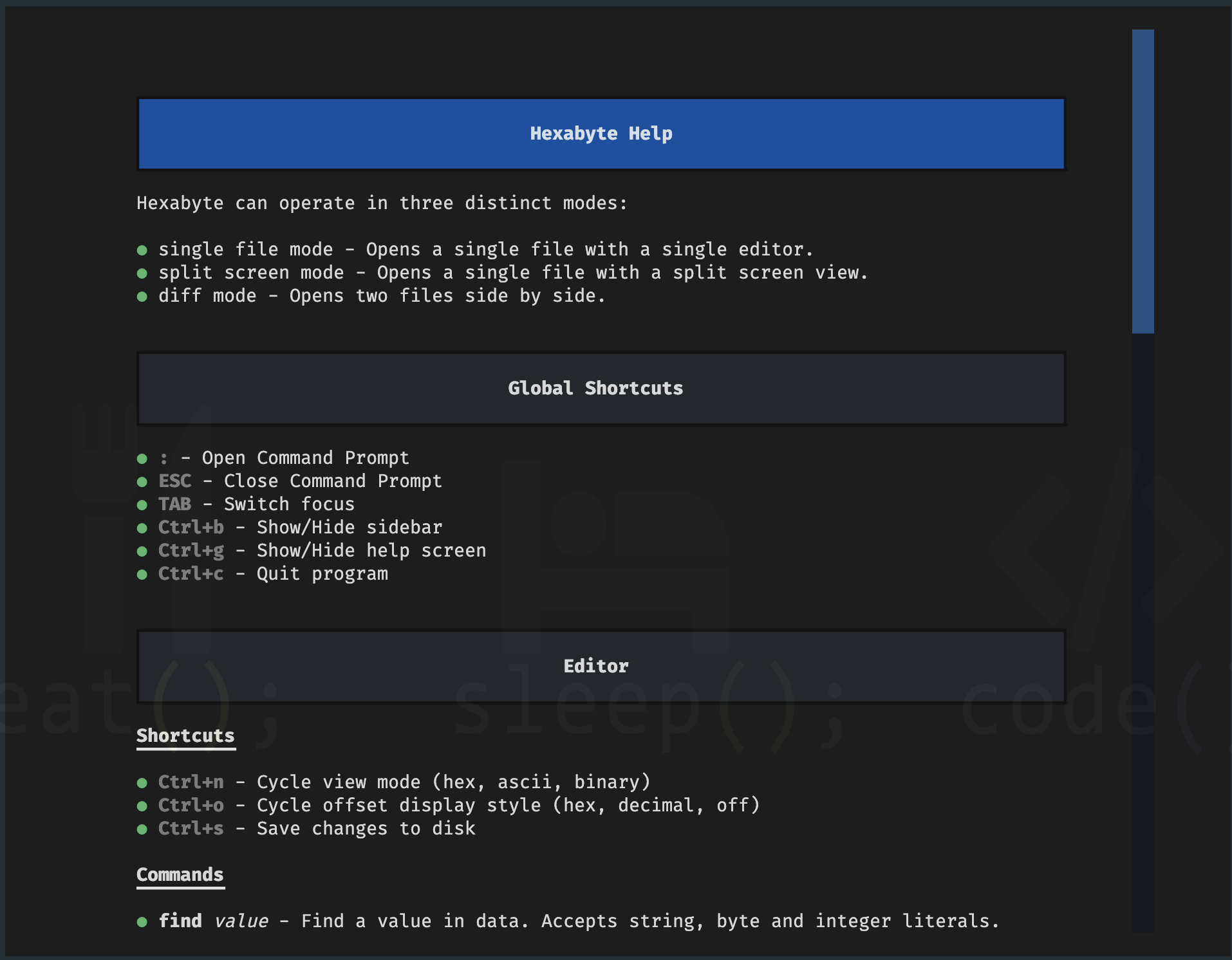
-s, --split Display a single file in two split screen editors.Помощь экрана
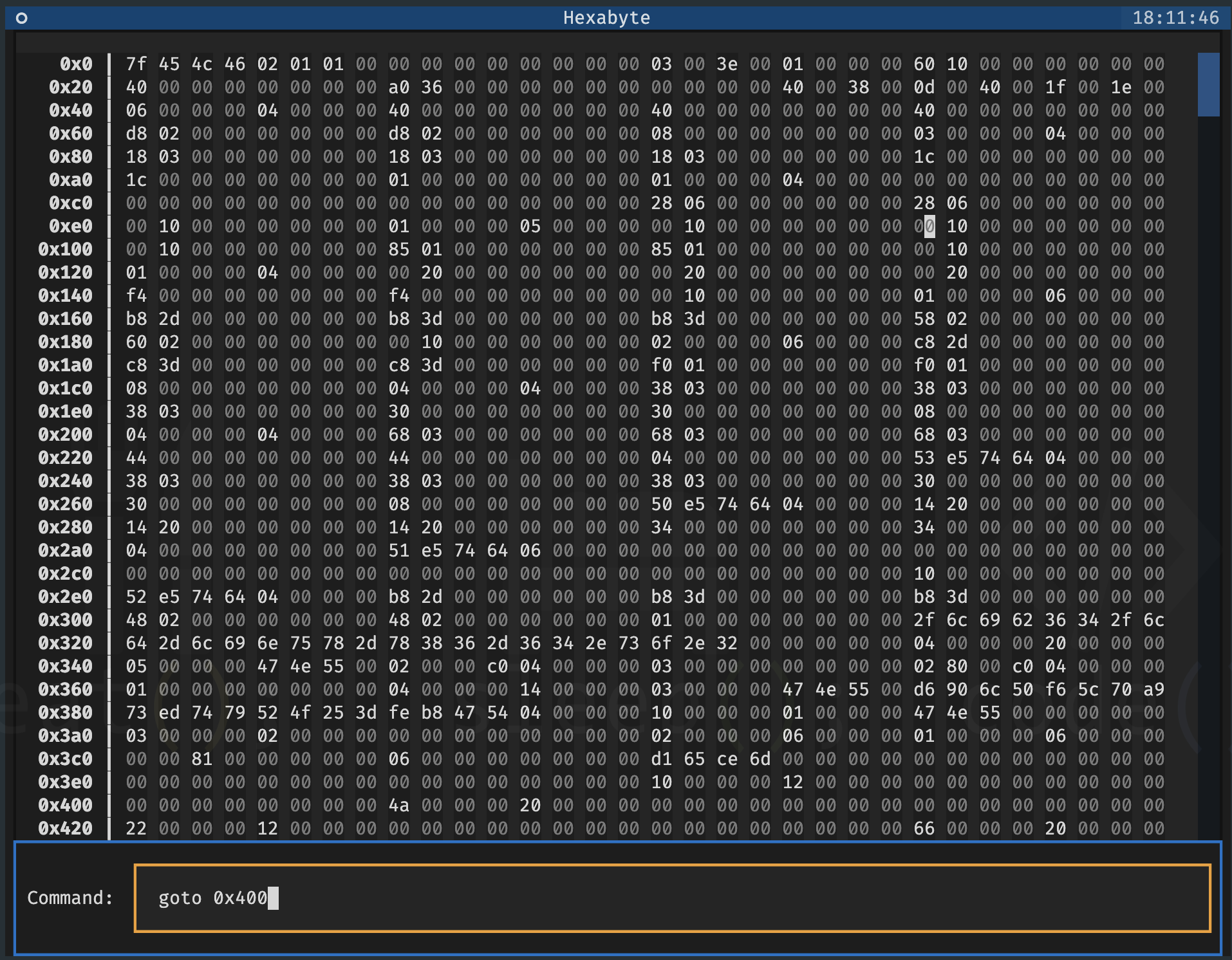
Командная строка
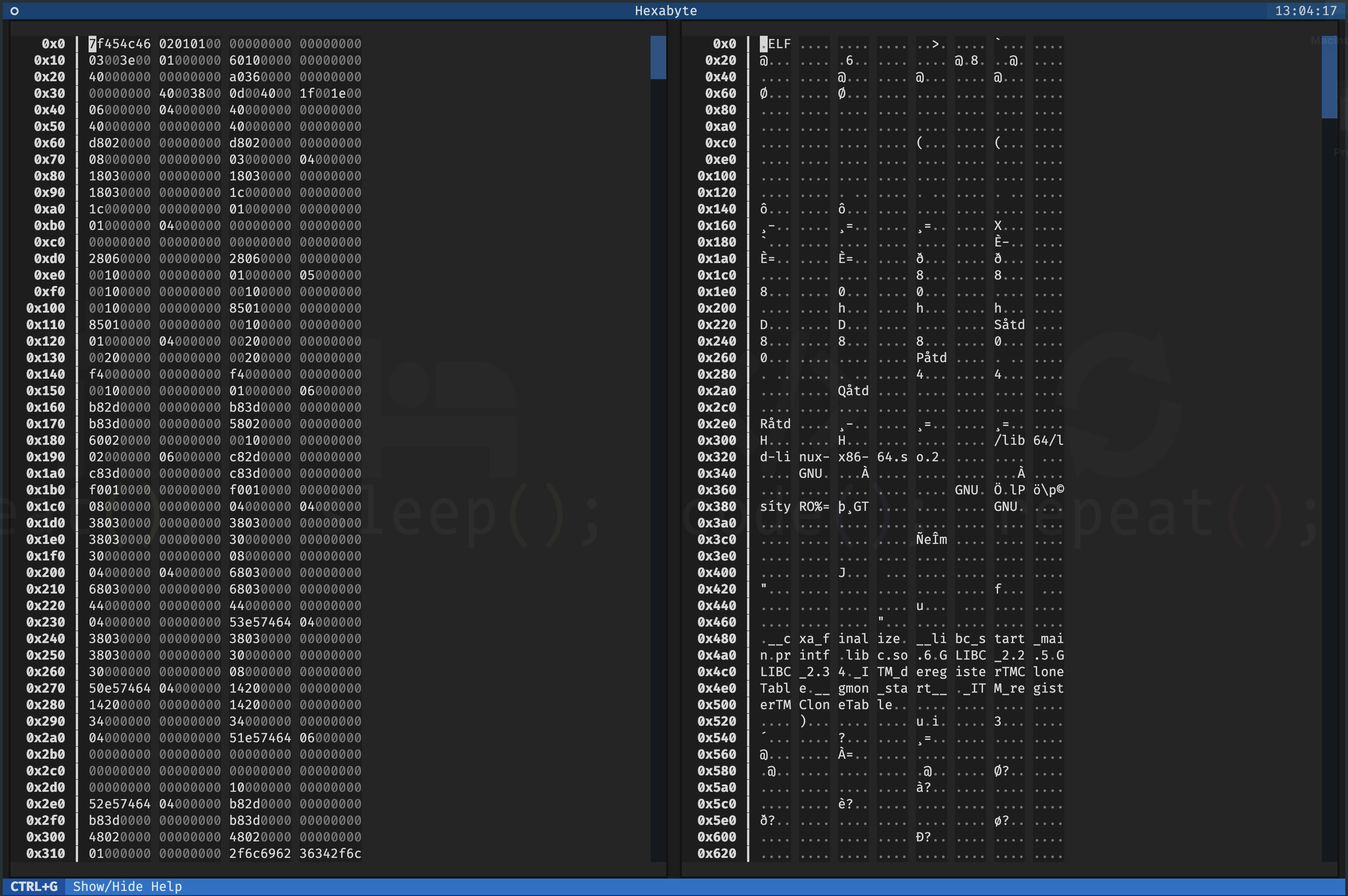
Одиночный файл - расщепленный экран
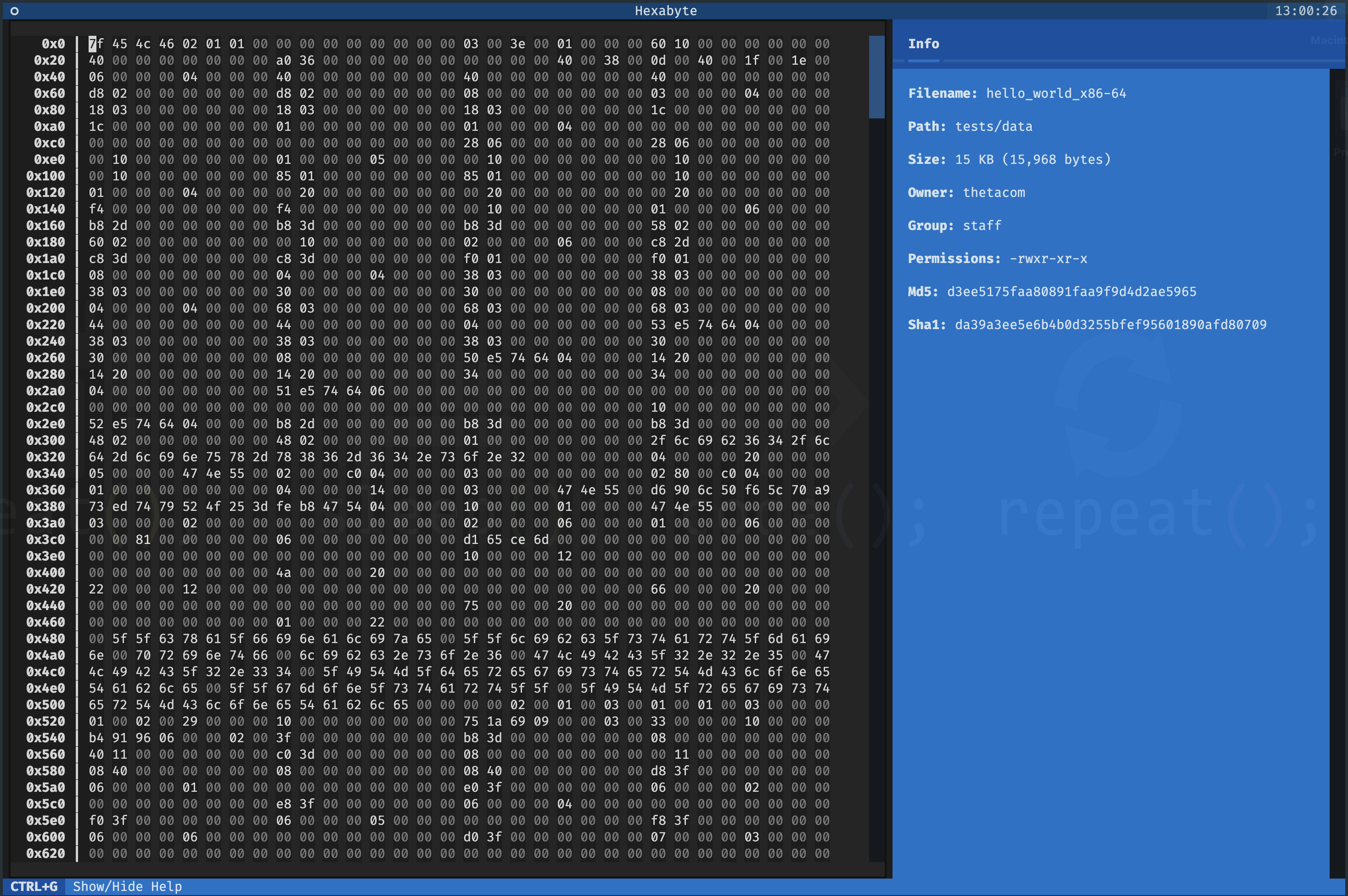
Одиночный файл - режим шестнадцатеричного просмотра
UTF8 просмотр режима
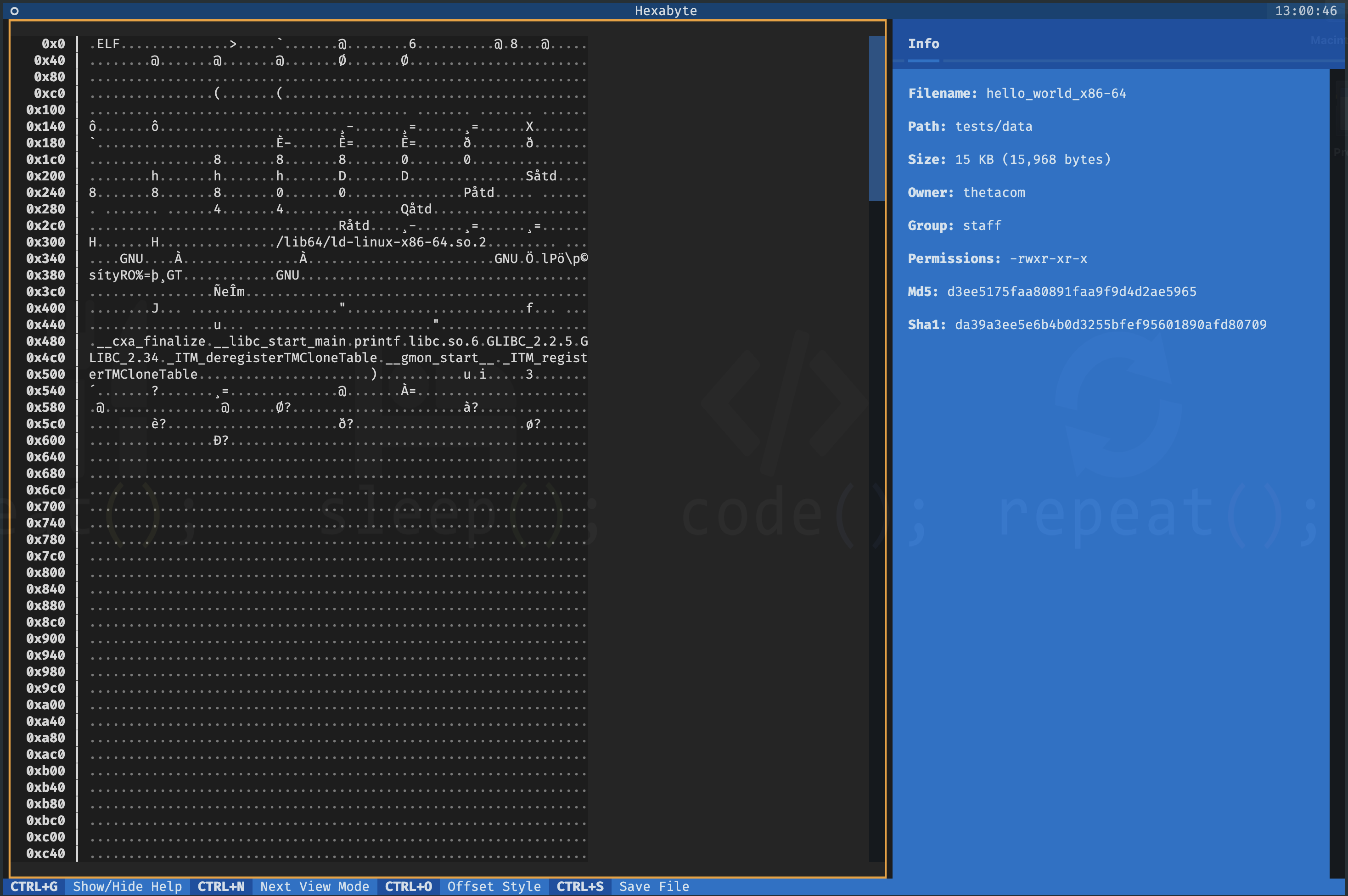
Бинарный режим просмотра
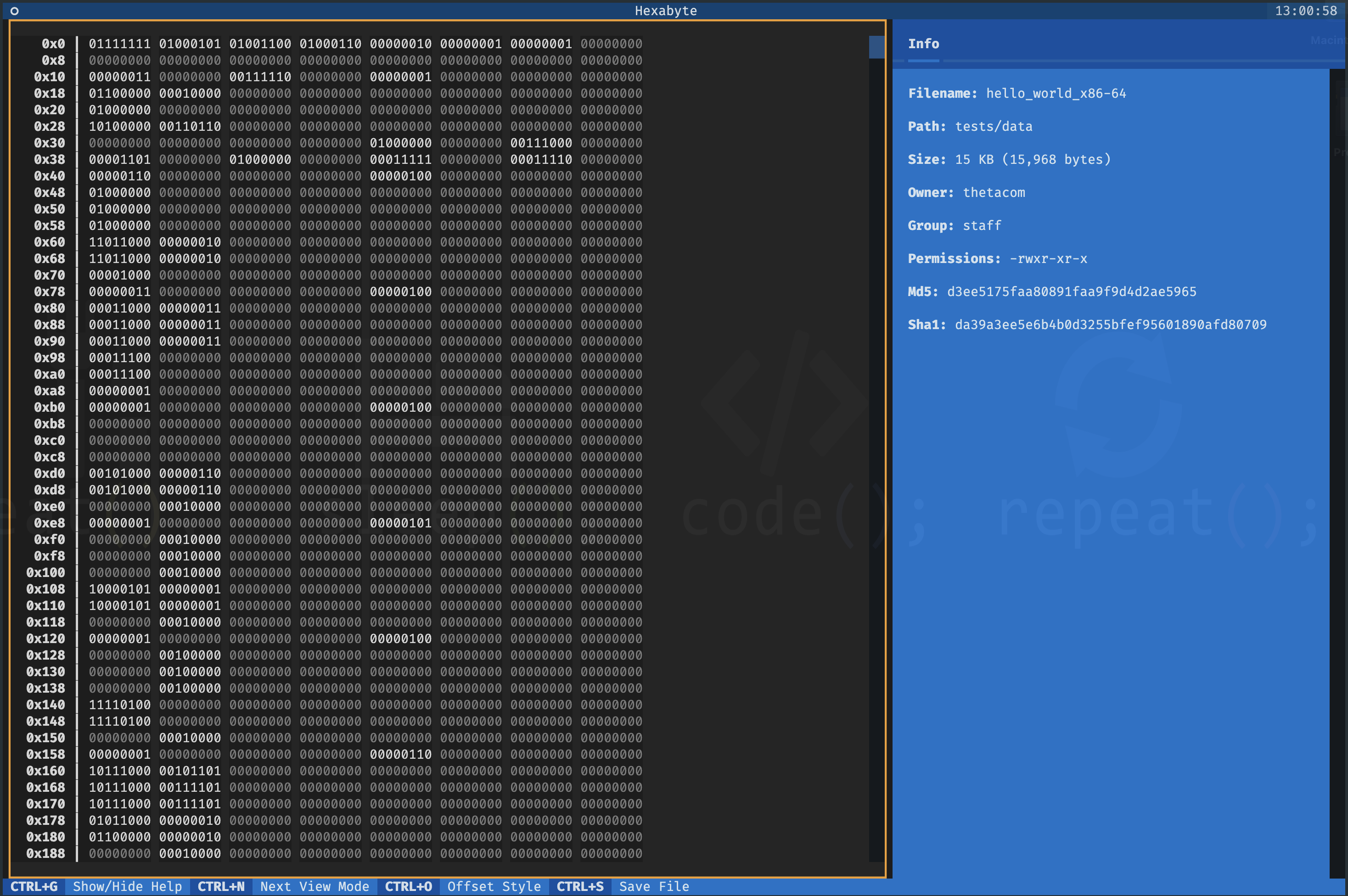
Два файла - Diff View 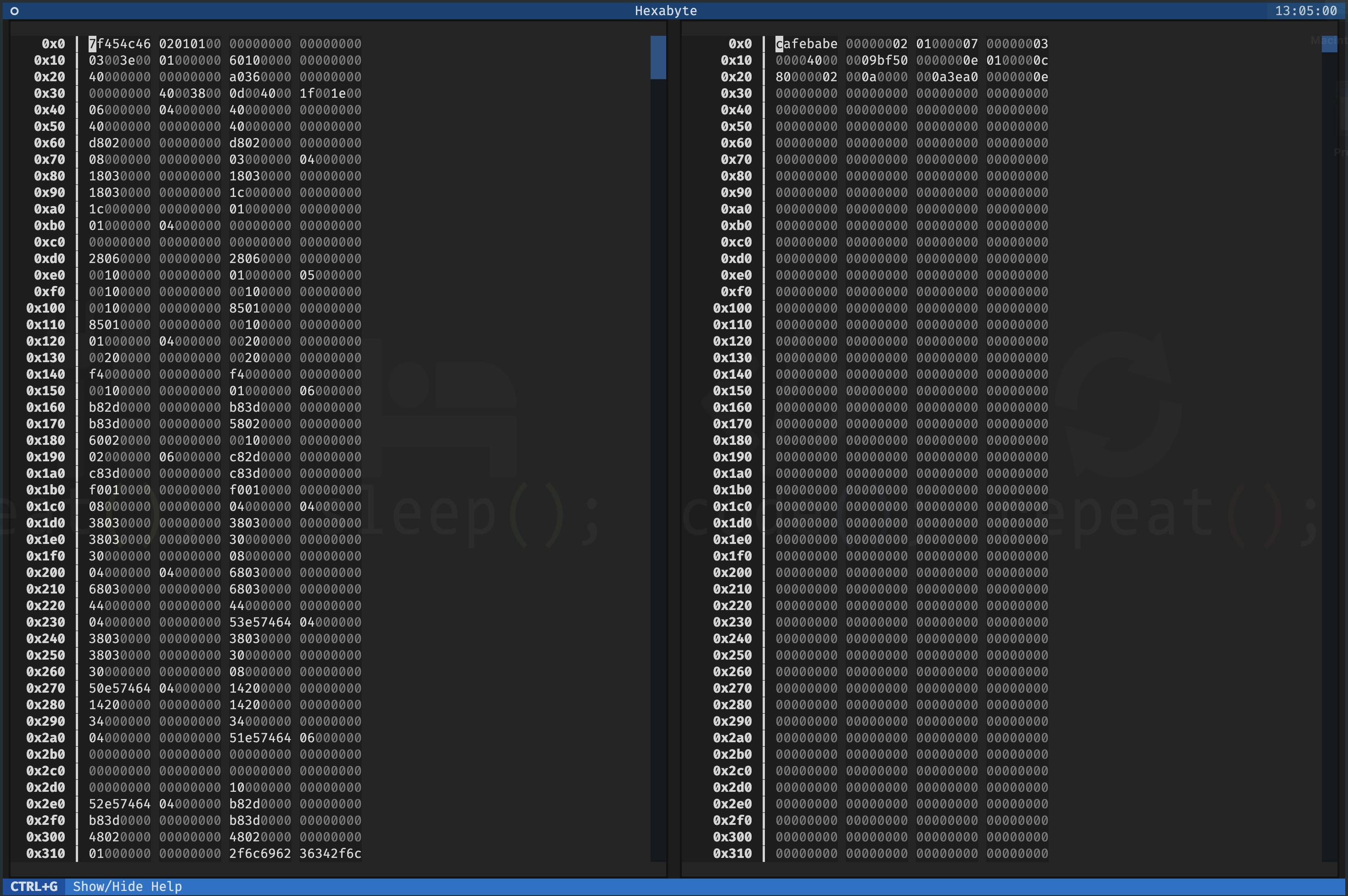
Интерфейс Hexabyte очень настраивается. Вы можете настроить размер столбца и количество столбцов для каждого режима просмотра.
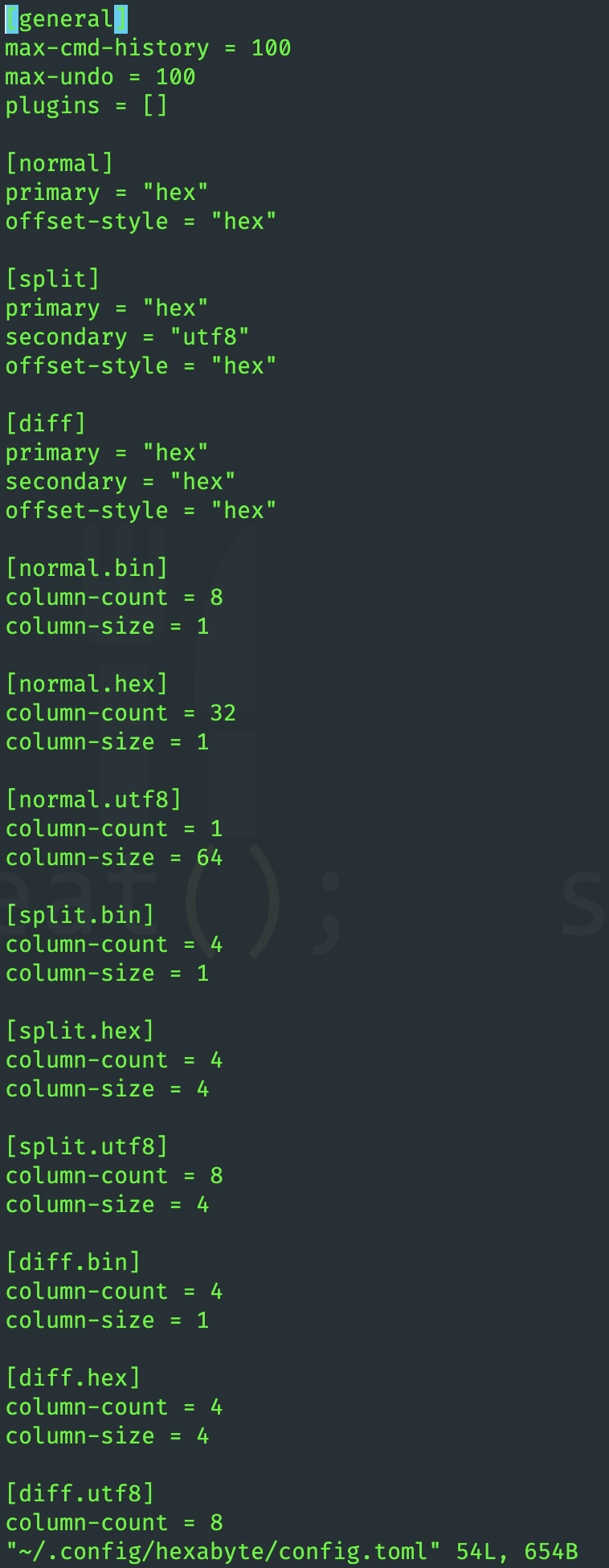
Функциональность гексабайта может быть расширена с помощью плагинов.
 ~ /$ git clone https://github.com/thetacom/hexabyte
...
~ /$ cd hexabyte
hexabyte/$ poetry install
...hexabyte/$ make test
...






