hexabyte
v0.8.7


Editor Hex Commandline yang modern, kuat, dan dapat diperluas.
Catatan: Untuk mengurangi jumlah dependensi editor inti. Plugin builtin telah dipindahkan ke paket terpisah. Mereka hexabyte_extended_info dan hexabyte_entropy.
 ~ /$ pip install hexabyte
... ~ /$ hexabyte --help
usage: hexabyte [-h] [-c CONFIG_FILEPATH] [-s] [files ...]
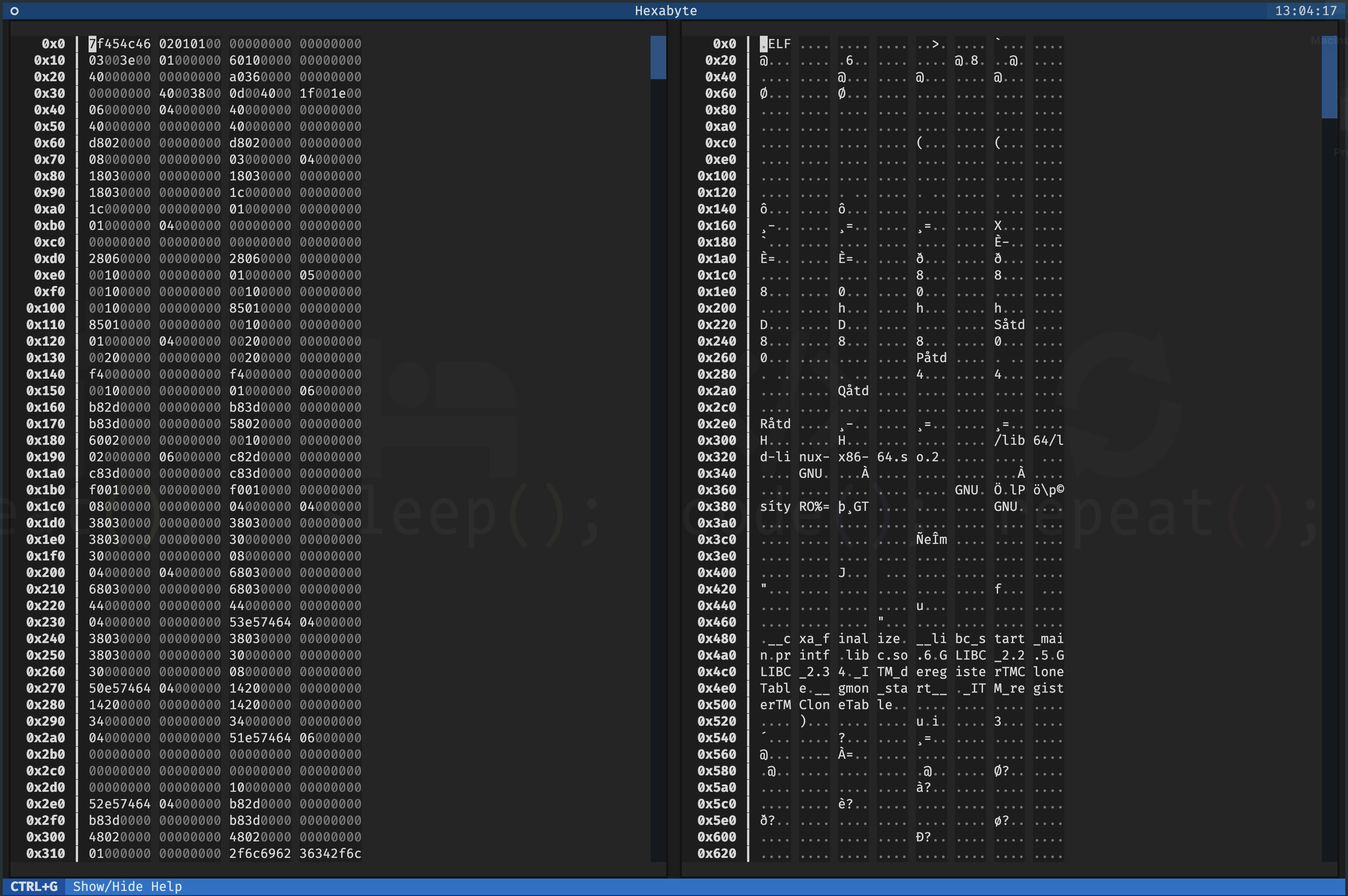
Hexabyte can operate in three distinct modes. Single file mode opens a single file with a single editor. Split screen mode opens a single file with a split screen view. Diff
mode opens two files side by side.
positional arguments:
files Specify 1 or 2 filenames
options:
-h, --help show this help message and exit
-c CONFIG_FILEPATH, --config CONFIG_FILEPATH
Specify config location. Default: ~ /.config/hexabyte/config.toml
-s, --split Display a single file in two split screen editors.Layar Bantuan
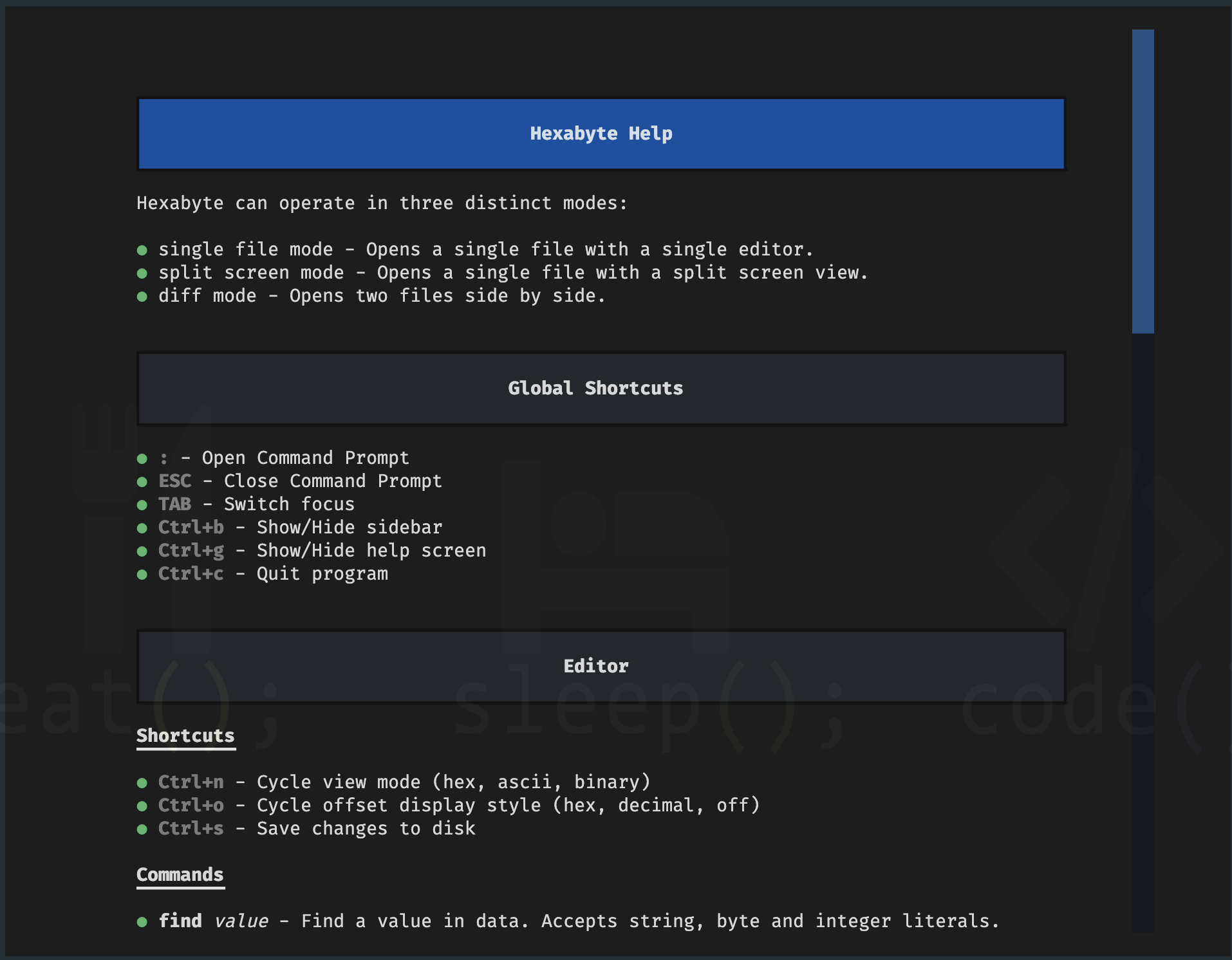
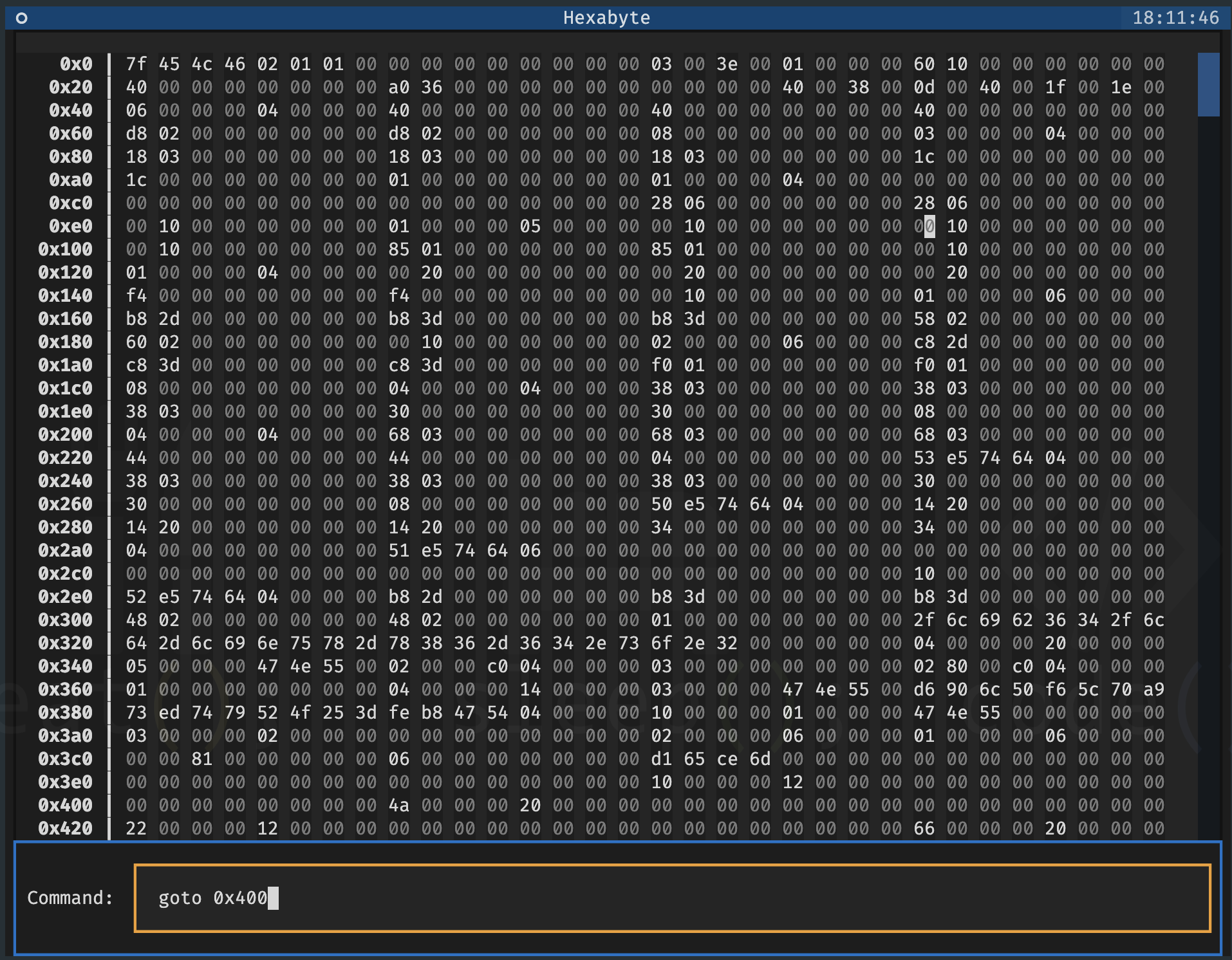
Command prompt
File Tunggal - Layar Terpisah
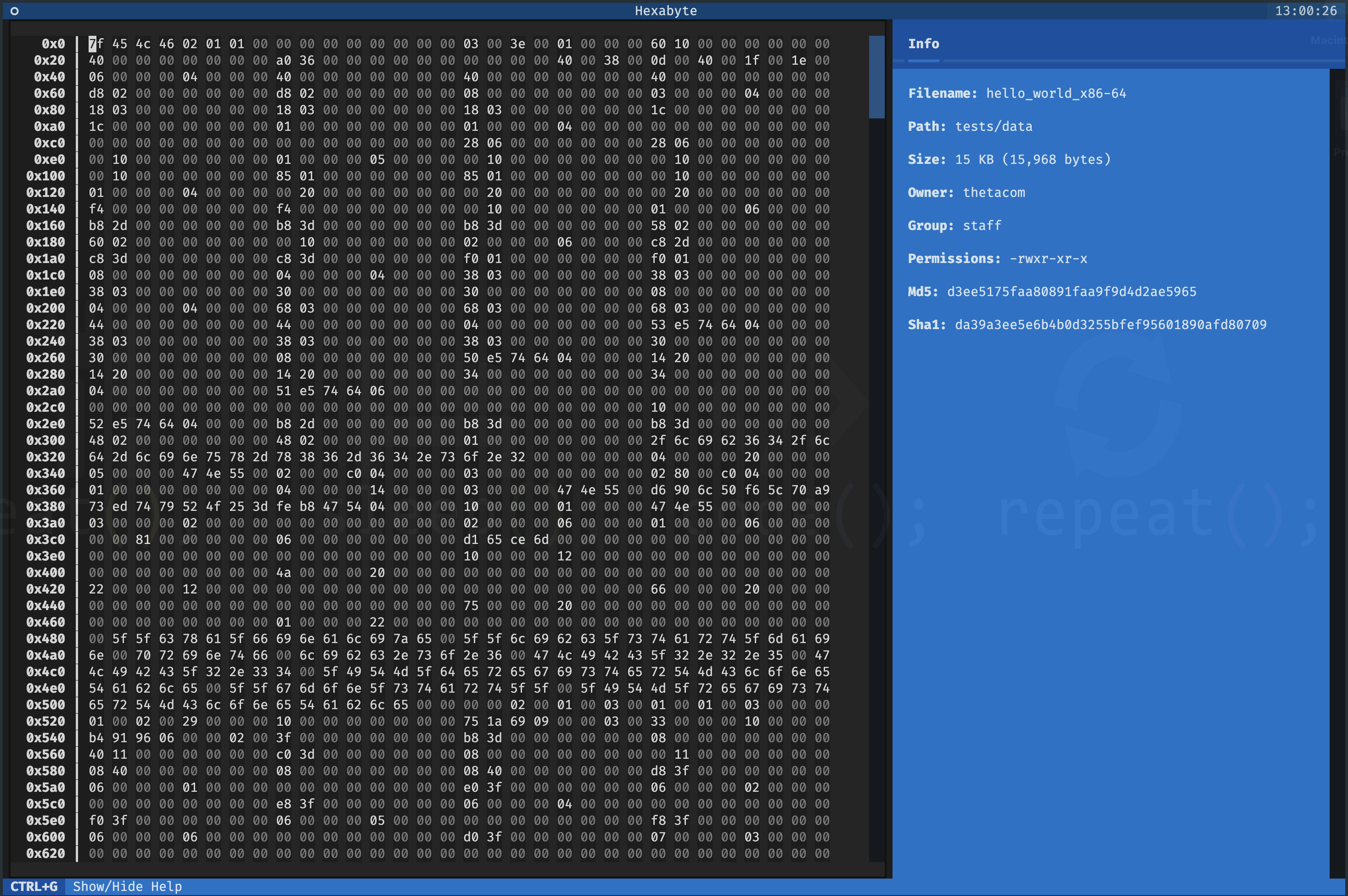
File Tunggal - Mode Tampilan Hexadecimal
Mode tampilan UTF8
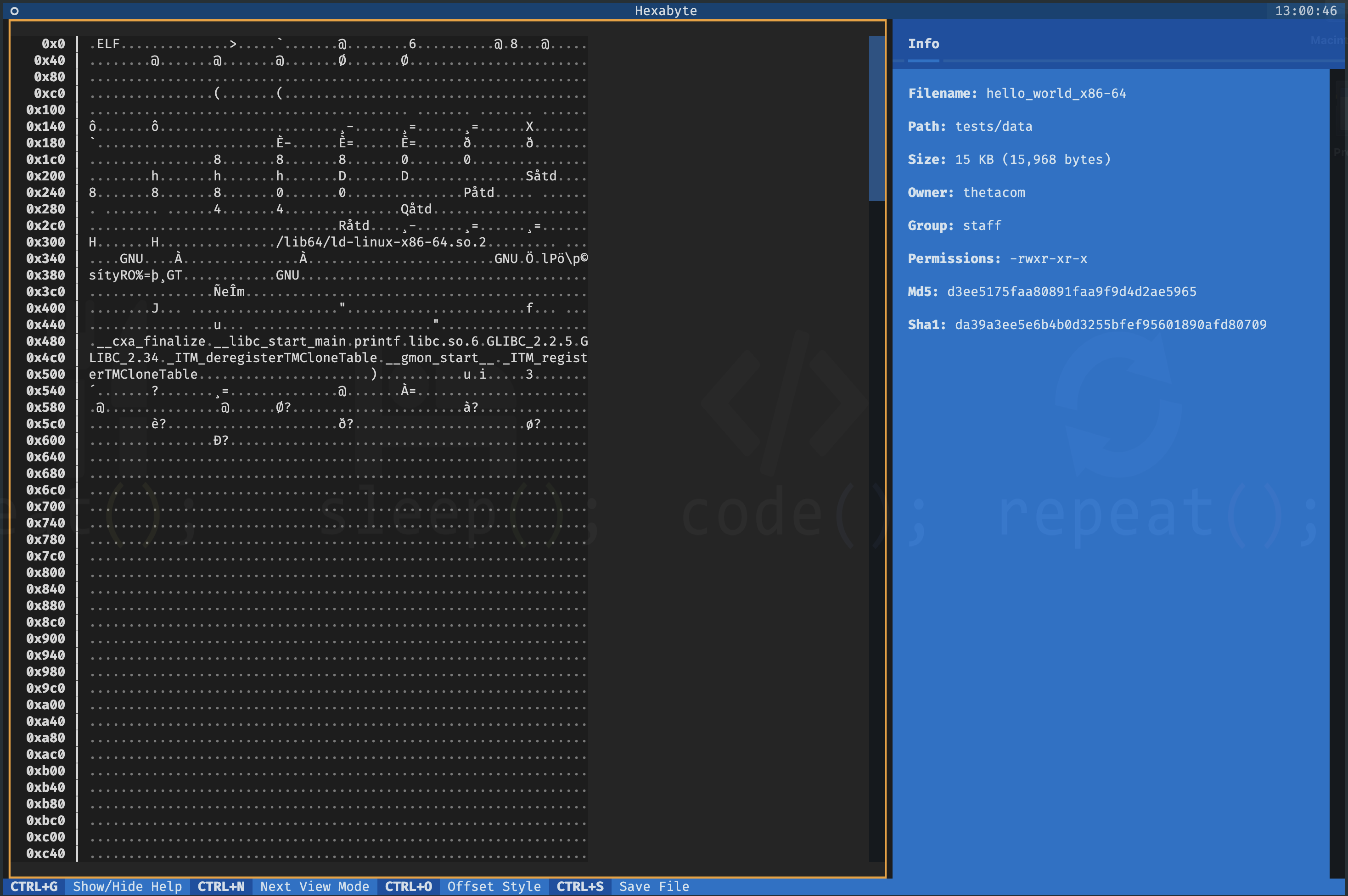
Mode tampilan biner
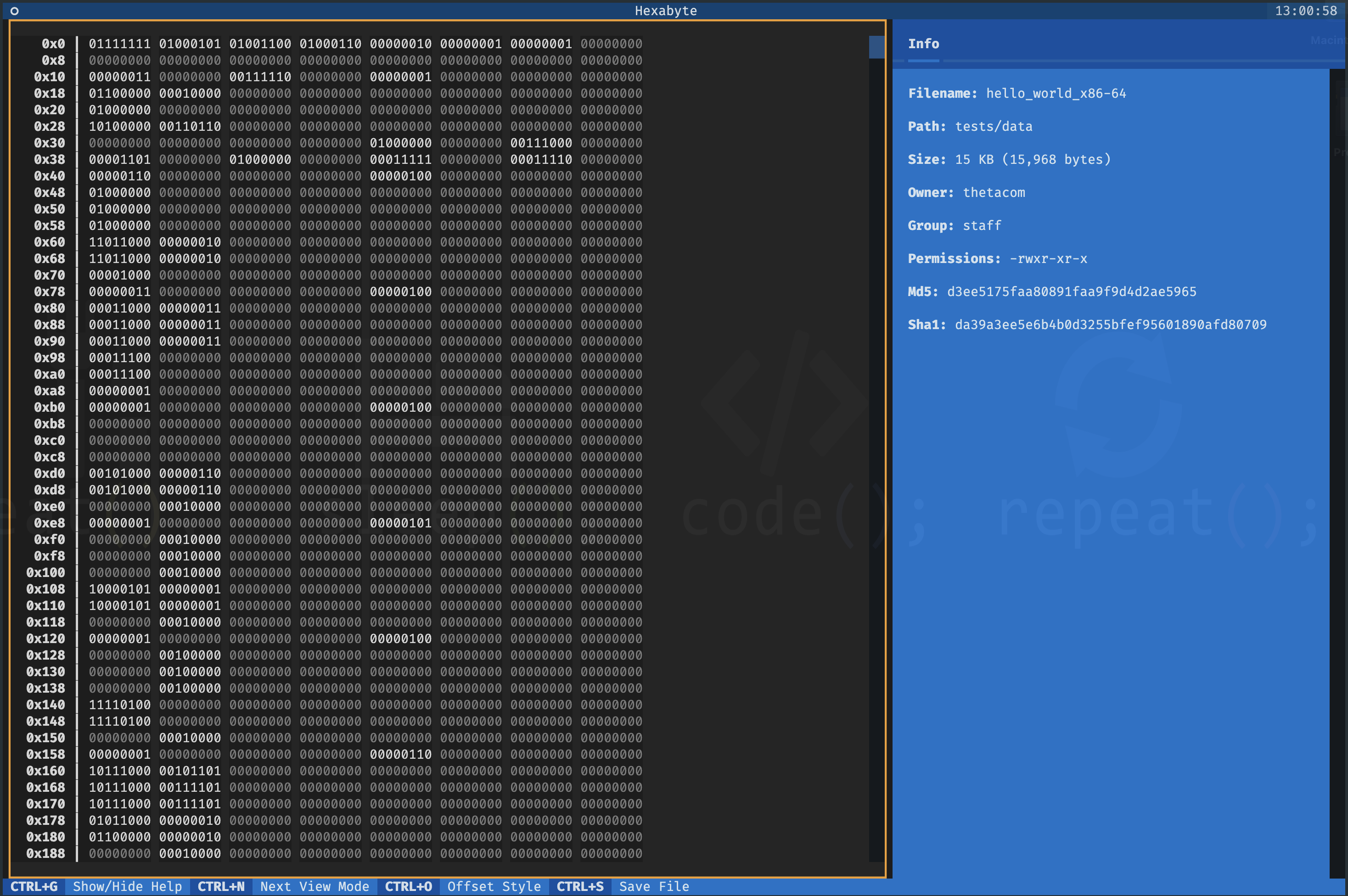
Dua File - Tampilan Diff 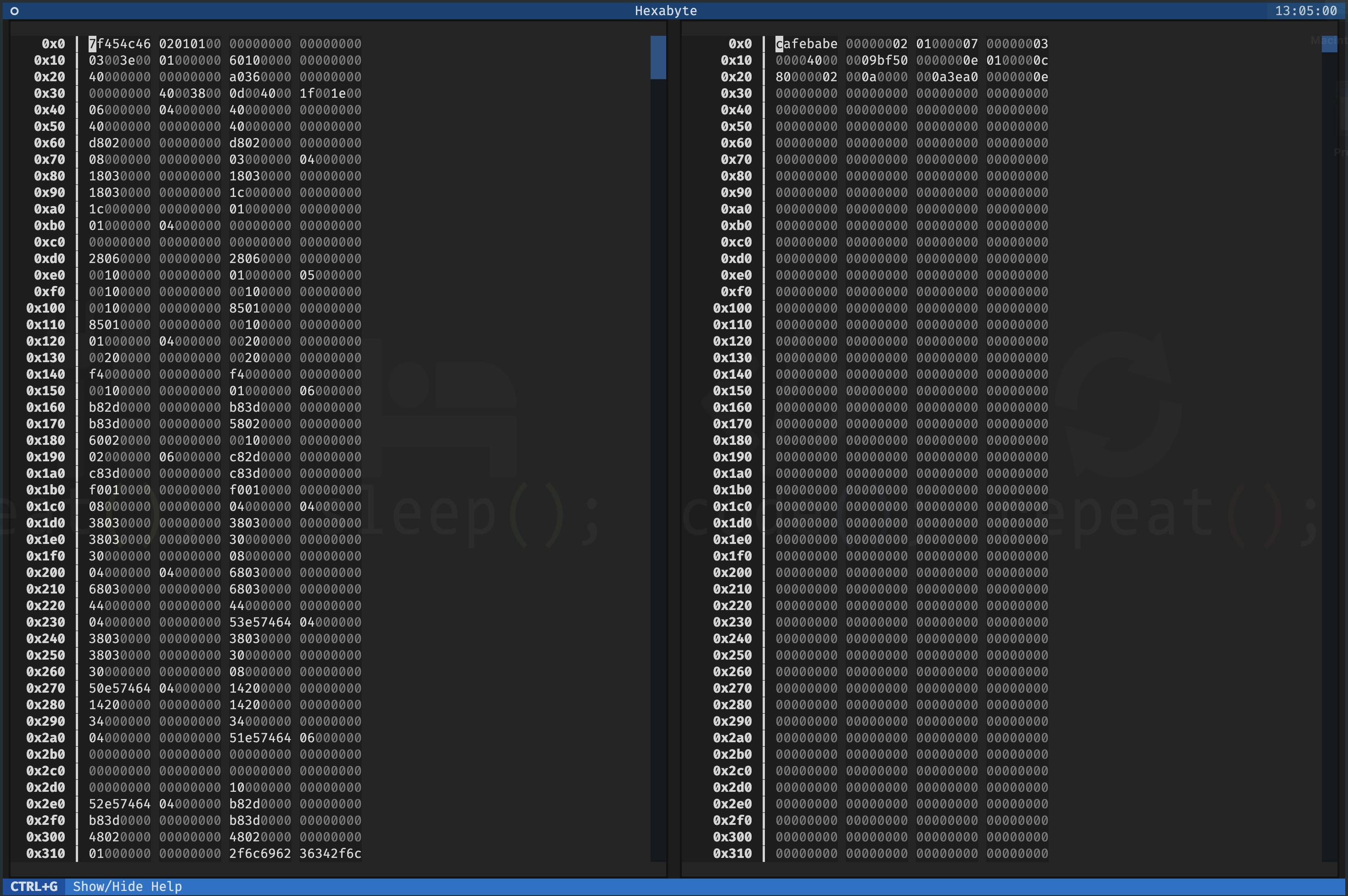
Antarmuka Hexabyte sangat dapat disesuaikan. Anda dapat menyesuaikan ukuran kolom dan jumlah kolom untuk setiap mode tampilan.
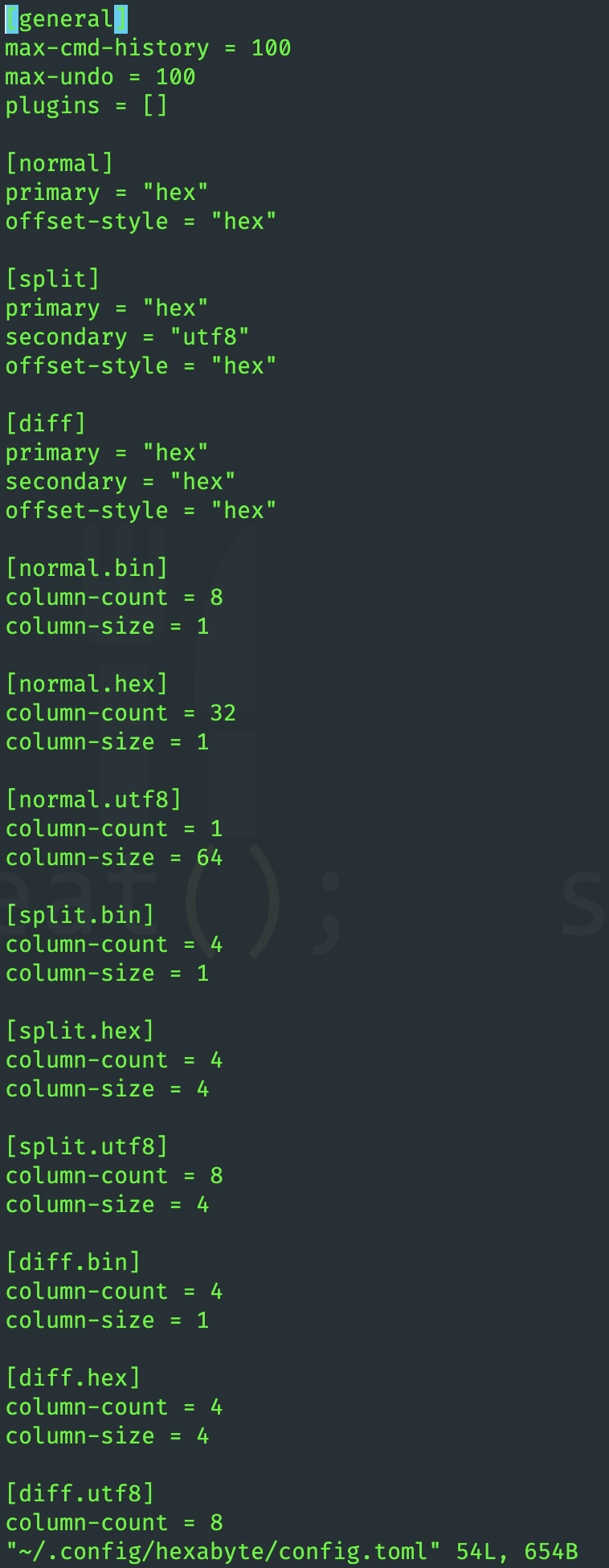
Fungsionalitas heksabyte dapat diperluas melalui penggunaan plugin.
 ~ /$ git clone https://github.com/thetacom/hexabyte
...
~ /$ cd hexabyte
hexabyte/$ poetry install
...hexabyte/$ make test
...






