hexabyte
v0.8.7


현대적이고 강력하며 확장 가능한 Commandline Hex 편집기.
참고 : 핵심 편집기의 종속성 수를 줄입니다. 내장 플러그인은 별도의 패키지로 이동되었습니다. 그것들은 hexabyte_extended_info 및 hexabyte_entropy입니다.
 ~ /$ pip install hexabyte
... ~ /$ hexabyte --help
usage: hexabyte [-h] [-c CONFIG_FILEPATH] [-s] [files ...]
Hexabyte can operate in three distinct modes. Single file mode opens a single file with a single editor. Split screen mode opens a single file with a split screen view. Diff
mode opens two files side by side.
positional arguments:
files Specify 1 or 2 filenames
options:
-h, --help show this help message and exit
-c CONFIG_FILEPATH, --config CONFIG_FILEPATH
Specify config location. Default: ~ /.config/hexabyte/config.toml
-s, --split Display a single file in two split screen editors.스크린을 도와주세요
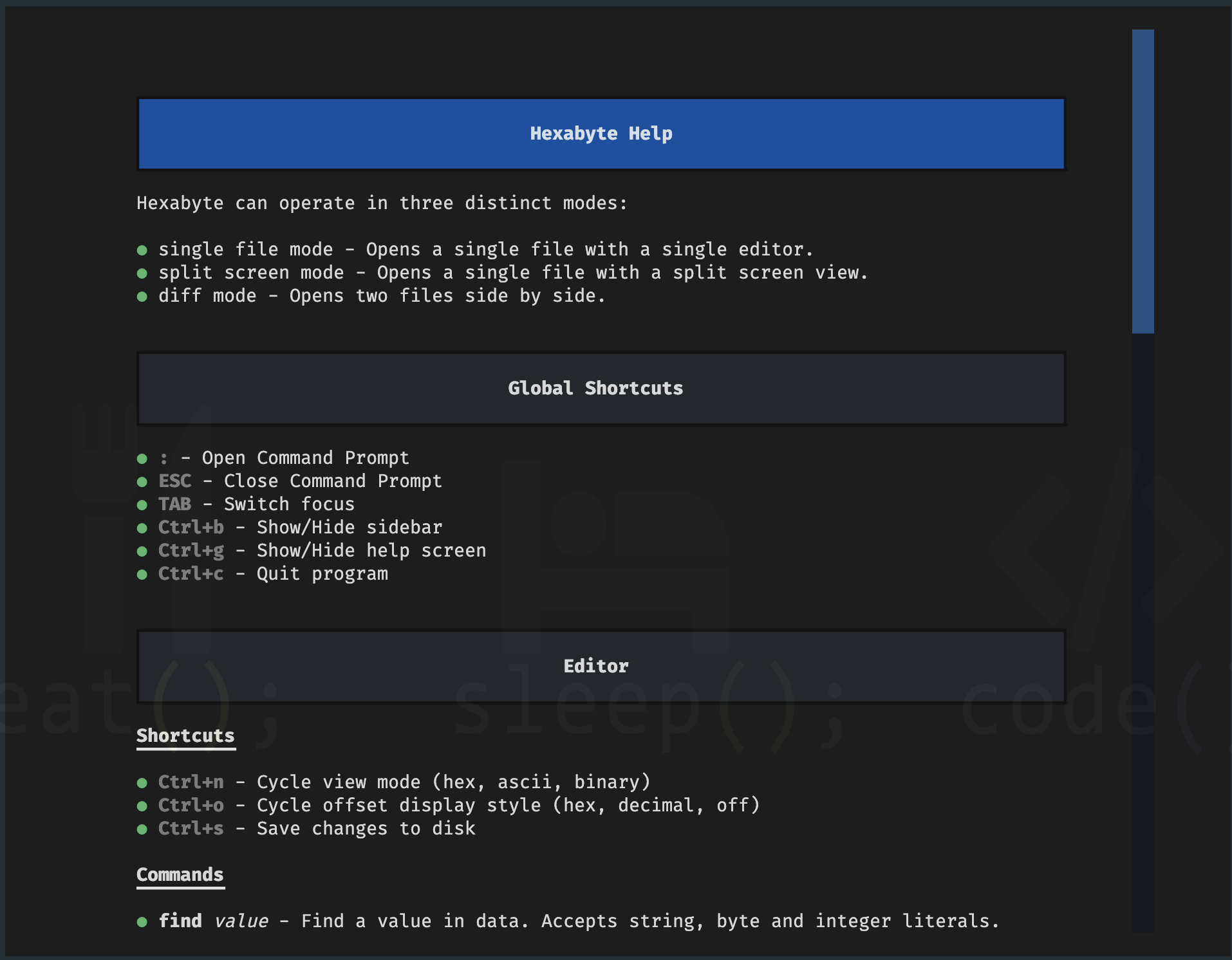
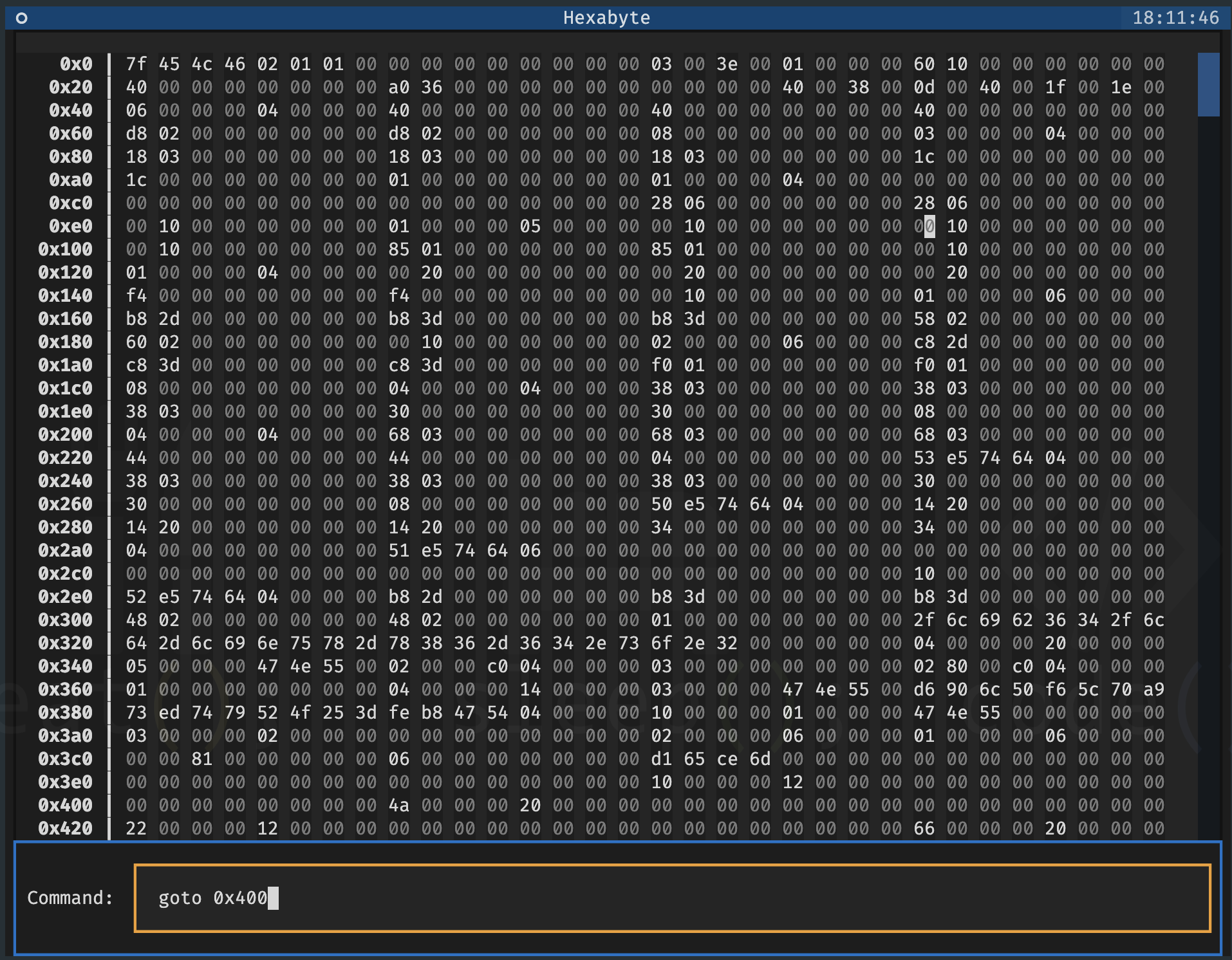
명령 프롬프트
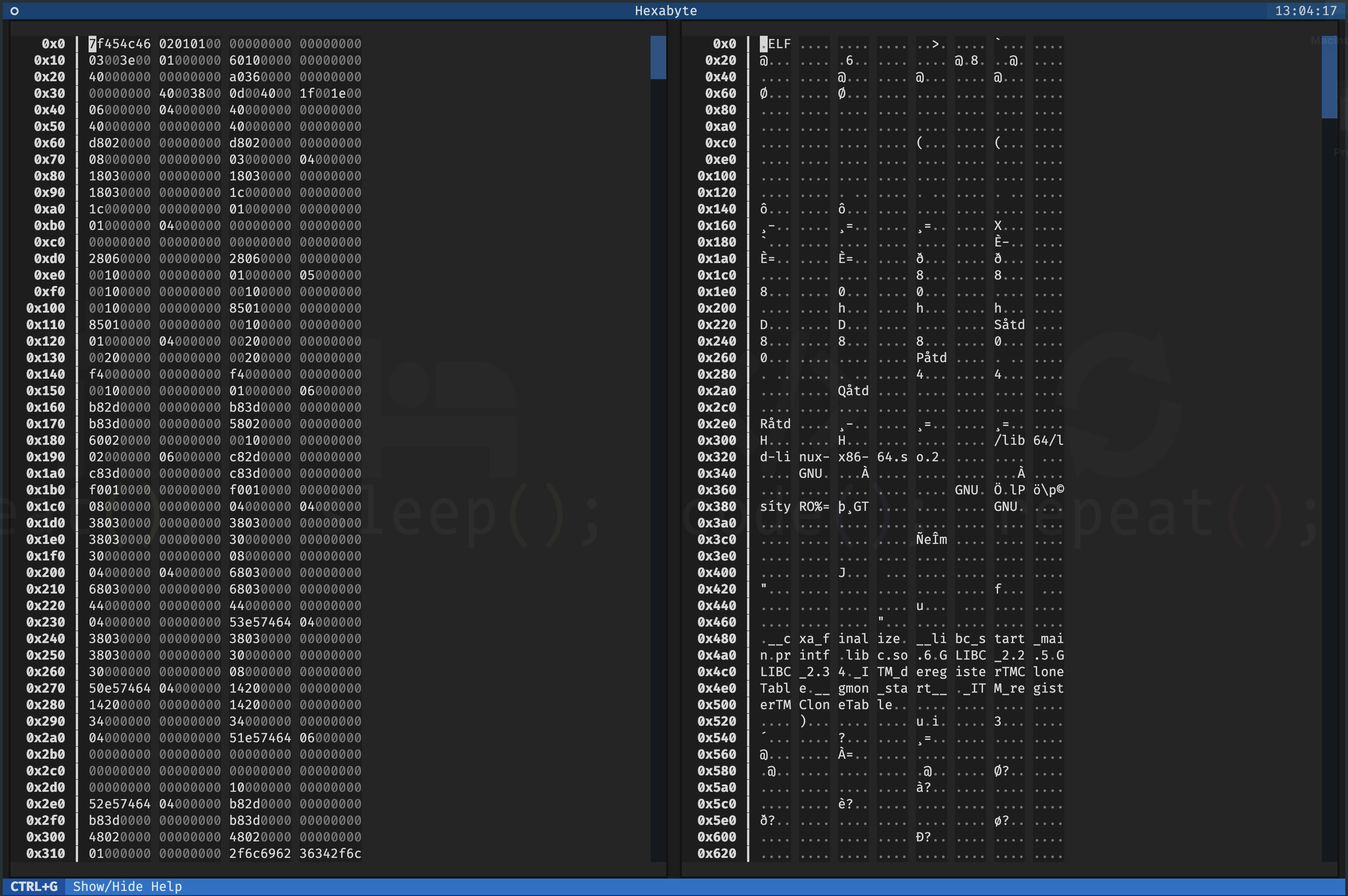
단일 파일 - 분할 화면
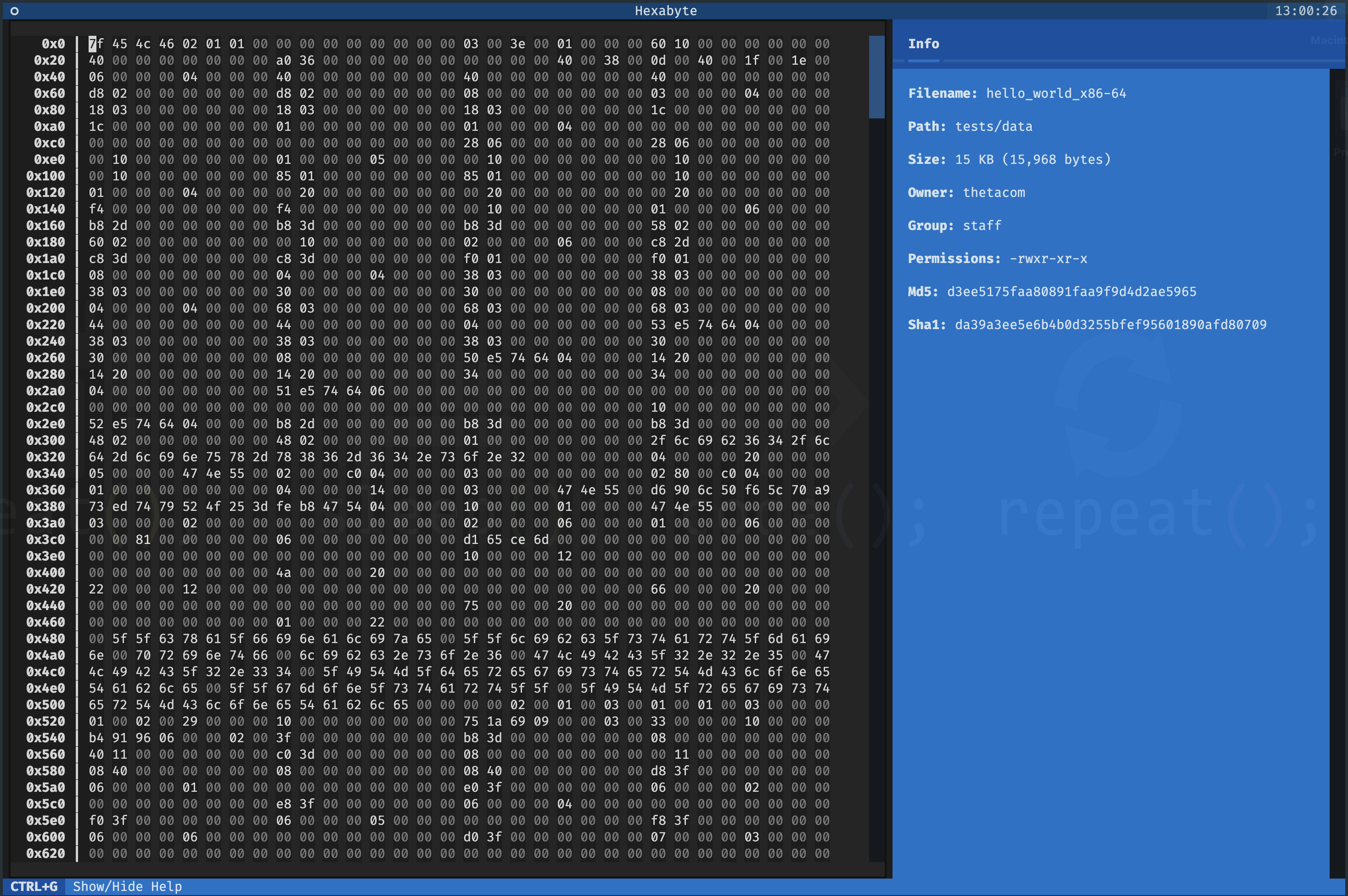
단일 파일 - 16 진수보기 모드
UTF8보기 모드
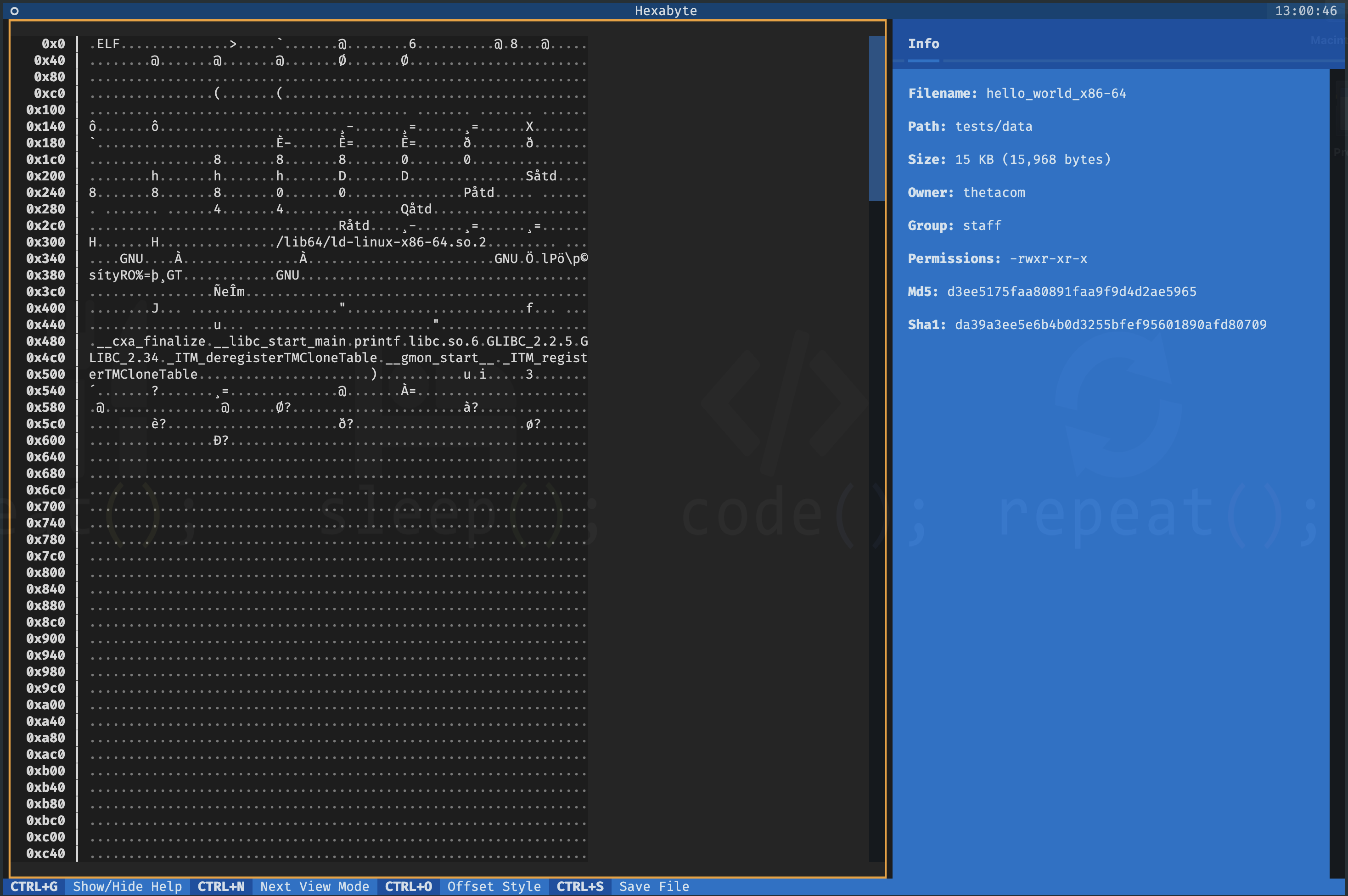
이진보기 모드
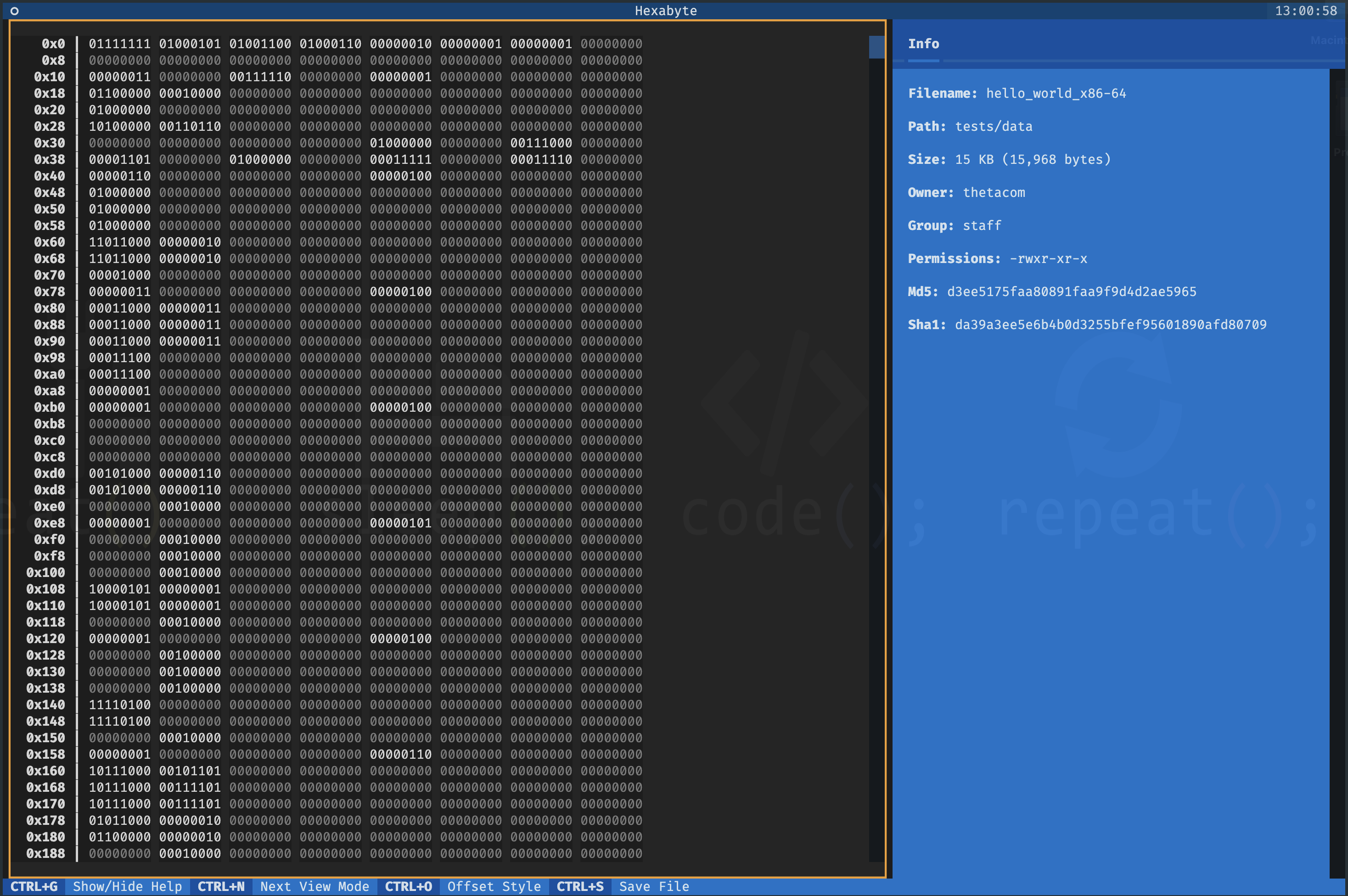
두 파일 - diff 뷰 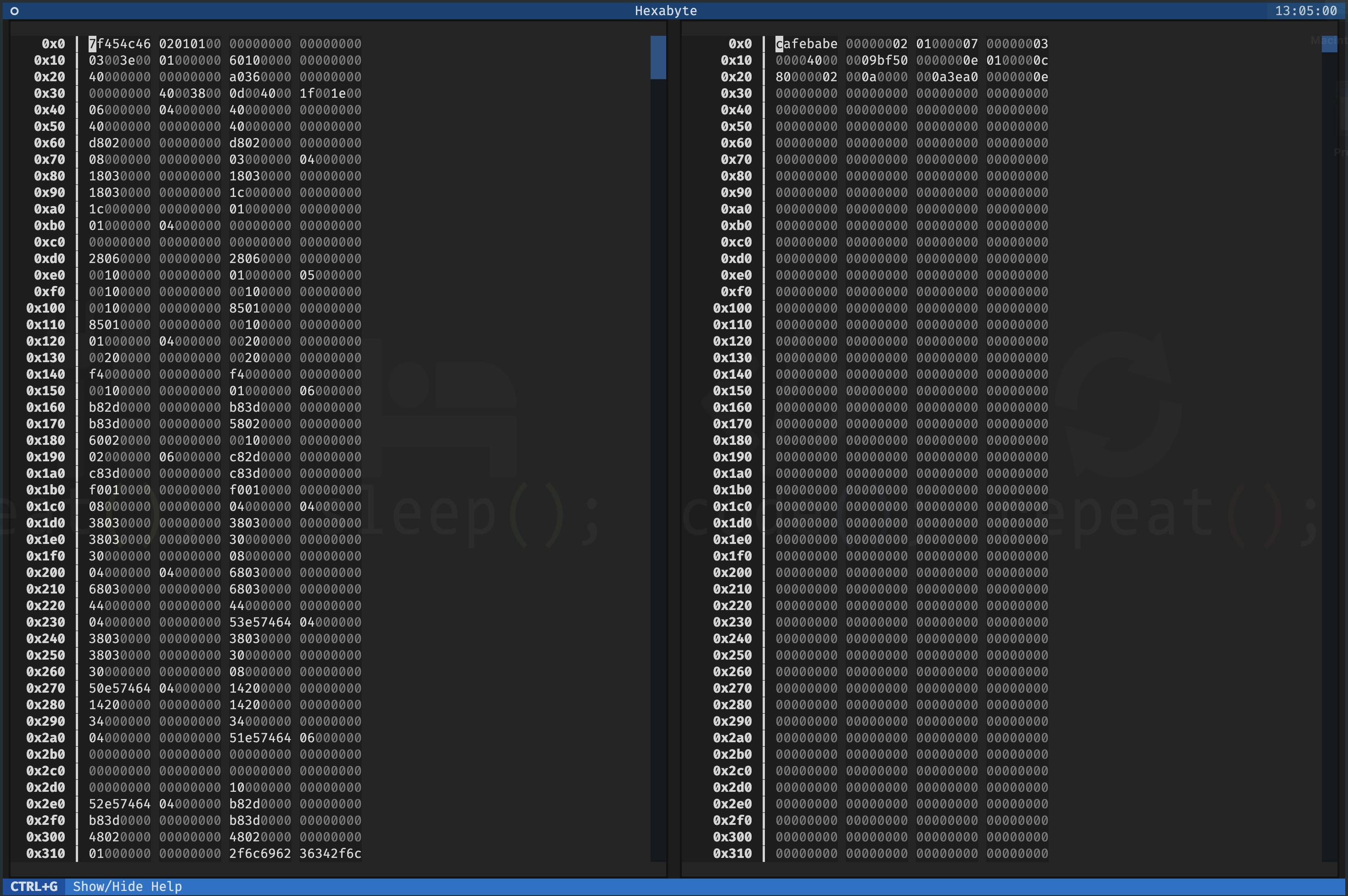
Hexabyte의 인터페이스는 사용자 정의 가능합니다. 각보기 모드의 열 크기와 열 계산을 조정할 수 있습니다.
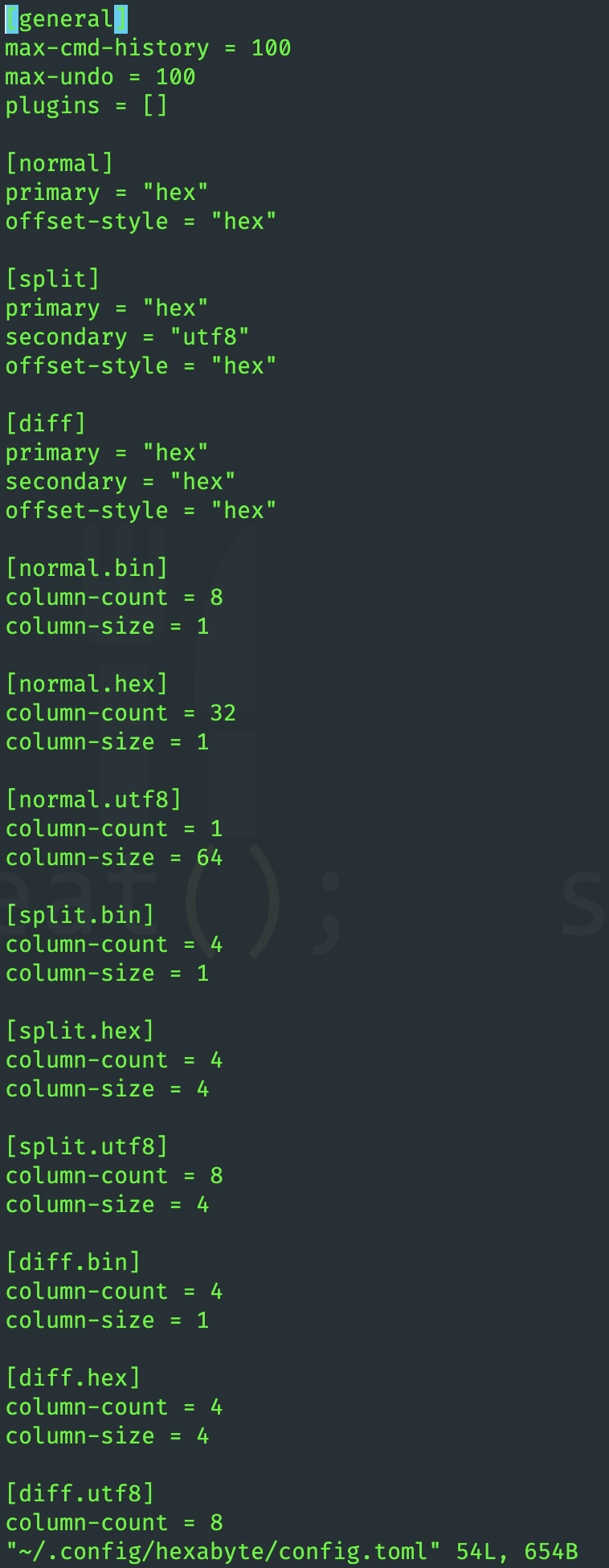
플러그인을 사용하여 헥사 바이트 기능을 확장 할 수 있습니다.
 ~ /$ git clone https://github.com/thetacom/hexabyte
...
~ /$ cd hexabyte
hexabyte/$ poetry install
...hexabyte/$ make test
...






