hexabyte
v0.8.7


モダンで堅牢で拡張可能なコマンドラインHEXエディター。
注:コアエディターの依存関係の数を減らす。ビルトインプラグインは別々のパッケージに移動されました。それらはhexabyte_extended_infoとhexabyte_entropyです。
 ~ /$ pip install hexabyte
... ~ /$ hexabyte --help
usage: hexabyte [-h] [-c CONFIG_FILEPATH] [-s] [files ...]
Hexabyte can operate in three distinct modes. Single file mode opens a single file with a single editor. Split screen mode opens a single file with a split screen view. Diff
mode opens two files side by side.
positional arguments:
files Specify 1 or 2 filenames
options:
-h, --help show this help message and exit
-c CONFIG_FILEPATH, --config CONFIG_FILEPATH
Specify config location. Default: ~ /.config/hexabyte/config.toml
-s, --split Display a single file in two split screen editors.スクリーニングをヘルプします
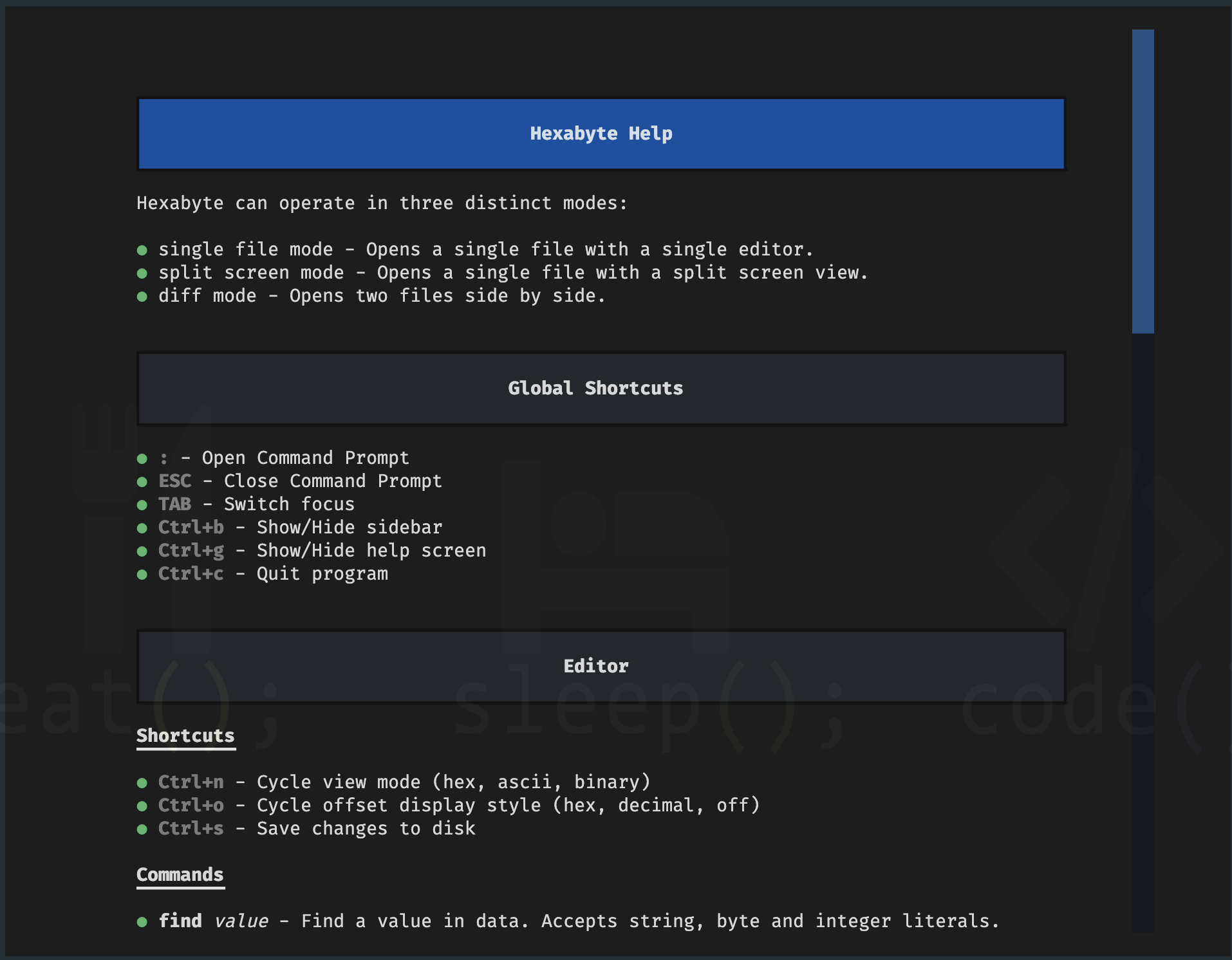
コマンドプロンプト
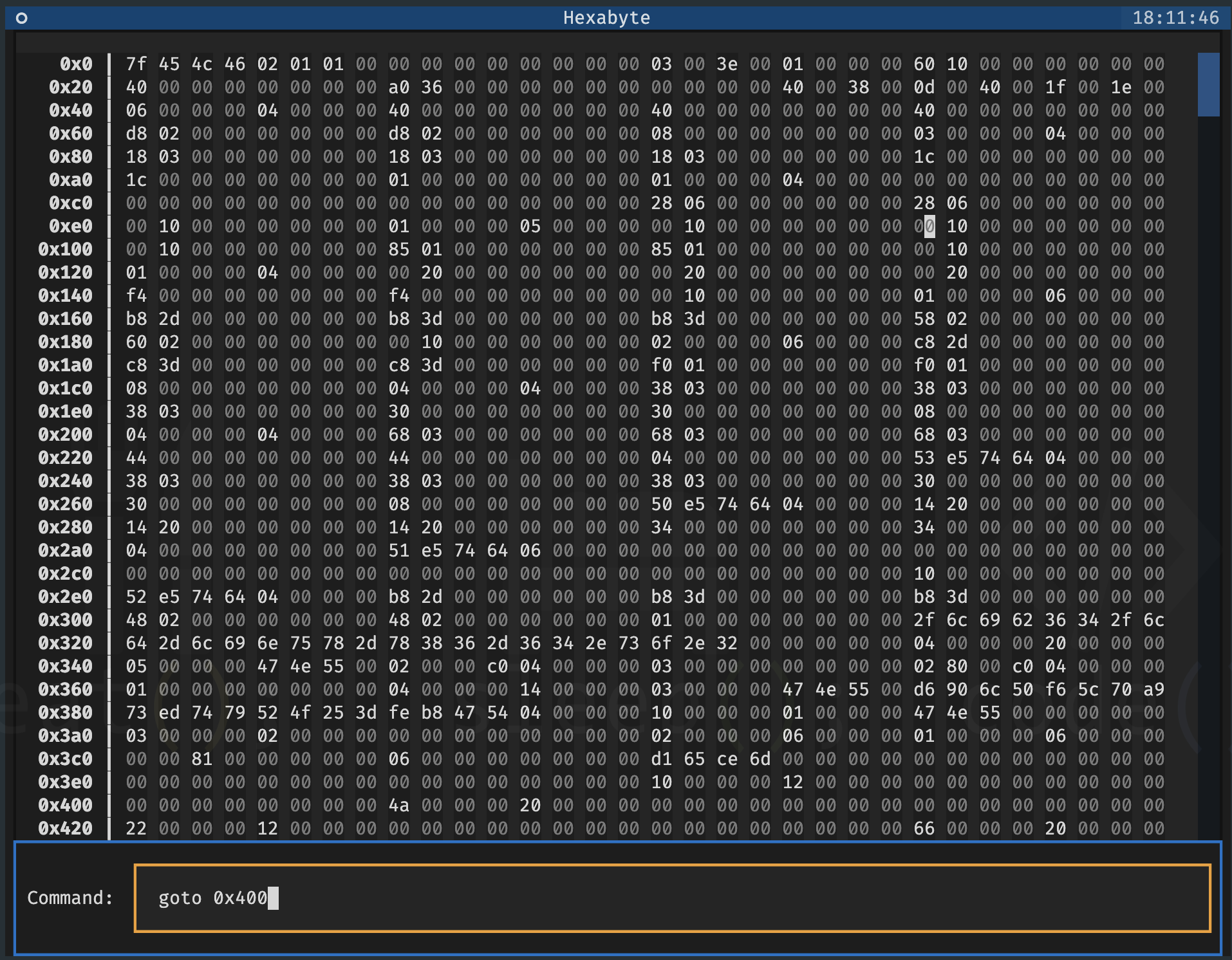
単一ファイル - スクリーンを分割します
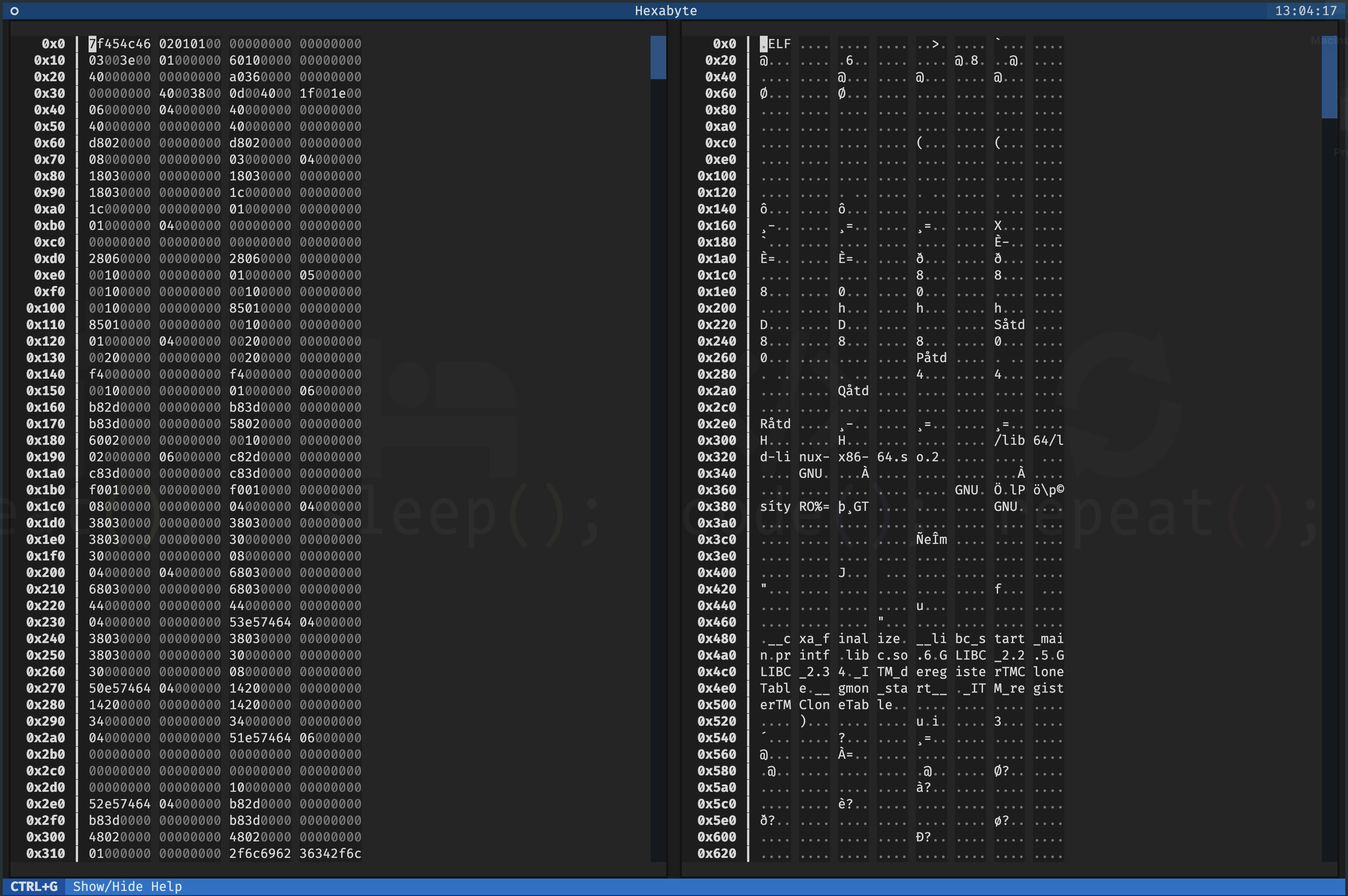
シングルファイル - ヘキサデシマルビューモード
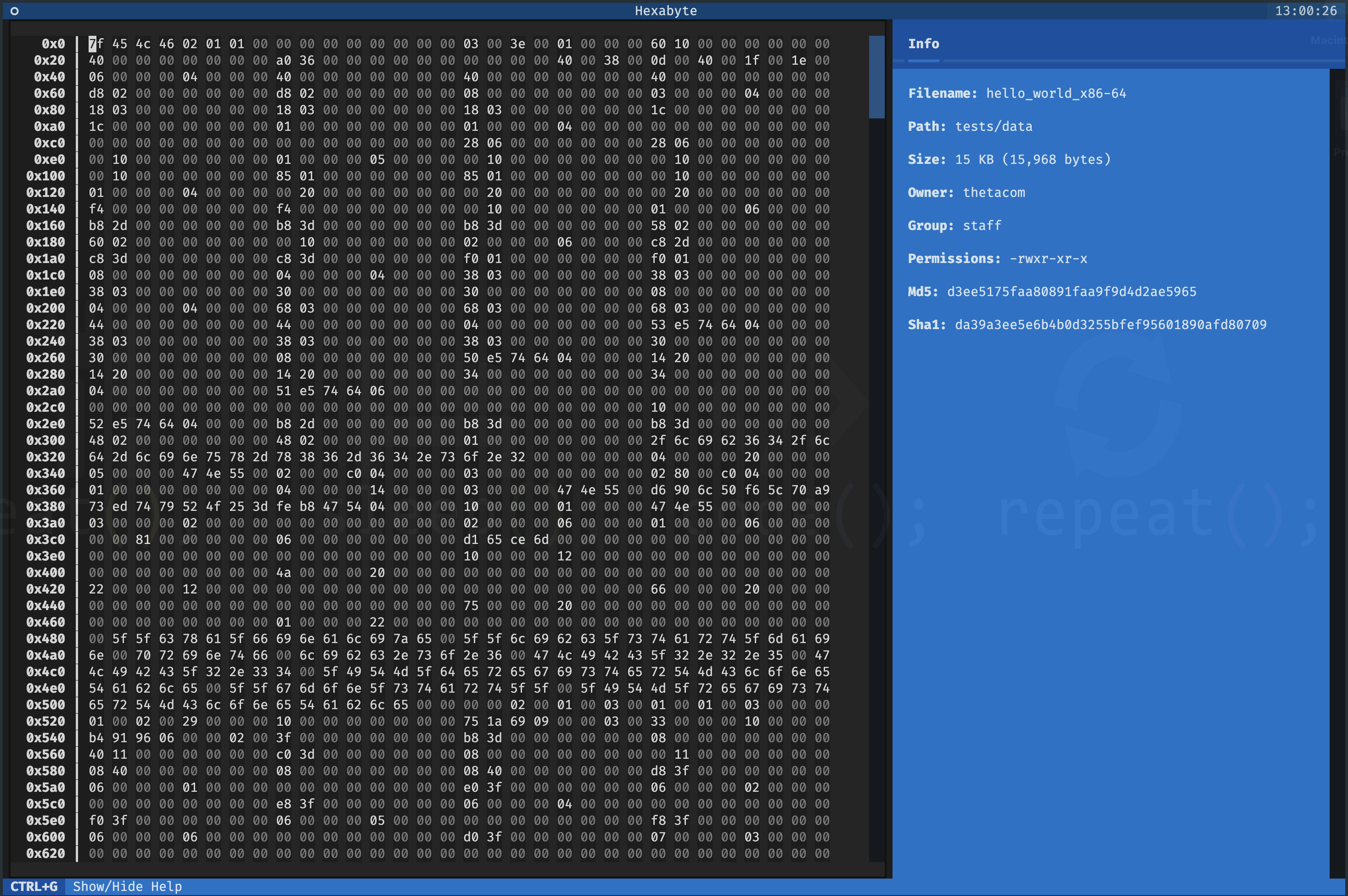
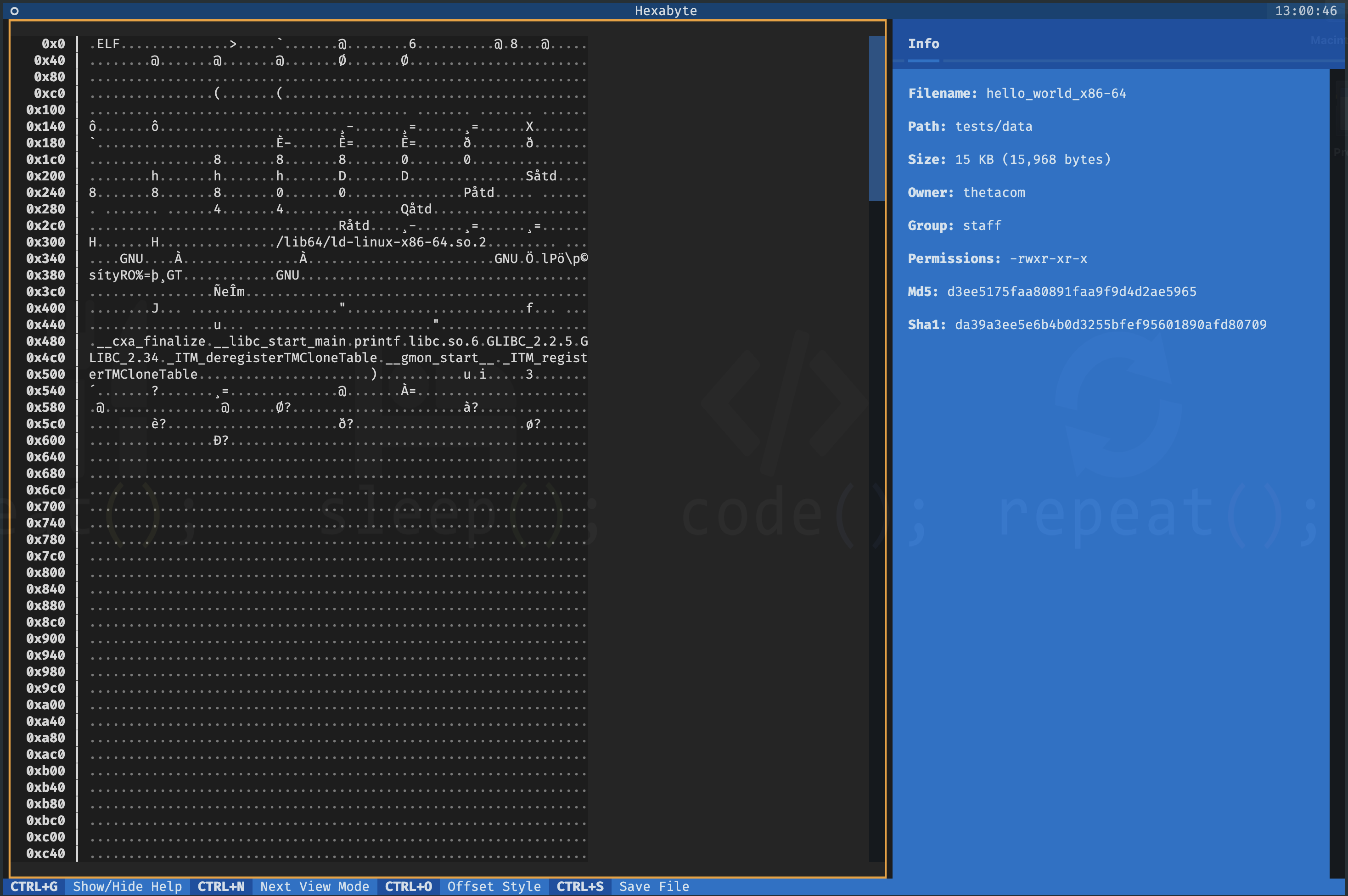
UTF8ビューモード
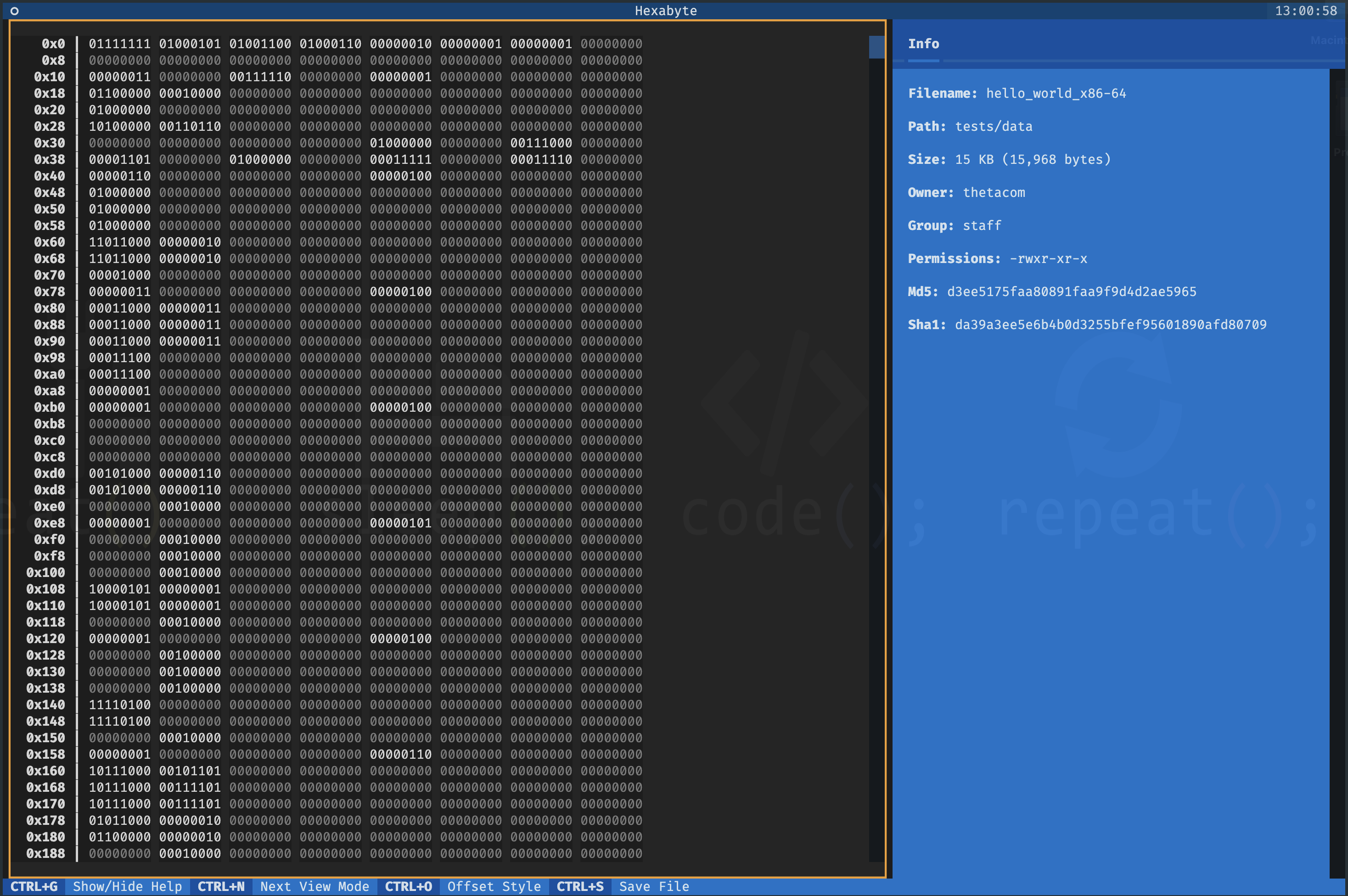
バイナリビューモード
2つのファイル - ディフビュー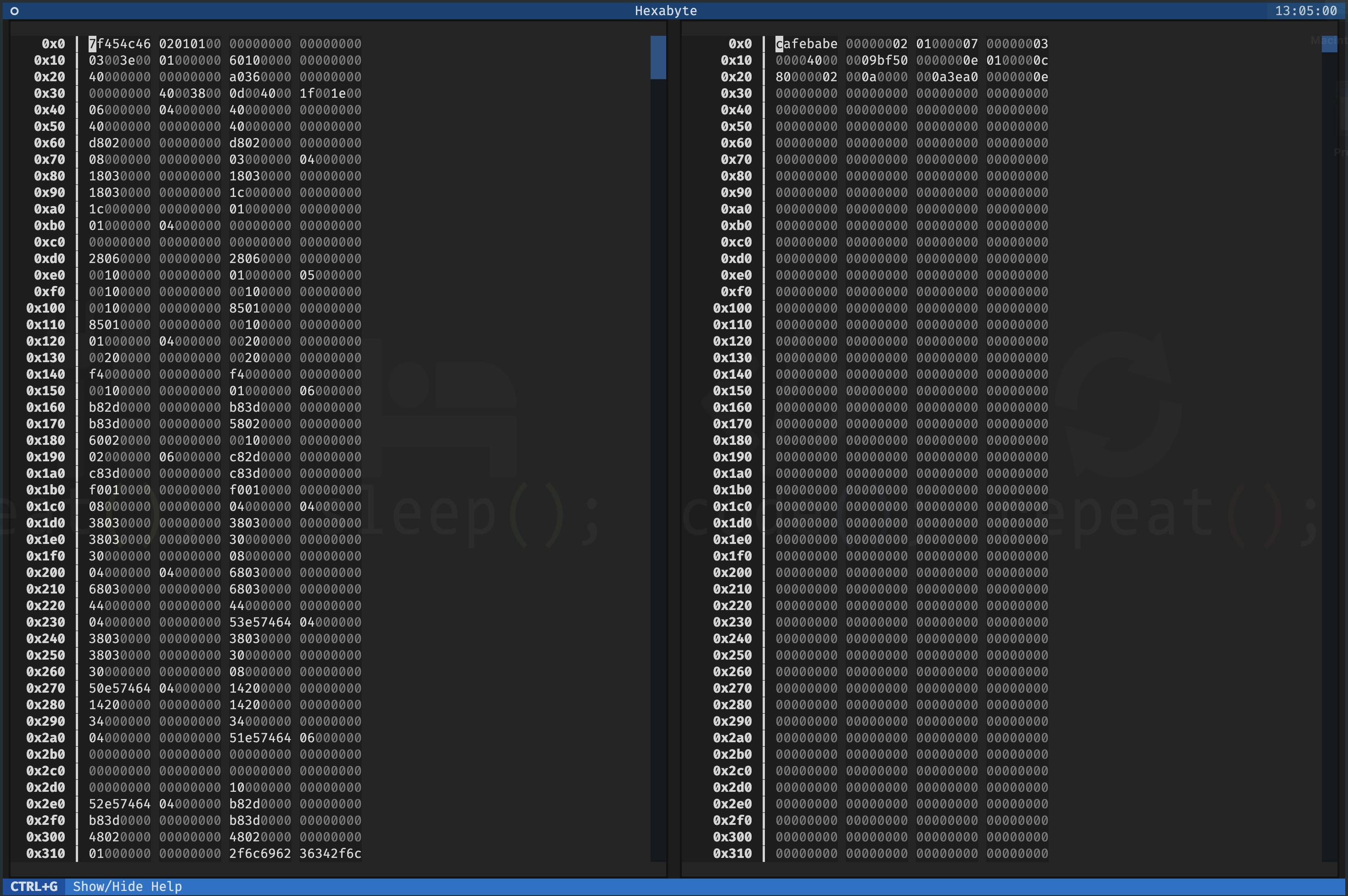
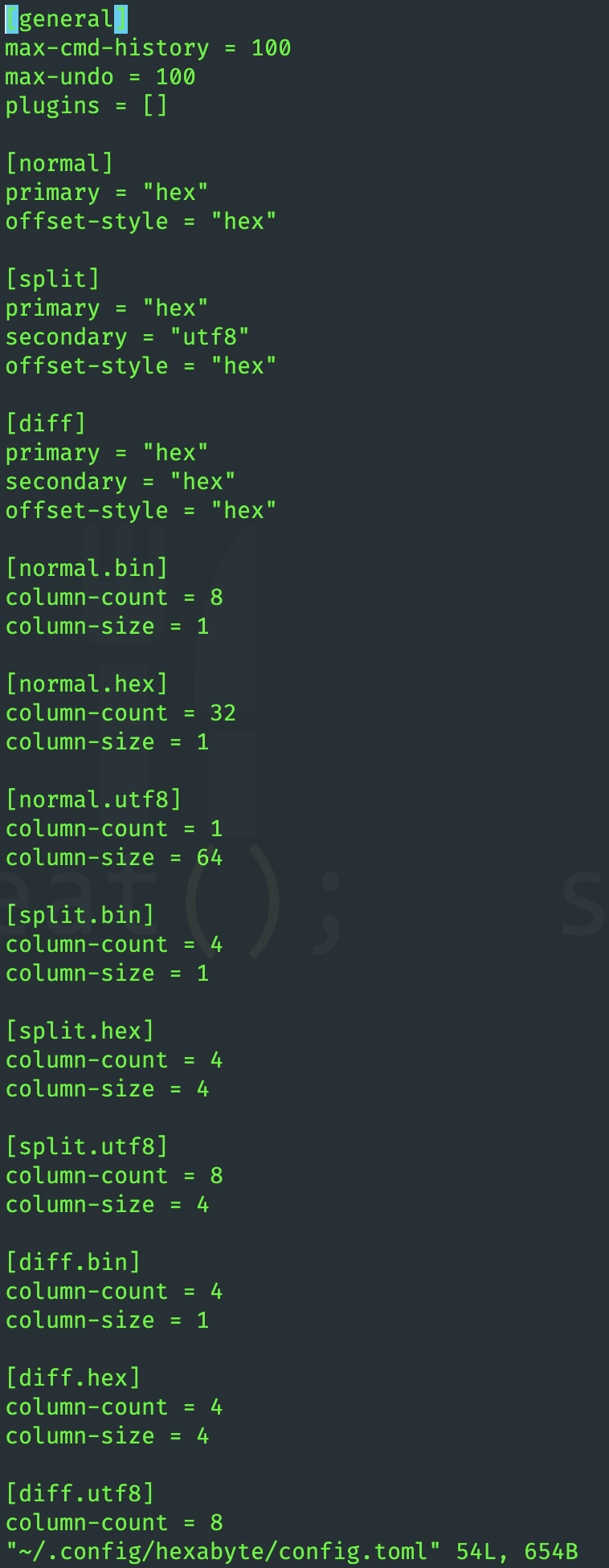
Hexabyteのインターフェイスは非常にカスタマイズ可能です。各ビューモードの列サイズと列カウントを調整できます。
ヘキサバイト機能は、プラグインを使用して拡張できます。
 ~ /$ git clone https://github.com/thetacom/hexabyte
...
~ /$ cd hexabyte
hexabyte/$ poetry install
...hexabyte/$ make test
...






