hexabyte
v0.8.7


现代,健壮且可扩展的命令六角编辑器。
注意:减少核心编辑器的依赖性数量。内置插件已移至单独的软件包。它们是hexabyte_extended_info和hexabyte_entropy。
 ~ /$ pip install hexabyte
... ~ /$ hexabyte --help
usage: hexabyte [-h] [-c CONFIG_FILEPATH] [-s] [files ...]
Hexabyte can operate in three distinct modes. Single file mode opens a single file with a single editor. Split screen mode opens a single file with a split screen view. Diff
mode opens two files side by side.
positional arguments:
files Specify 1 or 2 filenames
options:
-h, --help show this help message and exit
-c CONFIG_FILEPATH, --config CONFIG_FILEPATH
Specify config location. Default: ~ /.config/hexabyte/config.toml
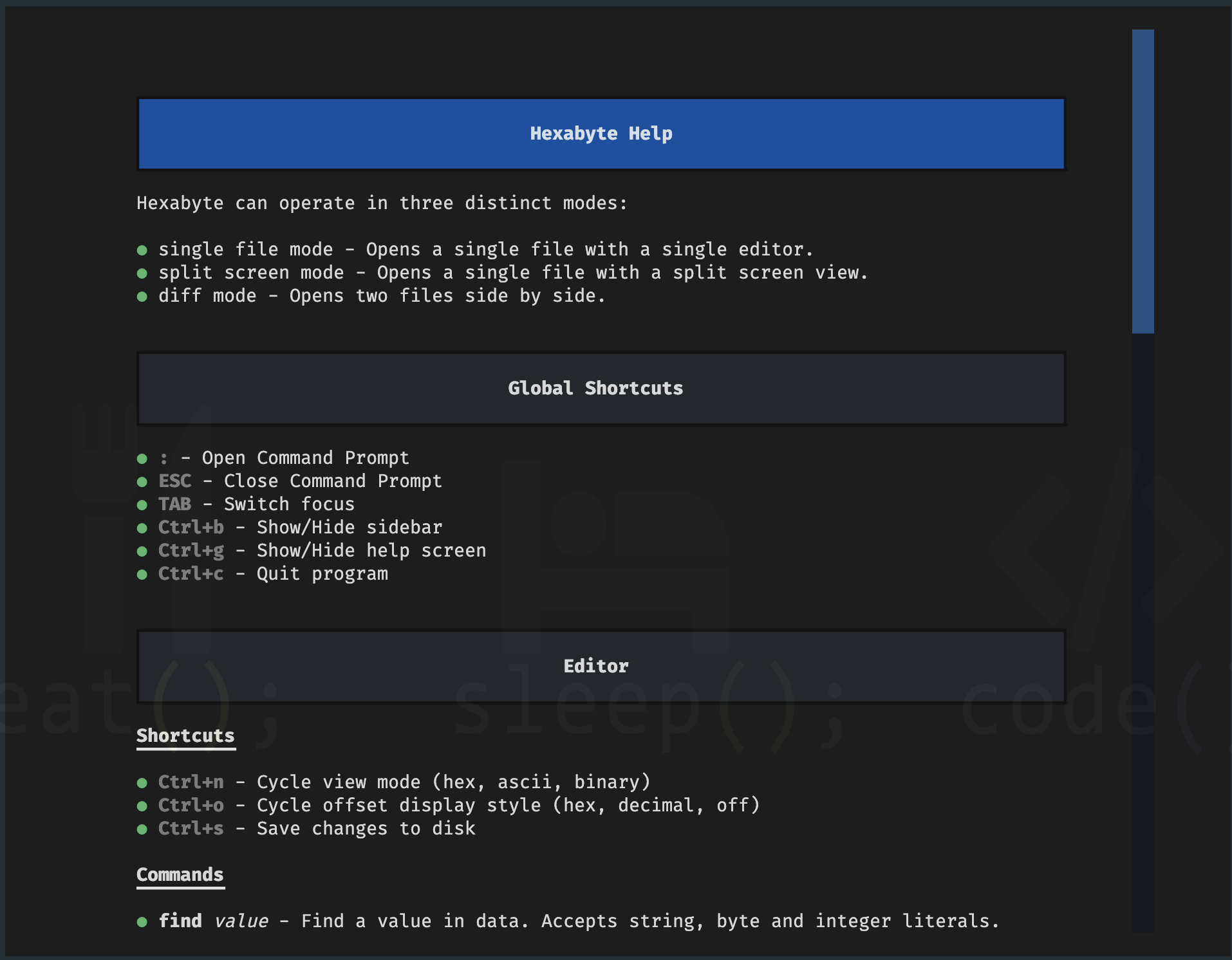
-s, --split Display a single file in two split screen editors.帮助屏幕
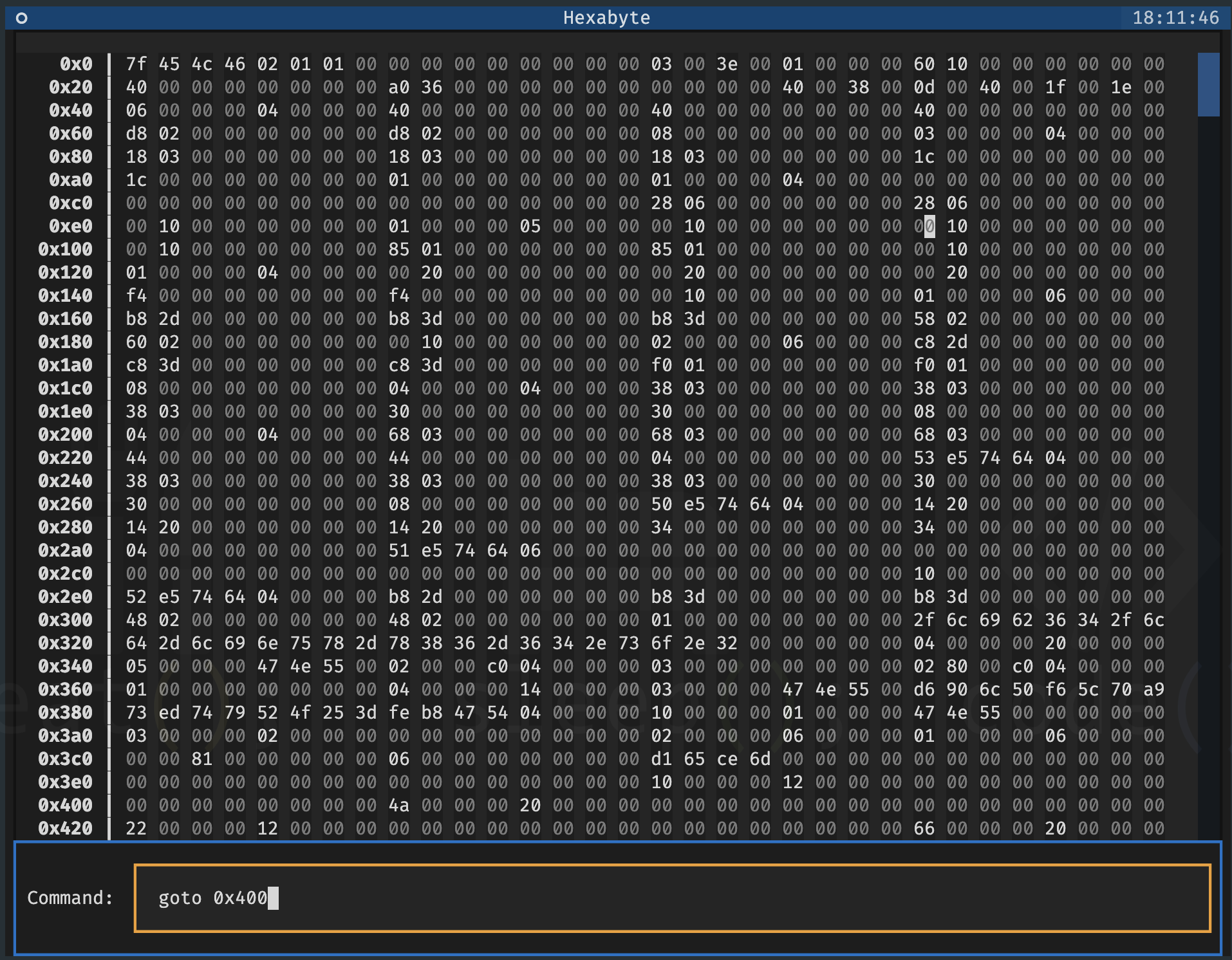
命令提示
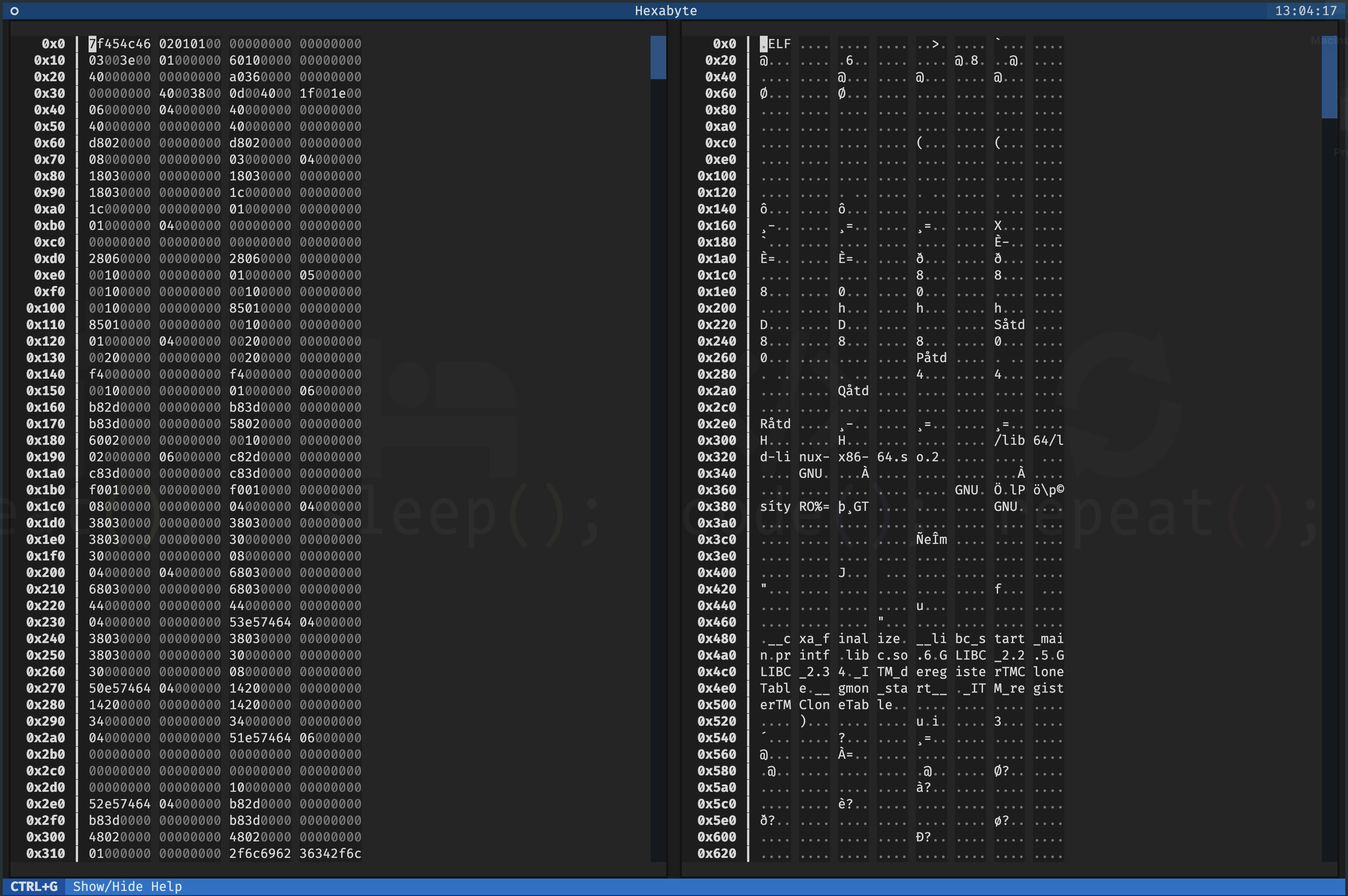
单文件 - 拆分屏幕
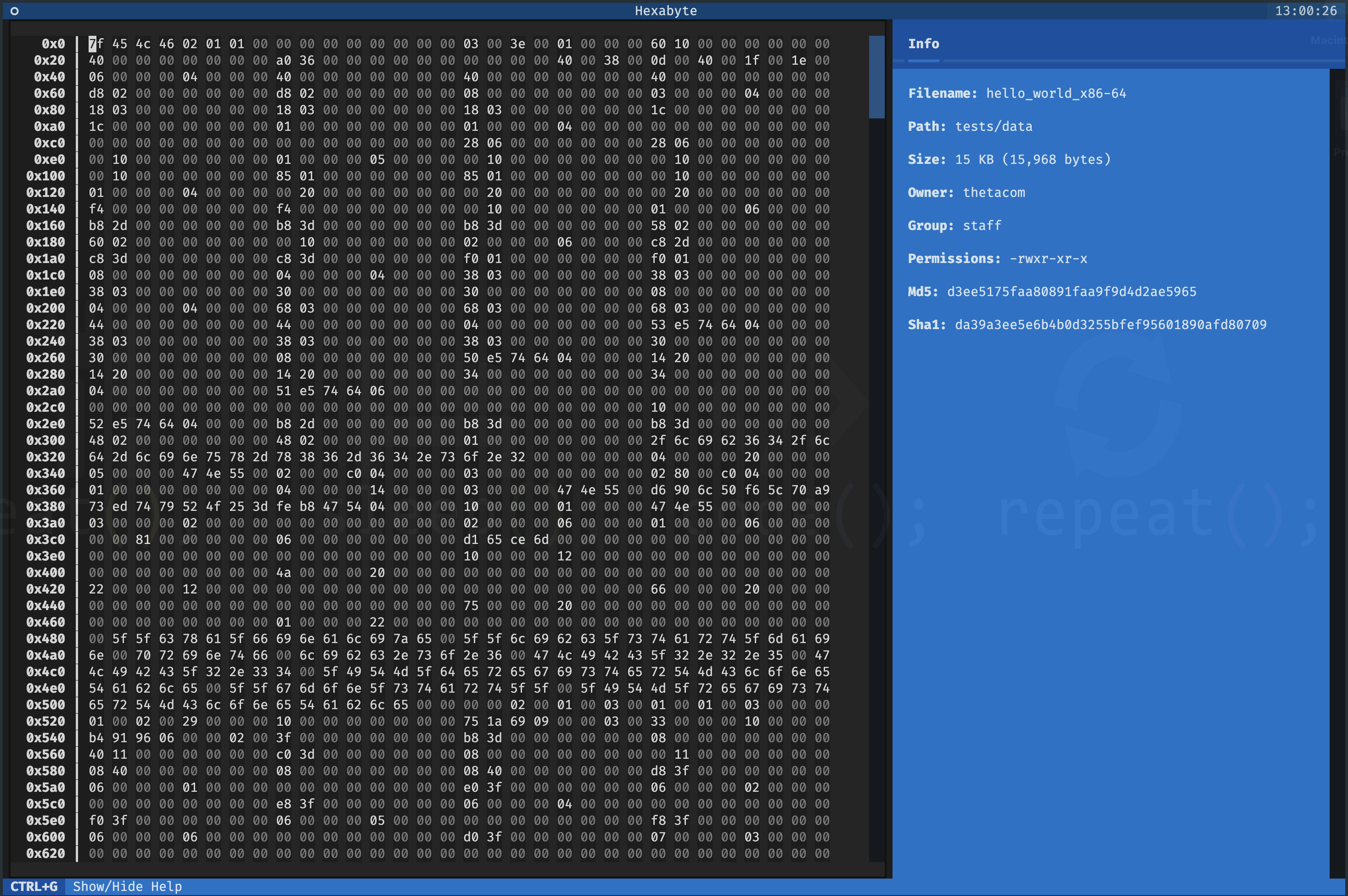
单文件 - 十六进制视图模式
UTF8查看模式
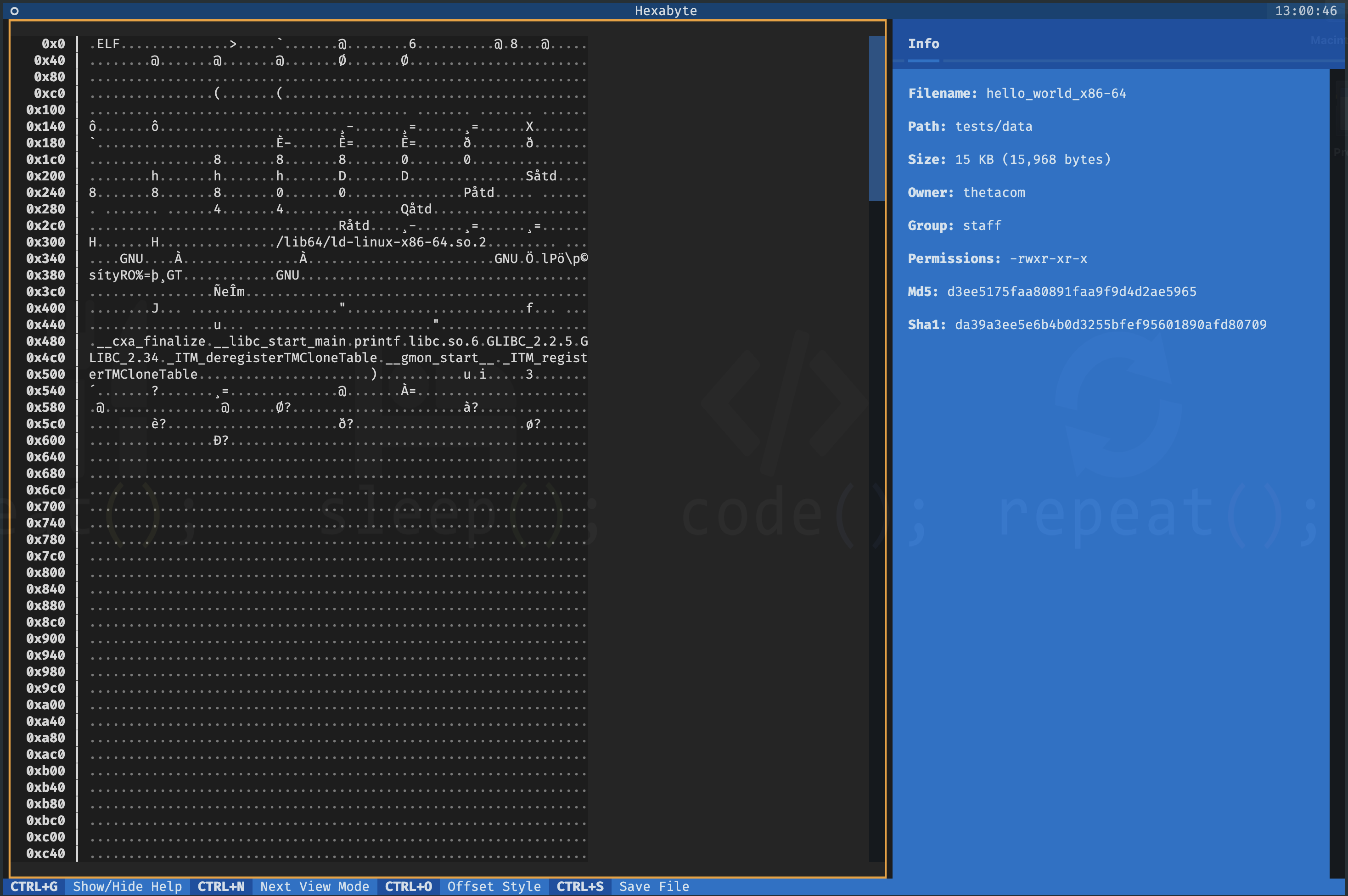
二进制视图模式
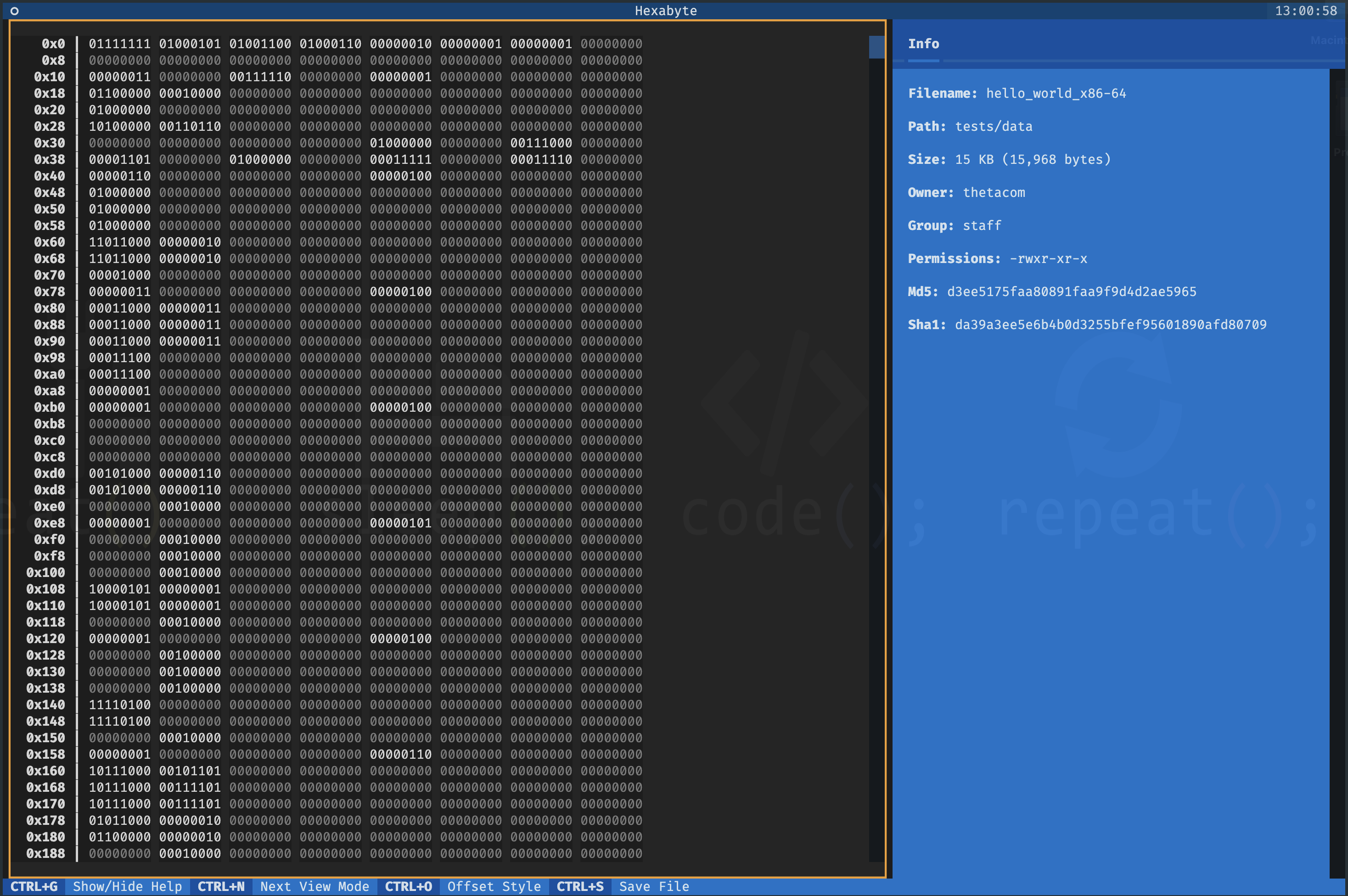
两个文件 - diff视图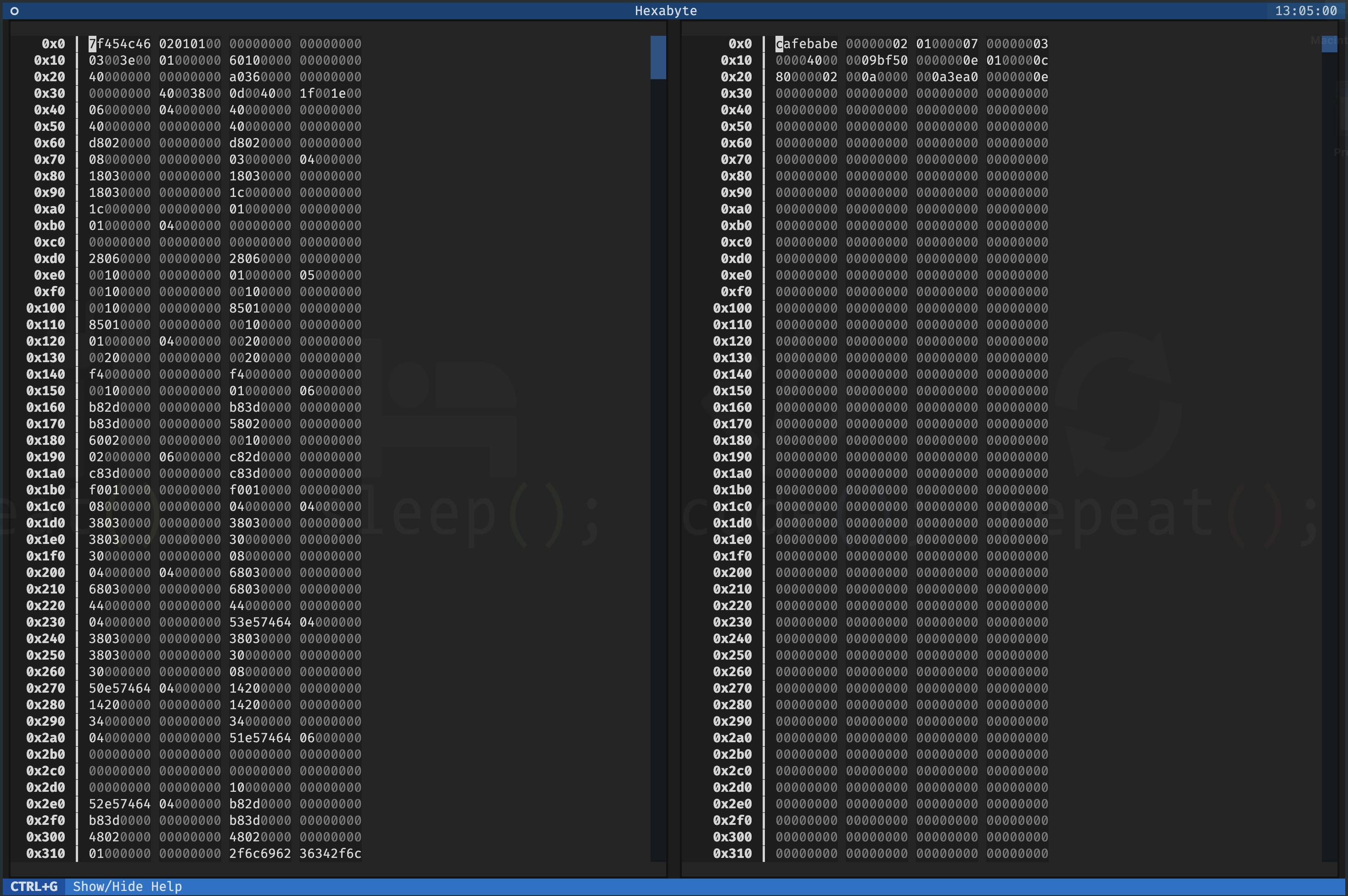
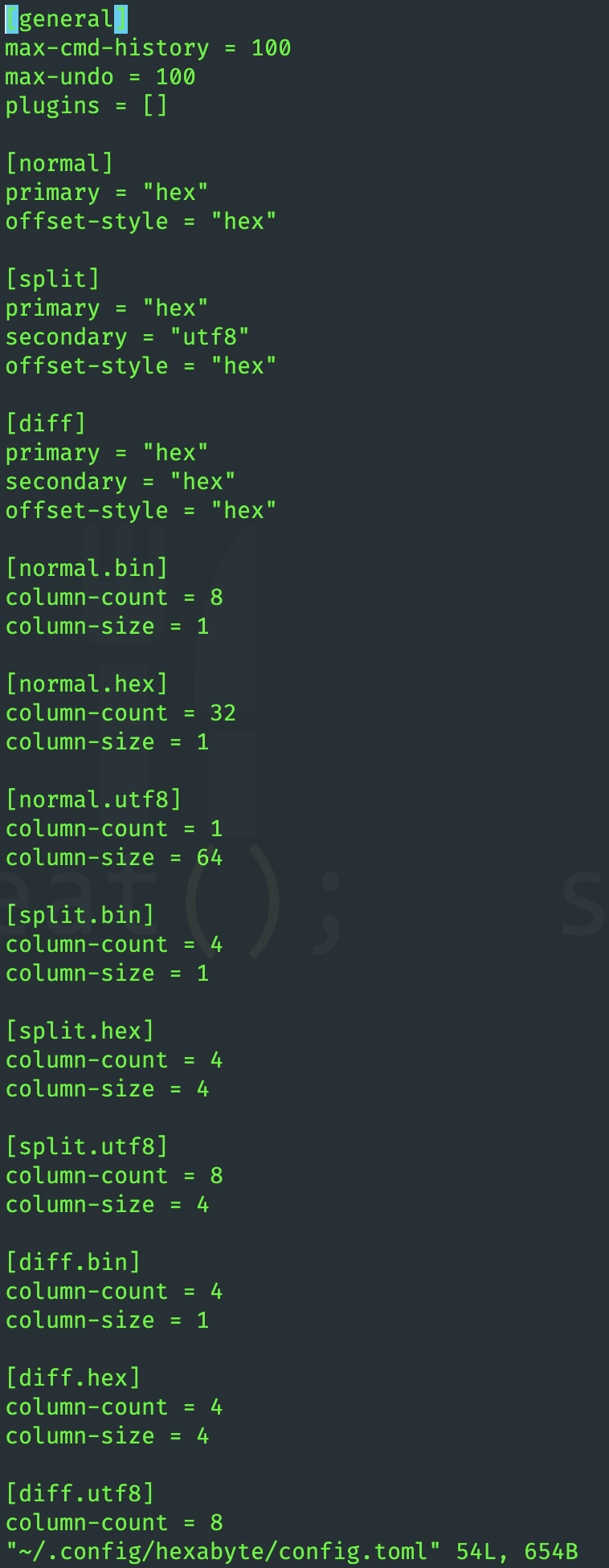
Hexabyte的界面是高度可自定义的。您可以为每个视图模式调整列大小和列计数。
可以通过使用插件来扩展六边形功能。
 ~ /$ git clone https://github.com/thetacom/hexabyte
...
~ /$ cd hexabyte
hexabyte/$ poetry install
...hexabyte/$ make test
...






