hexabyte
v0.8.7


โปรแกรมแก้ไข Hex Commandline ที่ทันสมัยมีความแข็งแกร่งและขยายได้
หมายเหตุ: เพื่อลดจำนวนการพึ่งพาของตัวแก้ไขหลัก ปลั๊กอินในตัวได้ถูกย้ายไปยังแพ็คเกจแยกต่างหาก พวกเขาคือ hexabyte_extended_info และ hexabyte_entropy
 ~ /$ pip install hexabyte
... ~ /$ hexabyte --help
usage: hexabyte [-h] [-c CONFIG_FILEPATH] [-s] [files ...]
Hexabyte can operate in three distinct modes. Single file mode opens a single file with a single editor. Split screen mode opens a single file with a split screen view. Diff
mode opens two files side by side.
positional arguments:
files Specify 1 or 2 filenames
options:
-h, --help show this help message and exit
-c CONFIG_FILEPATH, --config CONFIG_FILEPATH
Specify config location. Default: ~ /.config/hexabyte/config.toml
-s, --split Display a single file in two split screen editors.หน้าจอช่วยเหลือ
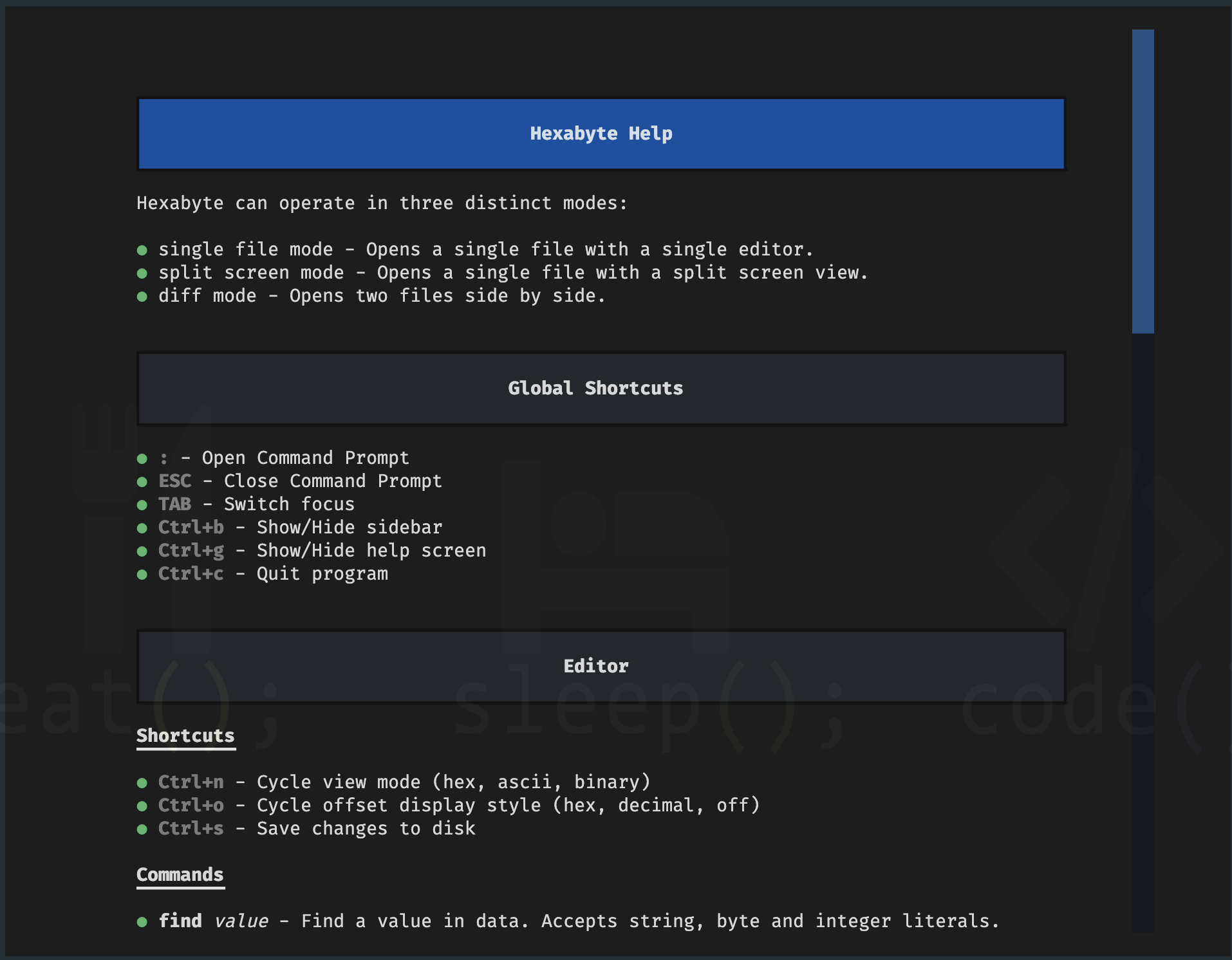
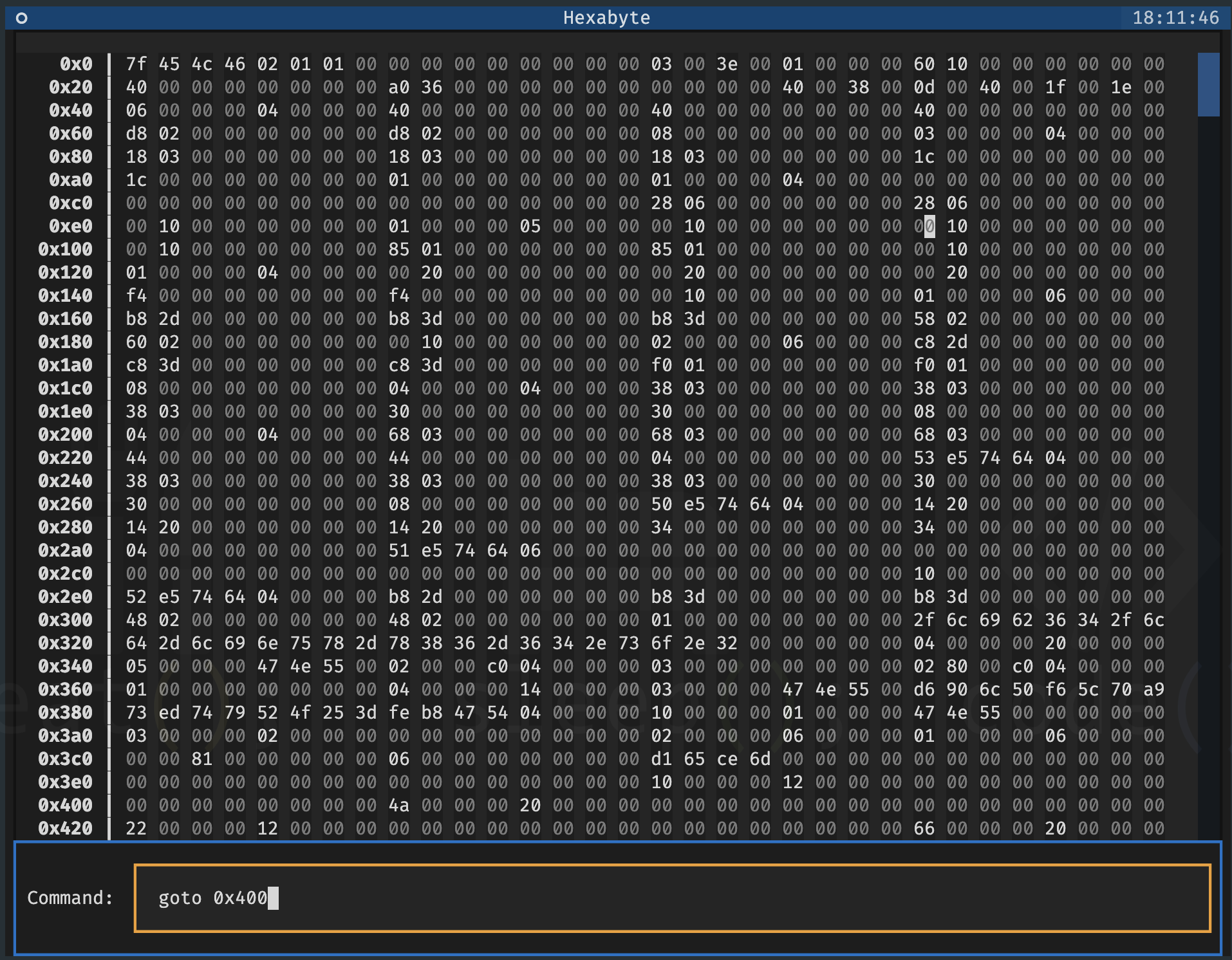
พรอมต์คำสั่ง
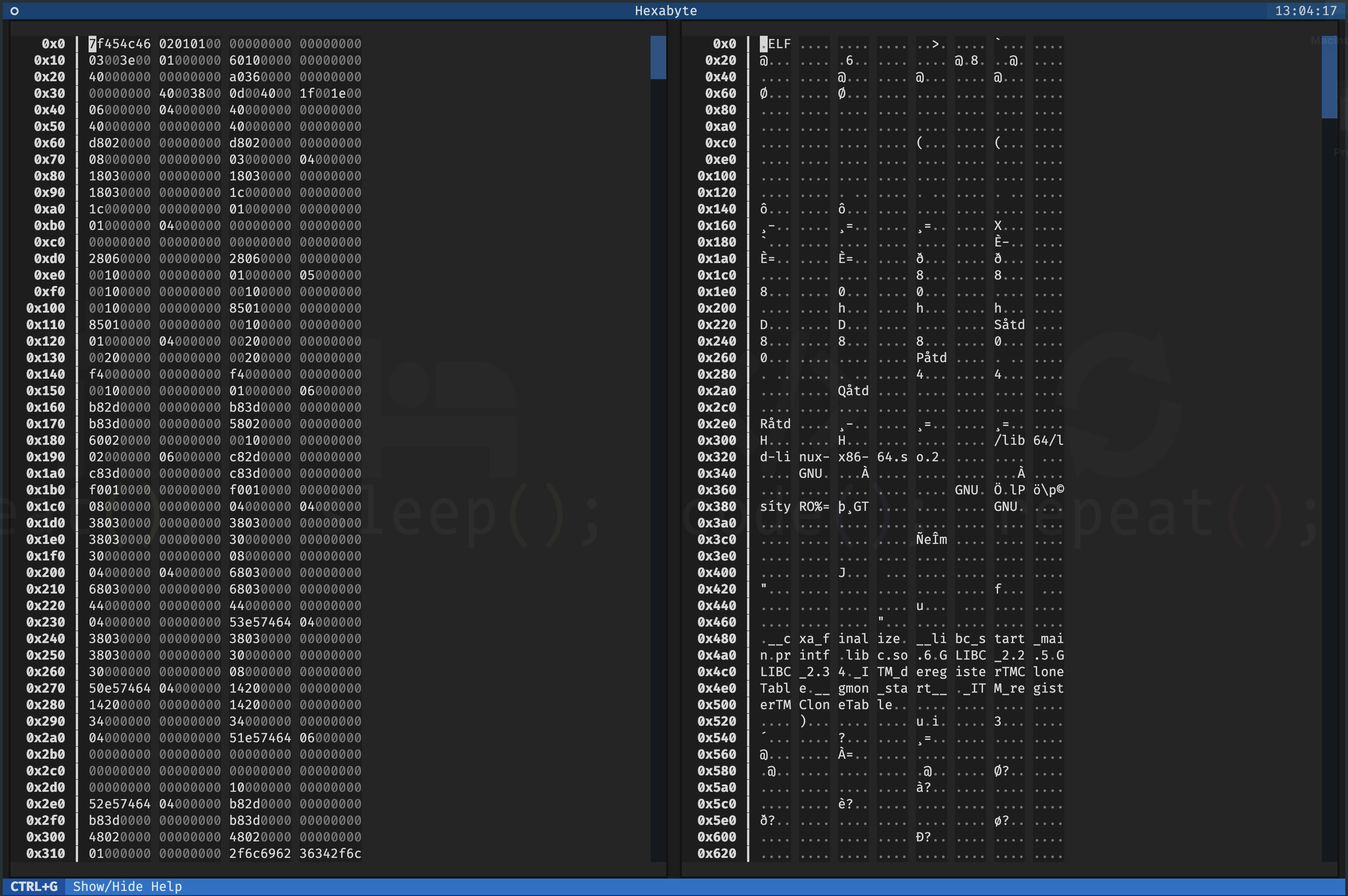
ไฟล์เดียว - หน้าจอแยก
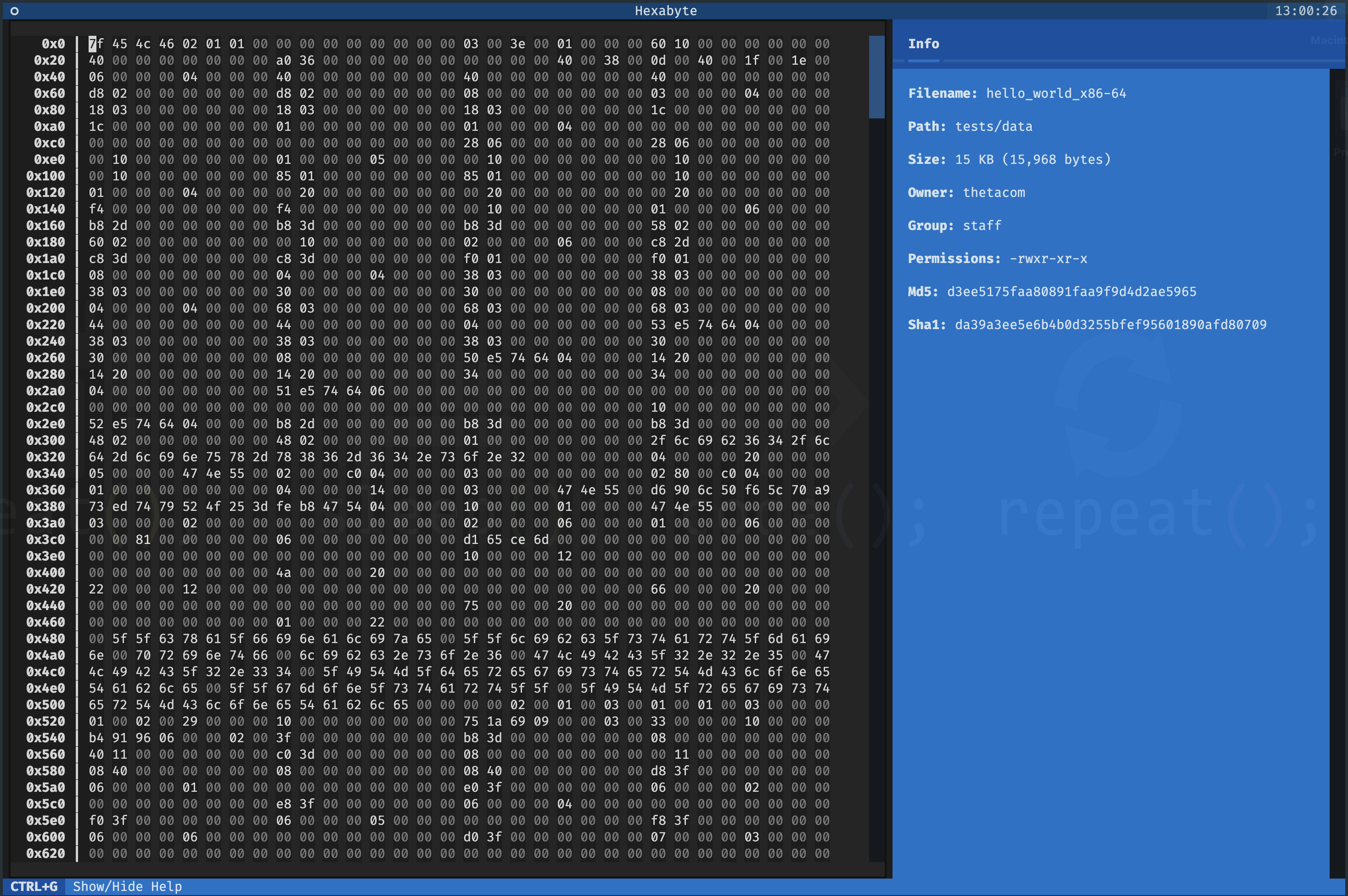
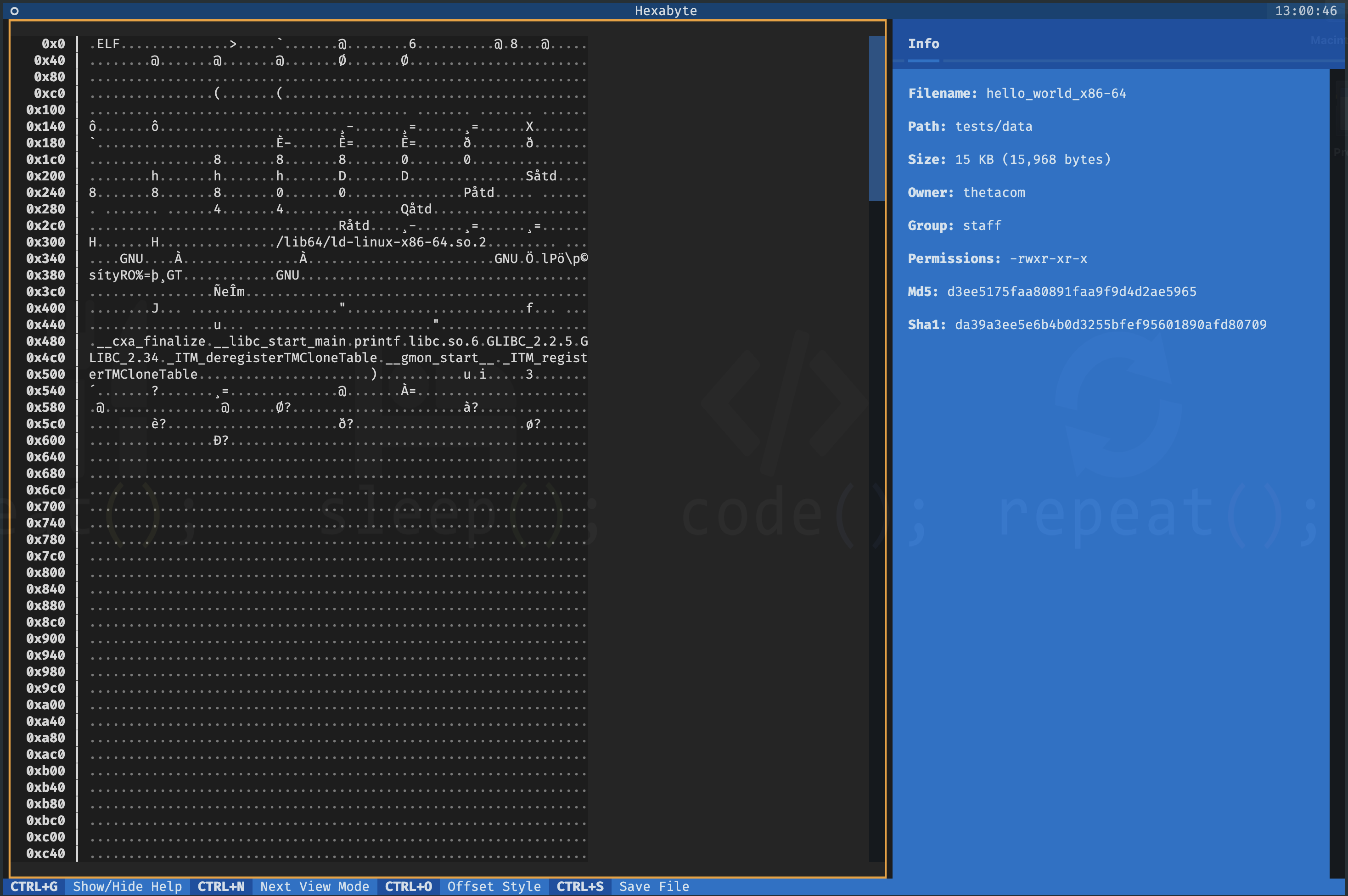
ไฟล์เดียว - โหมดมุมมองเลขฐานสิบหก
โหมดมุมมอง UTF8
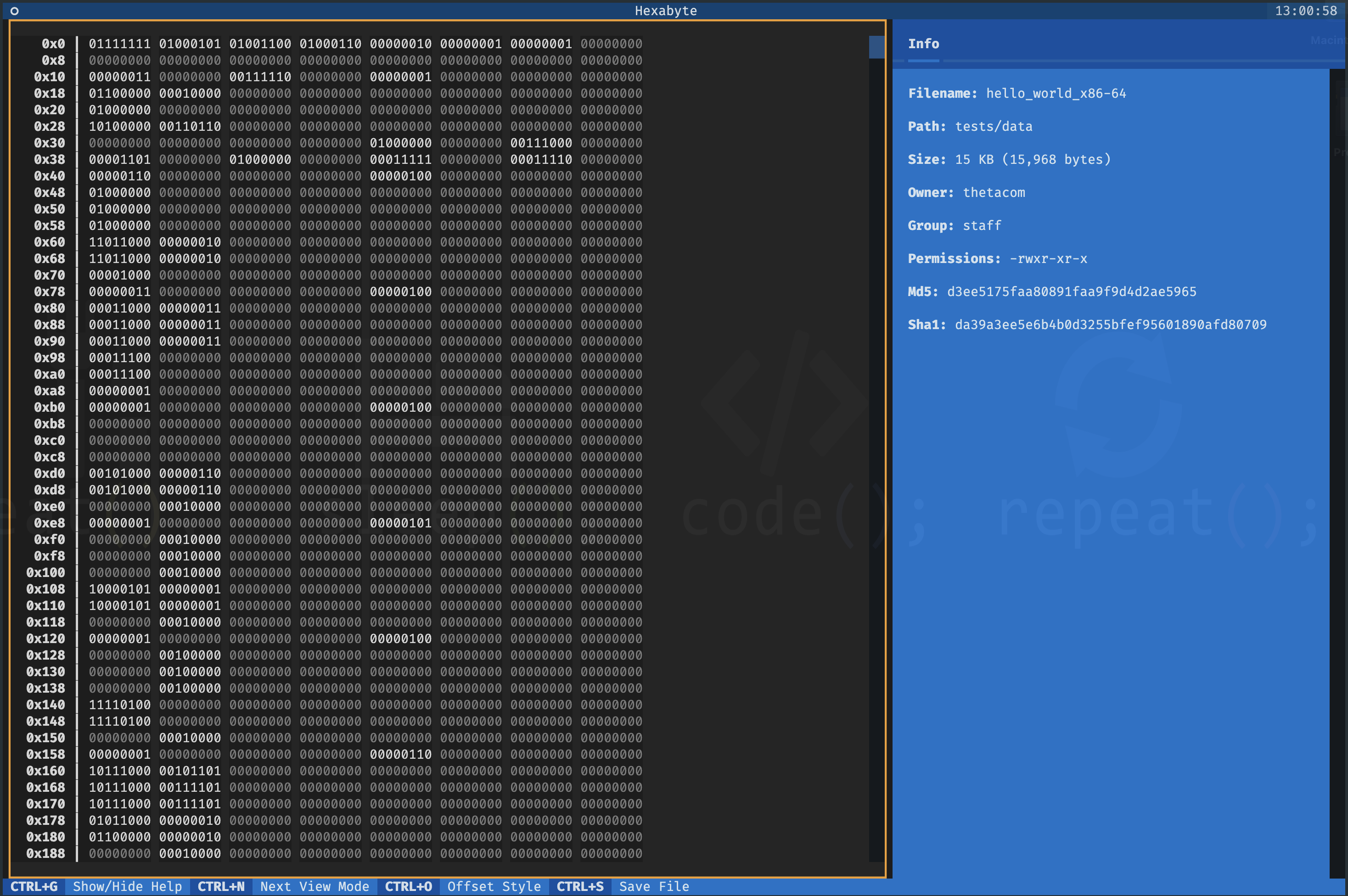
โหมดมุมมองไบนารี
สองไฟล์ - มุมมอง diff 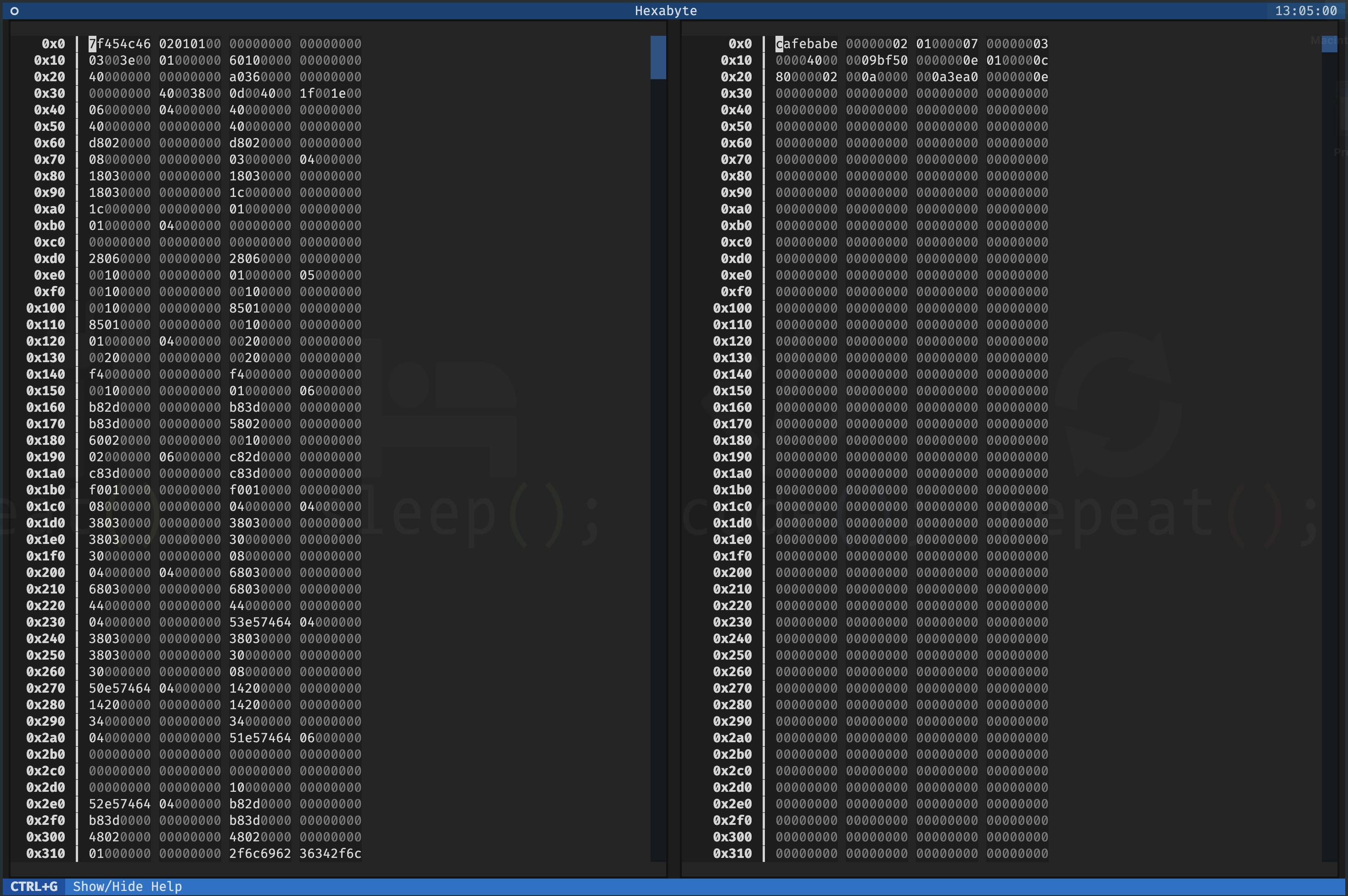
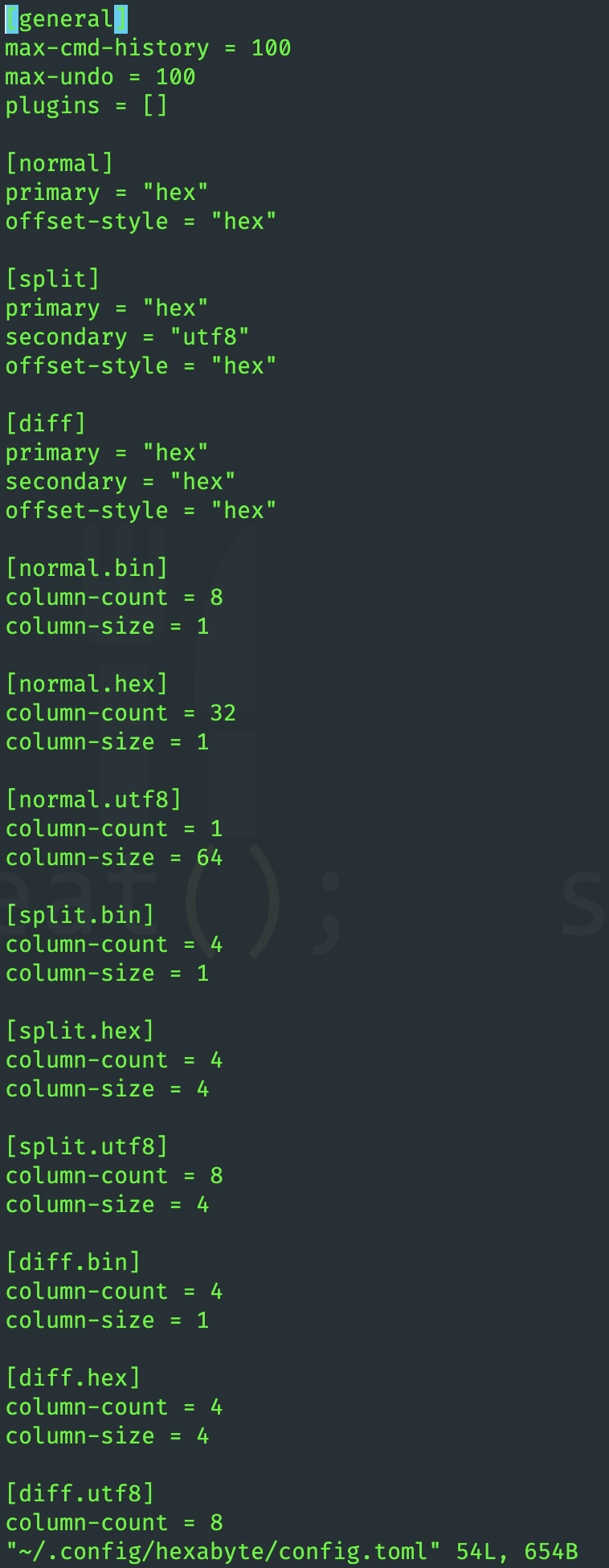
อินเทอร์เฟซของ Hexabyte สามารถปรับแต่งได้สูง คุณสามารถปรับขนาดคอลัมน์และจำนวนคอลัมน์สำหรับแต่ละโหมดมุมมอง
ฟังก์ชั่น Hexabyte สามารถขยายได้ผ่านการใช้ปลั๊กอิน
 ~ /$ git clone https://github.com/thetacom/hexabyte
...
~ /$ cd hexabyte
hexabyte/$ poetry install
...hexabyte/$ make test
...






