tools ocr
V1.2.2

English | 中文
gitee | github
https://tree-hole-ocr-docs.vercel.app/
- Please do not include Chinese characters in the installation path;
- This program is developed with JavaFX, and the installation package provided already includes Java.
- Download the latest version from release and unzip it for installation.
After entering the screenshot interface, press and hold the left mouse button, then drag to select the area you want to capture; After completing the selection, you can fine-tune the selected area:
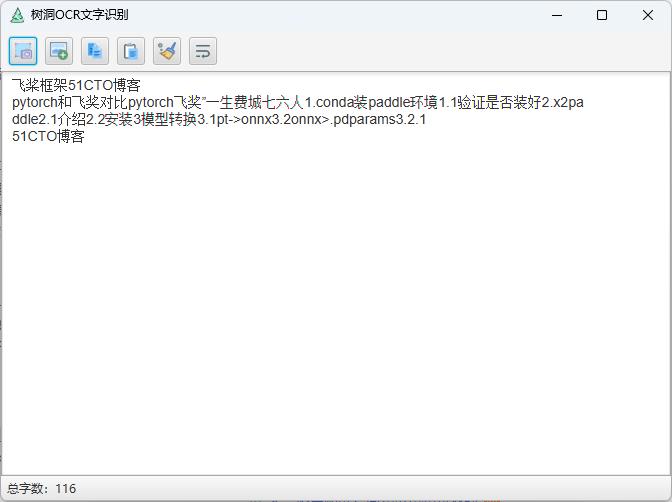
After completing the selection, press Enter or Space key, or double-click the left mouse button to confirm the selection; Once confirmed, the program will automatically perform OCR text recognition on the selected area.
image

result:
wget https://github.com/litongjava/tools-ocr/releases/download/model-ppocr-v4/ch_PP-OCRv4_rec_infer-onnx.zip
wget https://github.com/litongjava/tools-ocr/releases/download/model-ppocr-v4/ch_PP-OCRv4_det_infer-onnx.zip
Unzip the models
mkdir models/ch_PP-OCRv4_rec_infer
mkdir models/ch_PP-OCRv4_det_infer
unzip /Users/mac/Downloads/ch_PP-OCRv4_rec_infer-onnx.zip -d models/ch_PP-OCRv4_rec_infer
unzip /Users/mac/Downloads/ch_PP-OCRv4_det_infer-onnx.zip -d models/ch_PP-OCRv4_det_infer
You can download the code and build it locally. The build commands are as follows: windows
mkdir targetjfxapp
cp -r models targetjfxapp
mvn jfx:native -DskipTests -f pom.xml
macos
rm -rf target/jfx/app
mkdir -p target/jfx/app
cp -r models target/jfx/app
mvn jfx:native -DskipTests -f pom.xmlcd treehole.app/Contents/java/logs
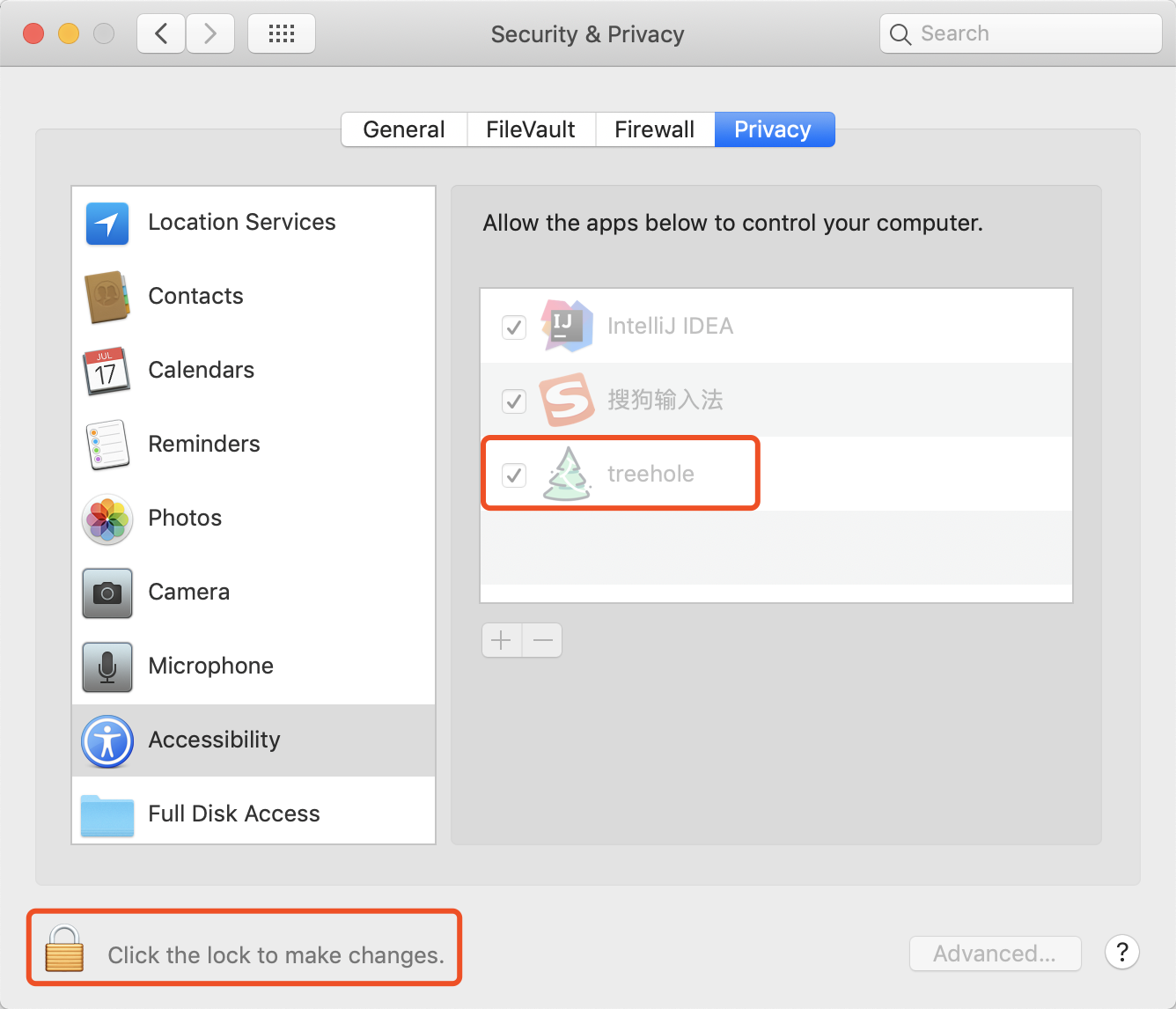
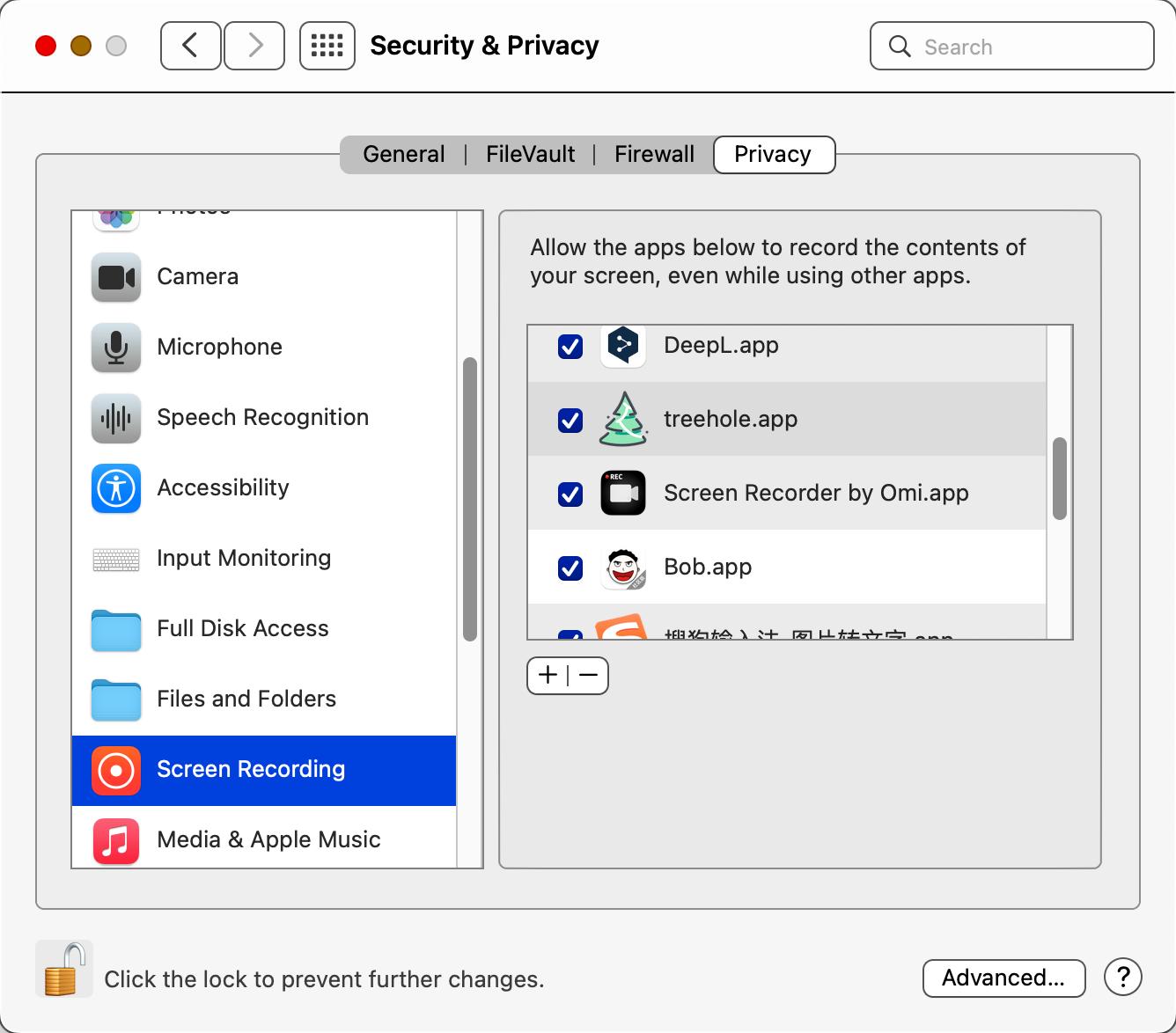
Since screenshot shortcuts are monitored, MAC needs appropriate permissions settings, as shown below: