Ananas
v1.2.6


您的Android應用程序簡單的照片編輯器集成。
| 主菜單 | 文本模式 |
|---|---|
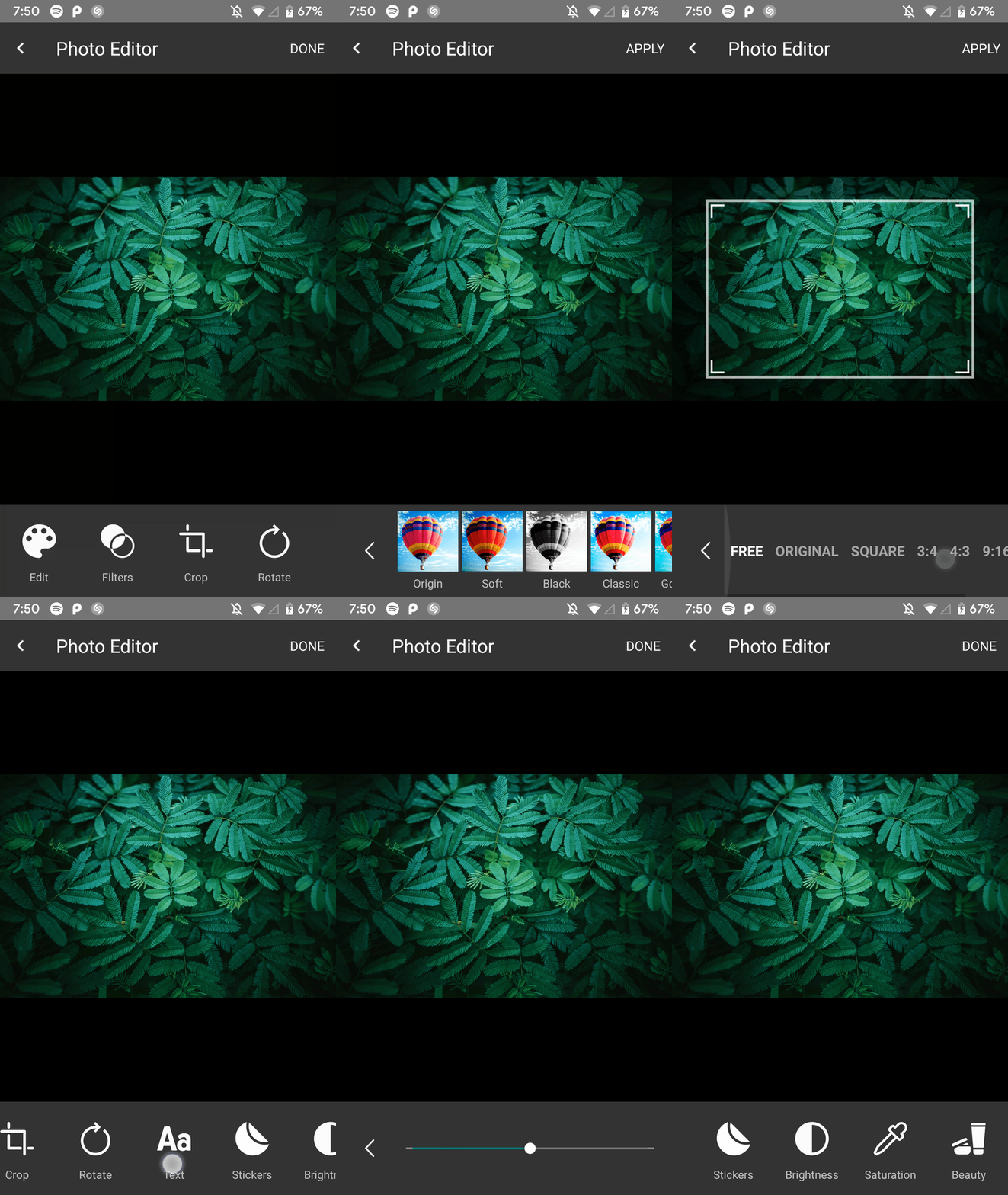 | 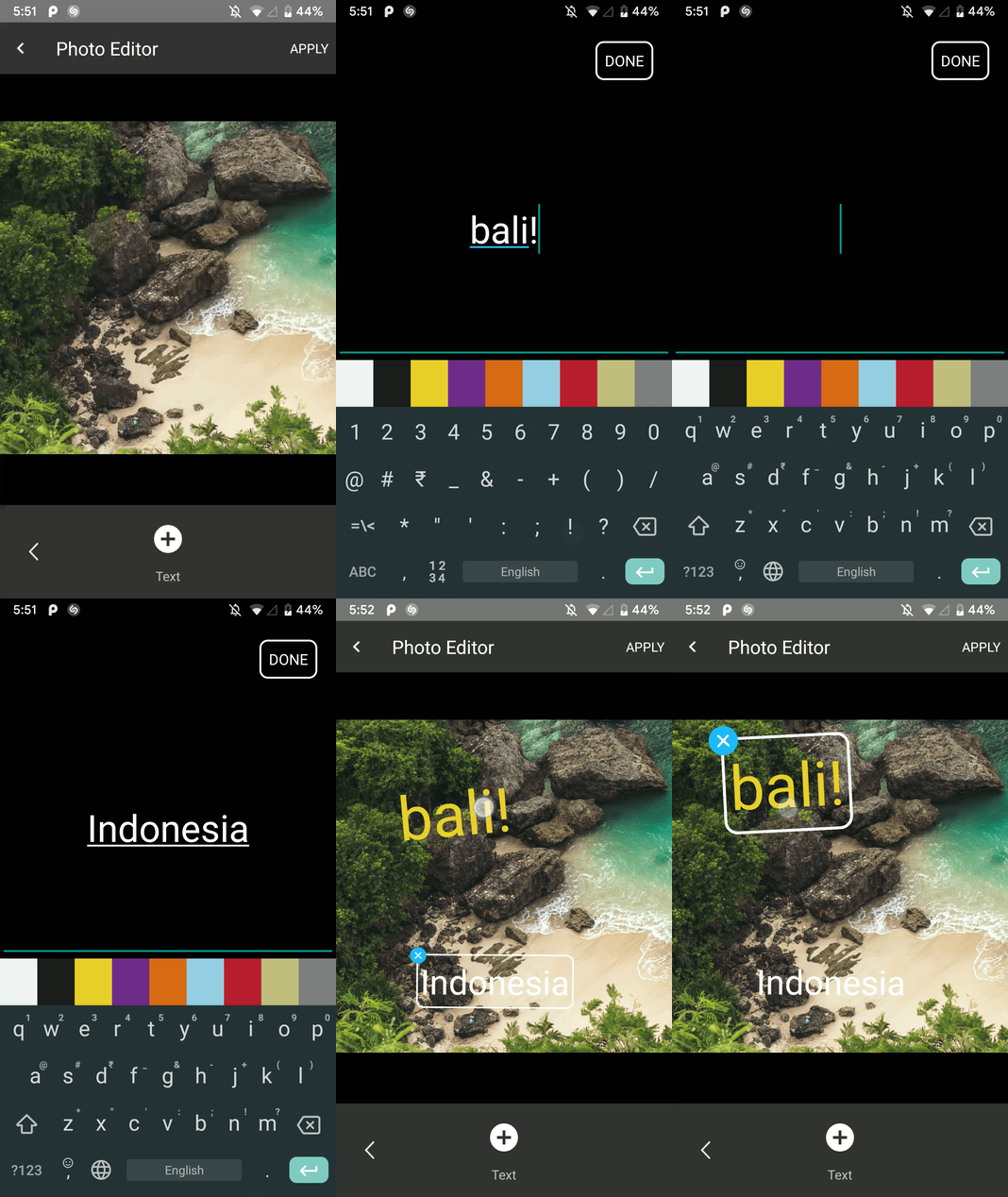 |
| 旋轉模式 | 作物模式 |
|---|---|
 | 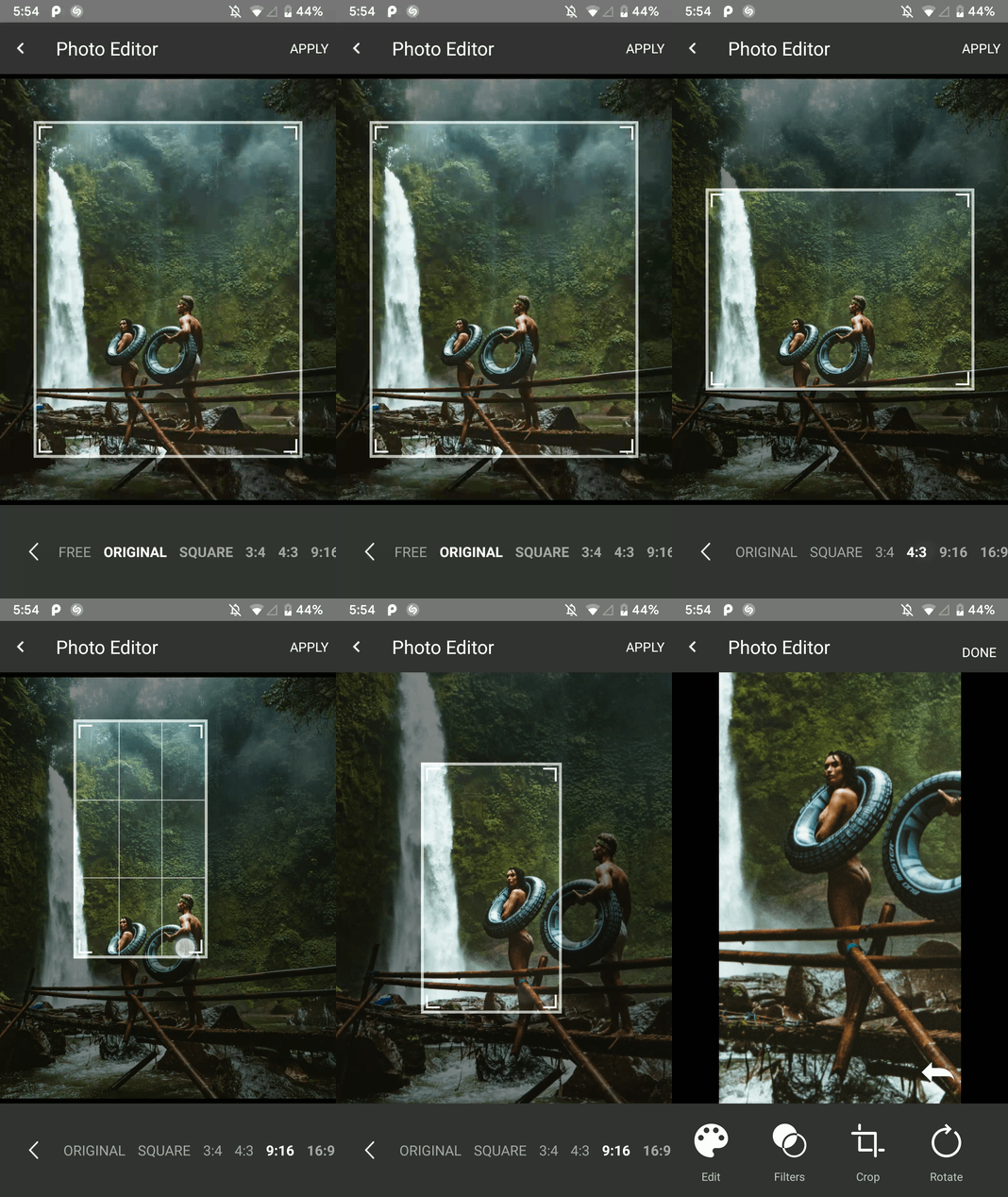 |
| 過濾模式 | 油漆模式 |
|---|---|
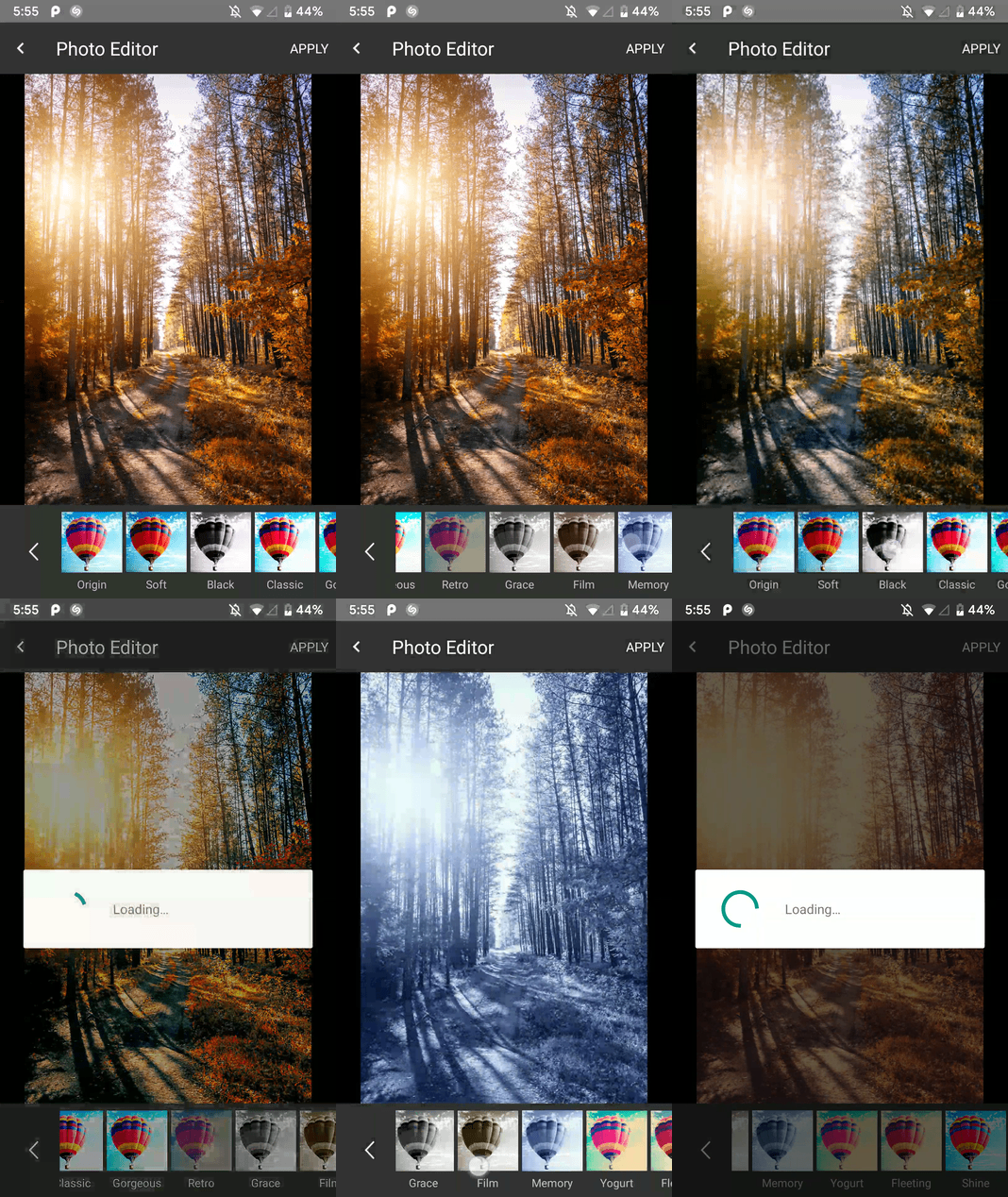 | 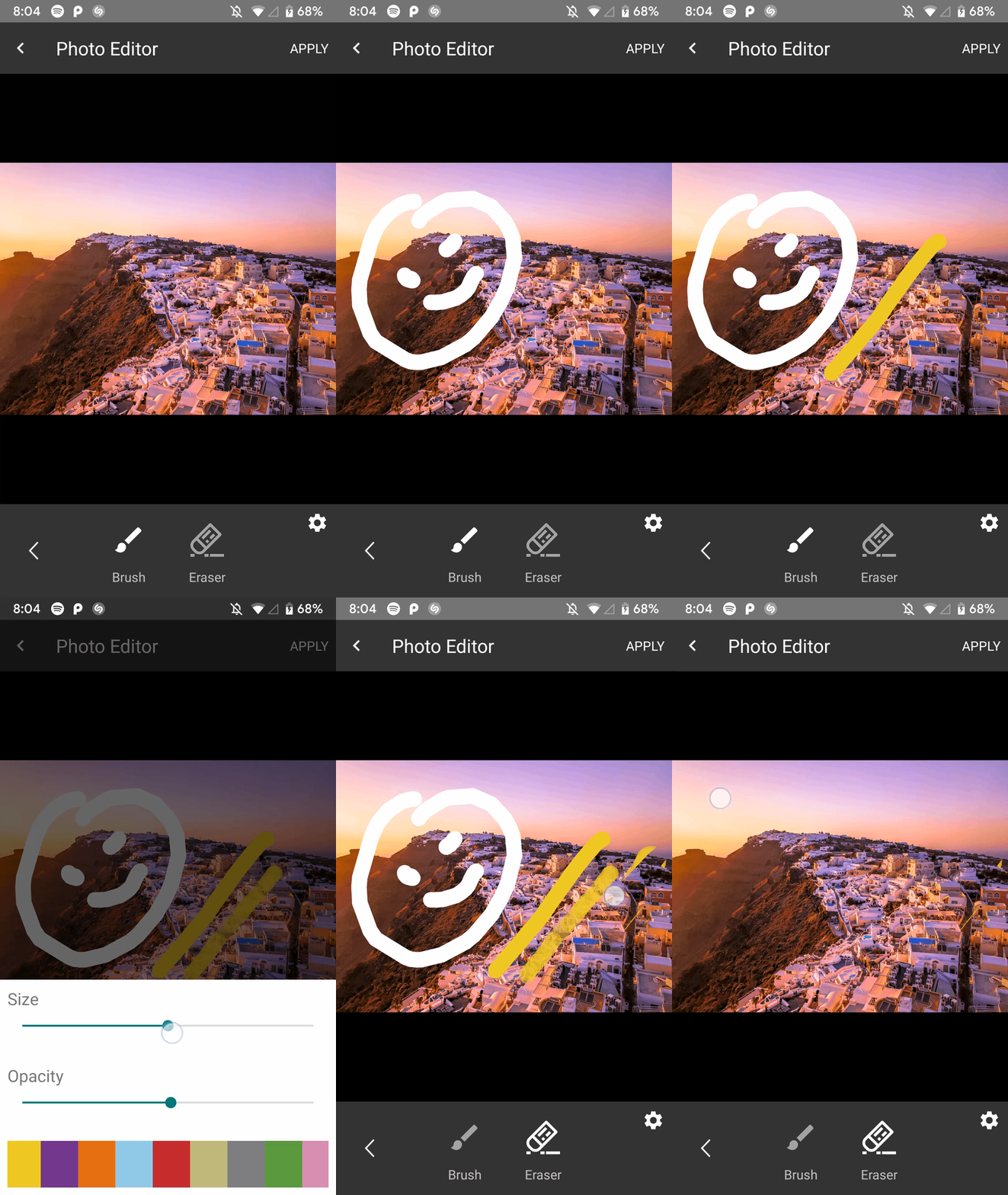 |
| 美容模式 | 飽和模式 |
|---|---|
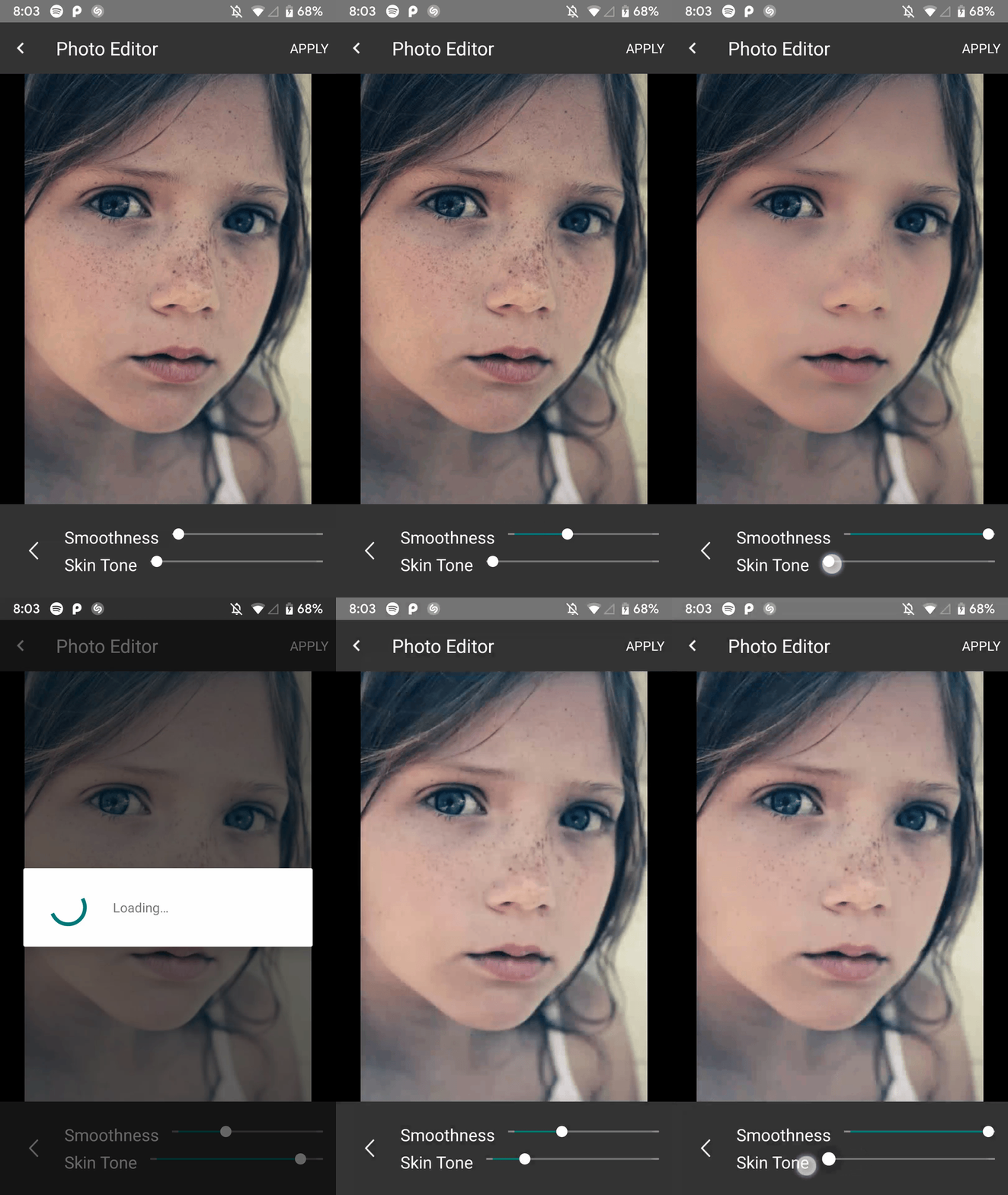 | 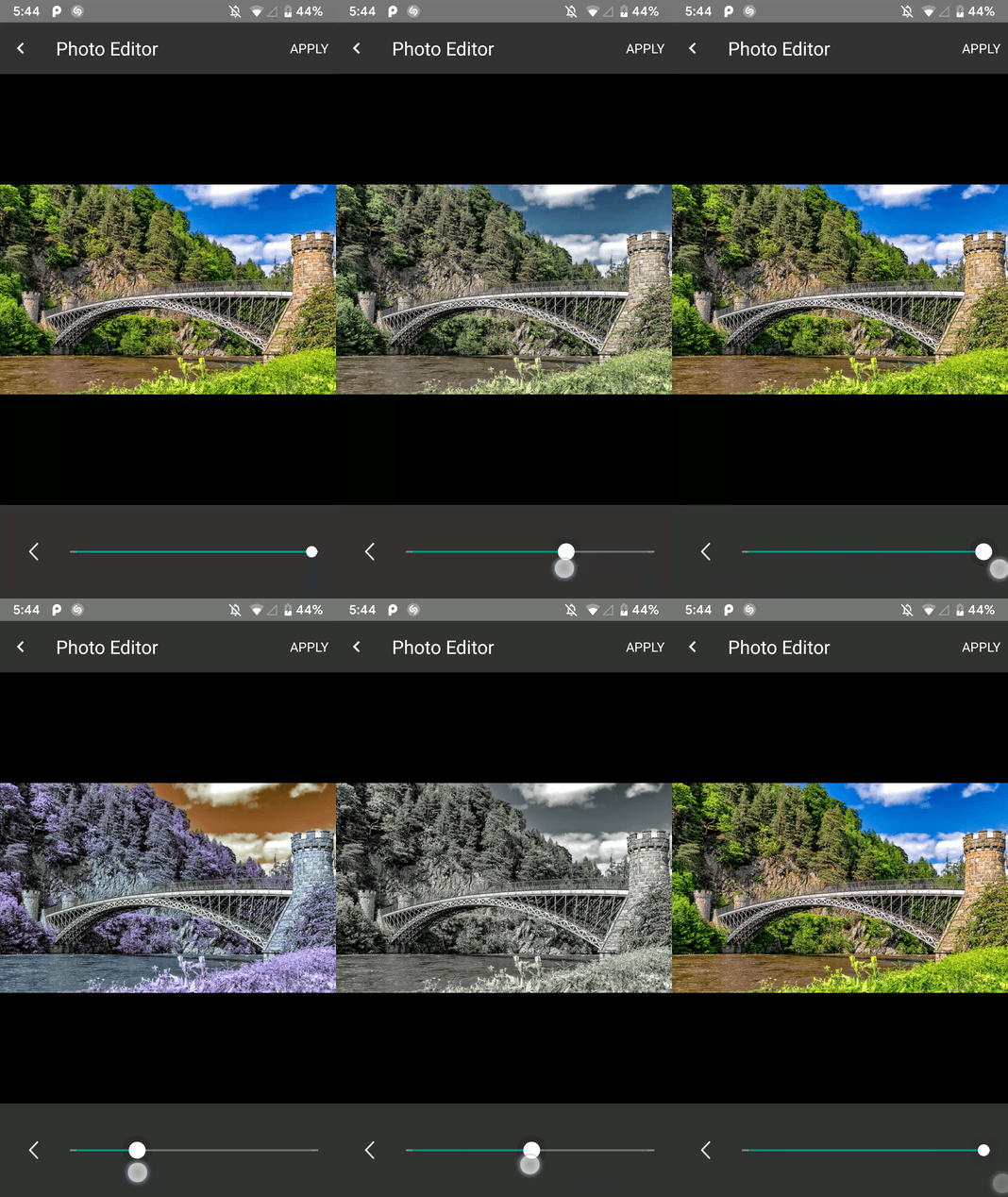 |
| 亮度模式 | 貼紙模式 |
|---|---|
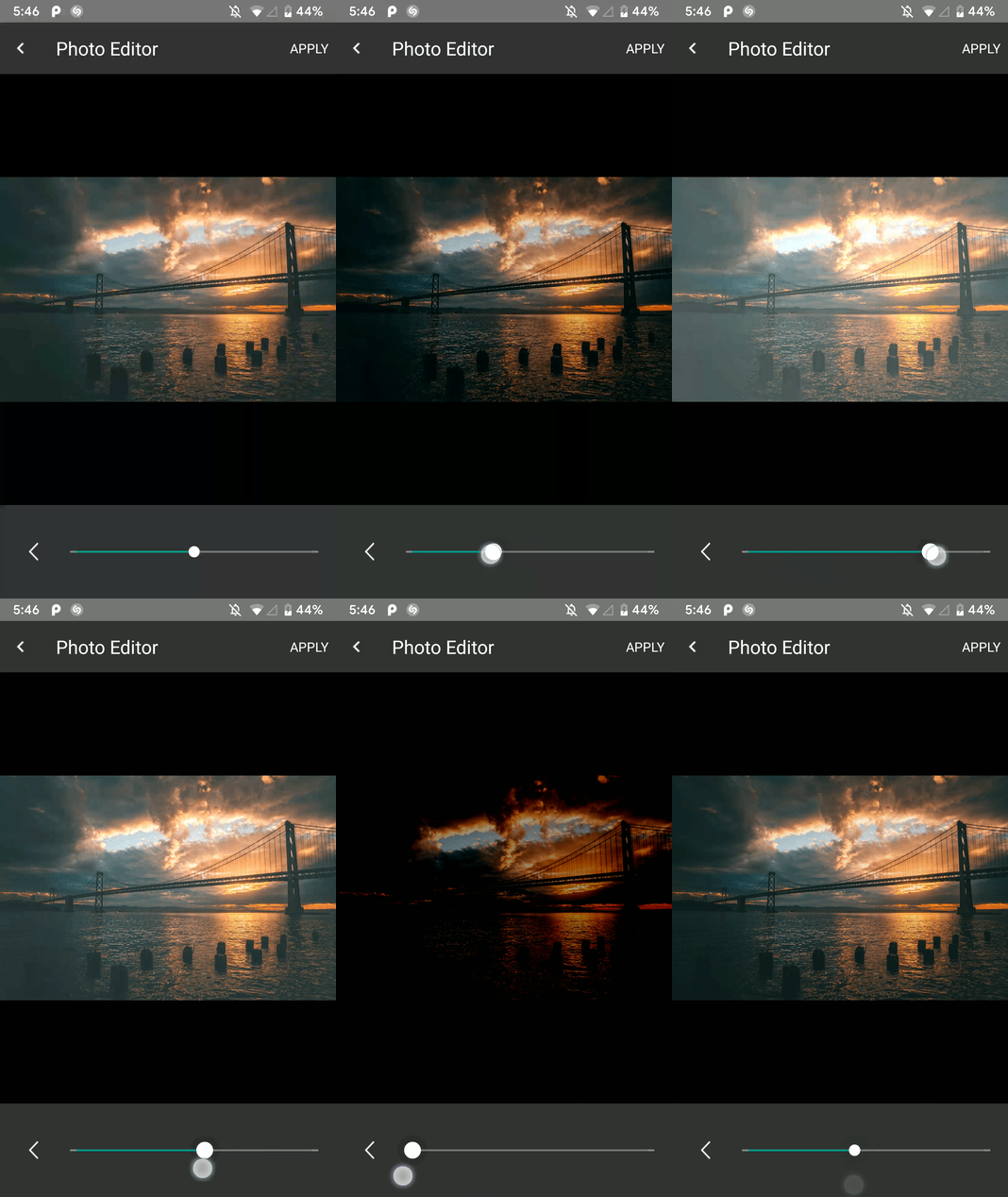 | 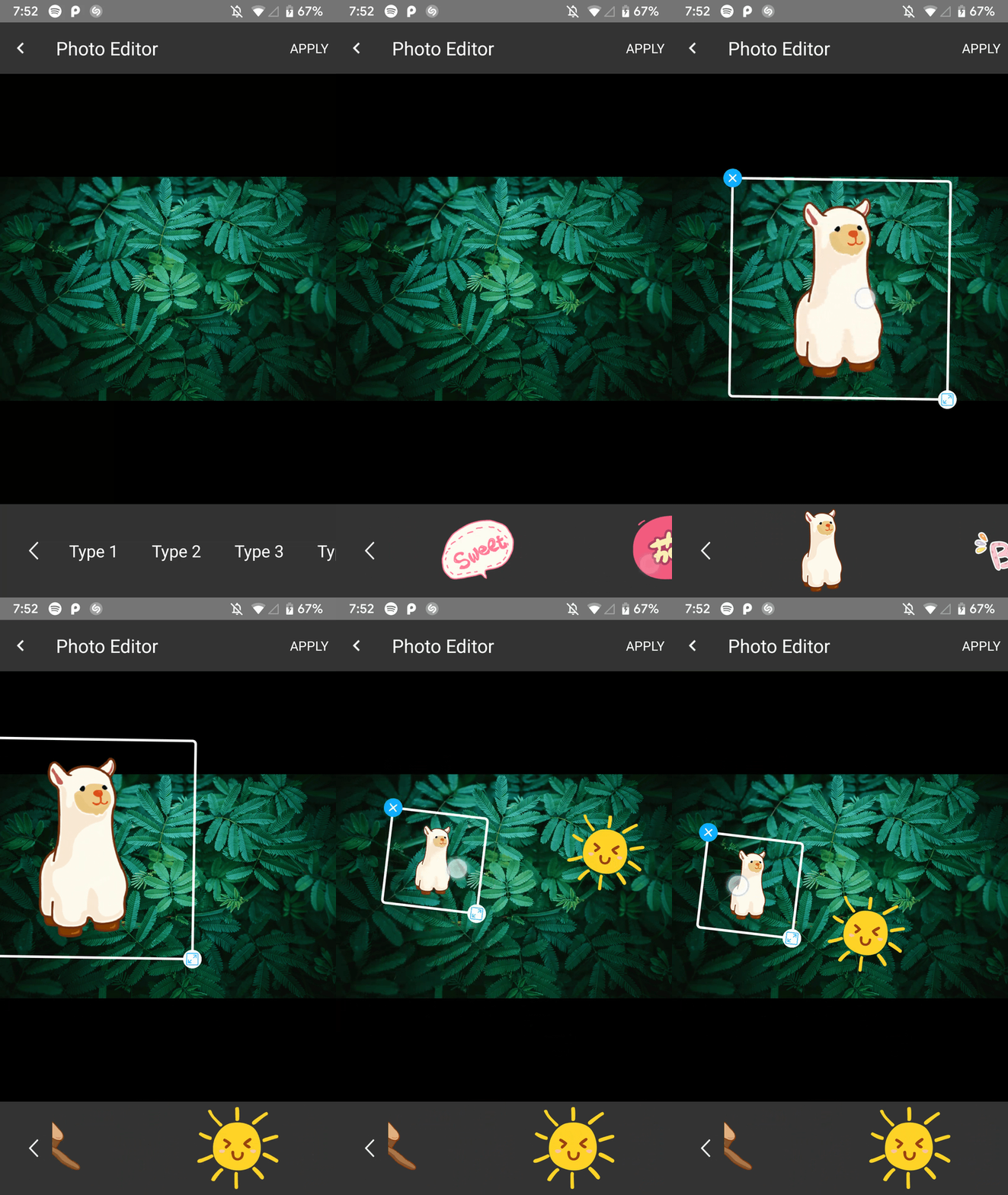 |
在存儲庫結束時將其添加到root build.gradle中:
  allprojects {
    repositories {
      ...
      maven { url 'https://jitpack.io' }
    }
  }
在這樣的應用模塊的Gradle文件中添加依賴關係
implementation 'com.github.iamutkarshtiwari:Ananas:1.2.6'
將其添加到您的應用程序的proguard-rules.pro文件:
 - keepclasseswithmembers class * {
    native < methods > ;
}這是您應用程序的build.gradle :
 compileOptions {
        sourceCompatibility JavaVersion.VERSION_1_8
        targetCompatibility JavaVersion.VERSION_1_8
}
由於此庫使用RxJava 2.0 ,並且您的項目使用RxJava 1.0 ,因此您需要將以下代碼添加到您的應用程序的gradle文件中,以便兩個版本都可以共存 -
 android {
    packagingOptions {
        exclude 'META-INF/rxjava.properties'
    }
}
使用首選的請求代碼將此常數添加到您的活動類中:
private final int PHOTO_EDITOR_REQUEST_CODE = 231 ; // Any integer value as a request code.使用以下代碼構建和啟動照片編輯器:
 try {
  Intent intent = new ImageEditorIntentBuilder ( this , sourceImagePath , outputFilePath )
         . withAddText () // Add the features you need
         . withPaintFeature ()
         . withFilterFeature ()
         . withRotateFeature ()
         . withCropFeature ()
         . withBrightnessFeature ()
         . withSaturationFeature ()
         . withBeautyFeature ()
         . withStickerFeature ()
         . forcePortrait ( true )  // Add this to force portrait mode (It's set to false by default)
         . setSupportActionBarVisibility ( false ) // To hide app's default action bar
         . build ();

 EditImageActivity . start ( activity , intent , PHOTO_EDITOR_REQUEST_CODE );
 } catch ( Exception e ) {
     Log . e ( "Demo App" , e . getMessage ()); // This could throw if either `sourcePath` or `outputPath` is blank or Null
}您可以收到新的處理的圖像路徑,並且它的編輯狀態如下 -
 @Override
    public void onActivityResult(int requestCode, int resultCode, Intent data) {
        super.onActivityResult(requestCode, resultCode, data);

        if (requestCode == PHOTO_EDITOR_REQUEST_CODE) { // same code you used while starting
            String newFilePath = data.getStringExtra(ImageEditorIntentBuilder.OUTPUT_PATH);
            boolean isImageEdit = data.getBooleanExtra(EditImageActivity.IS_IMAGE_EDITED, false);
        }
    }
照片編輯器鎖定了啟動的當前方向 -
Portrait模式開始,則在圖像編輯器活動運行時將無法切換到Landscape 。Landscape模式開始,則不能在同一模式下切換到Portrait 。但是,一旦導航回原始應用程序,就可以恢復到以前的配置更改設置。
愉快的編碼! :)
在Twitter上打我
| 姓名 | 圖書館 |
|---|---|
| Siwangqishiq | Imageeditor Android |
| Arthurhub | Android Image Cropper |
| Hoanganhtuan95ptit | 對比度和亮度特徵 |
| Eltos | 彩色選擇器對話框 |
| 羅素·朱尼(Russell Jurney) | 凱利的22種顏色清單 |
| Burhanrashid52 | 照片編輯 |






