Ananas
v1.2.6


การรวมตัวแก้ไขรูปภาพง่าย ๆ สำหรับแอพ Android ของคุณ
| เมนูหลัก | โหมดข้อความ |
|---|---|
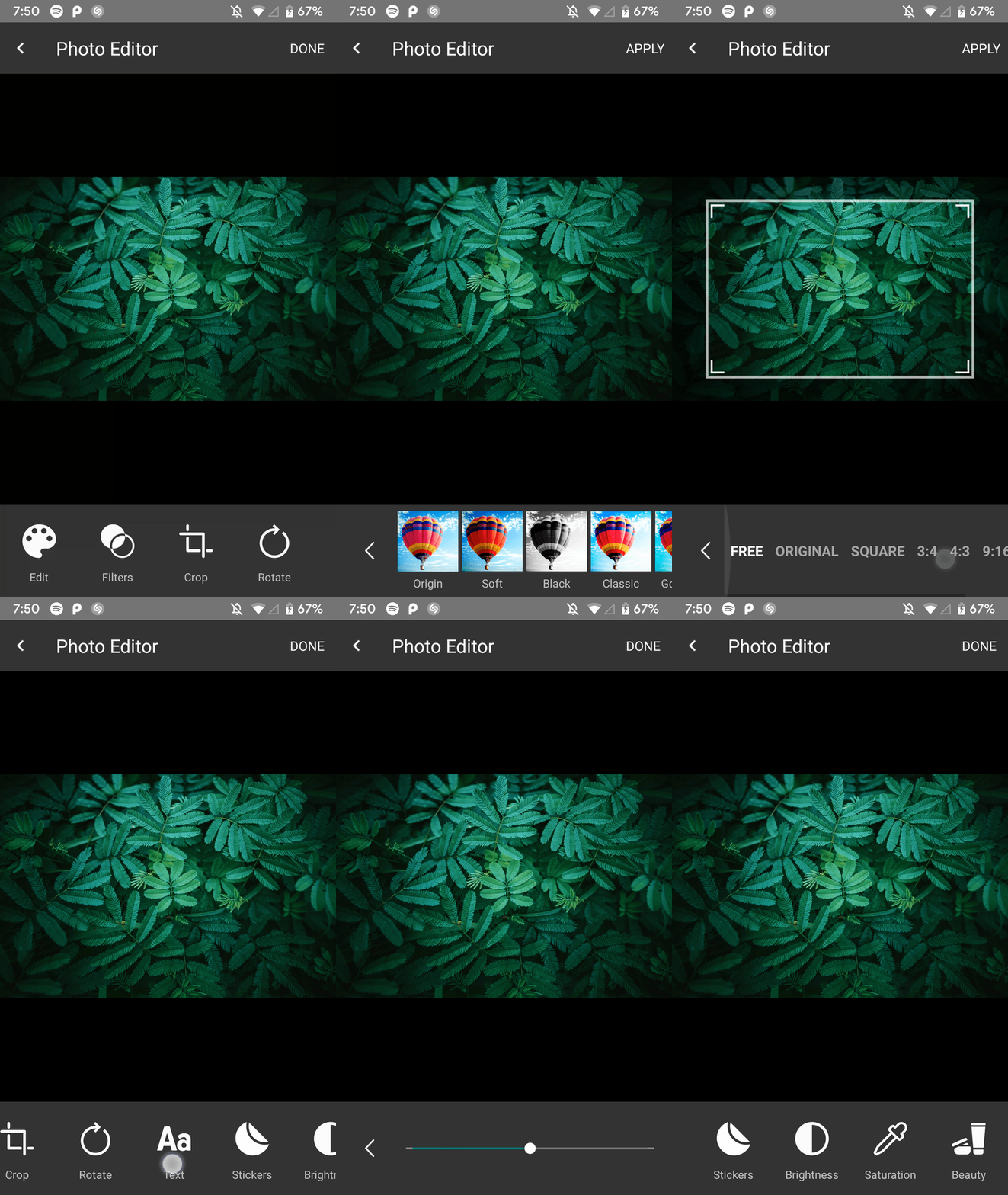 | 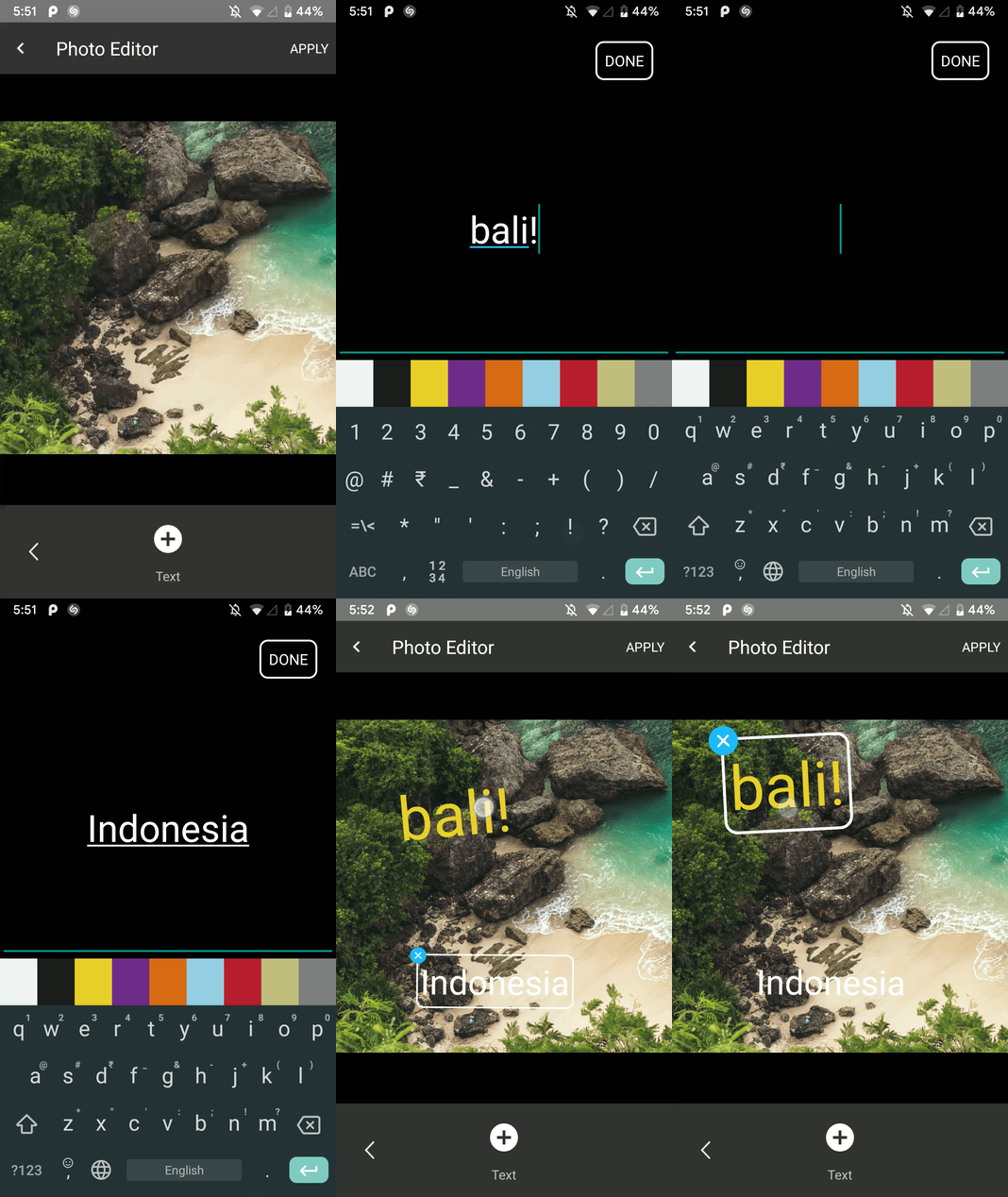 |
| โหมดหมุน | โหมดการเพาะปลูก |
|---|---|
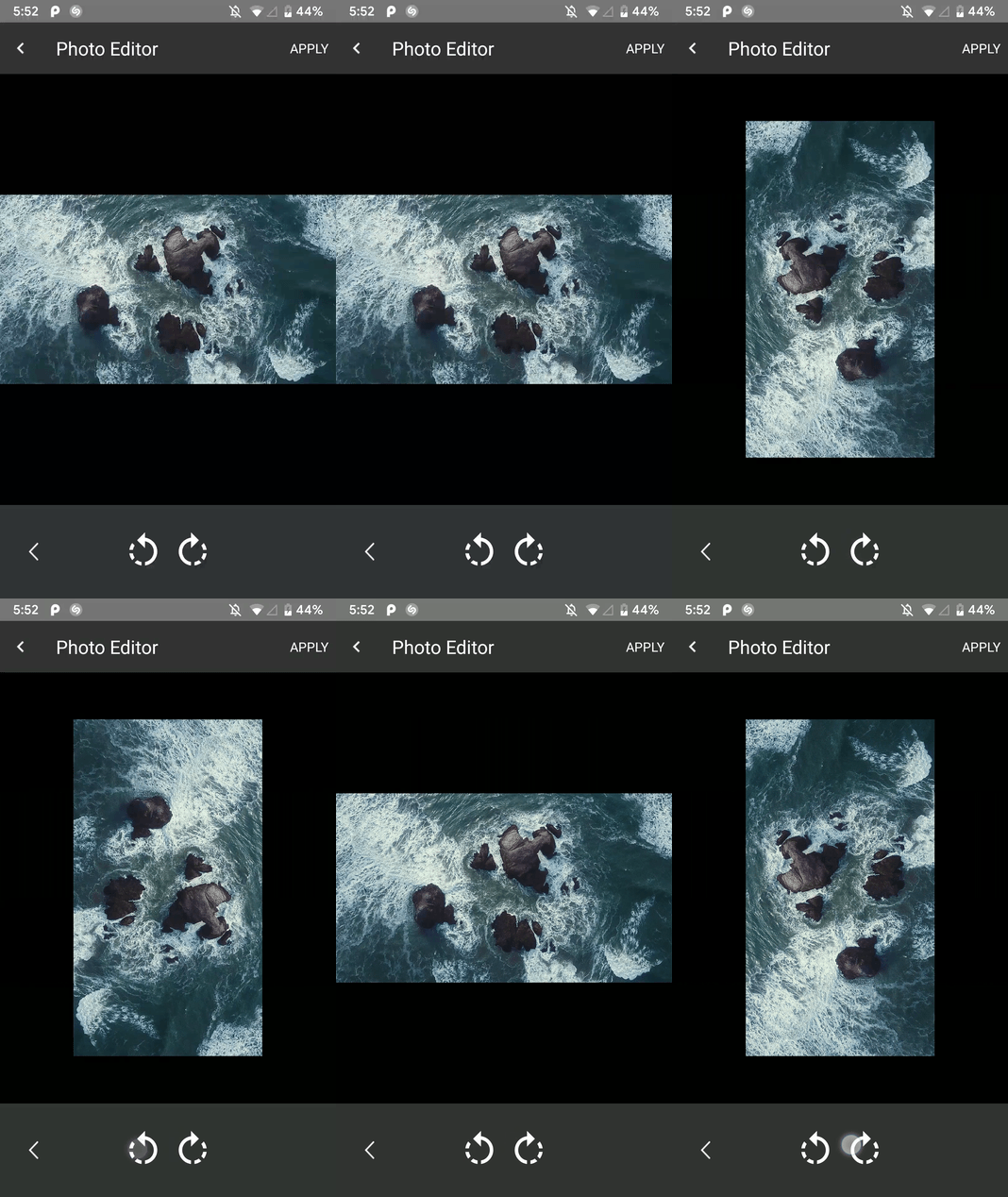 | 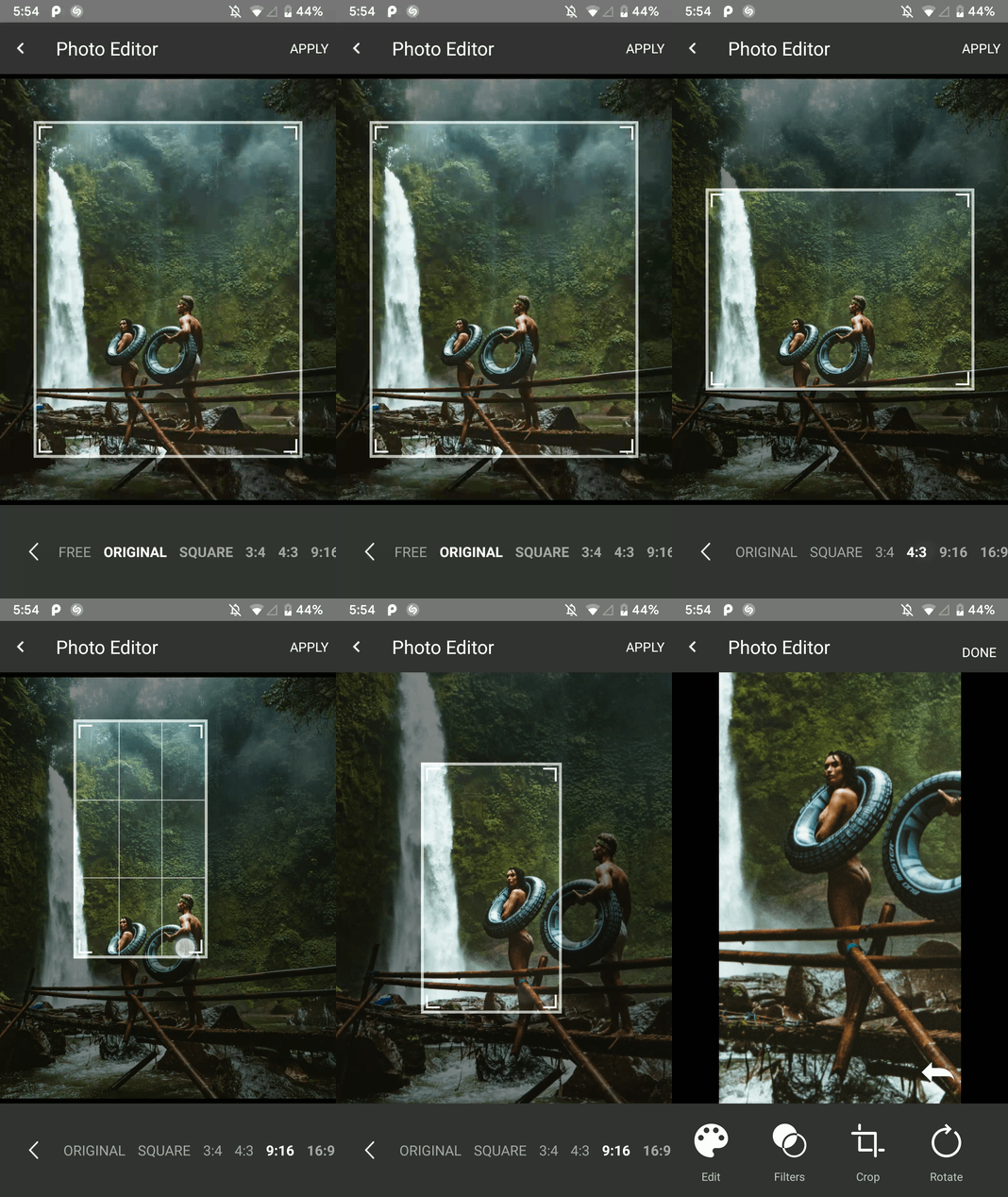 |
| โหมดกรอง | โหมดทาสี |
|---|---|
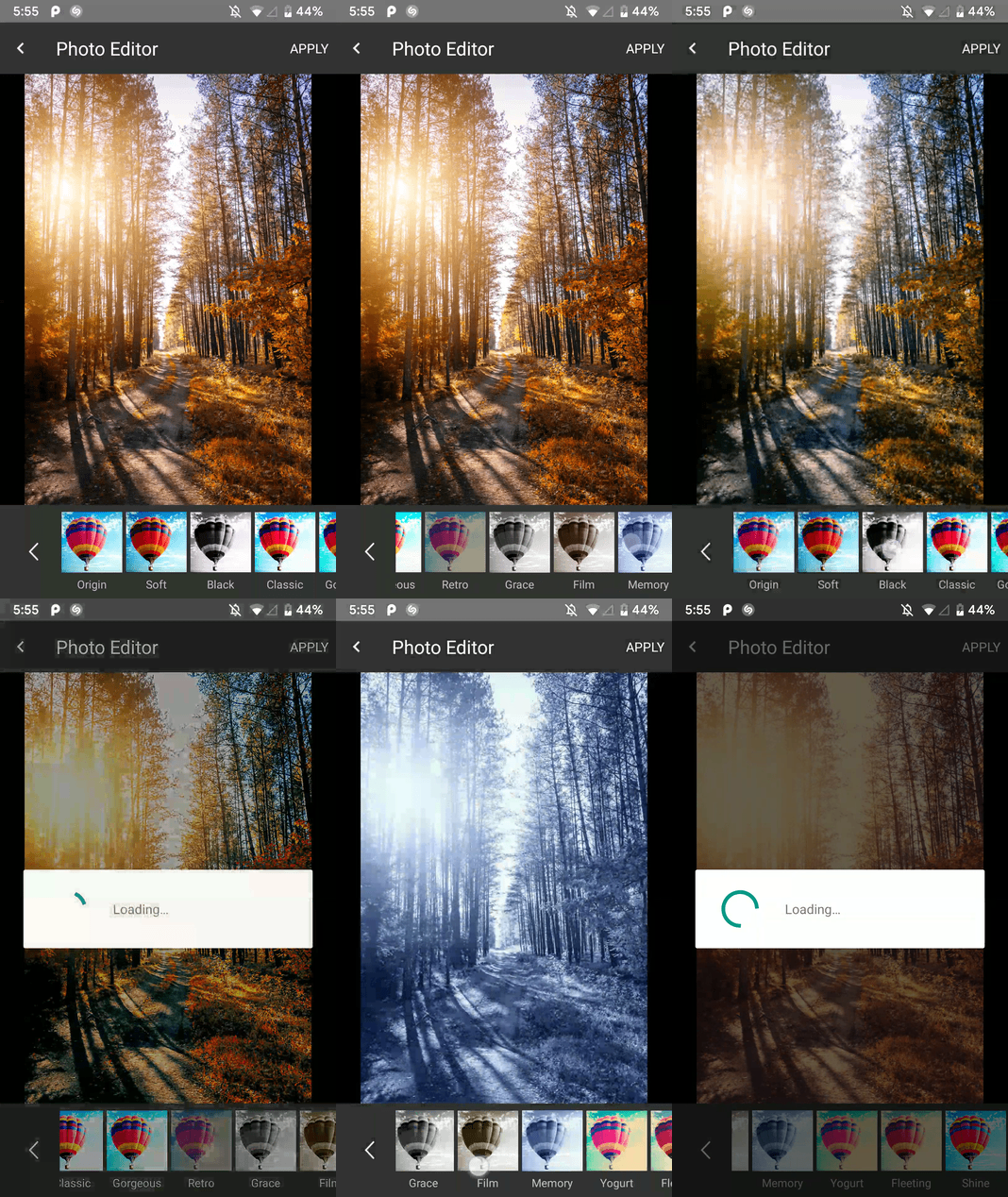 | 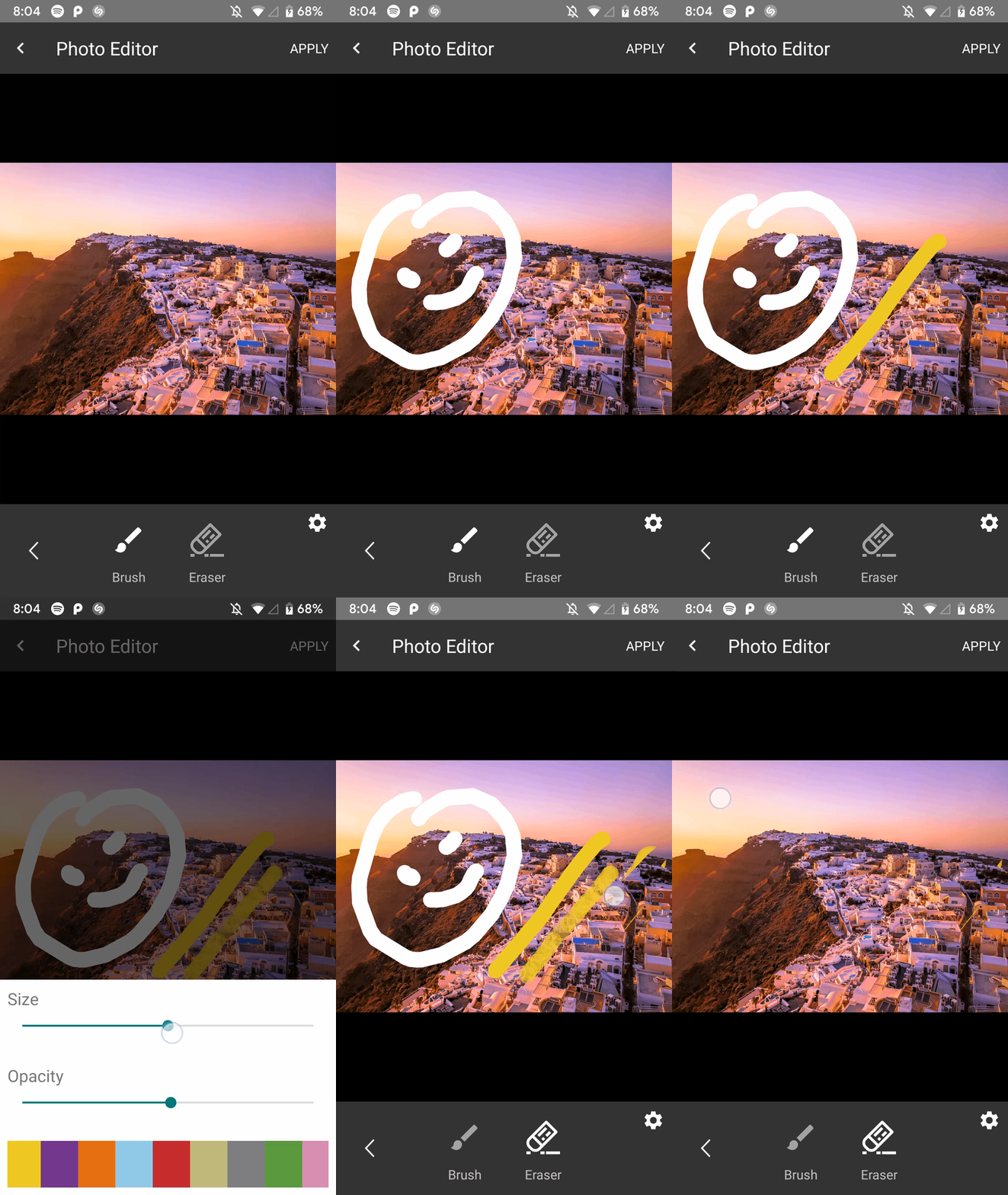 |
| โหมดความงาม | โหมดความอิ่มตัว |
|---|---|
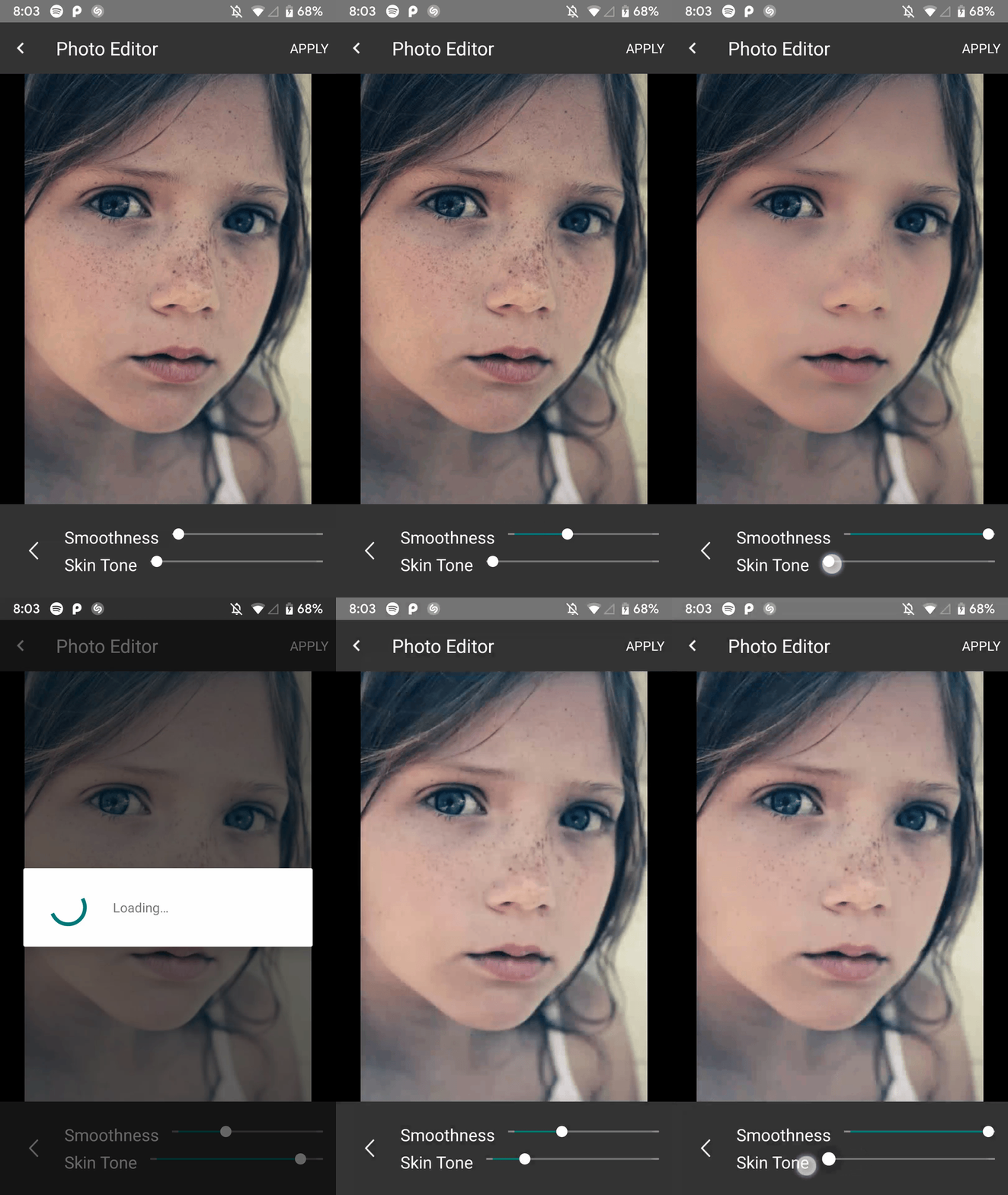 | 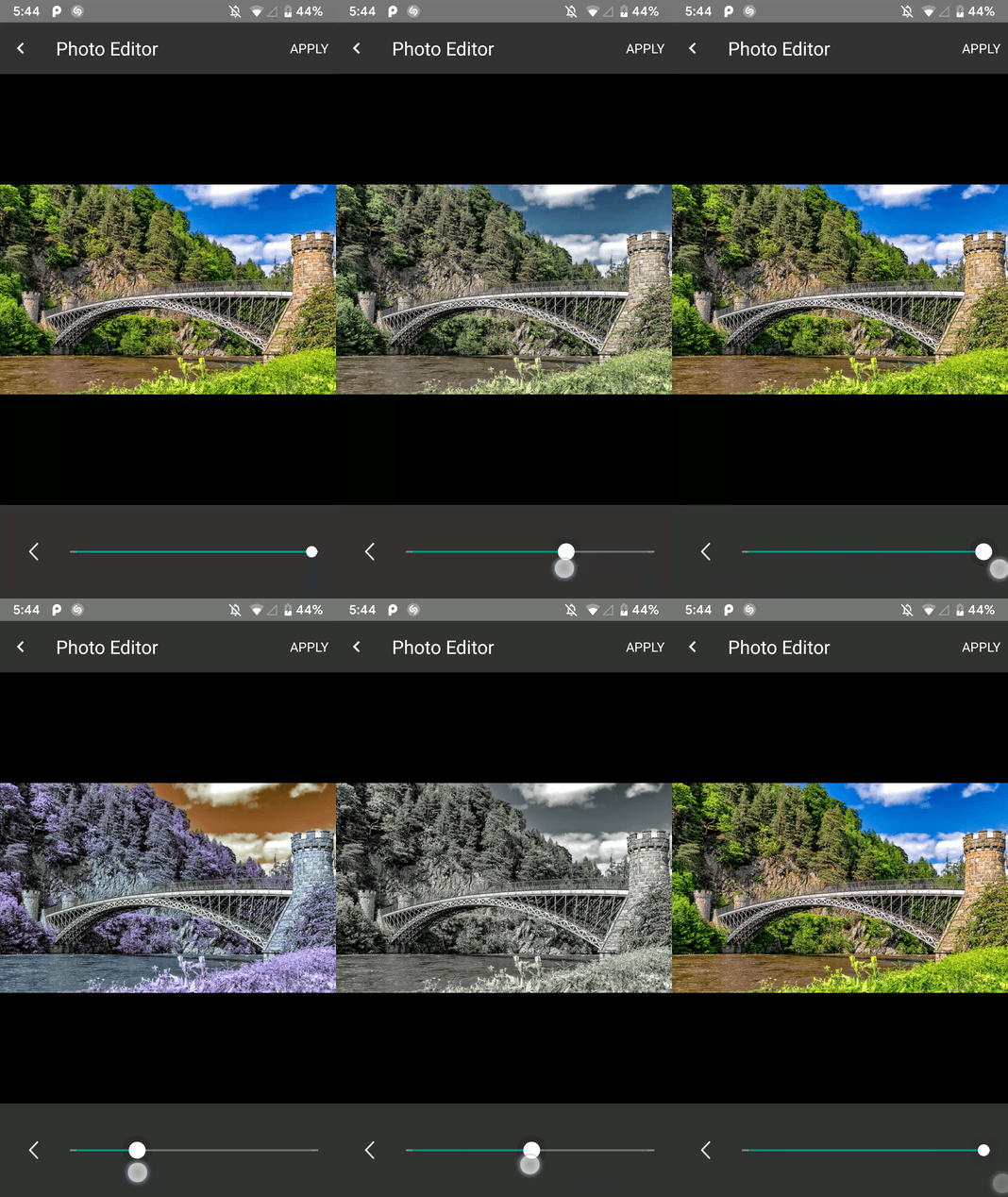 |
| โหมดความสว่าง | โหมดสติกเกอร์ |
|---|---|
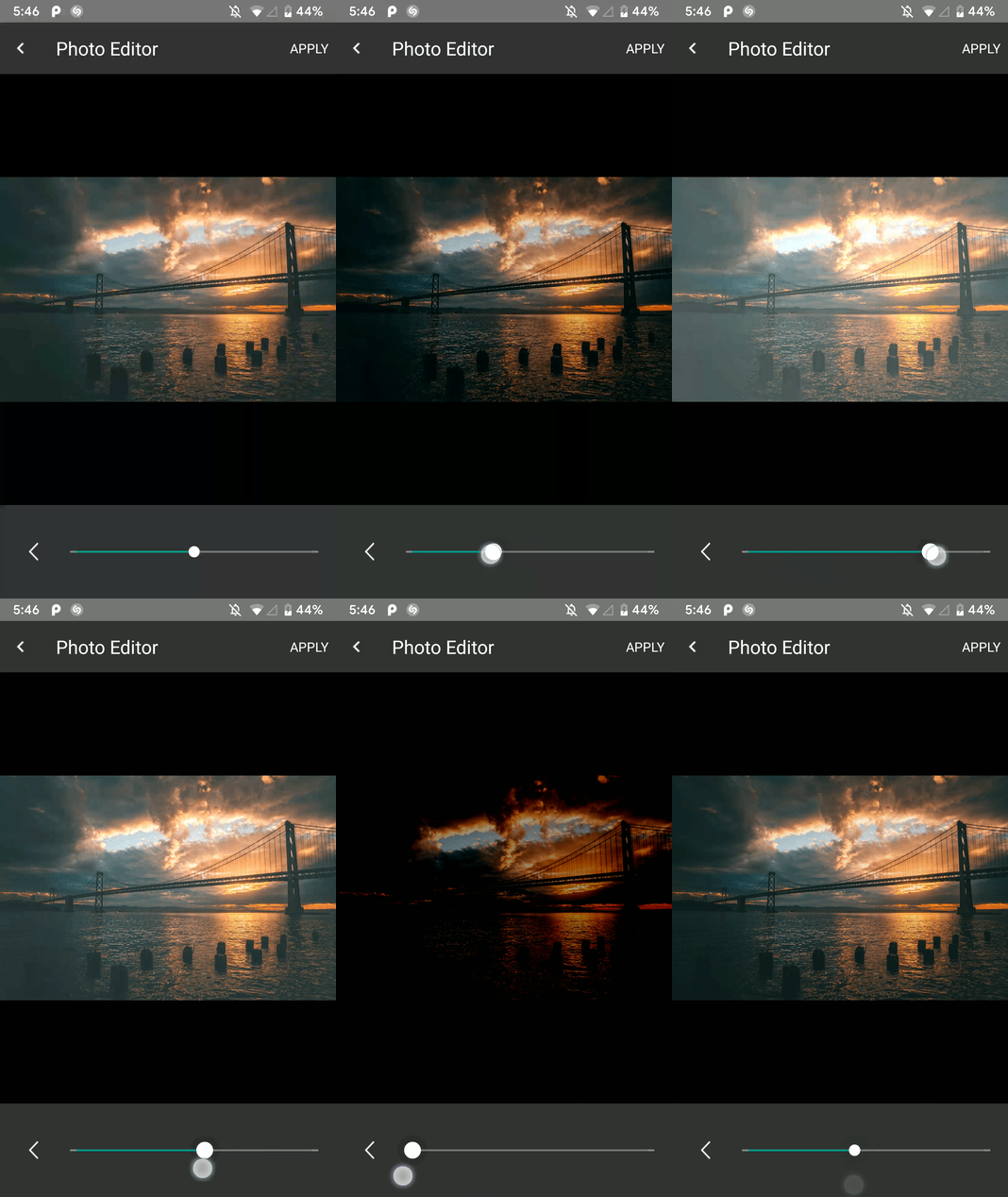 | 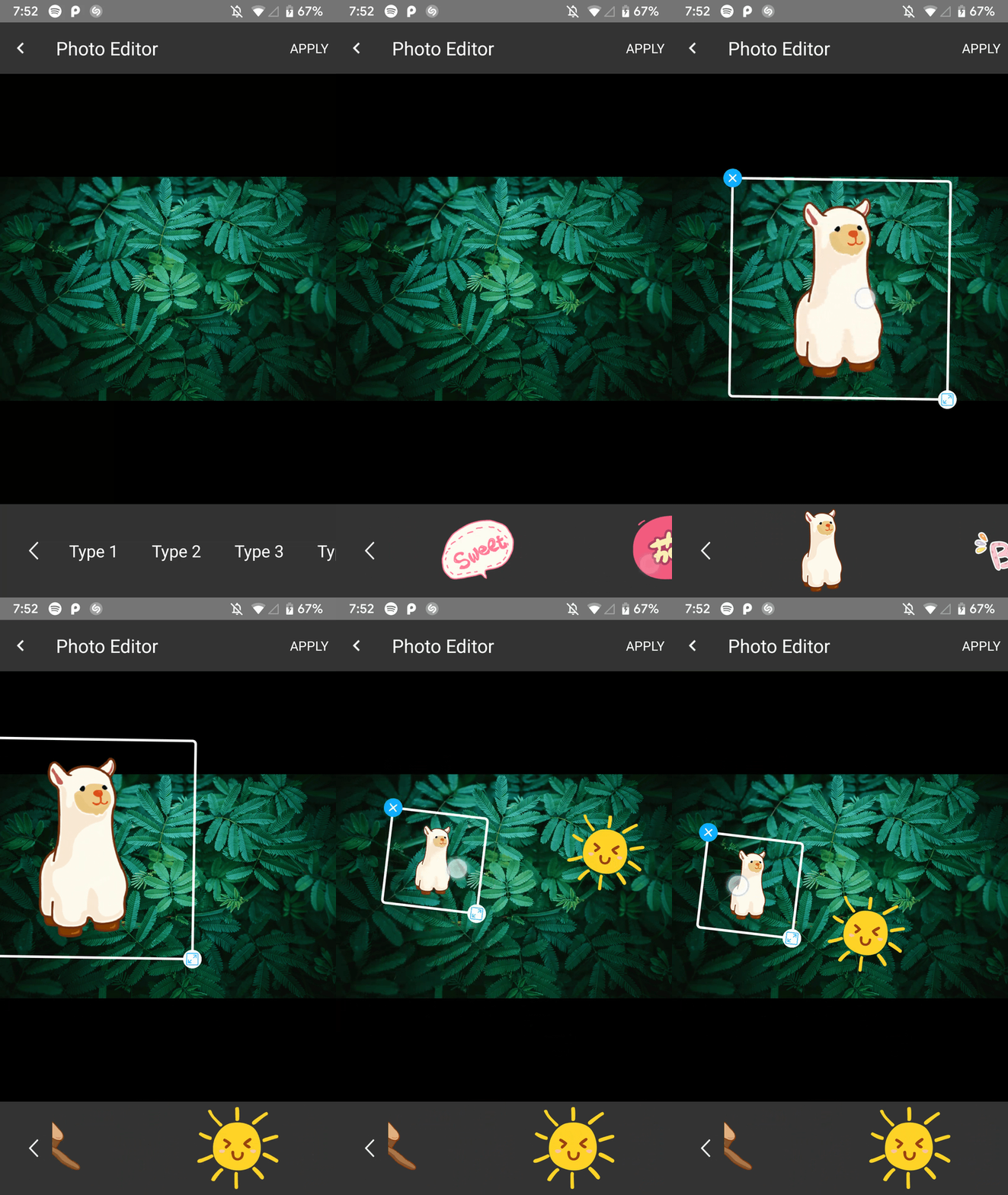 |
เพิ่มในรูทของคุณ build.gradle ในตอนท้ายของที่เก็บ:
  allprojects {
    repositories {
      ...
      maven { url 'https://jitpack.io' }
    }
  }
เพิ่มการพึ่งพาในไฟล์ Gradle ของโมดูลแอพเช่นนี้
implementation 'com.github.iamutkarshtiwari:Ananas:1.2.6'
เพิ่มสิ่งนี้ลงในไฟล์ proguard-rules.pro ของแอพของคุณ:
 - keepclasseswithmembers class * {
    native < methods > ;
}
และสิ่งนี้ไปยัง build.gradle ของแอป:
 compileOptions {
        sourceCompatibility JavaVersion.VERSION_1_8
        targetCompatibility JavaVersion.VERSION_1_8
}
เนื่องจากไลบรารีนี้ใช้ RxJava 2.0 และหากโครงการของคุณใช้ RxJava 1.0 คุณต้องเพิ่มรหัสด้านล่างลงในไฟล์ Gradle ของแอพของคุณเพื่อให้ทั้งสองเวอร์ชันสามารถอยู่ร่วมกันได้-
 android {
    packagingOptions {
        exclude 'META-INF/rxjava.properties'
    }
}
เพิ่มค่าคงที่นี้ในคลาสกิจกรรมของคุณด้วยรหัสคำขอที่คุณต้องการ:
private final int PHOTO_EDITOR_REQUEST_CODE = 231 ; // Any integer value as a request code.ใช้รหัสต่อไปนี้เพื่อสร้างและเปิดตัวแก้ไขรูปภาพ:
 try {
  Intent intent = new ImageEditorIntentBuilder ( this , sourceImagePath , outputFilePath )
         . withAddText () // Add the features you need
         . withPaintFeature ()
         . withFilterFeature ()
         . withRotateFeature ()
         . withCropFeature ()
         . withBrightnessFeature ()
         . withSaturationFeature ()
         . withBeautyFeature ()
         . withStickerFeature ()
         . forcePortrait ( true )  // Add this to force portrait mode (It's set to false by default)
         . setSupportActionBarVisibility ( false ) // To hide app's default action bar
         . build ();

 EditImageActivity . start ( activity , intent , PHOTO_EDITOR_REQUEST_CODE );
 } catch ( Exception e ) {
     Log . e ( "Demo App" , e . getMessage ()); // This could throw if either `sourcePath` or `outputPath` is blank or Null
}คุณสามารถรับเส้นทางภาพที่ประมวลผลใหม่และสถานะการแก้ไขเช่นนี้-
 @Override
    public void onActivityResult(int requestCode, int resultCode, Intent data) {
        super.onActivityResult(requestCode, resultCode, data);

        if (requestCode == PHOTO_EDITOR_REQUEST_CODE) { // same code you used while starting
            String newFilePath = data.getStringExtra(ImageEditorIntentBuilder.OUTPUT_PATH);
            boolean isImageEdit = data.getBooleanExtra(EditImageActivity.IS_IMAGE_EDITED, false);
        }
    }
ตัวแก้ไขภาพถ่ายล็อคการวางแนวปัจจุบันซึ่งเริ่มต้น -
Portrait คุณไม่สามารถเปลี่ยนเป็น Landscape ในขณะที่กิจกรรมตัวแก้ไขภาพกำลังทำงานอยู่Landscape คุณไม่สามารถเปลี่ยนเป็น Portrait ในระหว่างเดียวกันแต่เมื่อคุณนำทางกลับไปที่แอพดั้งเดิมของคุณคุณจะได้เปลี่ยนกลับไปที่การตั้งค่าการเปลี่ยนแปลงการกำหนดค่าก่อนหน้านี้
การเข้ารหัสมีความสุข! -
ตีฉันบน Twitter
| ชื่อ | ห้องสมุด |
|---|---|
| Siwangqishiq | Android ImageEditor |
| อาเธอร์ฮับ | Android Image Cropper |
| hoanganhtuan95ptit | คุณสมบัติความคมชัดและความสว่าง |
| Eltos | กล่องโต้ตอบตัวเลือกสี |
| รัสเซลเจอร์นีย์ | รายการ 22 สีของ Kelly |
| Burhanrashid52 | photoEditor |






