Ananas
v1.2.6


Integrasi editor foto yang mudah untuk aplikasi Android Anda.
| Menu utama | Mode teks |
|---|---|
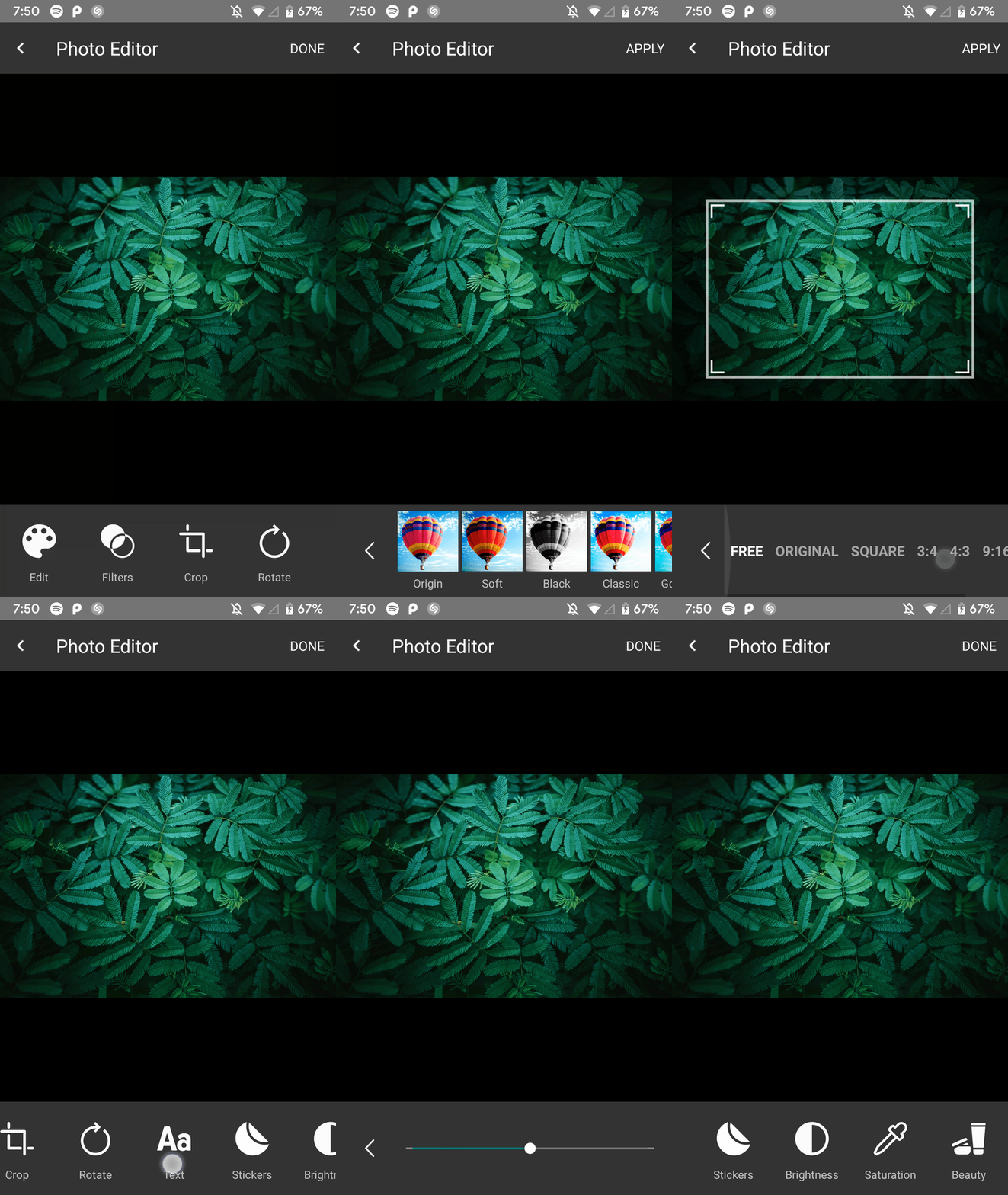 | 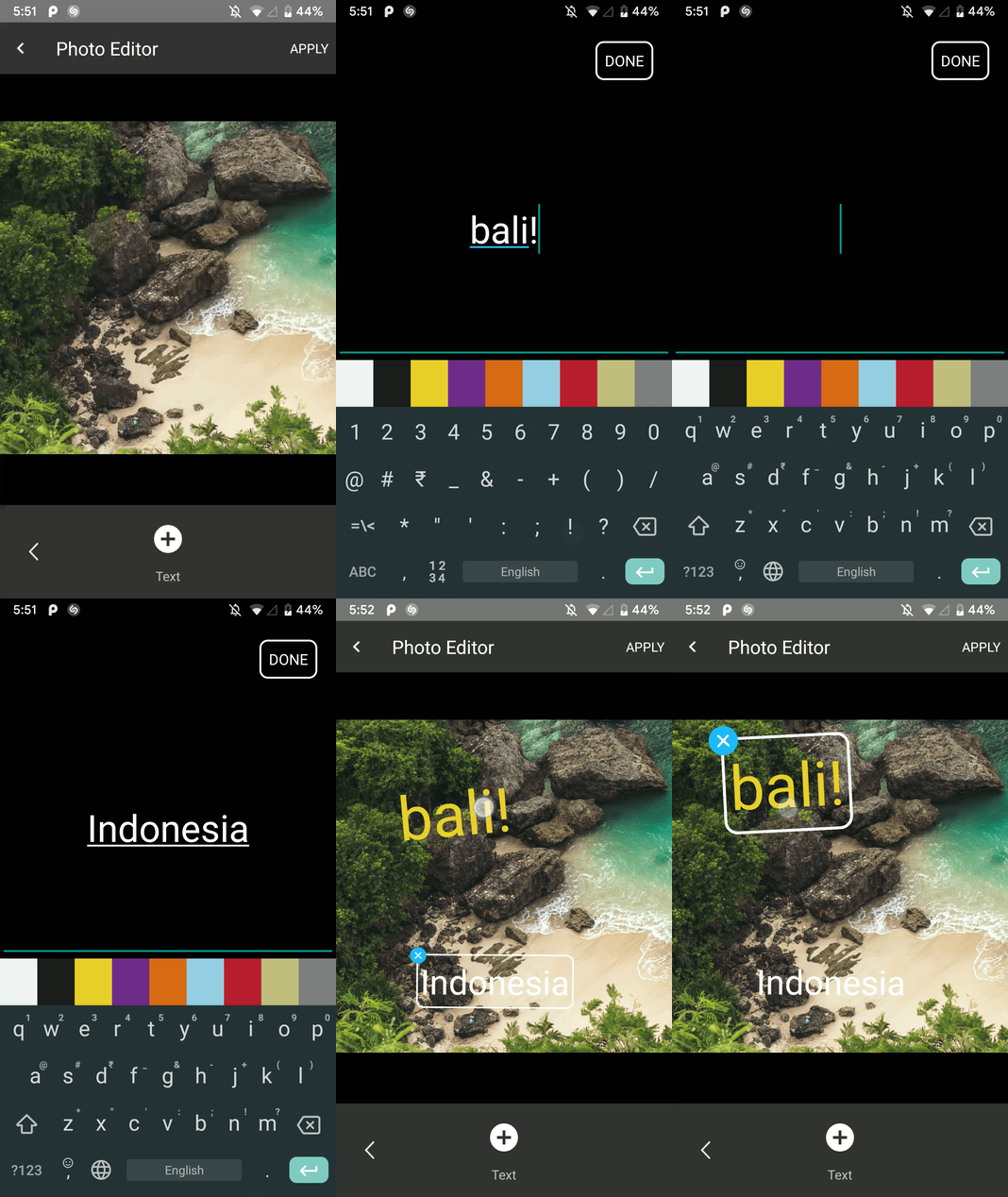 |
| Mode putar | Mode Tanaman |
|---|---|
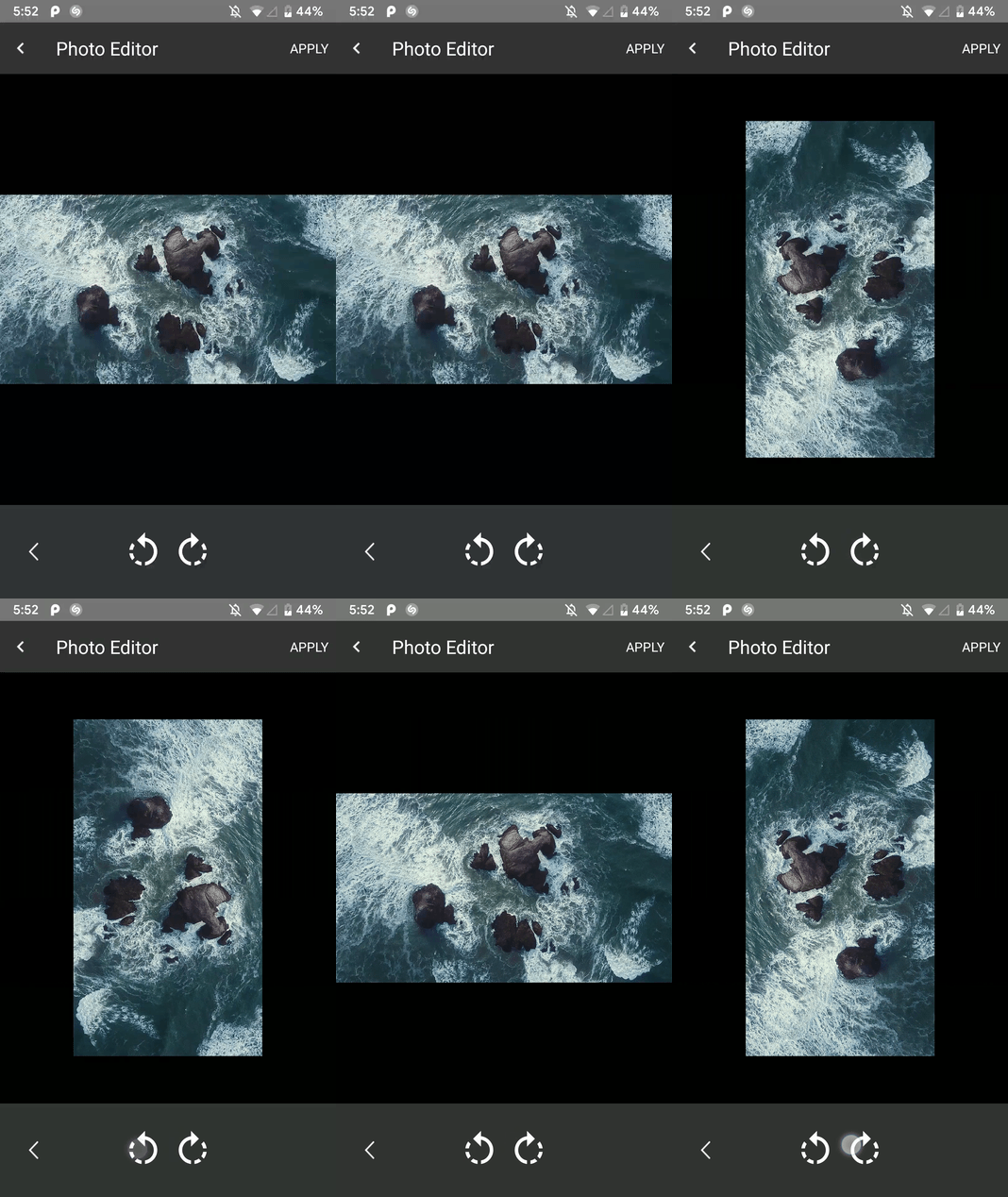 | 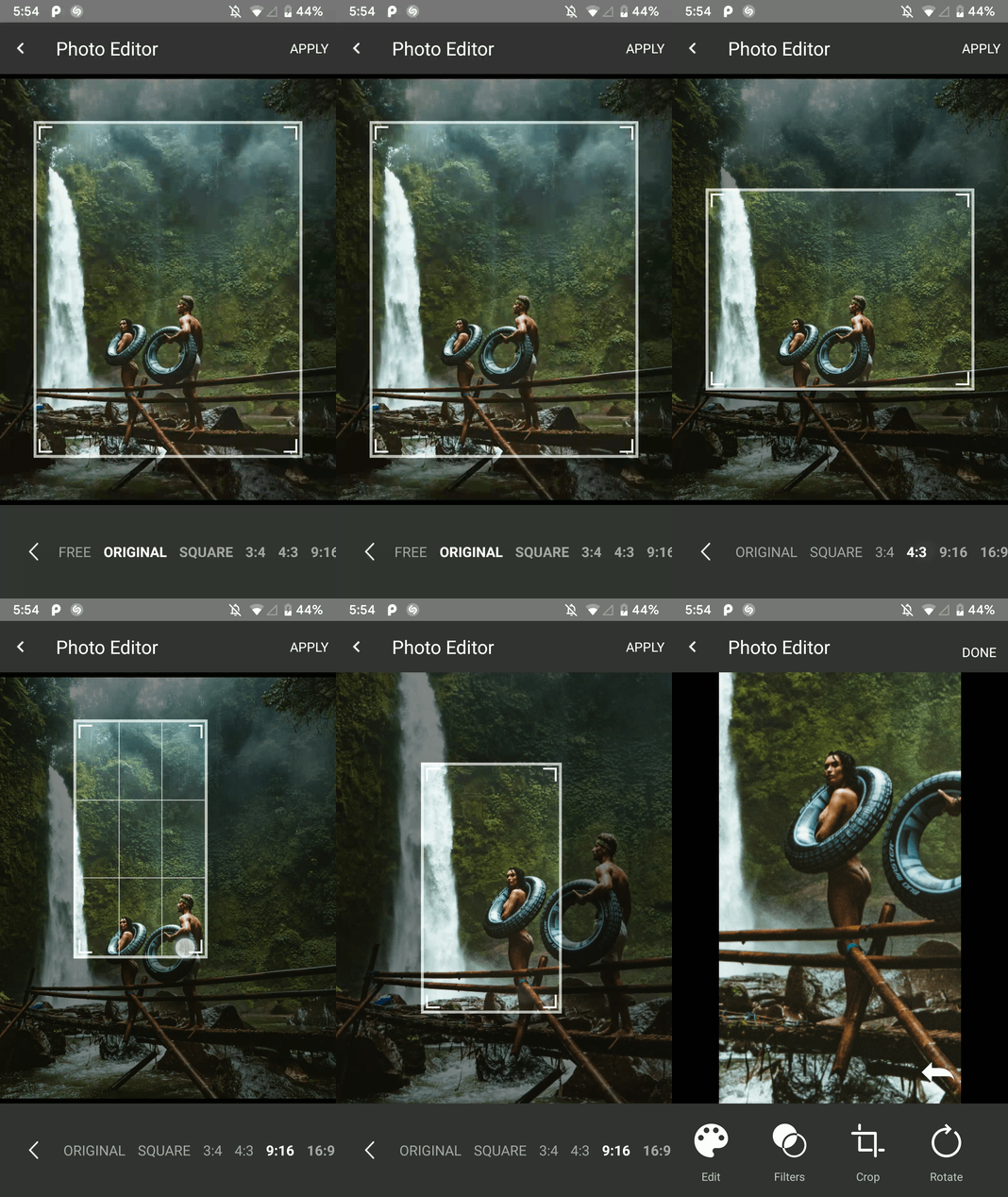 |
| Mode filter | Mode cat |
|---|---|
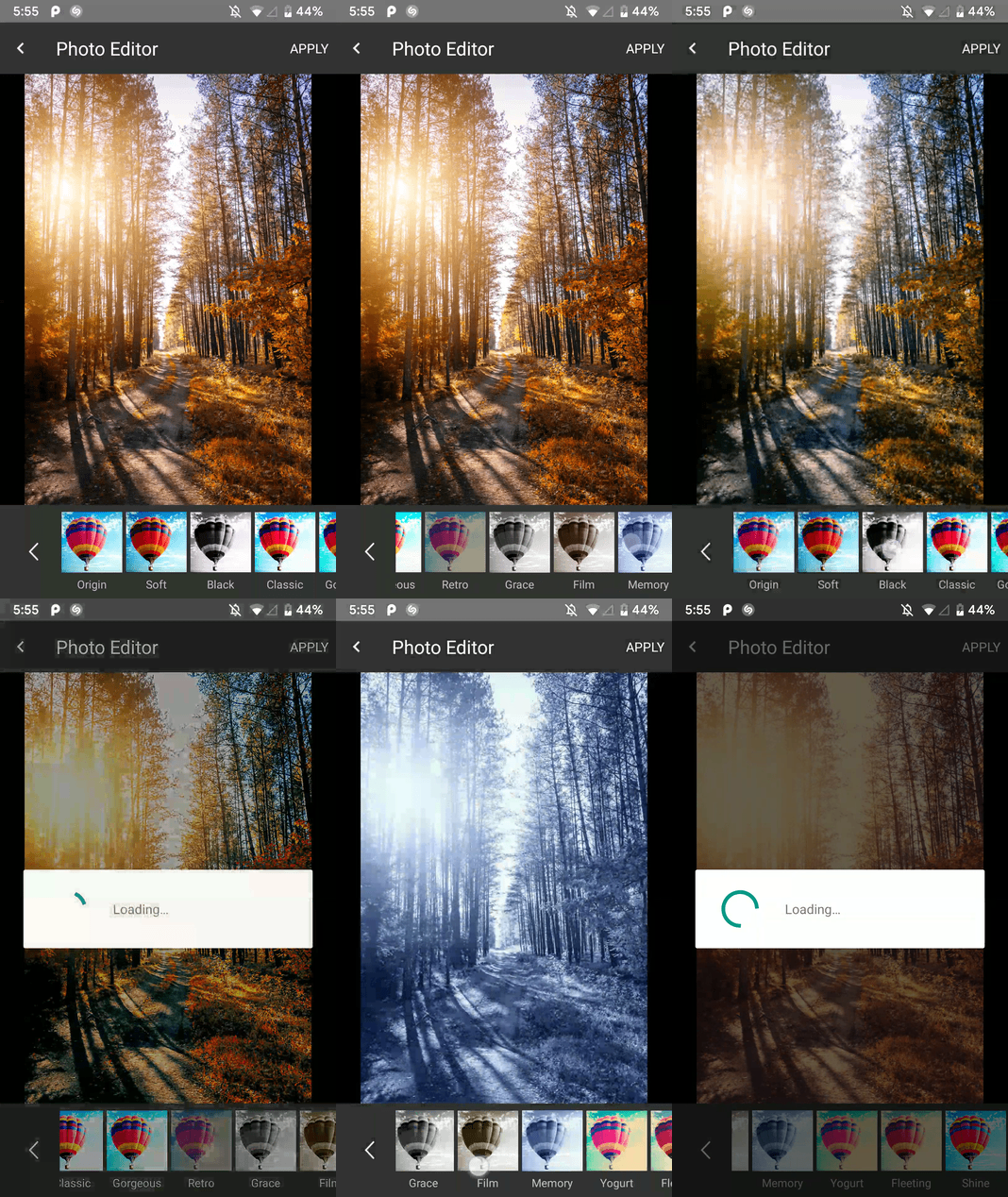 | 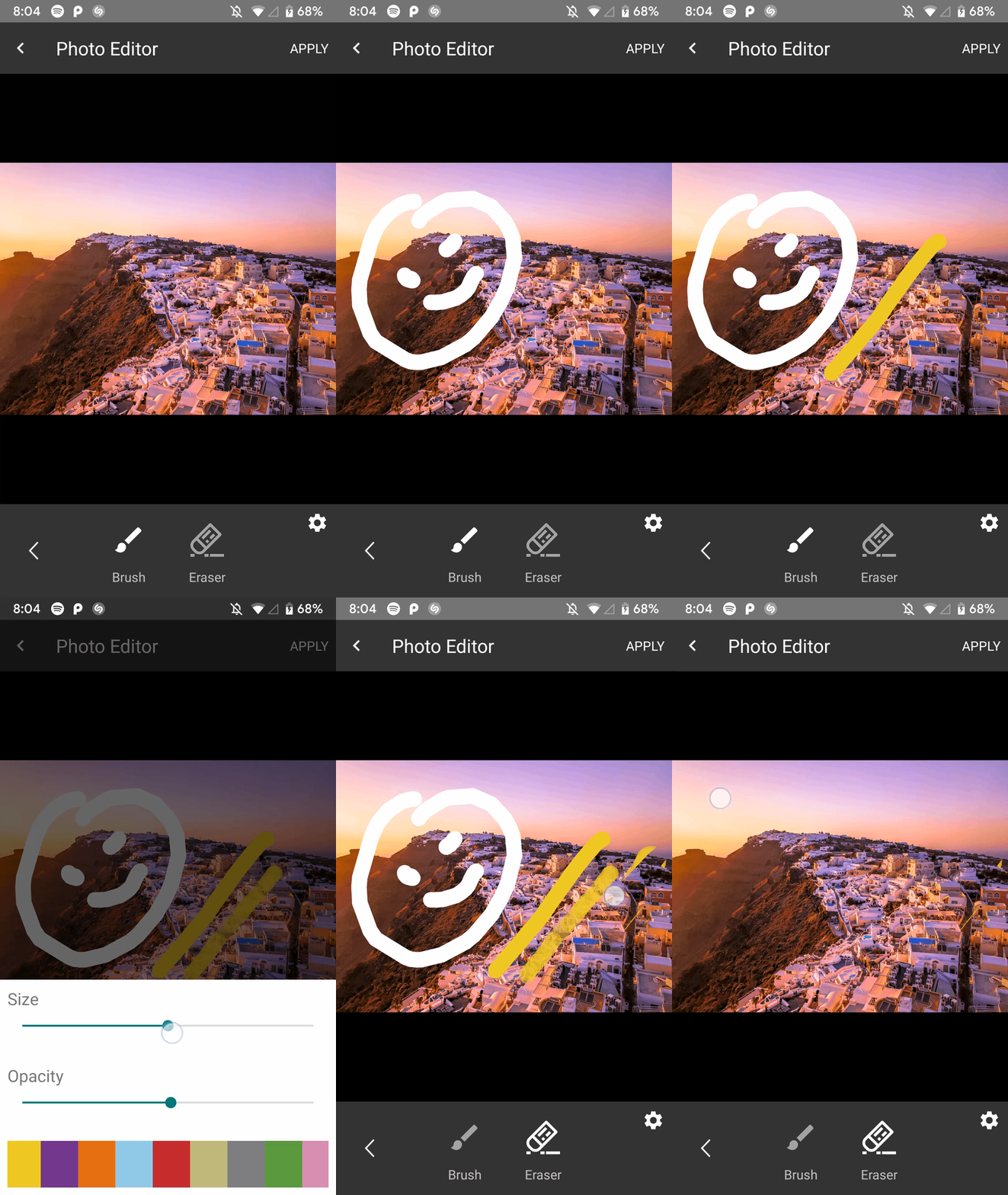 |
| Mode kecantikan | Mode saturasi |
|---|---|
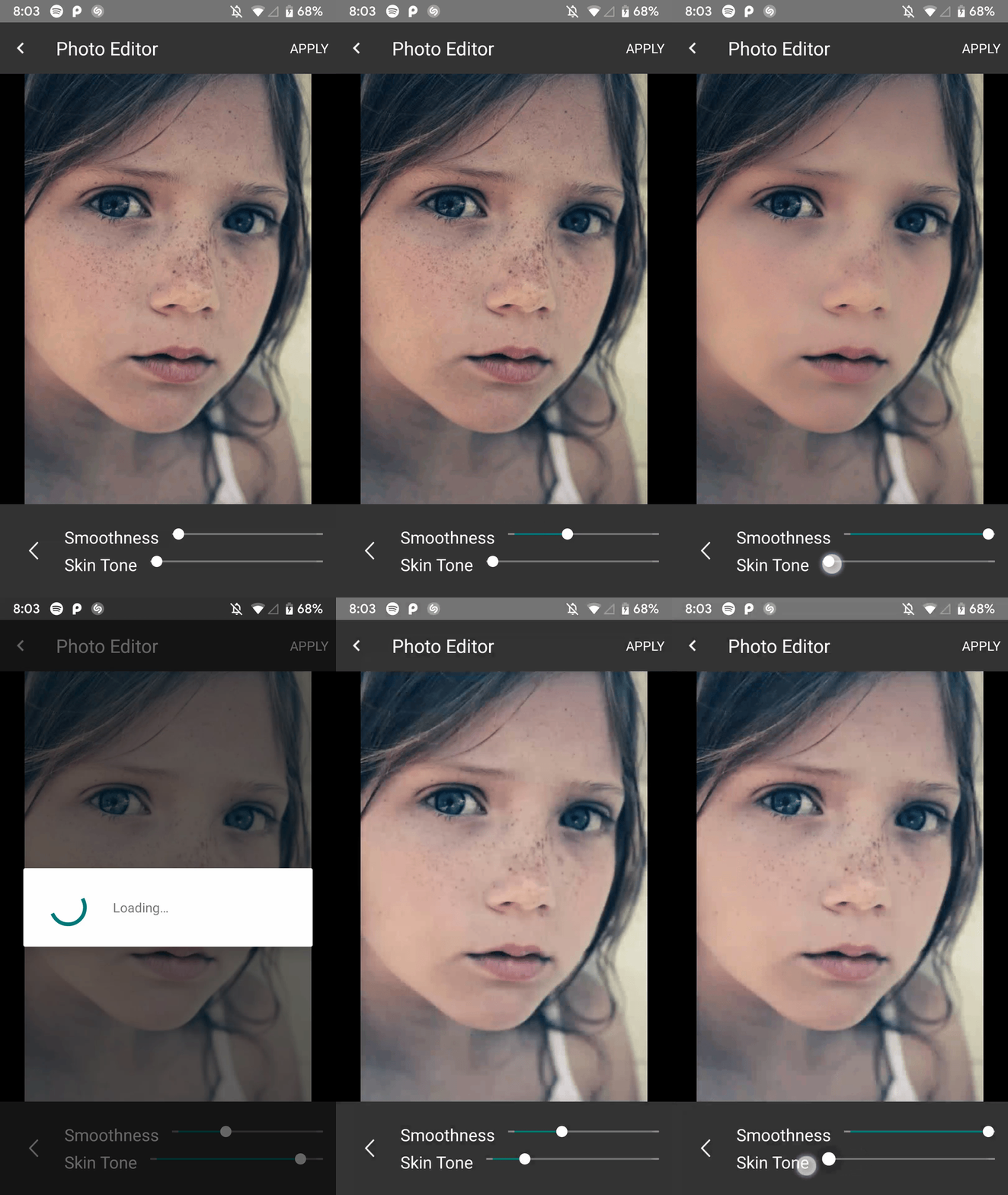 | 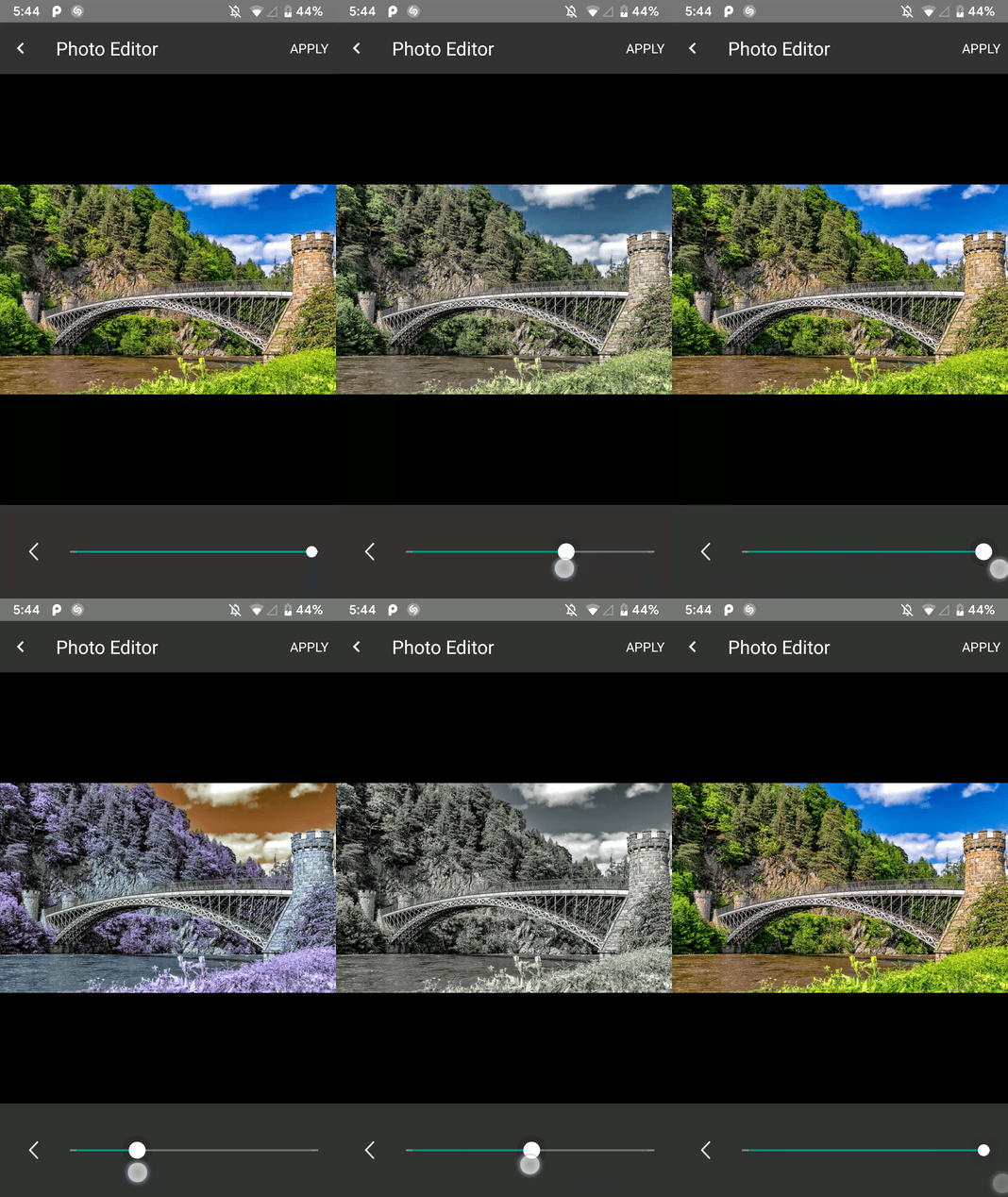 |
| Mode kecerahan | Mode stiker |
|---|---|
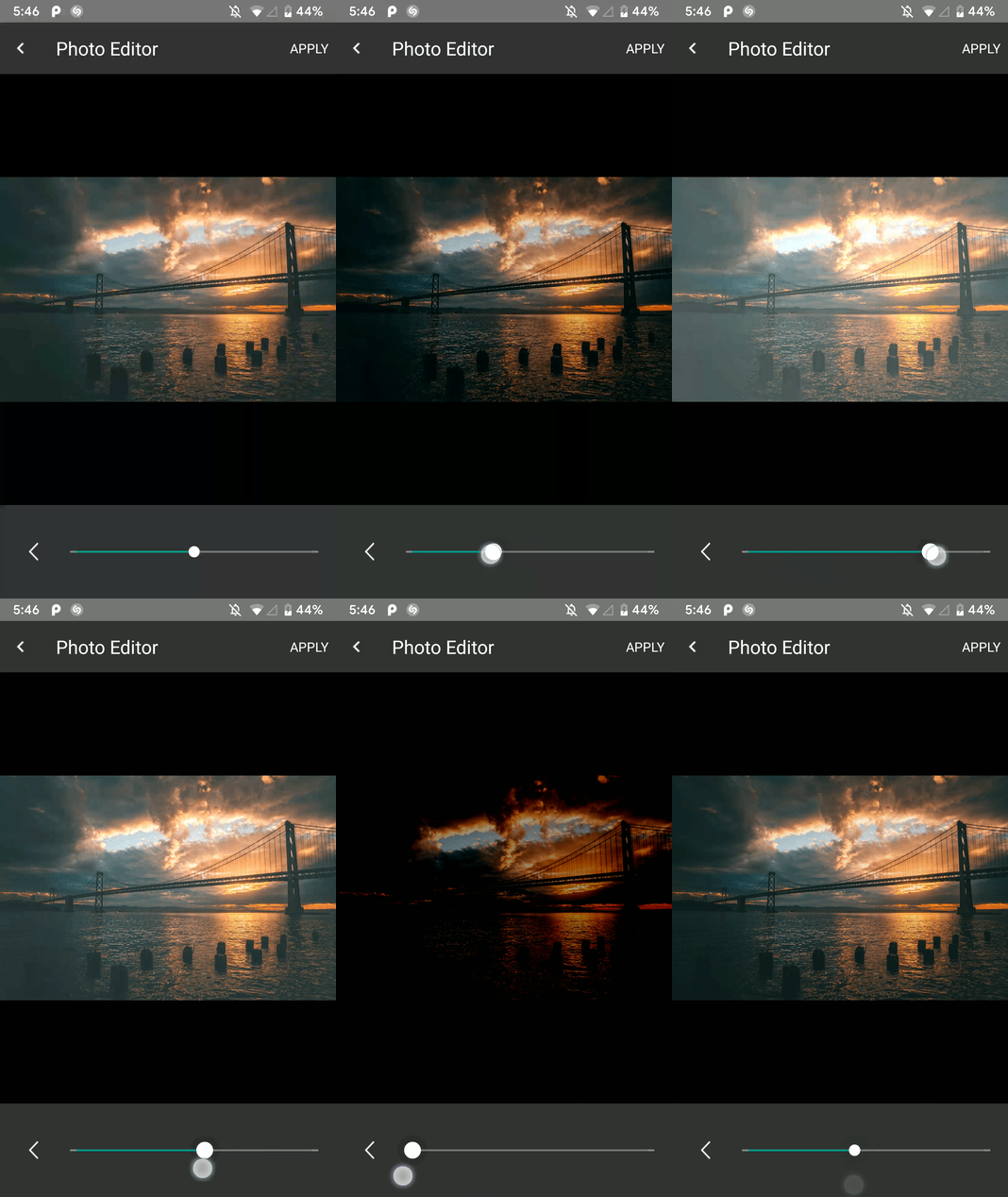 | 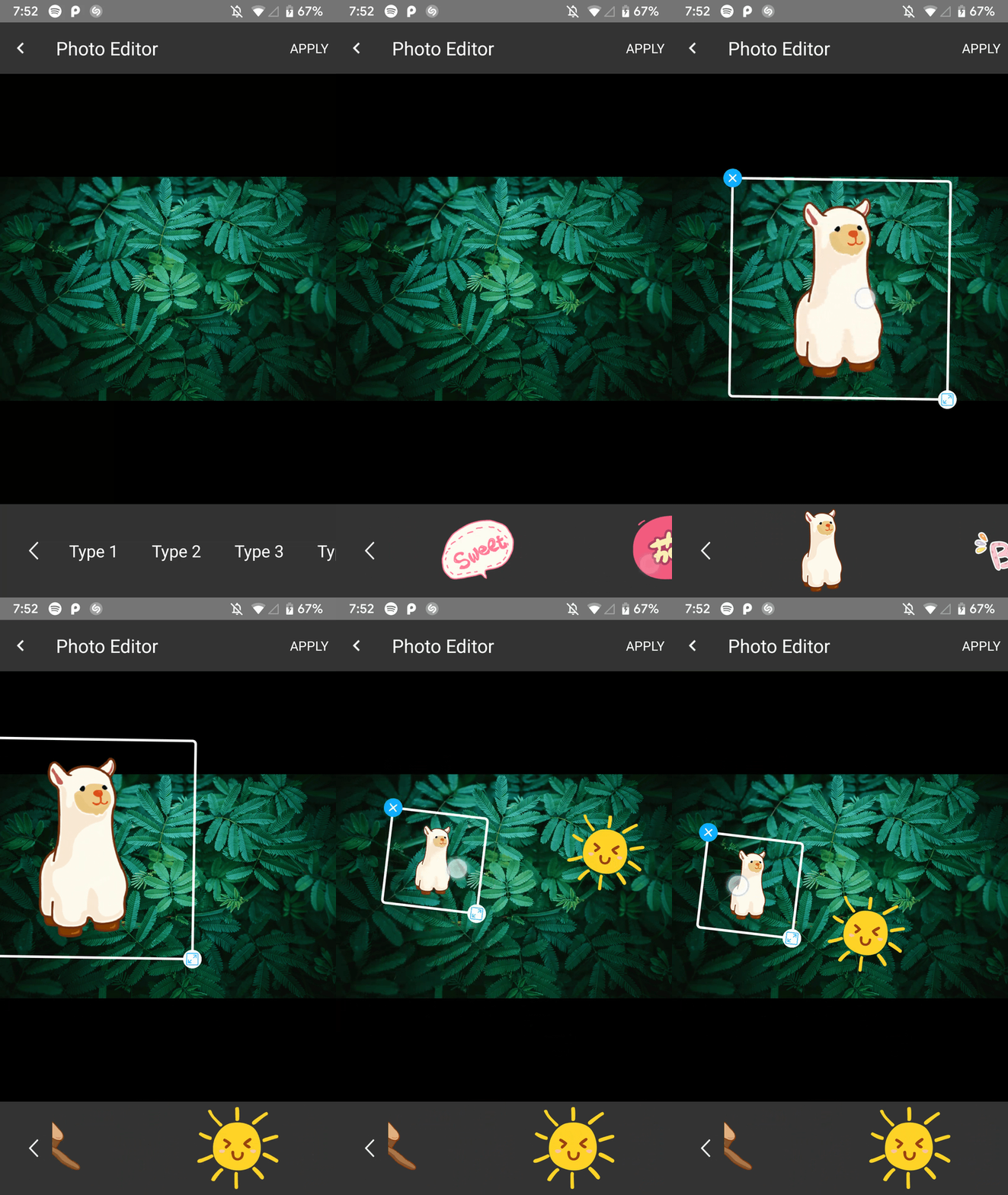 |
Tambahkan di root build Anda. Di akhir repositori:
  allprojects {
    repositories {
      ...
      maven { url 'https://jitpack.io' }
    }
  }
Tambahkan ketergantungan dalam file gradle modul aplikasi seperti ini
implementation 'com.github.iamutkarshtiwari:Ananas:1.2.6'
Tambahkan ini ke file proguard-rules.pro aplikasi Anda:
 - keepclasseswithmembers class * {
    native < methods > ;
}
Dan ini untuk build.gradle aplikasi Anda:
 compileOptions {
        sourceCompatibility JavaVersion.VERSION_1_8
        targetCompatibility JavaVersion.VERSION_1_8
}
Karena perpustakaan ini menggunakan RxJava 2.0 dan jika proyek Anda menggunakan RxJava 1.0 , maka Anda perlu menambahkan kode di bawah ini ke file gradle dari aplikasi Anda sehingga kedua versi dapat hidup berdampingan-
 android {
    packagingOptions {
        exclude 'META-INF/rxjava.properties'
    }
}
Tambahkan konstanta ini ke kelas aktivitas Anda dengan kode permintaan pilihan Anda:
private final int PHOTO_EDITOR_REQUEST_CODE = 231 ; // Any integer value as a request code.Gunakan kode berikut untuk membangun dan meluncurkan editor foto:
 try {
  Intent intent = new ImageEditorIntentBuilder ( this , sourceImagePath , outputFilePath )
         . withAddText () // Add the features you need
         . withPaintFeature ()
         . withFilterFeature ()
         . withRotateFeature ()
         . withCropFeature ()
         . withBrightnessFeature ()
         . withSaturationFeature ()
         . withBeautyFeature ()
         . withStickerFeature ()
         . forcePortrait ( true )  // Add this to force portrait mode (It's set to false by default)
         . setSupportActionBarVisibility ( false ) // To hide app's default action bar
         . build ();

 EditImageActivity . start ( activity , intent , PHOTO_EDITOR_REQUEST_CODE );
 } catch ( Exception e ) {
     Log . e ( "Demo App" , e . getMessage ()); // This could throw if either `sourcePath` or `outputPath` is blank or Null
}Anda dapat menerima jalur gambar yang baru diproses dan status edit seperti ini-
 @Override
    public void onActivityResult(int requestCode, int resultCode, Intent data) {
        super.onActivityResult(requestCode, resultCode, data);

        if (requestCode == PHOTO_EDITOR_REQUEST_CODE) { // same code you used while starting
            String newFilePath = data.getStringExtra(ImageEditorIntentBuilder.OUTPUT_PATH);
            boolean isImageEdit = data.getBooleanExtra(EditImageActivity.IS_IMAGE_EDITED, false);
        }
    }
Editor foto mengunci orientasi saat ini di mana ia dimulai -
Portrait , Anda tidak dapat beralih ke Landscape saat aktivitas editor gambar sedang berjalan.Landscape , Anda tidak dapat beralih ke Portrait selama hal yang sama.Tetapi begitu Anda menavigasi kembali ke aplikasi asli Anda, Anda dikembalikan ke pengaturan perubahan konfigurasi sebelumnya.
Happy Coding! :)
Pukul saya di Twitter
| Nama | Perpustakaan |
|---|---|
| siwangqishiq | ImageEditor Android |
| Arthurhub | Cropper gambar android |
| Hoanganhtuan95ptit | Fitur kontras dan kecerahan |
| Eltos | Dialog Pilihan Warna |
| Jurney Russell | Daftar 22 Warna Kelly |
| Burhanrashid52 | Fotoeditor |






