Ananas
v1.2.6


تكامل محرر الصور السهل لتطبيقات Android الخاصة بك.
| القائمة الرئيسية | وضع النص |
|---|---|
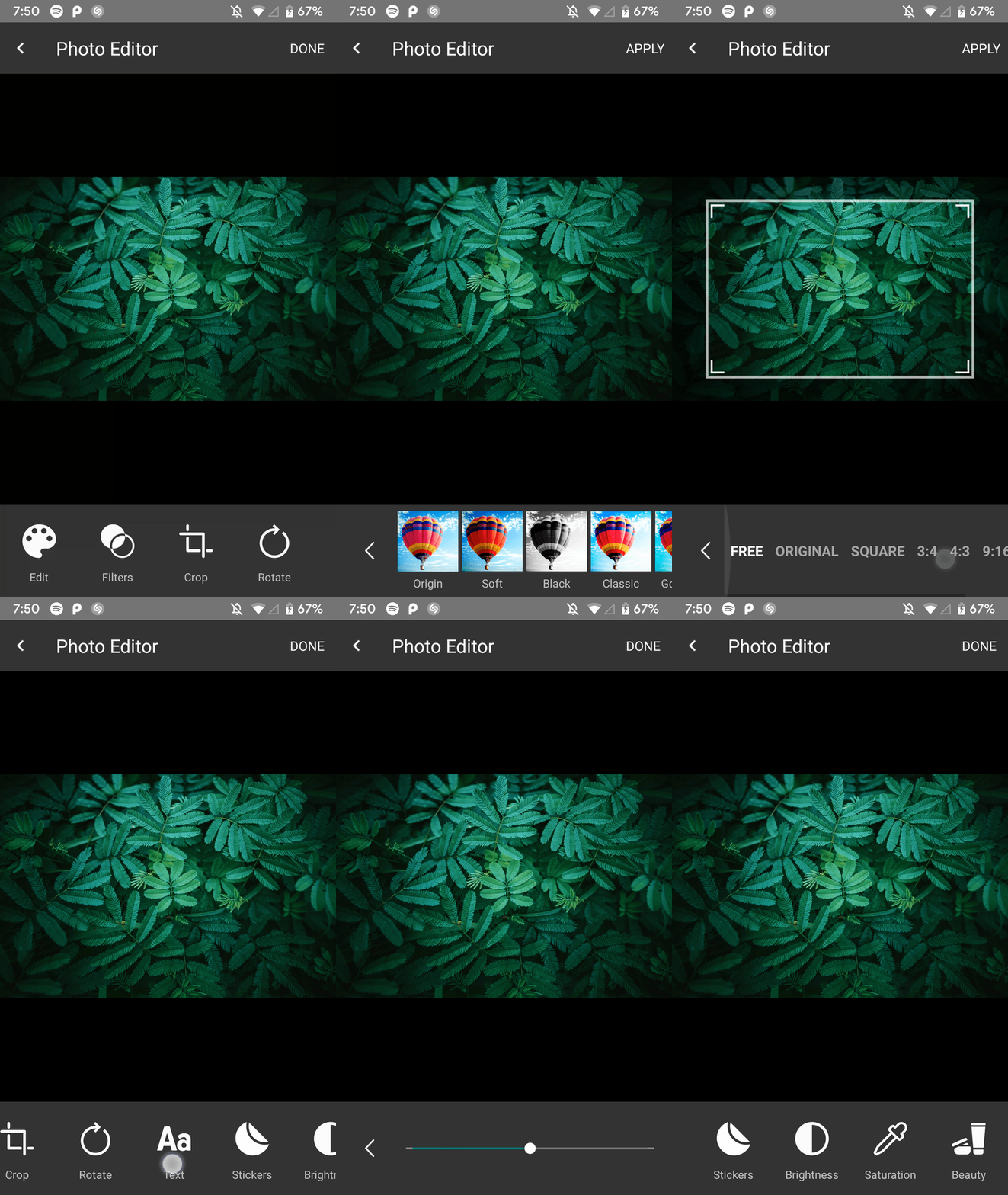 | 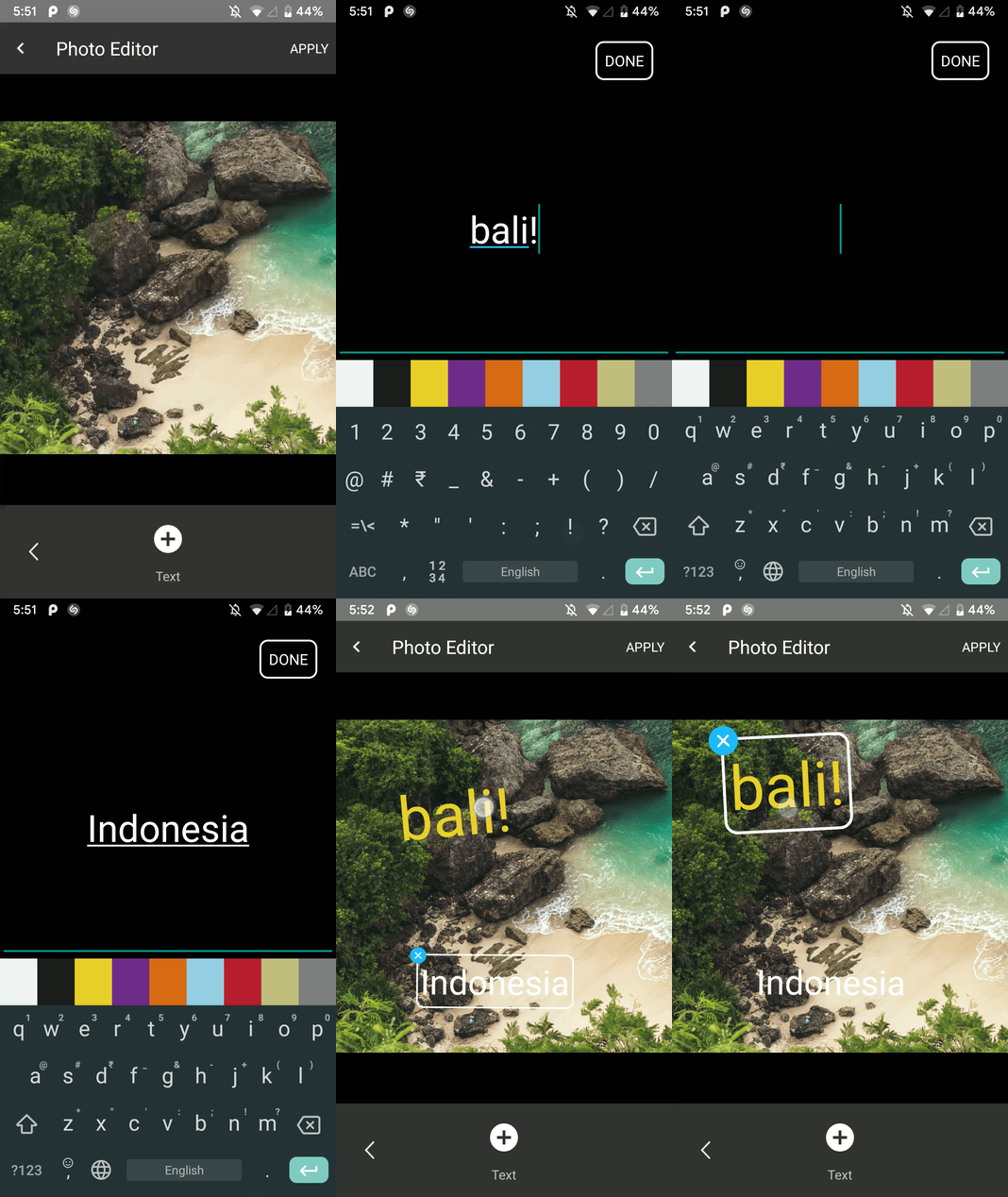 |
| تدوير الوضع | وضع المحاصيل |
|---|---|
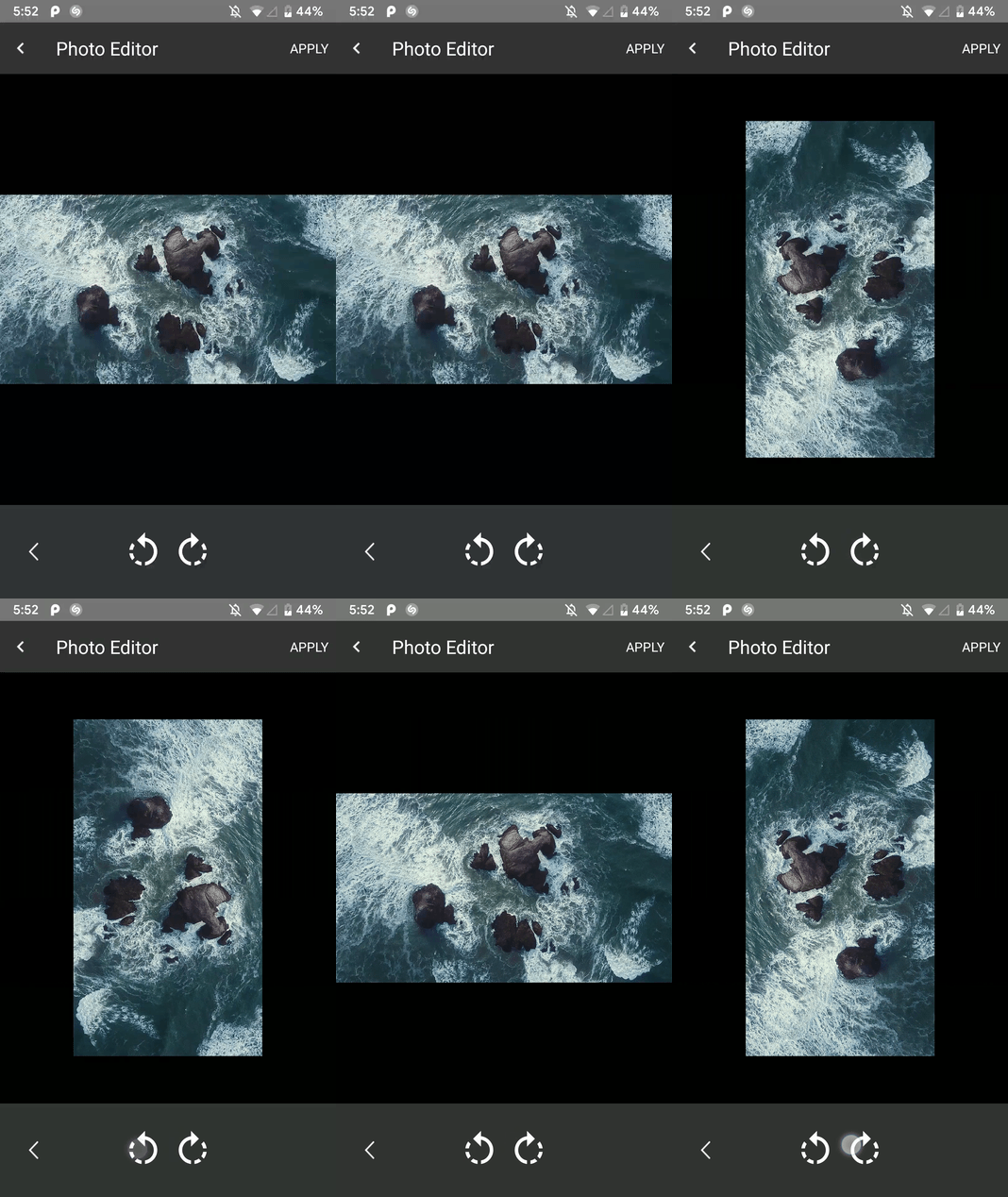 | 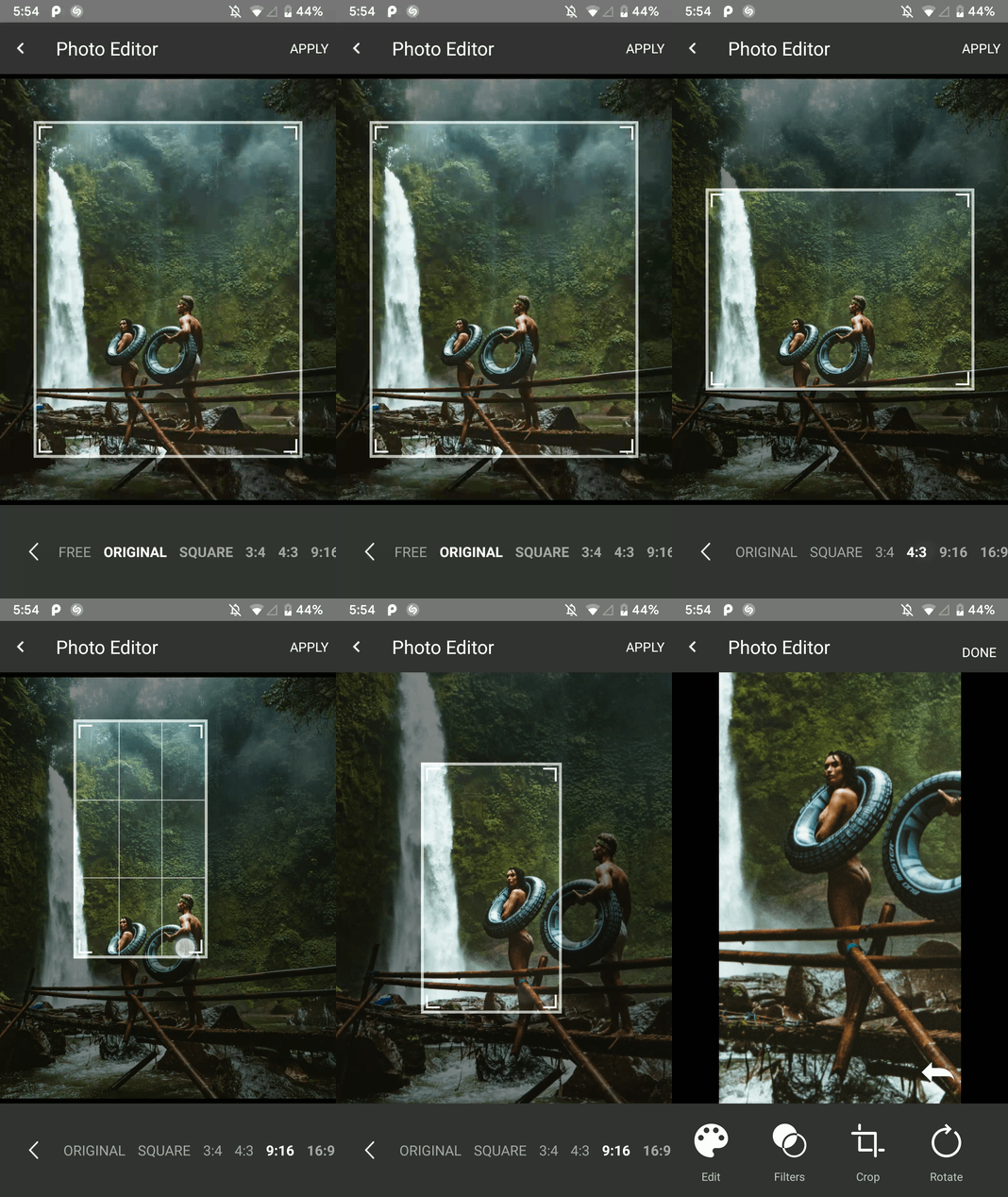 |
| وضع التصفية | وضع الطلاء |
|---|---|
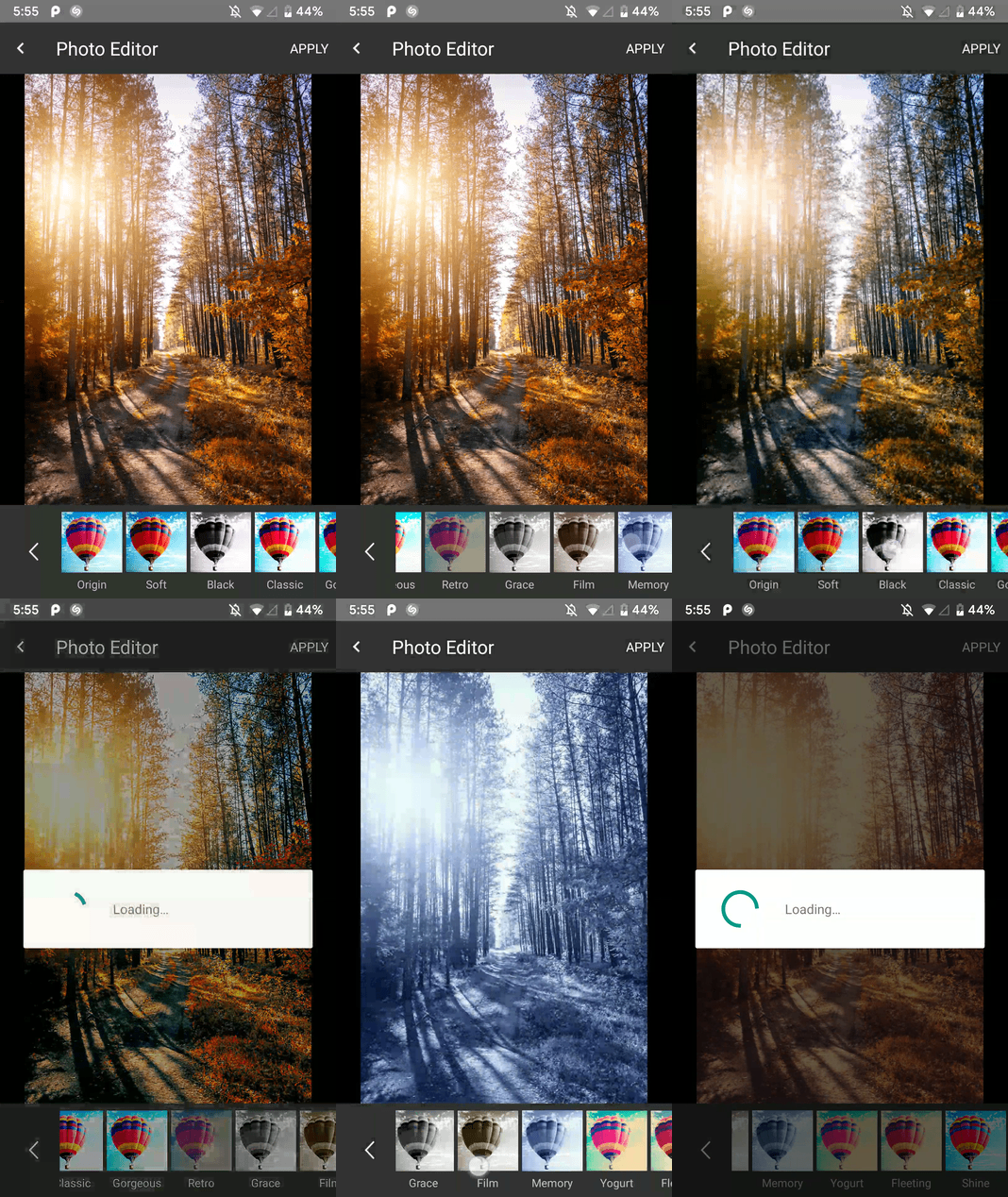 | 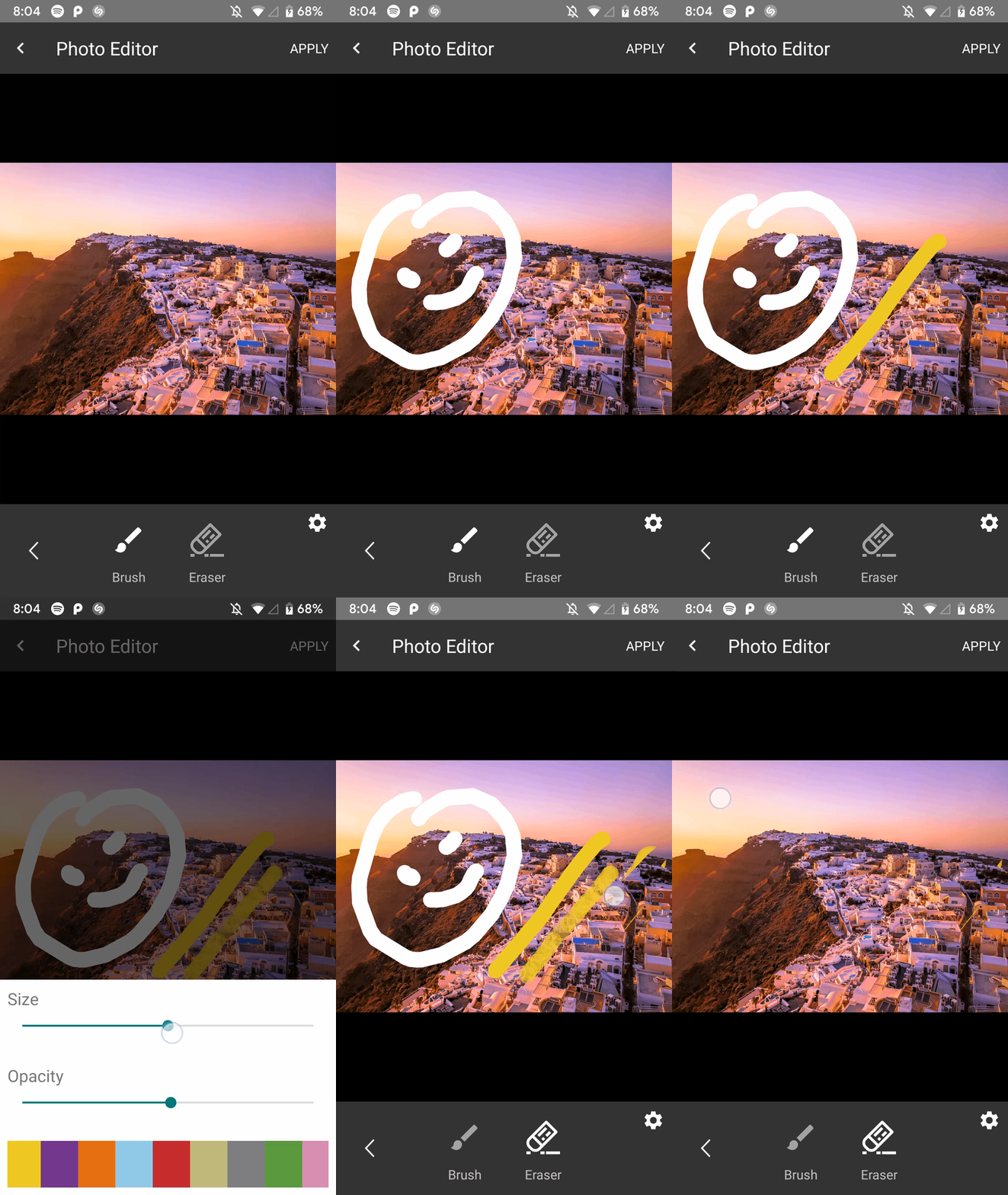 |
| وضع الجمال | وضع التشبع |
|---|---|
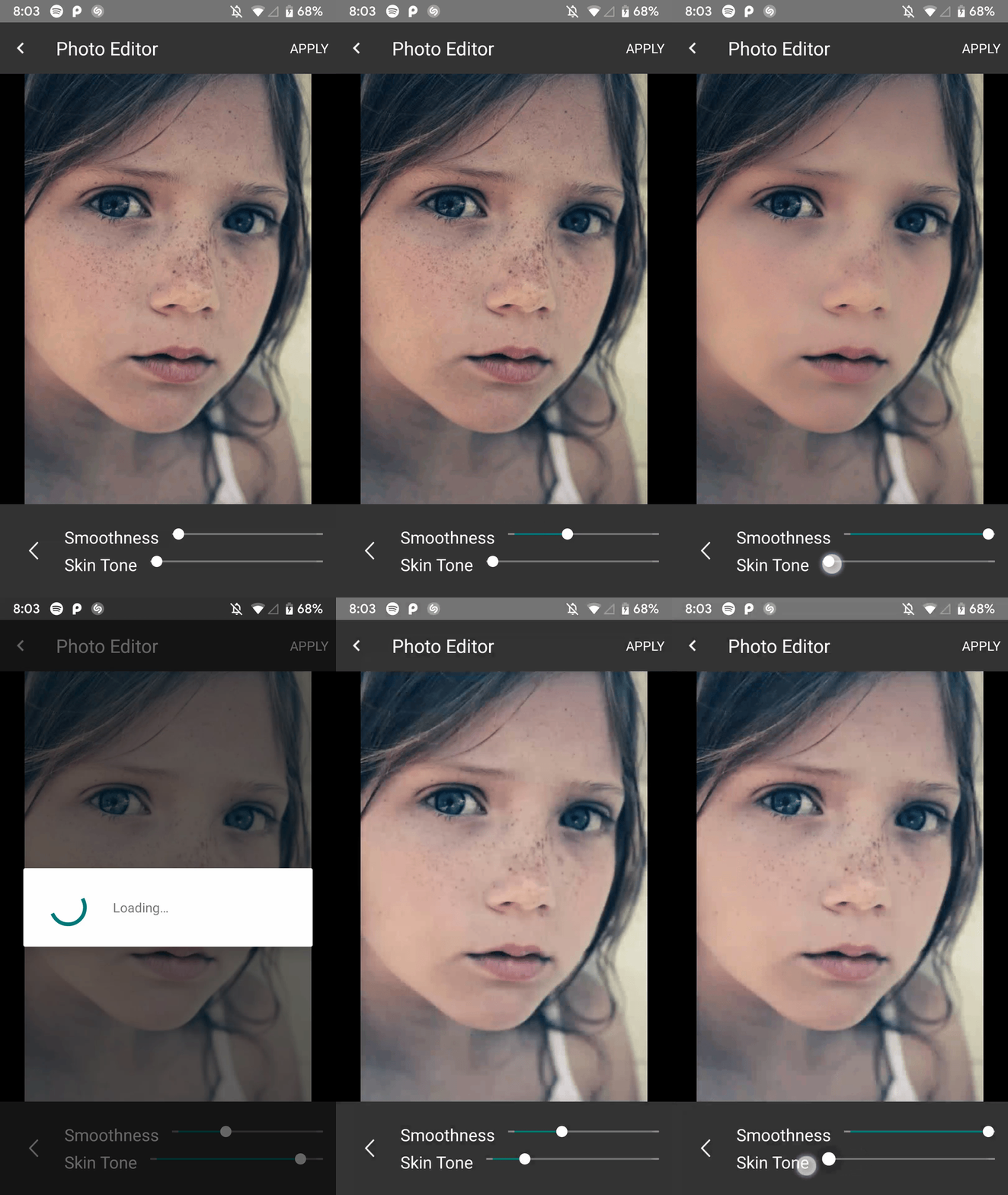 | 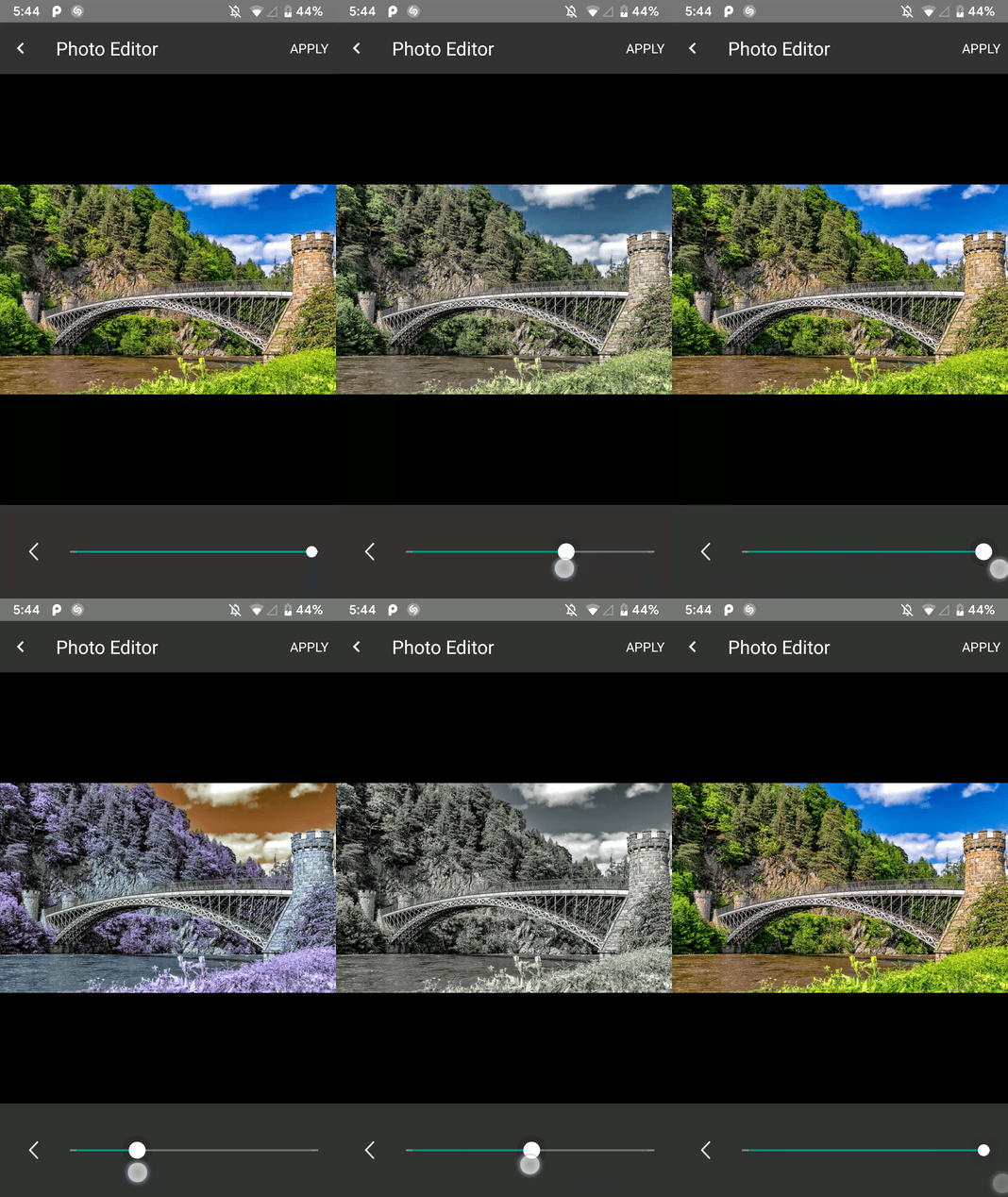 |
| وضع السطوع | وضع الملصق |
|---|---|
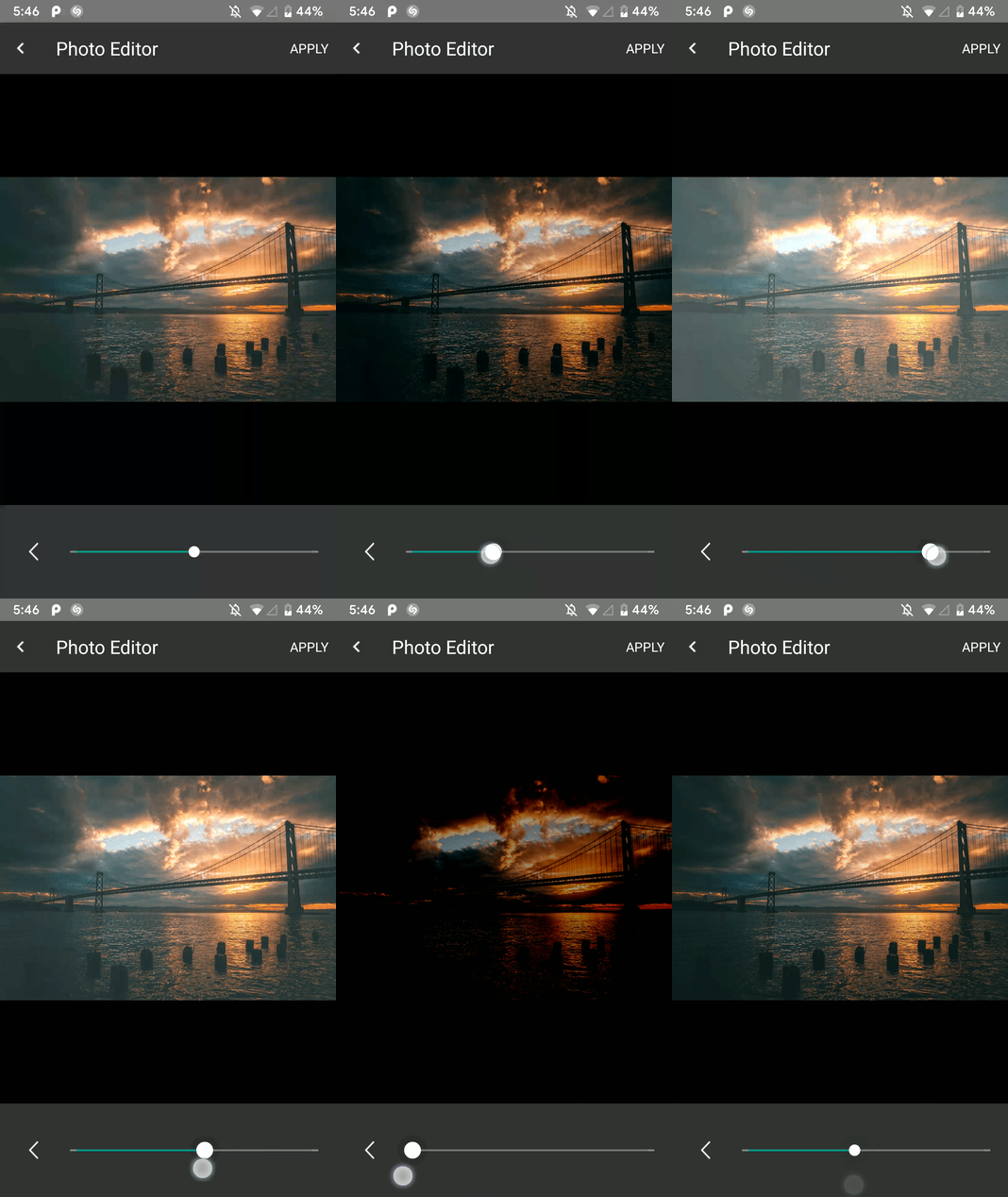 | 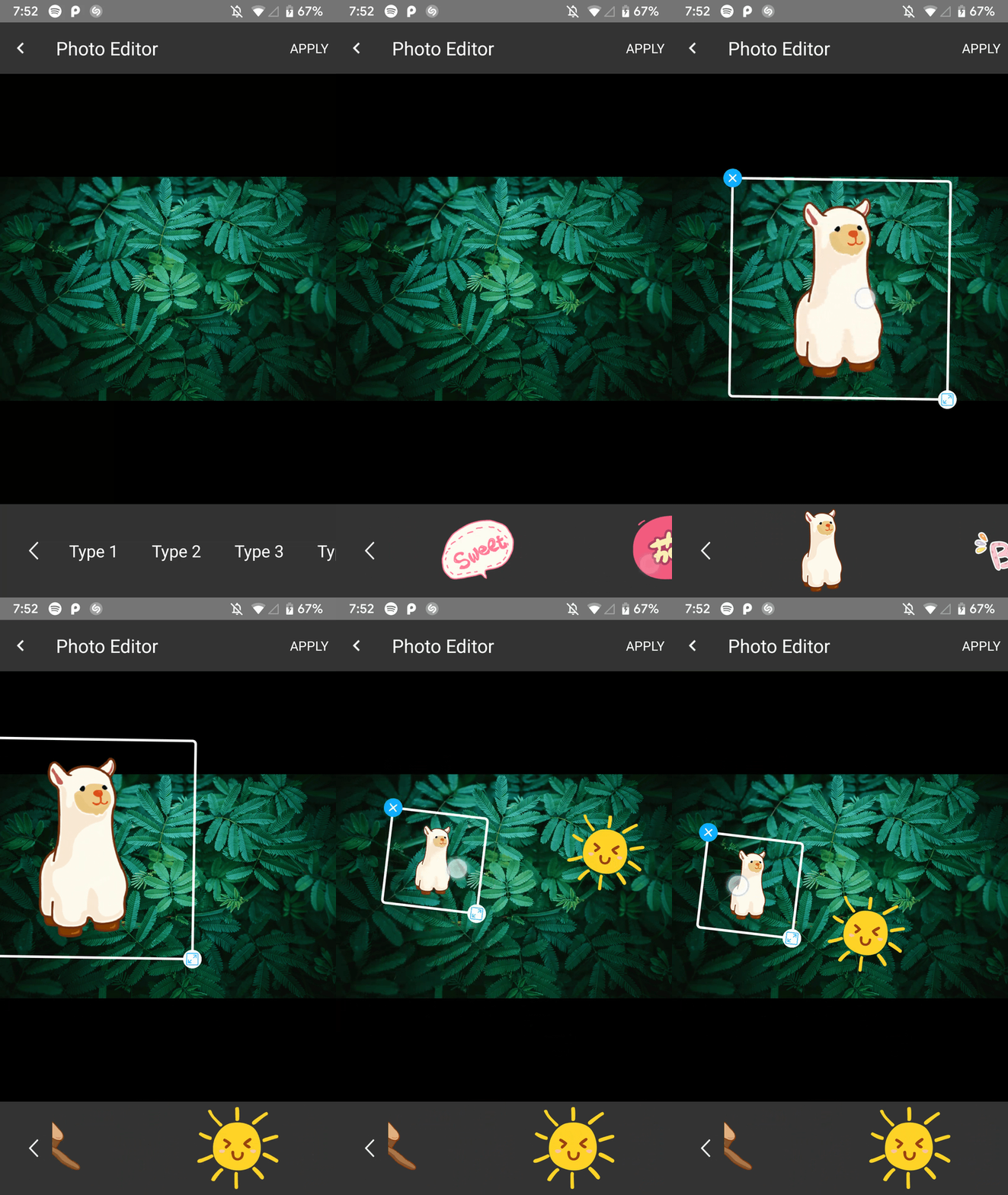 |
أضفه في build.gradle في نهاية المستودعات:
  allprojects {
    repositories {
      ...
      maven { url 'https://jitpack.io' }
    }
  }
أضف التبعية في ملف Gradle من وحدة التطبيق مثل هذا
implementation 'com.github.iamutkarshtiwari:Ananas:1.2.6'
أضف هذا إلى ملف proguard-rules.pro الخاص بالتطبيق الخاص بك:
 - keepclasseswithmembers class * {
    native < methods > ;
}
وهذا لتطبيقك build.gradle :
 compileOptions {
        sourceCompatibility JavaVersion.VERSION_1_8
        targetCompatibility JavaVersion.VERSION_1_8
}
نظرًا لأن هذه المكتبة تستخدم RxJava 2.0 وإذا كان مشروعك يستخدم RxJava 1.0 ، فأنت بحاجة إلى إضافة الرمز أدناه إلى تطبيق Gradle لتطبيقك حتى يتمكن كلا الإصدارين من التعايش-
 android {
    packagingOptions {
        exclude 'META-INF/rxjava.properties'
    }
}
أضف هذا الثابت إلى فئة النشاط الخاصة بك مع رمز الطلب المفضل لديك:
private final int PHOTO_EDITOR_REQUEST_CODE = 231 ; // Any integer value as a request code.استخدم الكود التالي لإنشاء محرر الصور وإطلاقه:
 try {
  Intent intent = new ImageEditorIntentBuilder ( this , sourceImagePath , outputFilePath )
         . withAddText () // Add the features you need
         . withPaintFeature ()
         . withFilterFeature ()
         . withRotateFeature ()
         . withCropFeature ()
         . withBrightnessFeature ()
         . withSaturationFeature ()
         . withBeautyFeature ()
         . withStickerFeature ()
         . forcePortrait ( true )  // Add this to force portrait mode (It's set to false by default)
         . setSupportActionBarVisibility ( false ) // To hide app's default action bar
         . build ();

 EditImageActivity . start ( activity , intent , PHOTO_EDITOR_REQUEST_CODE );
 } catch ( Exception e ) {
     Log . e ( "Demo App" , e . getMessage ()); // This could throw if either `sourcePath` or `outputPath` is blank or Null
}يمكنك تلقي مسار الصورة المصنعة الجديد وتحريره مثل هذا-
 @Override
    public void onActivityResult(int requestCode, int resultCode, Intent data) {
        super.onActivityResult(requestCode, resultCode, data);

        if (requestCode == PHOTO_EDITOR_REQUEST_CODE) { // same code you used while starting
            String newFilePath = data.getStringExtra(ImageEditorIntentBuilder.OUTPUT_PATH);
            boolean isImageEdit = data.getBooleanExtra(EditImageActivity.IS_IMAGE_EDITED, false);
        }
    }
يحبس محرر الصور الاتجاه الحالي الذي بدأ فيه -
Portrait ، فلا يمكنك التبديل إلى Landscape أثناء تشغيل نشاط محرر الصور.Landscape ، فلن تتمكن من التبديل إلى Portrait أثناء نفسه.ولكن بمجرد الانتقال إلى تطبيقك الأصلي ، يتم العودة إلى إعدادات تغيير التكوين السابقة.
ترميز سعيد! سائدا
ضربني على تويتر
| اسم | مكتبة |
|---|---|
| Siwangqishiq | Imageeditor Android |
| آرثرهوب | Android صورة Cropper |
| Hoanganhtuan95ptit | ميزة التباين والسطوع |
| Eltos | مربع حوار ألعاب الألوان |
| راسل جيرني | قائمة ألوان كيلي 22 |
| Burhanrashid52 | الفوتور |






