AvaloniaEdit
11.1.0

该项目是Avalonedit的港口,Avalonedit是Avalonia的基于WPF的文本编辑器。
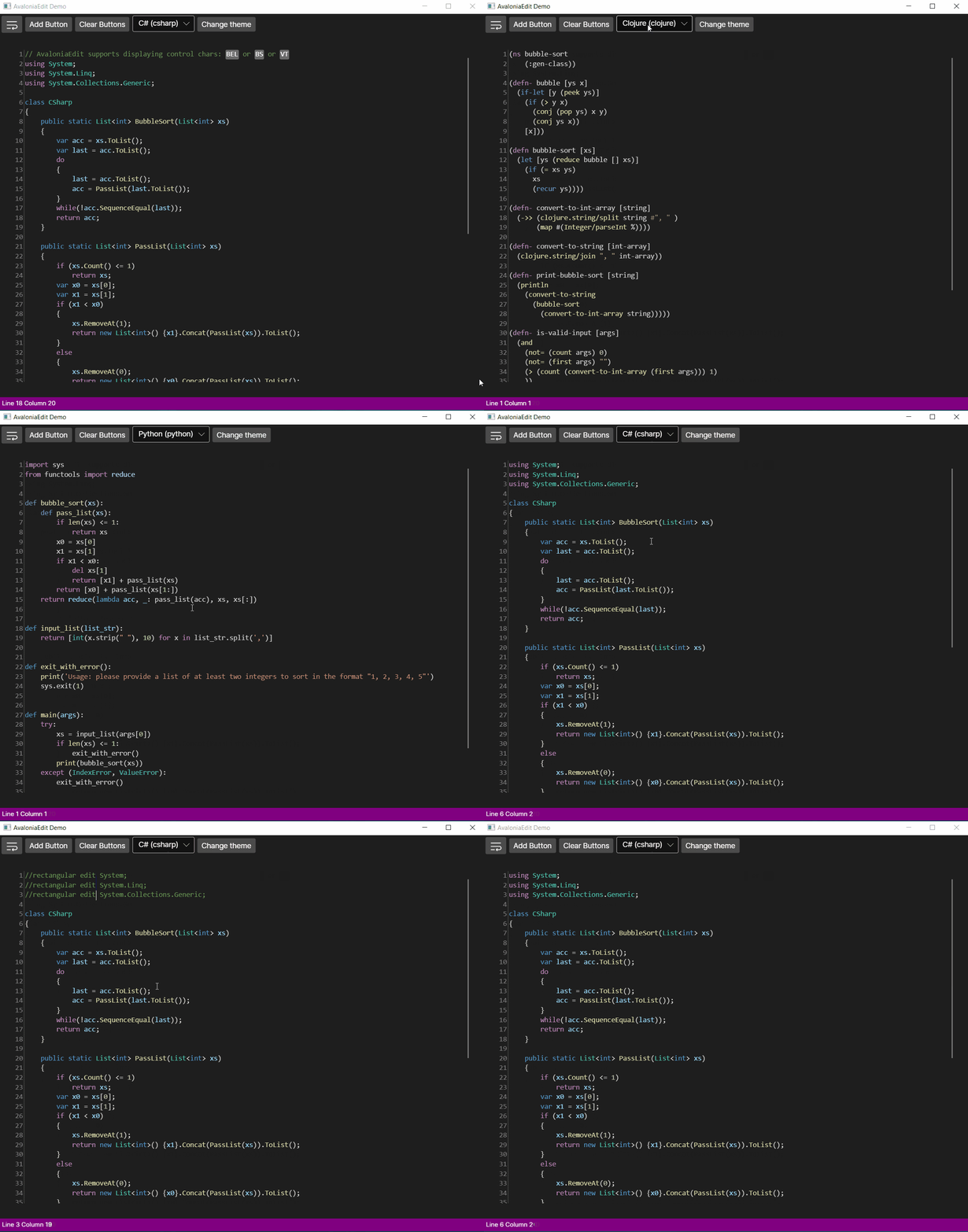
Avaloniaedit支持以下功能:
还有很多!
Avaloniaedit目前由2个包装组成
<PackageReference Include="Avalonia.AvaloniaEdit" Version="xyzt" />App.xaml中包含所需的样式<Application.Styles>0.10.xy的版本,请包括<StyleInclude Source="avares://AvaloniaEdit/AvaloniaEdit.xaml" />11.xy的版本,请包括<StyleInclude Source="avares://AvaloniaEdit/Themes/Fluent/AvaloniaEdit.xaml" />< Window xmlns = " https://github.com/avaloniaui "
...
xmlns : AvaloniaEdit = " clr-namespace:AvaloniaEdit;assembly=AvaloniaEdit "
...>
...
< AvaloniaEdit : TextEditor Text = " Hello AvaloniaEdit! "
ShowLineNumbers = " True "
FontFamily = " Cascadia Code,Consolas,Menlo,Monospace " />
...
</ Window >您可以将演示应用程序视为参考。
首先,如果要使用TextMatesHarp支持的语法,则应安装以下软件包:
另外,如果您想支持自己的语法,则只需要安装avaloniaedit.textmate软件包,并实现IregistryPtions接口,这是当前最简单的方法,以防您要使用Avaloniaedit,其中包含与内置的TextMatesHarp.Grammars不同的语法。
 //First of all you need to have a reference for your TextEditor for it to be used inside AvaloniaEdit.TextMate project.
var _textEditor = this . FindControl < TextEditor > ( "Editor" ) ;

//Here we initialize RegistryOptions with the theme we want to use.
var  _registryOptions = new RegistryOptions ( ThemeName . DarkPlus ) ;

//Initial setup of TextMate.
var _textMateInstallation = _textEditor . InstallTextMate ( _registryOptions ) ;

//Here we are getting the language by the extension and right after that we are initializing grammar with this language.
//And that's all ?, you are ready to use AvaloniaEdit with syntax highlighting!
_textMateInstallation . SetGrammar ( _registryOptions . GetScopeByLanguageId ( _registryOptions . GetLanguageByExtension ( ".cs" ) . Id ) ) ;